Home » Games » Project I.G.I.: I’m Going In

Project I.G.I.: I’m Going In

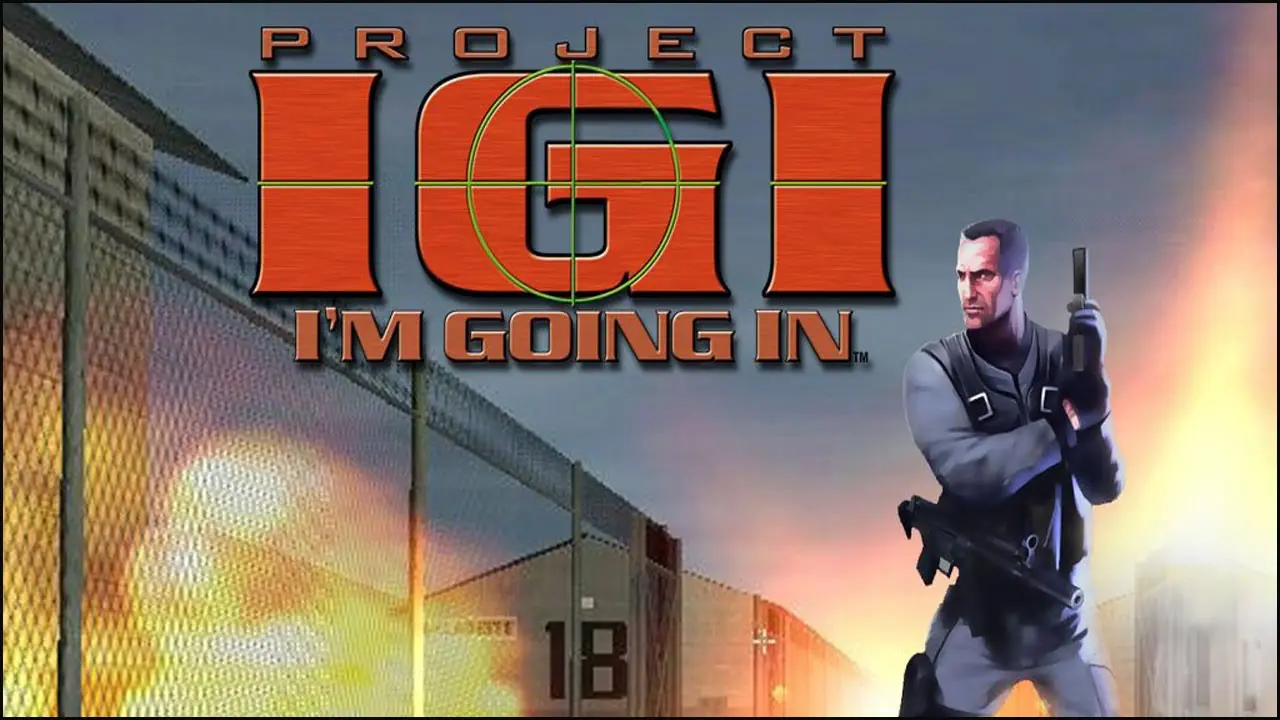
Project I.G.I.: I'm Going In Game Cover
4.4/5 - 325 votes

Project I.G.I.: I'm Going In, released in Europe as Project I.G.I., is a tactical first-person shooter developed by Innerloop Studios and published by Eidos Interactive in December 2000.

Other Titles

Project IGI: I'm Going In秘密潜入Project I.G.IProject I.G.I: I'm Going In - L'intelligence reste votre meilleure armeProject I.G.I: I'm Going In - Tested by the Military. Used by You.Project I.G.I.Project IGIمشروع آى جى آى : انا ذاهبمشروع آي جي آي : أنا ذاهبپروجیکٹ آئی.جی.آئیپروژه آی‌جی‌آیप्रोजेक्ट आई.जी.आई.প্রজেক্ট আই.জি.আই.പ്രോജക്ട് ഐ.ജി.ഐ.

Genres
Publishers
Developers
Released
Platforms
Download

About Project I.G.I.: I’m Going In

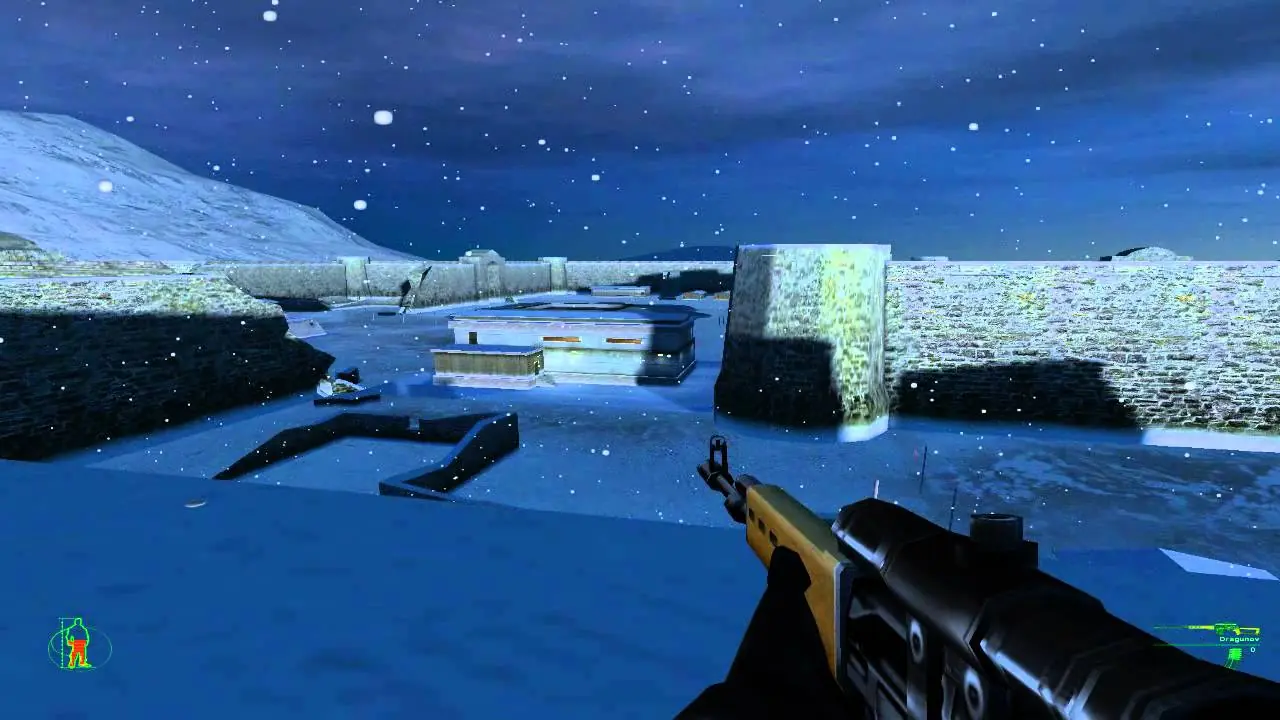
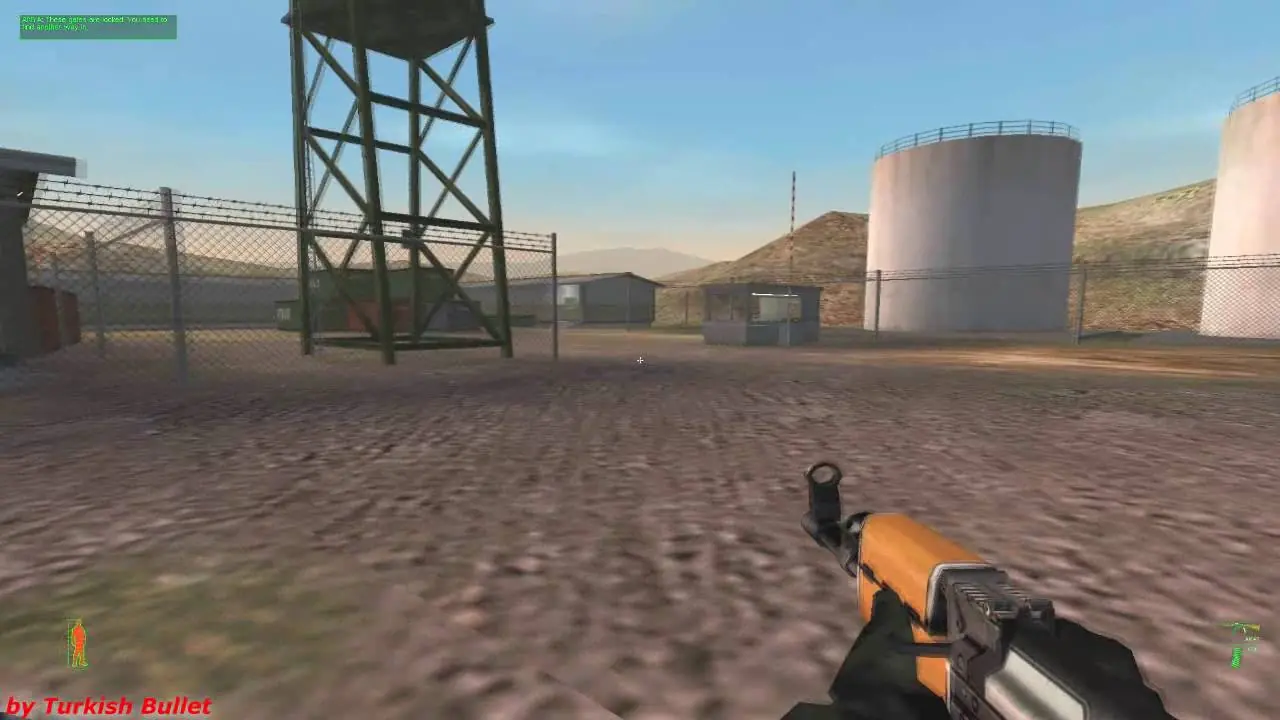
Pursue and defeat a homicidal ex-Russian Colonel before he turns Europe into a nuclear wasteland in Project IGI: I'm Going In. This first-person shooter emphasizes stealth and guile instead of massive firepower. You will sneak into the toughest military installations in Eastern Europe, and once inside, use your skills in thievery, computer hacking, sabotage, and reconnaissance to stop the madman. The enemy's Artificial Intelligence will react to your every action and use military tactics to track your position. In order to counter its surveillance, bunkers, tanks, and gunships, you will be equipped with NATO spy gear and assault weapons. If the odds get stacked too high against you, call in a napalm strike via your map/communication PDA.
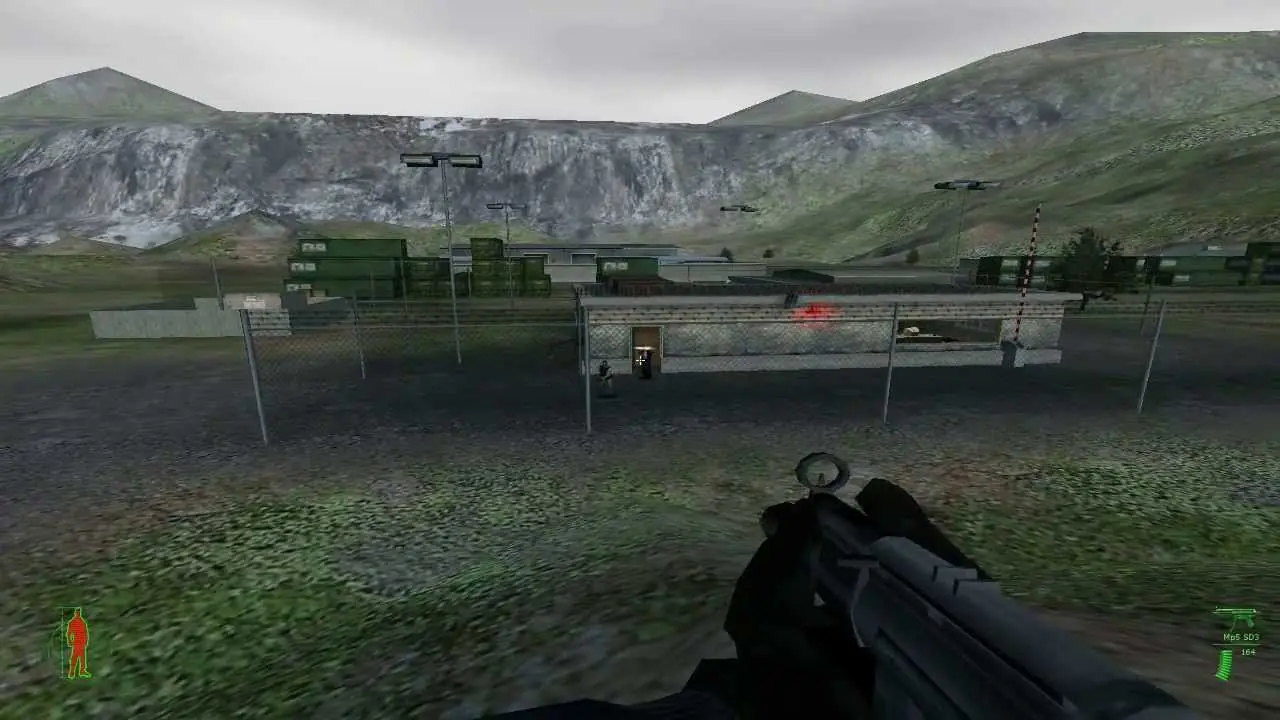
Screenshots

Windows

Project I.G.I.: I’m Going In — Windows screenshot 1Project I.G.I.: I’m Going In — Windows screenshot 2Project I.G.I.: I’m Going In — Windows screenshot 3

Download Project I.G.I.: I’m Going In

Project I.G.I.: I’m Going In is abandonware and no longer sold or supported by its publishers. Files are archived here for these platforms:

Windows (2000)

  • Project_IGI_I'm_Going_In.rarEN38.52 MB
  • Instructions Project_IGI_I'm_Going_In.rar

    How to play on Windows

    1. Click on the download button. It should redirect you to your download. Make sure you download the file properly and that your internet does not disconnect while downloading.
    2. Extract the “Project IGI I’m Going In” folder to your desktop.
    3. Open the “Project IGI I’m Going In” folder and then open the “Game Files” folder.
    4. Double click the “igi.exe” file and the game should now launch.
    5. Enjoy the game!

Comments

23 thoughts on “Project I.G.I.: I’m Going In”

  1. 0
    How to play it in fullscreen mode? Its very small in display size. I tried changing the resolution in game but didnt change the aspect ratio.
    Reply