Zoo Tycoon 2: Ultimate Collection
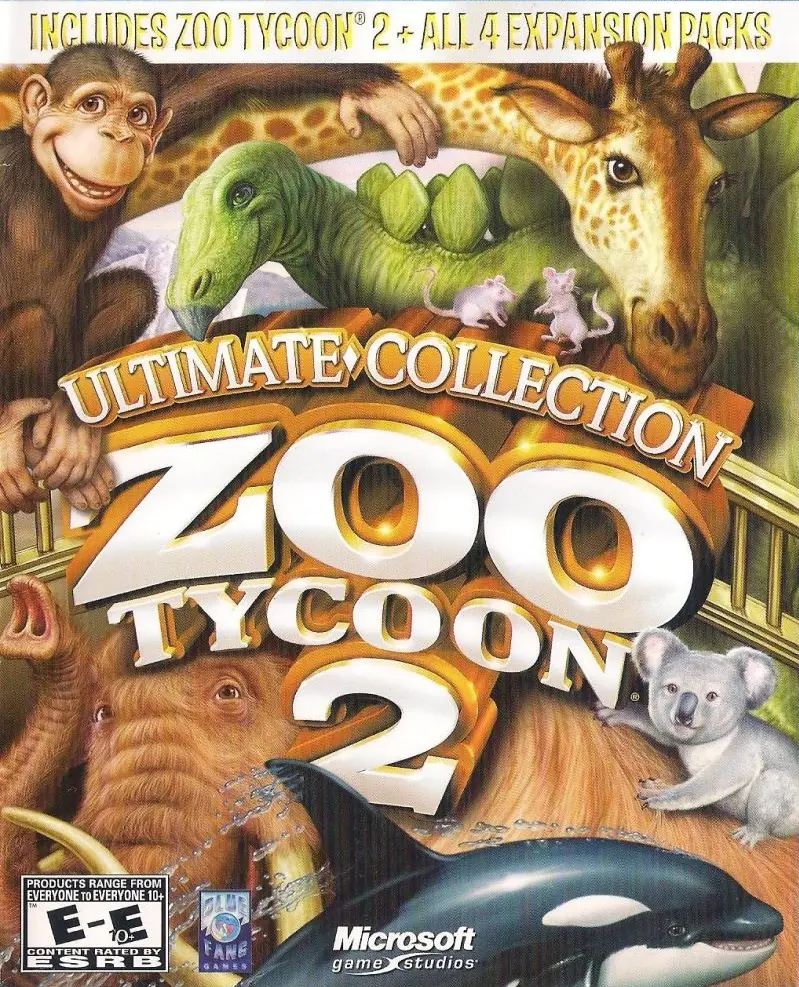
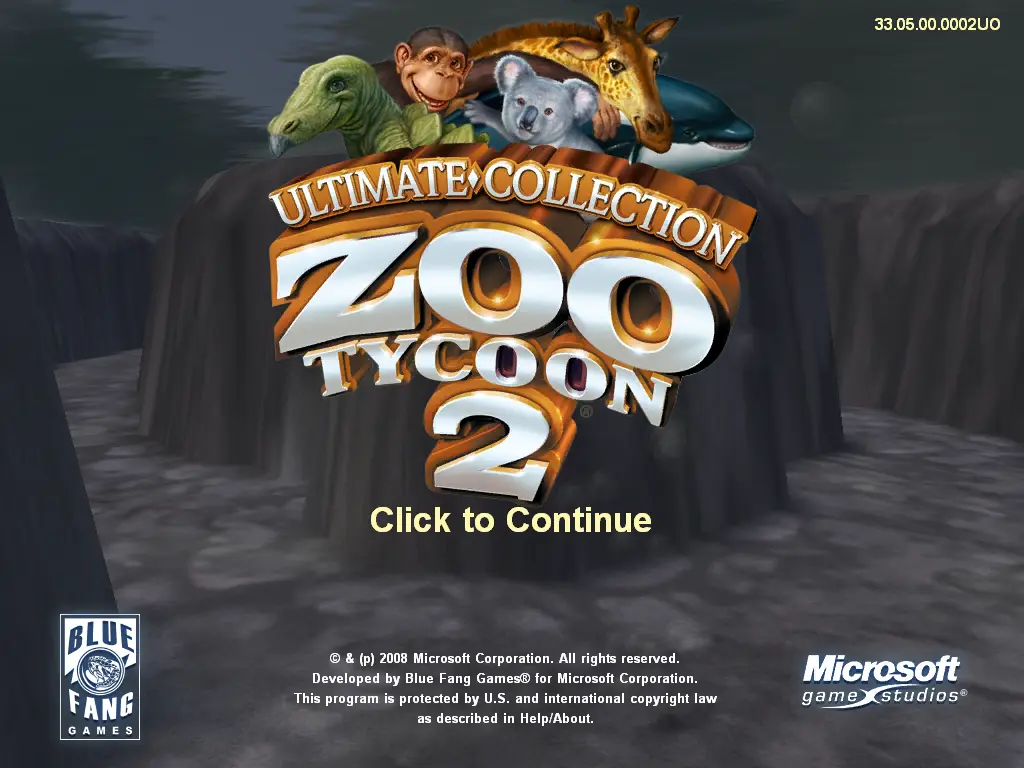
Zoo Tycoon 2: Ultimate Collection is a 2008 simulation game developed by Blue Fang Games and published by MacSoft.
Genres
Publishers
Developers
Released
Platforms
Zoo Tycoon 2: Ultimate Collection is a 2008 simulation game developed by Blue Fang Games and published by MacSoft.
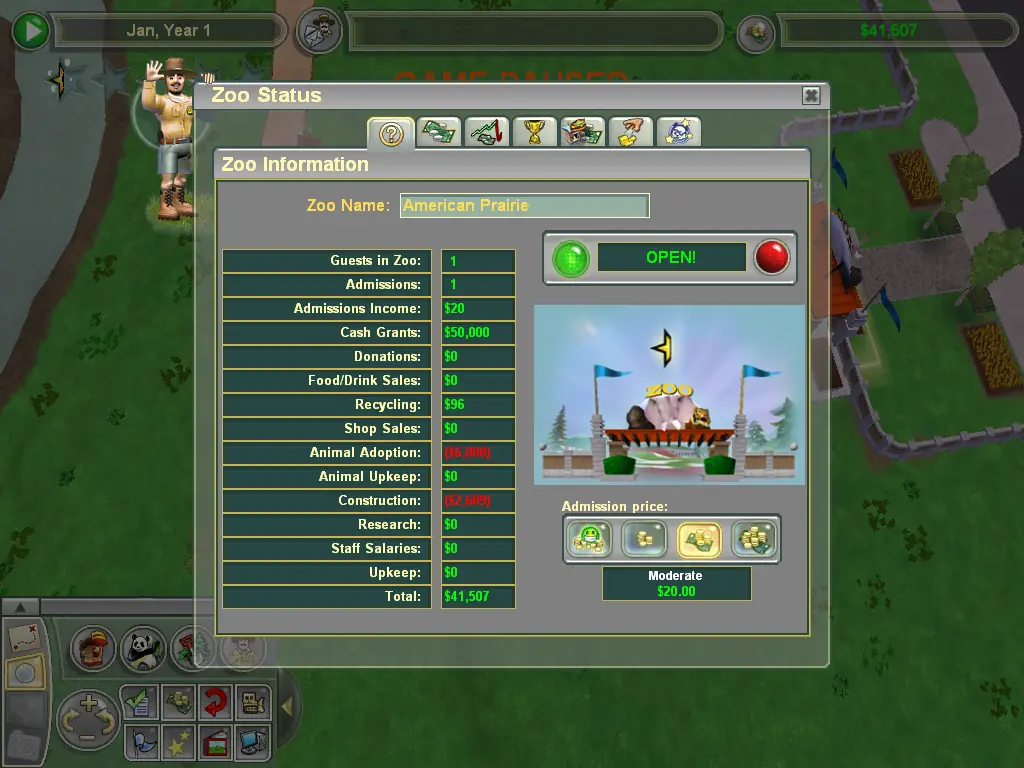
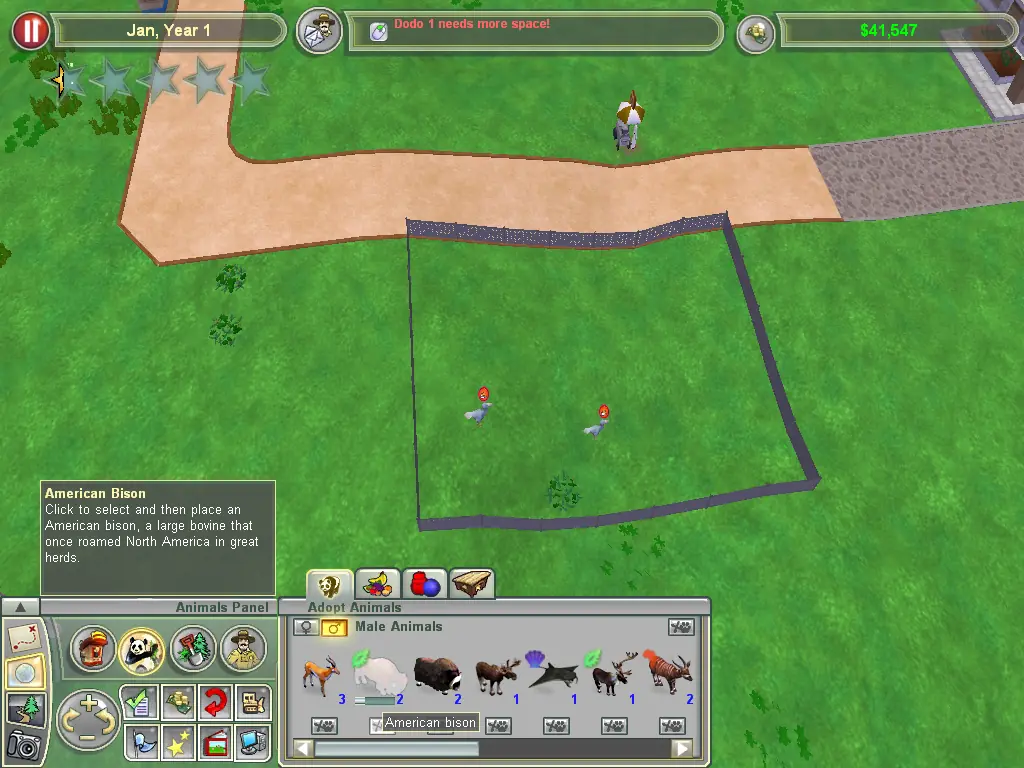
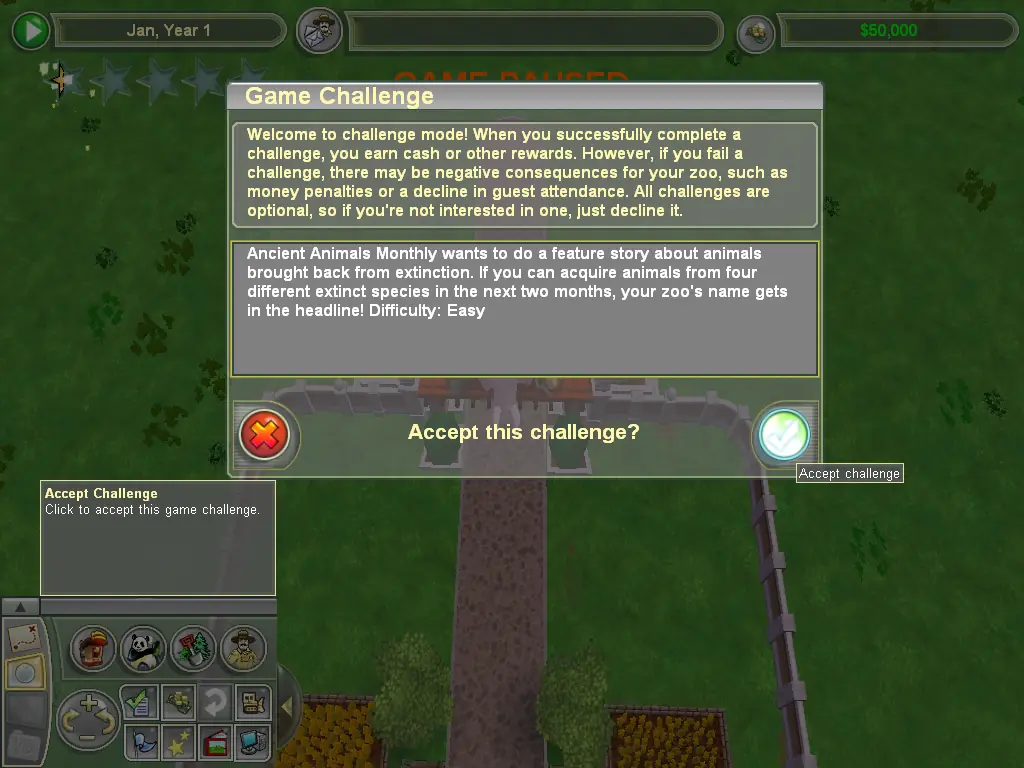
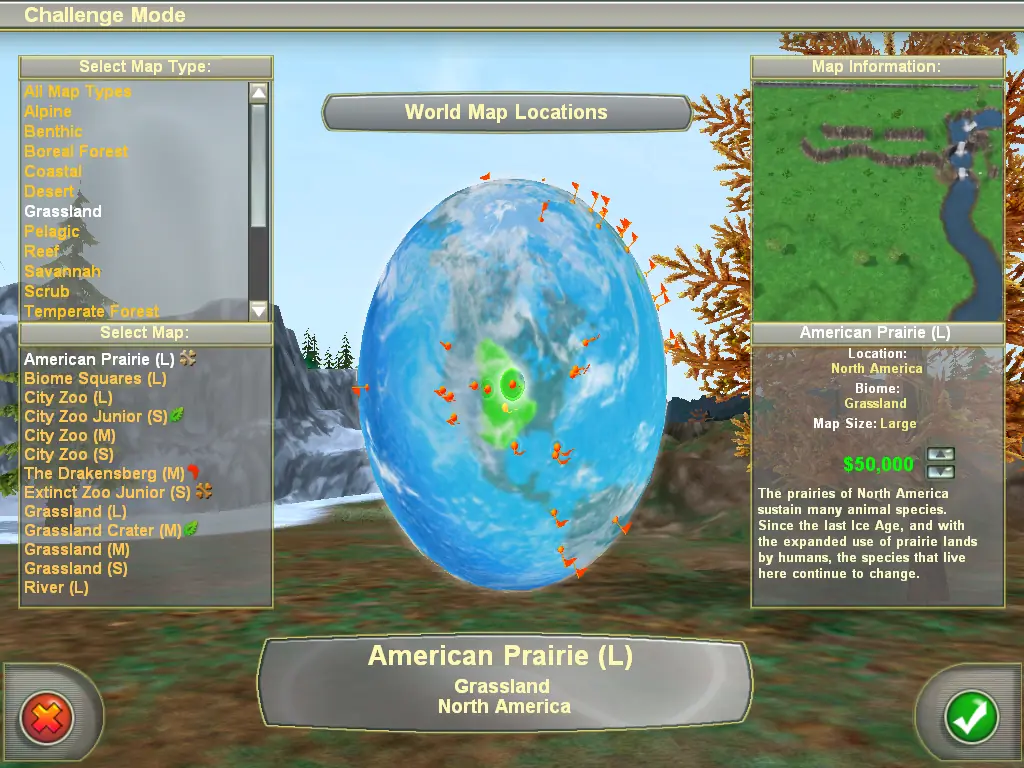
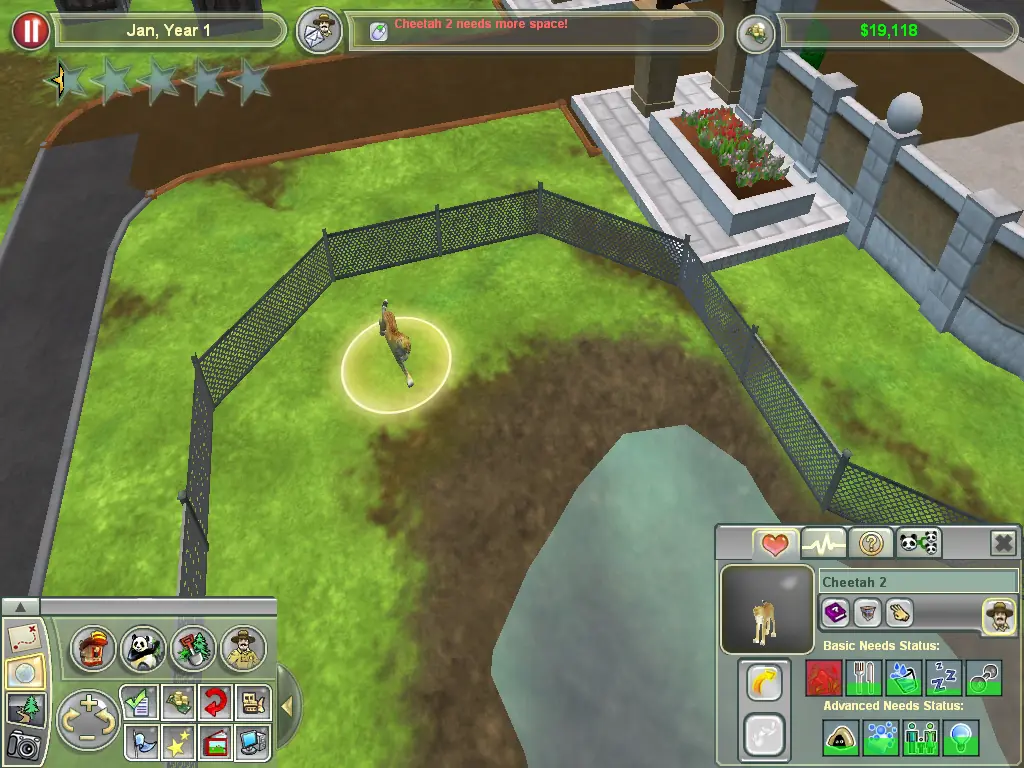
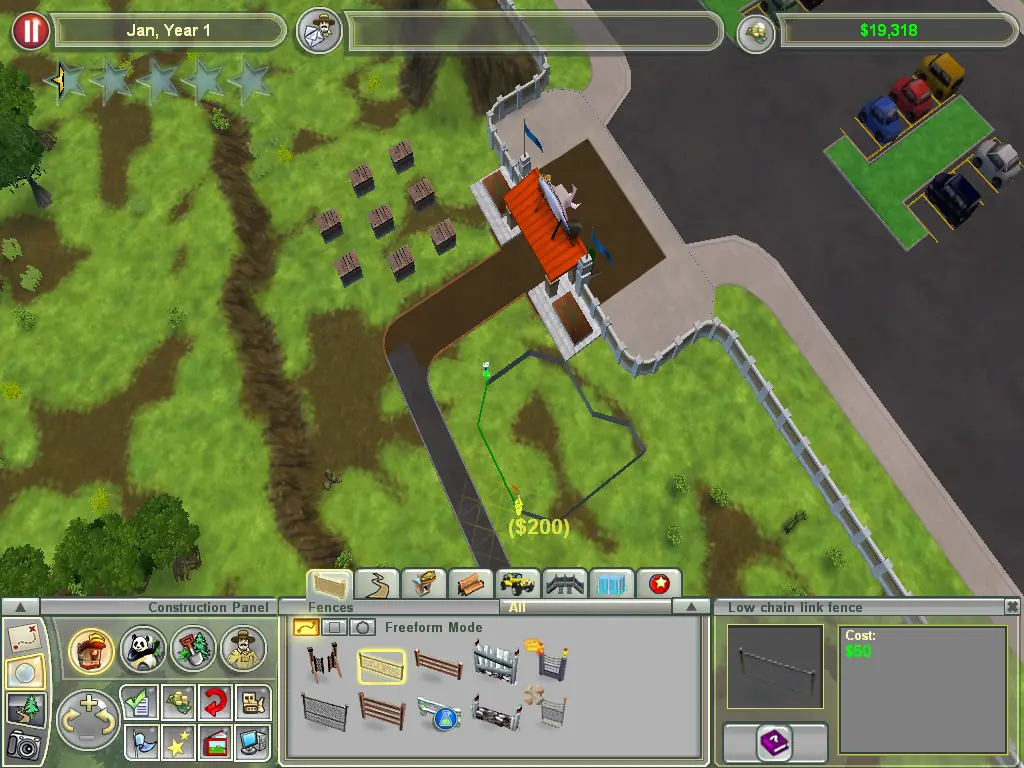
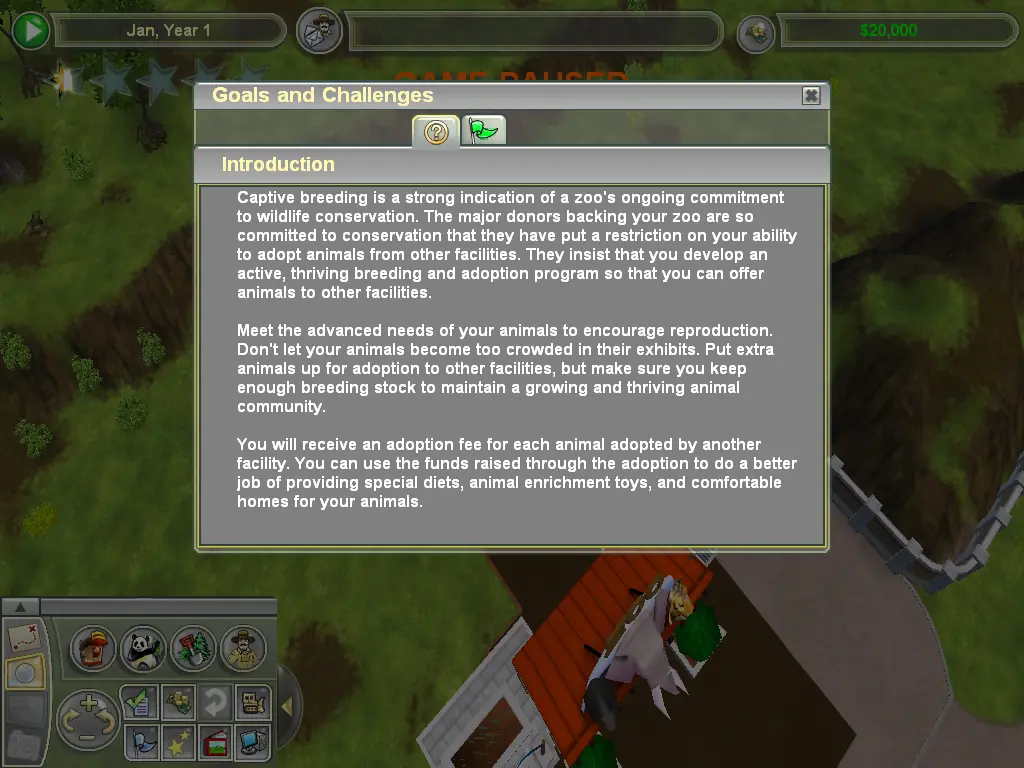
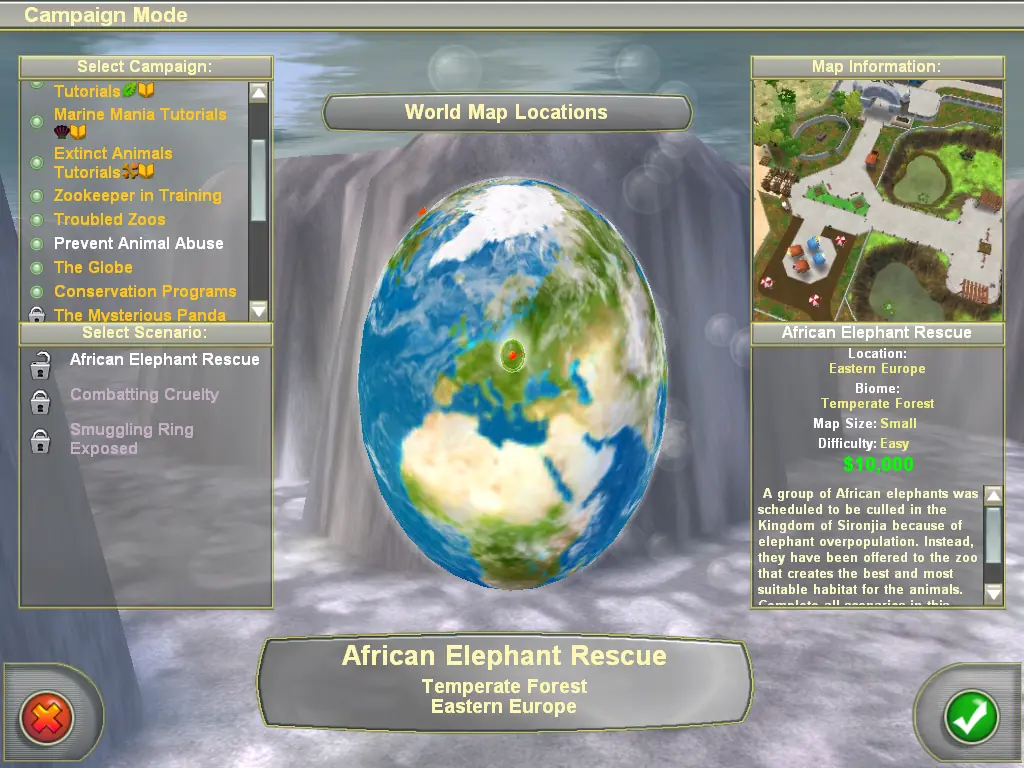
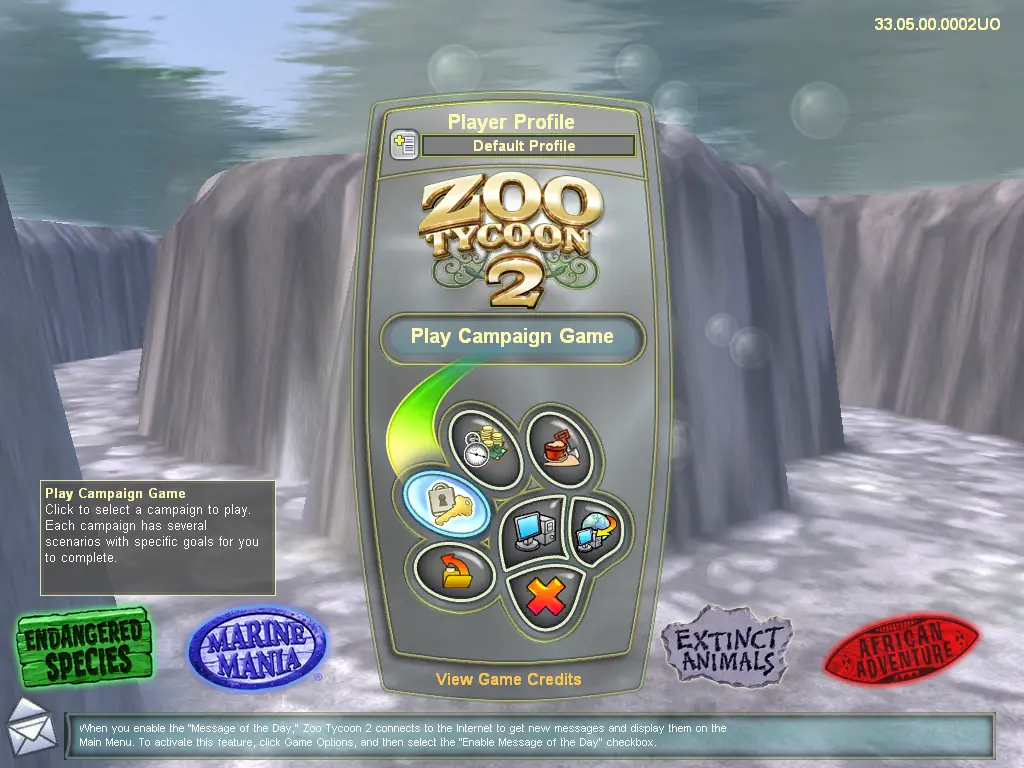
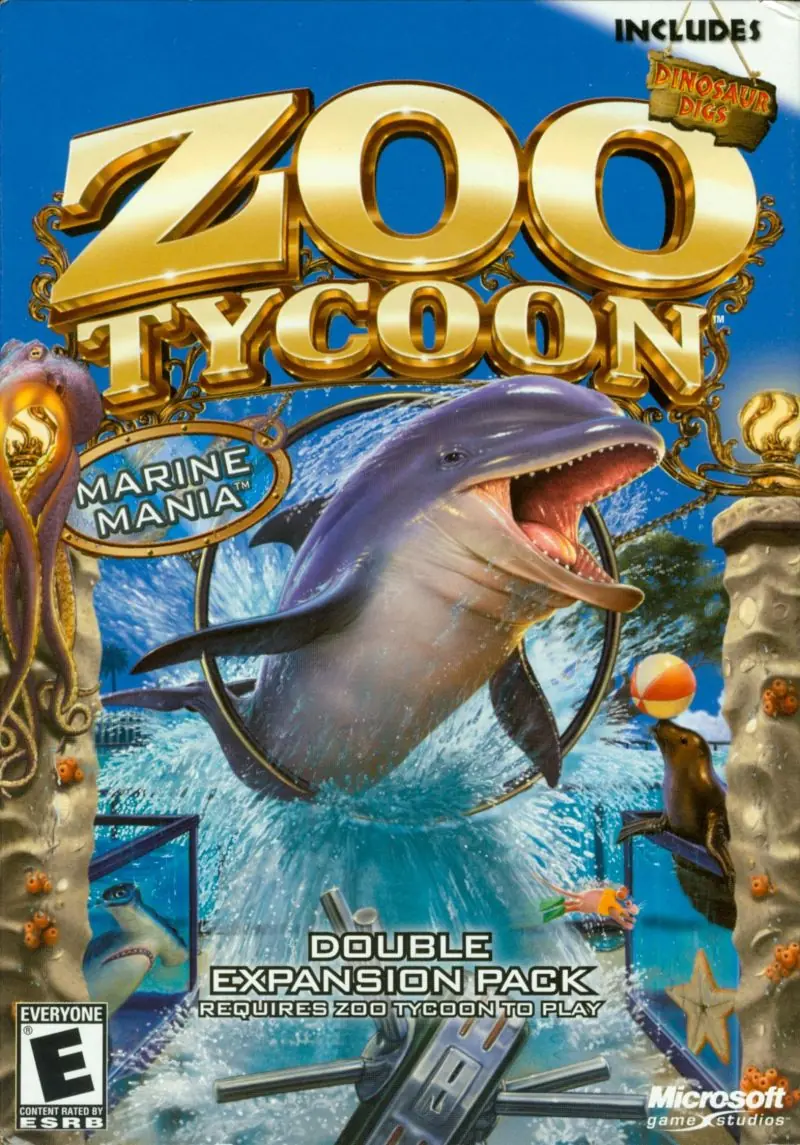
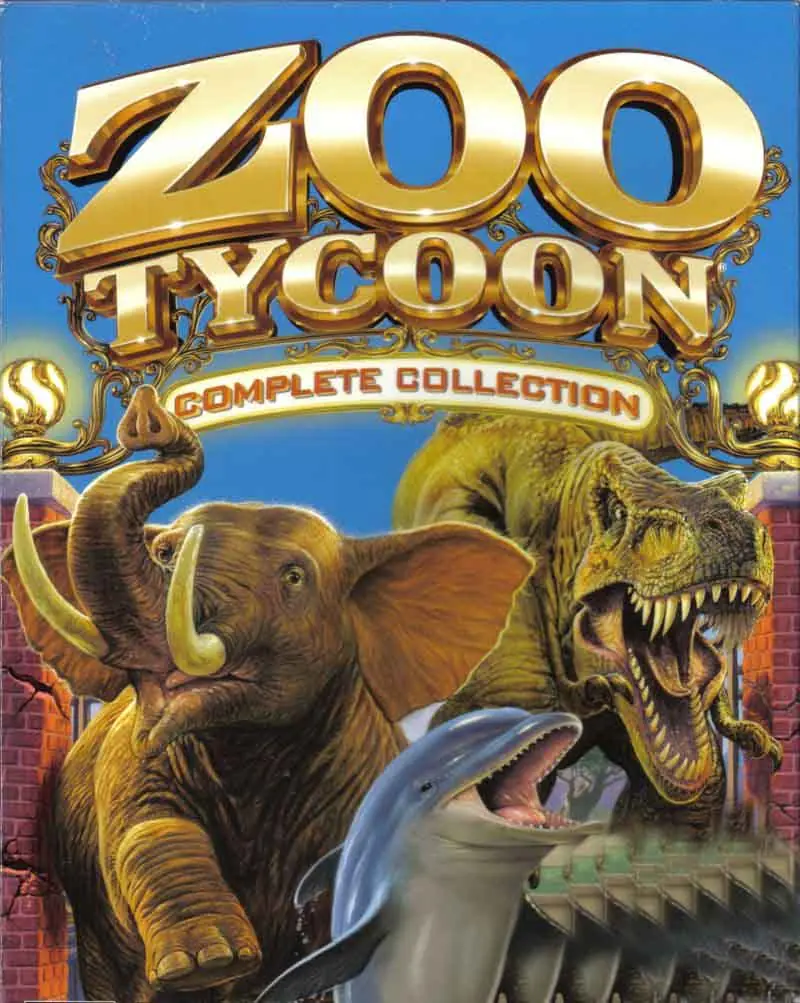
Those who love "Zoo Tycoon 2" won't be able to resist "Zoo Tycoon 2: Ultimate Collection." The Ultimate Collection not only includes the base game but also four of the expansion packs, which include "African Adventure," "Marine Mania," "Endangered Species," and "Extinct Animals." Build your own dream zoo by choosing from over 100 different species. Place aardvarks next to dinosaurs and zebras next to lions to ensure the zoo you build is one that brings in the masses. The "Zoo Tycoon 2: Ultimate Collection" was developed by Blue Fang Games and published by Microsoft Game Studios. This specific version had an initial release date of 2008 on PC and received an E rating for everyone 10 and up. As a zookeeper, it's up to you to build the best zoo imaginable. Not only do you set about creating aquariums and exhibits, but you will also need to keep the creatures and guests as happy as possible. Understanding what's necessary to achieve these goals will help you excel at this PC games collection. In "Zoo Tycoon," maintenance is extremely important to ongoing success and applies to everything from terrain and employees to scenery and finances. There are several different modes in which you can play in the "Ultimate Collection" of this video game. This includes Free Form mode, which is full of content and allows you to personally choose the type of park you wish to create. You're given unlimited money and have access to all items that are typically unlocked as you play the game. When caring for your animals throughout "Zoo Tycoon," you will need to provide each with food and water as well as shelter. Giving them toys and placing them in an area with an environment which is suitable for them ensures their happiness. There are many biomes available in "Zoo Tycoon" from boreal forest and grassland to tropical rainforest and savannah. In the standard single-player campaign, you get to select from different levels to play through where you will be given various goals to complete. These goals will become more difficult as the campaign goes on and can include anything from rescuing endangered creatures to training dolphins. As for the numerous expansion pack types you receive with the "Ultimate Edition" of these games, they offer a lot of additional content. "Endangered Species" offers rare creatures and new forms of transportation, while "African Adventure" provides new locations, items, and animals. The "Marine Mania" expansion provides 20 fascinating aquatic creatures and several additional challenges, and "Extinct Animals" offers 35 creatures while providing players with the means of discovering new fossils. One of the unique features within this "Ultimate Collection" pack allows players to create a super-animal from gathered fossils.
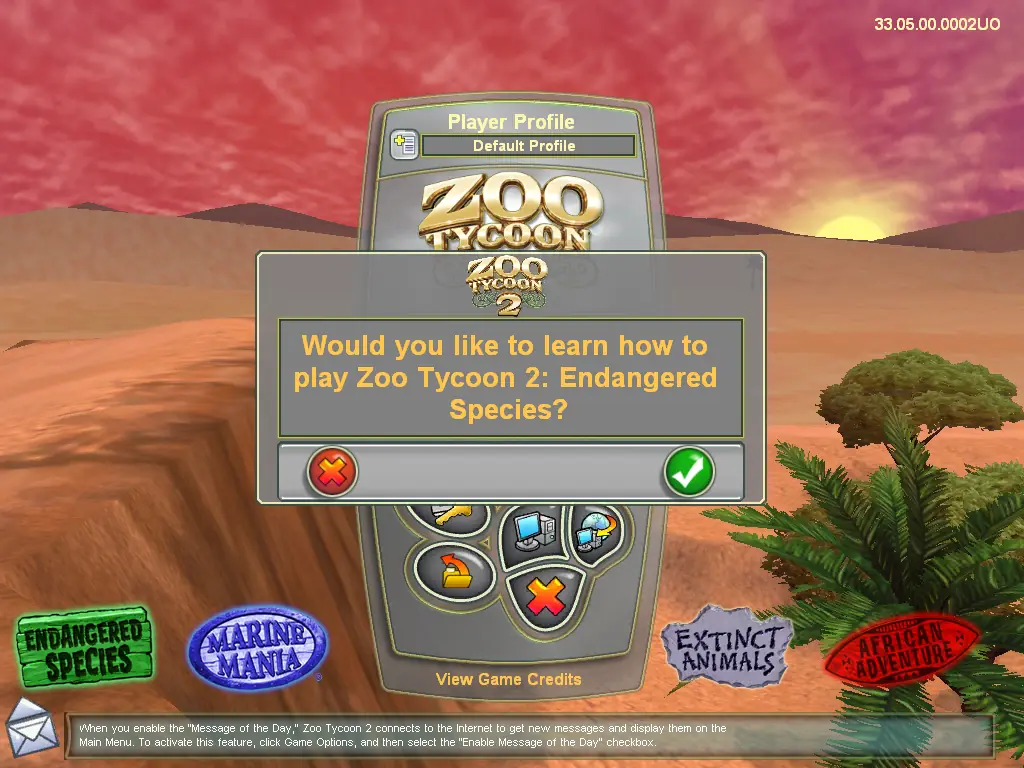
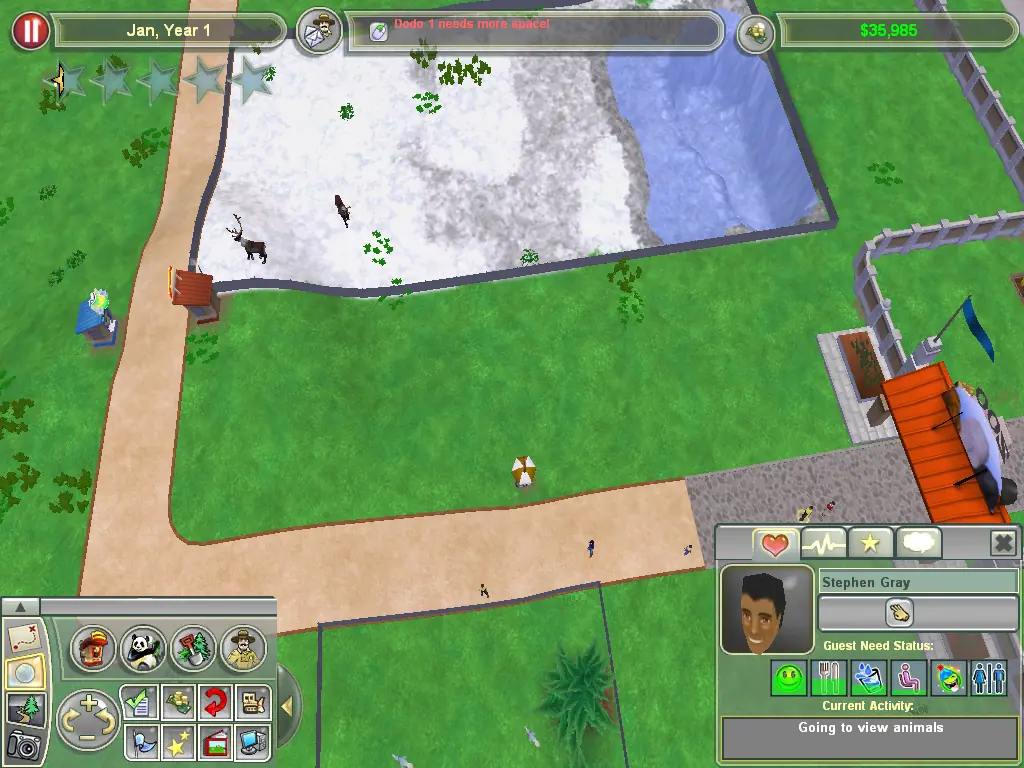
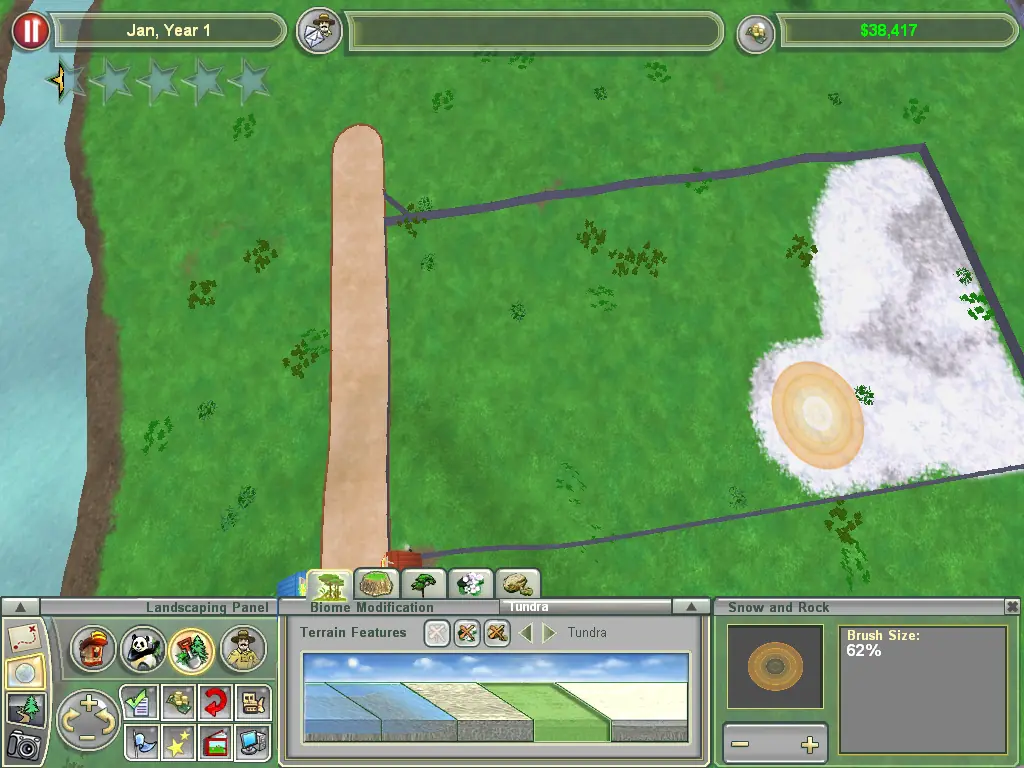
Zoo Tycoon 2: Ultimate Collection is abandonware and no longer sold or supported by its publishers. Files are archived here for these platforms:
How to play on Windows:






https://www.dropbox.com/scl/fi/fwm6ob3klgwzzh7tkyrud/zzzzzzzzzzzz_TankButtonsFix.z2f?rlkey=d8s6rym942497qigjdertx5o3&e=1&dl=0
If you cannot see your ProgramData folder go to the View tab in File Explorer and make sure Hidden Items is checked.
If the game won’t launch or freezes: Go to zt.exe. Select Properties. Select the Compatibility tab. Select run this program in compatibility mode for ( XP OR Vista ). Good luck!
It fixed the issue for me
Following the steps in the “how to” section above I can get as far as launching “zt.exe” but then encounter the error message: “Zoo Tycoon 2 was unable to create a graphics render. Please contact your graphic card vendor to make sure you have the latest driver”.
My drivers are all up to date and I really can’t find anything else to go on to fix this issue.