Home » Games » Viva Piñata

Viva Piñata

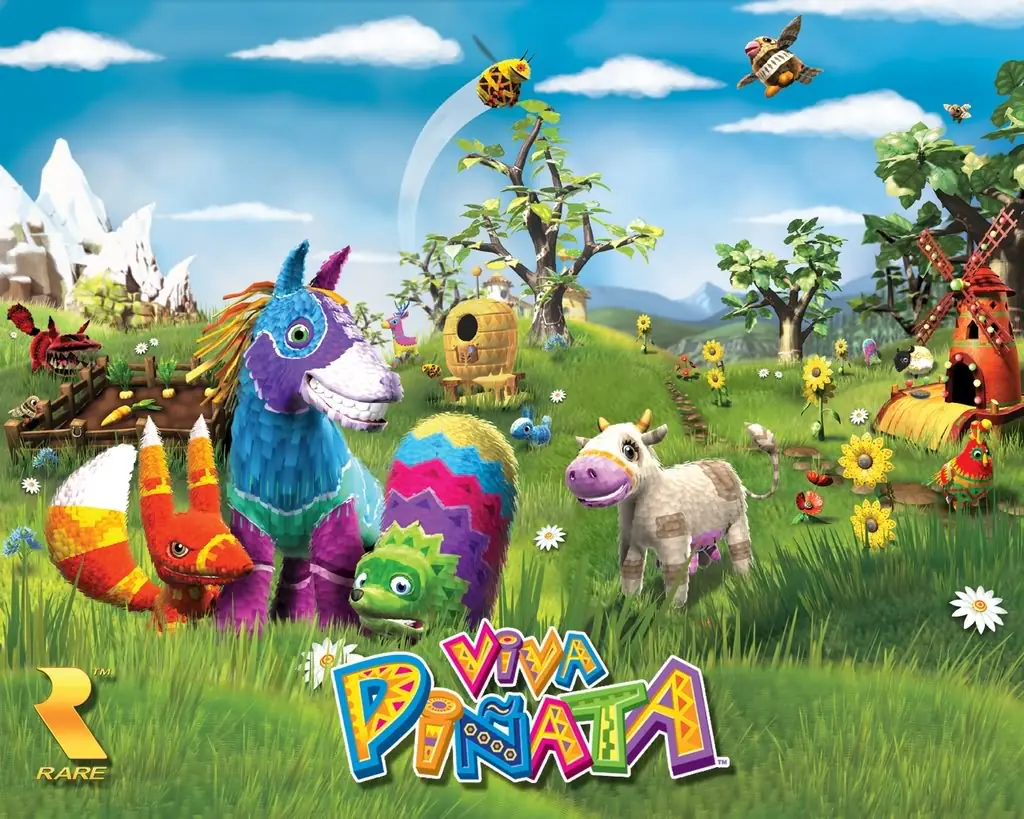
Viva Piñata Game Cover
4.7/5 - 323 votes

Viva Piñata is a 2006 simulation game developed by Rare and published by Microsoft Game Studios.

Other Titles

あつまれ! ピニャータAtsumare! PiñataYour GardenViva Pinata비바 피냐타فيفا بينياتاบิบาปิญญาตาあつまれ!ピニャータ

Genres
Developers
Released
,
Platforms
Download

About Viva Piñata

Viva Piñata is a 2006 life simulation game developed by Rare and published by Microsoft Game Studios for the Xbox 360. The game revolves around the player tending to a neglected garden on Piñata Island, in which different variations of piñatas based on animals must be bred whilst fending off disruptive interlopers. The project was headed by Gregg Mayles and the team behind the Banjo-Kazooie series, based on an idea from Rare co-founder Tim Stamper. Microsoft wanted the game to become a key franchise for the platform, and developed a tie-in television series to accompany the series.

Upon release, Viva Piñata received critical acclaim, with video game journalists praising the game's graphics, color palette, soundtrack, replay value, numerous types of piñatas, and strategic gameplay. Viva Piñata was nominated for several awards, including those from the Academy of Interactive Arts and Sciences, the British Academy of Film and Television Arts, and the Parents' Choice Awards. Since its initial release, Viva Piñata has been regarded as an underrated title by numerous critics, with many noting it for aging well compared to modern video games, and is often remarked as a cult classic. In retrospective, the game is often celebrated as one of the best titles for the Xbox 360.
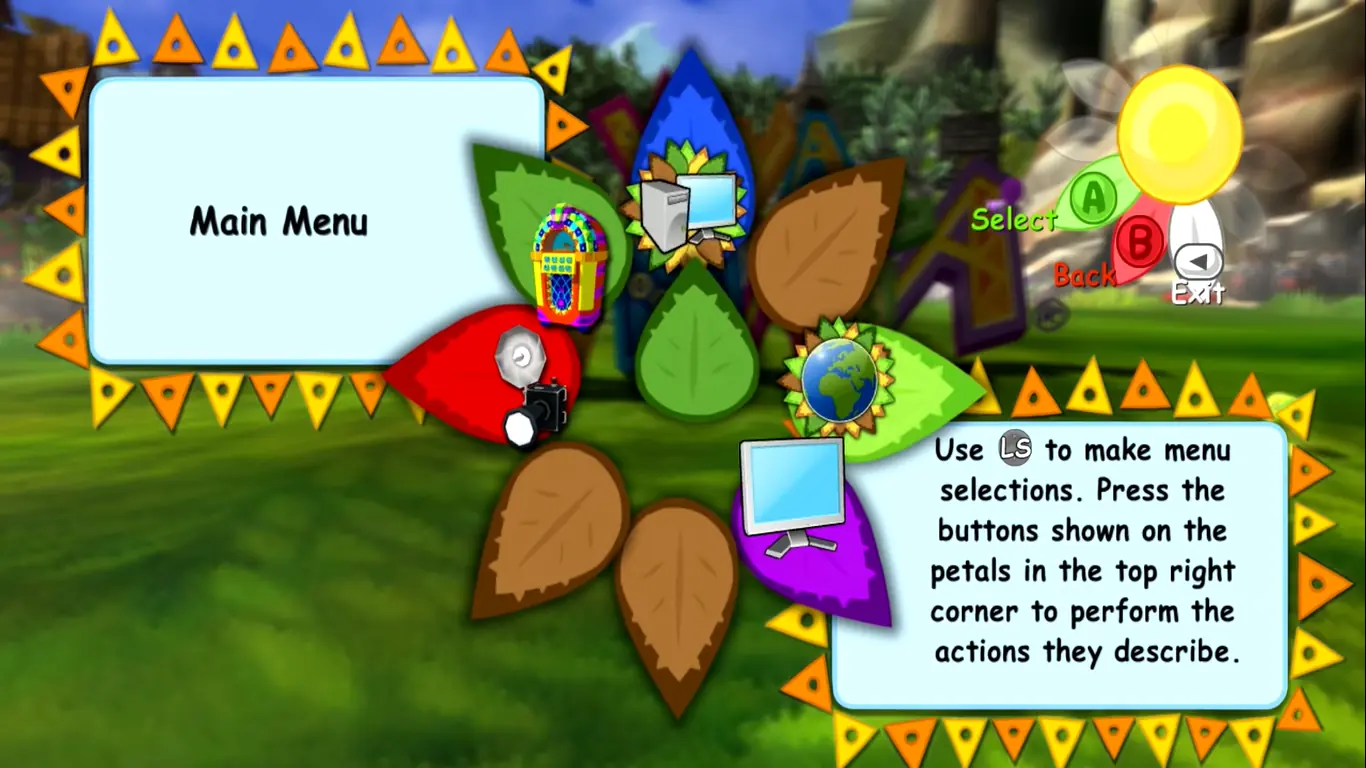
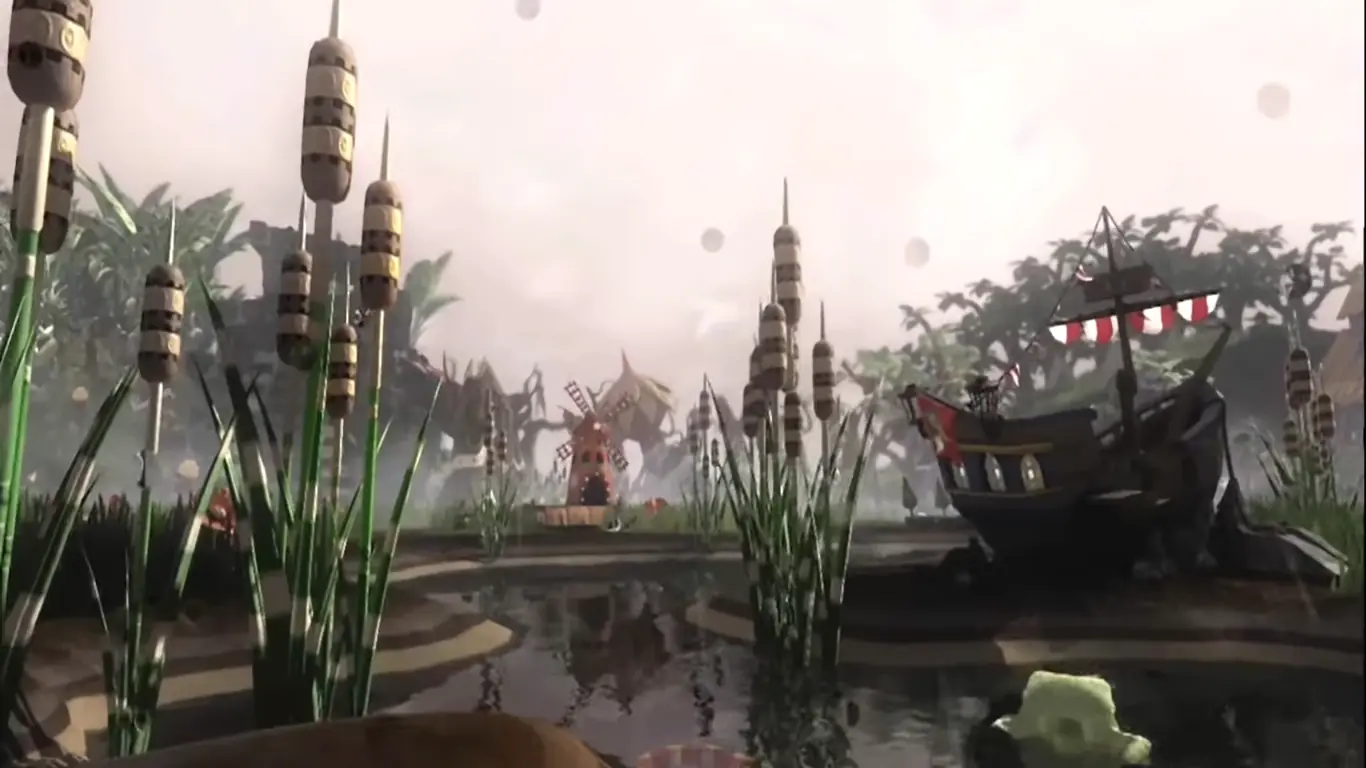
Screenshots

Xbox 360

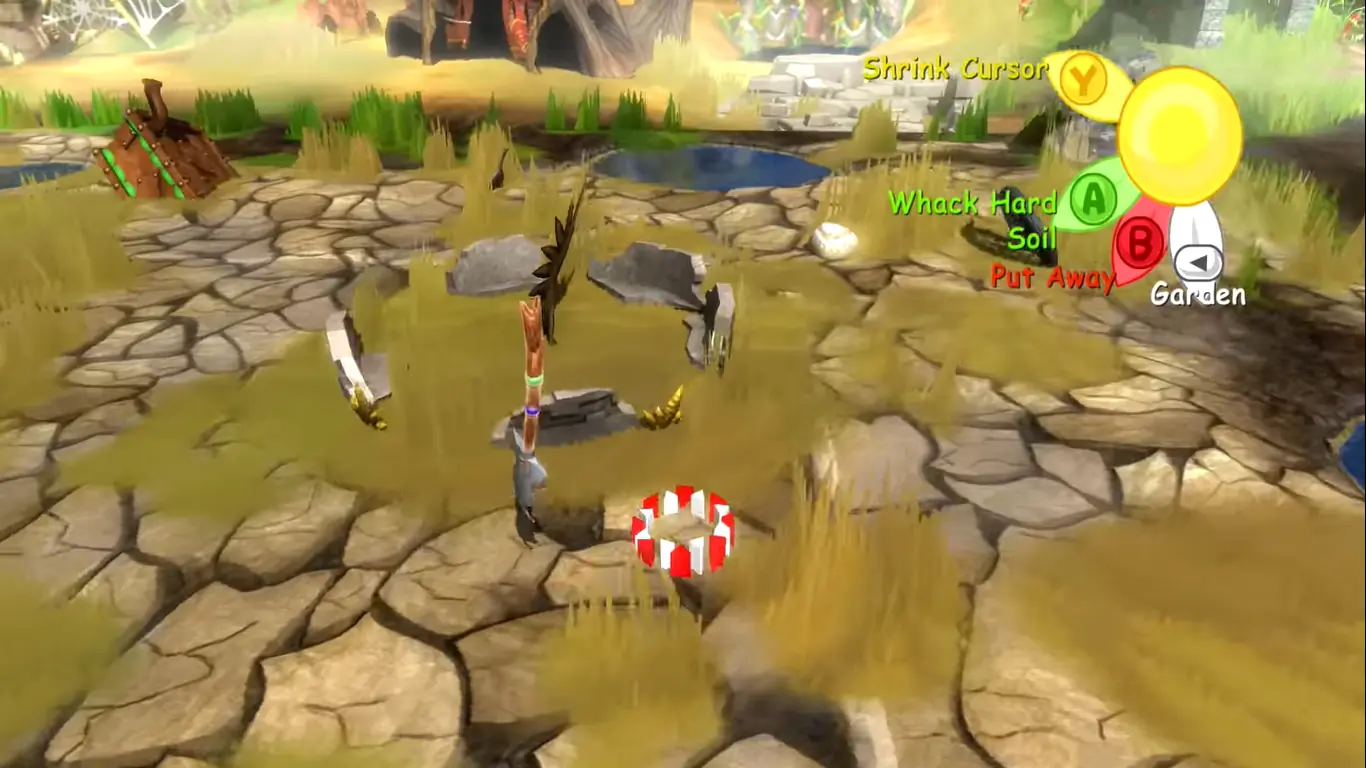
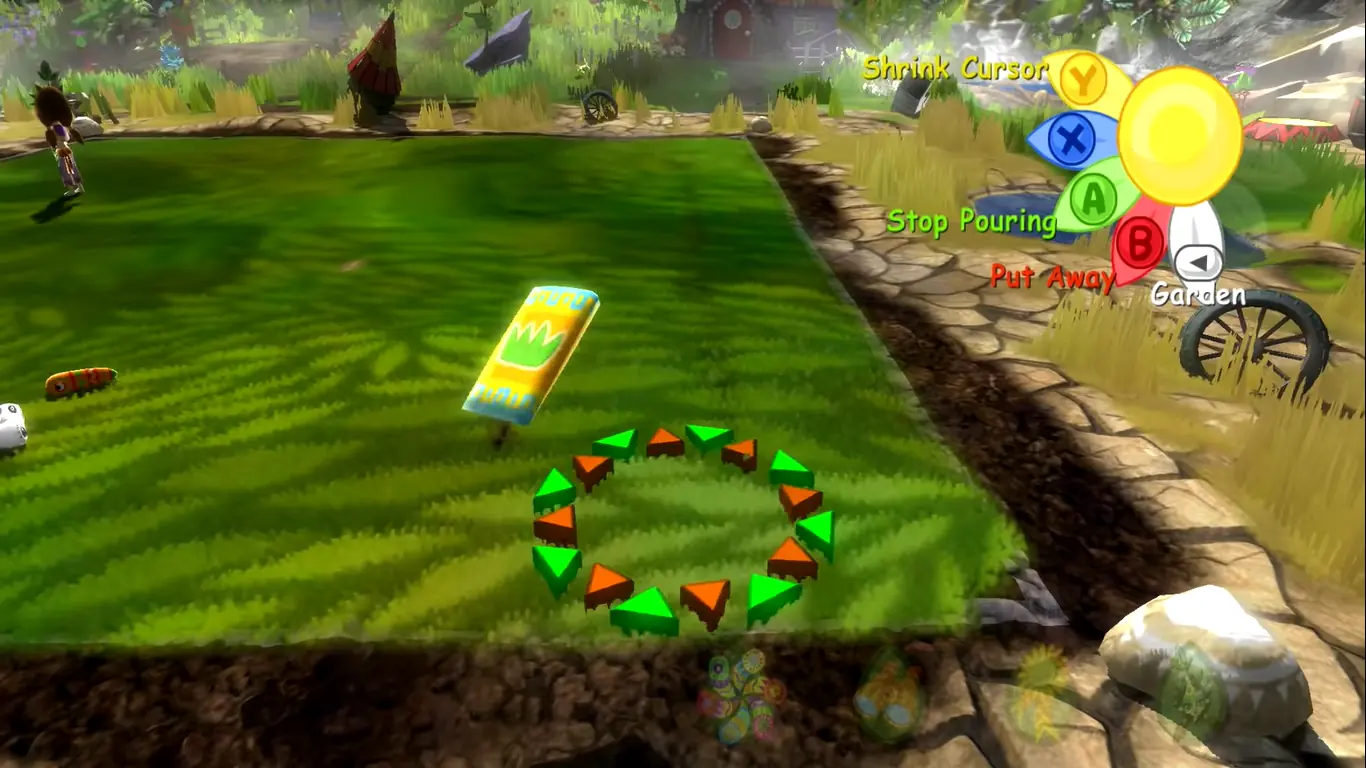
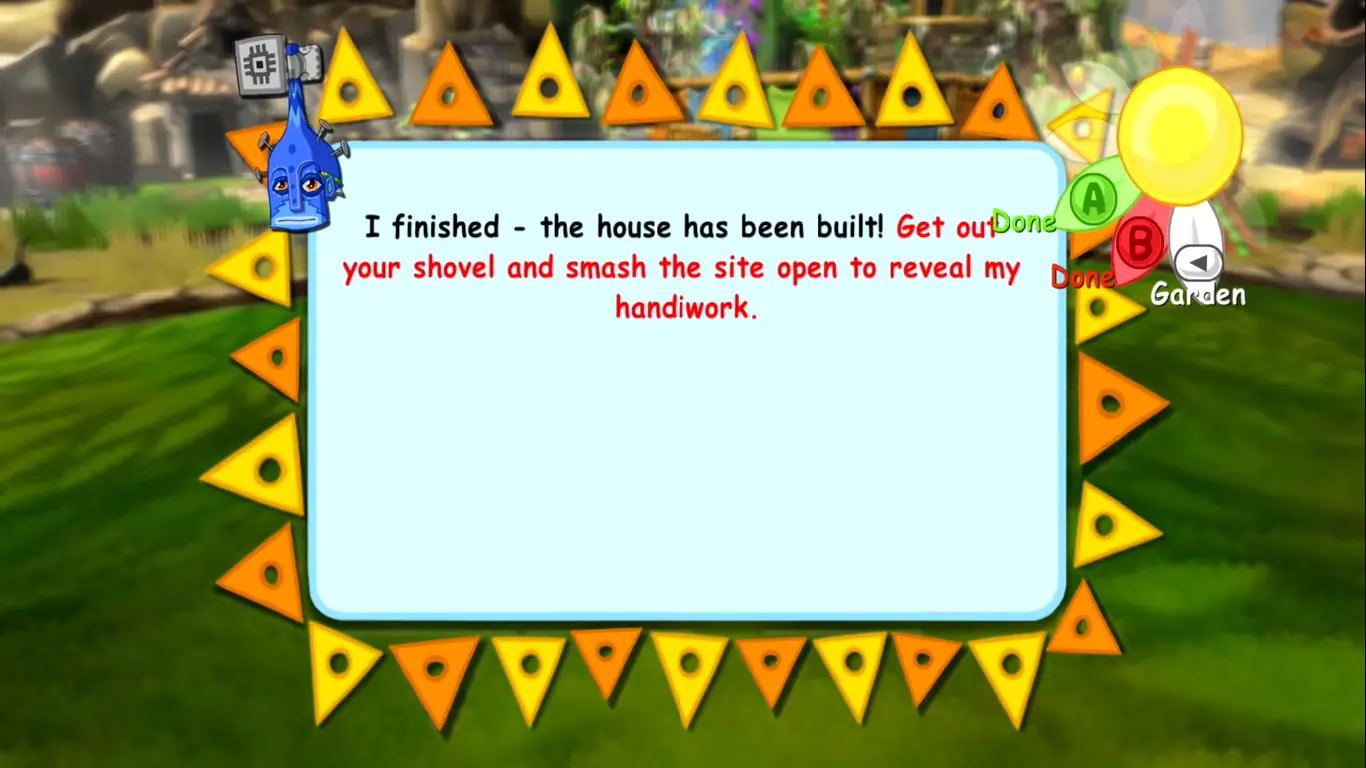
Viva Piñata — Xbox 360 screenshot 1Viva Piñata — Xbox 360 screenshot 2Viva Piñata — Xbox 360 screenshot 3Viva Piñata — Xbox 360 screenshot 4Viva Piñata — Xbox 360 screenshot 5

Download Viva Piñata

Viva Piñata is abandonware and no longer sold or supported by its publishers. Files are archived here for these platforms:

Windows (2007)

  • Viva_Piñata_Win_ISO_EN.zipEN3.8 GB
  • Instructions Viva_Piñata_Win_ISO_EN.zip

    How to play on Windows

    1. Download the "Viva_Pinata_Win_ISO_EN.zip" file from the link above.
    2. Download "Games for Windows Live" from here or from here. Install it after you download it.
    3. Open the downloaded .zip file and extract the "Viva_Pinata_Win_ISO_EN" folder to your desktop. You will need to use a software such as WinRAR to do this.
    4. Open the extracted "Viva_Pinata_Win_ISO_EN" folder and then open the "Game Files" folder.
    5. Mount the "OGD-Viva.Pinata.iso" file to an empty disc drive. To do this, you will need to download a software such as PowerISO or Daemon Tools (right click on the file and there you should see your options to mount the file).
    6. Open the mounted disc drive and then run the Setup.exe file.
    7. Go through the game setup (just click on next or the word which has the > symbol next to it) and finish installing the game.
    8. Launch the game - when it asks you to create a "Live Games" account, select "Games for Windows Live" and then create an account. You want to try to create a local account.
    9. Enjoy the game!

Additional files, patches and fixes

Comments

63 thoughts on “Viva Piñata”

  1. 0
    im relatively new to emulatiors so im struggleing a bit to get it work but every time i try and launch the setup file nothing actually pops up, i can see it in the app bar on the bottom of the screen but when i select it nothing shows up.
    Reply
  2. 0
    Im having trouble installing the game. Like I have it mounted and when I try to install it the wurm (Can’t exactly remember their name) pops up, but not setup manager or anything pops up.
    Reply
  3. 0
    I have no option to save in game, I have to start a new garden every time I need to quit or leave. please help, I love this game!
    Reply
  4. 0
    For anyone who is unable to download GFWL or is having the 43 DLL file issue, please take a look at the reddit thread about saving without GFWL https://www.reddit.com/r/VivaPinata/comments/bnqo4h/viva_pinata_on_the_pc_gfwl_no_longer_works_may/

    super helpful and it worked for me, all the pertinent information is at the latest update at the bottom.
    I was unable to get GFWL download to work after several different attempts at finding a workaround and all this does is add an .ini file and it works!

    Reply
    • 0
      I think so, I uninstalled immediately after it started installing something but I couldn’t confirm what it was, and when I clicked exit and okay it wouldn’t exit. If it’s not some type of virus they’re doing a really good job of making it seem like one, so I uninstalled and restarted my computer so it couldn’t finish “installing”. They shouldn’t be hiding the instructions behind giberish, it’s not even a real language. Or at least not one google translate knows
      Reply