| Publishers | Ubisoft |
| Developers | GSC Game World |
| Release date | 2004 |
| Genre | Strategy |
| Game rating |
Game Description
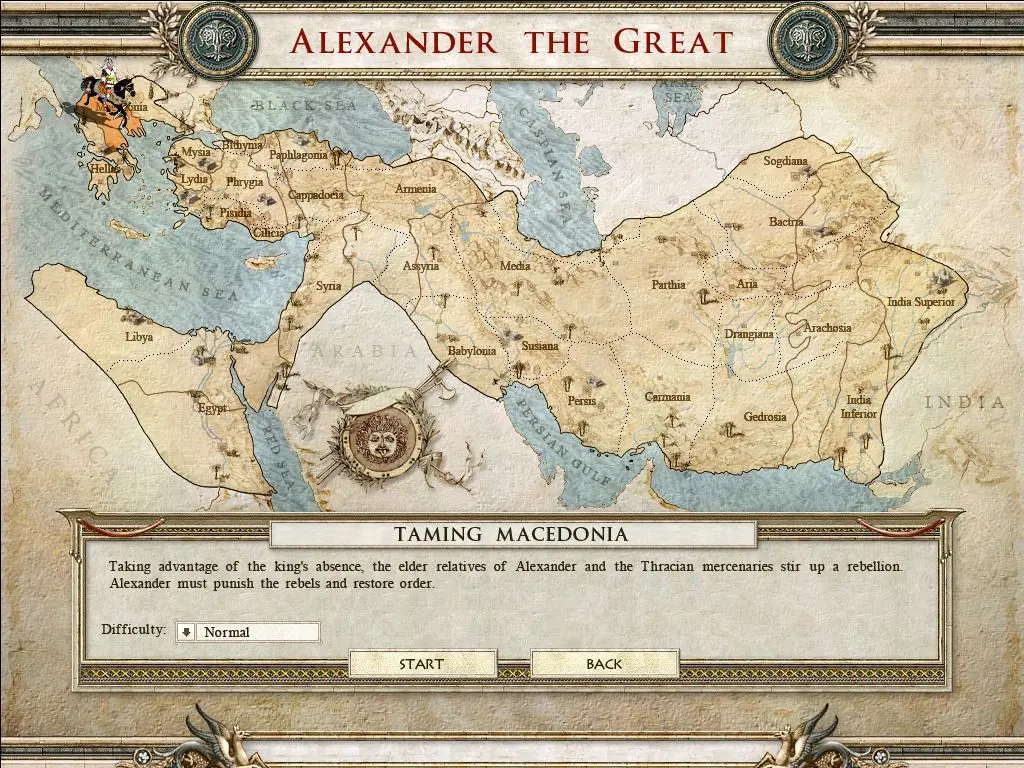
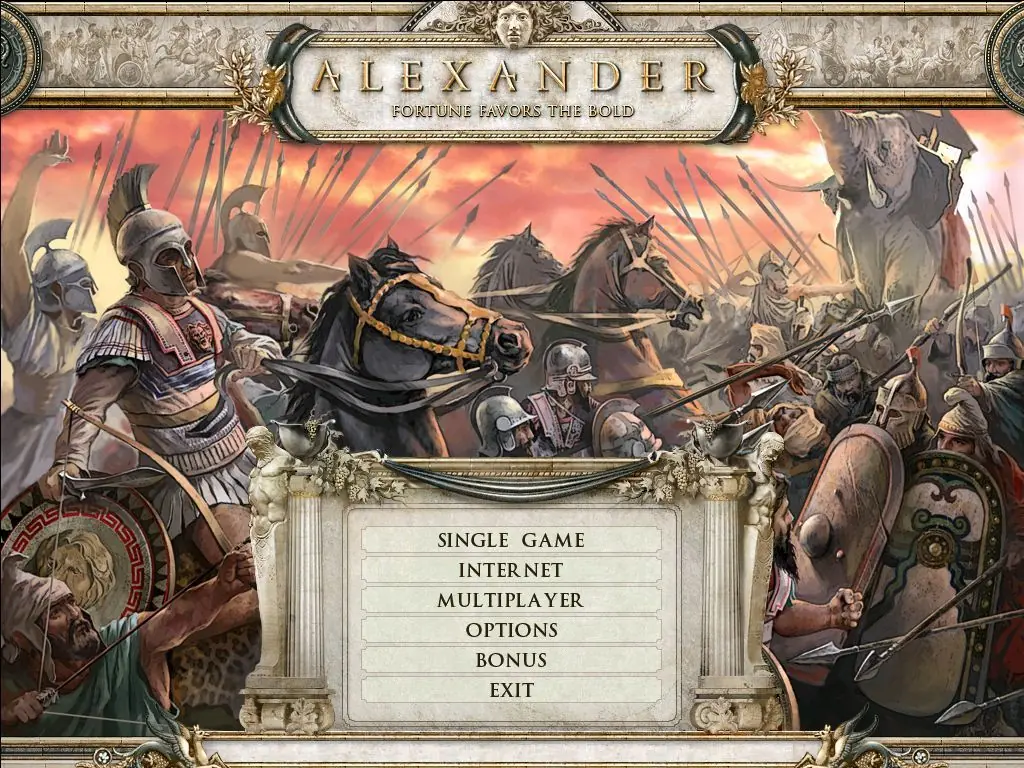
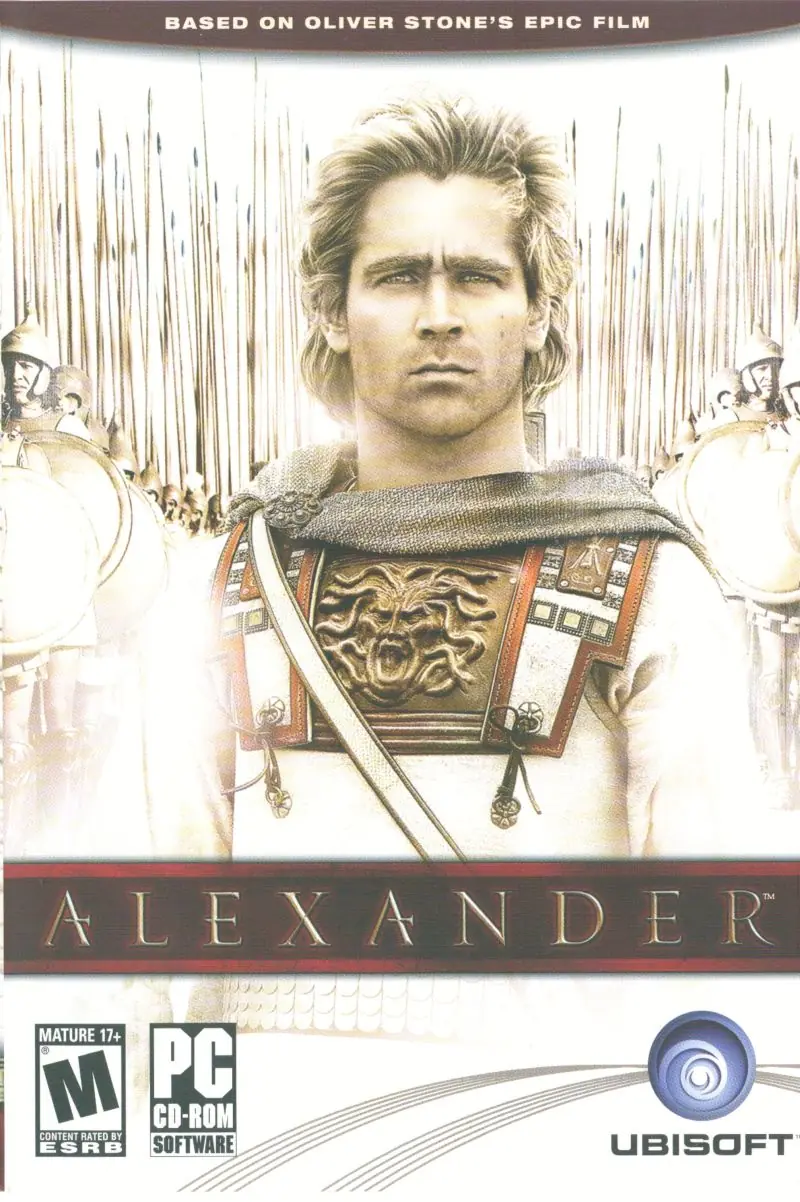
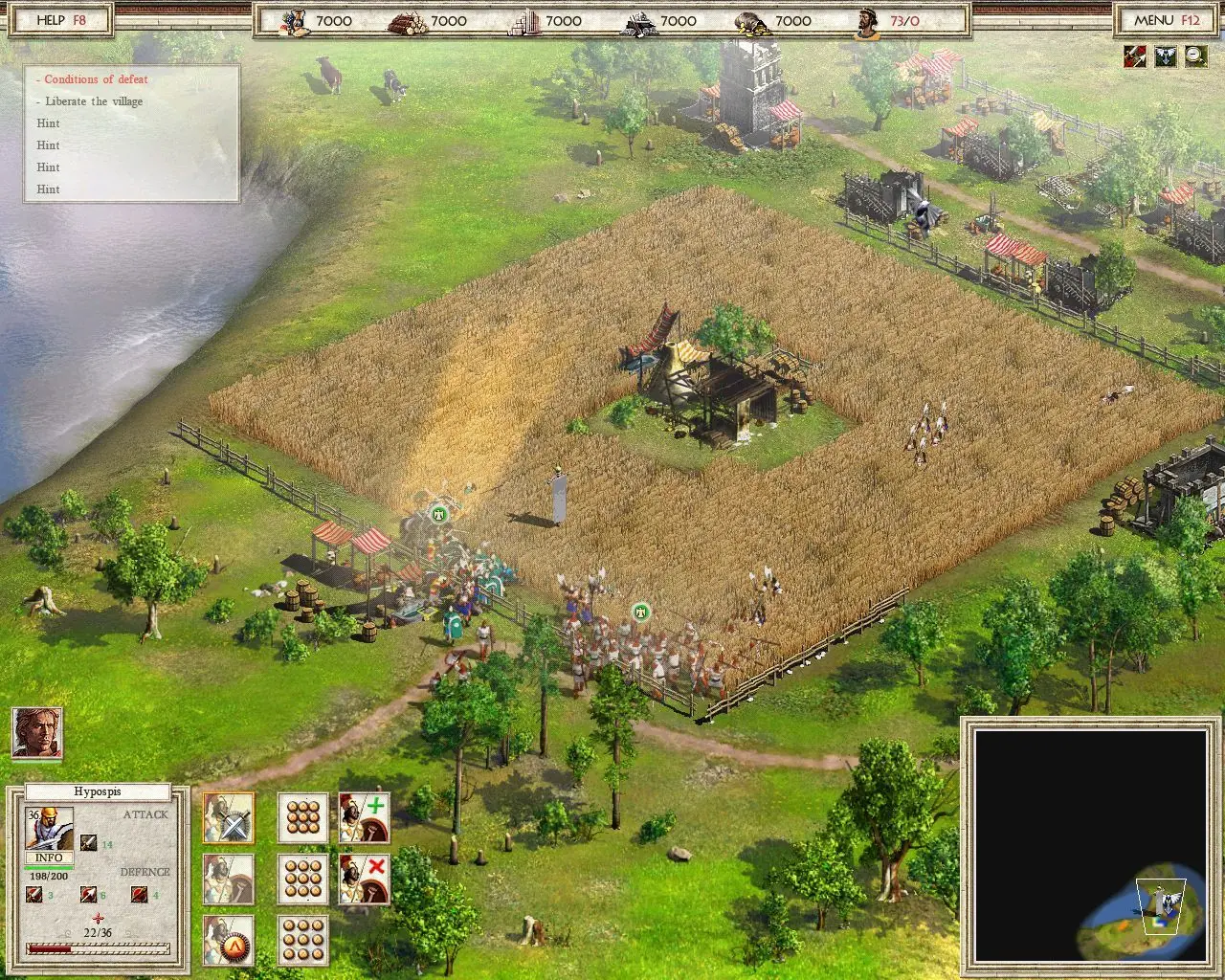
Alexander is a real-time strategy game created by GSC Game World (creators of Cossacks: European Wars and Cossacks II: Napoleonic Wars) and published by Ubisoft, based on the 2004 film of the same name. Its gameplay is akin to that of Cossacks, with elements of the Age of Empires series and Age of Mythology visible.
Download Alexander
We might have the game available for more than one platform. Alexander is currently available on these platforms:
Windows (2004)
Alexander_Win_ISO_EN.zip (1.27GB)
Additional files, patches and fixes
Alexander Screenshots
Windows


0
0
0
0
0
0
i’m korean, and not good at english, and i don’t know how to fix your problem. But it’s nice to meet who like alexander the great.
so sad that we can’t purchase that game in official site
0
I managed the installation but I still can’t run the game on windows 10 🙁
0
Here I will tell you how to install the Game and without error message or instert CD2 message or Black screen issue..(WITHOUT Daemon Tools ) USING WINRAR STEP BY STEP
Step 1 : Download The Game
Step 2 : After download Open the “Alexander_Win_ISO_EN” with Winrar ( Not Extract )
Step 3 : Open The Folder name “Game Files” again ( Not Extract )
Step 4 : Now You See 2 Winrar Files name “Alexander CD1.iso and Alexander CD2.iso
Step 5 : Extract the 2 Winrar files on your Desktop
Step 6 : Create a new Folder on Desktop and rename Alexander Full Download
Step 7 : Open the “Alexander CD1.iso” file that you previously extracted to the desktop with winrar and copy all of them to the Alexander Full Download folder
Step 8 : Do the same with the “Alexander CD2.iso” file. Answer YES to the question of containing the same files and the same folder.
Step 9 : You will now be able to install the game as a single part normally, without asking for CD 2
Step 10 : !!! DONT USE CRACK FILE !!!!
Step 11: Download the File below 1.09 Current patched version and Edited version of the game (High Pixel Support is available) etc.
Step 11- A https://dl.myabandonware.com/t/alCP0y5f87PTymGoCpeF6fekcb7yUPVm29lyT0d35BAquaPN5S/Alexander_Win_EN-FR-DE-ES-IT-RU-PL_Fully-Patched-Game-109.zip
Step 12 : Open the Downloaded Patch with Winrar and you see “Alexander rc9” folder. open this folder again and Extract all files in your installed Game directory Example : C:Program Files (x86)UbisoftGSC Game WorldAlexander …and Answer YES to the question of containing the same files and the same folder…
Step 13: ENJOY THE GAME HAVE FUN – I tried to tell you how to install the game in the best way. Goodbye…
0
There is no (longer a) file below additional files, should there have been?
The link you gave goes nowhere, should the file have been there? The game downloaded to a full 100%, but then I got some questions about downlaoding shadowsomething and somethingtools and some more things. I answered with “No” and then he shut down. He doesn’t want to open, install or install anymore
What do I need to do to play the game?
0
0
0
0
0
0
0
0
Also, Does the “crack” file need to be moved else where so the game would play?
0
This is the greatest upload I have ever seen!
Thank you sir!
0
How to you do that ?
0
alt+tab to confirm it). After instalation copy engine.exe(cd2 crack
folder)to data folder.
0
0
0
0