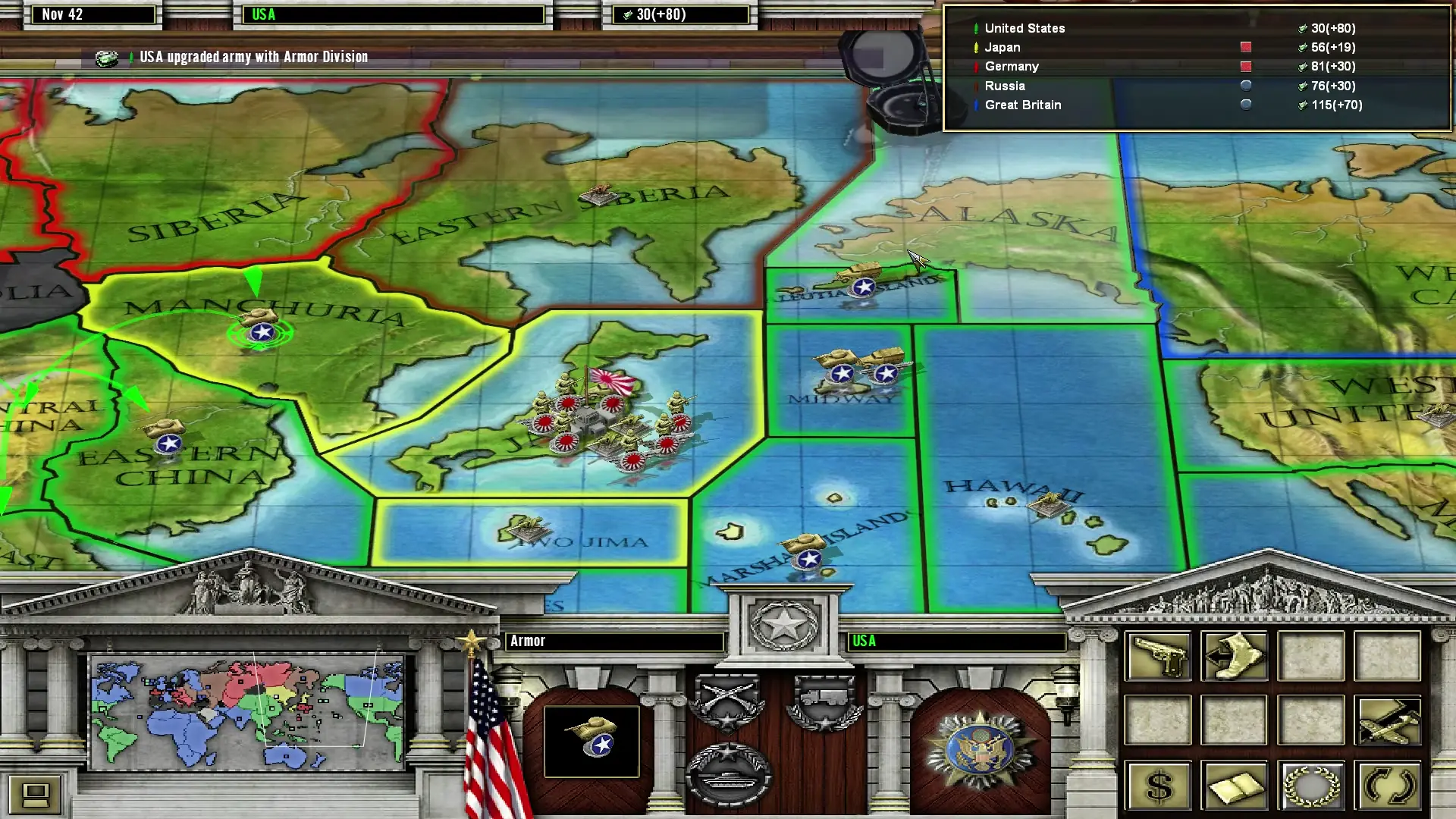
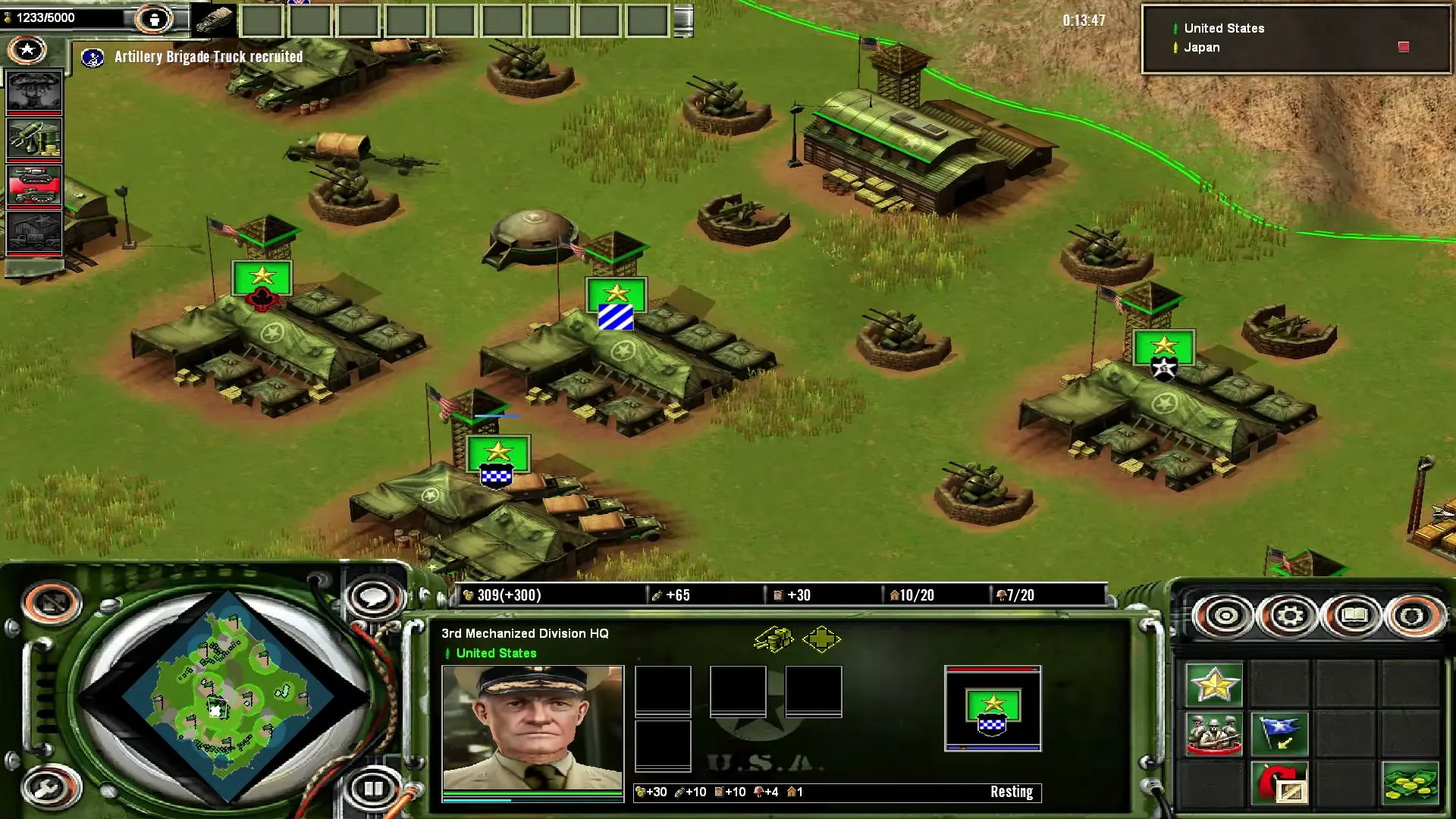
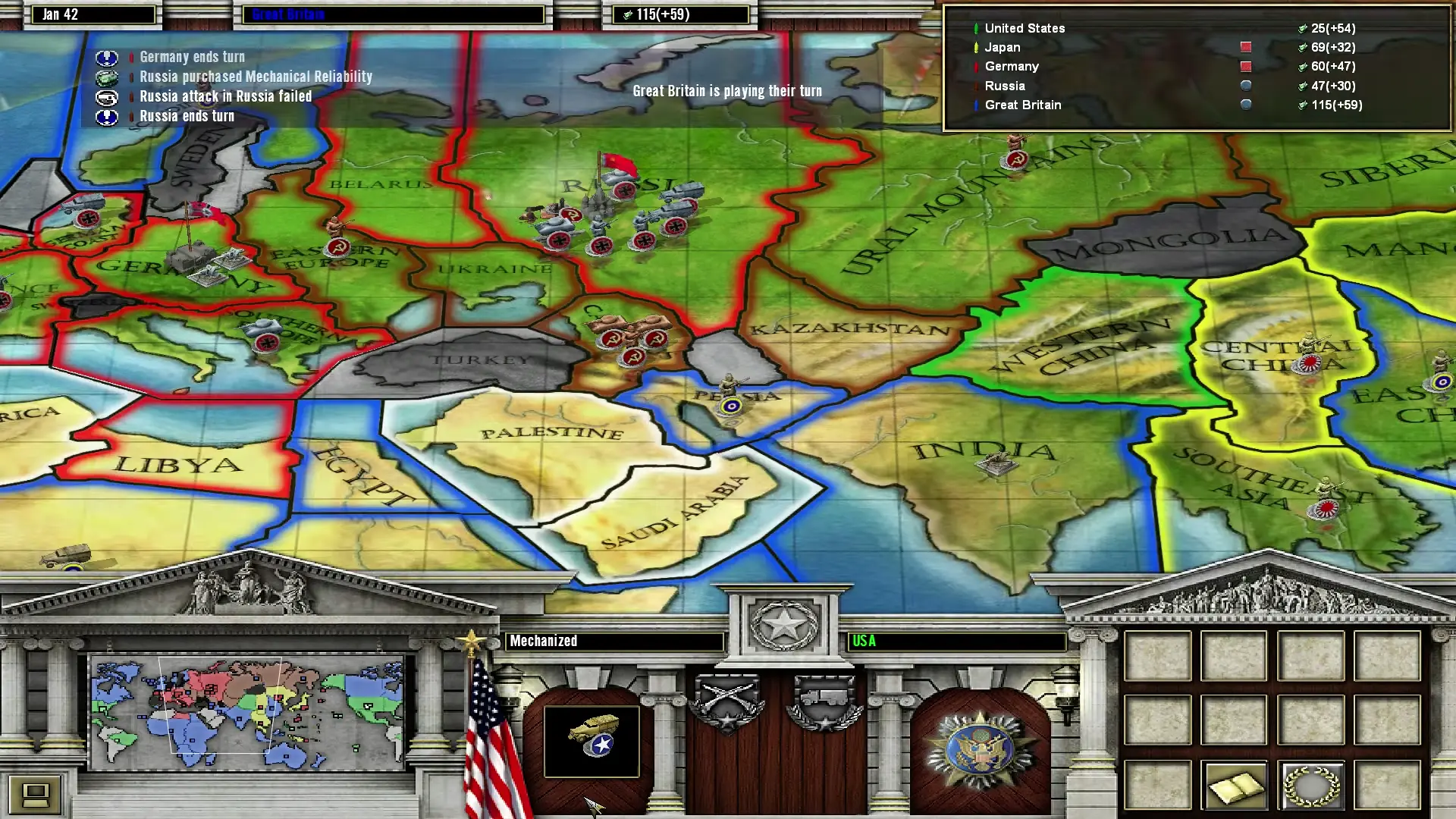
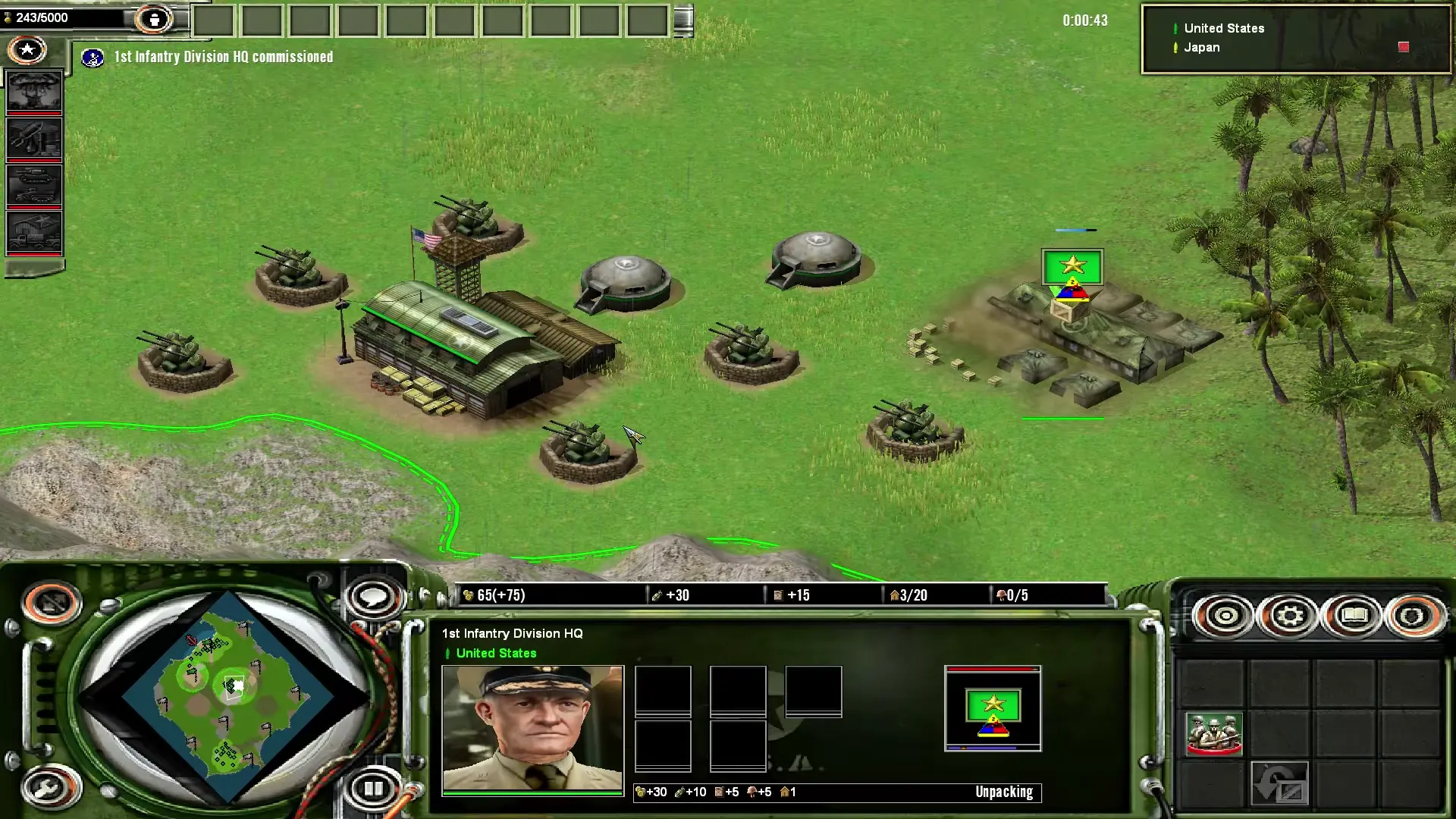
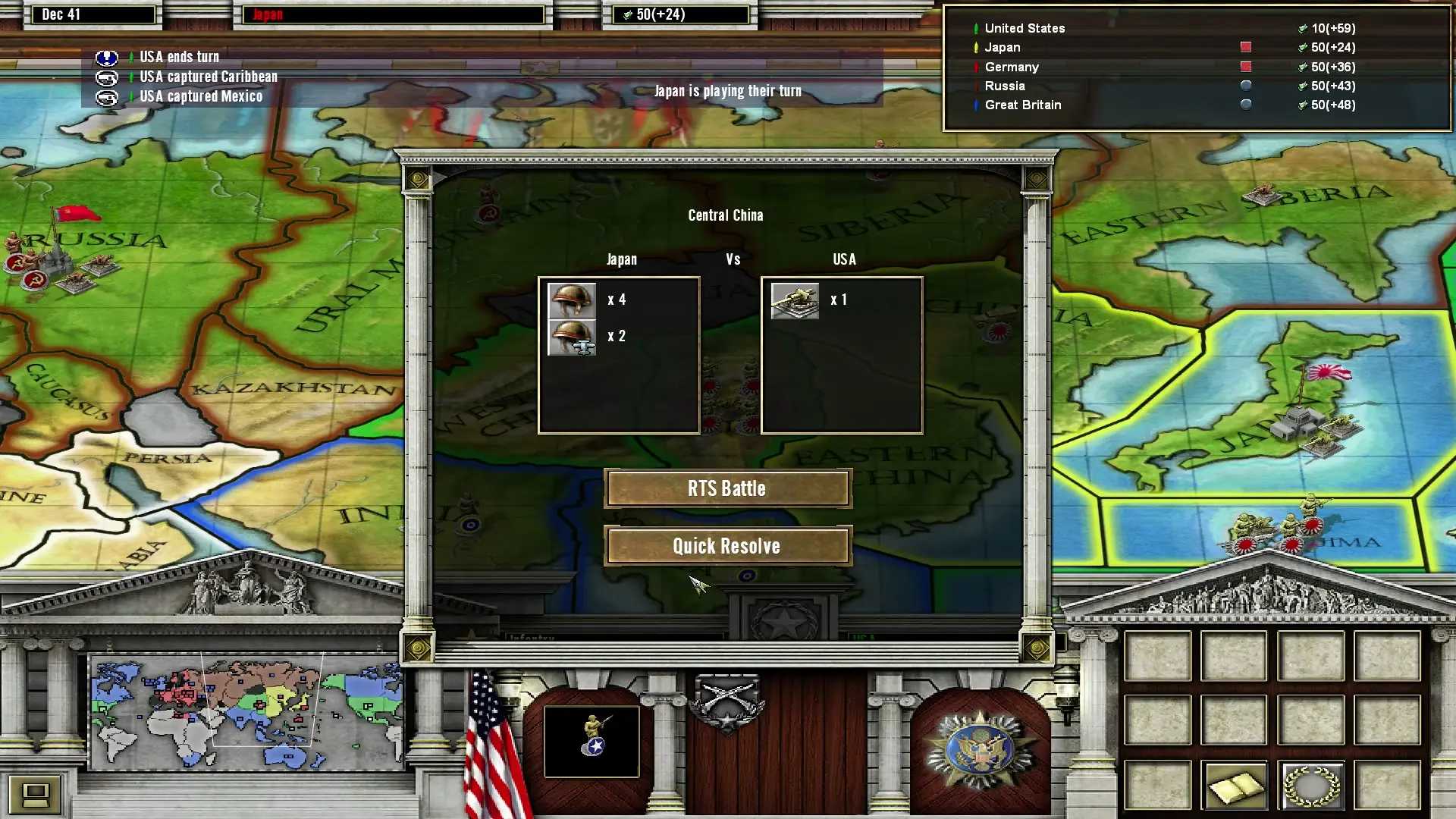
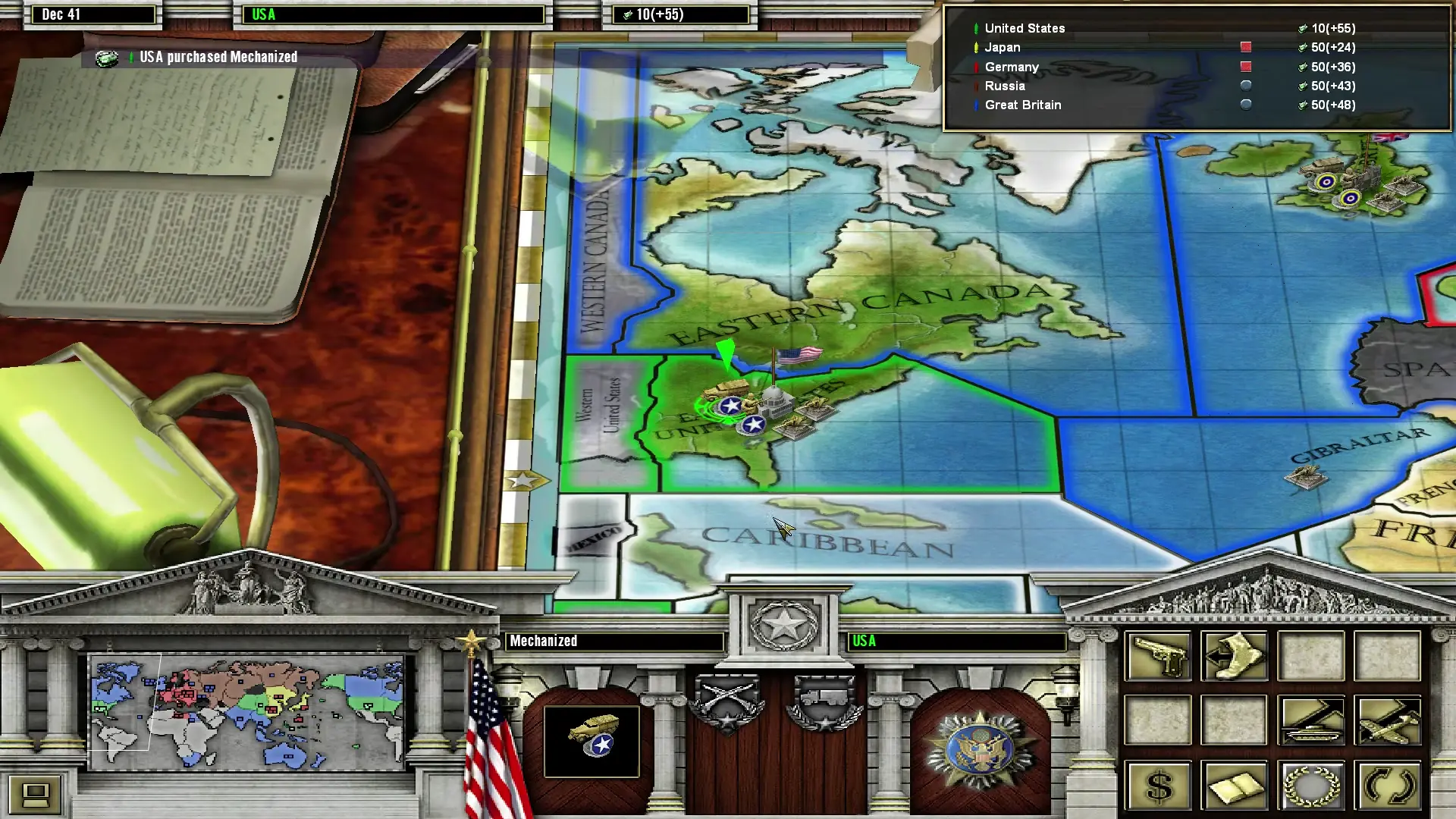
Axis & Allies is a real-time strategy World War II video game developed by TimeGate Studios and published by Atari for Microsoft Windows. The game was released on November 2, 2004. It is based on the board game series Axis & Allies from Milton Bradley and also on TimeGate's Kohan series. Set in the years after Japan and the United States entered into the war, the game allows the player to act as a World War II commander to build military forces to fight against other generals, using military units and technologies from the war. The player is able to alter the history of World War II.
Axis & Allies is abandonware and no longer sold or supported by its publishers. Files are archived here for these platforms:
How to play on Windows







I had a different issue with one of the fronts not for English, but for Korean! Look through the error logs which will be in (Wherever installed)\Axis_and_Allies_2004_Preinstalled_Win_EN\Game Files\Logs and it will show you the error that caused a CTD.
My issue was that the game was looking for the Korean front it uses, known as “GulimChe”, but my computer didn’t have that specific one, and instead would attempt to use Arial, which would cause the crash. You can simply type in whatever font the game wants but can’t find and find them for free to download. I downloaded the font, installed it and my game ran perfectly!
Also, the fonts below the main section aren’t required anymore. In most files two are already commented out, so just move the uncomment symbols include all of the extra ones.
Lastly, you should note that some of the font files you need to edit have multiple sets of settings in them, and they all need to be edited.
3 after extract, read this guy post on the stupid fonts
The actual fix is to use tahoma not arial
https://forum.winehq.org/viewtopic.php?t=39620
generally right except arial still screwed me, i had to use tahoma and i also commented out everything i could for the stuff below the fonts, windows sucks
just keep checking the error log folder after every try
https://www.moddb.com/downloads/aak2-rwd-extractor
this guy was moderately helpful ~ last comment on the download here… modern rts really blows i guess since we all go through hell for this 20 year old master piece that is abandoned
Games run, but when i try to launch the campaign or the WW2 mode, another fatal error windows open ” An error has occurred:
thread MAIN caught unhandled exception – Access Violation (C0000005) trapped at 23:432055″
Any idea?
Thank you.
ERROR: Processing non-Unicode TrueType font.
If anyone’s got a fix, thank you in advance!
https://steamcommunity.com/sharedfiles/filedetails/?id=3743417418
I found this youtube video with the fix, but my A&A folder looks different from the guy in the video (he has the CD version). Wondering if this fix could somehow be added to the download posted on this website?
ERROR: Processing non-Unicode TrueType font.