Players fight in a modern battlefield, using modern weapon systems. Battlefield 2 is a first-person shooter with strategy and tactical shooter elements.
The single-player aspect features missions that involve clashes between U.S. Marines, China and the fictional Middle Eastern Coalition. The multiplayer aspect of the game allows players to organize into squads that come under the leadership of a single commander to promote teamwork. The story takes place in the early 21st century during a fictional world war between various power blocs: China, the European Union, the fictional Middle Eastern Coalition (MEC), Russia and the United States. The game takes place in different fronts, as the Middle East and China are being invaded by US and EU forces, and the United States is being invaded by Chinese and MEC forces.
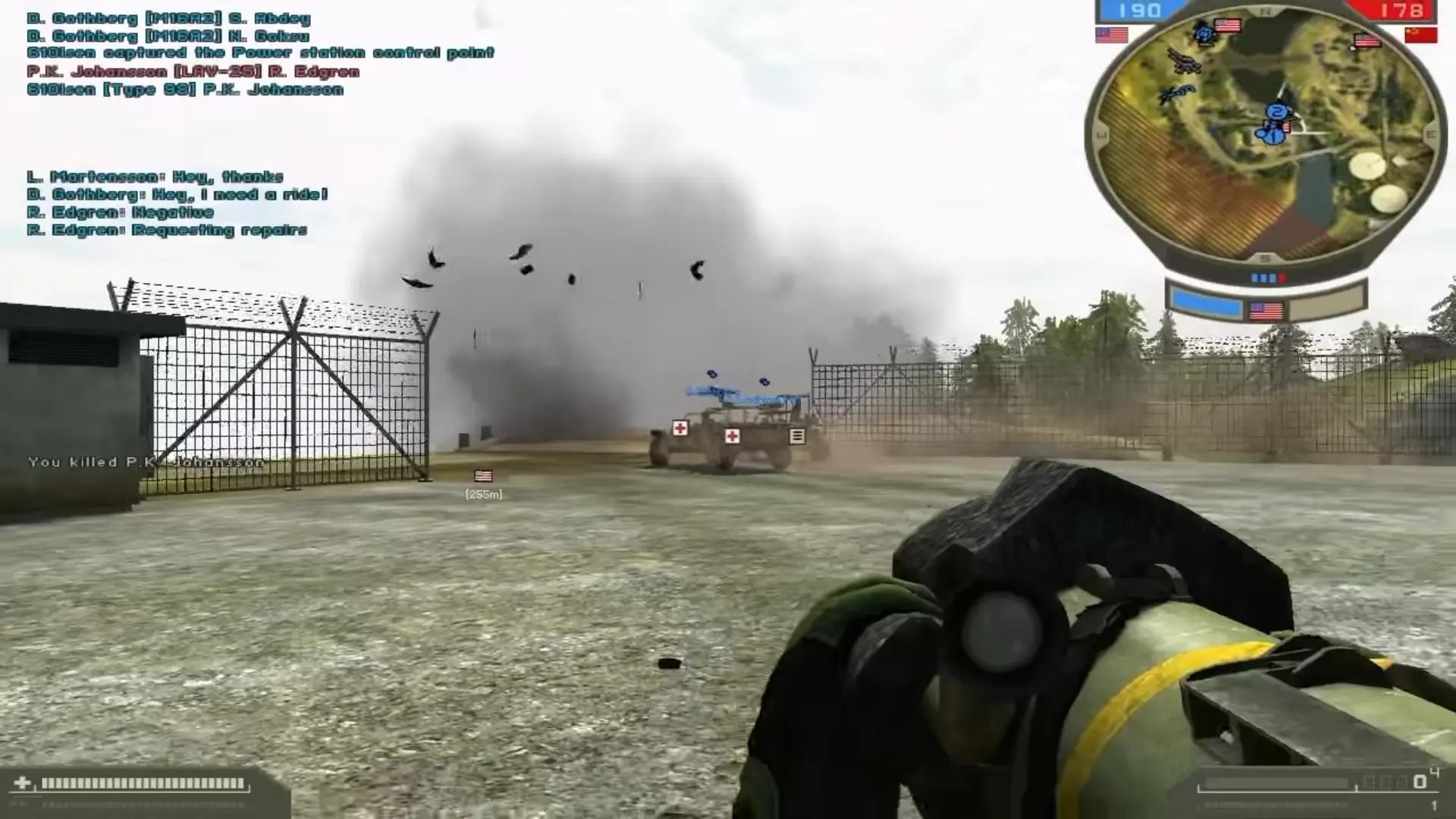
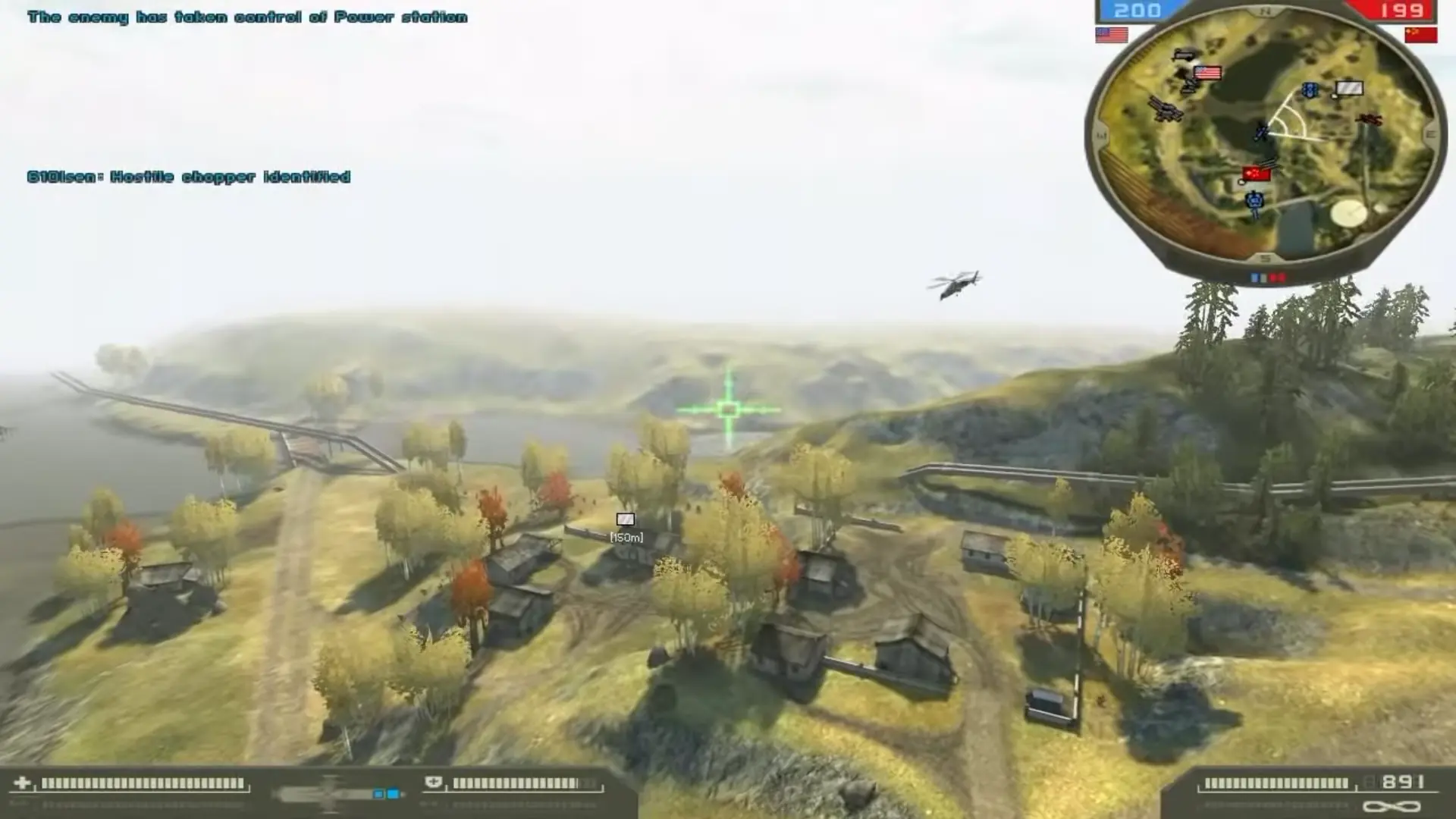
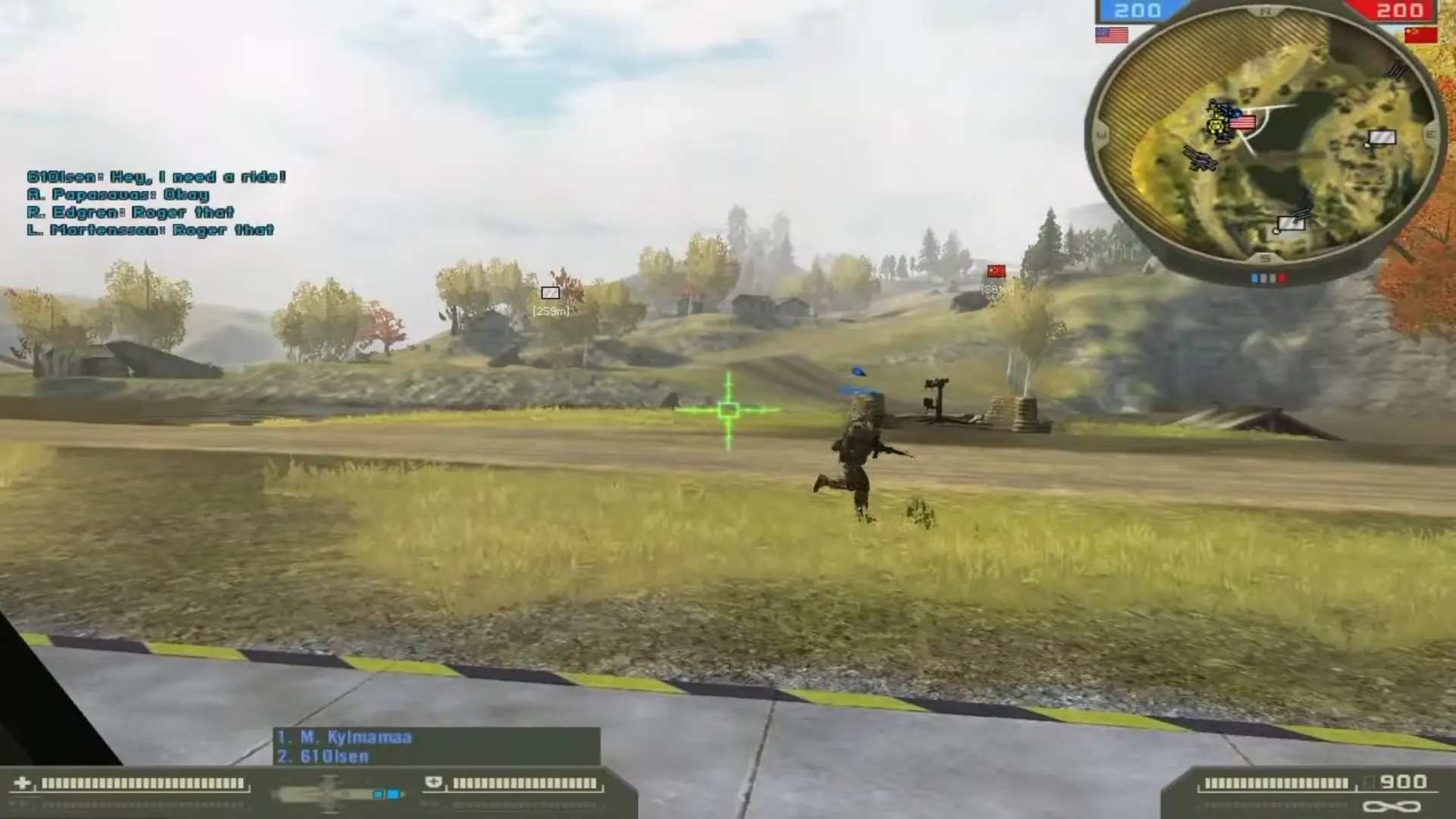
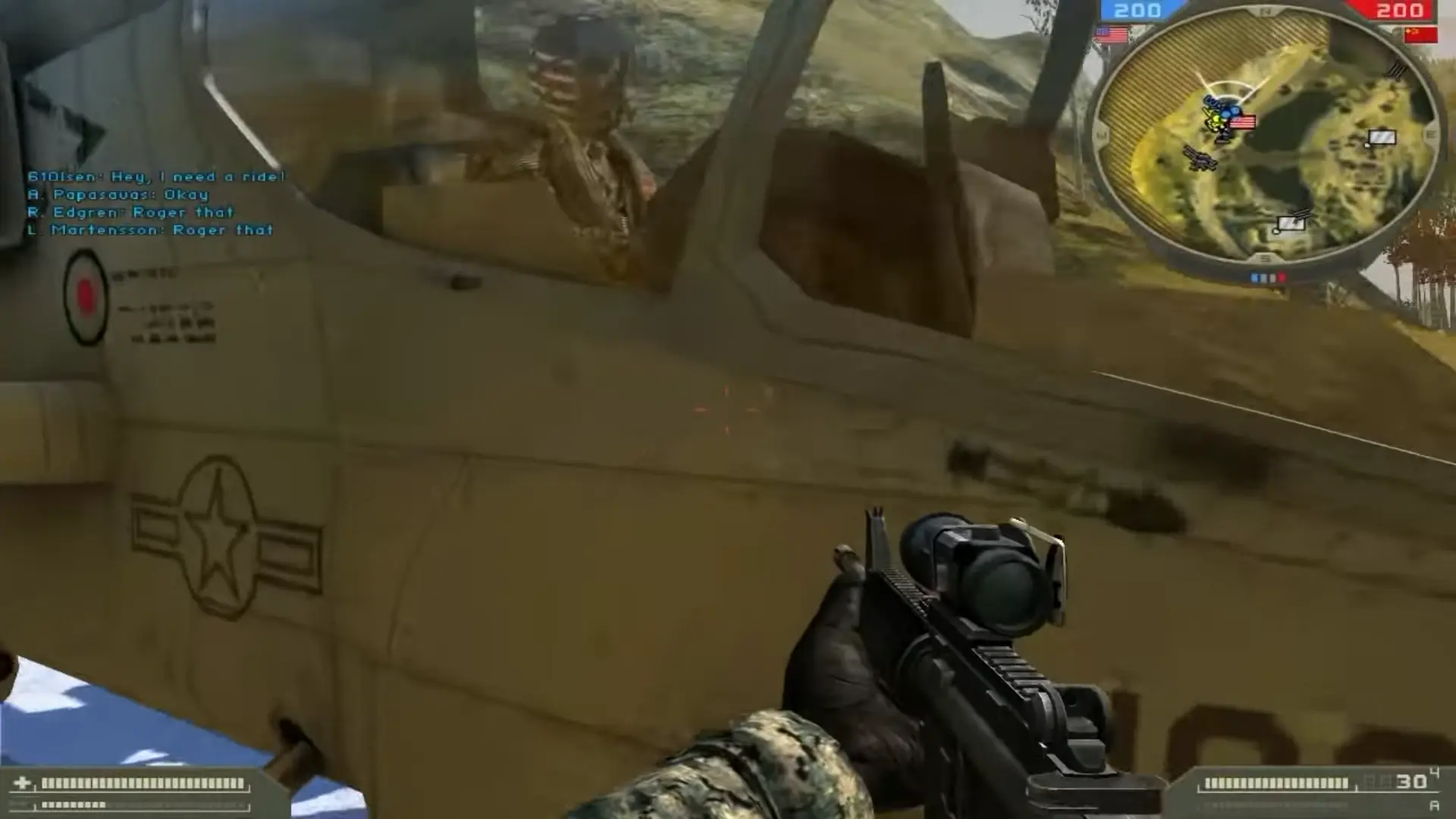
Battlefield 2 is abandonware and no longer sold or supported by its publishers. Files are archived here for these platforms:
How to play on Windows - Battlefield 2: Complete Collection (Preinstalled)
This download includes:

Cause i wamt to d.l it and i am playing only offline ? Can you please answer me if the files are working and no problem ? Pls
They’re added onto the original game. They’re not separated. The Euro maps and the Armored Fury maps will probably be maps you’ve never noticed before. Browse through them in Singleplayer and look for map names like “Great Wall”, “Taraba Quarry”, “Operation Harvest”, “Operation Road Rage”, or “Midnight Sun”.
1.Open Battlefield 2 and log in to your Battlefield 2 account.
2.Once logged in, click the Community Button, then Custom Games.
3.Select the “xPack” game, which should be “Battlefield 2: Special Forces” and click Activate in the lower right. You will then be asked to restart the game.
HOWEVER, “Battlefield 2: Euro Forces” and “Battlefield 2: Armored Fury” cannot be found. Any ideas?