About James Bond 007: Nightfire
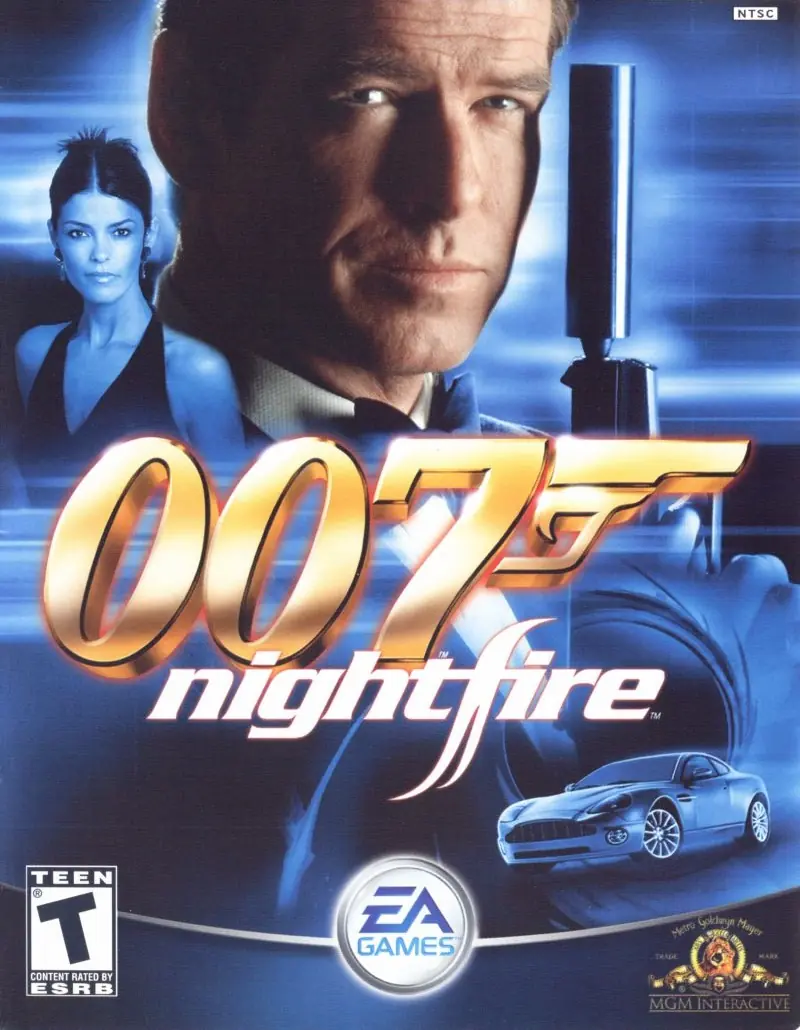
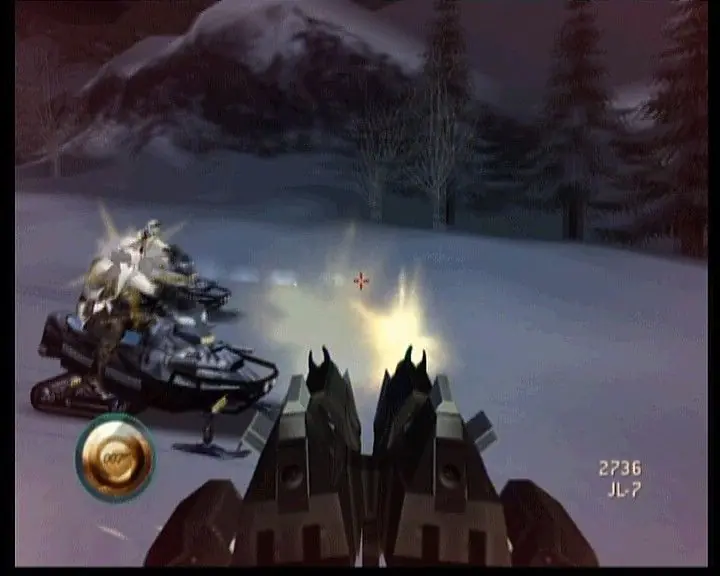
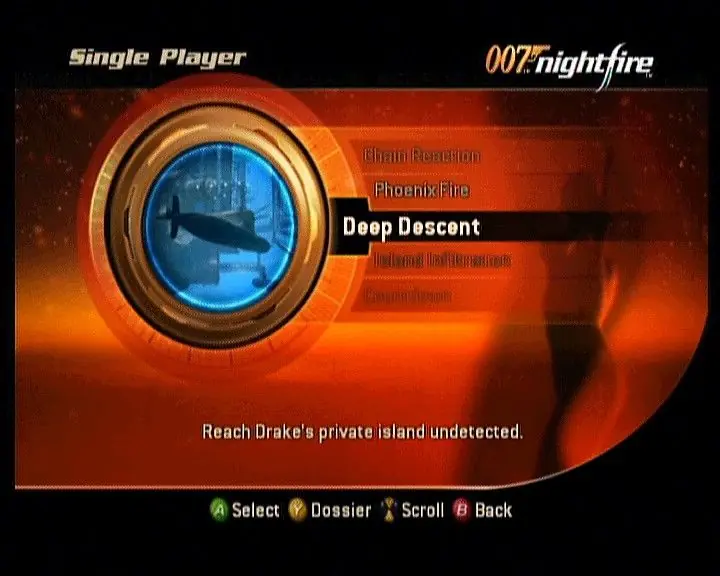
It will be shaken, not stirred in James Bond 007: NightFire. Do you have what it takes to be the ultimate secret agent? Take part in Bond's most exciting adventure yet. This mission-based first-person shooter takes you on an international secret mission through the Alps, the South Pacific and even into outer space. You will run into some of Bond's famous enemies as well as some new characters in this original storyline. You get to use all of those Bond gadgets from the movies as well as get up close and personal with beautiful Bond women. The ultimate secret agent is back in his most dangerous adventure yet in James Bond 007: NightFire. Explore new heights and depths like never before--infiltrate towering skyscrapers, take on treacherous underwater missions, and maneuver your sleek Aston Martin V12 Vanquish through the streets of Tokyo, while turning on the Bond charm with glamorous (and sometimes deadly) Bond women. New state-of-the-art upgradable gadgets and weapons, plus original missions including zero-gravity assignments, will leave you shaken... and stirred.







any idea how to fix this
Microsoft Visual C++ Runtime Library
—————————
Runtime Error!
Program: …_Win_Preinstalled_EN_v5.6Game FilesNightfireBond2.exe
R6025
– pure virtual function call
—————————
OK
—————————
how do i fix this i am using win 10
I almost finished the game before realising the mission music isn’t playing neither is the in game menu music working despite all being in the music folder