3D Frog Frenzy
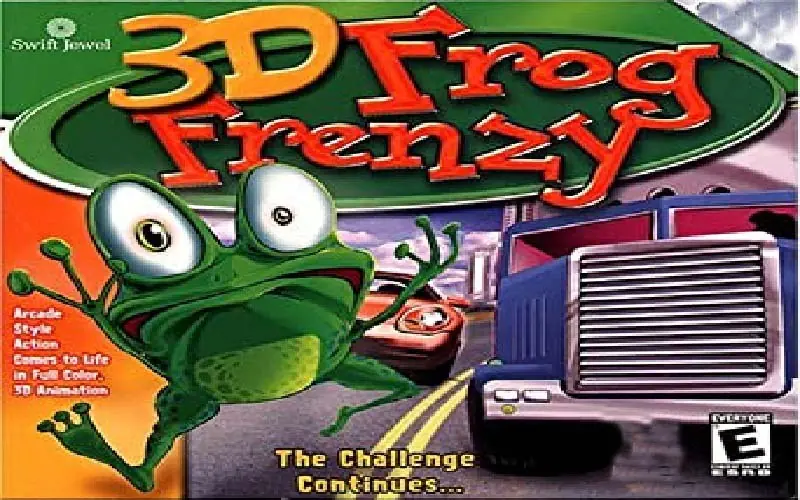
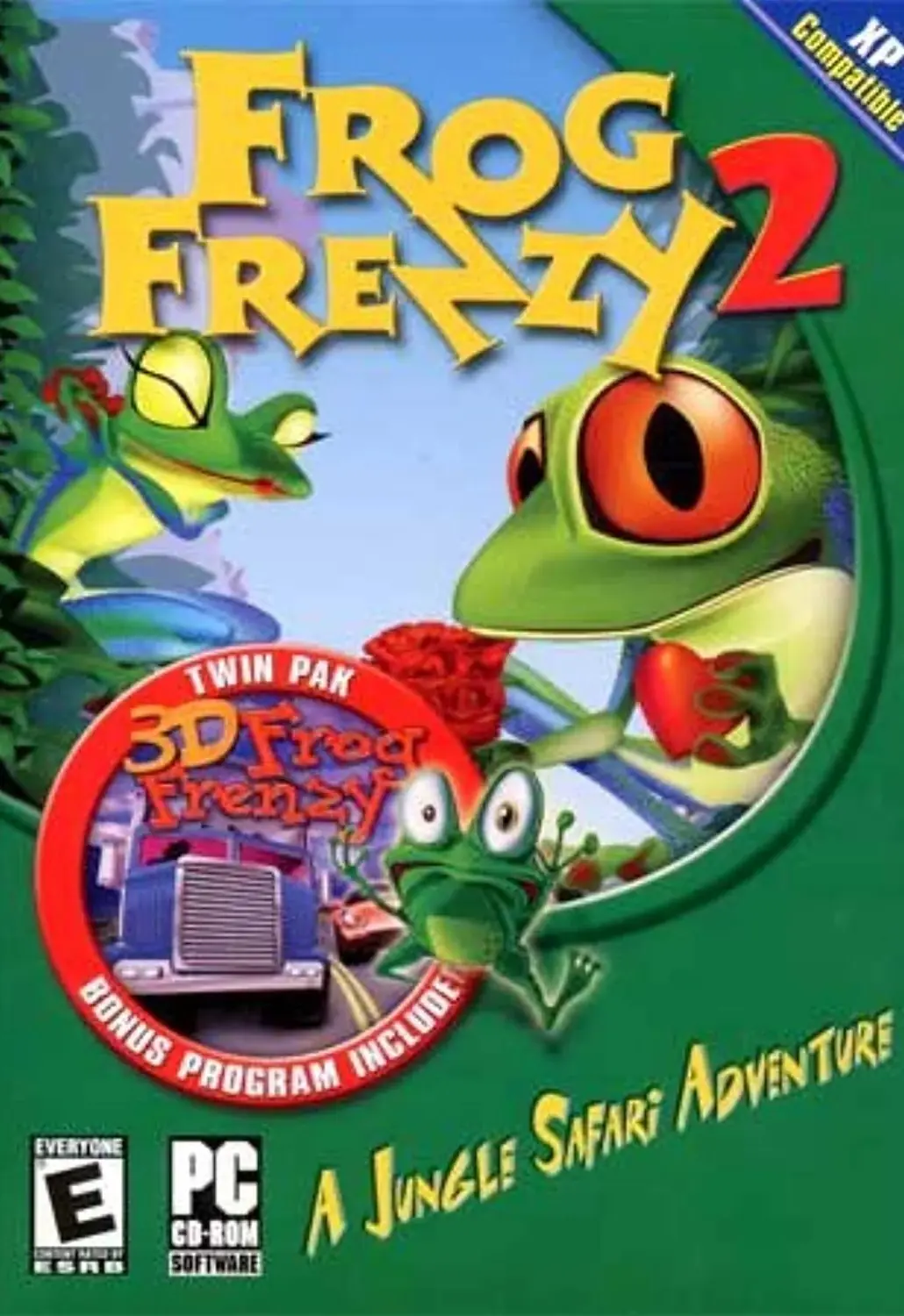
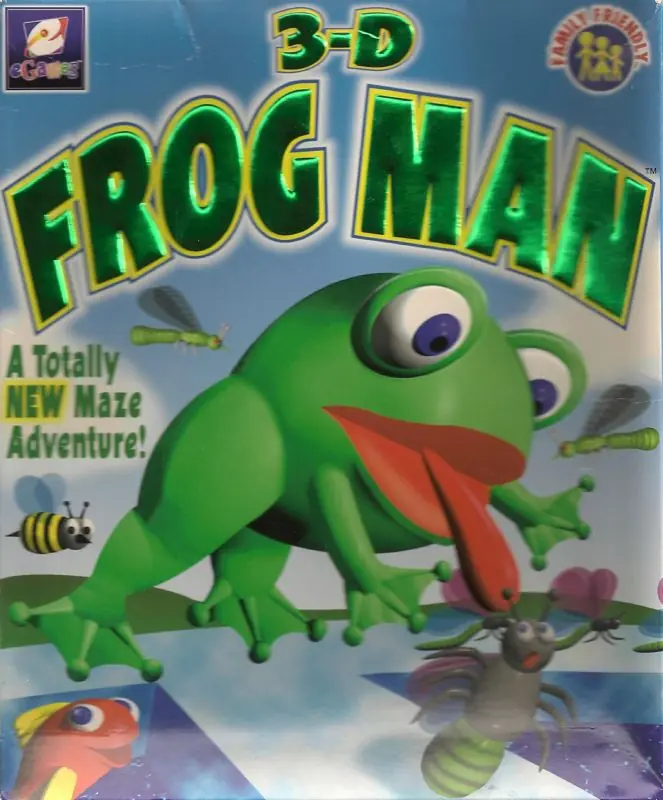
3D Frog Frenzy is a 1999 action game developed by Webfoot Technologies and published by Cosmi.
Genres
Publishers
Developers
Released
Platforms
3D Frog Frenzy is a 1999 action game developed by Webfoot Technologies and published by Cosmi.
Meet Froggy. He's an amphibian on the run from a crazy chef who is trying to make a frog legs dinner. In 3D Frog Frenzy, it's your job to get Froggy to safety and away from the saucepan. This mission isn't easy, however, because Froggy is one of the few frogs in the world that cannot swim.
With Froggy's fear of water in mind, you must help him escape by hopping through highways while trying to avoid traffic, traveling across rivers on logs and getting to the portal that leads to the next level. Did I mention there's a timer? If time runs out, so does Froggy's luck.
During Froggy's adventures, he will encounter items that can enhance or hinder his performance. Colored gems fall from the sky with the following properties: Extra Time (adds time to the level timer), Freeze (stops cars and logs for a few seconds), Heavy Traffic (increases traffic flow), and Haste (Froggy quick mode). Other qualities contained in gems are Mystery (random power-up or power-down), Points (player bonus points), Slow (opposite of Haste), and Walk on Water (a few seconds respite from drowning).
3D Frog Frenzy features 3D graphics and 20 different levels. It supports mouse, keyboard, and joystick controls.
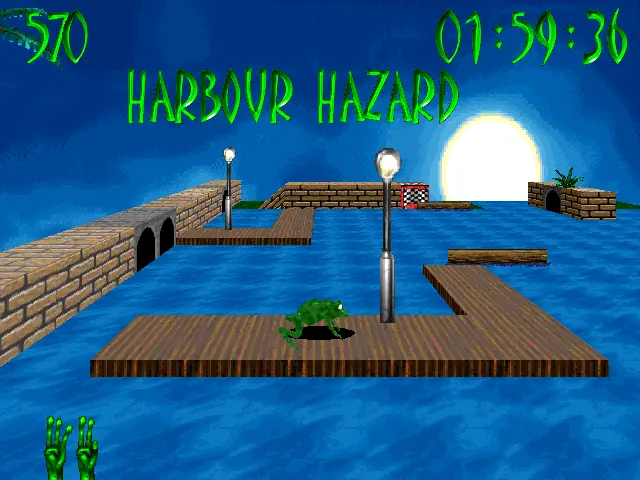
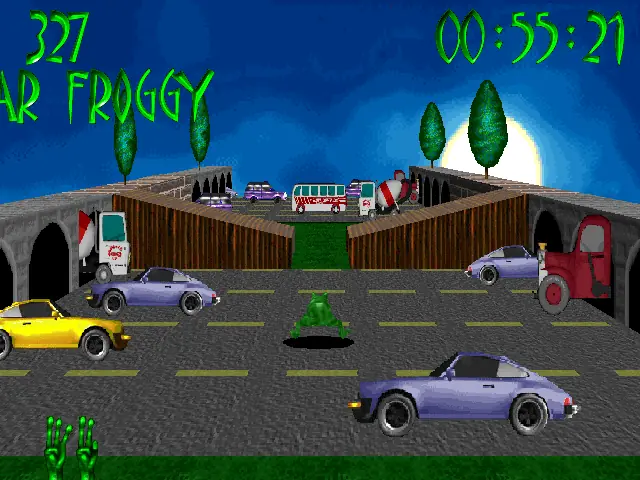
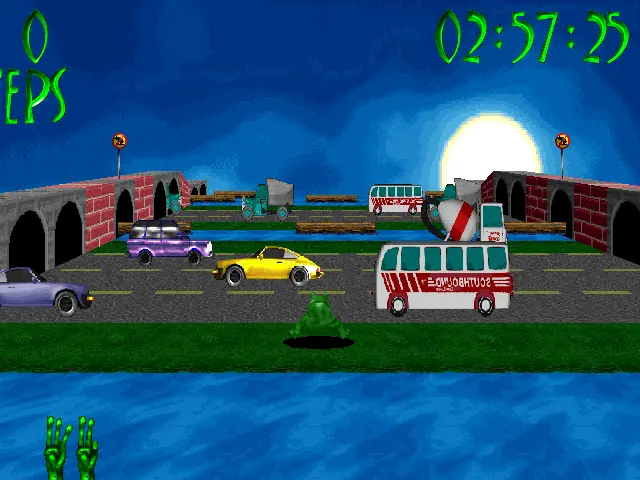
3D Frog Frenzy is abandonware and no longer sold or supported by its publishers. Files are archived here for these platforms:






Step 1: Download otvdm
-Go to GitHub and search for otvdm (developed by otya128).
-Download the latest stable release zip file (usually named otvdm-master-xxxx.zip).
-Extract the contents of the zip file into a permanent folder on your PC (for example, C:\otvdm).
Step 2: Run the Installer through otvdm.exe
-Extract the game .iso “Setup” using WinRAR
-Open the folder where you extracted otvdm and run “otvdm.exe”
-locate where did you Extract the setup folder and select “CDSETUP.EXE”
-you can now install the game with no issues
This forces the 16-bit installer to run inside a lightweight compatibility layer. The setup wizard should open immediately, allowing you to install the game normally.
Step 3:compatibility troubleshoot
-locate where you installed your game right click on the “3D Frog Frenzy.exe” and select “Properties”
-For Compatibility mode: Check “Run this program in compatibility mode for:” and Select “Windows 98 / Windows Me”
-Check “Run in 640 x 480 screen resolution”
– Run the 16-bit installer with otvdm
– Set “Run in 640 x 480” in compatibility
– Run the game
– If the screen is small, press 2 and 4 repeatedly until it fills up