Use dgVoodoo2 to run this game on Windows 10/11.
1. Install the game
2. Download dgVoodoo2.
3. Copy the 4 files from the folder \dgVoodoo2\MS\x86 to the A2II folder.
4. Run a2_ii.exe as administrator.
Issues I’ve run into:
– When starting a race, I have to alt-tab to the “race program”
– Sound in a race was working the first time, but later it didn’t work anymore.
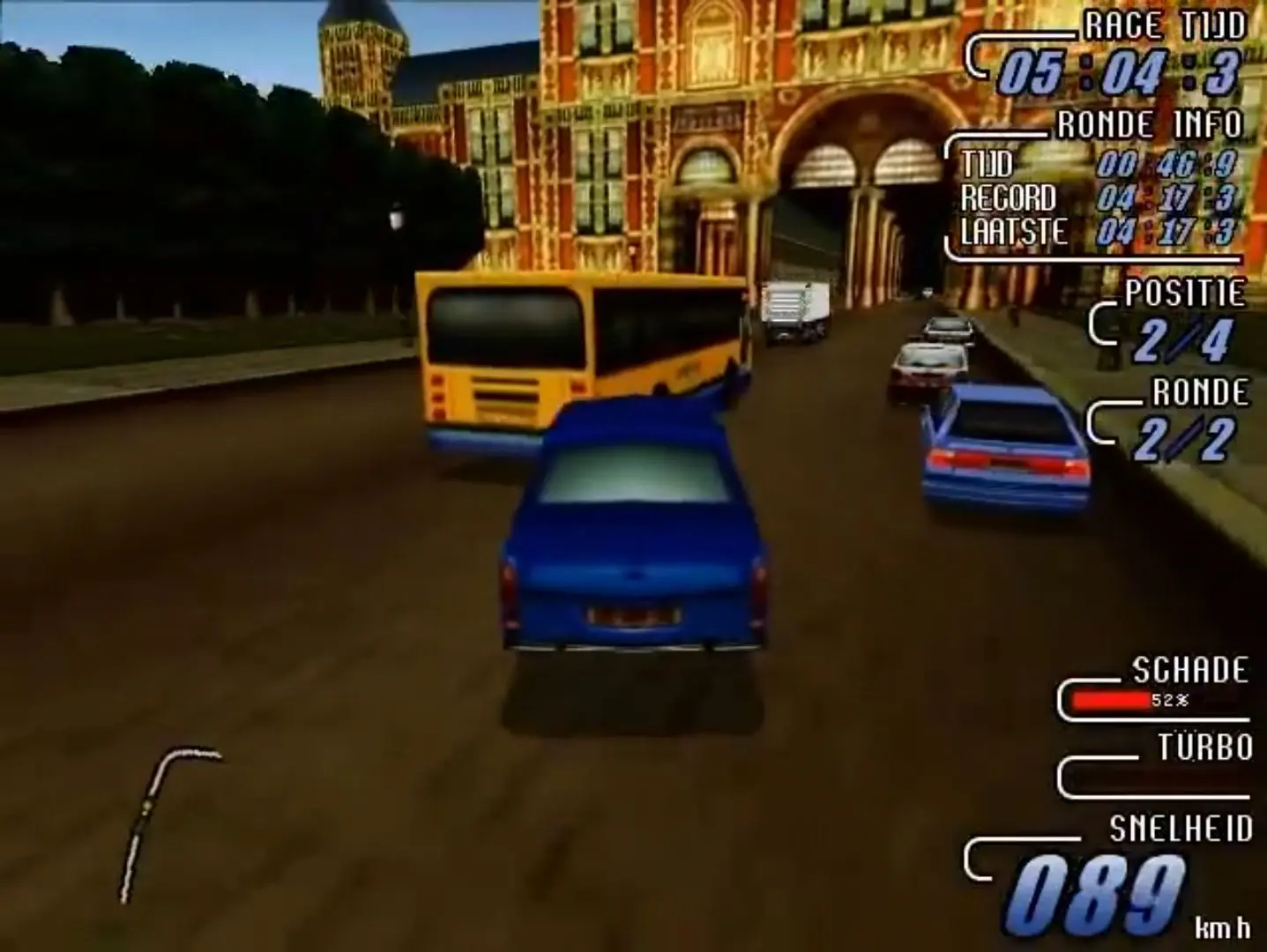
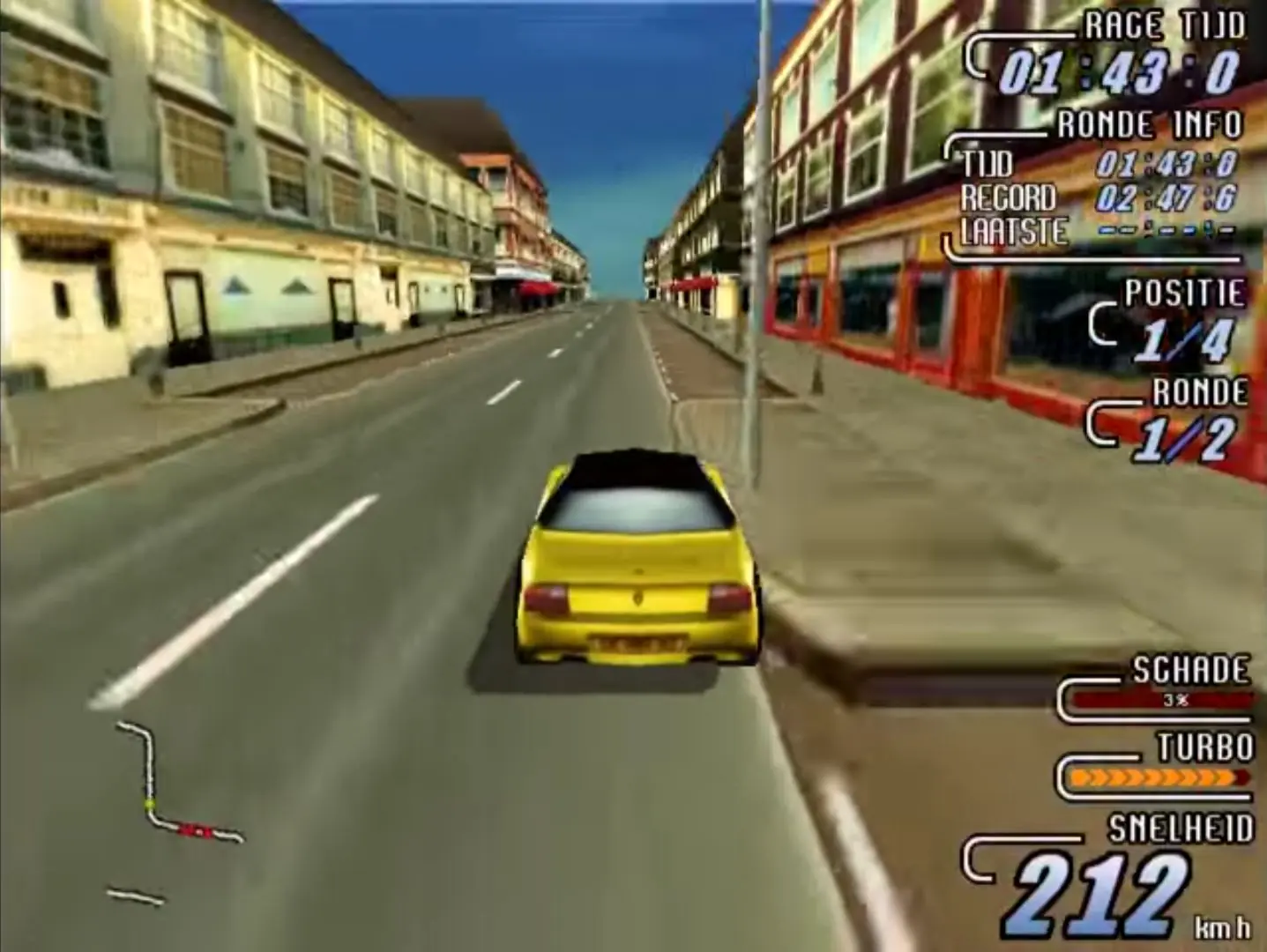
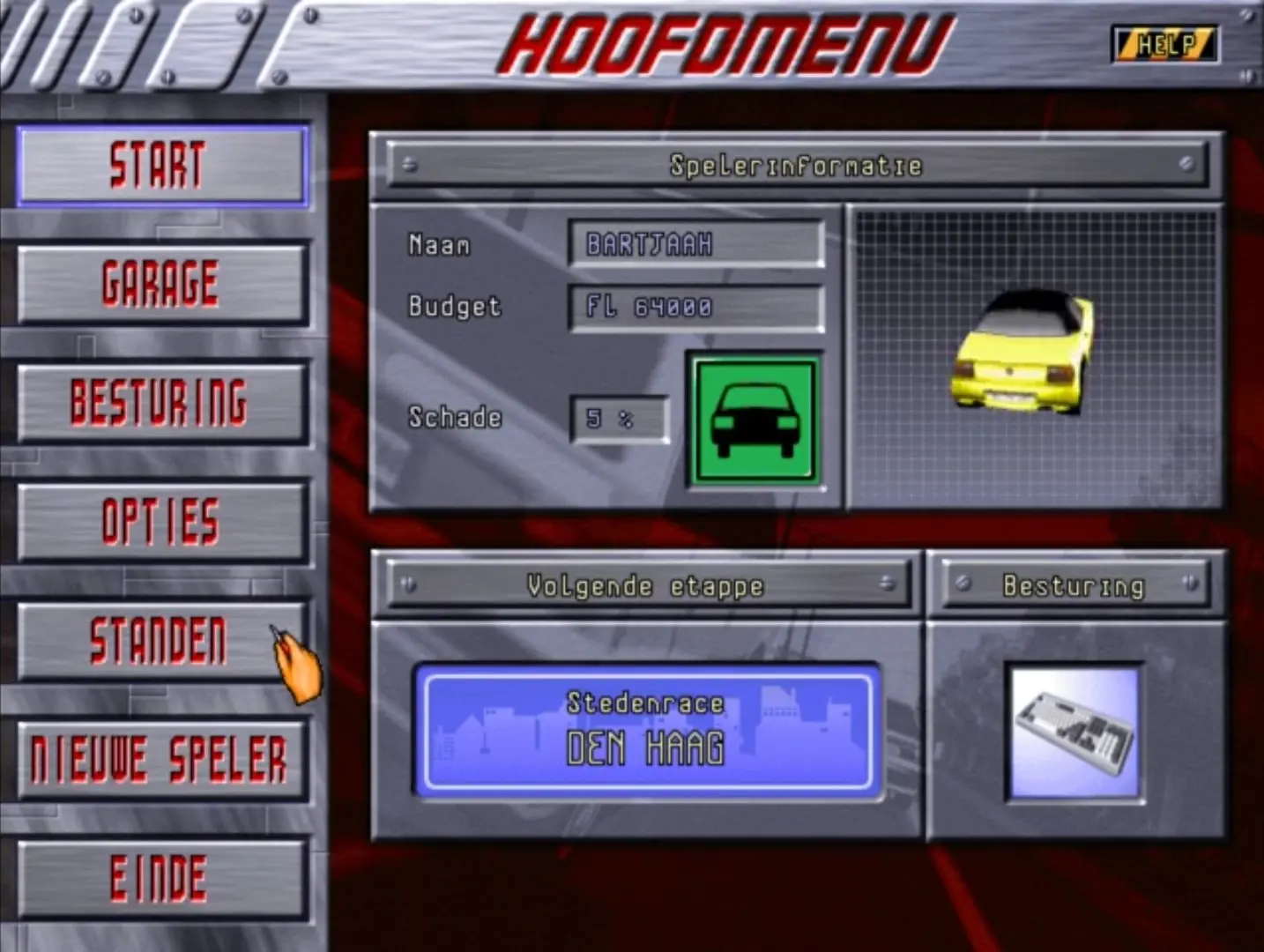
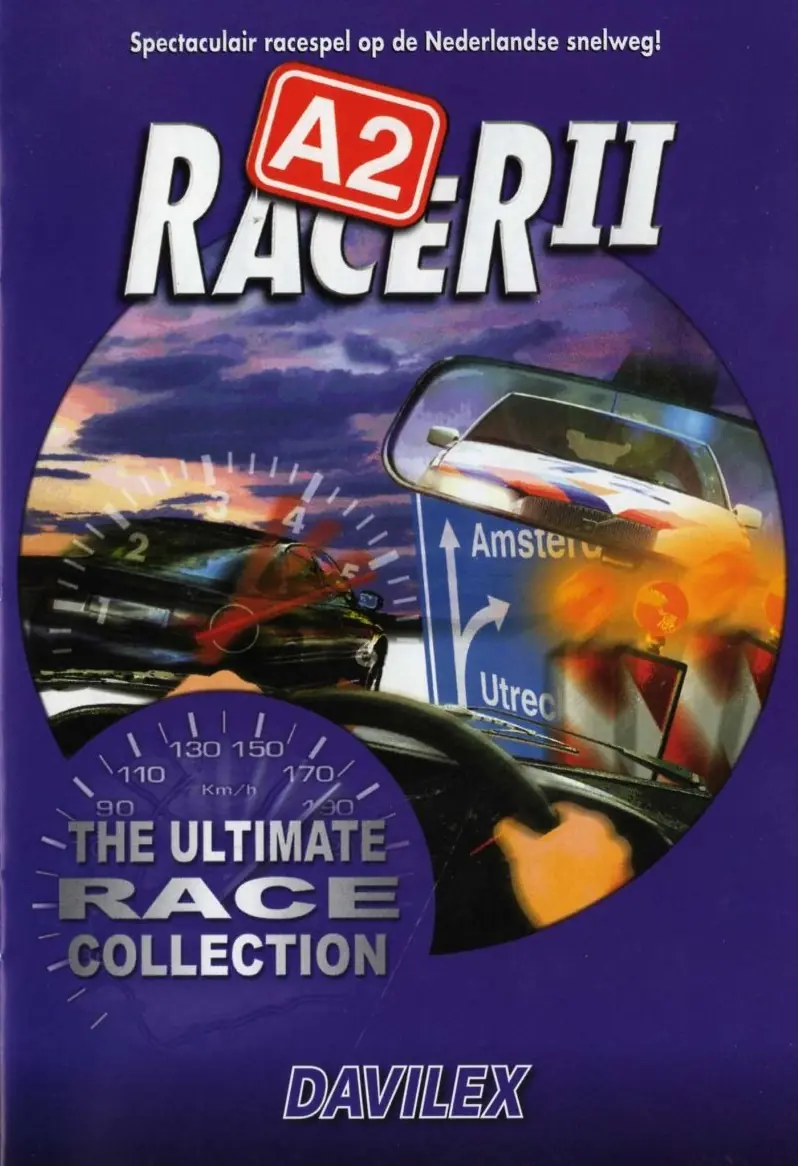
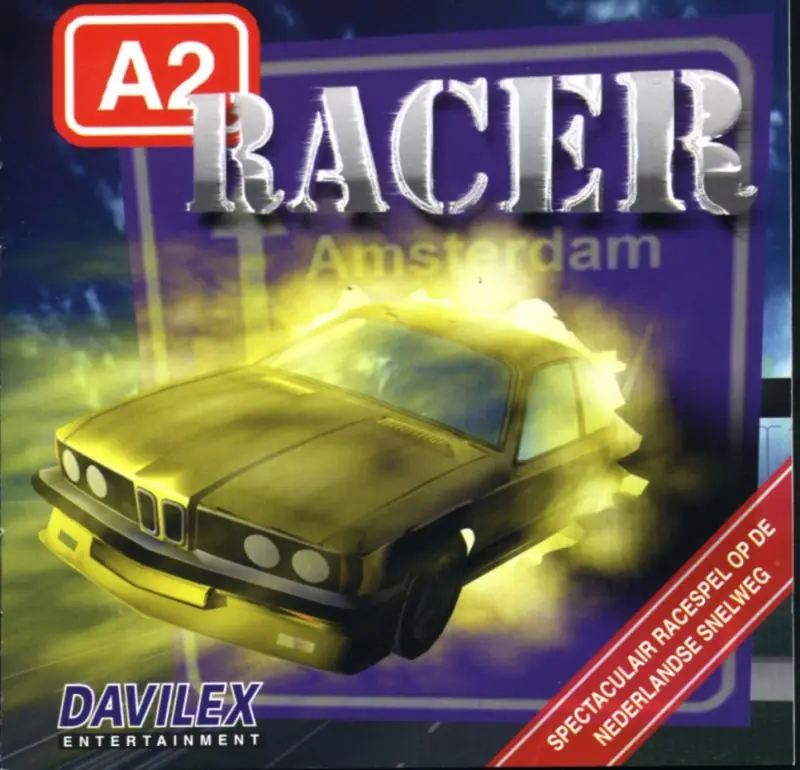
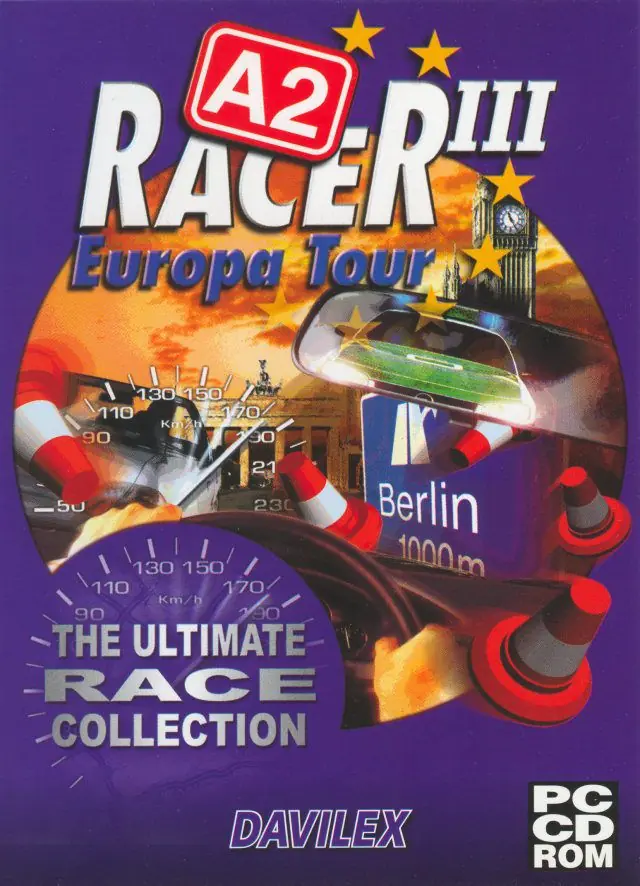






1. Install the game
2. Download dgVoodoo2.
3. Copy the 4 files from the folder \dgVoodoo2\MS\x86 to the A2II folder.
4. Run a2_ii.exe as administrator.
Issues I’ve run into:
– When starting a race, I have to alt-tab to the “race program”
– Sound in a race was working the first time, but later it didn’t work anymore.