After Dark Games

After Dark Games is a 1998 action game developed by Berkeley Systems and published by Sierra On-Line.
Genres
Publishers
Developers
Released
After Dark Games is a 1998 action game developed by Berkeley Systems and published by Sierra On-Line.
Hold on to your mouse -- your favorite After Dark characters are back by popular demand! After Dark Games is an outrageous collection of fun and challenging games based on the famous pop culture icons of the world's top-selling screen saver. Test your arcade skills in Toaster Run, bone up your word skills with Bad Dog or challenge your puzzle-solving skills with Roof Rat. Includes 11 arcade, word, puzzle and trivia style games in all. Each game features favorite After Dark characters, exciting 3D art and animation and easy, "no manual required" gameplay.
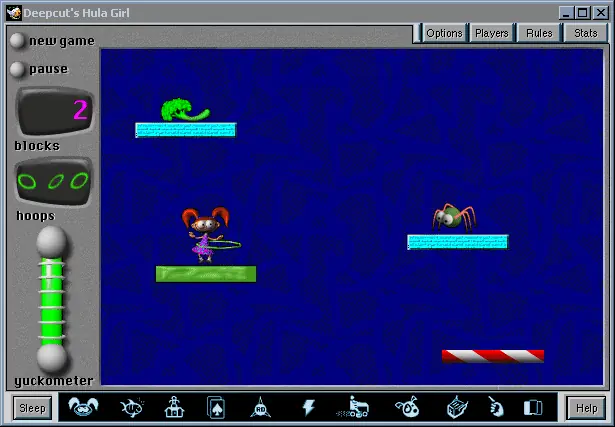
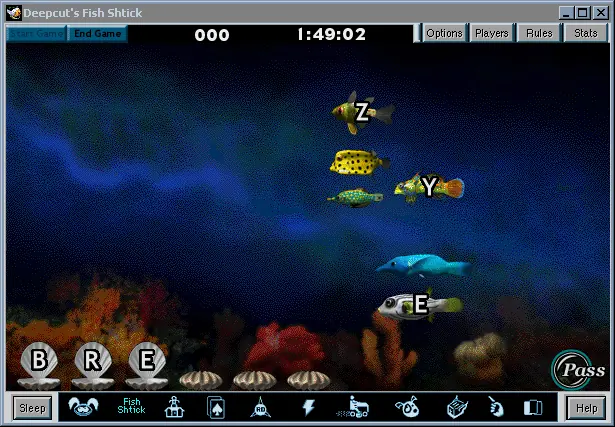
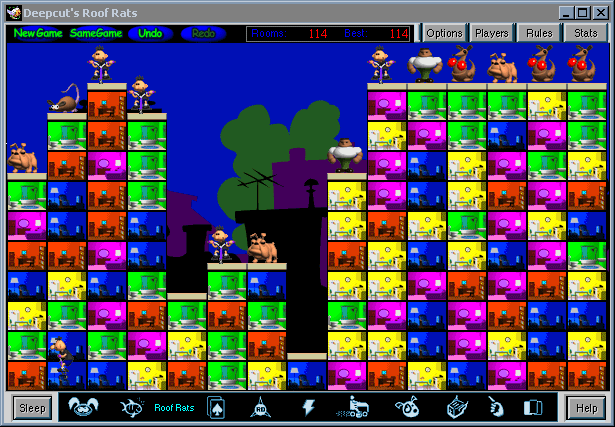
After Dark Games is abandonware and no longer sold or supported by its publishers. Files are archived here for these platforms:






Step 1: Download otvdm
Go to GitHub and search for otvdm (developed by otya128).
Download the latest stable release zip file (usually named otvdm-master-xxxx.zip).
Extract the contents of the zip file into a permanent folder on your PC (for example, C:\otvdm).
Step 2: Run the Installer through otvdm.exe
Extract the game .iso “Setup” using WinRAR
Open the folder where you extracted otvdm.
run otvdm.exe
locate where did you Extract the setup folder and select Setup.exe
you can now install the game with no issues
This forces the 16-bit installer to run inside a lightweight compatibility layer. The setup wizard should open immediately, allowing you to install the game normally.
I keep getting the pop-up “After Dark Games – Message 12006”.
click on it and install