Autobahn Raser
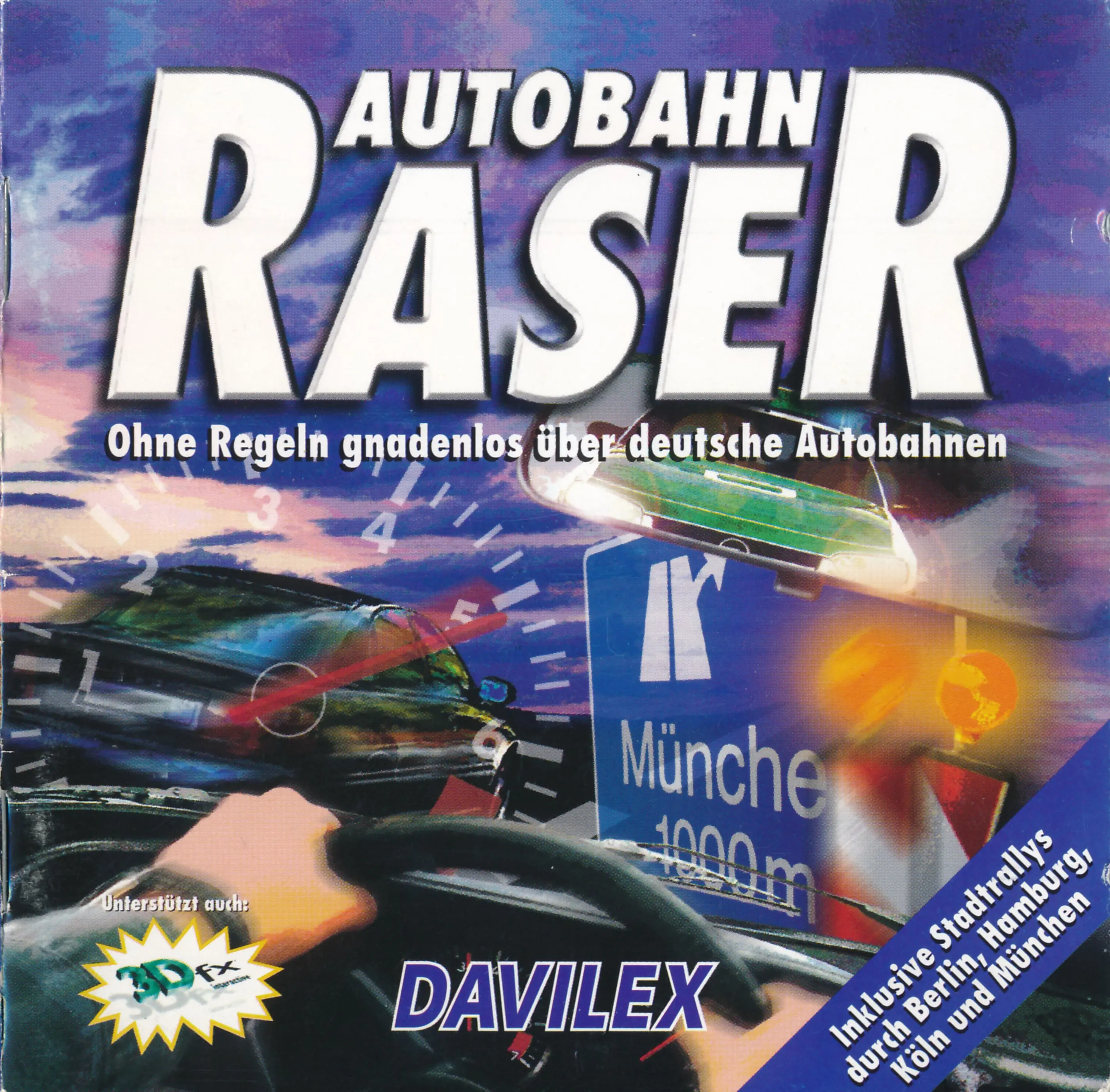
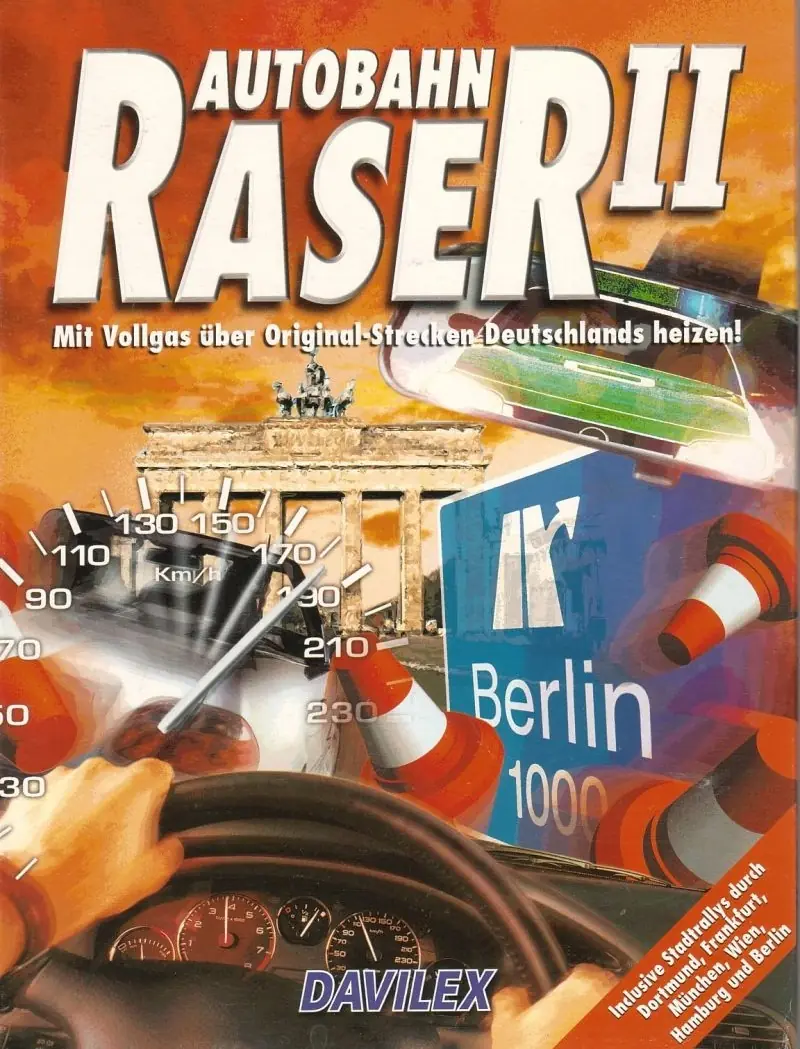
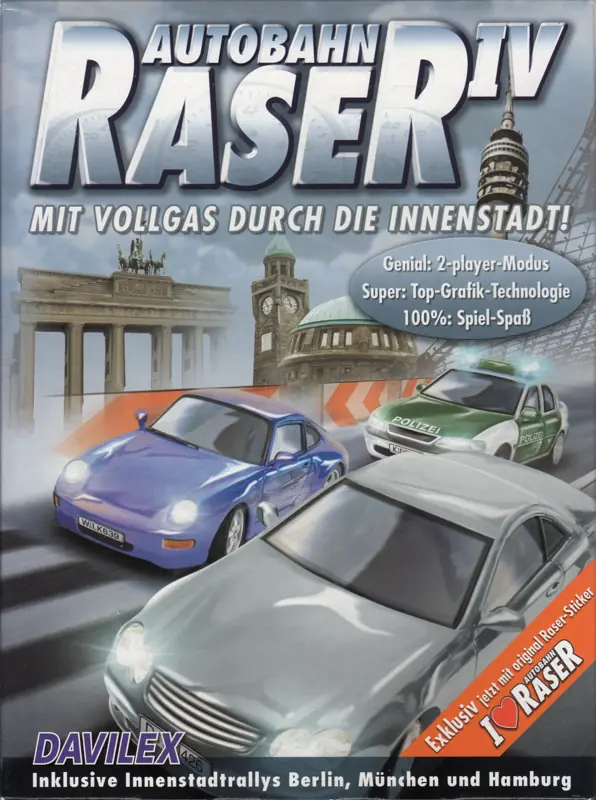
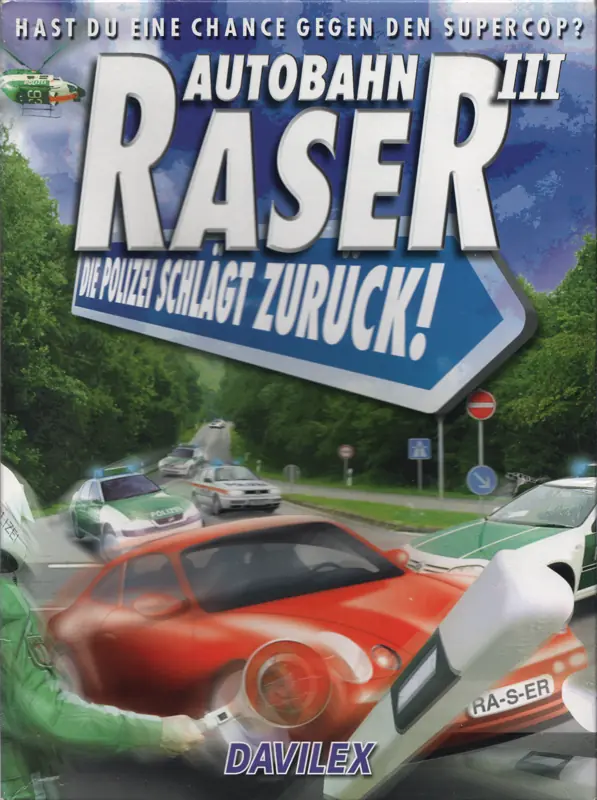
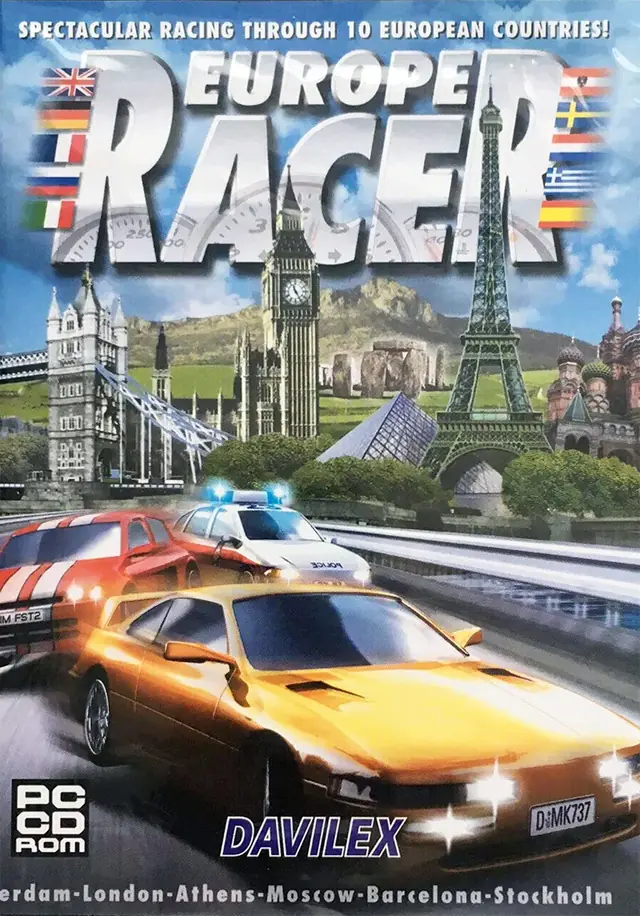
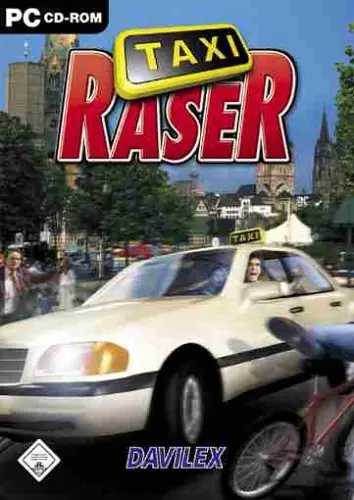
Autobahn Raser is a 1998 racing game developed and published by Davilex Games.
Autobahn Raser is a 1998 racing game developed and published by Davilex Games.
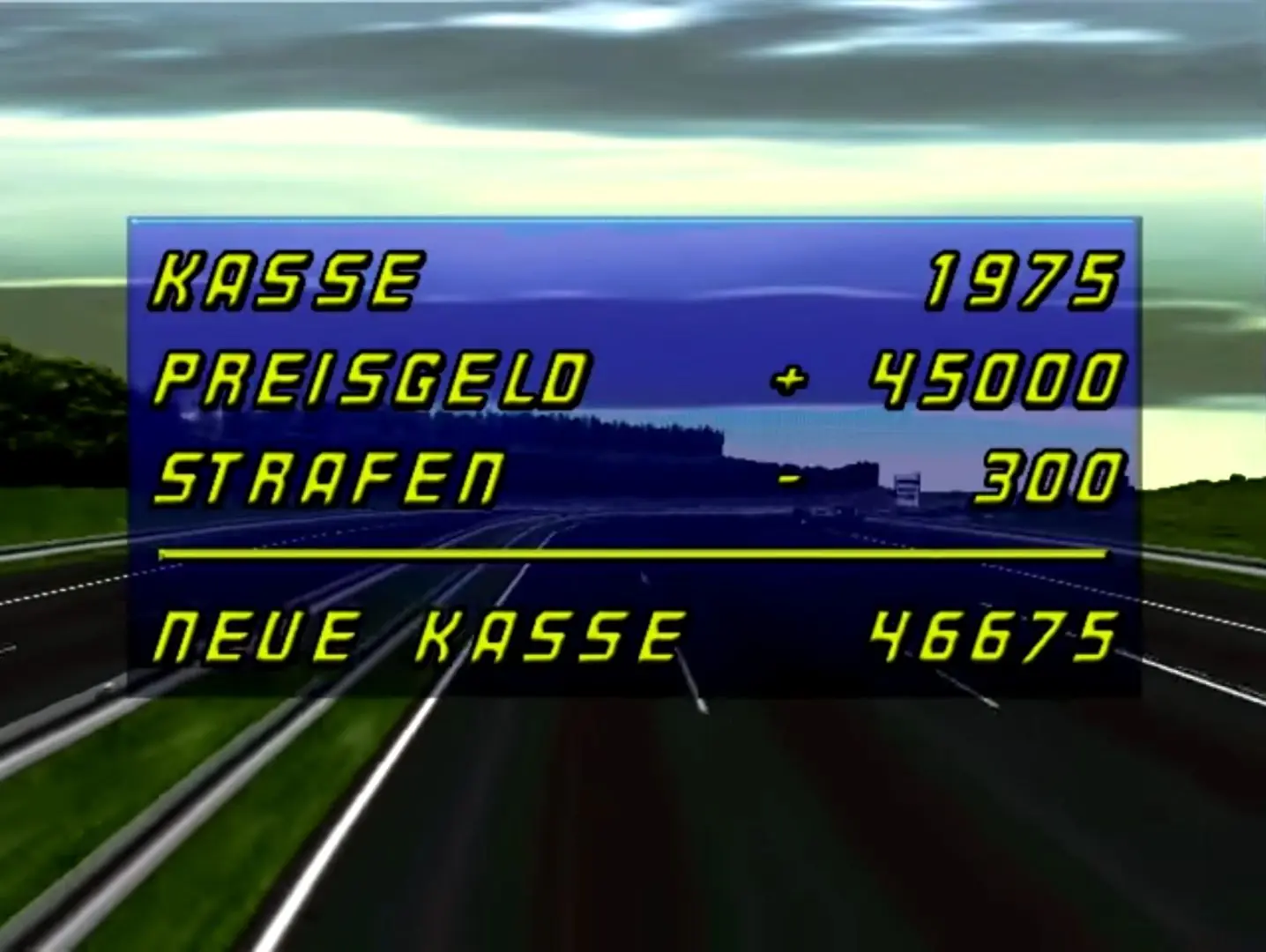
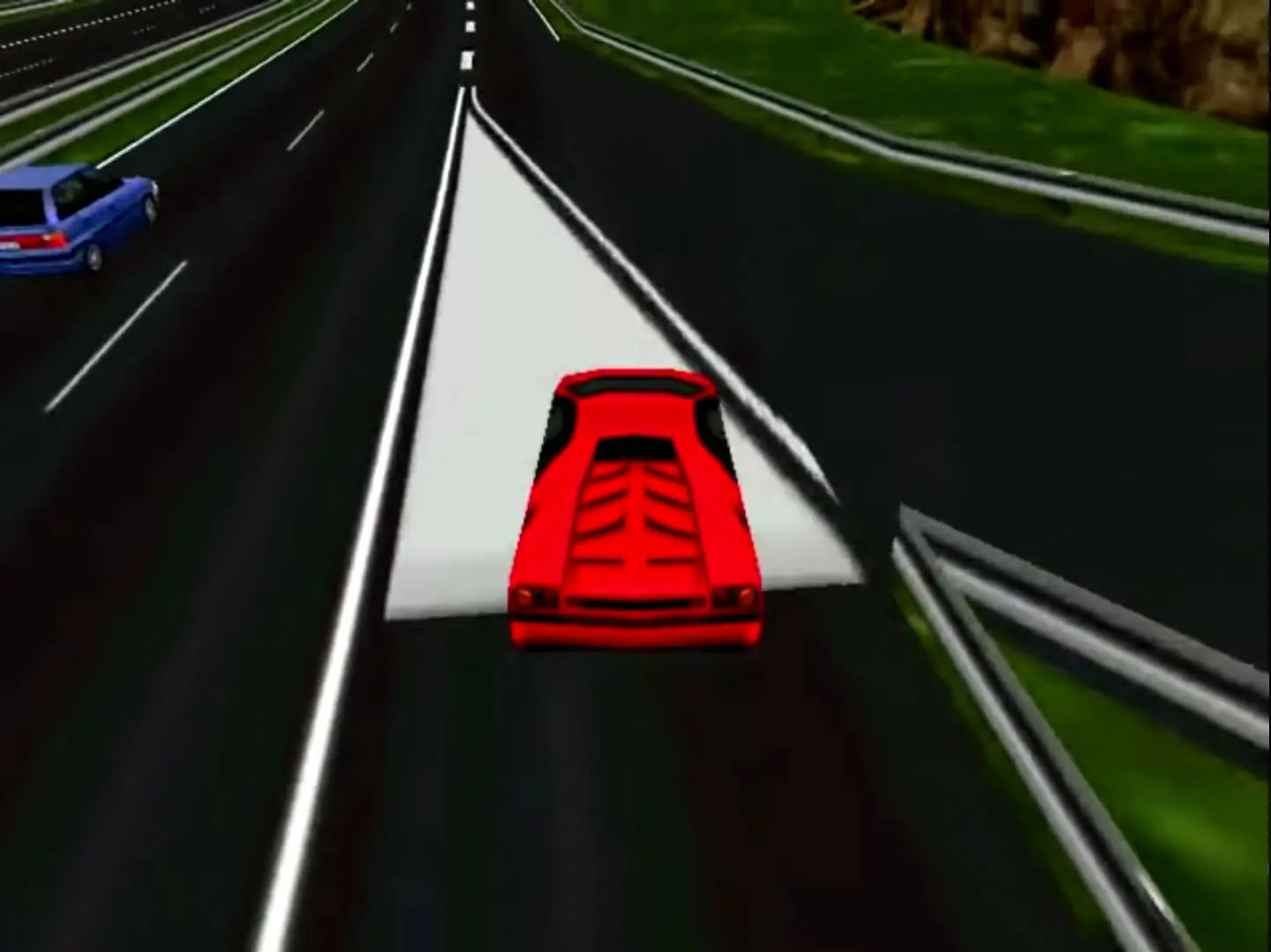
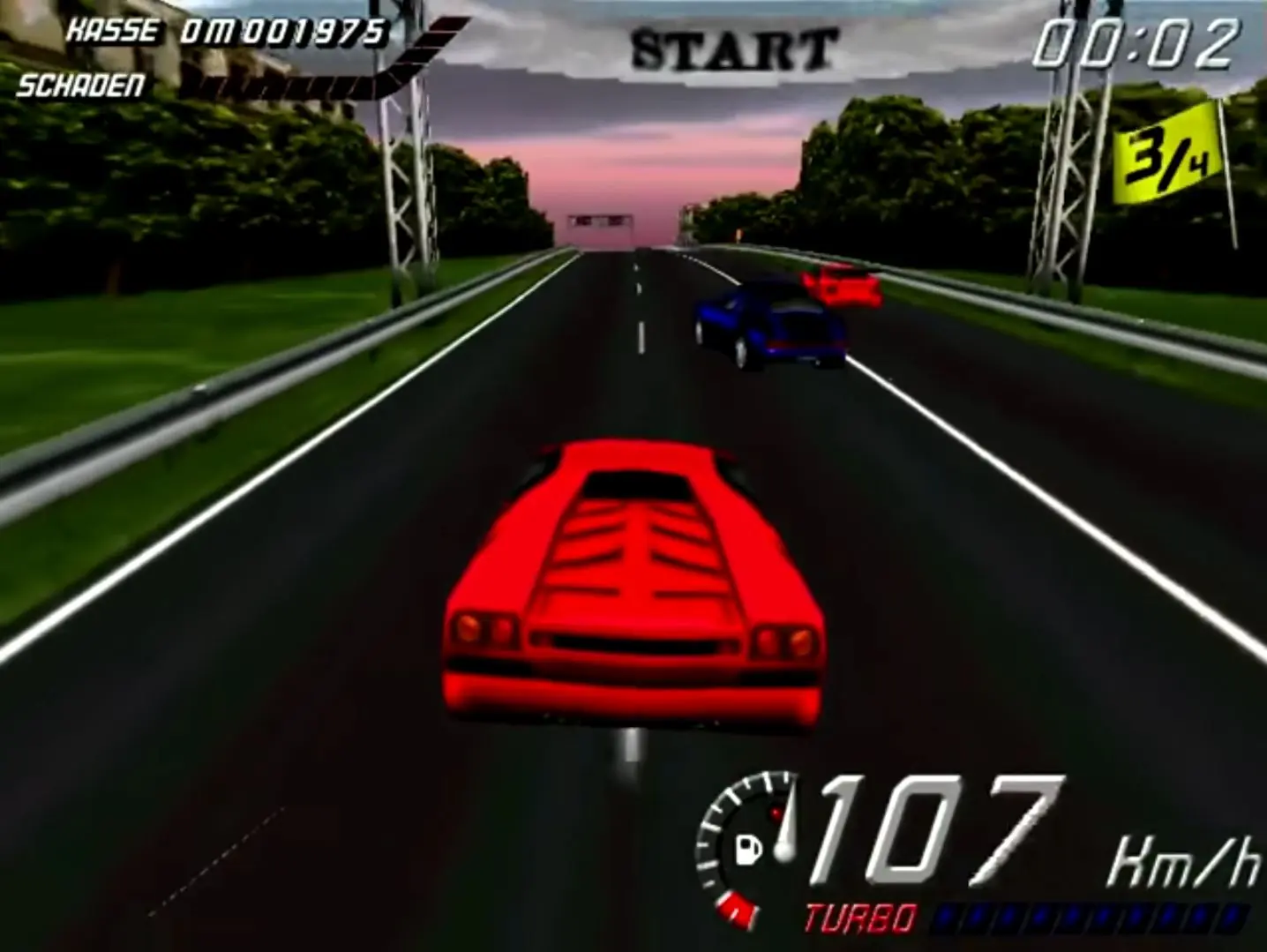
Autobahn Raser is abandonware and no longer sold or supported by its publishers. Files are archived here for these platforms:






Solution: Use dgVoodoo 2 (DirectX Wrapper)
1. Download dgVoodoo 2 (from the official site).
2. Extract the archive and open the MS/x86 folder.
Copy the following two files into your Autobahn Raser installation folder (where the game’s main .exe file is located):
– DDraw.dll
– D3DImm.dll
3. Right-click the game’s .exe file, go to Properties -> Compatibility, and check “Run this program as an administrator”.
4. Launch the game directly via its .exe.
Why this works:
The placed DLLs intercept the legacy DirectDraw palette calls directly in the game folder and translate them into modern Direct3D 11 graphics instructions that Windows 11 can render without crashing after creating a profile.