Home » Games » Backyard Baseball 2003

Backyard Baseball 2003

Backyard Baseball 2003 Game Cover
4.7/5 - 114 votes

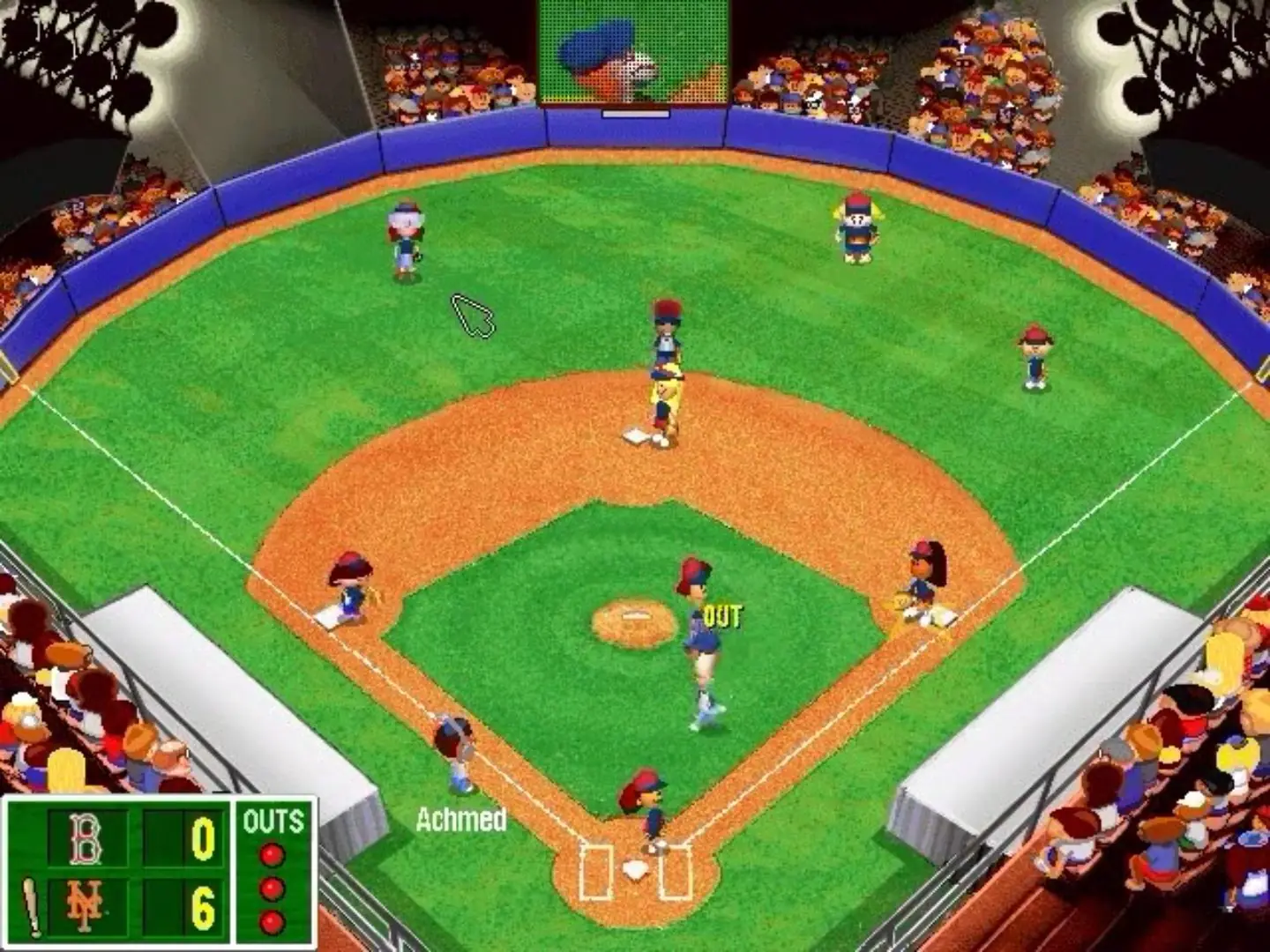
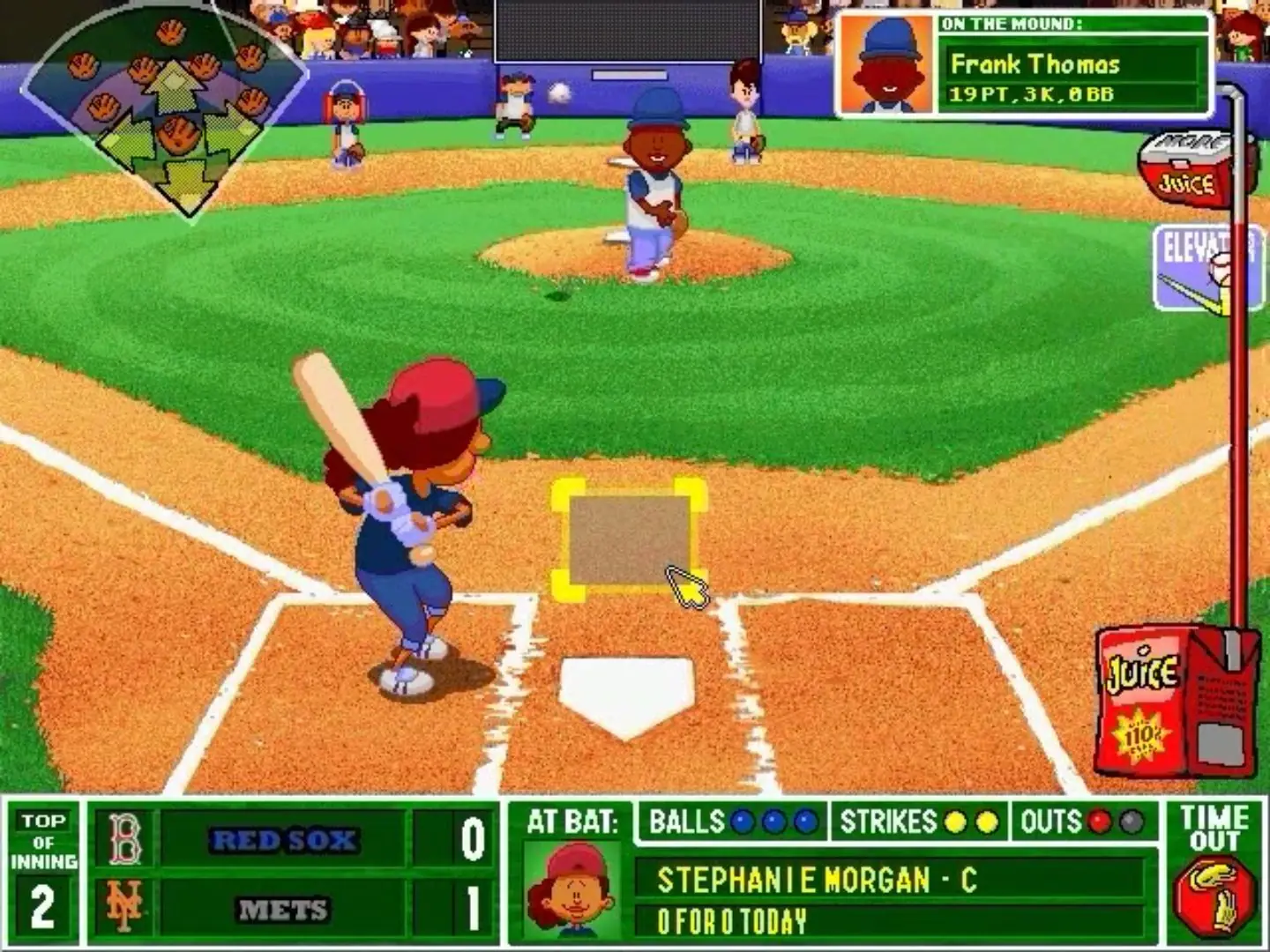
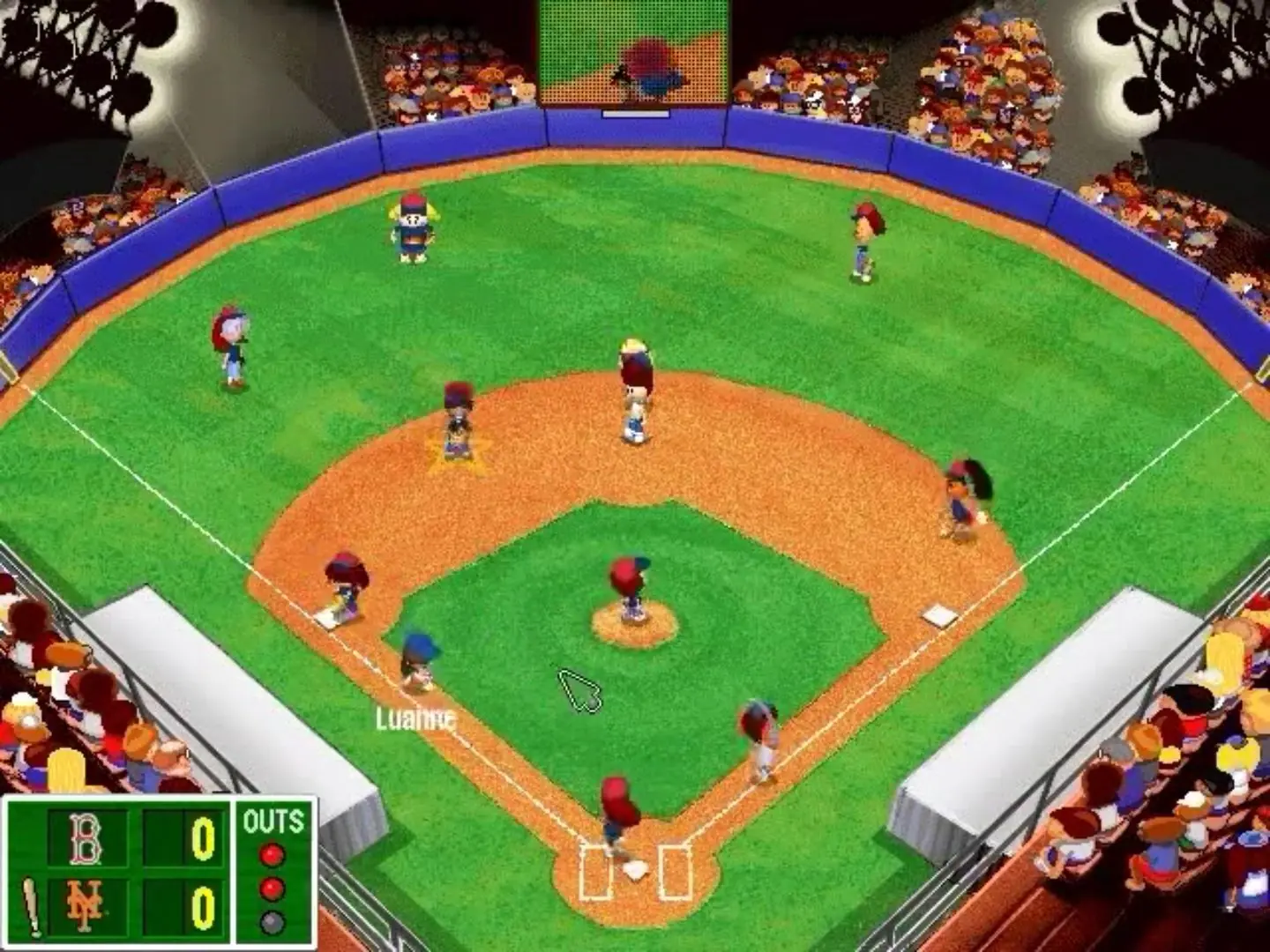
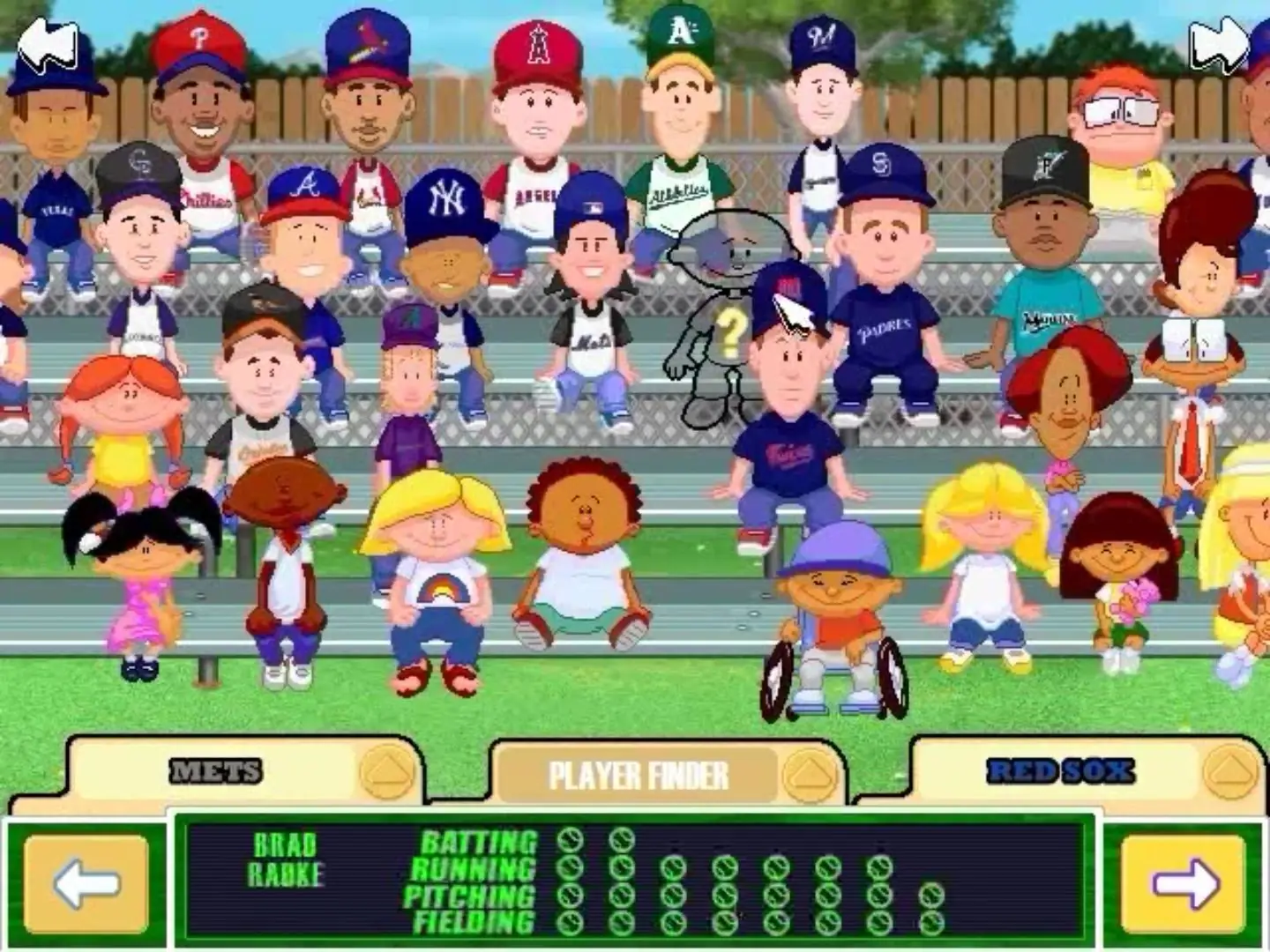
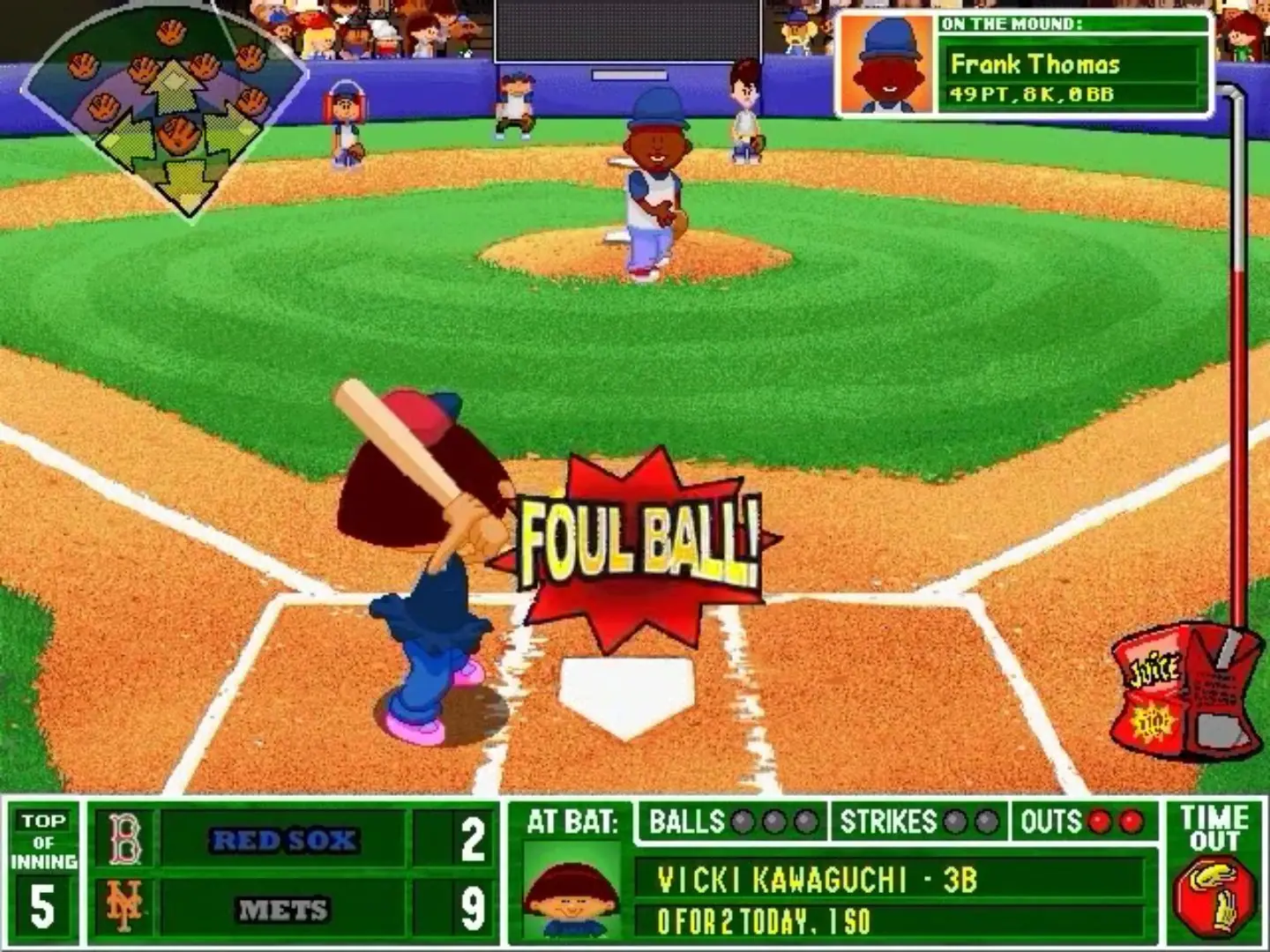
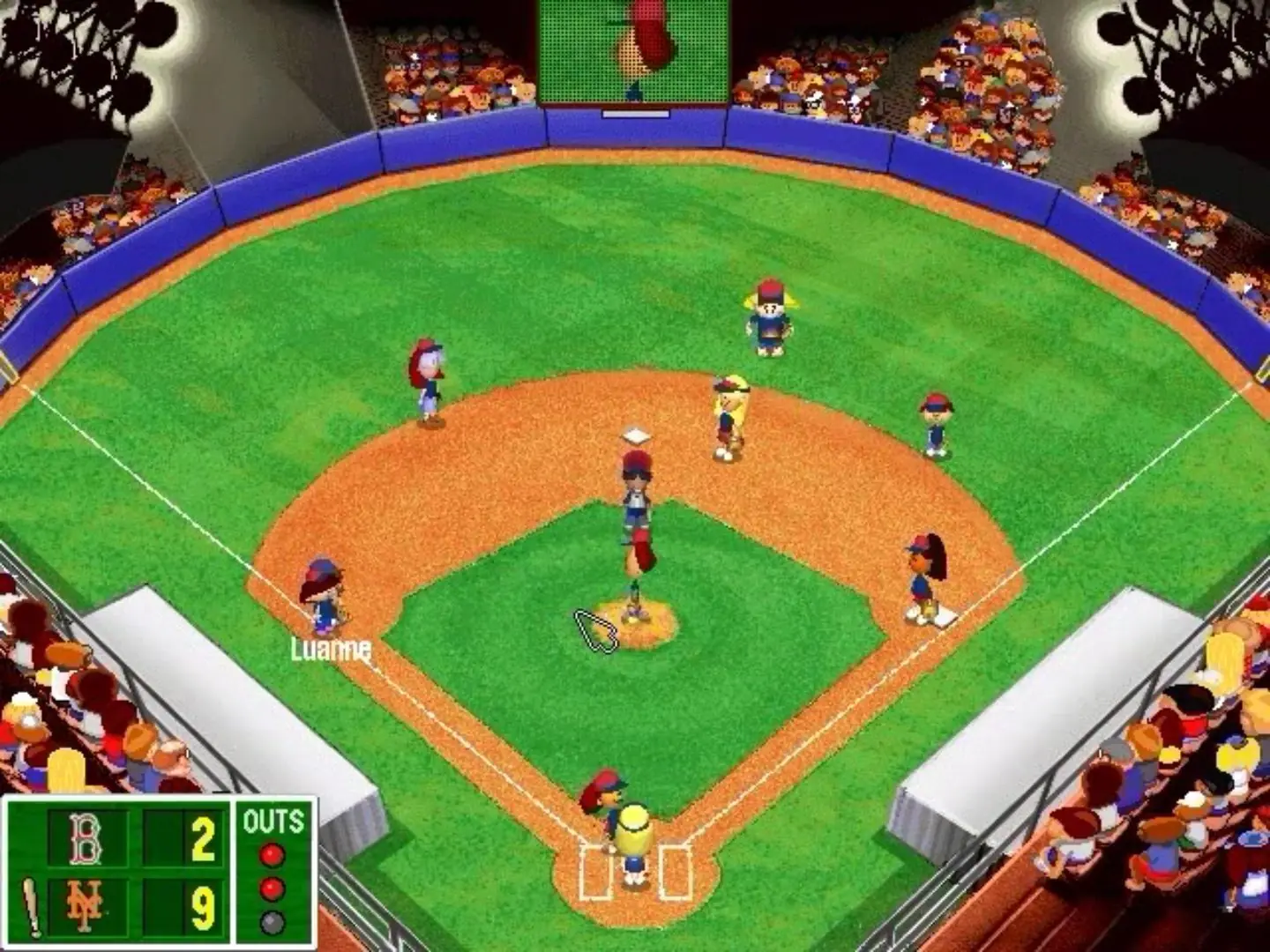
Backyard Baseball 2003 is the sequel of the original Backyard Baseball and Backyard Baseball 2001. It is a baseball sports game developed by Humongous Entertainment and published by Infogrames in 2002.
Genres
Publishers
Released
Platforms
Download

Screenshots

Windows

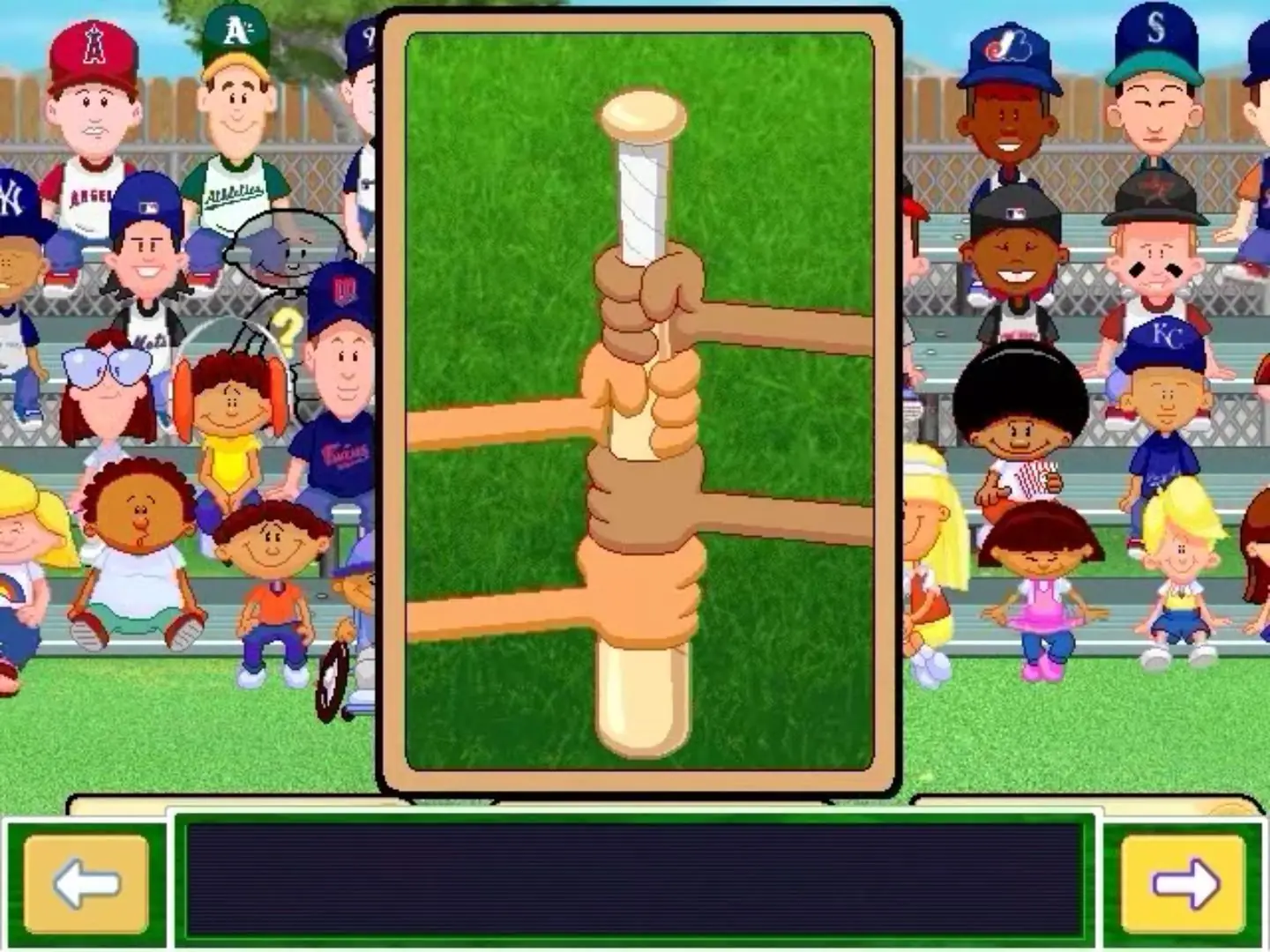
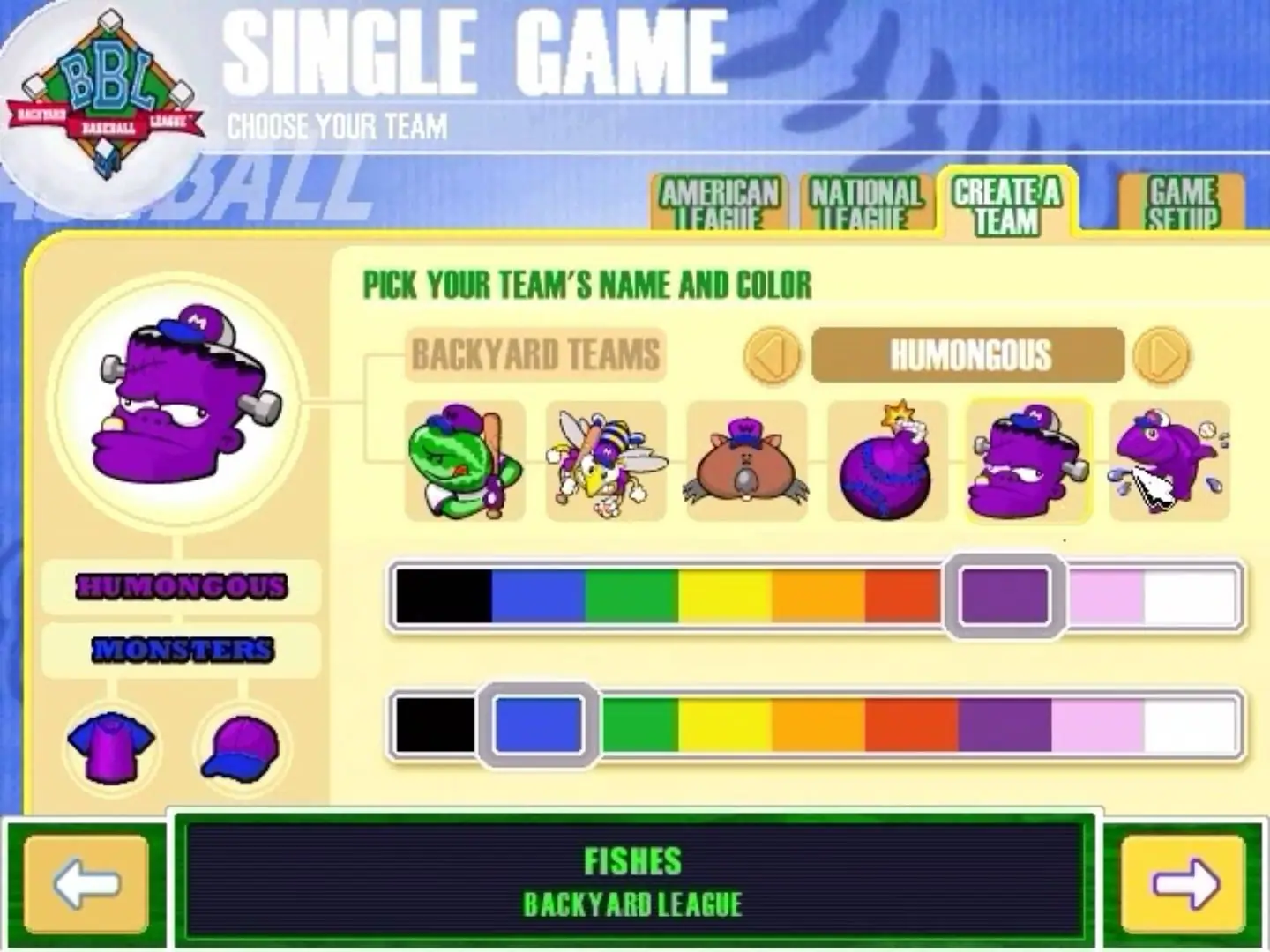
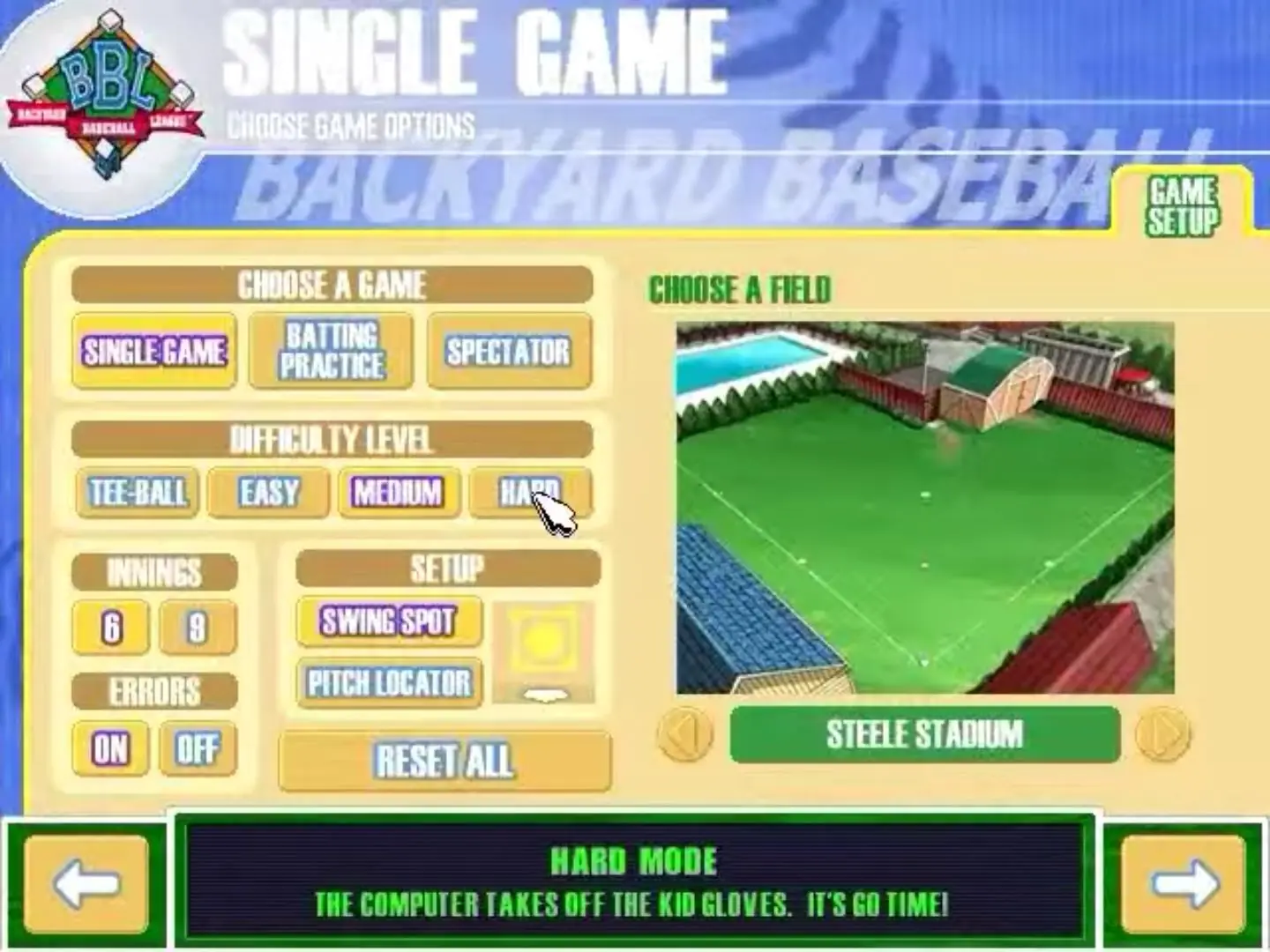
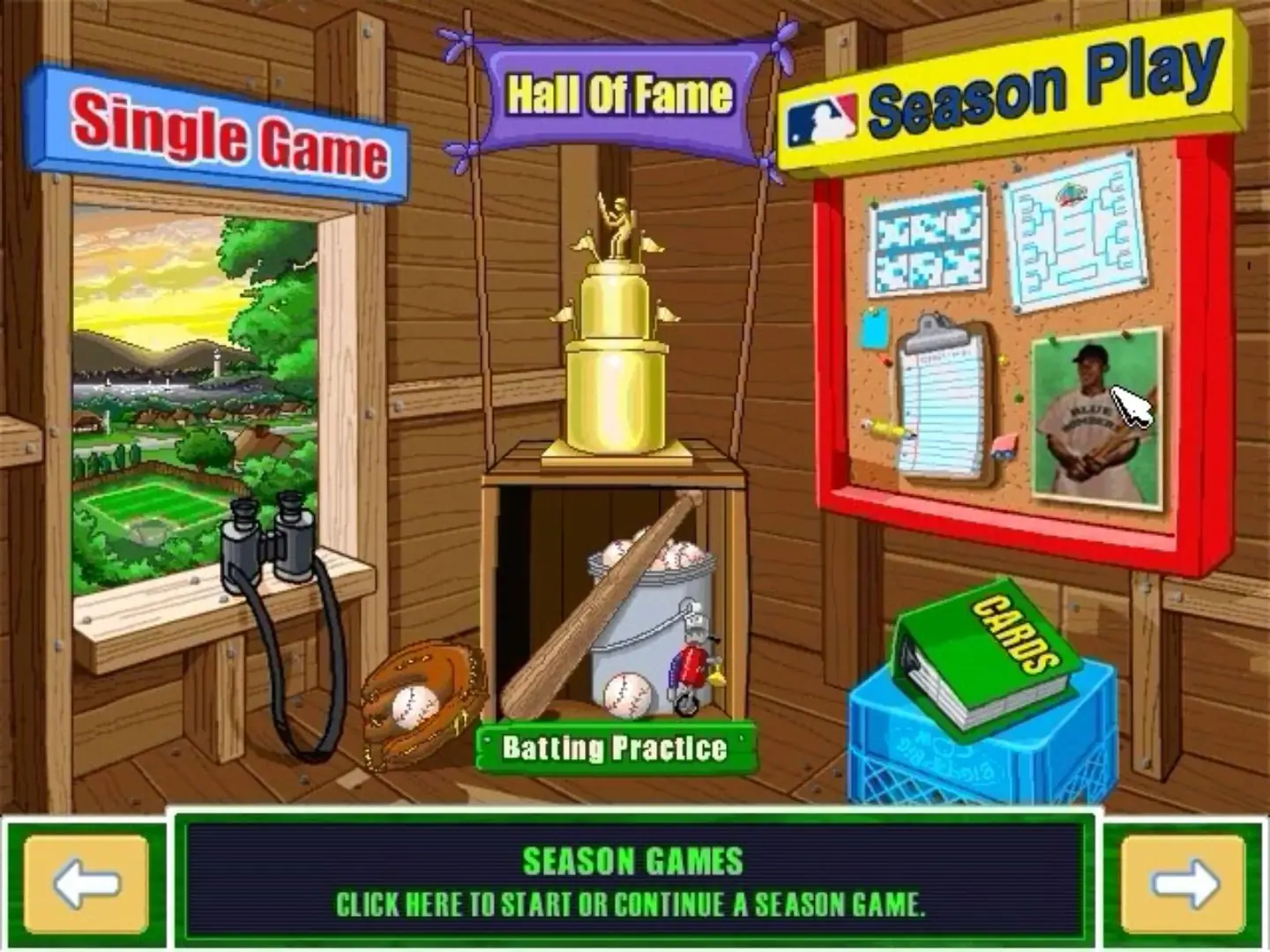
Backyard Baseball 2003 — Windows screenshot 1Backyard Baseball 2003 — Windows screenshot 2Backyard Baseball 2003 — Windows screenshot 3Backyard Baseball 2003 — Windows screenshot 4Backyard Baseball 2003 — Windows screenshot 5Backyard Baseball 2003 — Windows screenshot 6Backyard Baseball 2003 — Windows screenshot 7Backyard Baseball 2003 — Windows screenshot 8Backyard Baseball 2003 — Windows screenshot 9Backyard Baseball 2003 — Windows screenshot 10Backyard Baseball 2003 — Windows screenshot 11Backyard Baseball 2003 — Windows screenshot 12Backyard Baseball 2003 — Windows screenshot 13

Download Backyard Baseball 2003

There is an issue with this download, please check back later.

Comments

9 thoughts on “Backyard Baseball 2003”

  1. 0
    I have done the work but I cant get the game to be an clickable link on the desktop and the audio dosent work at times along with the walls.
    Reply
    • 0
      Did you right click .exe file and go to properties then go to the compatibility tab?
      From there you would change the compatability mode for .. i’m guessing Windows XP (SP 3)? maybe even Windows 98.
      Hope that helps!
      Reply
  2. 0
    Hello! I’m new to this all thing so sorry if I sound like an idiot. What do you mean by “Game Files” folder? I downloaded the ISO, but I don’t see a “Game Files” folder. Like I said, super new to all this and would appreciate the help.

    Thanks!

    Reply
    • 0
      I hope you were able to get it to work, but if not, try opening the iso file (you might need to download something like Daemon Tools Lite to get it to open). Opening the iso acts like putting a disk in a disk drive; you should see a new drive pop up in your files, and opening that should reveal the file structure of the iso file. Click “autorun.exe”, and the game installer will run. Make sure you choose “Full installation” so you don’t need to keep the iso file running every time you want to play.
      Reply