Home » Games » Barnyard

Barnyard

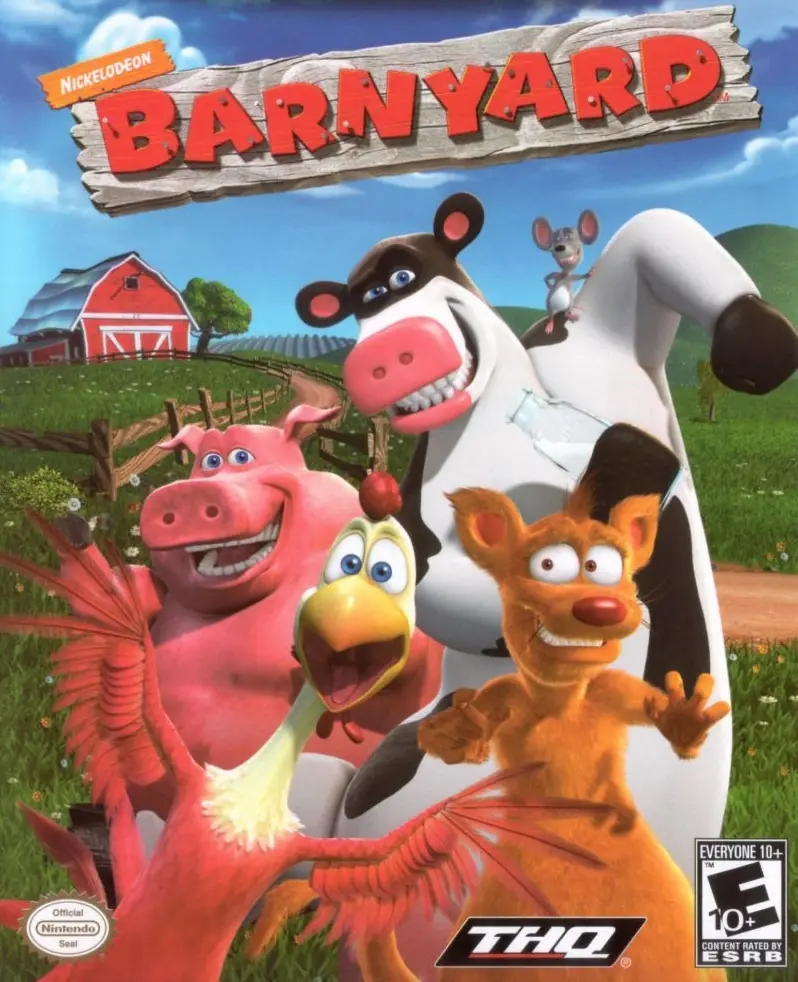
Barnyard Game Cover
4.7/5 - 295 votes

Barnyard is a party-oriented adventure developed by Blue Tongue Entertainment and published by THQ, based on the film of the same name. It was released for GameCube, PlayStation 2, Game Boy Advance, and Windows in August 2006, followed by Wii in November.

Other Titles

Barnyard il Cortileバーンヤード~主役はオレ、牛Der tierisch verrückte BauernhofLa Ferme En FolieРога и копытаEl Corral: Una fiesta muy bestia

Genres
,
Publishers
Released
Platforms
Download

About Barnyard

Moove over chickens, this cow's coming home to the Barnyard. In this game inspired by Nickelodeon's 2006 movie, you take the role of "the new cow on the block," and must form alliances, accept challenges, take part in sporting events, and explore the environment that is The Barnyard. Customize your cow's spots, horns, and more to be a beautiful bovine, or a haggish heifer. Herd your cow through areas such as Walnut Woods, or Dankweed Pond, and experience changing game play and environment as the days pass down on the farm.

Screenshots

Windows

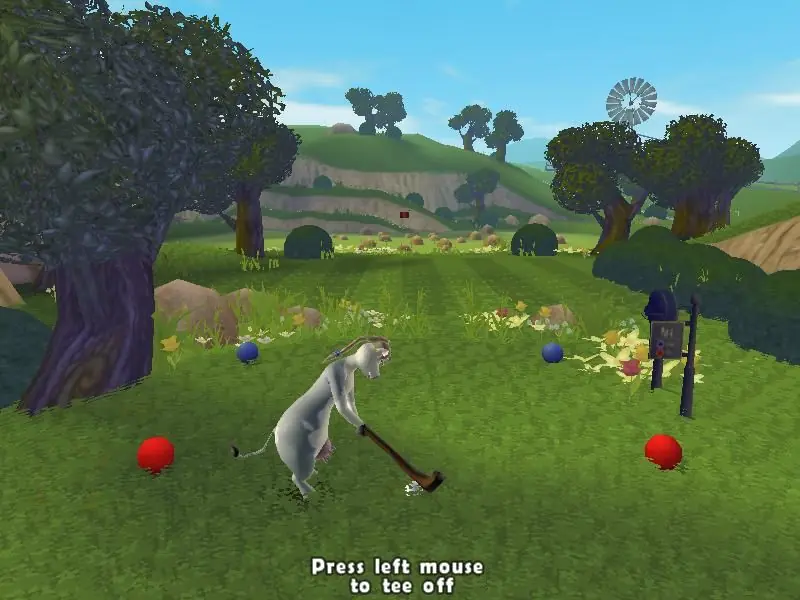
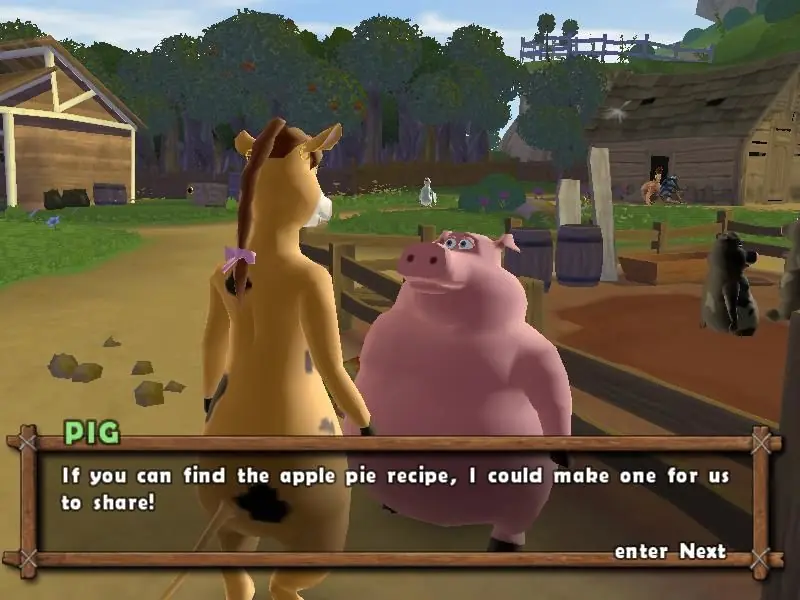
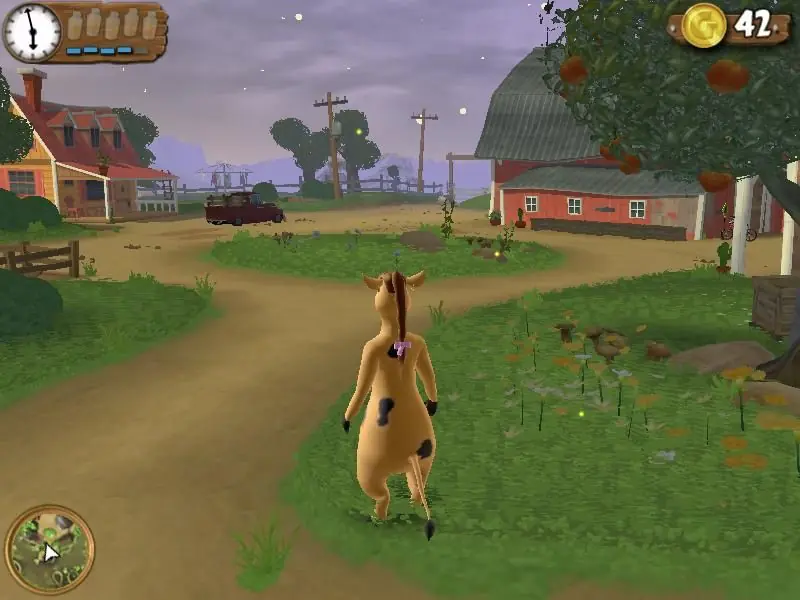
Barnyard — Windows screenshot 1Barnyard — Windows screenshot 2Barnyard — Windows screenshot 3

Download Barnyard

Barnyard is abandonware and no longer sold or supported by its publishers. Files are archived here for these platforms:

Windows (2006)

  • Barnyard_Win_Setup_EN.zipEN961.83 MB
  • Instructions Barnyard_Win_Setup_EN.zip

    How to play on Windows

    1. Extract Barnyard_Win_Setup_EN.zip
    2. Run Barnyard Setup.exe
    3. Play the game

Comments

65 thoughts on “Barnyard”

  1. 0
    im wondering if anyone knows why a mouse wouldnt work? im trying to move the camera and its not working… any ideas?
    Reply
    • 0
      it works for me, but the cow doesnt squirt, the mouse isnt very helpfull, jus moves, nothing more, it doesnt squirt
      Reply
  2. 1
    my mouse isnt working as the cursor does anyone know why that could be? its working in all the menus but not in the 3rd person character
    Reply
  3. 0
    the serial number is in the zip file.
    change configuration with second barnyard icon on desktop and choose 1024×768 screen size.
    save progress by manually saving with the green disk icon next to sleeping spot.
    Reply
  4. 0
    Does anyone know how to reduce the pointer speed? Tried through the in-game settings as well as reduced the cursor speed through Windows settings and it’s still insanely fast. Almost no change at all I think.
    Reply
  5. 0
    I’m playing through this right now. It’s pretty good, but honestly pretty repetitive. It’s a surprisingly long game. It’s crashed twice on me during my 5+ hours of play. It works flawlessly besides that though. I would recommend this game to anyone who’s nostalgic for this era of gaming.
    Reply