Bionicle
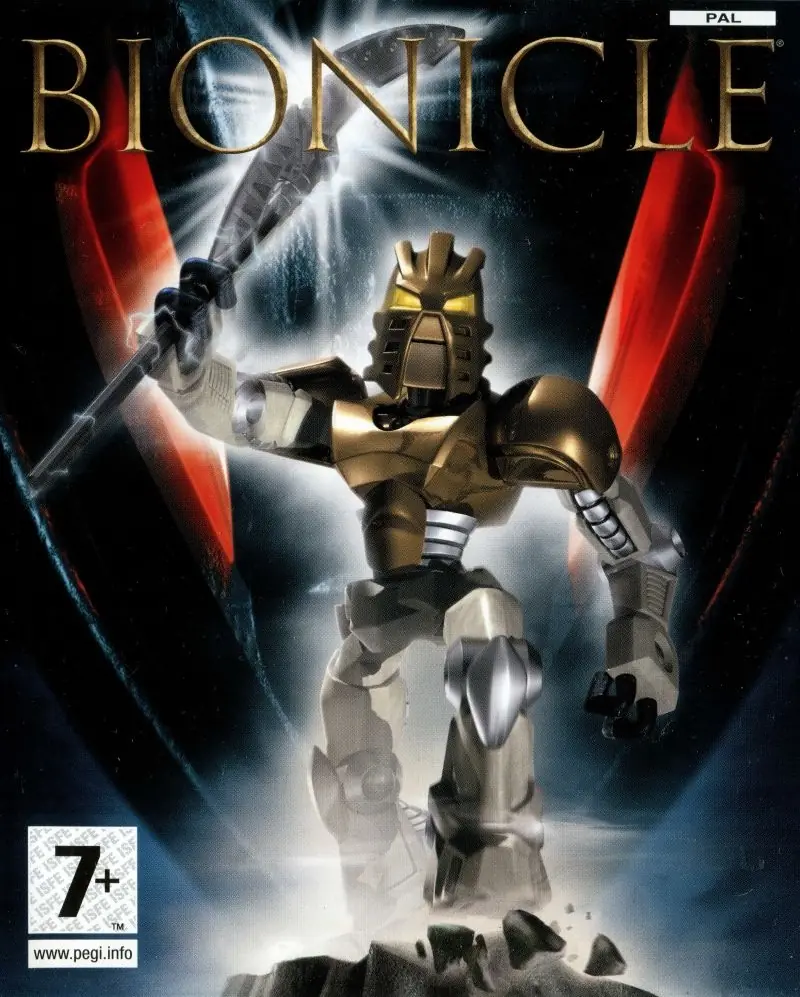
Bionicle is a 2003 action game developed by Argonaut Games and published by Electronic Arts.
Publishers
Developers
Released
Platforms
Bionicle is a 2003 action game developed by Argonaut Games and published by Electronic Arts.
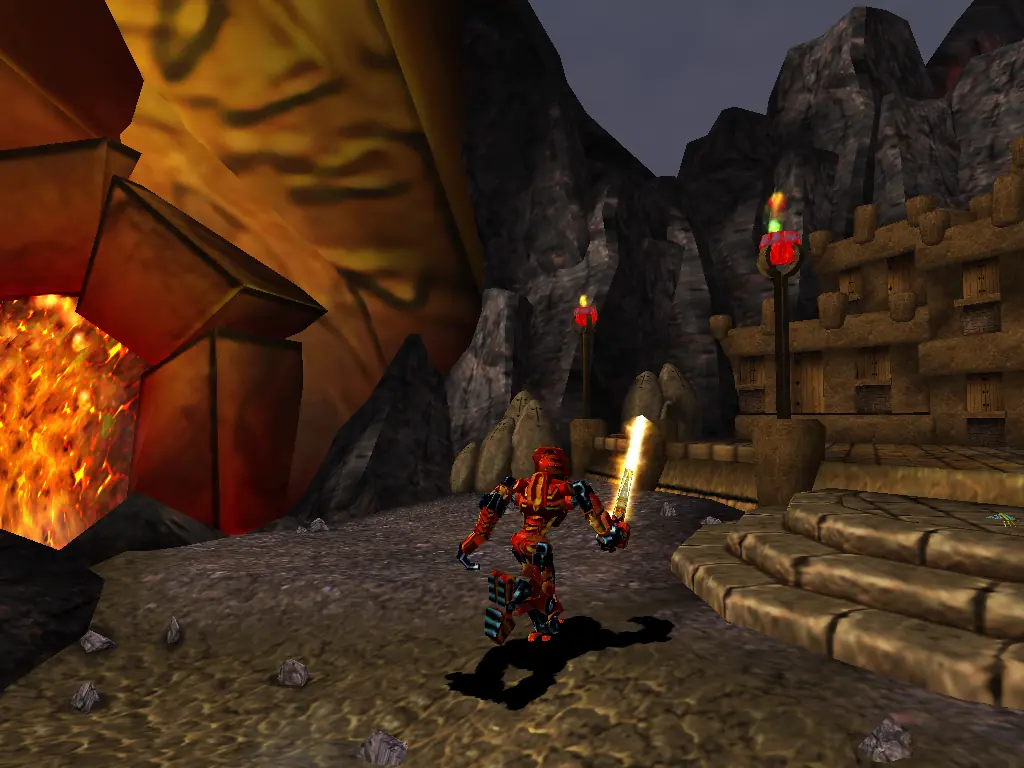
Bionicle (also known as Bionicle: The Game) is a 2003 platform video game in the greater Bionicle franchise developed by Argonaut Games and published by Electronic Arts and Lego Interactive for GameCube, PlayStation 2, Xbox, and Microsoft Windows. A port was released for Mac OS X, and a version was also developed for the Game Boy Advance. In the home console version, the player controls the Toa, elementally-powered warriors, as they traverse through levels; some levels are 3D platformers, while others utilize mechanics like snowboarding or lava surfing. The game's story, which takes creative liberties with the official Bionicle story, follows the Toa as they defend the island of Mata Nui from the return of the evil Makuta and his minions.
Bionicle is abandonware and no longer sold or supported by its publishers. Files are archived here for these platforms:







1. extract zip file
2. go to link and download WinCdEmu
https://wincdemu.sysprogs.org/)
3. go to extracted folder : Bionicle_Win_ROM_EN > Game Files > CD 1 and CD 2 folder
4. for each right click on the .cue files and click ‘select drive letter & mount’ -> install the virtual drive.
5. go to Game Files > Keygen folder and execute ‘dev-bionicle.exe’
6. copy the serial number anywhere you can see
7. go to This PC and execute virtual drive ‘BIONICLE’
8. paste and key in the serial number
9. when installation require cd 2, browse the directory ‘DISK2’ in THIS PC
10. after the installation, go to
C:\Program Files (x86)\LEGO Interactive\BIONICLE
11. copy 3 files (‘binkw32.dll, ‘msvcp70.dll’, ‘msvcr70.dll’)
12. again paste it on extracted folder Bionicle_Win_ROM_EN > Game Files > NoCD
13. click and execute BIONICLE.exe
14. enjoy!