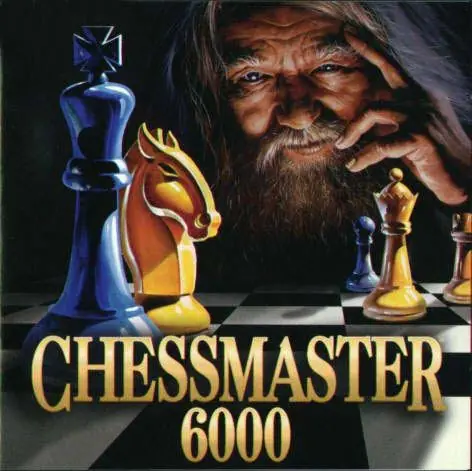
Chessmaster 6000 is interactive chess at its best, featuring 3-D game boards and playing pieces. The lush graphics and completely redesigned interface put you right in the middle of the action. Make the most of your game with rated play, insider playing tips, and expert assessment by renowned chess masters. If you like, expert chess coach Bruce Pandolfini can assess your skills move by move. Take new diagnostic tests to determine your true skill level--and let Bruce point out your strengths and weaknesses. It's like having a personal tutor by your side! You'll also get chess tips from International Master Josh Waitzkin (subject of the film and book Searching for Bobby Fischer ) in his updated audio-annotated games and visual-play analysis. Take advantage of his vast wisdom and learn inside moves that you won't find anywhere else!
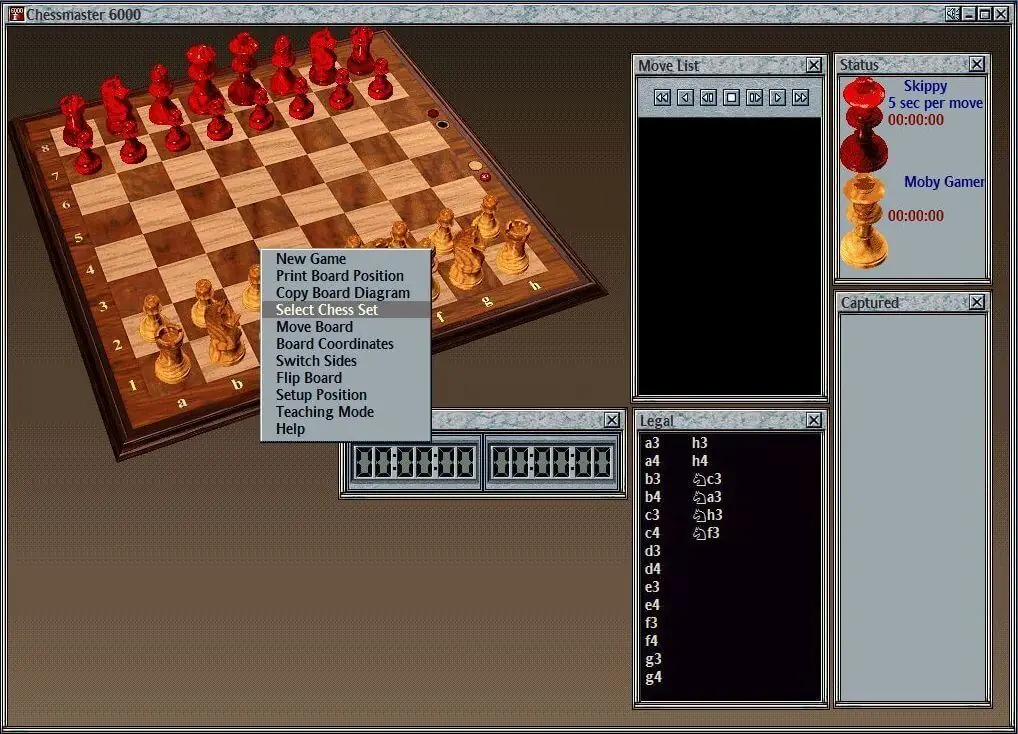
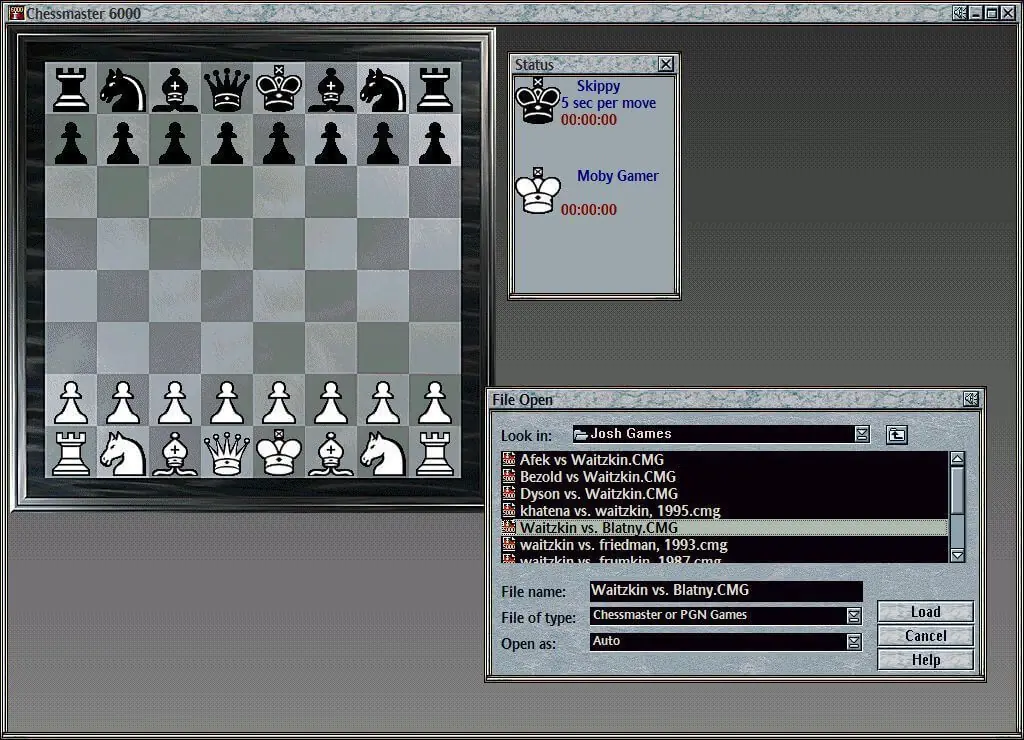
Chessmaster 6000 is abandonware and no longer sold or supported by its publishers. Files are archived here for these platforms:






1. Install from CM6000_1.ISO (mount it, run Setup.EXE). For me the installer froze at 99% on MSRUN.EXE. The game files were already in place by then, so end the installer in Task Manager.
2. Do NOT use Windows 95/98 compatibility mode. With it, the game crashes on startup (winmmbase.dll). Without any compatibility setting it runs fine.
3. The game needs a real CD drive. A copied folder doesn’t work, it has to be a mounted ISO. The drive letter is in the registry: HKLM\SOFTWARE\WOW6432Node\Mindscape\Chessmaster 6000\1.0.0, value “CDRom”. It must match the drive letter of the mounted ISO. Delete any “CDPath” value there.
4. Tutorial.dat is only on disc 2. I built one ISO from CD1’s CM6000 folder plus Tutorial.dat, so I never have to swap discs.
5. At startup you get “Cannot open SMARTBRD.VXD”. That’s the old DGT SmartBoard driver, which can’t load on modern Windows. Click OK and the game works. To get rid of the popup: in cm6000.exe, change the bytes at file offset 0x7A79D from 74 11 to 90 90 (back up the exe first).
6. If double-clicking does nothing, a previous copy is still running (only one is allowed). End cm6000.exe in Task Manager.
Optional: I also set IntroMovie=0 in cm.ini. Not sure that’s needed, I didn’t test with the movie on.