Home » Games » Command & Conquer: Generals – Zero Hour
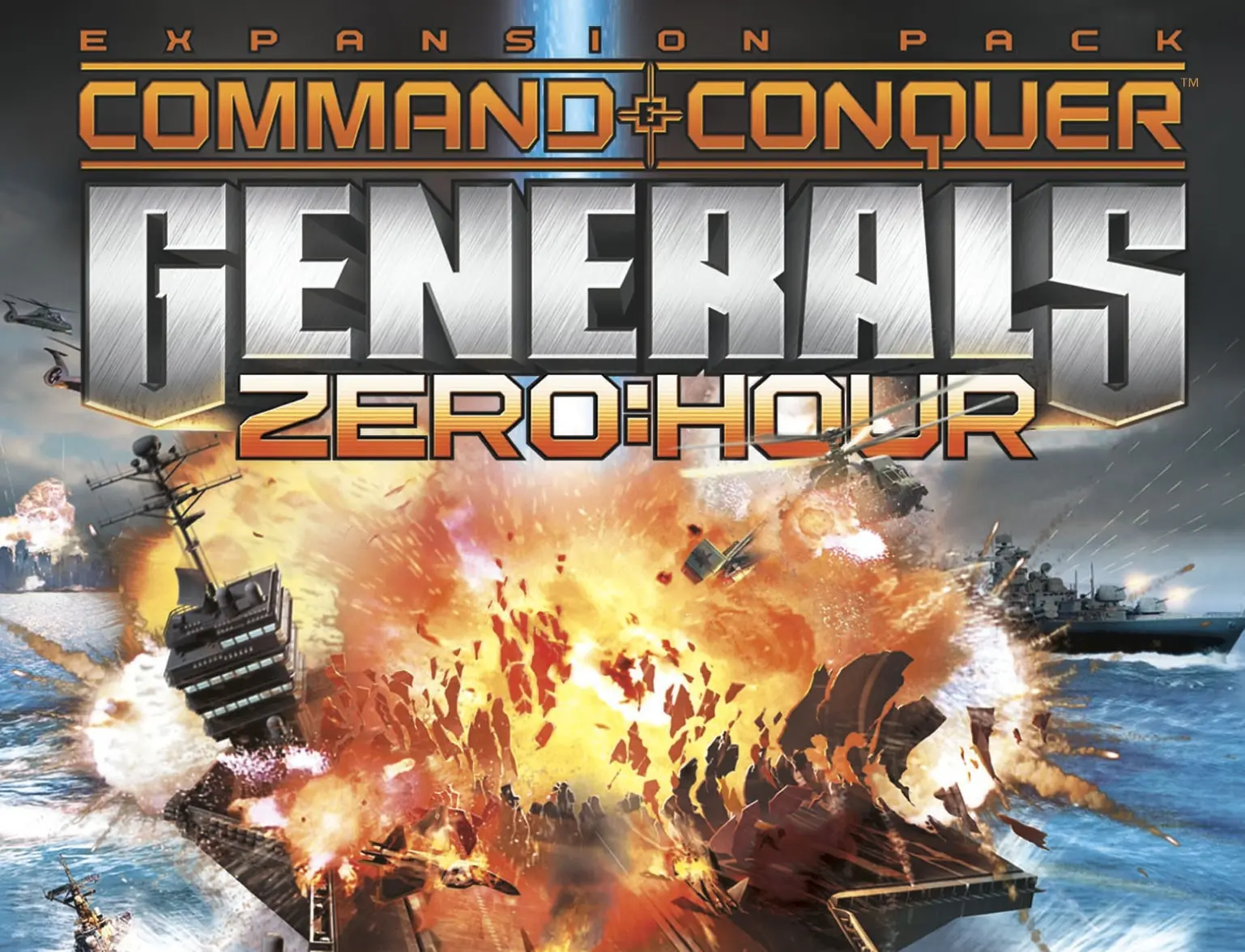
Command & Conquer: Generals – Zero Hour

Command & Conquer: Generals – Zero Hour Game Cover
4.6/5 - 516 votes

Wild new missions taken from the headlines -- Destroy a fleet in the Mediterranean, root out a splinter cell in Cairo, infiltrate a U.S. intelligence building and more.

Other Titles

Command & Conquer: Generals - Zero:Hour終極動員令:將軍零時Command & Conquer: Generals - Heure HCommand & Conquer: Generäle - Die Stunde NullCommand & Conquer: Generals: Heure HCommand & Conquer: Generäle: Die Stunde NullCommand and Conquer: Generals - Zero HourCommand & Conquer: Generals Zero HourCommand and Conquer: Generals - Heure Hفرمان و تسخیر: ژنرال‌ها - ساعت صفركوماند أند كونكر: جنرالز – زيرو آورคอมมานด์ & คองเคอร์: เจเนอรัลส์ – ซีโรเอาเออร์終極動員令:將軍 絕命時刻커맨드 앤 컨커: 제너럴 제로아워

Genres
Publishers
Developers
Released
Platforms
Download

About Command & Conquer: Generals – Zero Hour

As the 21st century goes on, the superpowers aren't quite as super. The largest players on the world stage are the United States, China and a terrorist group called the Global Liberation Army. The outcome of this three-way battle will determine the future.
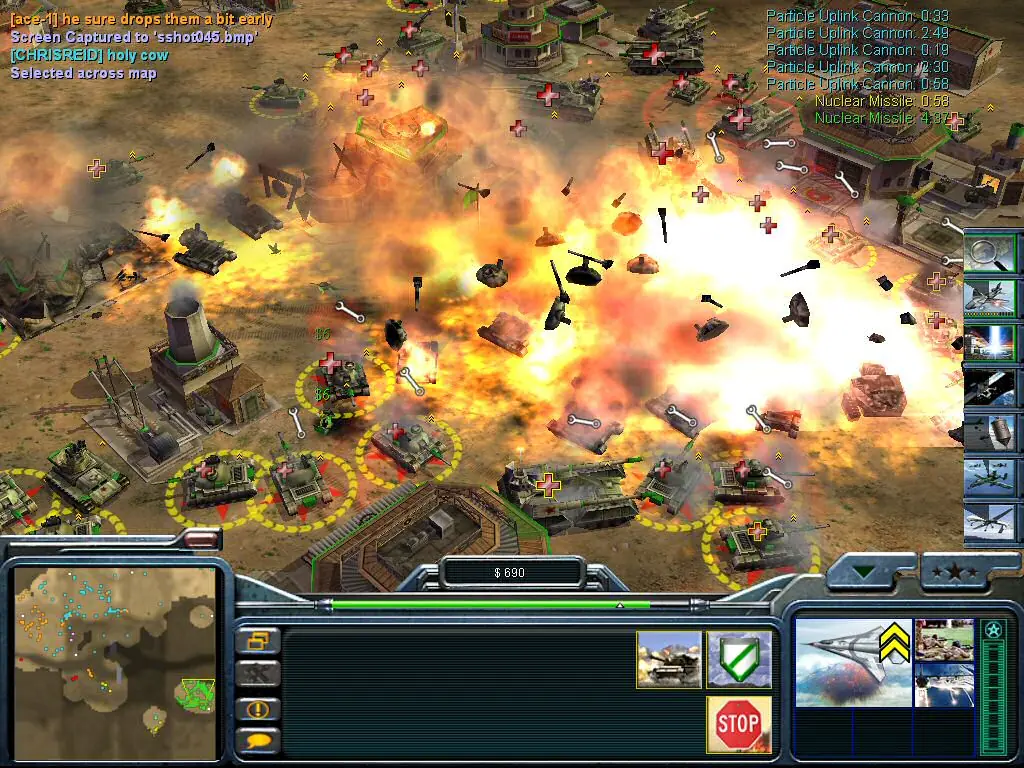
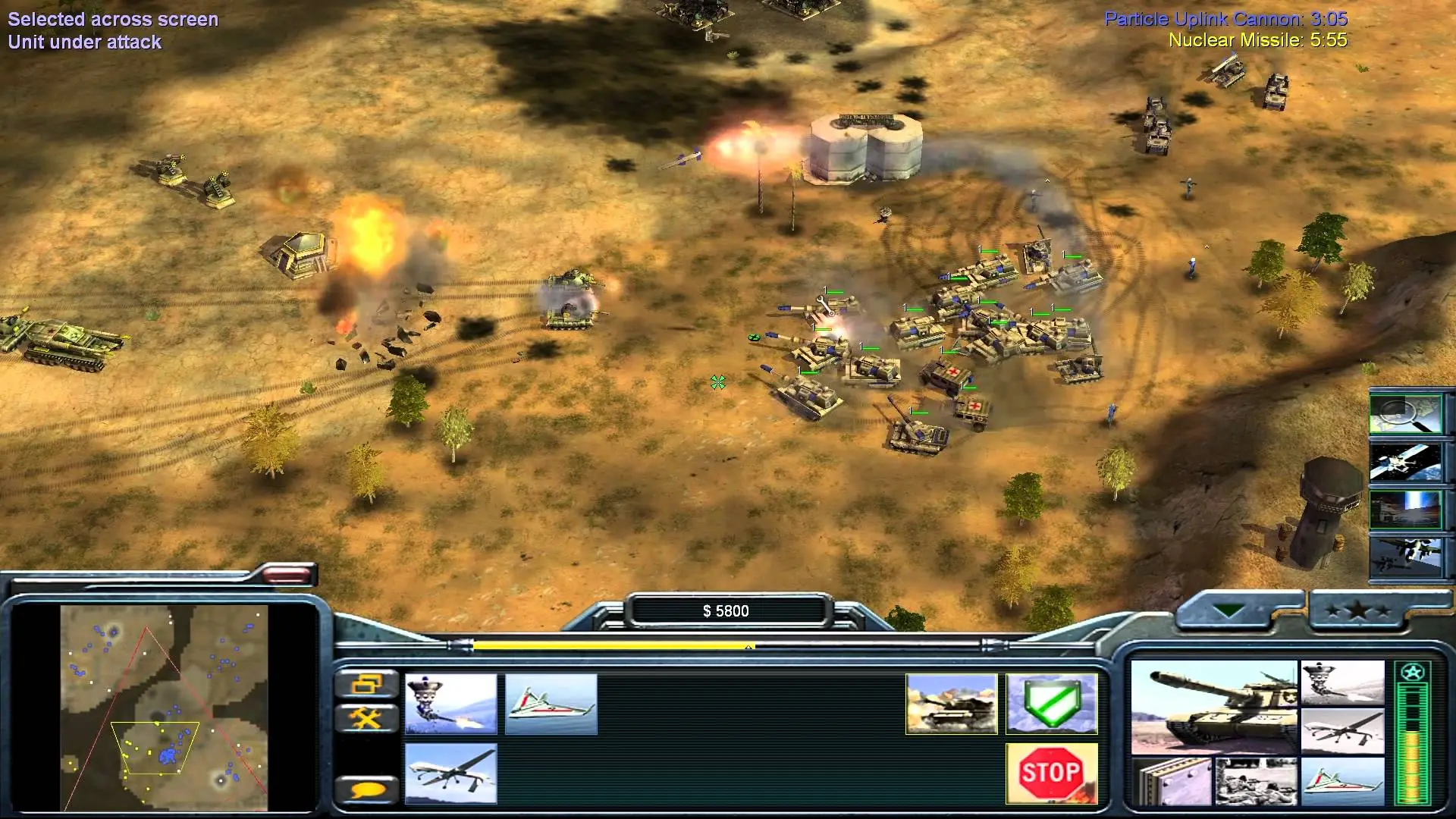
Screenshots

Windows

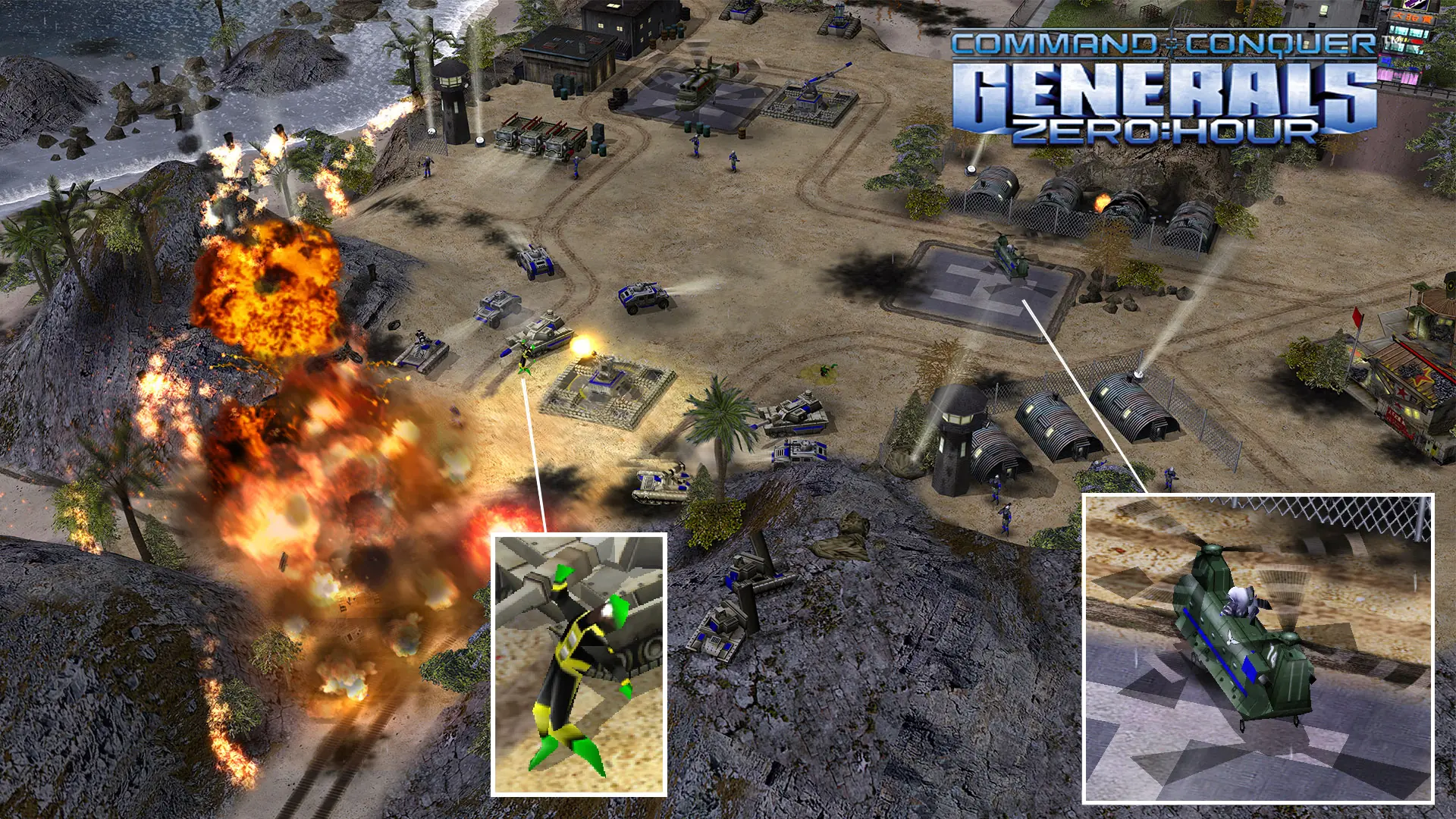
Command & Conquer: Generals – Zero Hour — Windows screenshot 1Command & Conquer: Generals – Zero Hour — Windows screenshot 2Command & Conquer: Generals – Zero Hour — Windows screenshot 3

Download Command & Conquer: Generals – Zero Hour

Command & Conquer: Generals – Zero Hour was re-released and is no longer abandonware. You can purchase the game from:

Windows

* We may earn a commission if you buy through these links.
Comments

169 thoughts on “Command & Conquer: Generals – Zero Hour”

  1. 0
    As soon as I hit the game launchers they go unresponsive. It doesn’t matter what compatibility pack I use the problem still persists. Any help?
    Reply
  2. 0
    The file you are trying to download is no longer available.
    This could be due to the following reasons:
    The file has been removed because of a ToS/AUP violation.
    Invalid URL – the link you are trying to access does not exist
    The file has been deleted by the user.

    This showed up while I am trying to download the file just now.

    Reply
  3. 0
    Tried launching the game and it goes unresponsive, running in compatibility windows xp service pack 3 on windows 10

    Some help would be appreciated

    Reply
  4. 0
    Hey I downloaded the game,no need to create an account for MEGA at least for me,if you get the direct x 8.1 error,just remove the dbghelp.dll file from you folder.My advice is just to cut and paste in the superior folder,and leave it there,maybe you need it.I had that error,removed that file and it works.
    Reply
    • 0
      Guys that’s the resolution of the game lmao, it happend to me
      Go to
      DocumentsCommand and Conquer Generals Zero Hour Data
      or
      DocumentsCommand and Conquer Generals Data
      The
      one which it’s making that issue, open the file “Options.ini”, you’ll
      find something named as Resolution exactly at the 15th line, there
      should be numbers, make them
      or get your screen
      resolution and write it as you like, if you wrote a unlisted resolution
      at your DirectX the game won’t work and it will give you the error:”it
      needs directx 8.1 or higher”
      Reply
    • 0
      You can put mods on by COPYing the original zero hour folder, and drag and drop over writing the original files. That’s the current way to mod the game. But never overwrite the original folder because once modded, can’t be undone. Then you’d have to redownload everything.
      Reply
      • 0
        I still don’t understand what do you mean by this can you explain me a more in depth tutorial on how to put mods in it like rise of the reds cause the im struggling for this in 10 months.
        Reply
  5. 0
    Hi, I’ve downloaded and followed the steps. Once the installation is complete and I click on the shortcut it just shows its loading but it never opens up the game. I have a gaming laptop, don’t know if the game is just not compatible with Windows 10
    Reply
    • 0
      right click->Property->Compatbitliy->Check run this proggam with compatbility mode for under windows 10
      Reply
      • 0
        there’s no option for windows 10 for me, up until windows 8 only and it’s still not working.
        Reply

Similar games