Cricket 07
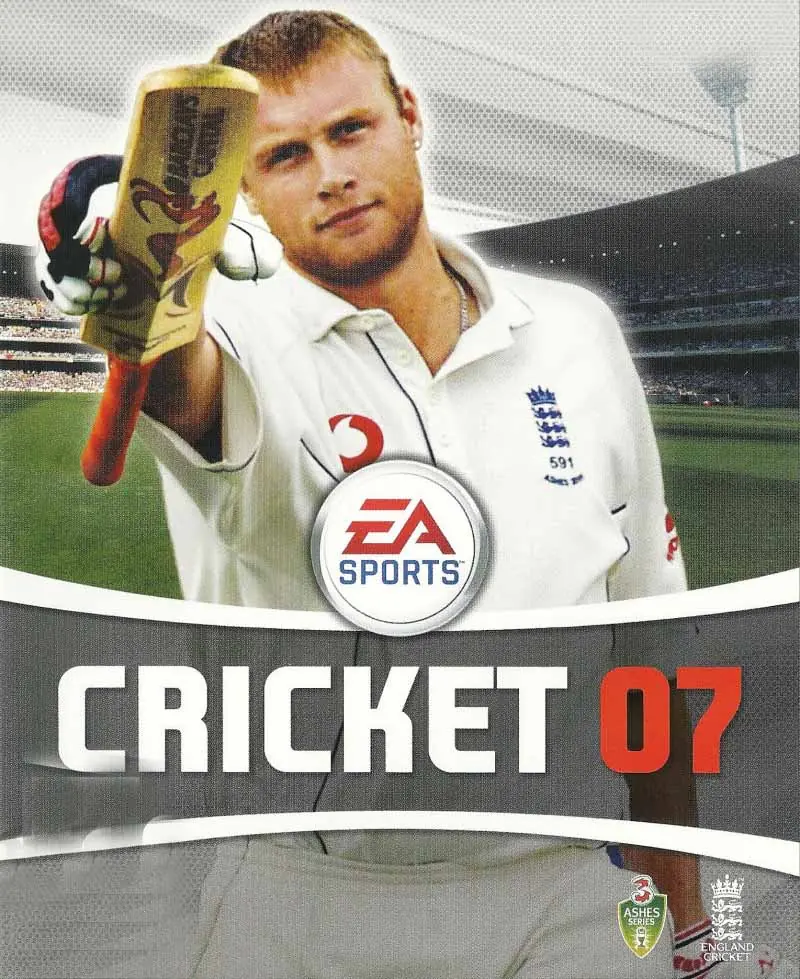
Cricket 07 is a 2006 sports game developed by EA Canada and published by EA Sports.
Genres
Publishers
Developers
Released
Platforms
Cricket 07 is a 2006 sports game developed by EA Canada and published by EA Sports.
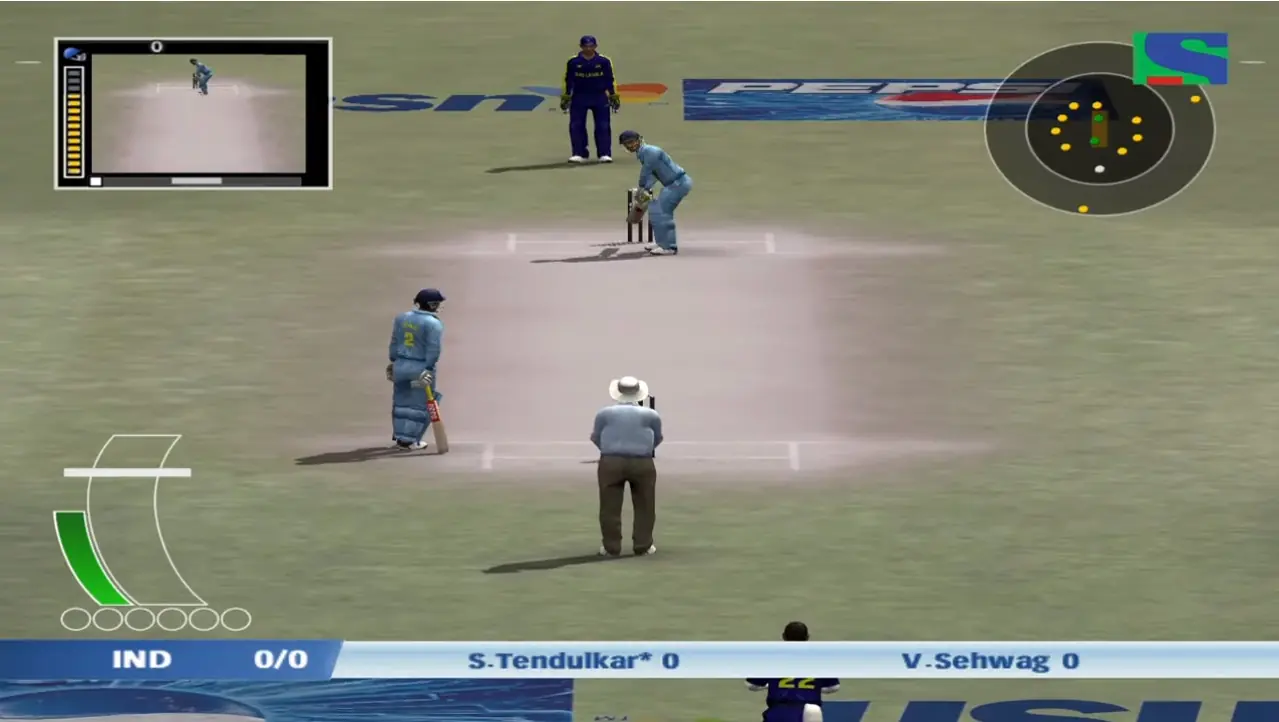
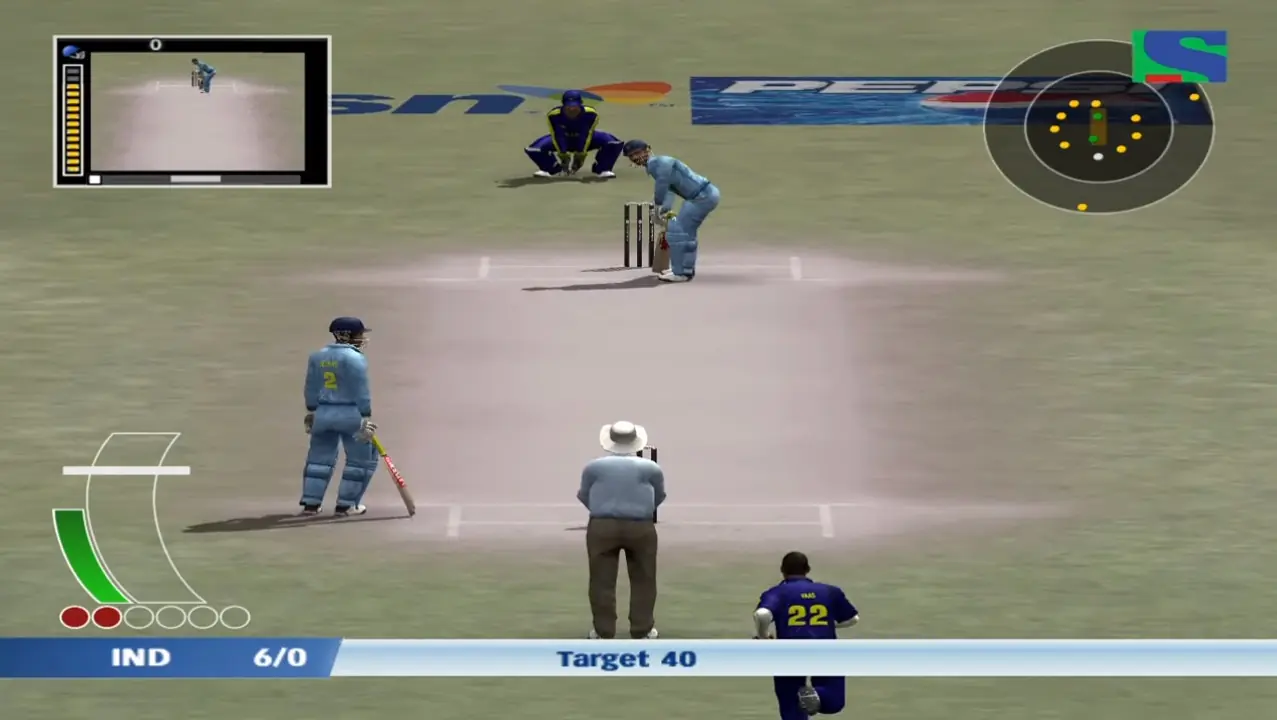
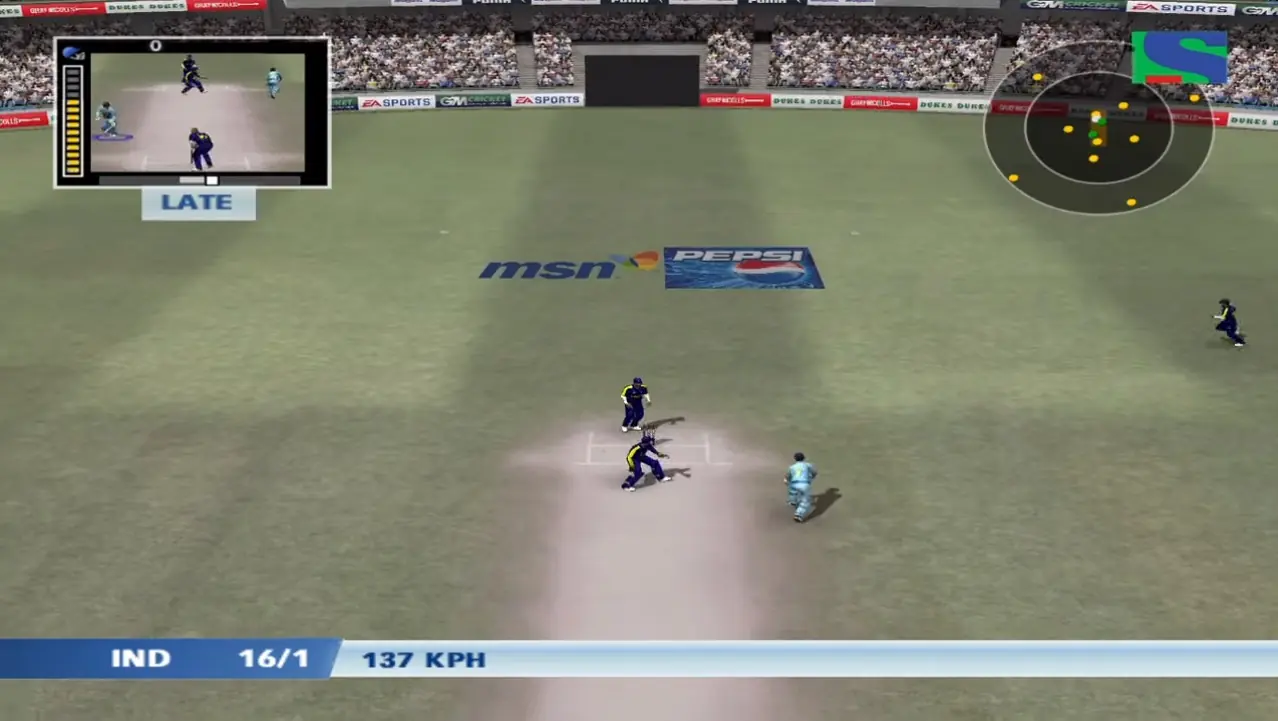
Cricket 07 features a number of game types, including limited overs matches (50, 20, 10 or 5 overs), 4-day first-class matches and full-length test matches (5 days). You may select different pitches and different weather conditions in different venues. Several international venues are available, including the Eden Gardens in India and Lord's in England. The venues vary in conditions and pitch type, and these can be changed by the player.
Expanded features of EA Sports Cricket 2007 include improved player control and easy stroke play, along with the introduction of the Ashes section. There was also an addition on commentary as Mark Nicholas joined Richie Benaud. The game gives players the option of entering different international and national contests, including full seasons and tournaments:
Players can compete for The Ashes between England and Australia.
Cricket 07 is abandonware and no longer sold or supported by its publishers. Files are archived here for these platforms:








can anyone guide
1st) after installation of the zip file, extract the ISO files and mount the first disc from Game files’ folder.
2nd) There you will see an application called AutoRun.exe, click and open the application, then click on install.
3rd) It will ask for Installation code (Like old days), go to crack folder present in the same disc, there is an application name as rld-cr7k.exe then right click and run as administration.
4th) Click on generate, and you will get a code, paste this code on the installation application.
5th) You will be to start installing the game, in between it will ask for disc 2, simply mount the disc 2 from Game files(extracted folder) and you are ready to go.
At last enjoy the game. 😊👌
Help me resolve this issue.
can see in youtube