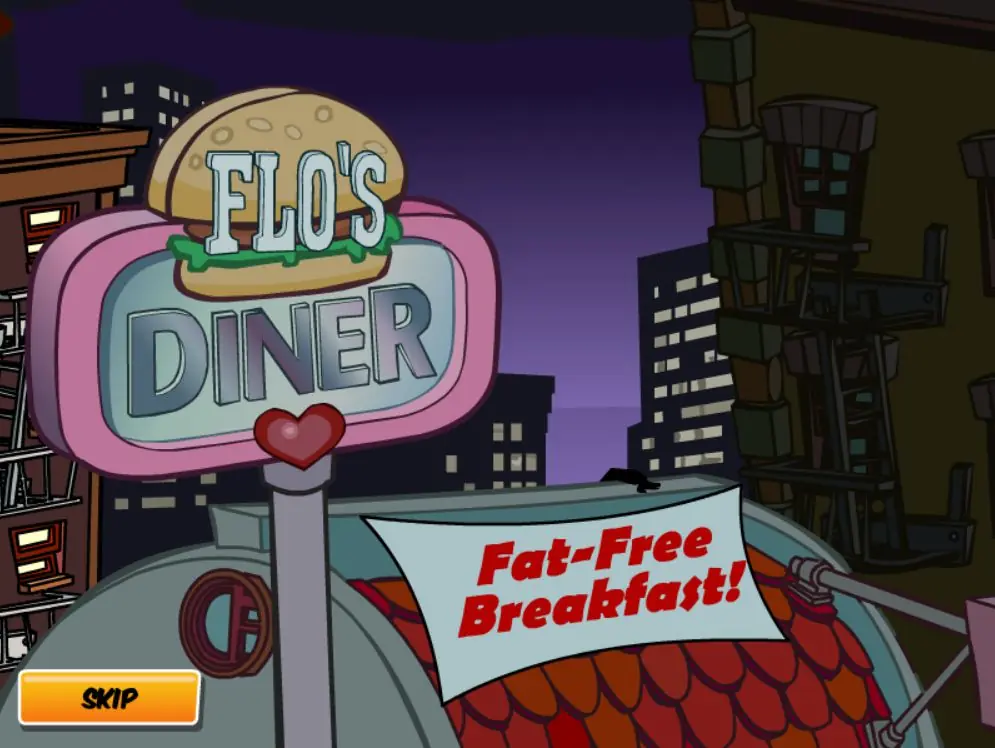
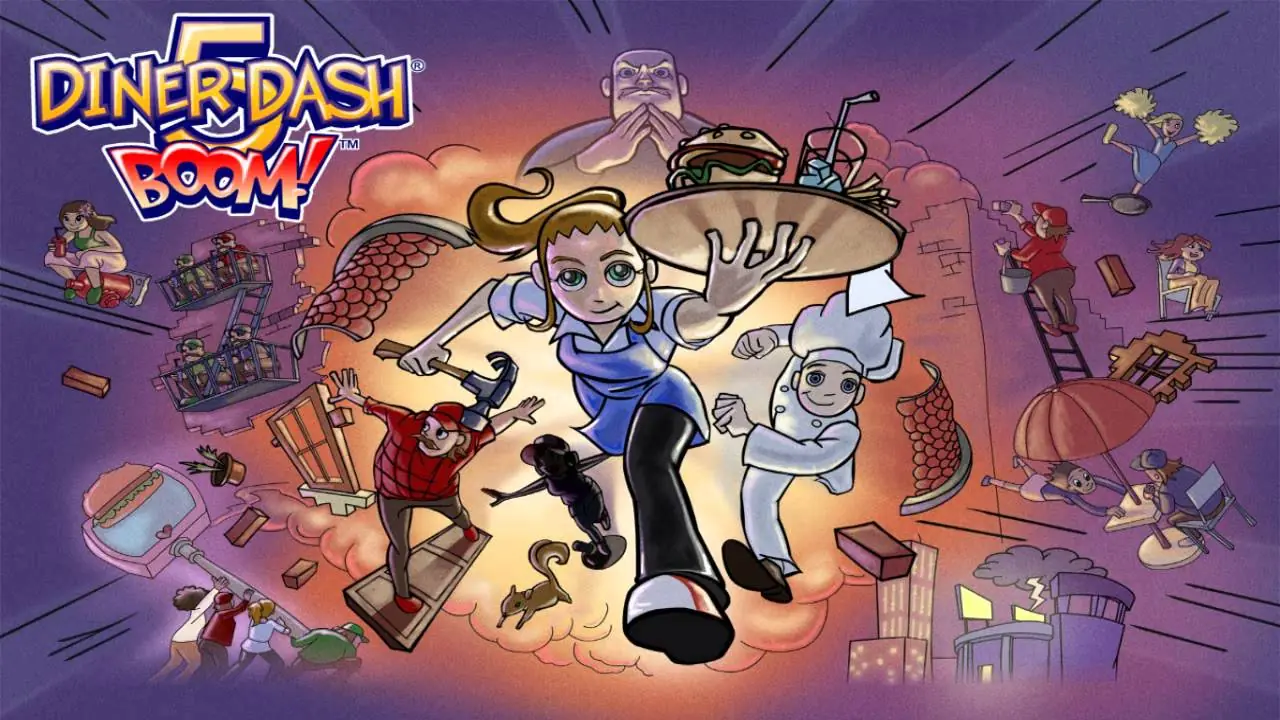
A mysterious figure is lurking around Flo's Diner, removing the word "Fat" from the "Fat-Free Breakfast" banner on the roof using white paint, making Flo's Diner look like it's having a free breakfast promo. The next day, Flo and Chef Cookie are surprised by the sign, but it is too late. As soon as they open the diner, customers start running into and overloading it and, as a result, Flo's Diner explodes.
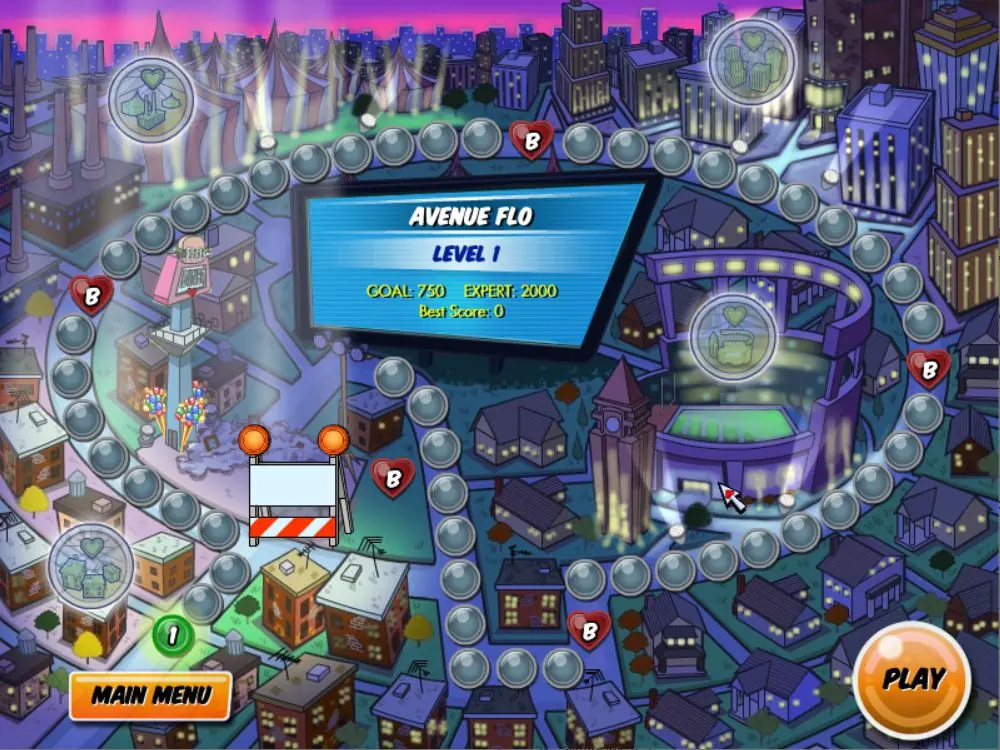
Flo later encounters Mr. Big (who is the one responsible for altering the banner), who offers to buy her diner. Flo refuses, but Mr. Big blackmails by saying that if the lot remains unused for one week, he will buy the diner anyway. One of Flo's customers, Hal the Hungryman, doesn't want to let Mr. Big buy Flo's Diner, and has agreed to rebuild the diner. Flo and Cookie proceed to get a hold of Hal's employees who have been scattered across Dinertown (Avenue Flo, Squid Row, Thyme Square, and Dinertown University).
Flo and Cookie later receive the news that Mr. Big has forwarded the deadline. With help from her friends, Flo manages to rebuild the diner just before the deadline. Frustrated at Flo's Diner having been rebuilt, Mr. Big challenges Flo by putting signs all over the streets in the hopes that the diner will be overloaded once more, but he eventually fails.
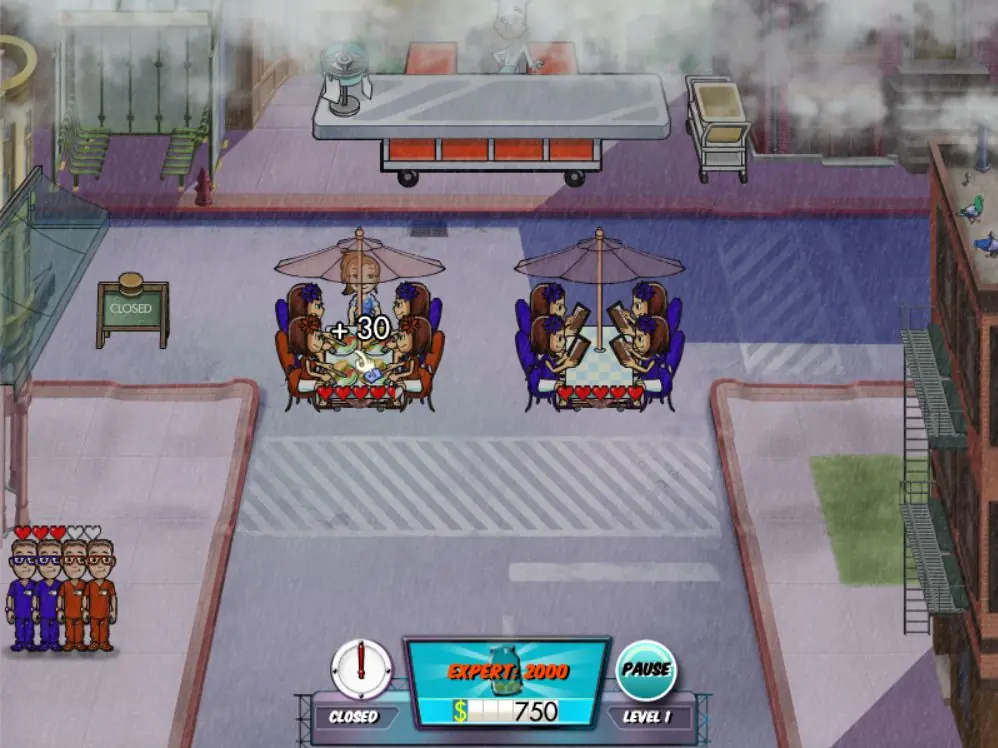
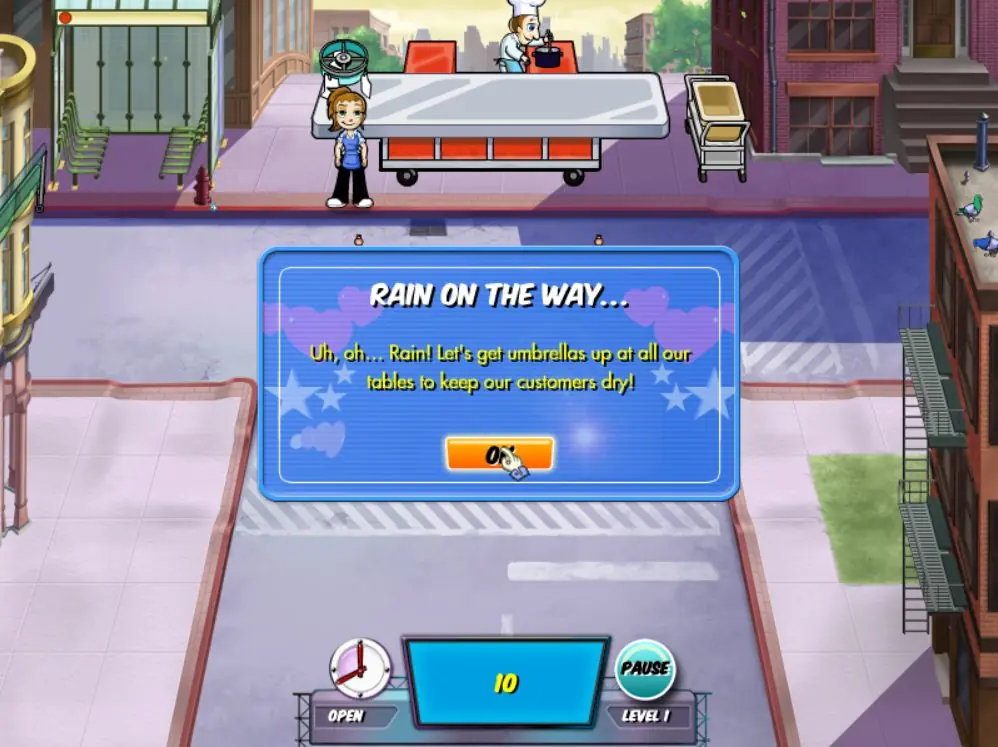
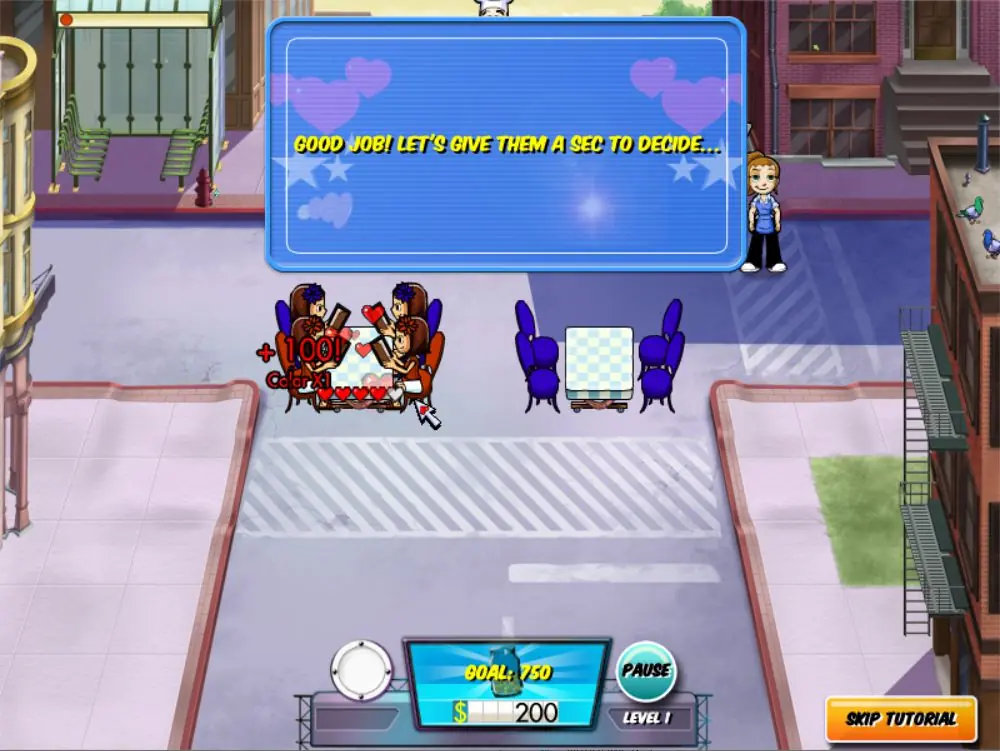
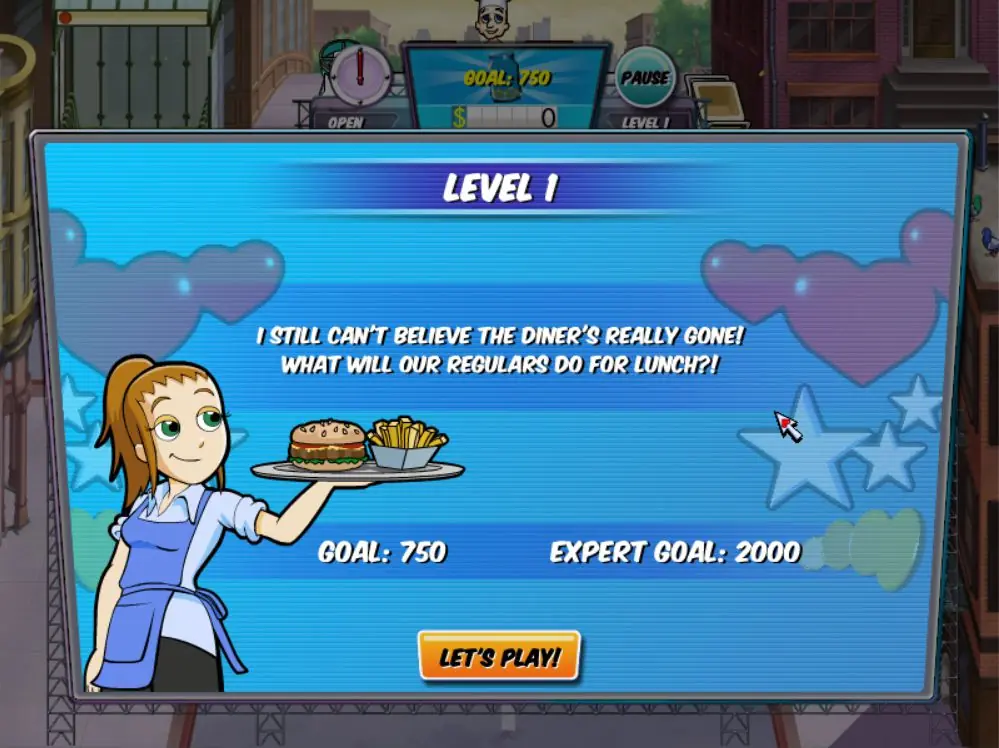
Players can play at 5 different venues, each containing 10 story mode levels, After finishing a venue, a bonus level at that venue is unlocked, with a much higher shift goal and a longer shift time. At each venue, players are given a challenge to protect the tables from disasters such as winds, earthquakes, rains, and fuse box problems, but these disasters can be avoided by buying the upgrades available in the upgrade shop.
Unlike in previous Diner Dash games, players can purchase upgrades before the start of every level. These upgrades can be bought using the money earned in the previous levels. Some upgrades are permanent, e.g. faster chef, faster shoes, and disaster protection, but others last for one level and are notably more expensive, e.g. podium helper, salad bar helper, and extra hands.
Players can also customize the diner and the venues between the levels. There are four different items to be customized, and after choosing which one to add, players can choose one of the several different venue upgrades. In the end, all four of the venue customization options will be acquired and the player is awarded with a venue medal. The diner can also be customized, but unlike venue customization items, the diner customization objects will unlock one by one as the player progresses through the story mode.
Diner Dash 5: Boom! is abandonware and no longer sold or supported by its publishers. Files are archived here for these platforms:






After I exit the game and turn it back on, it led me to restart the game again, but it is perfectly fine bc I really miss this old game.
Thank you btw