Home » Games » Disney’s Cinderella’s Dollhouse
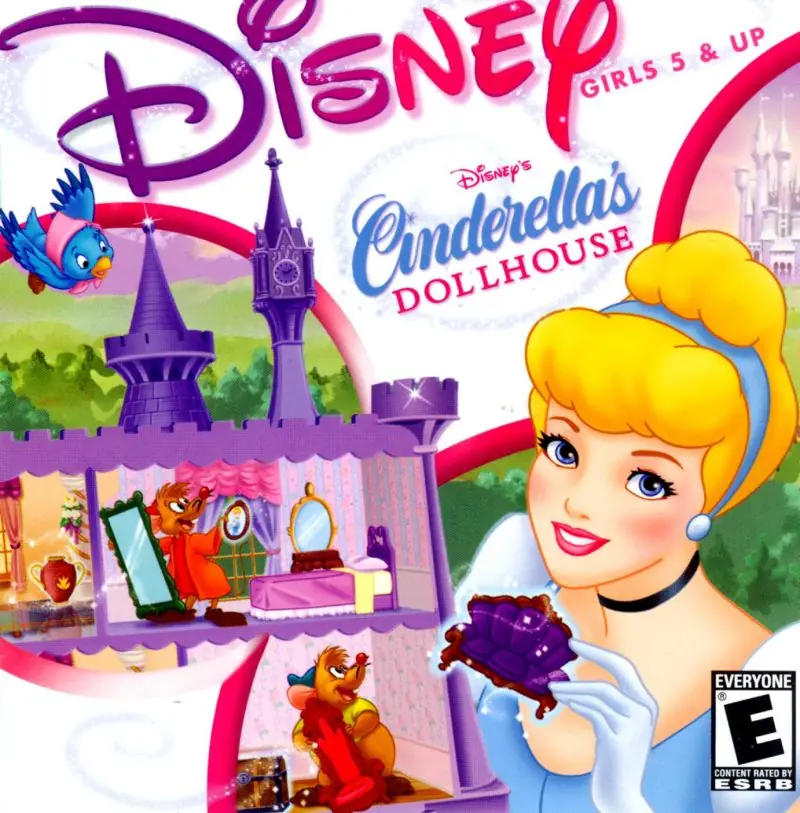
Disney’s Cinderella’s Dollhouse

Disney's Cinderella's Dollhouse Game Cover
4.5/5 - 34 votes

Disney’s Cinderella’s Dollhouse is a 2001 educational game developed by My Virtual Model and published by Disney Interactive.

Publishers
Developers
Released
Platforms
Download

About Disney’s Cinderella’s Dollhouse

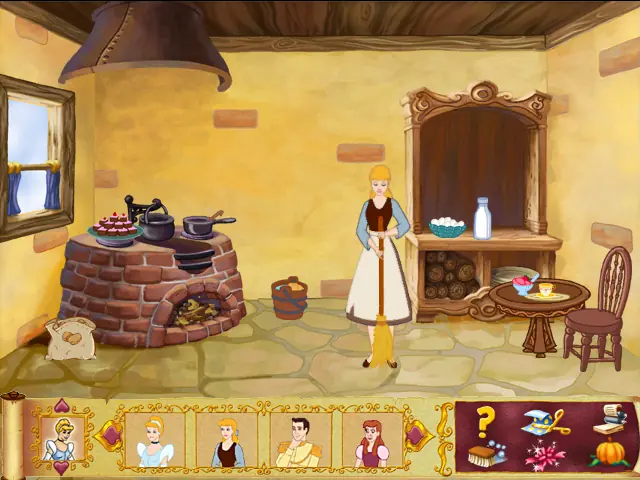
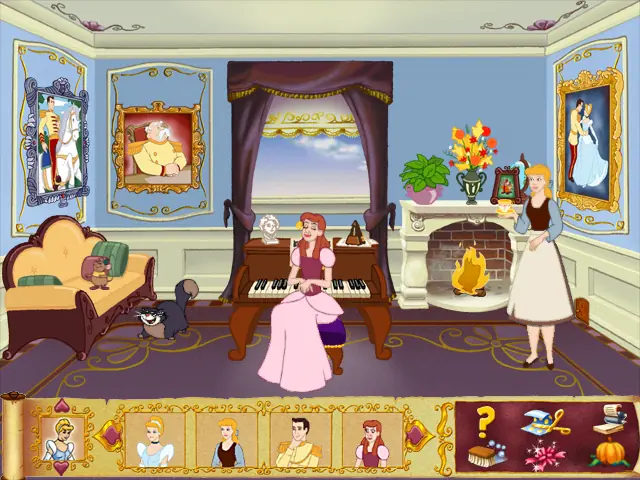
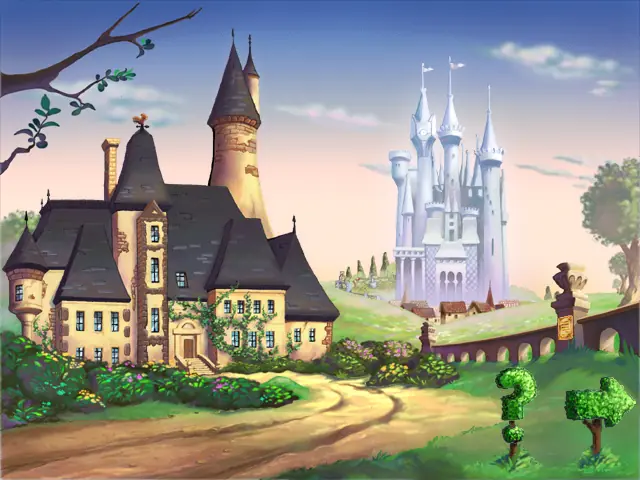
Disney’s Cinderella’s Dollhouse is a magical place where every girl can use her imagination to decorate the dollhouse of her dreams and play with Cinderella and her friends. From the Chateau to the Palace, little girls can try out their passion for decorating as they adorn rooms with lavish combinations of furniture, fixtures, and accessories. Unlimited surprise animations make decorating exciting, and with a sprinkle of pixie dust, animated characters from the beloved movie, Disney’s Cinderella, come to life right before little girls’ eyes!
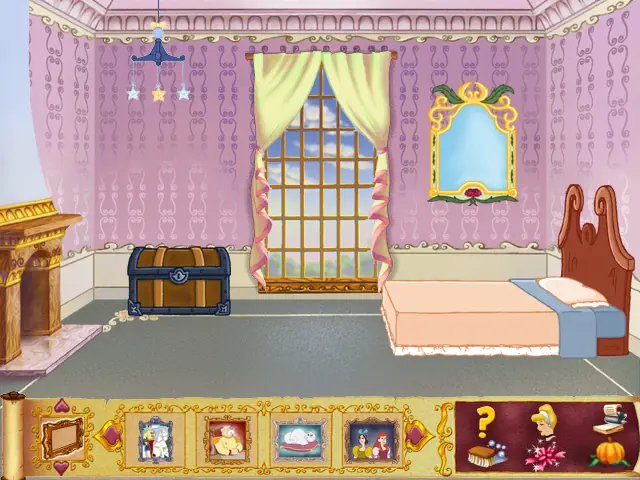
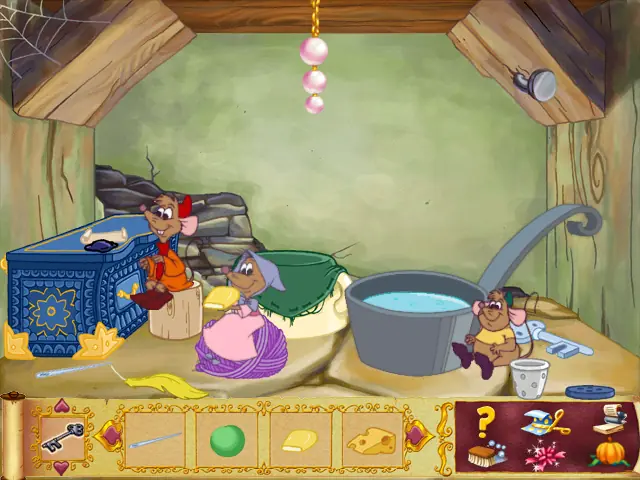
Screenshots

Windows

Disney’s Cinderella’s Dollhouse — Windows screenshot 1Disney’s Cinderella’s Dollhouse — Windows screenshot 2Disney’s Cinderella’s Dollhouse — Windows screenshot 3Disney’s Cinderella’s Dollhouse — Windows screenshot 4Disney’s Cinderella’s Dollhouse — Windows screenshot 5Disney’s Cinderella’s Dollhouse — Windows screenshot 6

Download Disney’s Cinderella’s Dollhouse

Disney’s Cinderella’s Dollhouse is abandonware and no longer sold or supported by its publishers. This game was preserved thanks to a community donation - see our missing games page for credits and titles we're still looking for.
Windows (2001)

Comments

27 thoughts on “Disney’s Cinderella’s Dollhouse”

  1. 0
    Heyo idk if anyone has a fix for this but I can’t seem to get past the prompt to install the game. It clicks and then nothing happens. Is there anything else I have to do??
    Reply
  2. 0
    I got it running! After the install it wouldn’t respond at all. I highlighted the “setup” file in the disc then right-clicked to bring up the file menu. “troubleshoot compatibility” opened the program with no issues loading or exiting.
    Reply
  3. 0
    If you are getting the error like I was, right click the application and go to properties, then compatability, then chance the settings where it says run as admin and change it to where it runs the display as the 640x something, cant remember the exact numbers but when I changed the display, it worked.
    Reply
  4. 0
    After clicking attempting to install the game and get it going, a message popped up that said: “In function ‘SdAskOptionsList’: Unable to create dialog. Make sure the _IRES.DLL is in _SYS.CAB.
    Reply
  5. 0
    After attempting to install the game, a message popped up that said “In function ‘SdAskOptionsList’: Unable to create diolog. Make sure the _ISRES.DLL is in _SYS.CAB.
    Reply
  6. 0
    Everything installed just fine, but I can’t get the program to run on my computer. I won’t open and I can’t figure out why.
    Reply
    • 0
      Okay, so I fixed my compatibility issues and got the game to run, but it crashed after about a minute and now I can’t get it back open. It keeps saying “Runtime Error! abnormal program termination” and Google is little help as to how to fix this. Oh boy. This is not going well.
      Reply
    • 0
      Install QuickTime Player 4, run in compatibility mode for Windows 98 and admin. I had a local version of this game, it was okay haha.
      Reply
        • 0
          oh, but you guys recommended mega nz, i still got the mega nz account, because that is what you recommended
        • 0
          THATS FANTATICAL!!!!11!! IM SO STOKED TO PLAY WHEN YOU UPLOAD IT TO MEGA NZ!!! MUCH APRCIETED
          LOVE YOU! FROM 78 OLD MAN SORY FOR ENGLANSND
          – CINDERHOUSEEEE
    • 0
      Hi, sorry this is so late, but I was wondering is it okay if I could have the link to your mega nz for this game? (If you still have it?) I bought the PC game but found that it wasn’t compatible with my laptop as it’s windows 11. So I read the comments here and found that you may have uploaded the game on mega nz. That would be great if you could share it 🙂 Thank you! xx
      Reply