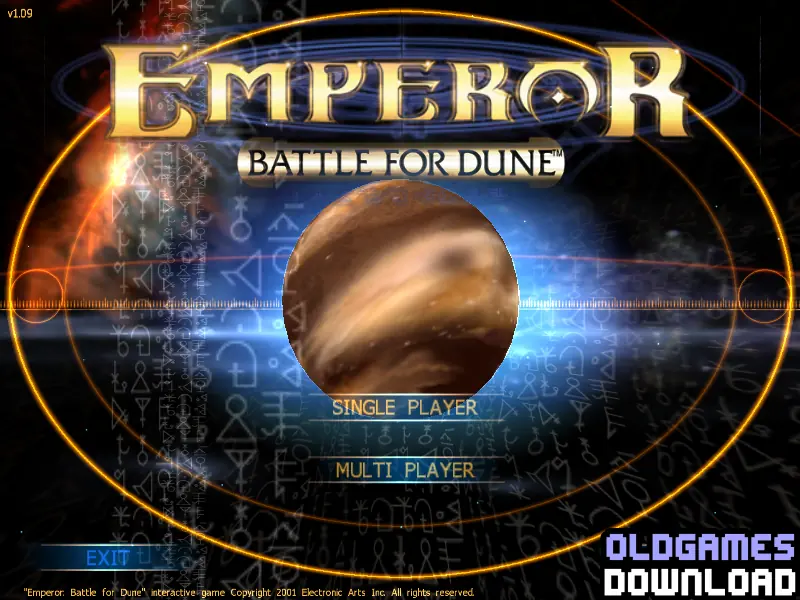
Emperor: Battle for Dune
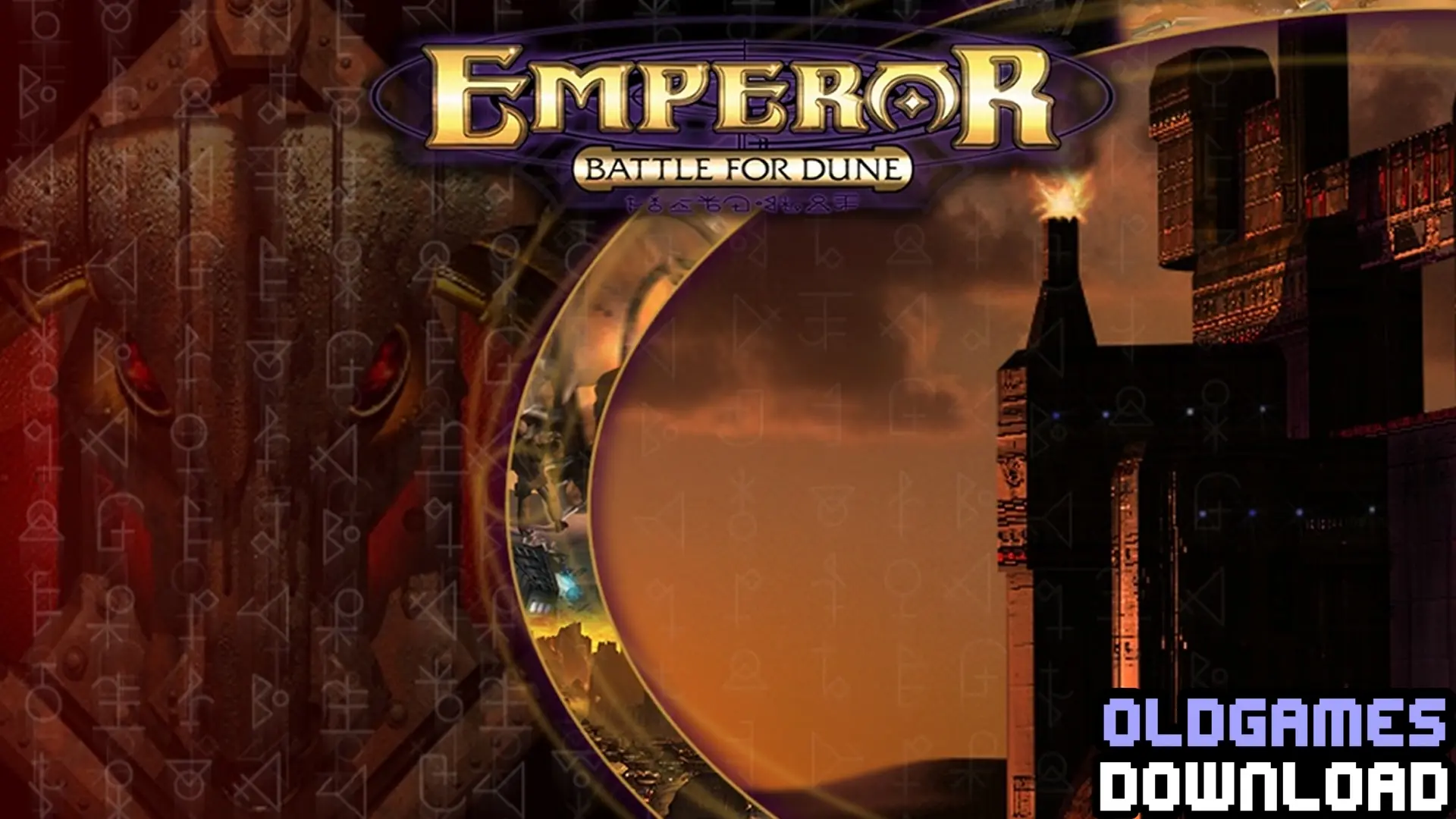
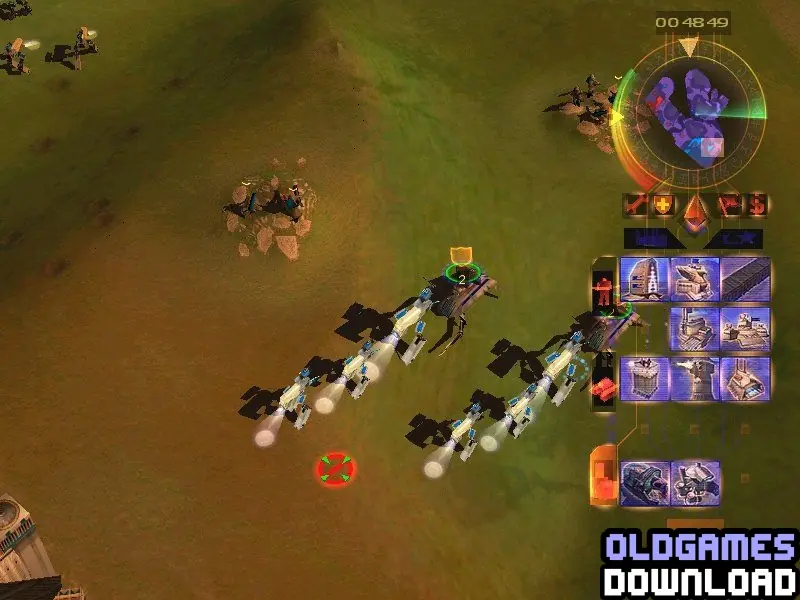
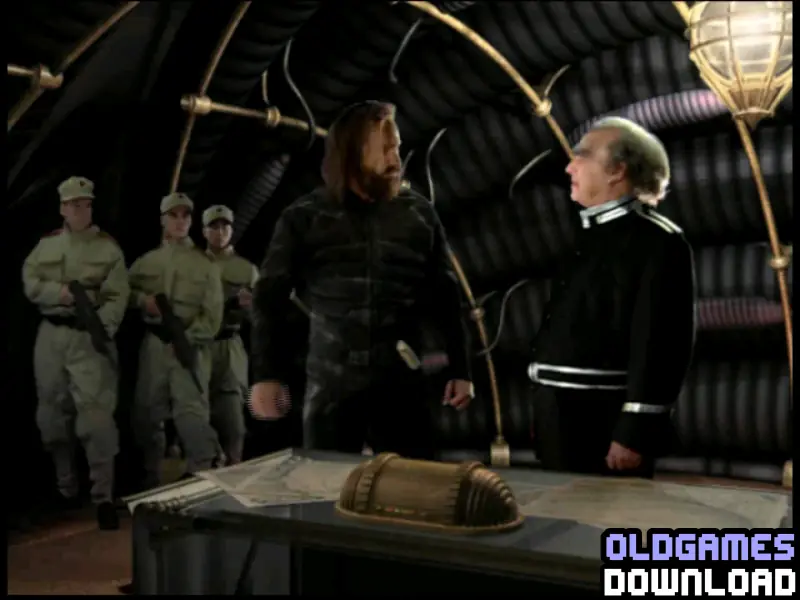
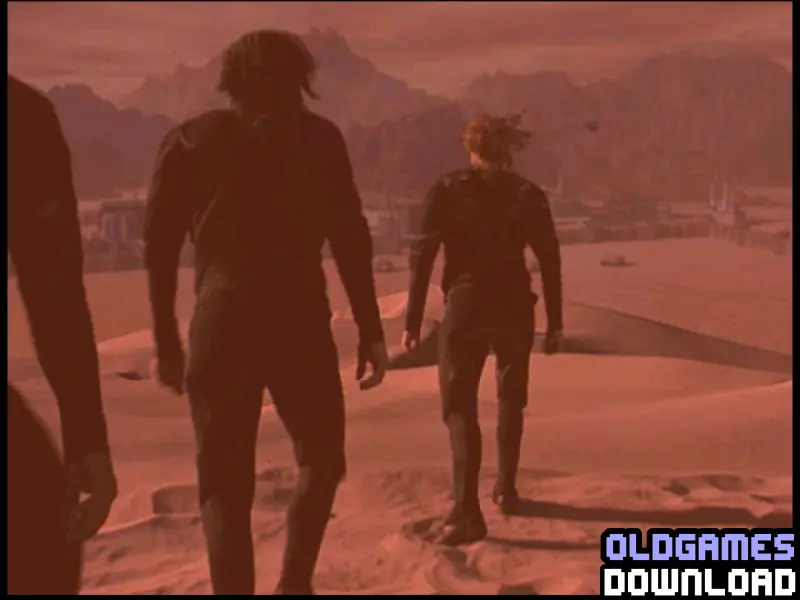
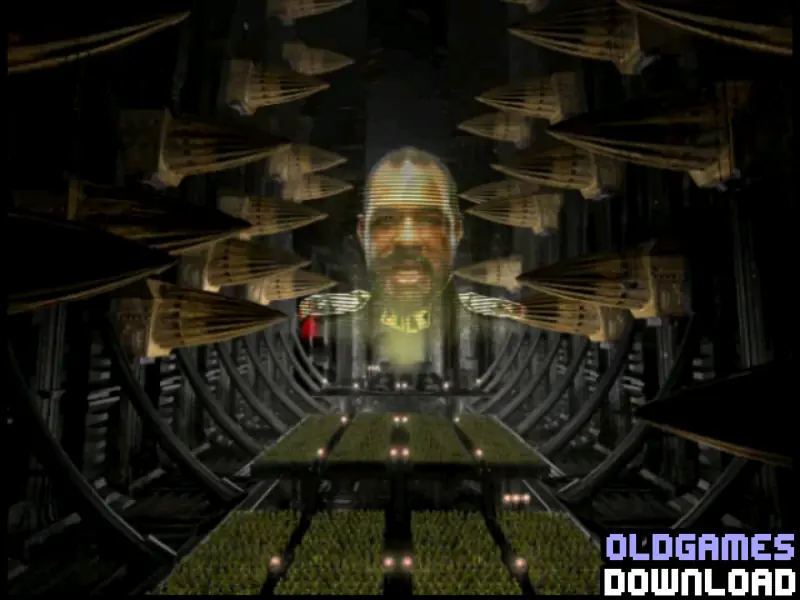
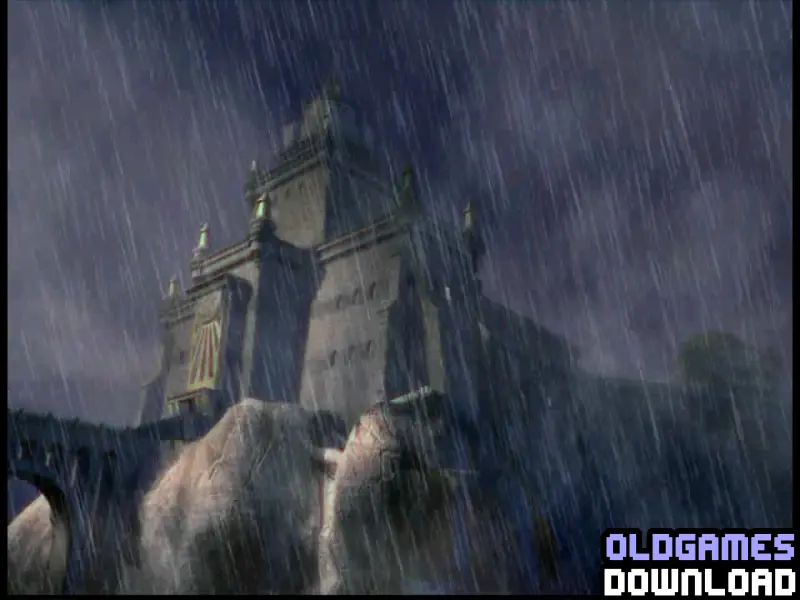
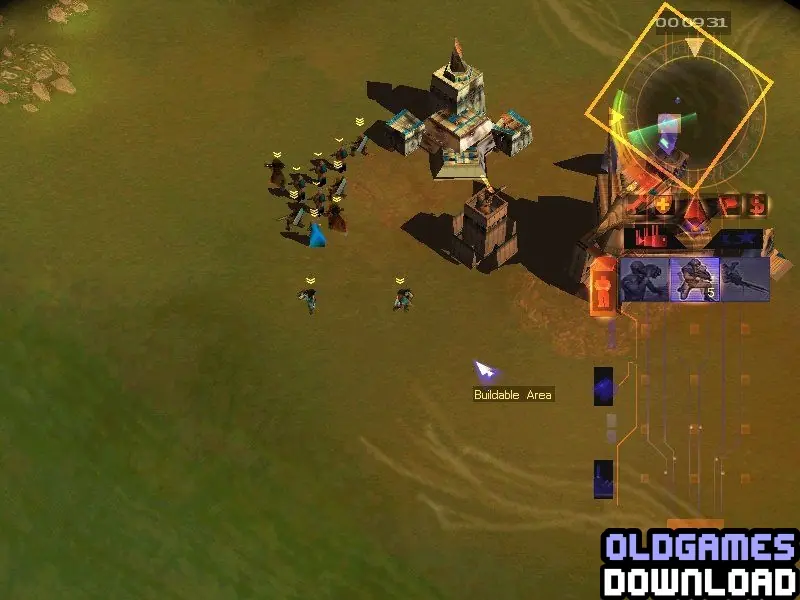
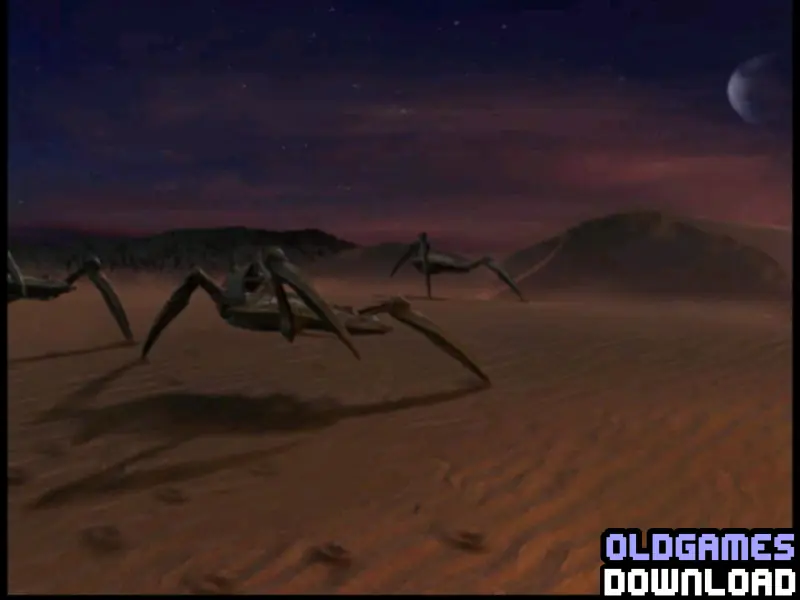
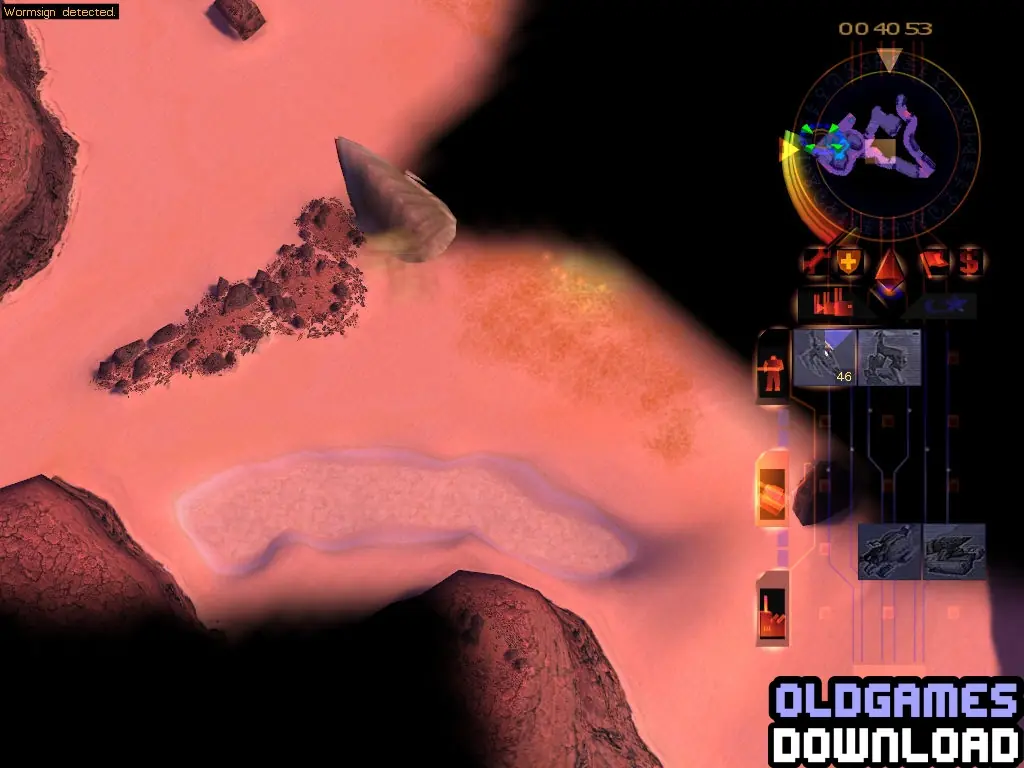
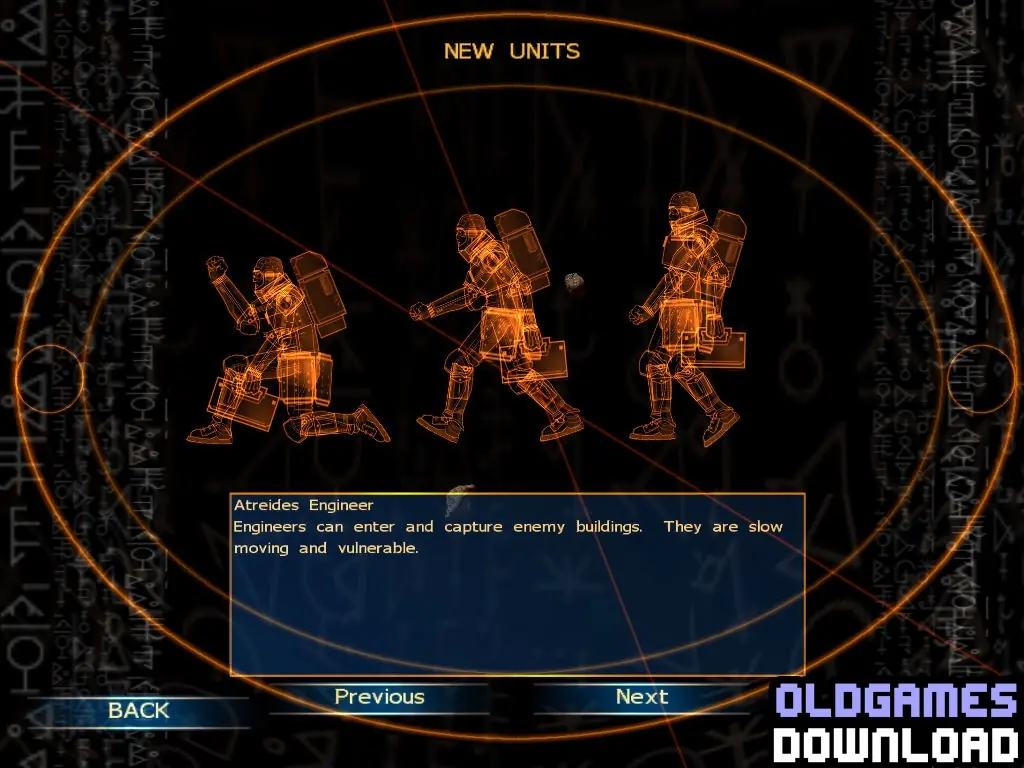
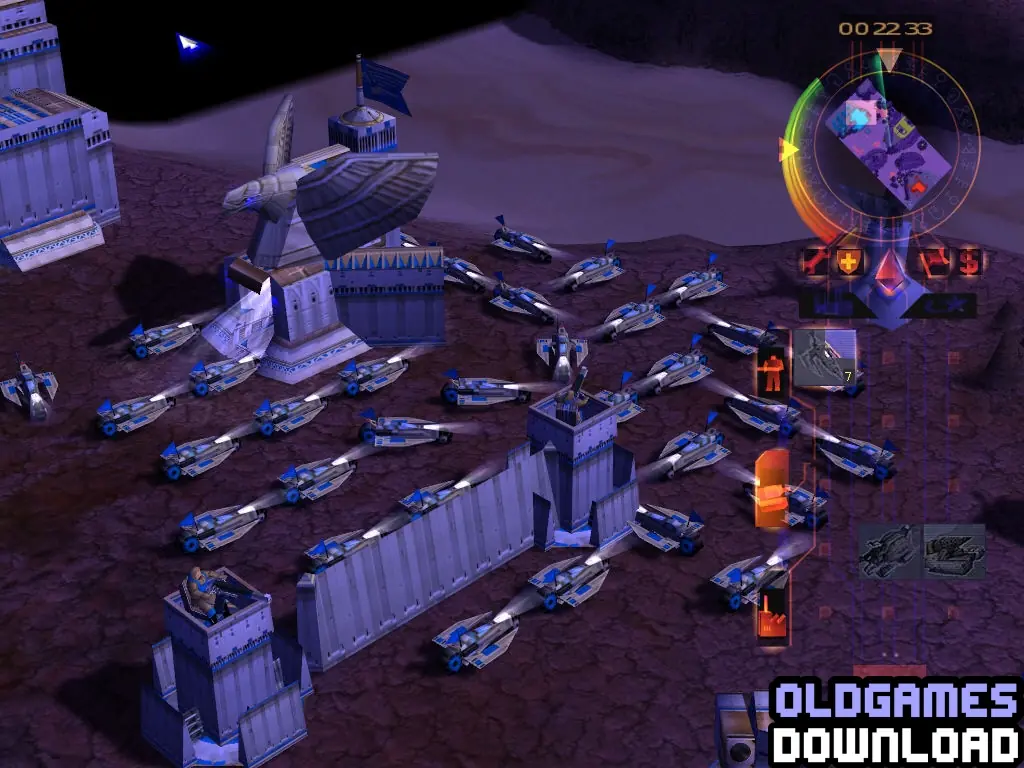
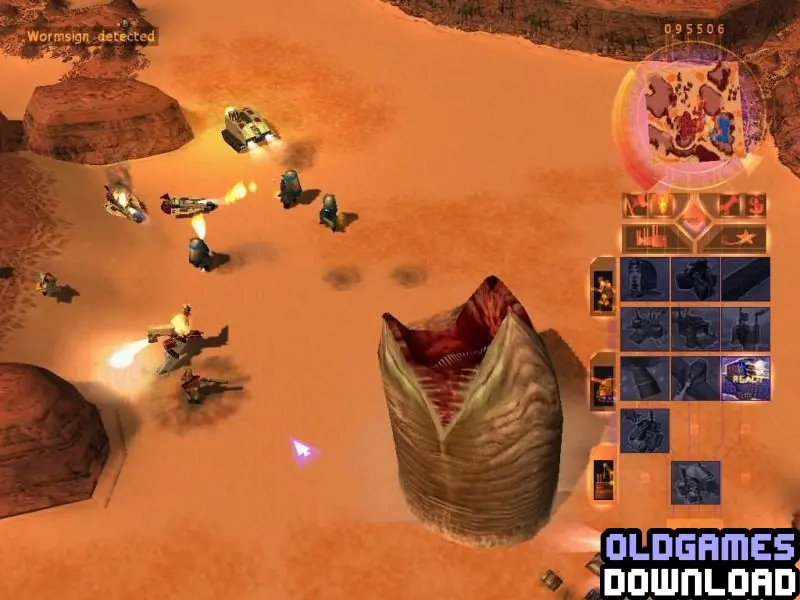
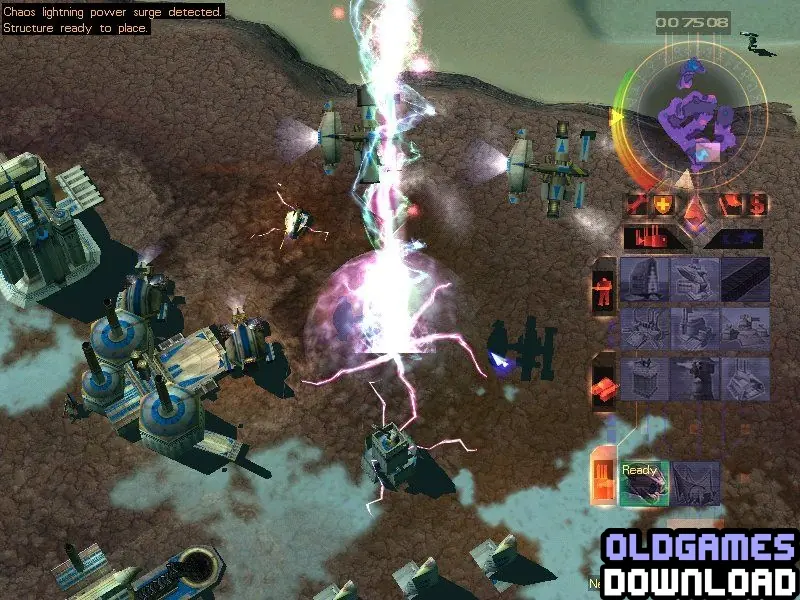
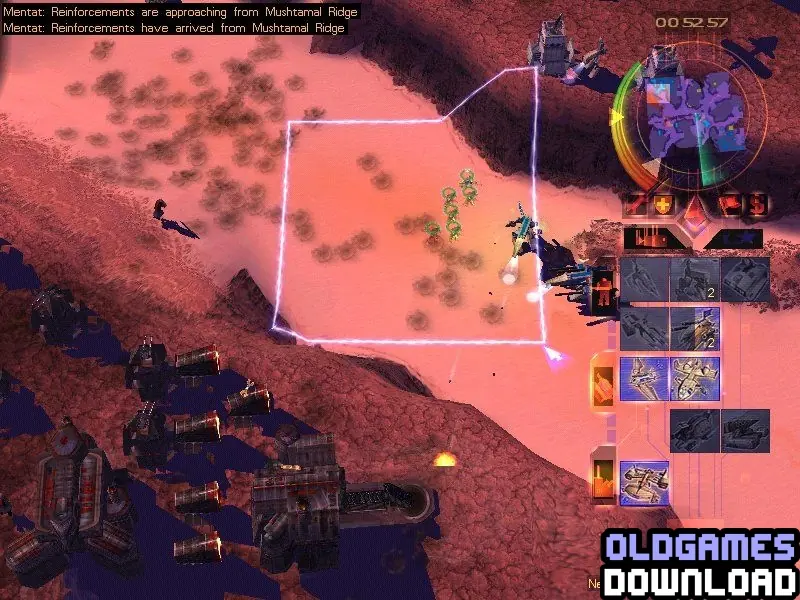
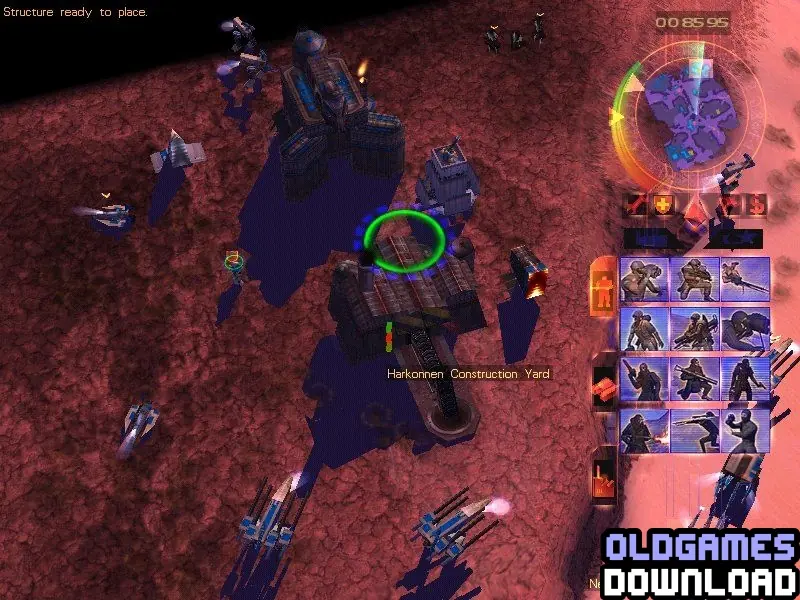
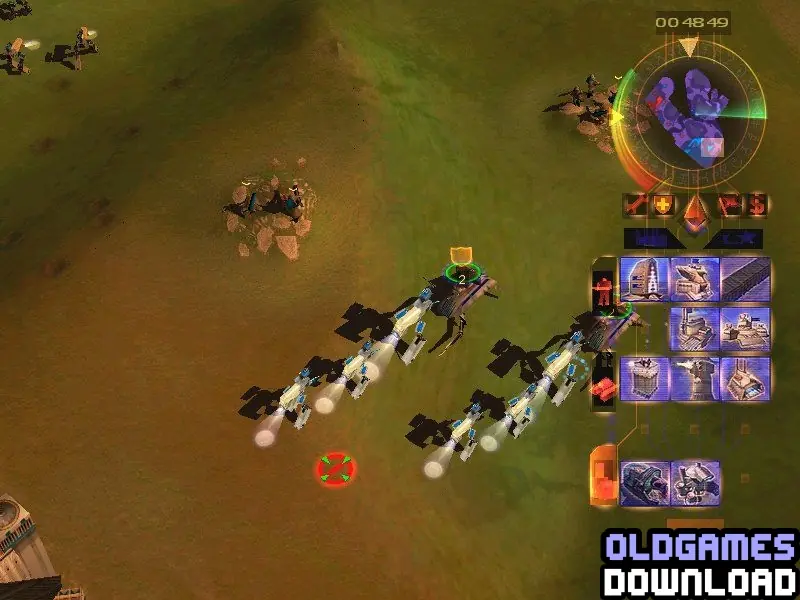
Explore 5 different landscapes including lush prairies, industrial wastelands, frozen tundras and the harsh desert of Dune. From the Dust Scout to the Devastator war machine, each unit plays a role.
Genres
Publishers
Developers
Released
Platforms







Download install fix
download 7 zip
What is the source for these downloads?
What is the file name for these downloads?
Thanks – I really hope that I can play this game again on my new Dell computer. Woohoo
You can also mount disc 2, 3 and 4, but you have to open resource.cfg with notepad in your westwood folder, You need to change the last part that says CD2 etc, by changing the drive letter e.g. under CD2 change it to F: or whatever drive letter it is mounted on and under CD3, change it to the next drive letter you have mounted. Also change the drive letters with the movies section in the cfg file also e.g. F:Movies. Eject/unmount the install disc mount first. You can always eject/unmount if you’re not happy with the drive letter and mount again.
You should have the isos folder on your desktop so you can quickly mount each one when you need to. Drag a box around all 3 CD isos and right click mount. Enjoy!