Home » Games » Frank Herbert’s Dune
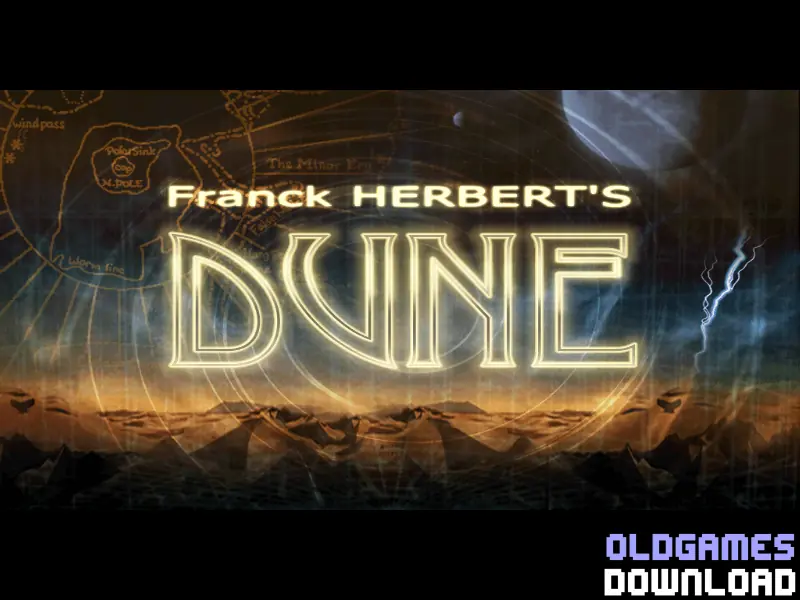
Frank Herbert’s Dune

Frank Herbert's Dune Game Cover
3.1/5 - 42 votes

Frank Herbert’s Dune is a 2001 adventure game developed by Widescreen Games and published by Cryo Interactive Entertainment.

Other Titles

Дюна沙丘: 王子复仇记Duneكثيب لفرانك هربرت

Genres
Developers
Released
Platforms
Download

About Frank Herbert’s Dune

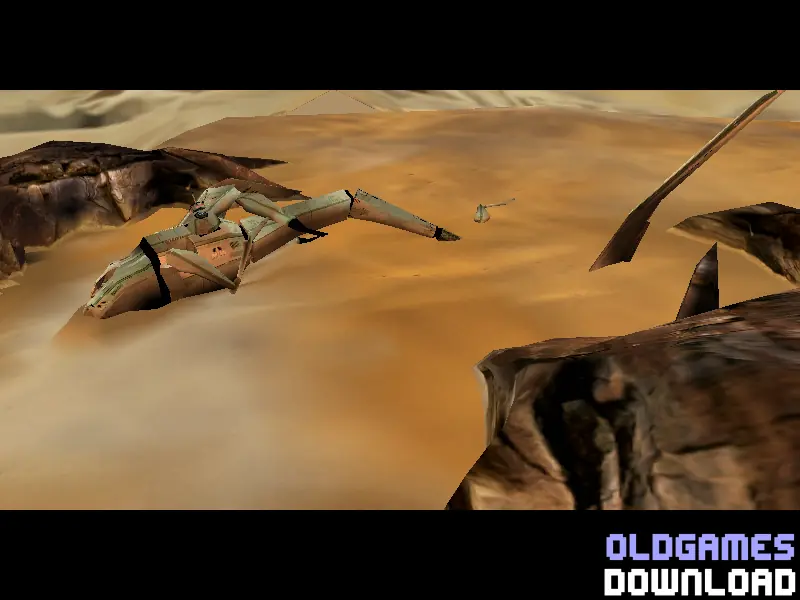
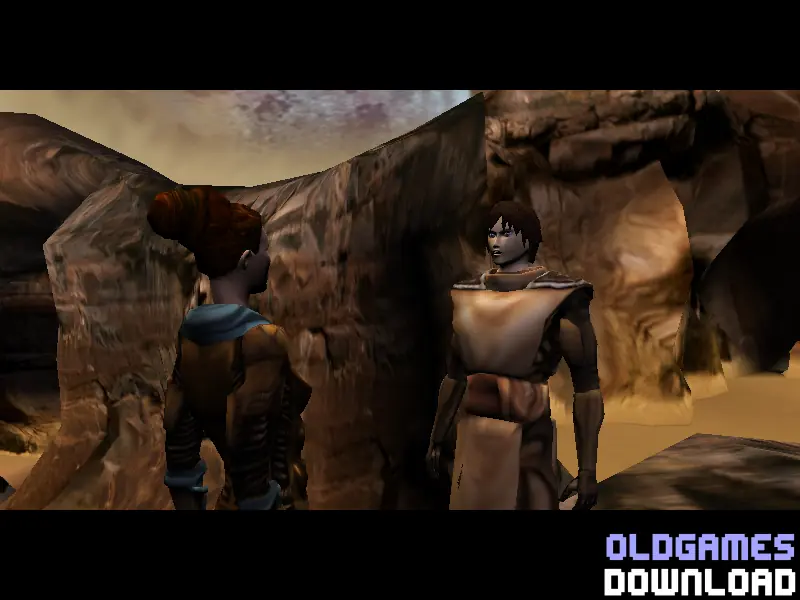
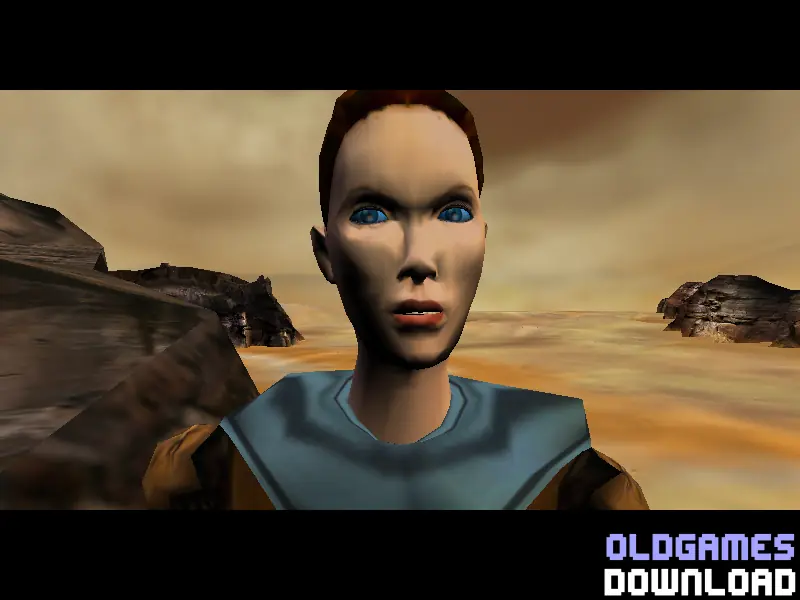
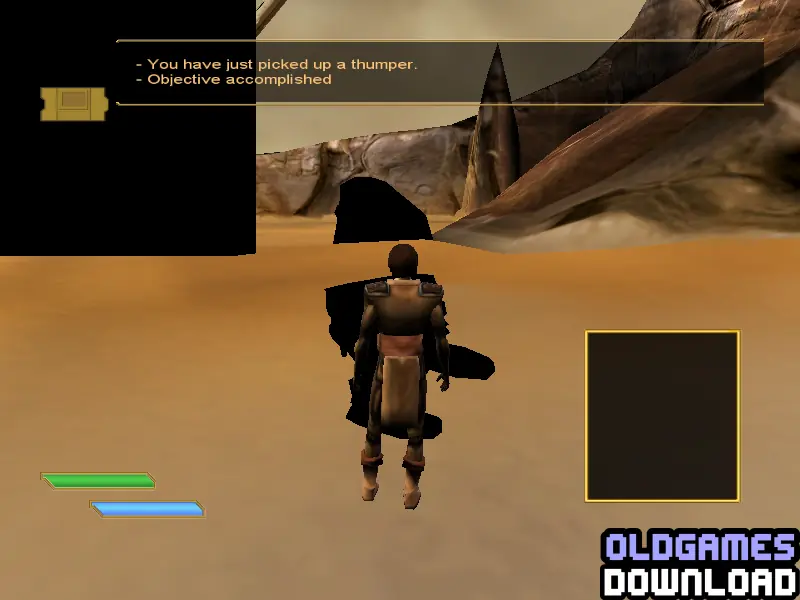
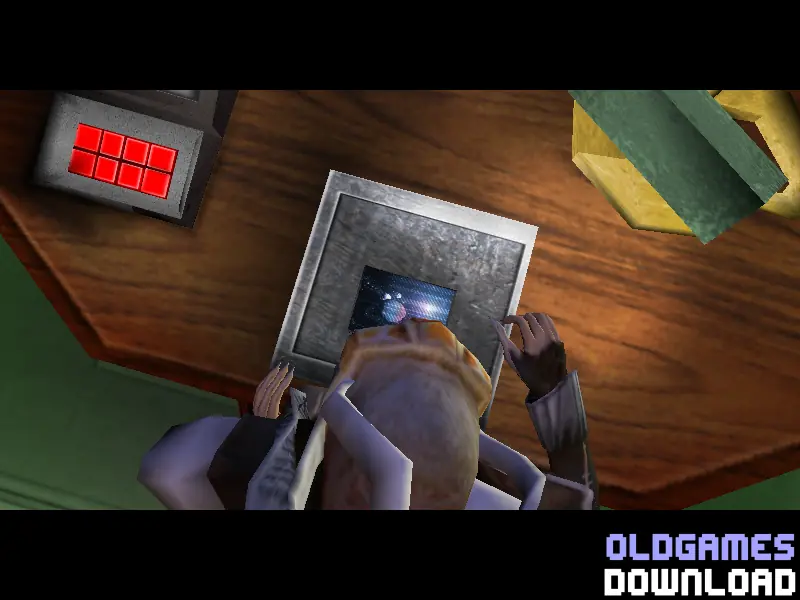
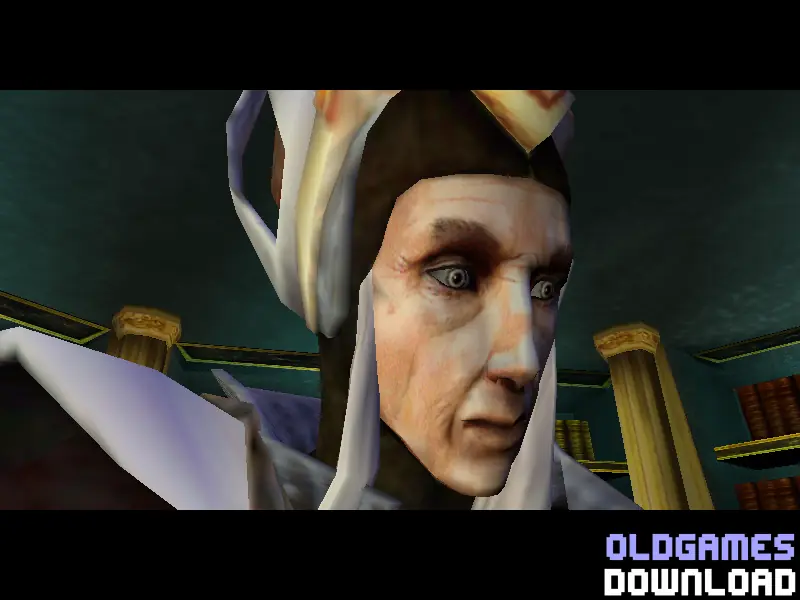
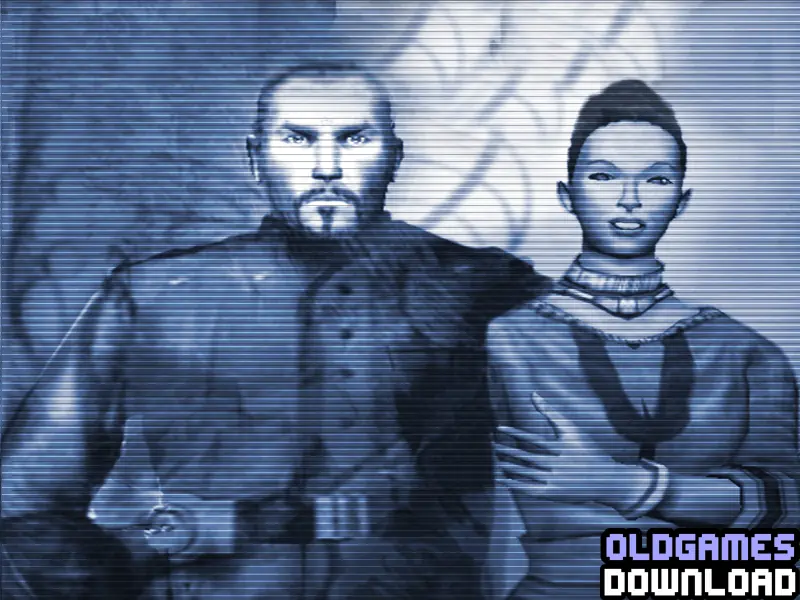
Frank Herbert's Dune is an adventure game loosely based on the Sci-Fi Channel miniseries of the same name. It was released in November 2001, and it was available on Microsoft Windows and the PlayStation 2.

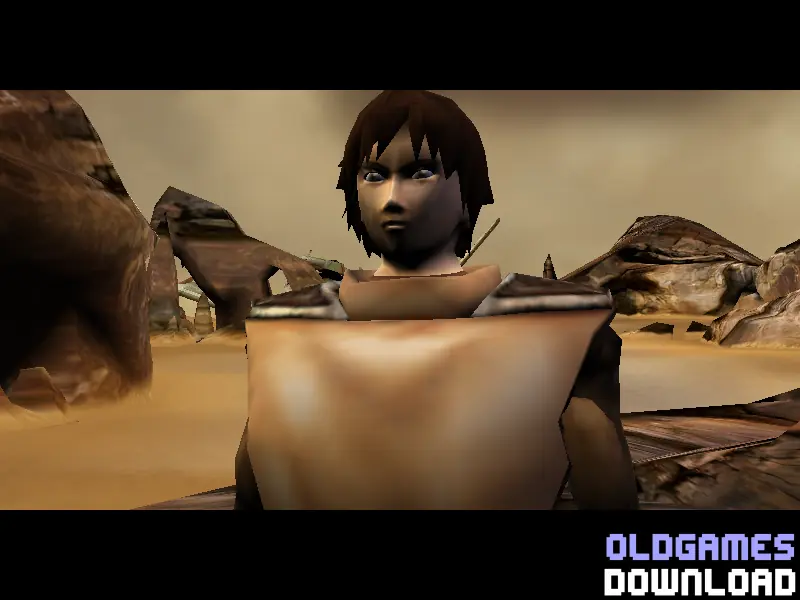
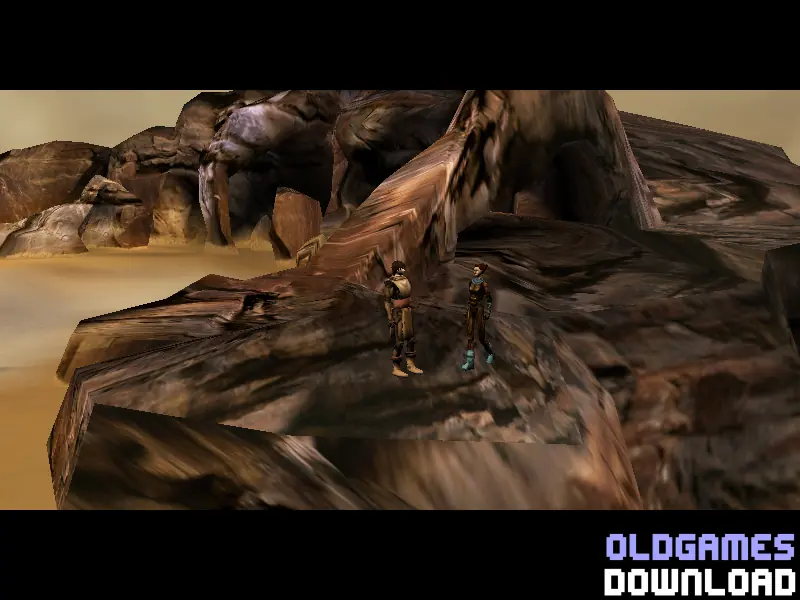
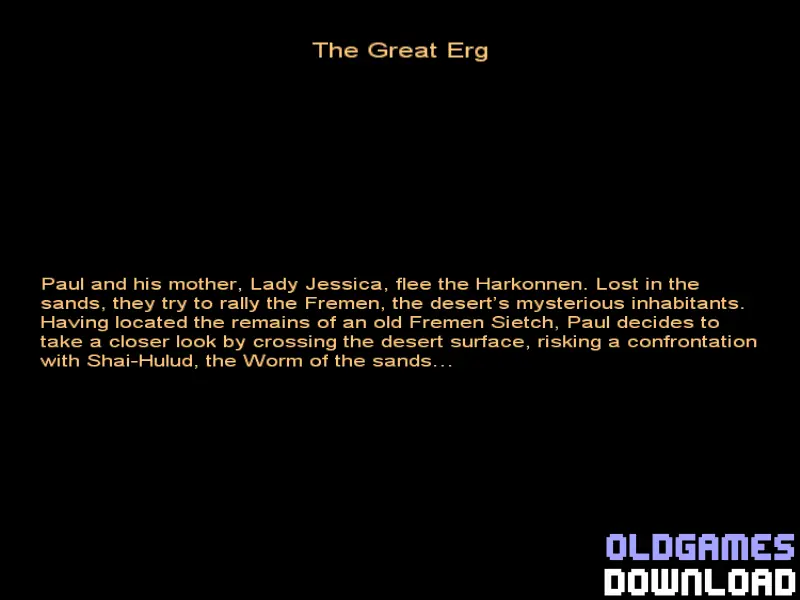
The game takes place during the two years Paul and Jessica spend with the Fremen. Play as Paul Atreides to earn the trust of the Fremen while sabotaging the Harkonnens.
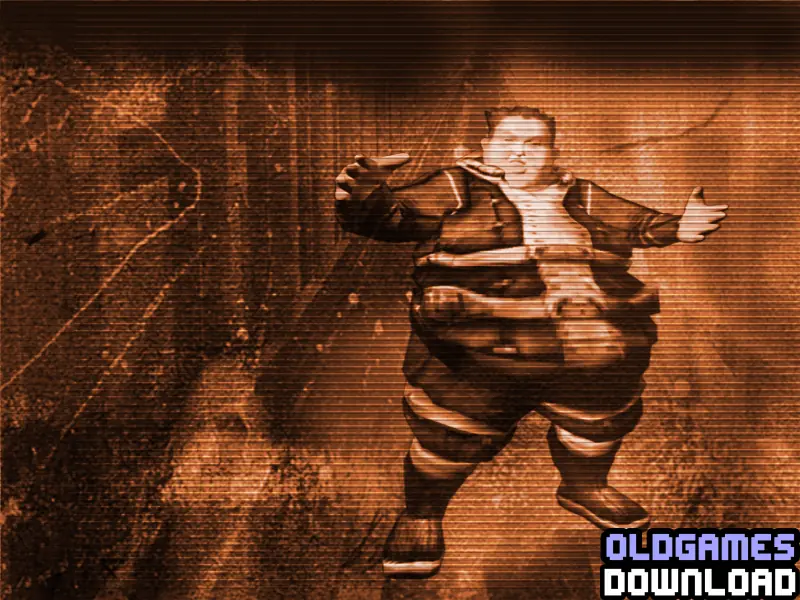
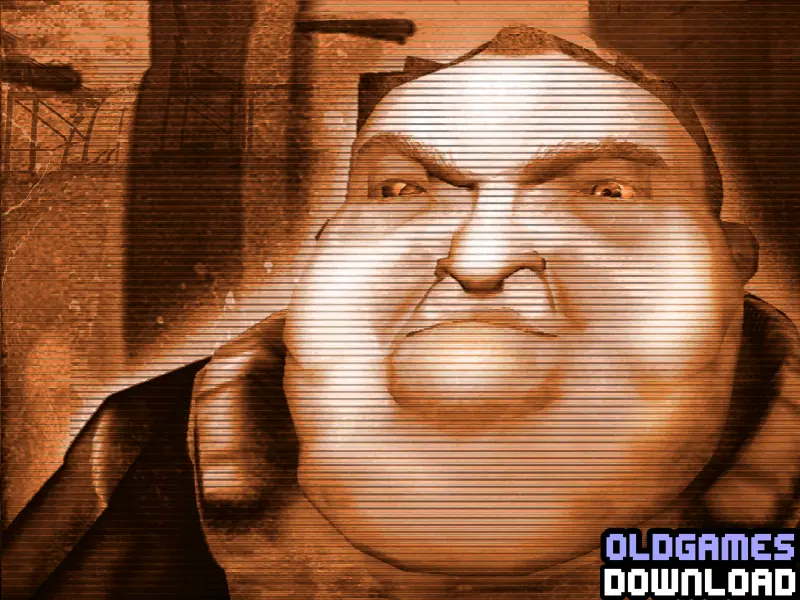
Screenshots

Windows

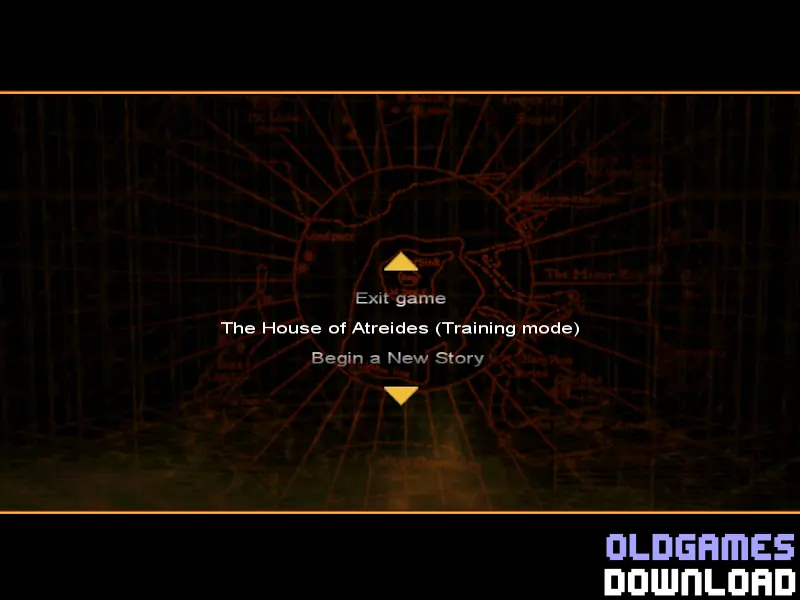
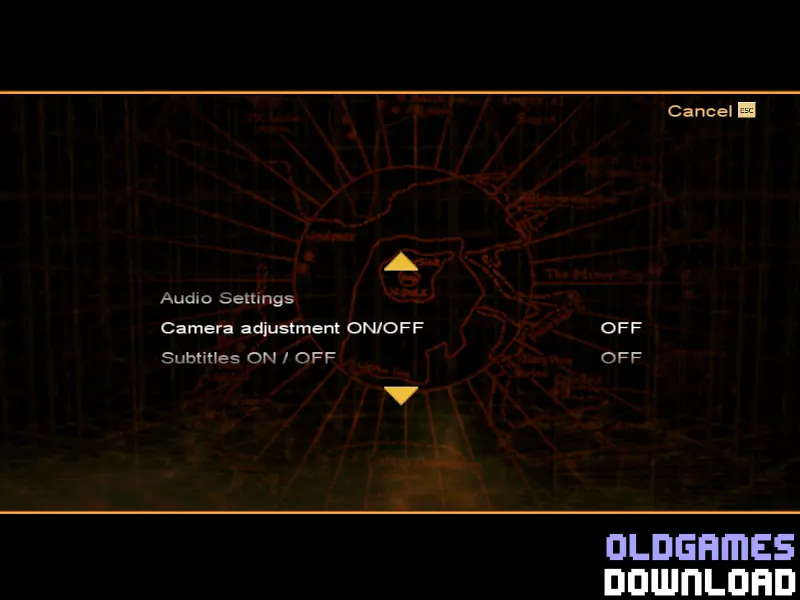
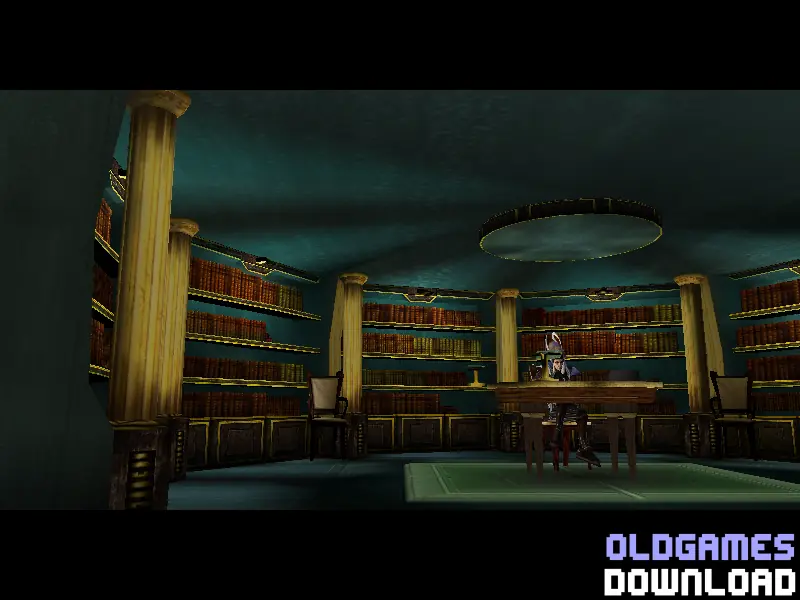
Frank Herbert’s Dune — Windows screenshot 1Frank Herbert’s Dune — Windows screenshot 2Frank Herbert’s Dune — Windows screenshot 3Frank Herbert’s Dune — Windows screenshot 4Frank Herbert’s Dune — Windows screenshot 5Frank Herbert’s Dune — Windows screenshot 6Frank Herbert’s Dune — Windows screenshot 7Frank Herbert’s Dune — Windows screenshot 8Frank Herbert’s Dune — Windows screenshot 9Frank Herbert’s Dune — Windows screenshot 10Frank Herbert’s Dune — Windows screenshot 11Frank Herbert’s Dune — Windows screenshot 12Frank Herbert’s Dune — Windows screenshot 13Frank Herbert’s Dune — Windows screenshot 14Frank Herbert’s Dune — Windows screenshot 15Frank Herbert’s Dune — Windows screenshot 16Frank Herbert’s Dune — Windows screenshot 17Frank Herbert’s Dune — Windows screenshot 18

Download Frank Herbert’s Dune

Frank Herbert’s Dune is abandonware and no longer sold or supported by its publishers. Files are archived here for these platforms:

Windows (2001)

  • Frank_Herberts_Dune_Windows.zipEN522.36 MB
  • Instructions Frank_Herberts_Dune_Windows.zip

    Text instructions (how to play on Windows)

    1. Click on the download button. It should redirect you to your download (Frank_Herberts_Dune_Windows.zip). Make sure you download the file properly and that your internet does not disconnect while downloading.
    2. Extract the "Emperor_Battle_for_Dune_Windows.zip" folder to your desktop. You will need a software such as WinRAR to do this.
    3. Open the folder called "Game Files" and in there, you want to mount the file called "DUNE" to any empty virtual disc. To do this, you will need to download a software such as PowerISO or Daemon Tools (right click on the file and there you should see your options to mount the file).
    4. Once you have the file mounted, run the game setup. Install the game (you can leave everything at default).
    5. To launch the game, simply double click on the game icon on your desktop, or go into the game installation directory and double click on the file called "dune.exe".
    6. Enjoy the game!
  • Frank_Herberts_Dune_Win_ROM_EN.zipEN522.36 MB
  • Frank_Herberts_Dune_Win_The_Collection_Chamber_Setup_EN.zipEN391.08 MB

Comments

3 thoughts on “Frank Herbert’s Dune”