Home » Games » Frogger: He’s Back!

Frogger: He’s Back!

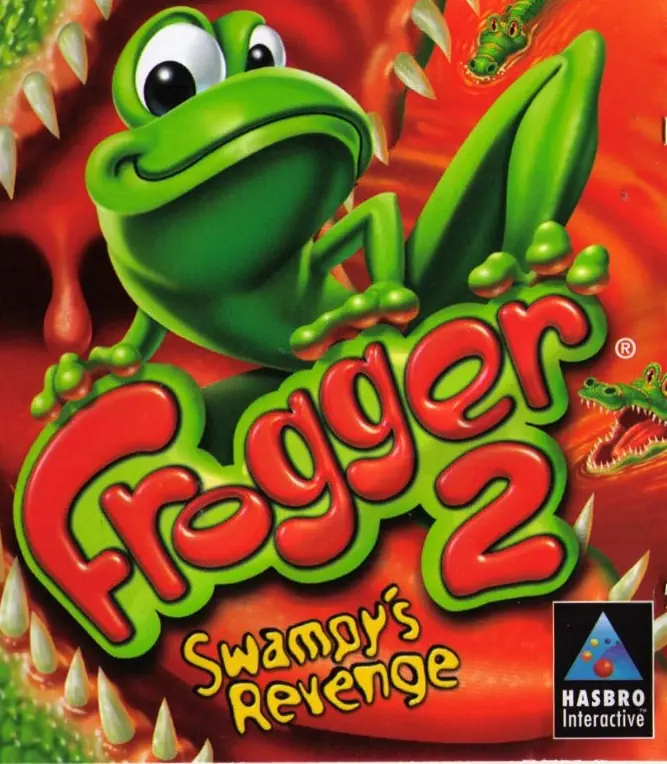
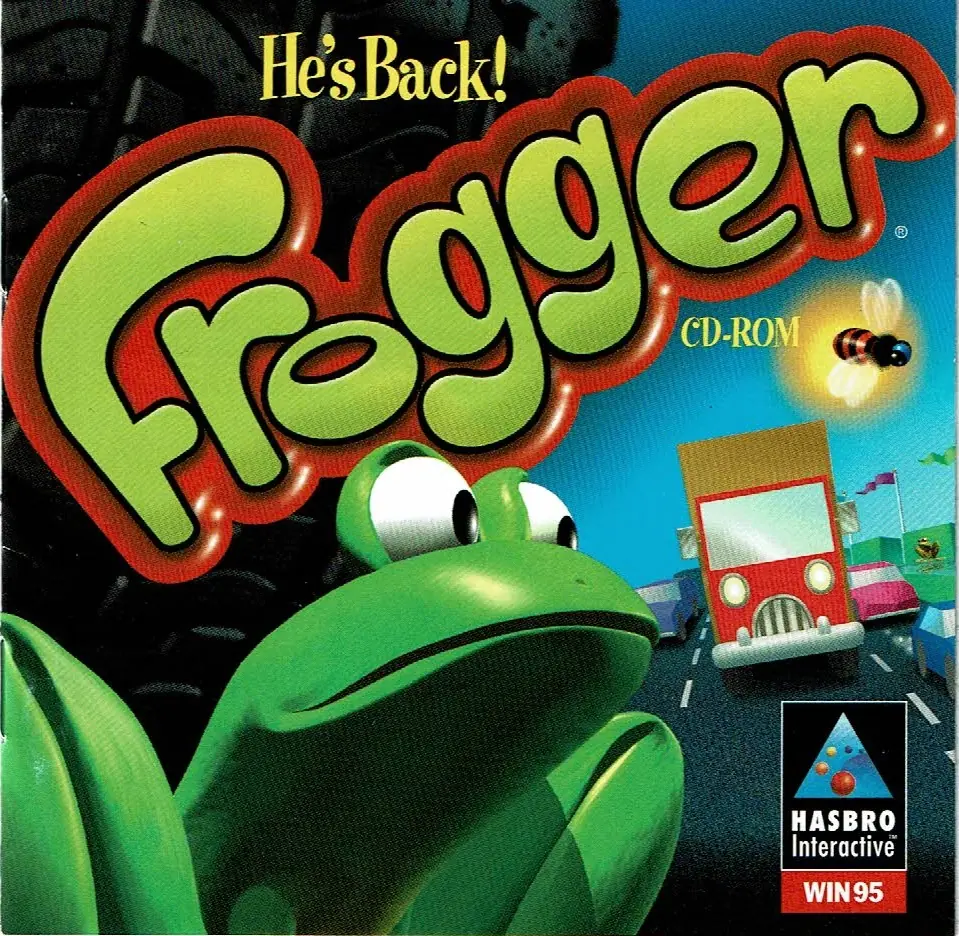
Frogger: He's Back! Game Cover
4.2/5 - 43 votes

Frogger: He’s Back! is a 1997 action game developed by SCE Cambridge Studio and published by Hasbro Interactive.

Other Titles

FroggerFrogger 3Dفروجير

Genres
Publishers
Released
Platforms
Download

About Frogger: He’s Back!

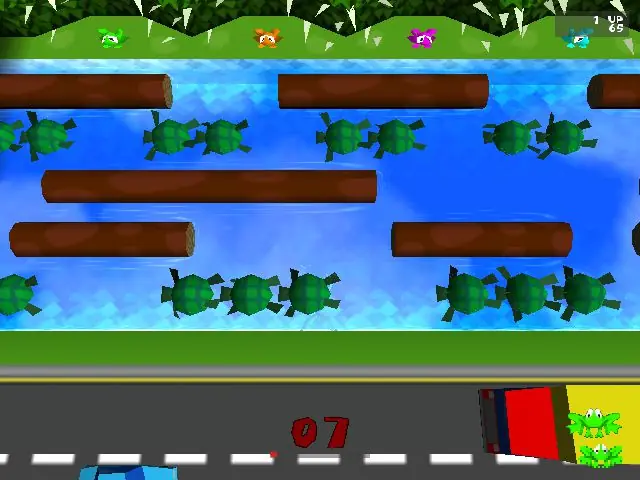
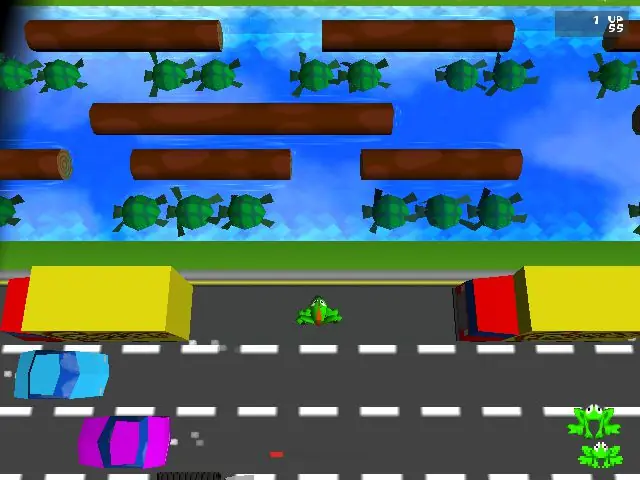
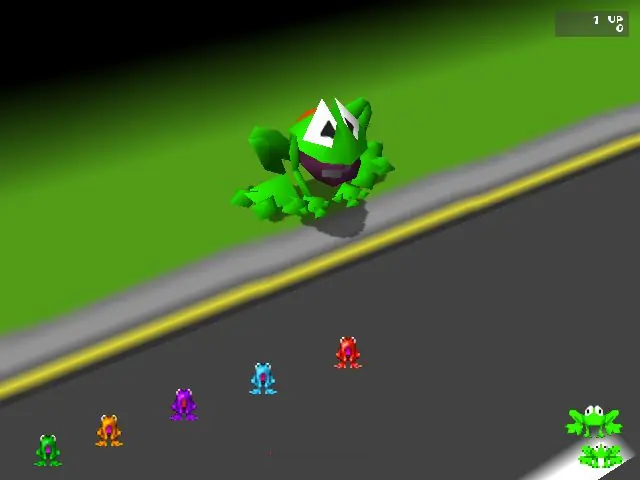
Frogger (branded and commonly referred to as Frogger: He's Back!) is a video game remake of the classic 1981 arcade game of the same name. It was developed by SCE Cambridge Studio and published by Hasbro Interactive in November 1997. The game is an expansion of the original arcade game, sporting levels with large maps, an updated set of graphics rendered in 3D, and additional gameplay moves.
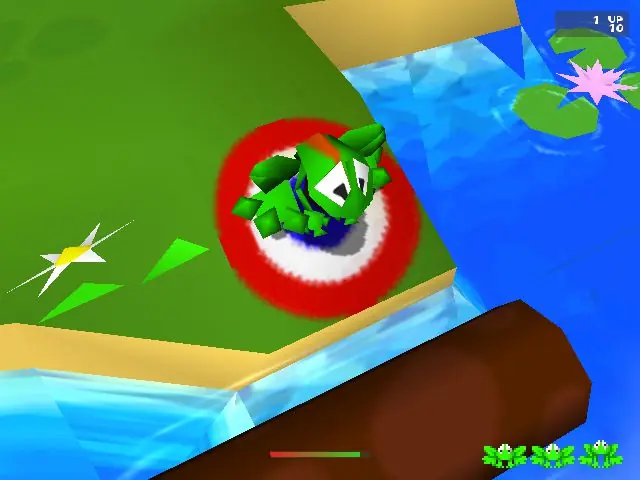
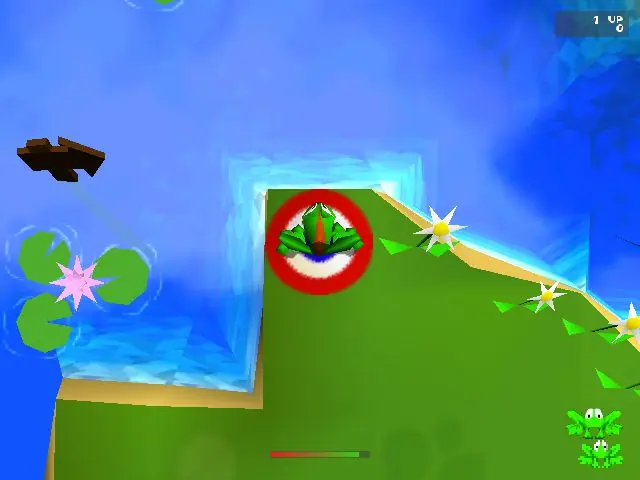
Screenshots

Windows

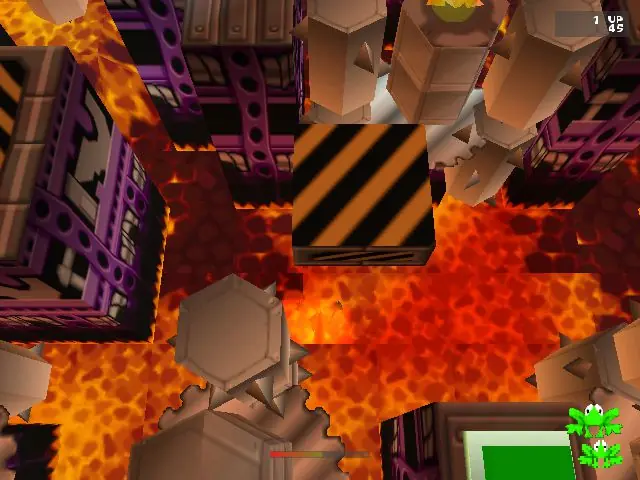
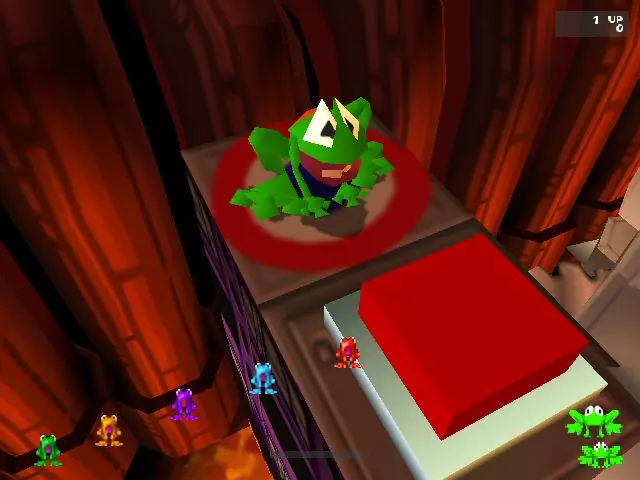
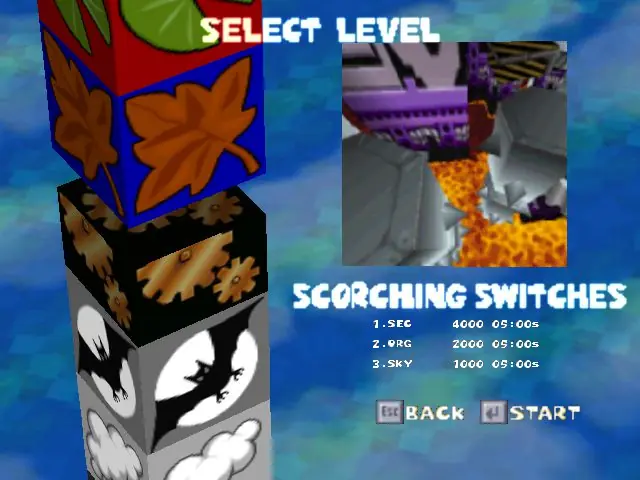
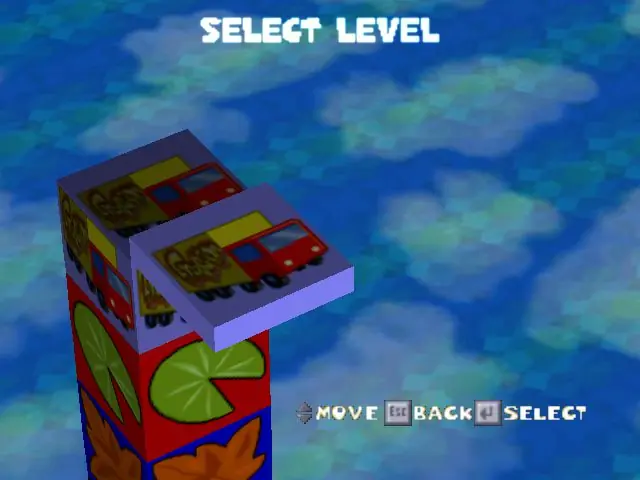
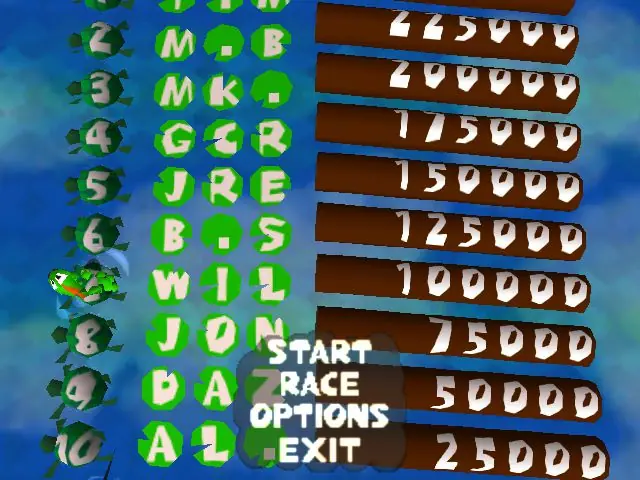
Frogger: He’s Back! — Windows screenshot 1Frogger: He’s Back! — Windows screenshot 2Frogger: He’s Back! — Windows screenshot 3Frogger: He’s Back! — Windows screenshot 4Frogger: He’s Back! — Windows screenshot 5Frogger: He’s Back! — Windows screenshot 6Frogger: He’s Back! — Windows screenshot 7Frogger: He’s Back! — Windows screenshot 8Frogger: He’s Back! — Windows screenshot 9Frogger: He’s Back! — Windows screenshot 10Frogger: He’s Back! — Windows screenshot 11

Download Frogger: He’s Back!

Frogger: He’s Back! is abandonware and no longer sold or supported by its publishers. Files are archived here for these platforms:

Windows (1997)

  • Frogger_Hes_Back_Win_RIP_EN.7zEN11.44 MB
  • Instructions Frogger_Hes_Back_Win_RIP_EN.7z

    How to play on Windows

    1. Download and Frogger_Win_RIP_EN
    2. Open "Game Files" and run FROGGER.REG to update the registry.
    3. Run "VideoSetup", select "Custom" and set up the following options and then select "OK"
      Frogger Video Setup
    4. Right click "frogger.exe", go to properties and set compatibility to Windows 95. Also set the option run the game as an administrator.
    5. Launch game by double clicking on "frogger.exe"
    6. Enjoy!

Other resources

Comments

19 thoughts on “Frogger: He’s Back!”

  1. 0
    Having a hard time opening this file even when following the steps. I hope I can play this game sometime, Seeing the screenshots absolutely woke up very old memories of playing this with my sister and mom <3.
    Reply
  2. 0
    Is there a way to get it to play the music? It seems unable to play the intro movie or any music besides the “Zone Complete” tracks.
    Reply
  3. 0
    I followed the instructions and I got a black screen, a couple of seconds later it closed itself. How do I fix this??
    Reply
  4. 0
    I’ve only been able to get this to run w/ Windows 98 compatibility, and when I do, the music doesn’t work. When I tried 95, I just got the intro and then a black screen…
    Reply
    • 0
      Helpful tip – I had to go to 7-zip.org and download the 7-zip app in order to open the initial frogger file (to move to Step 2). Before moving to step 3, I also had to Extract the frogger files in 7-zip.
      Reply
  5. 0
    ok I’m massively confused, i have added the application to my registery but i now have no way to find it to run the video set up. i have opened up the registery but am not sure how to proceed. can you help me with this?
    Reply
  6. 0
    There are a few reasons on why it may not work, try looking for Frogger.Reg, and update the registry, then go over to “frogger.exe” and right click it, go to “properties” then go over to compatibility, and check the box “Run this program in compatibility mode for:” and select Windows 95, I hope this helped.
    Reply
      • 0
        I think the second file `Frogger_Hes_Back_Win_ROM_EN.7z` (433.2MB) is probably the ISO of the game disc, with all the audio tracks as regular CD audio on it.
        You probably need to download that and mount it as a virtual CD, to get music play back.
        Reply