Gearhead Garage

Gearhead Garage is a 1999 simulation game developed by Mekada and published by Activision Value.
Genres
Publishers
Released
Platforms
Gearhead Garage is a 1999 simulation game developed by Mekada and published by Activision Value.
Snap-On Gearhead Garage: The Virtual Mechanic is a PC game where players repair and customize late model cars and trucks. It was created by Mekada, endorsed by Snap-on Tools, and published in 1999 by Head Games (subsequently acquired by Activision). There is no feature for driving the cars, but Gearhead Garage introduced a vehicle-assembly game design. The appeal is reminiscent of taking things apart in real life—players can completely disassemble the engine, repair the individual parts, reassemble them, and then exhibit the completed result in their 3D "car lot". The game also features a series of "jobs" in which the player fixes vehicles owned by fictional characters. This allows them to earn money to buy custom items from the catalog, auction, or junkyard.
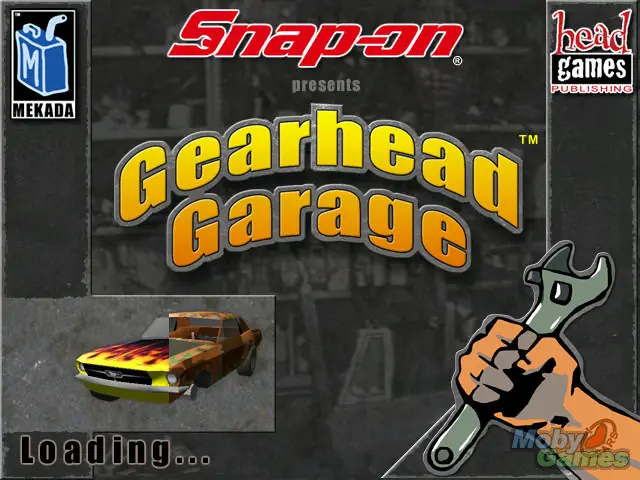
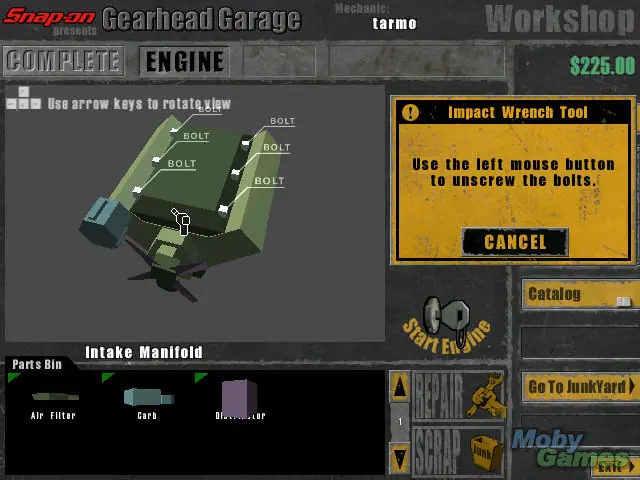
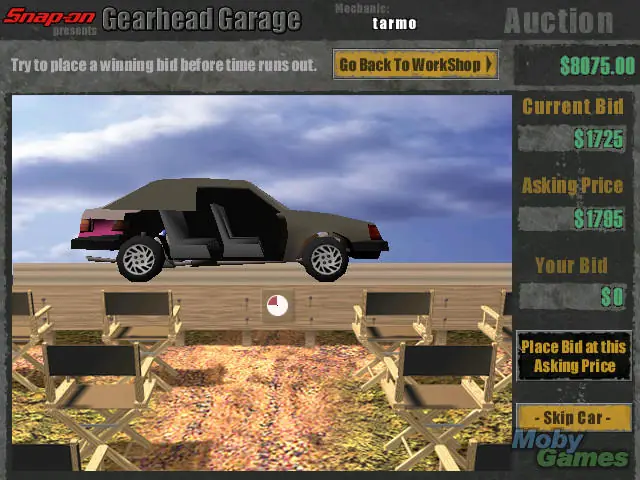
Gearhead Garage is abandonware and no longer sold or supported by its publishers. Files are archived here for these platforms:










1. Install normally from the ISO and apply all patches from gearheadgarage(com)
2. Get the portable version of Nelson Piquet’s Grand Prix (game) from myabandonware(com)
3. Replace the file called d3d.vd from the Data folder of Gearhead Garage with the same file from Nelson Piquet’s Grand Prix
4. Set compatibility mode for ghg.exe to Windows XP (SP2) and tick the box for “Run as administrator”
GHG should not crash anymore and you can enjoy it
1. Run the setup (nothing happens)
2. Open Task Manager and go to the “details” tab
3. Right-click setup.exe
4. Select “Analyze wait chain”
You should receive a list of processes. For some reason the installer was waiting on “Viber” on my PC and I had to quit viber in order to get it running. Once I quit that the installer immediately popped up on screen.
https://www.gearheadgarage.com/updates/GHGMultiUpdate.exe
Then launched on comptability Win98 and As Admin.
Works perfectly then.