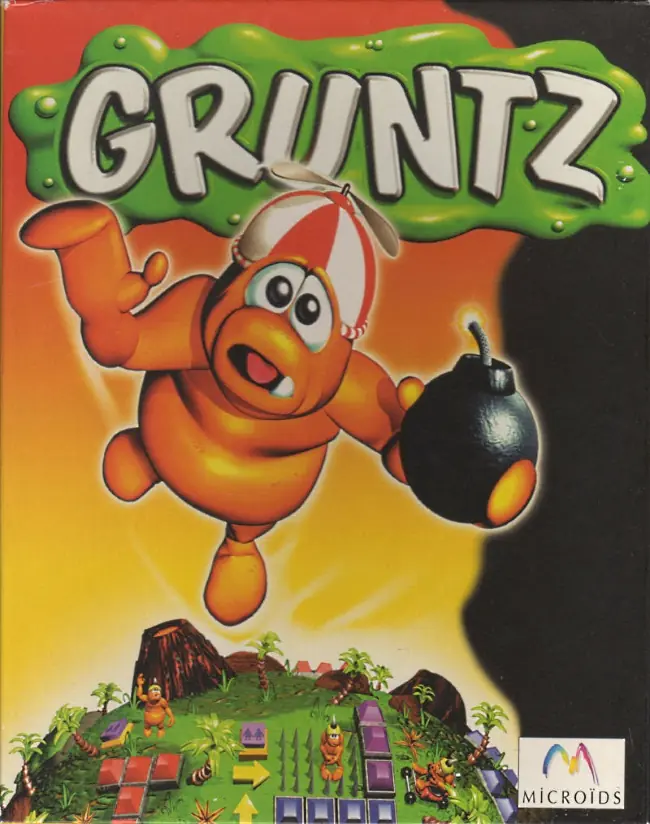
About Gruntz
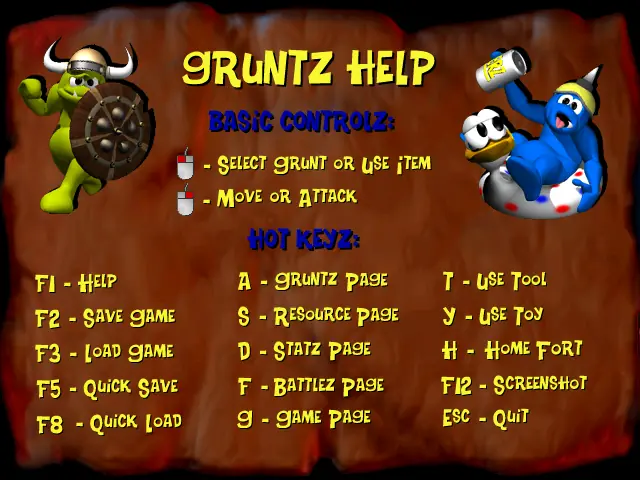
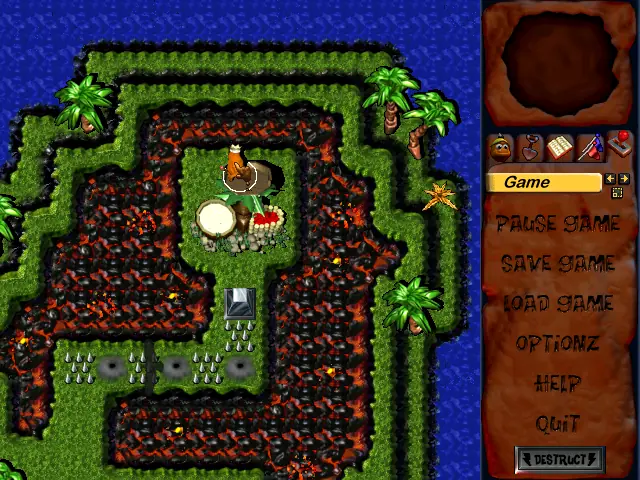
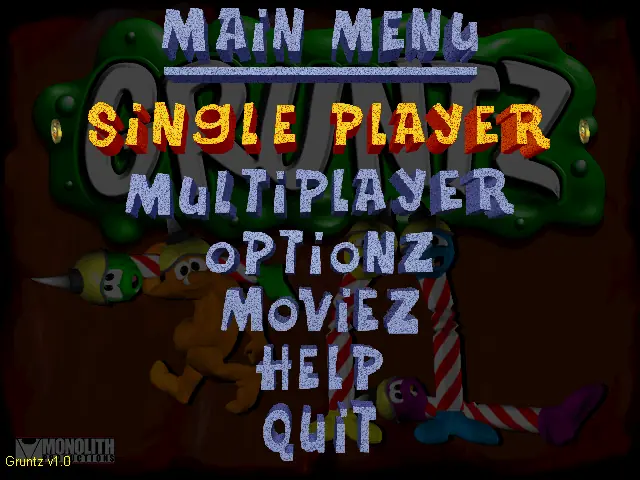
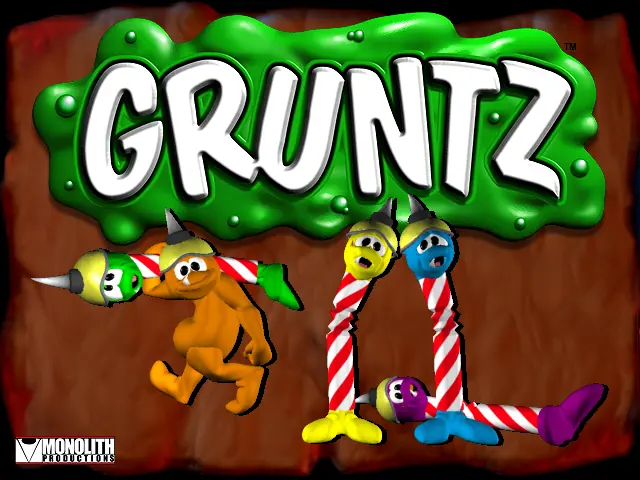
The player controls a number of "Gruntz", diminutive, goblinoid creatures made of baked clay ("goo"), via the mouse. The controls are those of a typical real-time strategy game: commands are issued to Gruntz via first selecting them and then either right-clicking (causing them to move or attack) or left-clicking (for special actions such as laying bombs or digging holes).
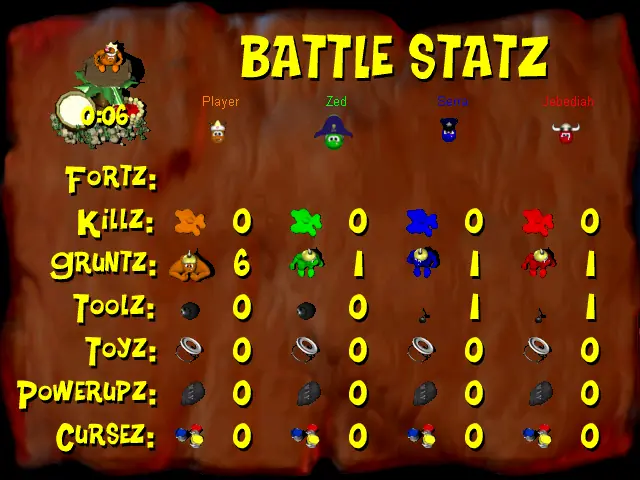
Tools are to be picked up by Gruntz to use in battle or for puzzle solving purposes. Each tool does a certain amount of damage. The weakest tool is nothing at all, also called barehands. There are several ways of getting a barehand Grunt, which include freshly created Gruntz, or a Boomerang Grunt that forgot to catch the boomerang. The only Grunt a Barehanded can defeat is another bare hand if he strikes first. The strongest weapon is the Timebombs, which kills any Gruntz within the 1 square radius (including the Grunt himself if he's not careful). Most weapons can be used for other purposes, such as walking over spikes, swimming, breaking objects or digging holes. A grunt can only have one tool at a time.
In addition to tools, toys can be used against enemy Gruntz to force them to stop and play with the toy for a given amount of time, while the player sneaks past them. As with tools, there are numerous toys available for use. The shortest lasting toy is the yo-yo, which breaks almost instantly, leaving the Grunt little time to do anything but run away. The longest lasting toy is the Beach Ball, which take the longest to break. The only thing that works as well as a Beach Ball is the Go-Kart, which doesn't last quite as long in information terms, but the animation of the toy actually breaking is quite long, making the Go-Kart last as long as the Beach Ball. Just like tools, a Grunt can only have one Toy at a time, but he can always put his current toy down and get another one, use that toy, and return later to collect the original toy.



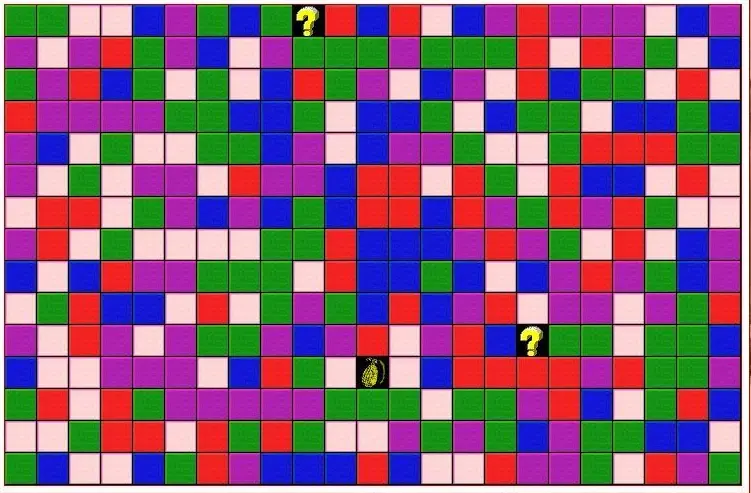






Any ideas what the problem might be?
https://mega.nz/#!AocX2apD!xIkAPgvZPI0fvctcnAJ0PLXlhYo5GjEDiOSQMt8PTcw