Habitat Rescue: Lion’s Pride
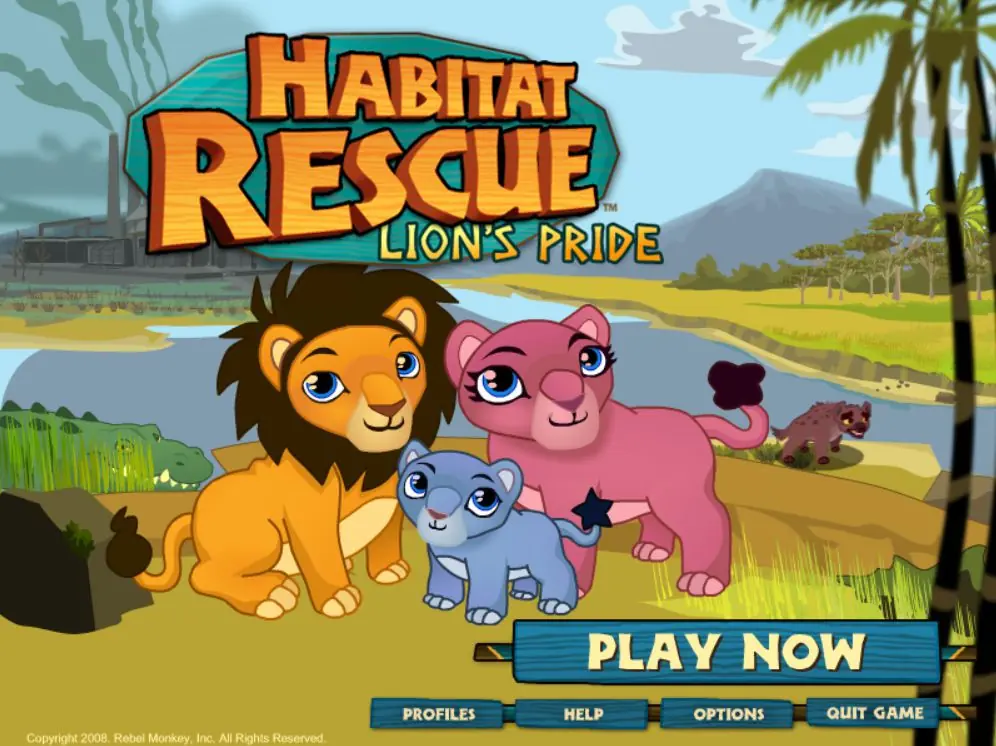
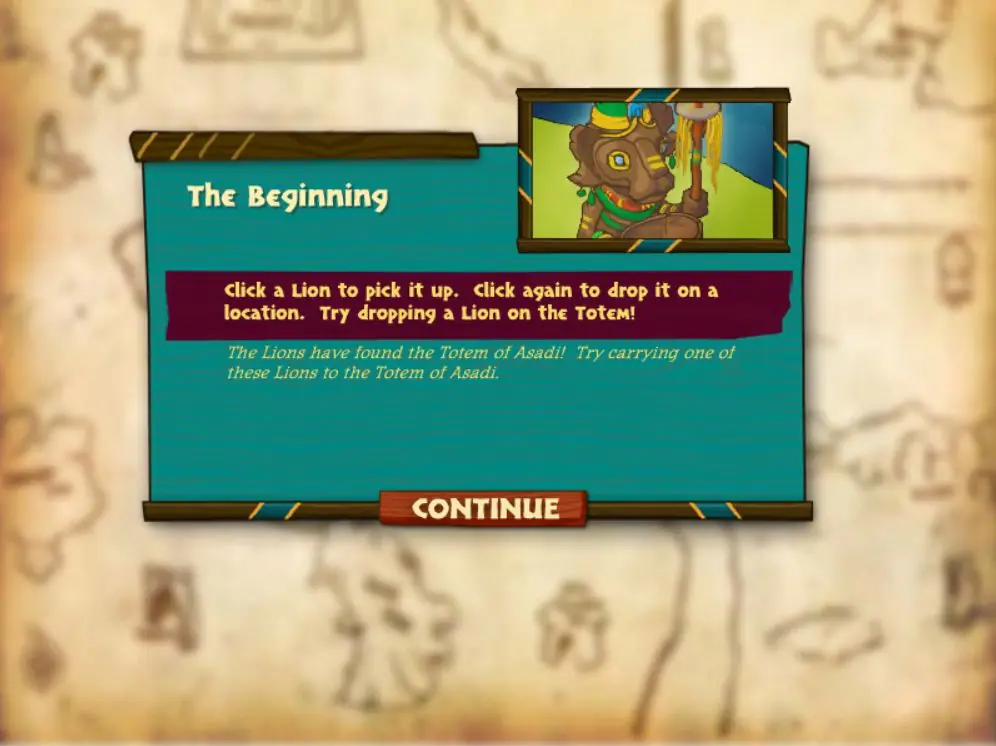
Habitat Rescue: Lion’s Pride is a 2008 simulation game developed by Rebel Monkey and published by GameHouse.
Habitat Rescue: Lion’s Pride is a 2008 simulation game developed by Rebel Monkey and published by GameHouse.
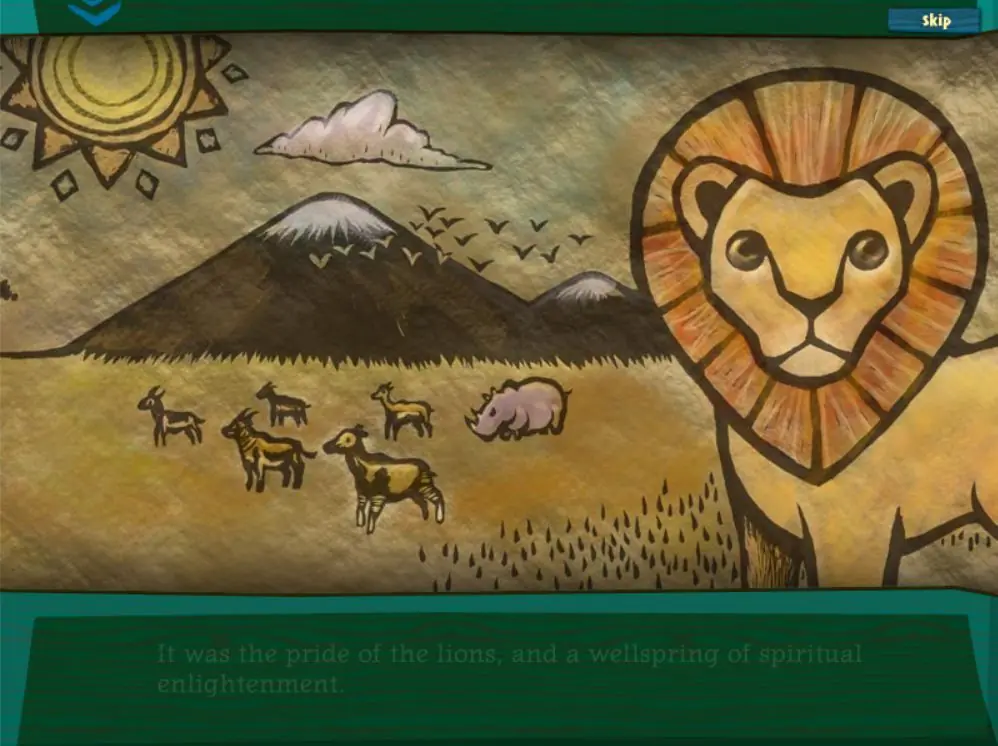
Help a pride of lost Lions restore their jungle paradise in this real-time simulation game that combines strategy and adventure! The Lions lost their ancestral home because of pollution and ravages on the environment. Guide your Lions in reclaiming their lost kingdom as they encounter hyenas, crocodiles, hippos and a host of other creatures along the way! Help your Lions solve puzzles, embark on adventures and raise their families! Your Lions learn and grow in real-time, even if your computer is turned completely off!
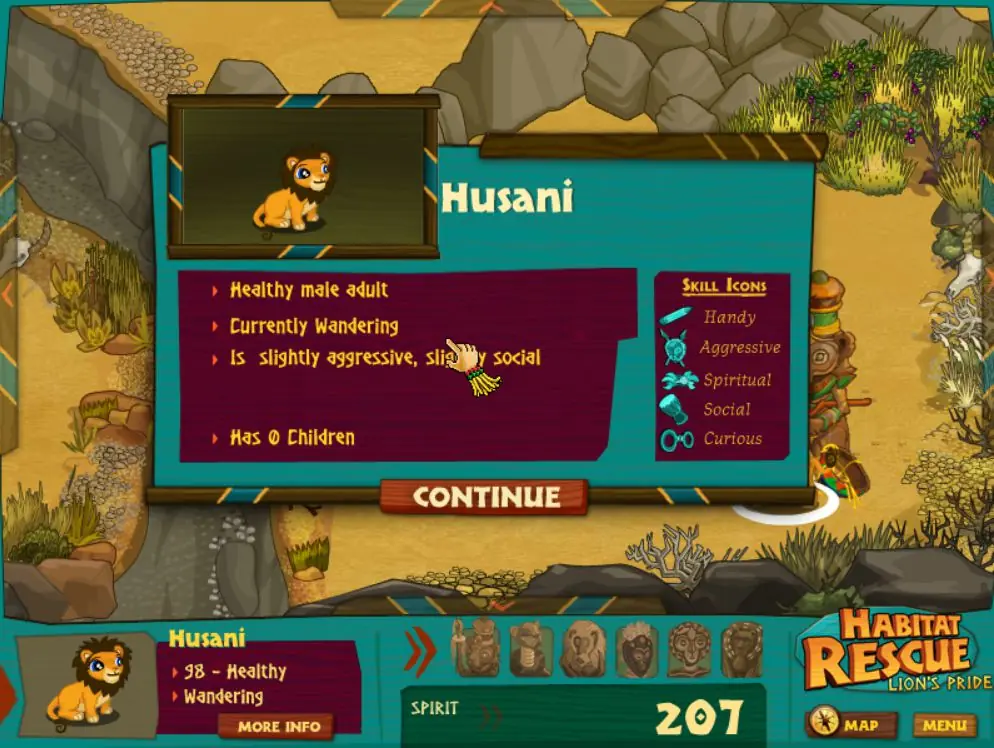
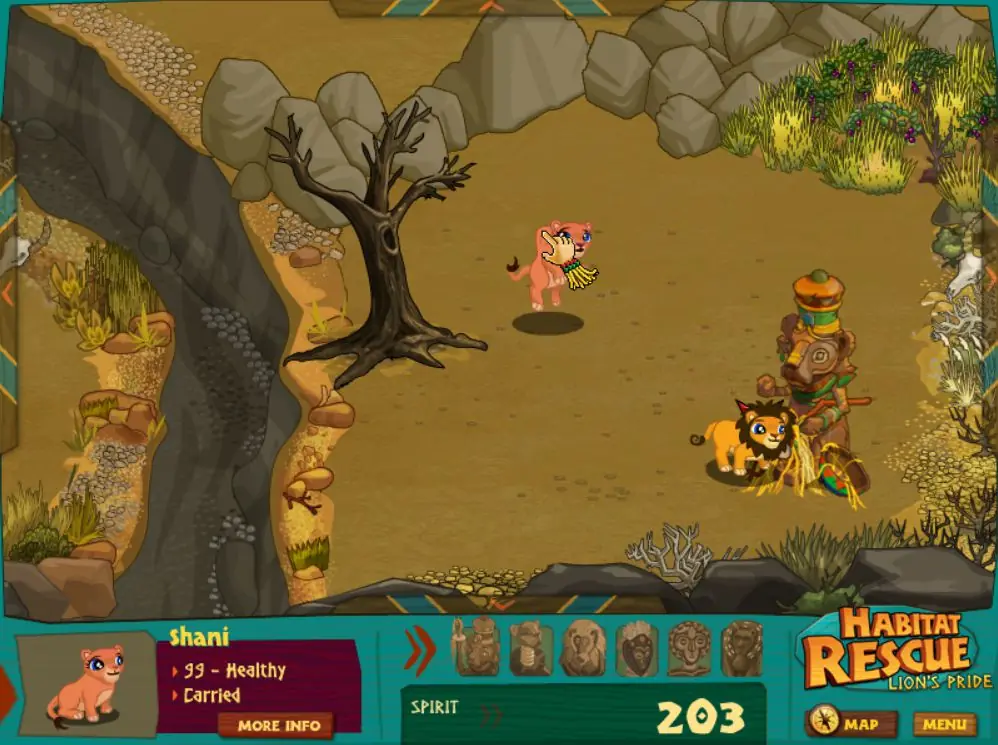
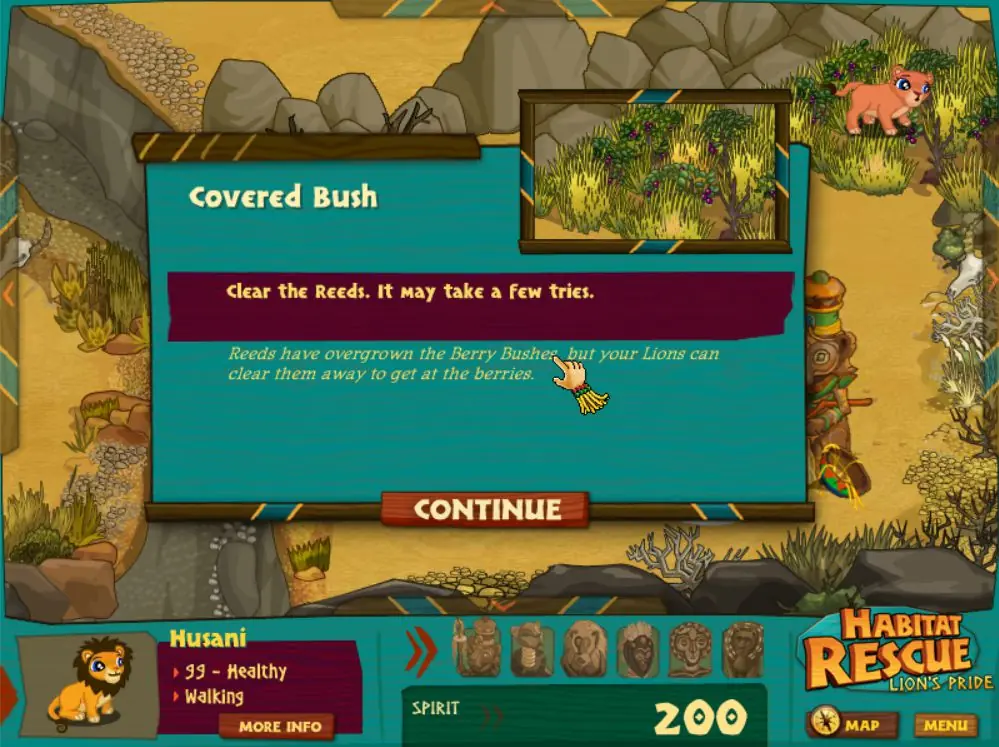
Habitat Rescue: Lion’s Pride is abandonware and no longer sold or supported by its publishers. Files are archived here for these platforms:
Note: Launch game in compatibility mode with Windows 7 if you get any errors.









So the computer believes the HabitatRescuel.exe file (which you use to start up the game) is a virus, and will refuse to download it. In my case, I was given an indicator that it suspected the files I was extracting, but then it continued to extract anyways. When I looked at the extracted files, the .exe was missing. If you go to your antivirus’s “Virus Vault/Quarantine” you will find the file that it removed and you can download it. (The location for your Virus Vault depends on your Antivirus, so look it up!) Move the file back with the others, and as Wreck said, make sure to change the compatibility to Windows 7 before you start it up (To do this right-click the .exe file and select properties, select the compatibility tab and adjust)
Also as Wreck pointed out, when you boot it up go to options and turn full screen off. It runs so much smoother that way.
I know for most here this is probably self-explanatory, but I hope this helps someone out there. I know I could’ve benefited from this information four years ago ^^
I did have an issue with the game hanging, lagging, then crashing when I first launched it, though. I fixed the issue by running the game in compatibility mode for Windows 7, then turning fullscreen mode off. It’s been working a treat ever since.