Home » Games » Harry Potter and the Half-Blood Prince
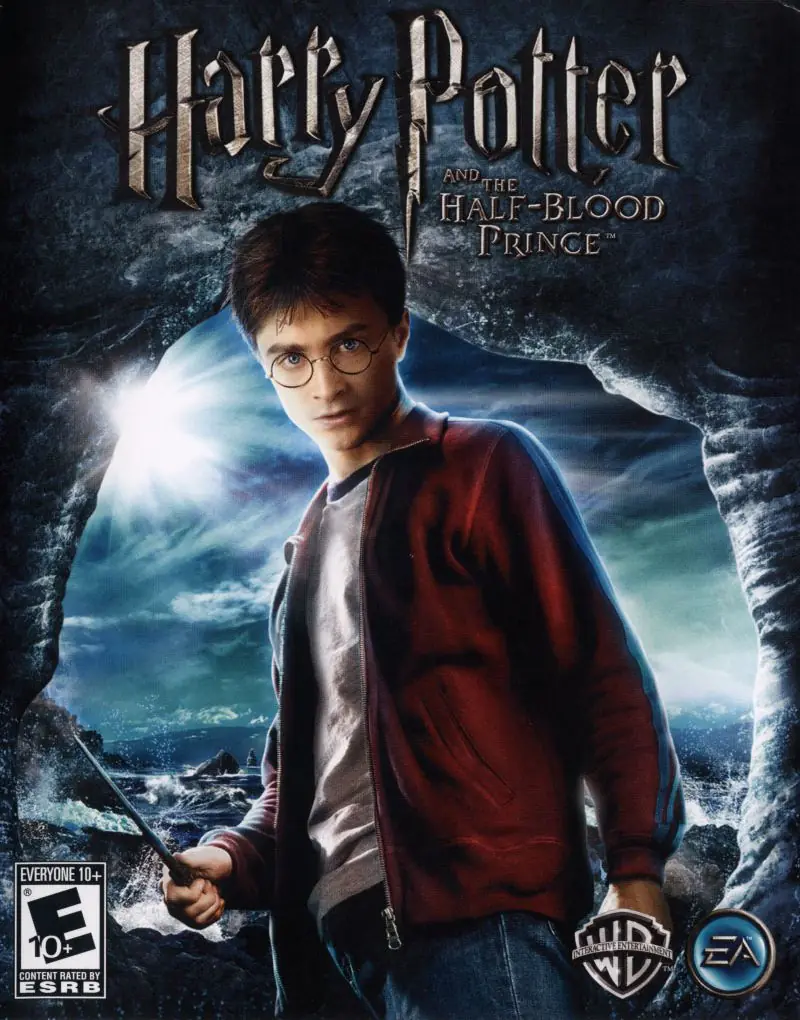
Harry Potter and the Half-Blood Prince

Harry Potter and the Half-Blood Prince Game Cover
4.6/5 - 96 votes

Harry Potter and the Half-Blood Prince is a 2009 action-adventure video game. It is based on the 2009 film of the same name.

Other Titles

Harry Potter a Princ Dvojí KrveHarry Potter e il Principe MezzosangueHarry Potter och HalvblodsprinsenHarry Potter og Halvblods-PrinsenHarry Potter og HalvblodsprinsenHarry Potter 6Harry Potter e o Enigma do PríncipeHarry Potter e o Príncipe MisteriosoHarry Potter en de Halfbloed PrinsHarry Potter et le Prince de Sang-MêléHarry Potter i Książę PółkrwiHarry Potter ja puoliverinen prinssiHarry Potter und der HalbblutprinzHarry Potter y el misterio del PríncipeHarry Potter és a Félvér HercegHarry Potter e o Príncipe Misterioso,HP6해리포터와 혼혈왕자Harry Potter i Princ miješane krviVideospelet Harry Potter and the Half-Blood PrinceГаррі Поттер і напівкровний Принцهارى پوتير اند ث هالف بلود پرينسهاري بوتر والأمير الهجينهری پاتر و شاهزاده دورگهแฮร์รี่ พอตเตอร์กับเจ้าชายเลือดผสมჰარი პოტერი და ნახევარპრინცი哈利·波特与“混血王子”해리 포터와 혼혈 왕자

Genres
Released
Platforms
Download

About Harry Potter and the Half-Blood Prince

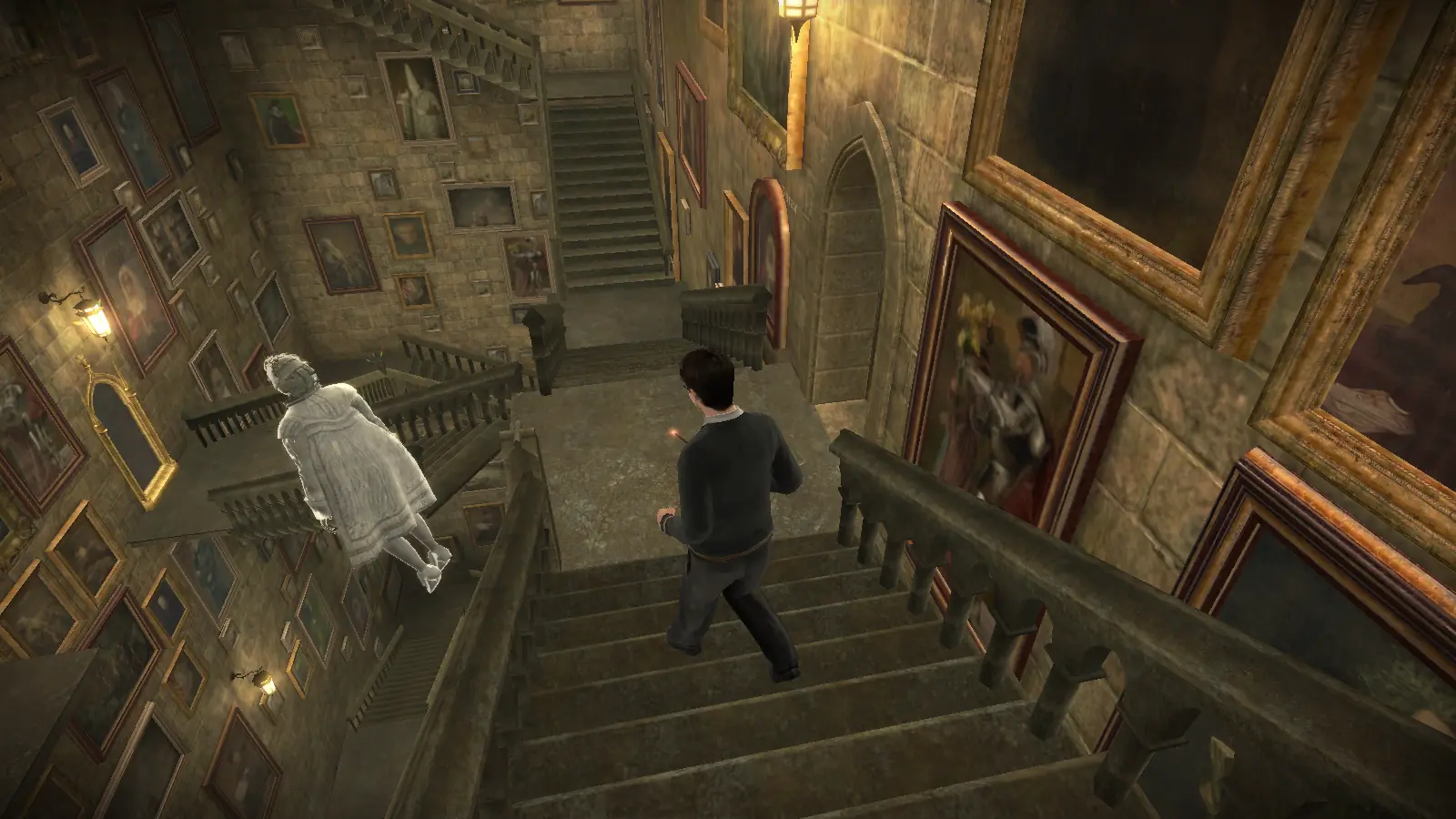
Half-Blood Prince features the exploration of Hogwarts and casting spells on objects around the school, similar to its predecessor, Order of the Phoenix. The game also includes multiplayer games, classes, different times of day, Quidditch, Wizard Duels and Potion making. The Marauder's Map is included in the game, with progress opening other parts of the school. Harry can also call Nearly Headless Nick to show him around the school. Harry is the main playable character in the game, but Ron and Ginny are also available in two levels. The first has Ron concentrate on following Harry after taking a Love Potion (if he does not follow Harry, the mission fails). The second has Ginny fill in for Harry for Quidditch when he gets detention and play against the rival Seeker, Cho Chang.

As Dumbledore mentions, the Duelling Club begins. Harry is allowed to duel freely with students and learn spells from them. The Gryffindor Duelling Club is located in the Great Hall, while the other Houses' are in other places, including the Paved Courtyard, Training Ground, and Transfiguration Courtyard.

As Harry attends Potions class, mixing ingredients to make potions is done with the Wii Remote or analogue stick. Harry must also join the Potions Club, which is in the Herbology classroom. Potions ingredients surround the cauldron on the workbench, and through visual symbols that pop up on the screen, the instructions must be followed to complete the potion.

In Harry Potter and the Half-Blood Prince, Dumbledore prepares Harry for the final battle that he knows is fast approaching as Voldemort is tightening his grip on both the Muggle and wizarding worlds. Together they work to find the key to unlock Voldemort's defences, and to this end, Dumbledore recruits his old friend and colleague, the well-connected and unsuspecting bon vivant Professor Horace Slughorn, whom he believes holds crucial information.
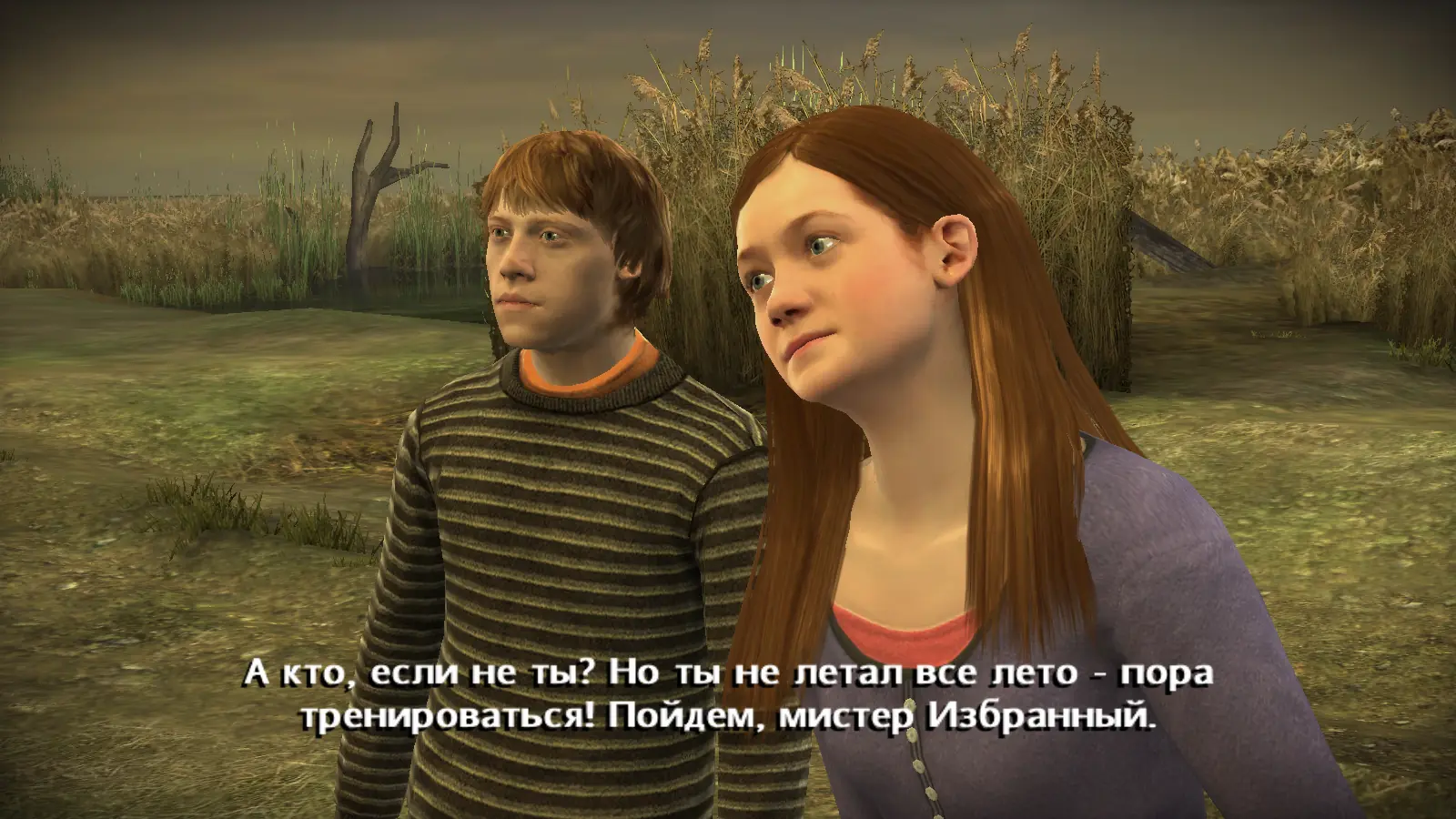
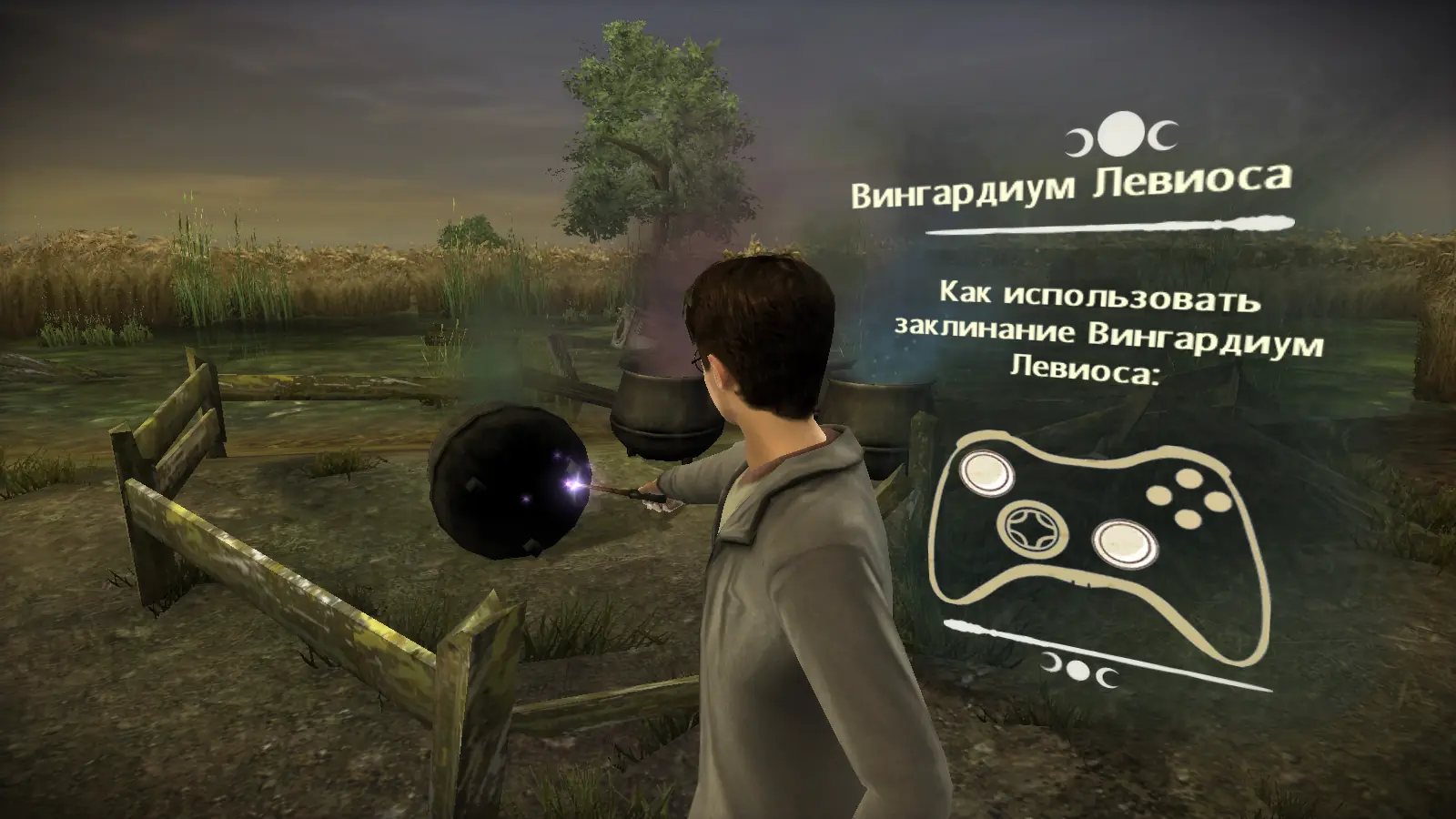
Screenshots

Windows

Harry Potter and the Half-Blood Prince — Windows screenshot 1Harry Potter and the Half-Blood Prince — Windows screenshot 2Harry Potter and the Half-Blood Prince — Windows screenshot 3

Comments

100 thoughts on “Harry Potter and the Half-Blood Prince”

  1. 1
    won’t work for me, I’m using Windows 10. Whenever I try to run it, my screen turns to black for a second and kicks me back at the folder. (Do I have to download Windows XP to make it work?)
    Reply
  2. 0
    Some people say that their game is not working properly. Don’t know, I have installed 3.3 GB preinstalled file and it works fine for me. I already fully(100% crests and budges) completed the game. So, once again thank you very much Oldgames!
    Reply
      • 0
        I can confirm this is fixed by manual install. Please utilize comments from Jack’o and Good lookin’ Pikapiu for ease of access.

        -Jack’o

        Serial Key: H3L4-W68P-PFCT-PA5M-CNL6

        -Good lookin’ Pikapiu

        Must Google Search “harry potter and the half blood prince wrong disc inserted”

        Utilize GameWorldCopy.com link to find “Harry Potter and the Half-Blood Prince v1.0 (v1.0.0.1) [MULTI15] No-DVD/Fixed EXE”

        Go to bottom of page to find “File Archive [1.3MB]” with Play Instructions below reading:

        “Play Instructions:
        Install the game – Full Installation.
        Replace the original HP6.EXE file with the one from the File Archive.
        Play the Game!”

        My instructions are paraphrased as to how I had to understand it. Please see original posts for additional info.

        Reply
  3. 0
    Game crashes and turning back to desktop whenever i am on Wooden Bridge. Even if i change graphic settings and resolution to the lowest. What should i do? pls help (I downloaded Harry_Potter_and_the_Half_Blood_Prince_Win_Preinstalled_EN)
    Reply
    • 0
      This sounds like same issue as Harry Potter and the Order of the Phoenix Preinstall where it crashes every time you go to the covered bridge. The fix for the previous game was to download the full ISO and manually install. I am having this same issue with the Preinstall currently downloading ISO for manual install to confirm fix.
      Reply
  4. 0
    Who got the Wrong disc inserted error, google harry potter and the half blood prince wrong disc inserted

    find gamecopyworld dot com

    find Harry Potter and the Half-Blood Prince v1.0 (v1.0.0.1) [MULTI15] No-DVD/Fixed EXE at the bottom

    Click the dark blue image (like a Floppy Disk)

    Copy hp6.exe into your_game_folderpc and replace

    Reply
    • 0
      To the other users commented on OldGamesDownload, Good lookin’ Pikapiu has the solution. I voted it up. GameCopyWorld.com has the fixes for all of the different games you’ve installed and can’t get working.
      Reply
      • 0
        Hi, on witch dark blue image you have to click?

        I get several :

        Archief bestanden [3,0 MB]- Maxi Image
        DAEMON-tools
        Afbeelding Tools- Y.A.S.U v1.6

        And what do you have to do next?

        I already installed de pre installation, but it crashed on the bridge to go to the quidditch.. 🙁

        Greetings A.

        Reply
    • 0
      Hi, on witch dark blue image you have to click?

      I get several :

      Archief bestanden [3,0 MB]- Maxi Image
      DAEMON-tools
      Afbeelding Tools- Y.A.S.U v1.6

      And what do you have to do next?

      I already installed de pre installation, but it crashed on the bridge to go to the quidditch.. 🙁

      Greetings Amber

      Reply
  5. 0
    i don’t know if it’s just me but the game doesn’t seem to start when i click the .exe, it’s just a black screen for a few seconds and then goes back to the desktop. if anyone has a solution please let me know
    Reply
  6. 0
    Thanks a lot for this you’ve made my day! I enjoy playing it, however now when I go to meet prof McGonagall the game keeps crashing 🙁
    Reply
  7. 0
    Great, thank you! The game is working, but do you know how can I improve graphics (setting doesn’t help), since it is terrible I know it should be better.
    Reply
  8. 0
    I installed the 3.3GB file and the game works perfectly fine for me. Changed the graphics to 1080p and it ran smooth.
    Reply
  9. 0
    Harry_Potter_and_the_Half_Blood_Prince_Win_Preinstalled_EN.zip (3.3GB), I downloaded this but there is not proper instructions how to run the game. It has a hp6 file which doesn’t runs. What should I do?
    Reply

Similar games