Harry Potter and the Half-Blood Prince
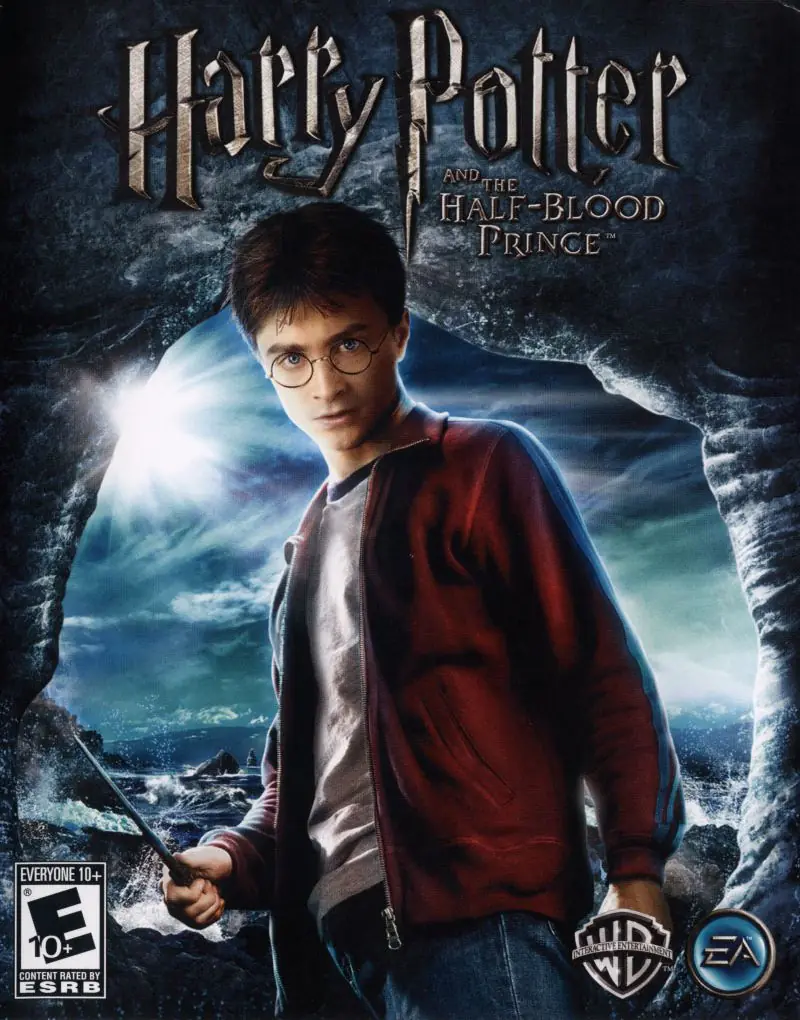
Harry Potter and the Half-Blood Prince is a 2009 action-adventure video game. It is based on the 2009 film of the same name.
Genres
Publishers
Developers
Released
Platforms
Harry Potter and the Half-Blood Prince is a 2009 action-adventure video game. It is based on the 2009 film of the same name.
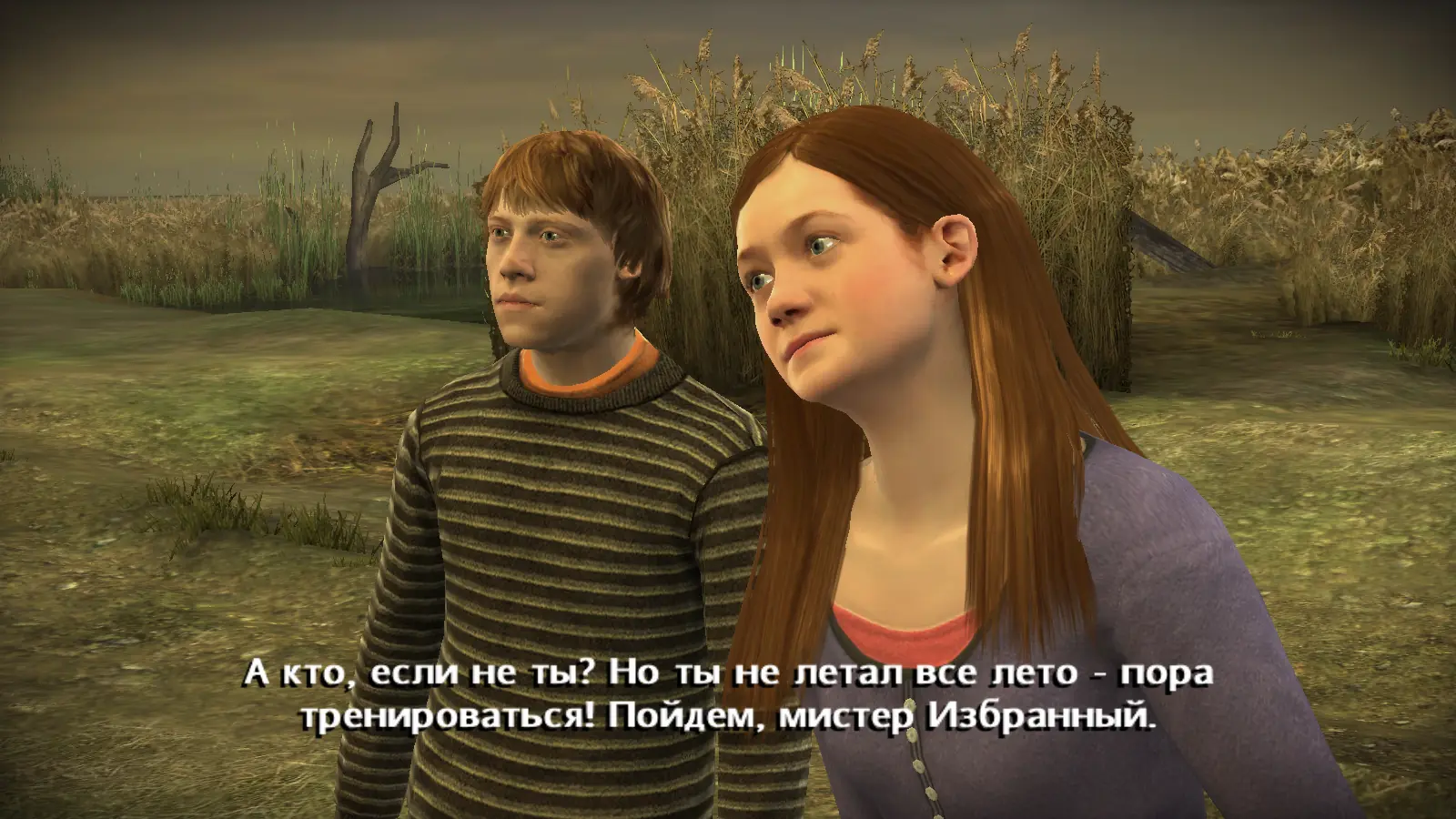
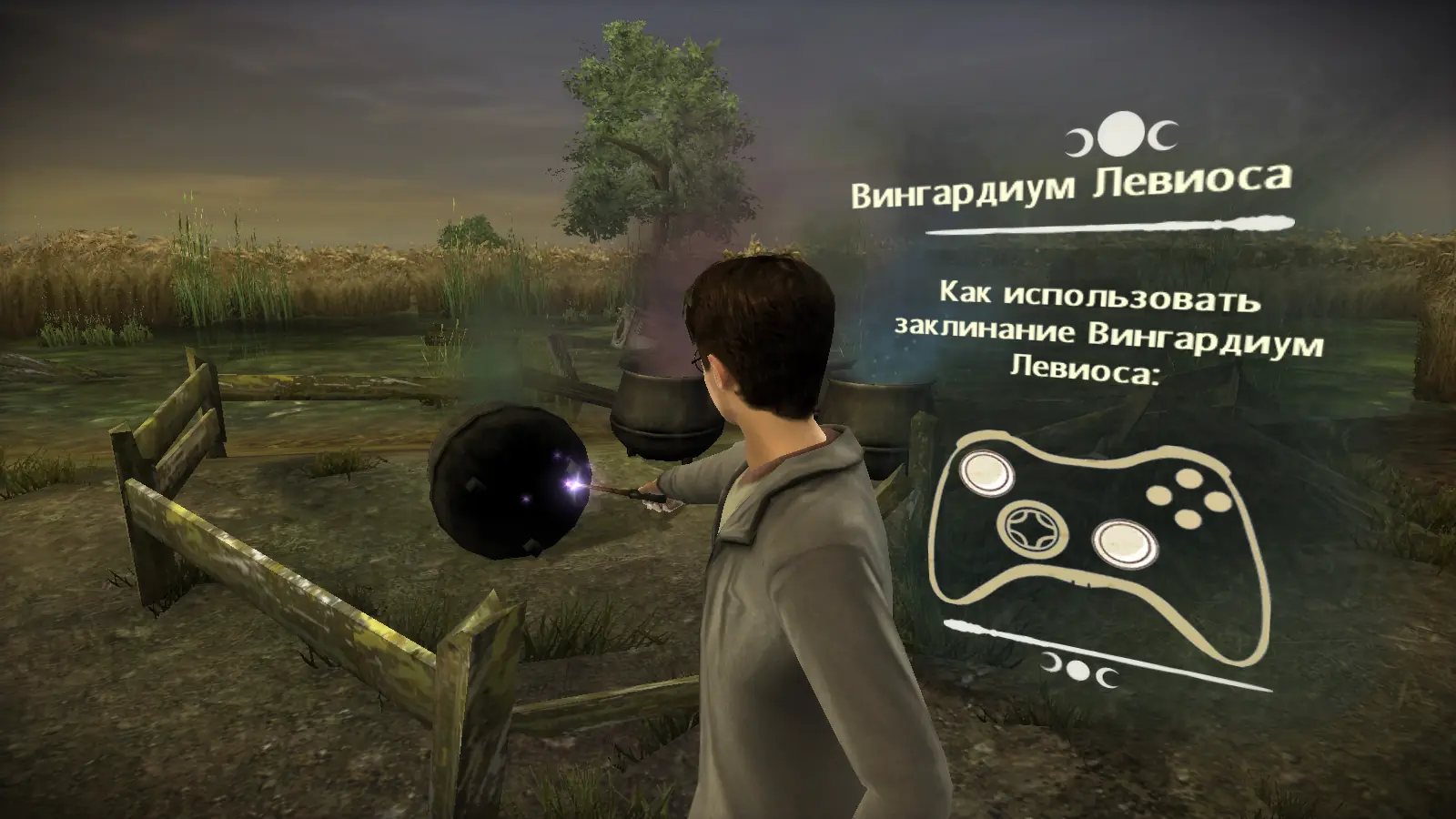
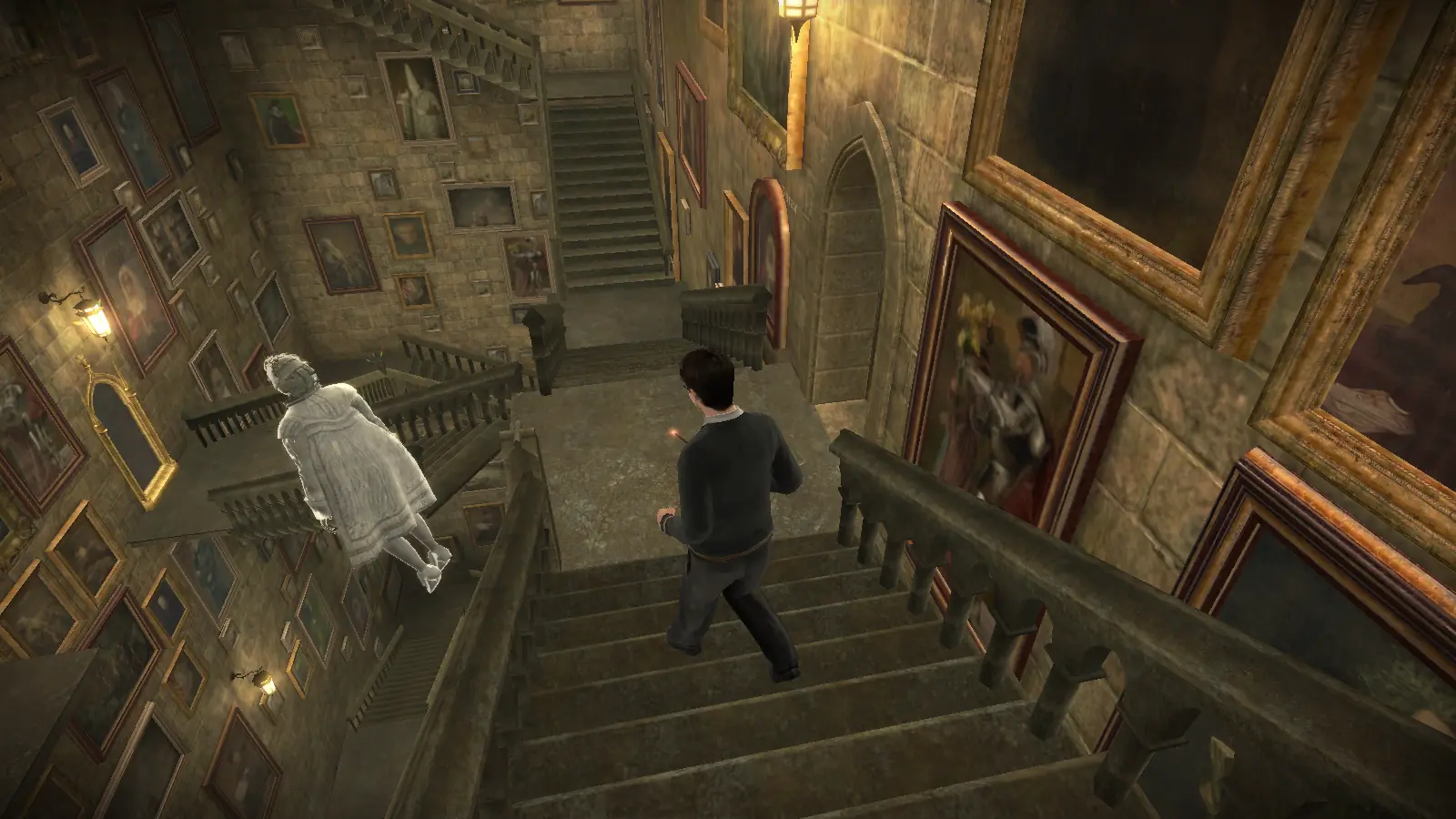
Half-Blood Prince features the exploration of Hogwarts and casting spells on objects around the school, similar to its predecessor, Order of the Phoenix. The game also includes multiplayer games, classes, different times of day, Quidditch, Wizard Duels and Potion making. The Marauder's Map is included in the game, with progress opening other parts of the school. Harry can also call Nearly Headless Nick to show him around the school. Harry is the main playable character in the game, but Ron and Ginny are also available in two levels. The first has Ron concentrate on following Harry after taking a Love Potion (if he does not follow Harry, the mission fails). The second has Ginny fill in for Harry for Quidditch when he gets detention and play against the rival Seeker, Cho Chang.
As Dumbledore mentions, the Duelling Club begins. Harry is allowed to duel freely with students and learn spells from them. The Gryffindor Duelling Club is located in the Great Hall, while the other Houses' are in other places, including the Paved Courtyard, Training Ground, and Transfiguration Courtyard.
As Harry attends Potions class, mixing ingredients to make potions is done with the Wii Remote or analogue stick. Harry must also join the Potions Club, which is in the Herbology classroom. Potions ingredients surround the cauldron on the workbench, and through visual symbols that pop up on the screen, the instructions must be followed to complete the potion.
In Harry Potter and the Half-Blood Prince, Dumbledore prepares Harry for the final battle that he knows is fast approaching as Voldemort is tightening his grip on both the Muggle and wizarding worlds. Together they work to find the key to unlock Voldemort's defences, and to this end, Dumbledore recruits his old friend and colleague, the well-connected and unsuspecting bon vivant Professor Horace Slughorn, whom he believes holds crucial information.
Harry Potter and the Half-Blood Prince is abandonware and no longer sold or supported by its publishers. Files are archived here for these platforms:






– Download Harry_Potter_and_the_Half_Blood_Prince_Win_ISO_EN.zip (3.4GB) and extract the files
– Also download Harry Potter and the Half-Blood Prince Windows NoCD (English) and extract the files
– Right-click on the file HP6_UK in the ISO download and mount
– Go to the mounted DVD drive that should have been created. Run the Autorun file. This will install a shortcut on the desktop
– When you double-click the shortcut, it will say to use the original CD instead of a backup. Go to your downloaded NoCD hp6 exe file. Copy this.
– Find the file location of the ISO download (right click on the shortcut and open file location). Paste the NoCD version of the exe file here, replacing the previous one
– Run the game from the desktop shortcut. It should no longer crash at the bridge!