Home » Games » Harry Potter and the Order of the Phoenix

Harry Potter and the Order of the Phoenix

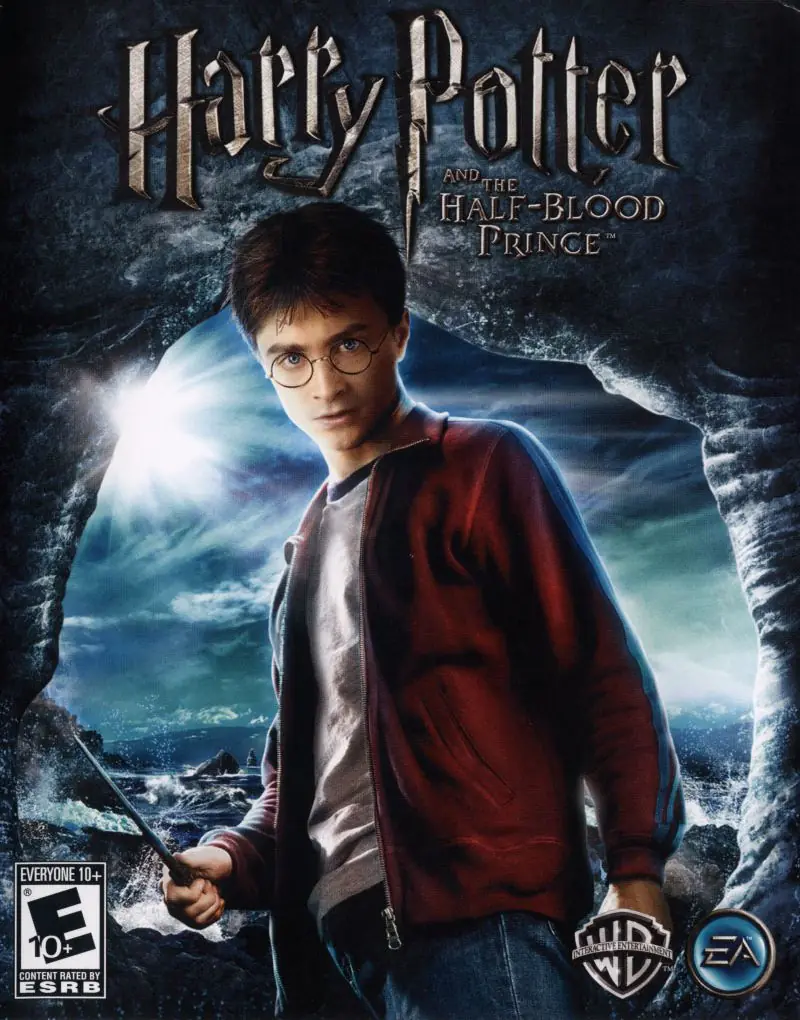
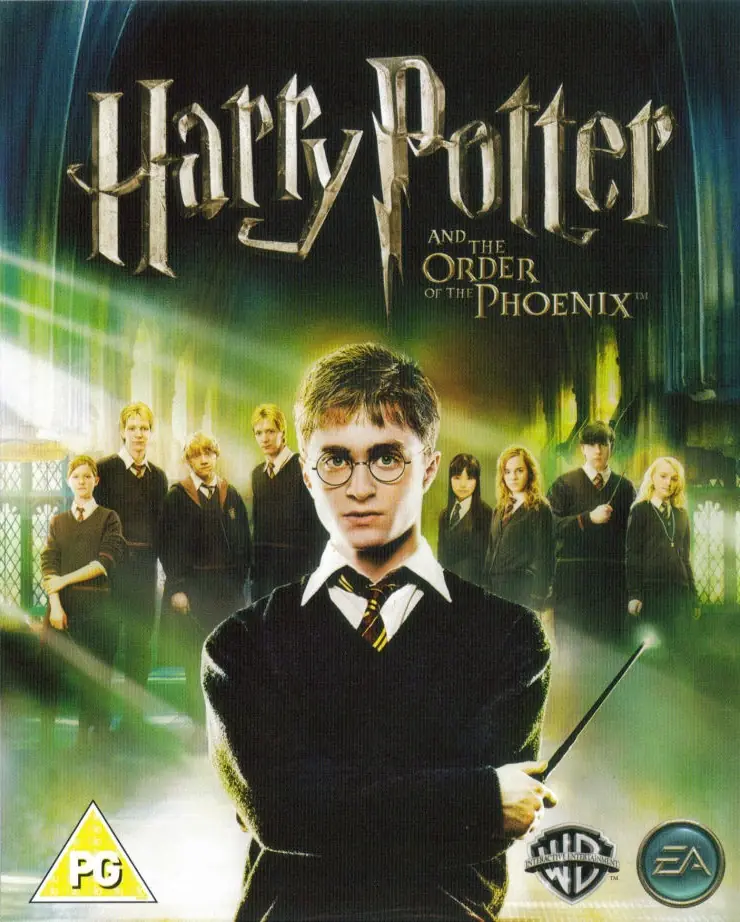
Harry Potter and the Order of the Phoenix Game Cover
4.5/5 - 259 votes

Harry Potter and the Order of the Phoenix is a 2007 action game developed by EA UK and published by Electronic Arts.

Other Titles

Harry Potter og FønixordenenHarry Potter 5Harry Potter a Fénixův ŘádHarry Potter e a Ordem da FénixHarry Potter e a Ordem da FênixHarry Potter e l'Ordine della FeniceHarry Potter en de Orde van de FeniksHarry Potter et l'Ordre du PhénixHarry Potter i Zakon FeniksaHarry Potter ja Feeniksin kiltaHarry Potter och FenixordenHarry Potter og FøniksordenenHarry Potter und der Orden des PhönixHarry Potter y la Orden del FénixHarry Potter és a Főnix RendjeГарри Поттер и Орден Феникса哈利·波特与凤凰社해리 포터와 불사조 기사단HP5해리포터와 불사조 기사단Harry Potter i Red feniksaHarry Potter in Feniksov redHarry Potter și Ordinul PhoenixVideospelet Harry Potter and the Order of the PhoenixГаррі Поттер і Орден феніксаХари Потер и Редот на фениксотهارى پوتير اند ث اوردير اوف ث فوينيكسهاري بوتر وجماعة العنقاءهری پاتر و محفل ققنوسჰარი პოტერი და ფენიქსის ორდენი

Genres
Publishers
Developers
Released
Platforms
Download

About Harry Potter and the Order of the Phoenix

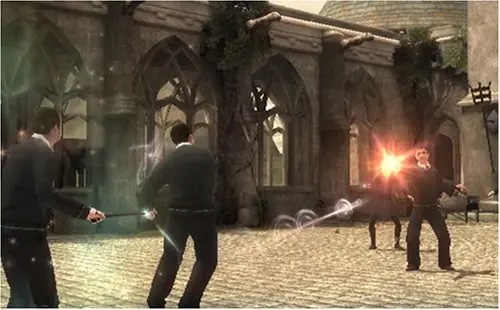
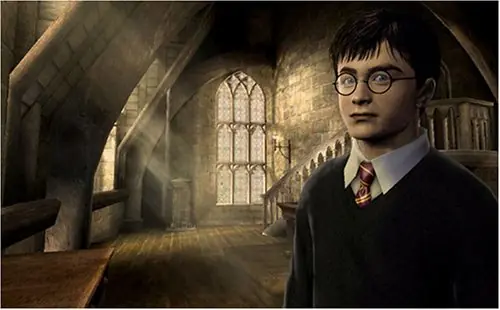
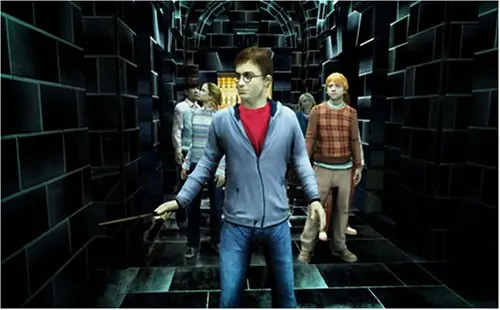
Harry Potter and the Order of the Phoenix is designed to visually match each environment in the 2007 film. Gamers take the role of Harry Potter, Sirius Black, and Professor Dumbledore as they explore the areas in and around Hogwarts. The teachers and officials in the magic community refuse to acknowledge the return of Voldemort, and so Harry and his friends have started training other students how to defend themselves against the Dark arts. Other aspects of gameplay include attending Herbology, Charms, Transfiguration, and Potions classes as well as completing side-missions for professors.
Screenshots

Windows

Harry Potter and the Order of the Phoenix — Windows screenshot 1Harry Potter and the Order of the Phoenix — Windows screenshot 2Harry Potter and the Order of the Phoenix — Windows screenshot 3

Download Harry Potter and the Order of the Phoenix

Harry Potter and the Order of the Phoenix is abandonware and no longer sold or supported by its publishers. Files are archived here for these platforms:

Windows (2007)

  • Harry_Potter_and_the_Order_of_the_Phoenix_Win_Preinstalled_EN.zipEN3.57 GB
  • Instructions Harry_Potter_and_the_Order_of_the_Phoenix_Win_Preinstalled_EN.zip

    How to play on Windows (Preinstalled)

    1. Download and extract Harry_Potter_and_the_Order_of_the_Phoenix_Win_Preinstalled_EN.zip
    2. Launch game by double clicking hp.exe
    3. Play the game
  • Harry_Potter_and_the_Order_of_the_Phoenix_Win_Setup_EN.zipEN3.64 GB
  • Instructions Harry_Potter_and_the_Order_of_the_Phoenix_Win_Setup_EN.zip

    How to play on Windows (Have to install)
    1. Download and extract Harry_Potter_and_the_Order_of_the_Phoenix_Setup_ISO_EN.zip
    2. Run AutoRun.exe to begin installing the game
    3. When the setup launches, they will ask for a CD key. Use the key found in "Serial Key.txt"
    4. When the installation is completed, copy-paste the files found inside the "NoCD" folder into the folder you installed the game in (by default, this is C:Program Files (x86)Electronic ArtsHarry Potter and the Order of the Phoenix). When prompted, select to replace the files in the destination.
    5. Launch game by double clicking hp.exe
    6. Play the game

Comments

149 thoughts on “Harry Potter and the Order of the Phoenix”

  1. 0
    Unable to save the downloaded file onto my pc.It either freezes or does not complete the download.
    Reply
  2. 0
    Is anyone else’s game stuttering alot?? It says I’m getting 200 fps but the game looks like its running on 15-20 fps. I downloaded the pre-installed file. Is the PC port of this game bad or is the pre-installed version laggy??
    Reply
  3. 0
    Hey, can someone tell me what is the difference between pre installed and have to install version? Does it affect to its gameplay?
    Reply
    • 0
      Virtually no difference, and it’s more about convenience. Some people might feel like files or whatnot might be missing in the pre-installed version, so they’d rather install it themselves.

      In the case of games specifically like this, the install version may set off their anti-virus software or even (in the case of Windows Defender for Windows 10 users) completely restrict them from executing the setup, despite it being a false positive as opposed to an actual virus (since virus detectors will always scan cracked files as “trojans”). So the pre-installed version works around that potential issue.

      Reply
  4. 0
    The download is blocked because it says that it needs to contact the administartors. There is a way to running it without problems?
    Reply
  5. 0
    i have played and downloaded all the harry potter games from your website. do you have plans on uploading the deathly hallows pc games? I would really like to play those
    Reply
  6. 0
    Every time i try to autorun, it says that ” an administrator has blocket you from running this app. for more information contact the administrator.” yeah, well I’ve done literally everything, i have allowed it, etc. and it still doesn’t work, how the hell do i get past this point…
    Reply
  7. 0
    Already complete roughly 30% of the game no problem, but now everytime I try to cross the bridge the game crashes.
    Reply
        • 0
          i fixed mine by downloading both and taking hp application from the first one moving it into the second download and deleting the one that came with that dl and also copying data2.big data3.big data4.big into the second one as well and it worked for me hope this helps
        • 0
          i have tried this and the game still crashes when i try to cross the bridge. this means that i cant get to some of the DA members to get them back to the room of requirements. any other solution available

Similar games