Jaws: Unleashed
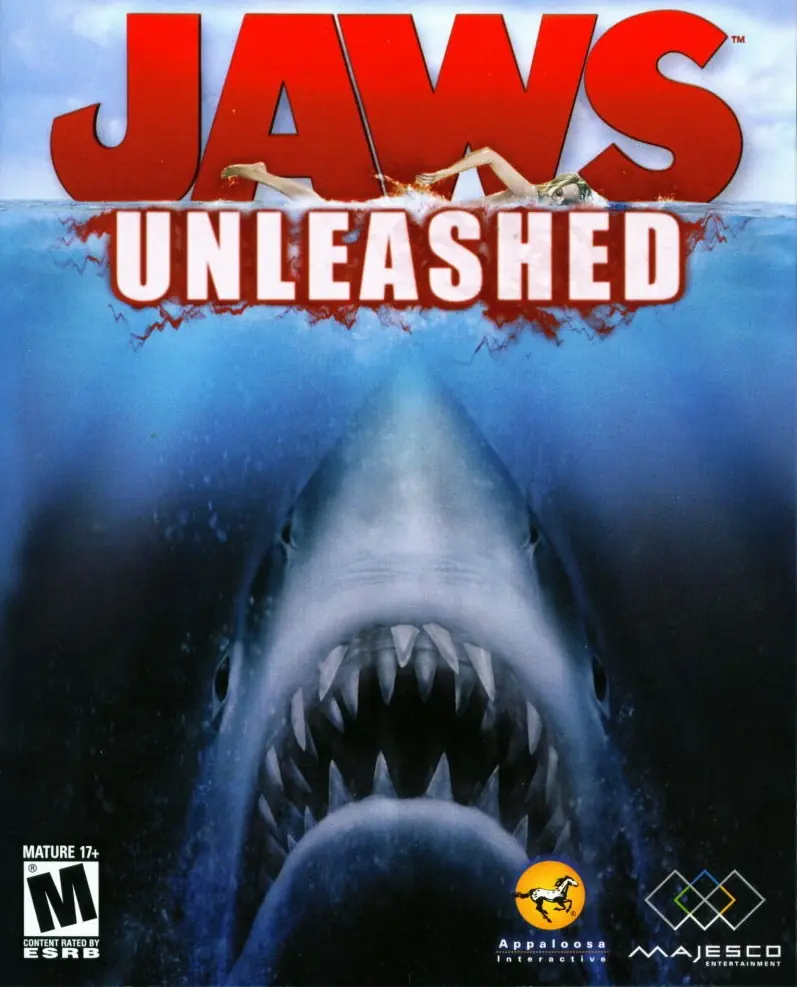
Take control of the Great White Shark with themes and locations from Jaws films.
Publishers
Developers
Released
Platforms
Take control of the Great White Shark with themes and locations from Jaws films.
Amity Island is growing, making corporate connections with prestigious companies like Environplus to improve the Island’s economy. Unfortunately, the increased population around the Island and recent industrial activity has also attracted you--one of Earth’s most fearsome creatures--a Great White Shark. When the Environplus CEO’s son falls prey to your deadly attacks, the CEO hires renowned shark hunter Cruz Ruddock to track and kill you. Meanwhile, Marine Biologist Michael Brody tries to capture you for research. Can Ruddock and Brody stop you from causing havoc and killing more people before the 4th of July celebration?
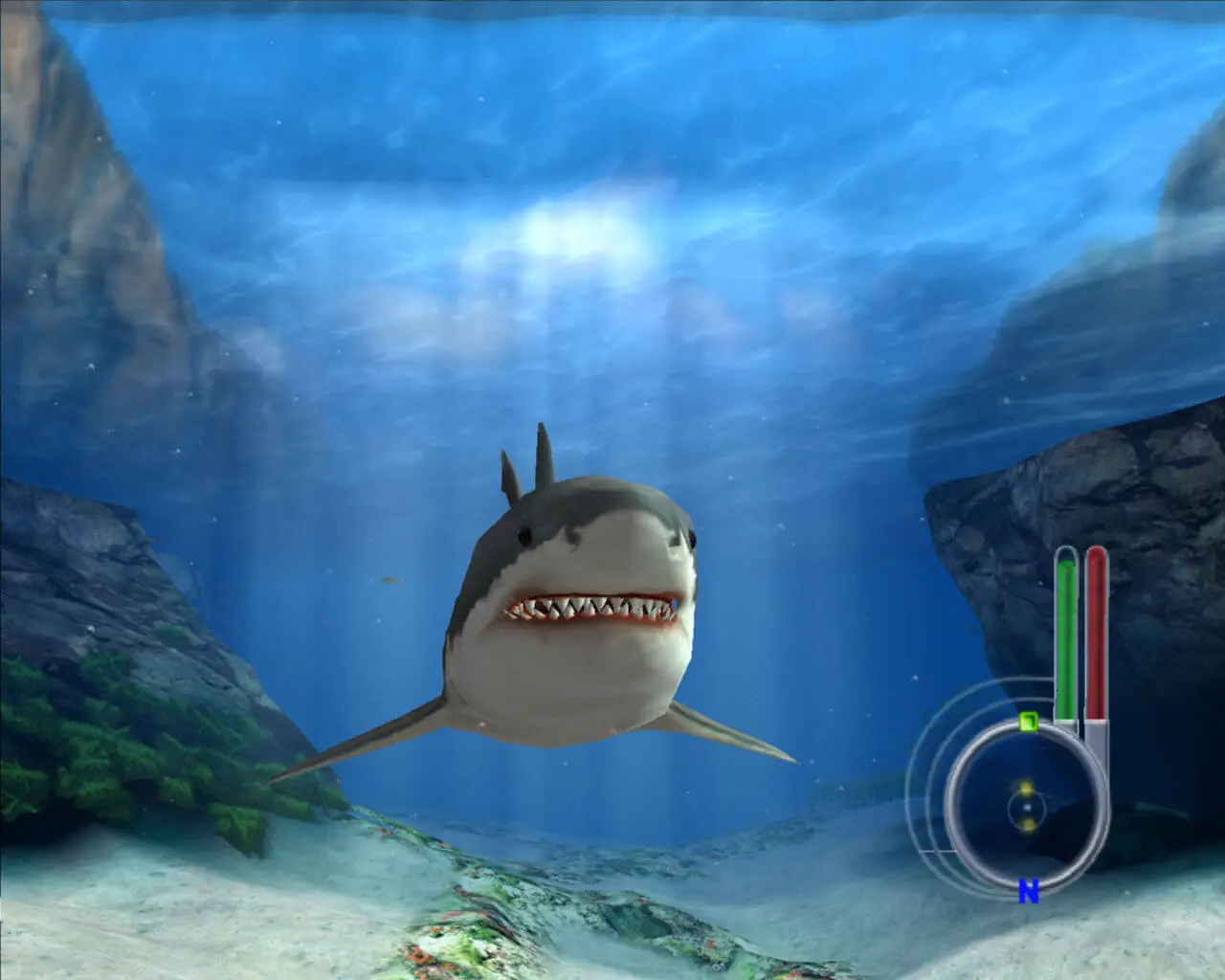
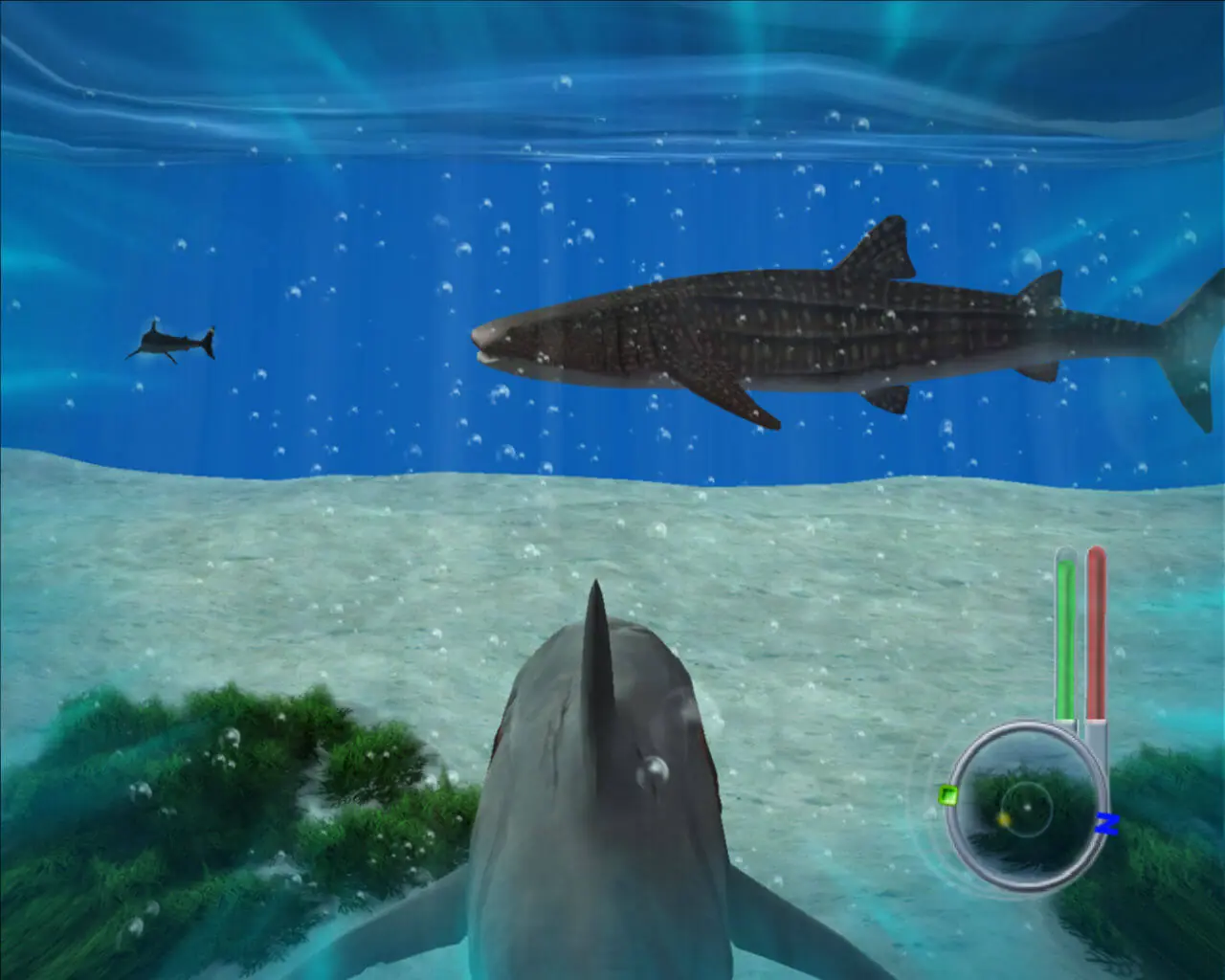
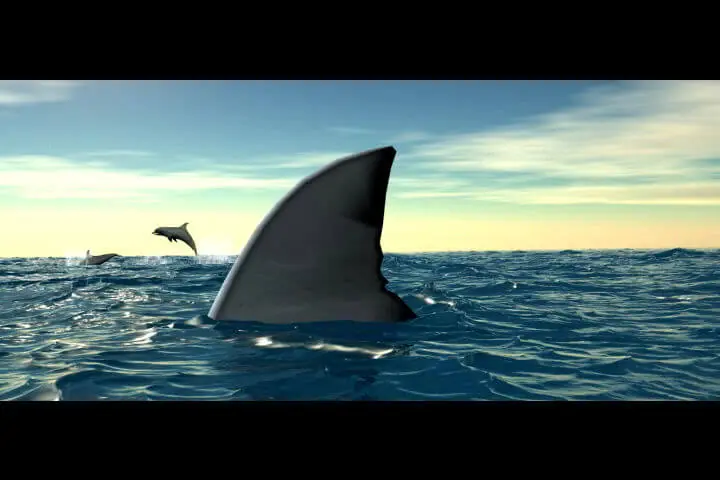
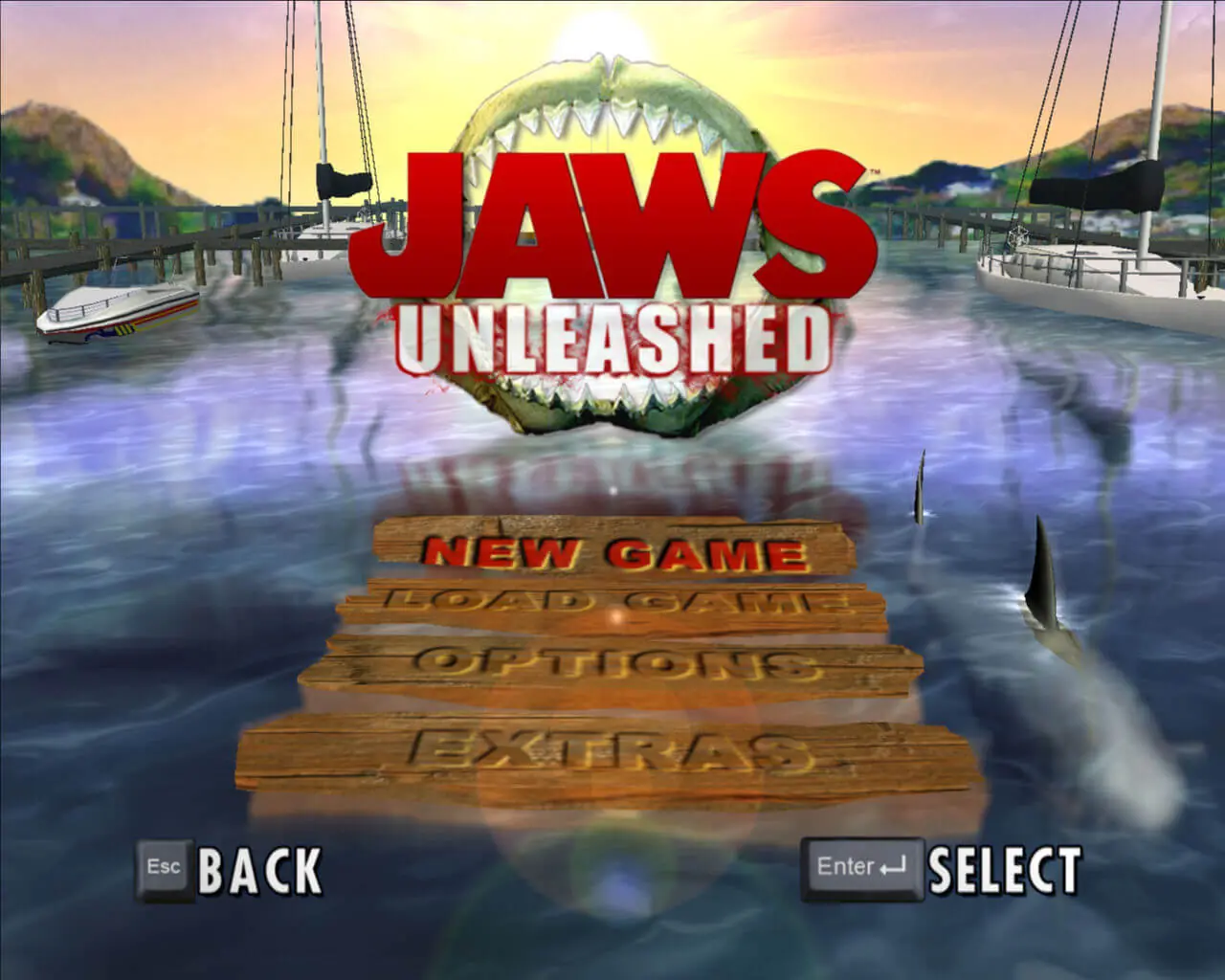
Jaws: Unleashed is abandonware and no longer sold or supported by its publishers. Files are archived here for these platforms:







All you need to do is the following:
– Download and Install Virtual CloneDrive for Windows
– Launch Virtual CloneDrive after installing it, then set the “Number of Drives” to 1.
– Next go ahead and Tick the “Buffered I/O”, “Show Tray Icon” and “Eject unmounts image file” checkboxes.
– Next Click “OK” and then go ahead an open “This PC” on your Computer to confirm that a new drive has been added (for me it was labelled as Drive: G)
– Next go ahead and Extract the “Jaws Unleashed.iso” file if you haven’t already, extract it somewhere easy to reach.
– Now go ahead and Right Click the ISO file and hover over “Virtual CloneDrive” then click “mount” when it pops up.
– Now go ahead and go back into “This PC” on your computer to find that the Jaws ISO has been mounted successfully
– Now all you need to do is double-click the Virtual Drive that the Jaws ISO is mounted on, and go through the Setup for the game.
By default the game will have “C:\Program Files (x86)\Jaws Unleashed” as its installation directory, you may change this if you want but I don’t know if it will work properly if you do.
! D:GamesFoldersJaws_Unleashed_Win_ISO_En.7z: Unknown method in Jaws_Unleashed_Win_ISO_EnGame FilesOldGamesDownload.url
! D:GamesFoldersJaws_Unleashed_Win_ISO_En.7z: Unknown method in Jaws_Unleashed_Win_ISO_EnGame FilesREADME.txt
! D:GamesFoldersJaws_Unleashed_Win_ISO_En.7z: Unknown method in Jaws_Unleashed_Win_ISO_EnHow to install.url
! D:GamesFoldersJaws_Unleashed_Win_ISO_En.7z: Unknown method in Jaws_Unleashed_Win_ISO_EnOldGamesDownload.url
! D:GamesFoldersJaws_Unleashed_Win_ISO_En.7z: Error – operation failed