Home » Games » Juiced

Juiced

Juiced Game Cover
4.7/5 - 106 votes

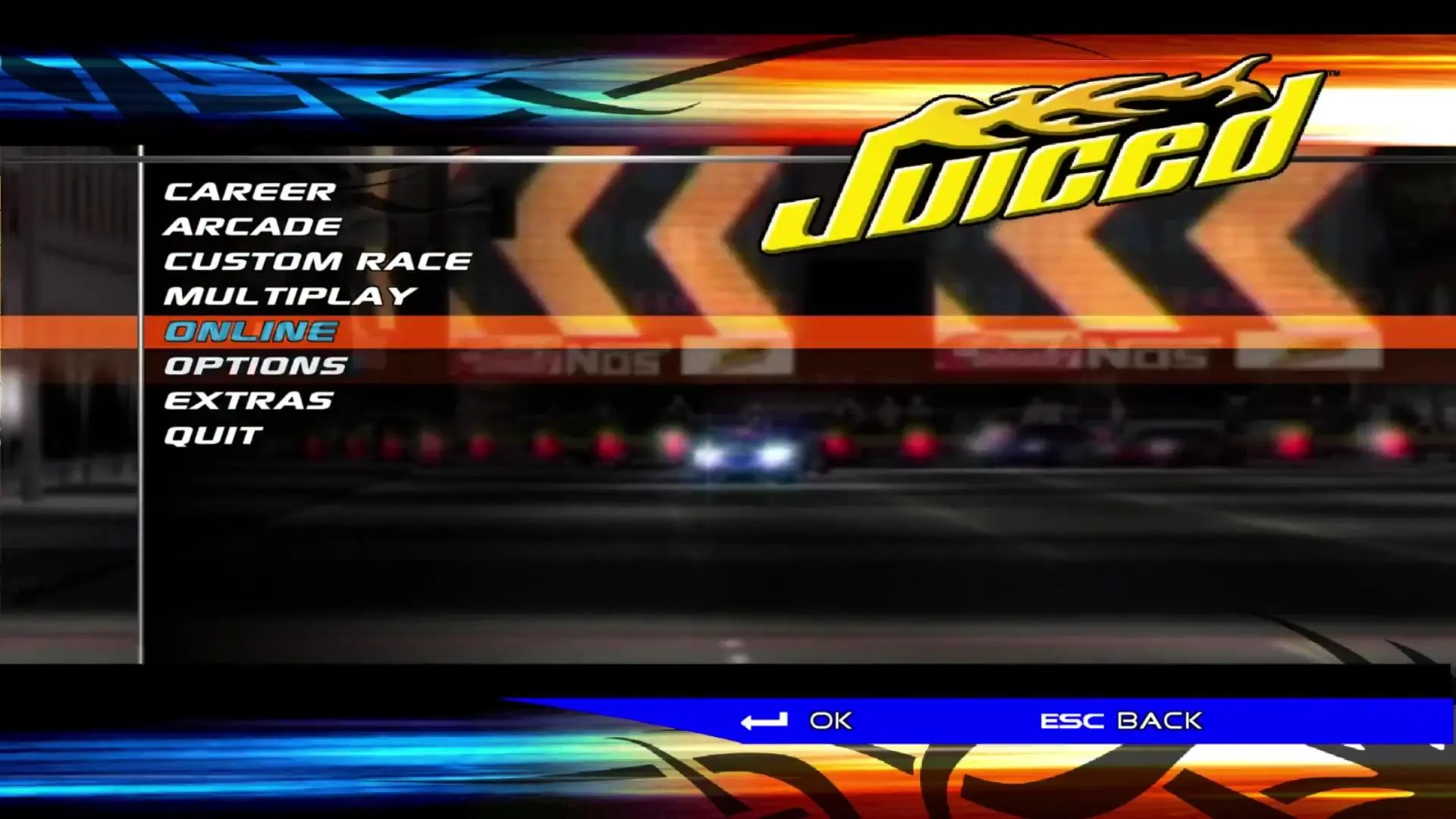
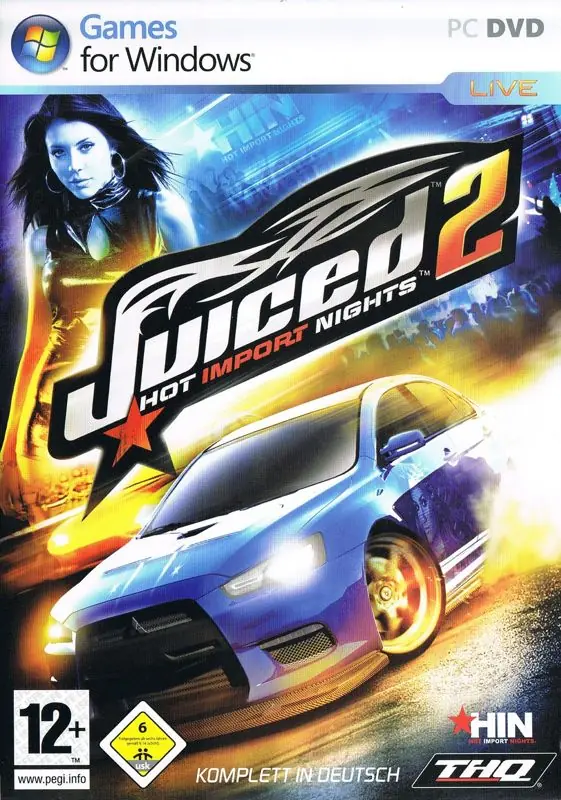
Juiced is a 2005 racing game developed by Juice Games and published by THQ.

Other Titles

速度与激情Juiced: Tuning Car DensetsuLamborghiniJuiced: Szybcy i gniewniJuiced〜チューンドカー伝説〜چويسيد

Genres
Publishers
Developers
Released
Platforms
Download

About Juiced

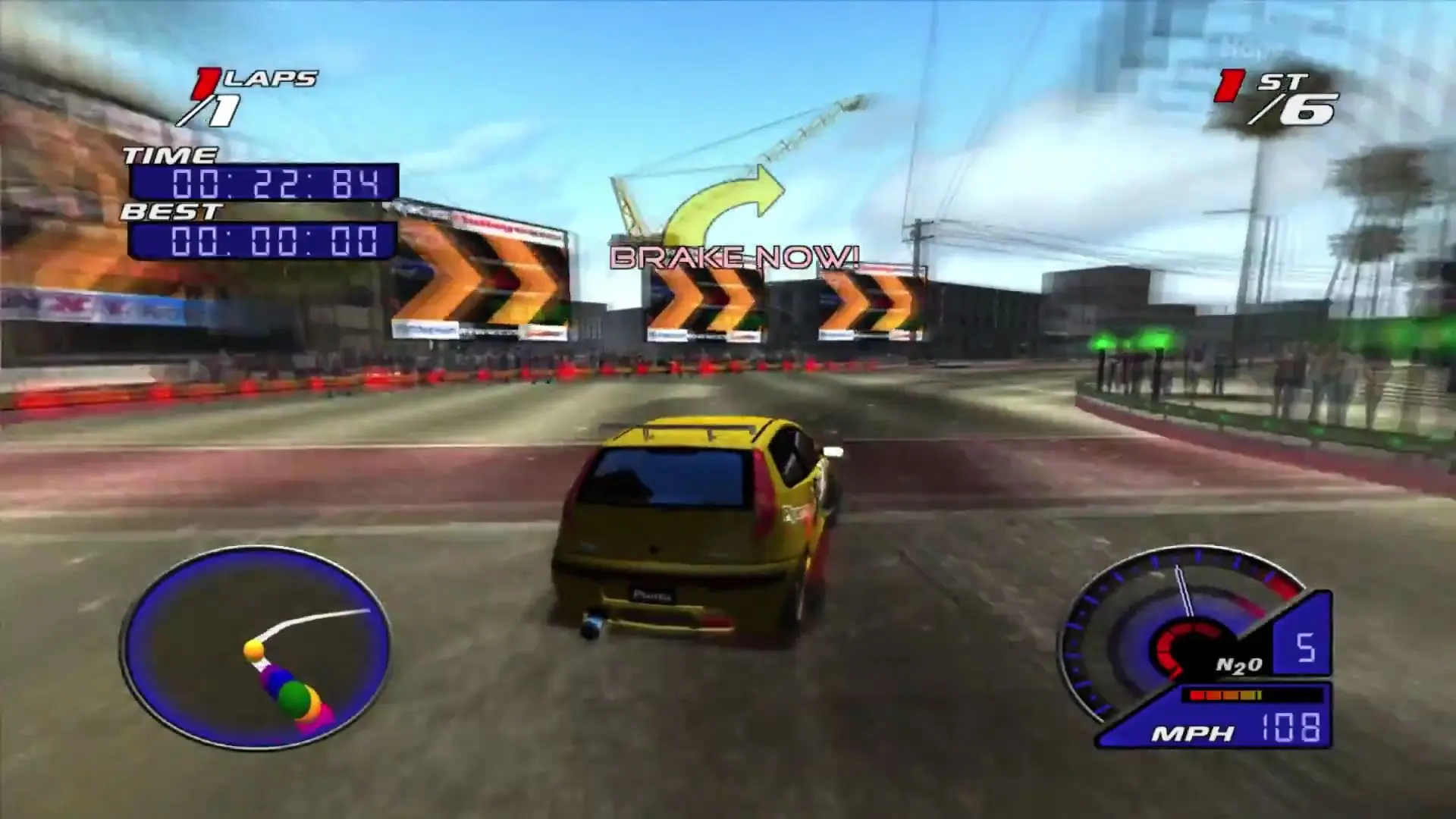
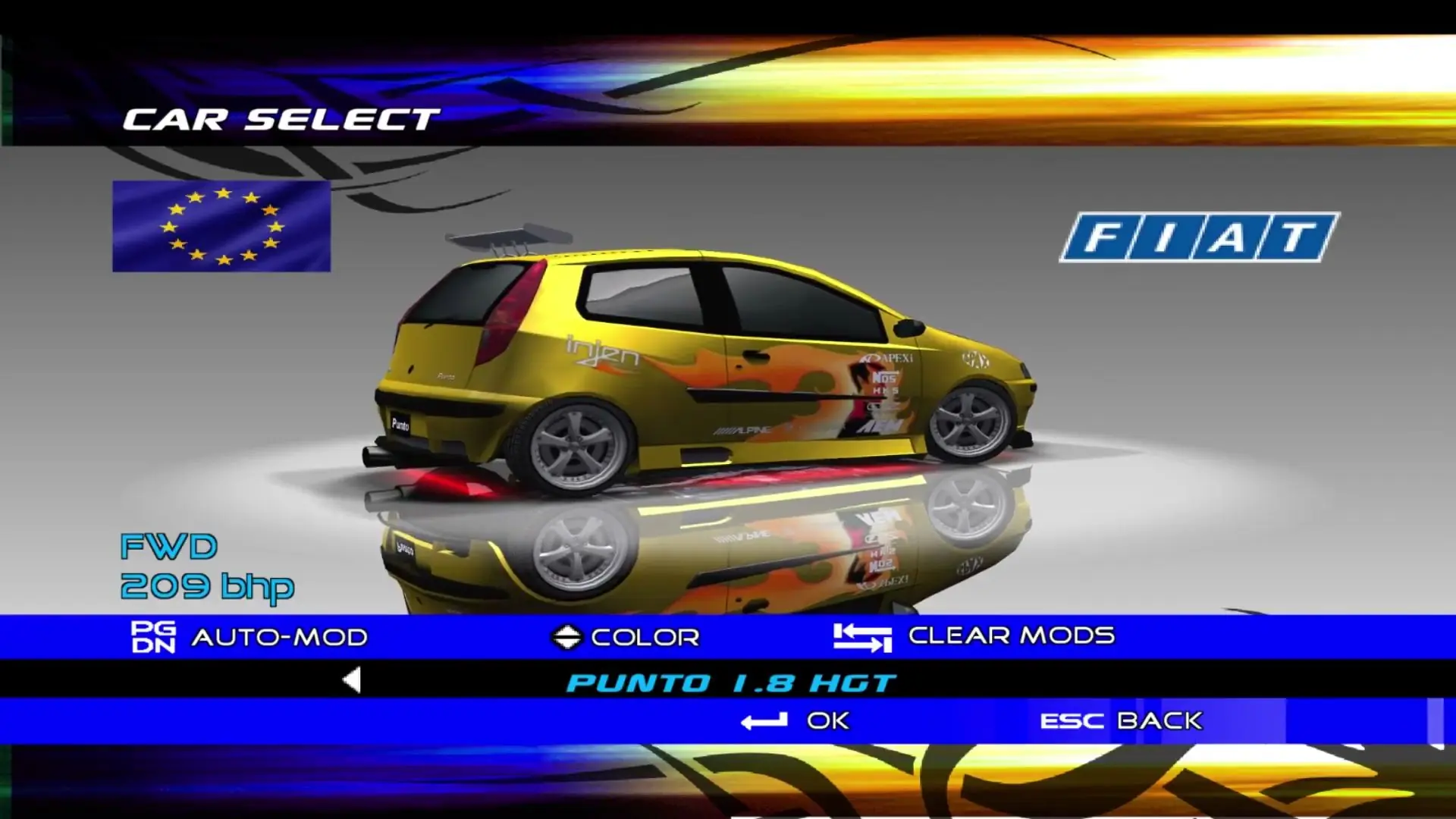
Designed to combine elements of both simulation- and arcade-style play, Juiced features more than 50 licensed vehicles, including import legends such as the Toyota Supra and Honda CRX Si. Racing decals, graphics, and wild paint jobs make an artist out of the gamer, though beauty is only skin-deep and winning races is what it takes to earn respect in this virtual circuit. To help with winning races are after-market parts from leading manufacturers such as A'PEXi, AEM, Bridgestone, Ferodo, Konig, Alpine, and HKS, all of which are available to the crew chief for use in tuning and tweaking the car. An innovative aspect of Juiced is its "Crew Based" team-racing feature. Players can go online not only to race head-to-head against other gamers, but to build custom racing crews and recruit drivers. It takes real teamwork to win races in this mode of play.
Screenshots

Windows

Juiced — Windows screenshot 1Juiced — Windows screenshot 2Juiced — Windows screenshot 3Juiced — Windows screenshot 4Juiced — Windows screenshot 5Juiced — Windows screenshot 6Juiced — Windows screenshot 7Juiced — Windows screenshot 8

Download Juiced

Juiced is abandonware and no longer sold or supported by its publishers. Files are archived here for these platforms:

Windows (2005)

  • Juiced_Win_ROM_EN.7zEN2.01 GB
  • Instructions Juiced_Win_ROM_EN.7z

    How to play on Windows

    1. Download and Extract Juiced_Win_ROM_EN.7z
    2. Open the "Game Files" folder and mount CD1 (hlm-juia.bin)
    3. Run the game setup and follow on-screen instructions to install the game
    4. When asked to insert CD2, mount the file in the CD2 folder
    5. When asked to insert CD3, mount the file in the CD3 folder
    6. When the installation if finished, uncheck Launch Juiced
    7. Download Juiced_Win_Patch_v101400_US.exe and run the game patch to patch the game to version 1.1400
    8. Go into the "Hoodlum" folder in the mounted CD1, and copy-paste the contents into the game installation directory
    9. Launch Juiced.exe to start the game

Additional files, patches and fixes

Other resources

Comments

16 thoughts on “Juiced”

  1. 0
    beim Versuch das spiel zu Öffnen kommt die meldung “Juiced benötigt die Aktivierung des virtuellen Arbeitsspeichers” das habe ich für das laufwerk auf dem das Spiel installiert ist auch gemacht.
    Reply
  2. 0
    How come you say to install update 1, but then replace it with a fixed exe which is based on the original version? Thus having no point of installing update 1 since it only replaces the executable, which you’re then replacing with the old version.
    Reply
    • 0
      i thought the same thing, the uploader likely doesn’t know that patch v101400 is an entirely different exe than the Hoodlum crack which is based on the original exe, lol
      Reply