JumpStart Languages

JumpStart Languages is a 2001 educational game developed and published by Knowledge Adventure.
Genres
Publishers
Developers
Released
Platforms
JumpStart Languages is a 2001 educational game developed and published by Knowledge Adventure.
There's No Stopping a Kid with a JumpStart! Discovering Languages Early is Child's Play! Bonjour! Konnichiwa! Hola! Join Frankie the Dog at the JumpStart® World Festival and discover four language pavilions filled with the sounds of French, Japanese, Spanish, and English. Designed especially for young children, JumpStart® Languages offers a simple, age-appropriate introduction to languages.
Create a Festival:
Put on your own world festival with printable games, songs, and stories for offline fun.
Meet a Buddy:
Listen & Learn Language Buddies speak in their native languages and introduce different sounds with games.
Video Voyages:
Learn about famous landmarks, customs, sports, and more by watching videos of real kids from around the world.
Kids Discover:
English, French, Japanese, and Spanish.
Vocabulary for everyday objects.
Cultural stories, customs, and characters.
Conversational phrases.
Colors, numbers, and time.
Music and lyrics.
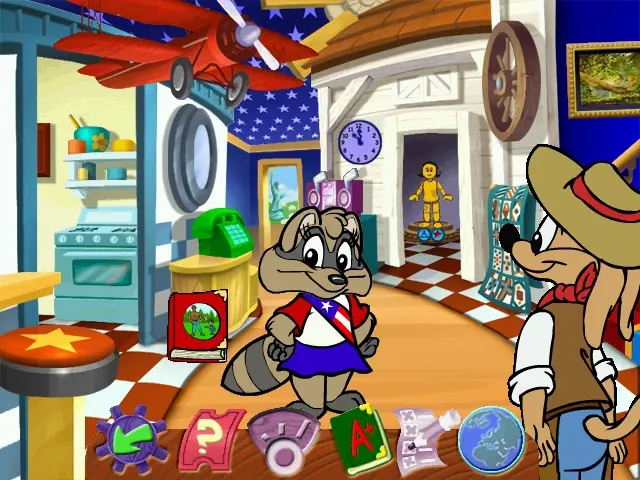
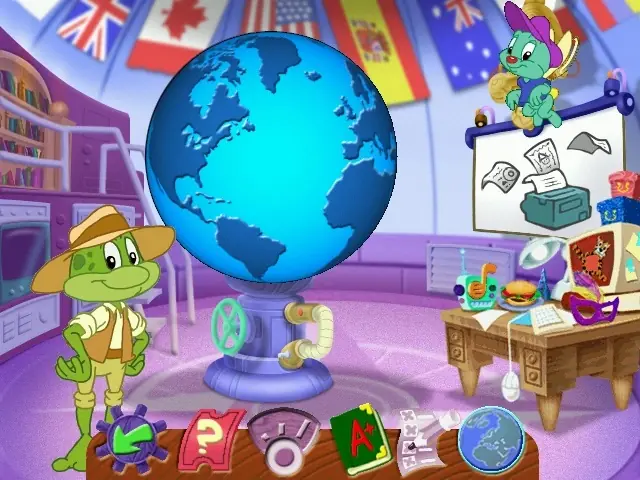
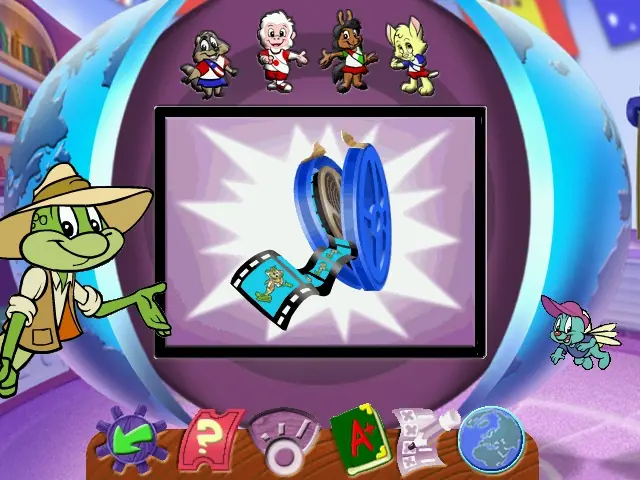
JumpStart Languages is abandonware and no longer sold or supported by its publishers. This game was preserved thanks to a community donation - see our missing games page for credits and titles we're still looking for.








1. Find the correct ini file for your program. Do a search of the installed directory and/or “Documents and Settings\All Users\Application Data\Knowledge Adventure” on your hard drive for all .ini files. (the ‘Documents and Settings’ location may vary from system to system)
2. You should see a .ini file with the same base filename as the exe of the program. For example: JumpStart Advanced First Grade will have these files: JAS1G.exe and JSA1G.ini. You will want to edit the JSA1G.ini file. You should make a copy of this file before editing in case you run into any problems.
3. Open the .ini file using notepad.exe or similar text editor.
4. Search the file for these lines and add a semicolon ‘;’ at the beginning of these lines:
DisplayDepth=16
DisplayWidth=800
DisplayHeight=600
DesiredDepth=16
DesiredWidth=800
DesiredHeight=600
5. Save the file, restart your system and run the program again.
Compatibility mode – Windows 8
Reduced Color Mode – 16 Bit
I’m not understanding as games older than this have ran just fine without the need of VirtualBox or anything similar. At this point, until I start working on my old PC tower, my hopes and dreams of visiting the Jumpstart World’s Fair are just that, dreams.