About JumpStart Music
Share the discovery and excitement of JumpStart Music! An interactive environment for young, creative minds looking to engage with music. Meet a fun new friend, Hopsalot the rabbit, and play along with a variety of intuitive point and click musical education sequences! Easily learn to interact with music experiences, such as melody, harmony, notation, musical scales and so much more!
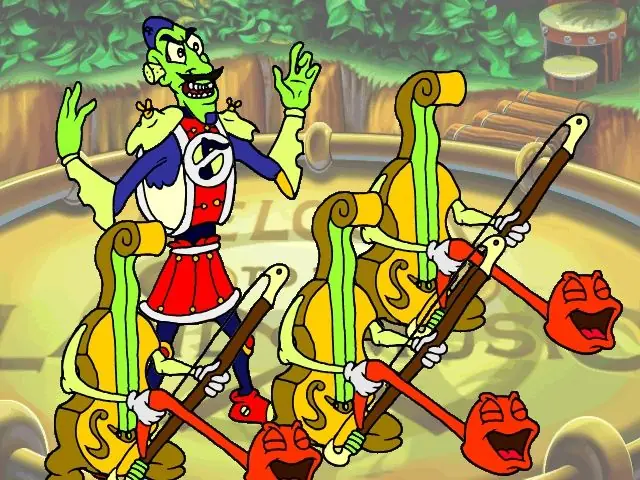
Join Hopsalot on a musical adventure as he gets transported to the land of music! In this magical land where music comes to life, a villain named Sir Sournote, has made all the music sound terrible! By collecting the soured notes, Hopsalot may finally make the music right again. Along with the games wacky characters you will learn to pick out wrong notes, and even write music that you can play back!
For decades, parents and teachers have trusted the JumpStart brand, with JumpStart Music helping countless young children. Now is a chance to re-live and share this timeless experience with someone you know, bringing that joy alive once again.
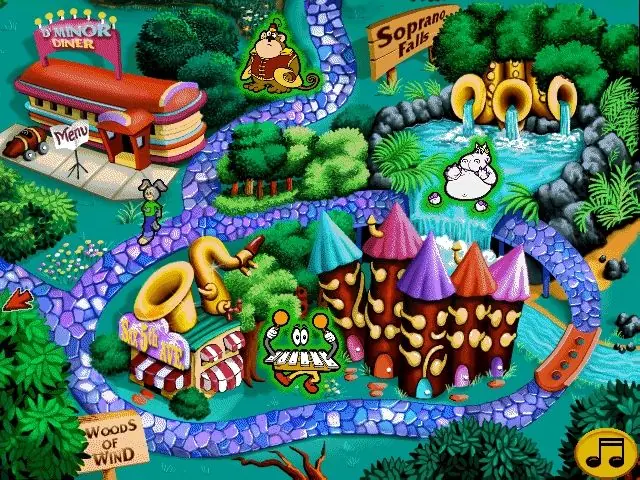
Travel across the fun and colorful land of music.
Areas are full of hidden surprises and opportunities for learning!
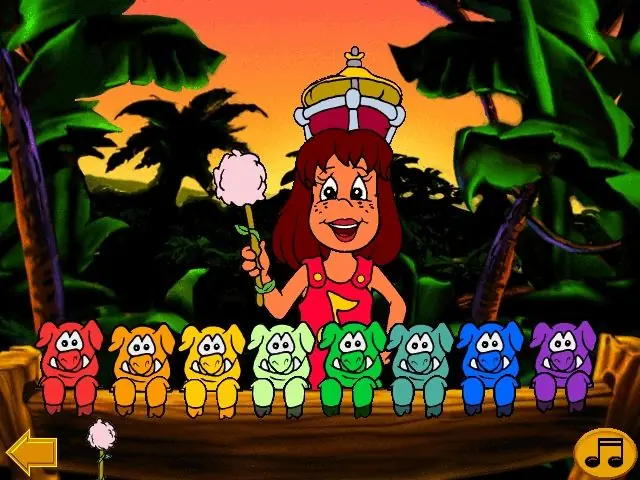
Discover high quality animated sequences and movies featuring fun characters.
Activities such as Melody Maker, The Beat, Melody Bridge, and Jam with the cool cat.
A variety of difficulty levels keep the experience fair and fun.






I read through the support page about trying to crack it, and there’s no folder or files named crack.
I know the Jumpstart games used to rely heavily on quicktime. Could that be the issue? I don’t have quicktime any more because of its security issues.