Land of the Dead: Road to Fiddler’s Green
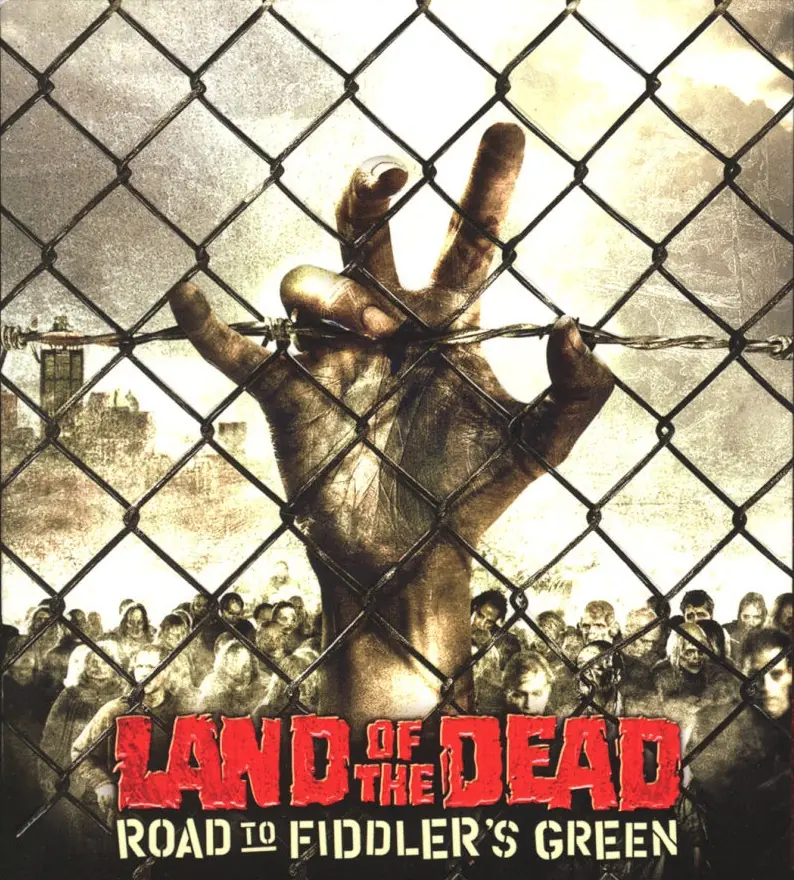
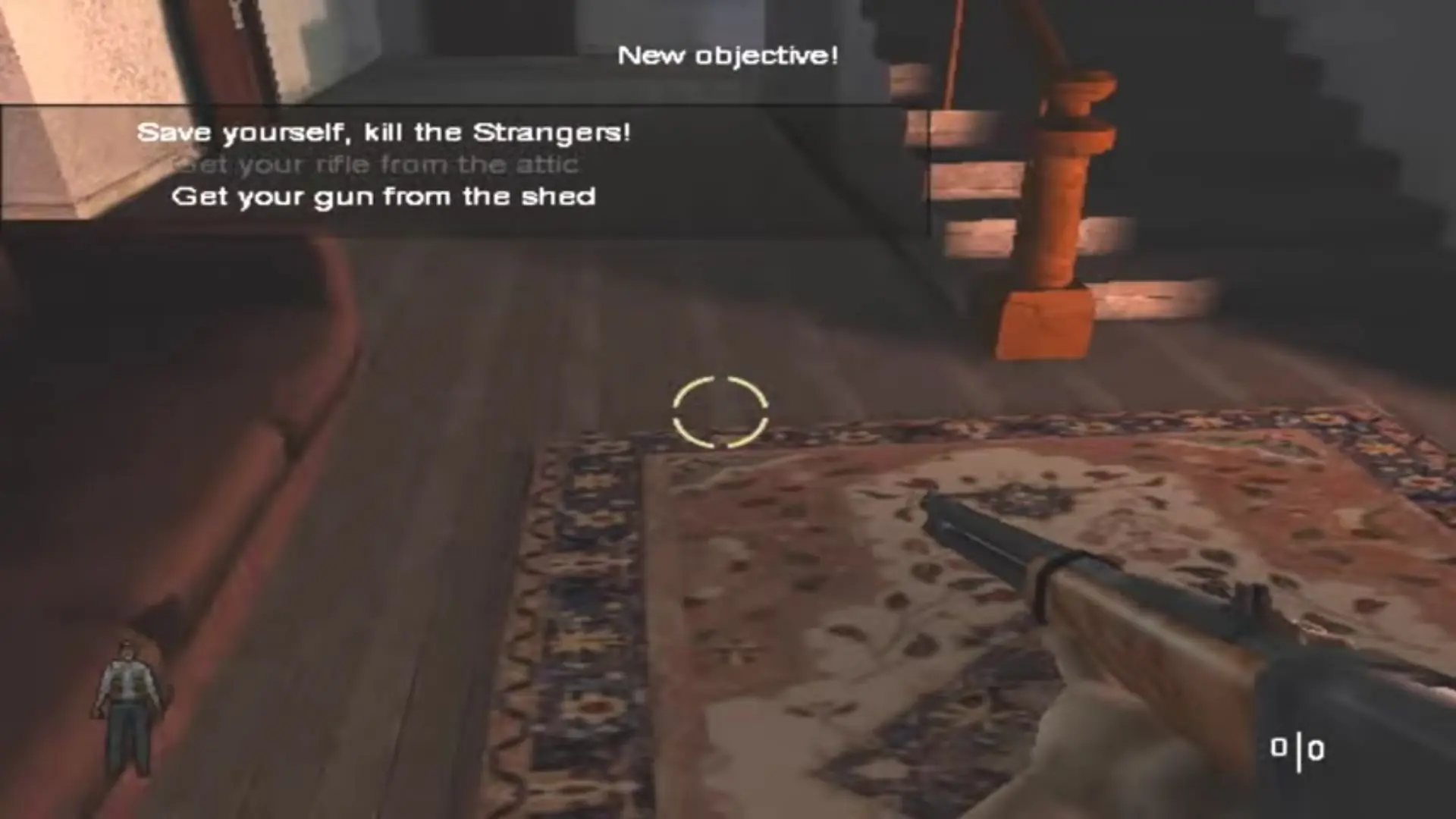
Land of the Dead: Road to Fiddler's Green is a first-person shooter licensed video game based on the George A. Romero zombie horror movie Land of the Dead, developed by Canadian studio Brainbox Games.
Land of the Dead: Road to Fiddler's Green is a first-person shooter licensed video game based on the George A. Romero zombie horror movie Land of the Dead, developed by Canadian studio Brainbox Games.
Land of the Dead: Road to Fiddler's Green utilizes traditional first-person shooter gameplay. Players can use a variety of either melee weapons or firearms to fight through the zombie hordes. Some weapons are capable of dismembering the zombies, whilst other weapons are not. The zombies' jaws, heads, arms, forearms, and legs can be shot or chopped off by the player; This can very effectively save the player so as to make an escape. The zombies themselves appear in many varieties (regular, ones armed with a melee weapon, crawlers, puking ones, screamers that summon other zombies, and poisonous, exploding ones) and each takes a different number of hits to kill, which varies upon the difficulty setting of the game. The player cannot become a zombie, but it is stated that people who die for any reason become zombies, like in the movie.
The multiplayer component of the game consists of many online game types. These consist of deathmatch, team deathmatch, and "Capture the Flag" modes. There is also an "Invasion" (co-op survival) mode, in which players are trapped in a small map where they must survive for a chosen amount of time. In this mode, the weapons and ammunition regenerate in the same spots each time, allowing the players to dodge the burden of ammunition shortages. Players can pick up melee weapons from recently killed melee weapon wielding zombies as well. In some variants of Invasion maps, players who die or are bitten by zombies become zombies themselves, and try to kill their former teammates. In line with other online-enabled games on the Xbox, multiplayer on Xbox Live was available to players until 15 April 2010. Land of the Dead: Road to Fiddler's Green is now playable online again on the replacement Xbox Live servers called Insignia.
One day, a farmer named Jack finds his home besieged by the undead. After finding his neighbors dead, he makes his way to the city, hoping to find help, but instead finds the city in ruins, overrun by the undead. Jack later heads to a police station and frees a criminal named Otis who tells him about the existence of a safe-haven located in Downtown, Pittsburgh. After they claim a boat in the docks, Jack learns Otis was infected by the undead and is forced to kill him. Upon reaching the safe-haven, Jack meets the city's ruler, Paul Kaufman. Kaufman requests Jack to dispose of the remaining undead swarming a luxury skyscraper called "Fiddler's Green". With "Fiddler's Green" rid of the undead, Kaufman opens it to the wealthy and gives Jack a place to live. Meanwhile, the undead make their way to the safe-haven, breaking through its borders.
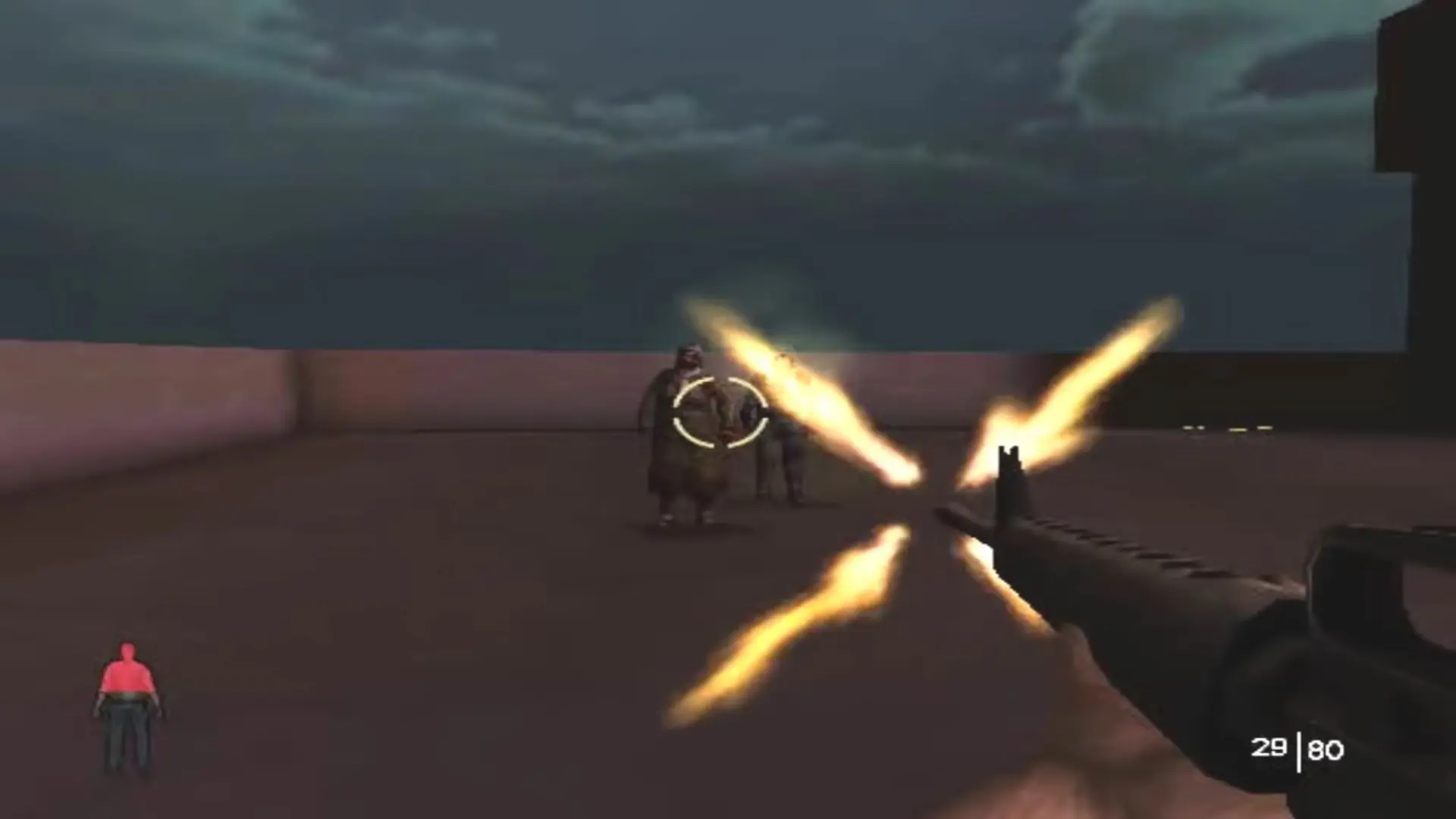
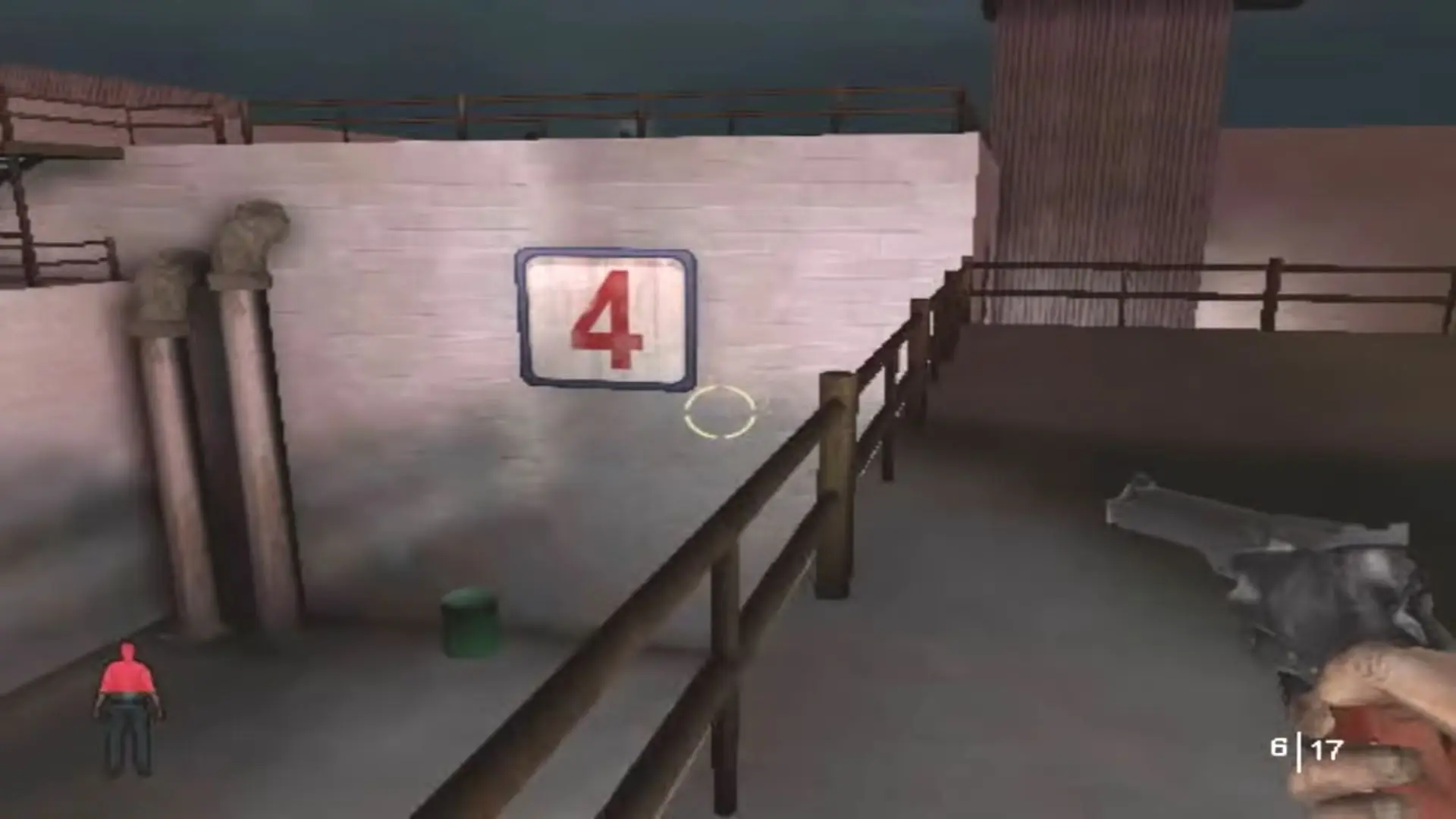
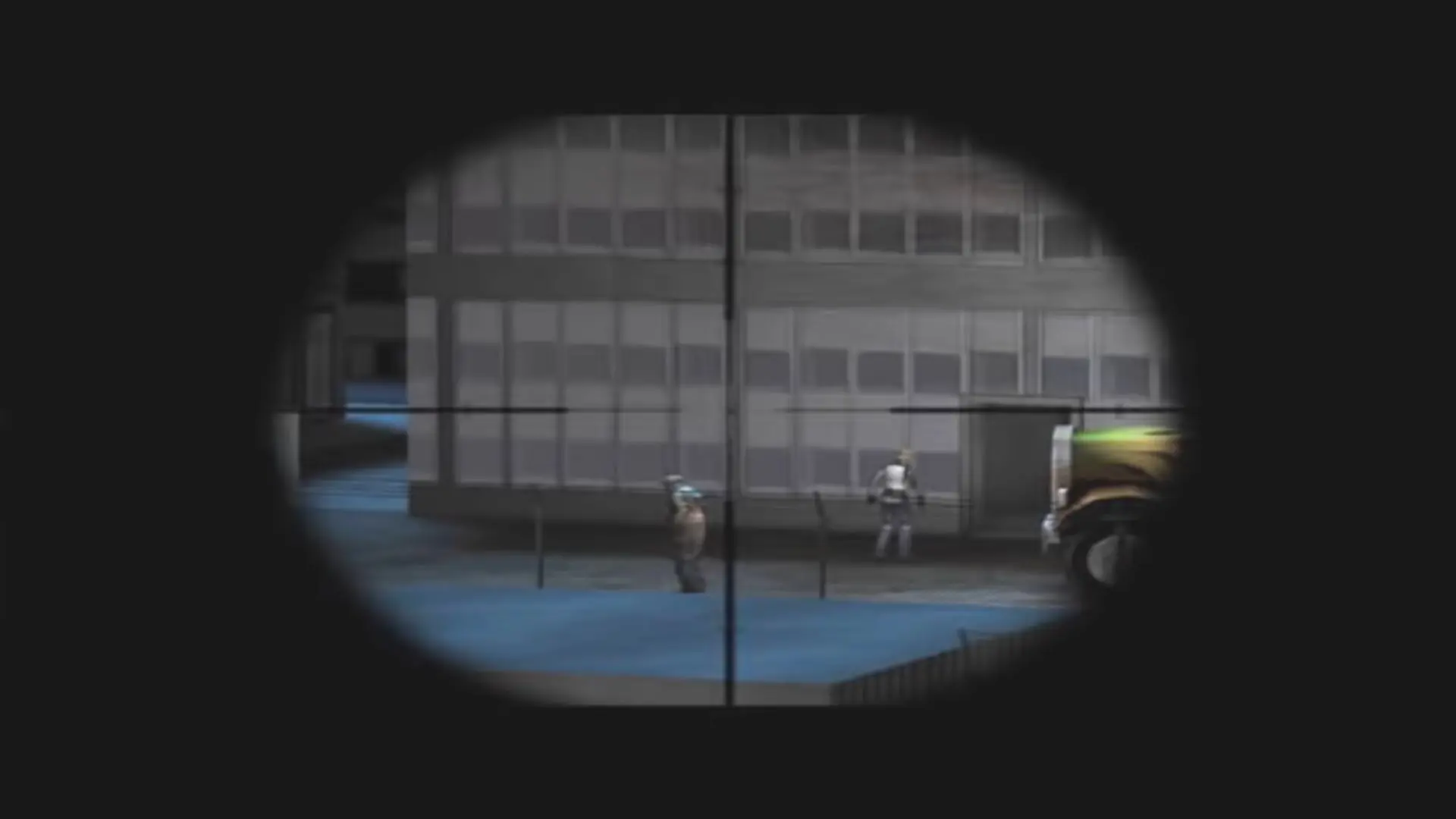
Land of the Dead: Road to Fiddler’s Green is abandonware and no longer sold or supported by its publishers. Files are archived here for these platforms:
How to play on Windows






there’s no way to know what a “LOTD.exe” is and where to get it, or paste it.
how do you (really) download this game?
However, without the proper know-how, it can be difficult to host a game. Visit these links for downloads and info how to do it:
How to host a LOTD server guide:
https://www.rising-dead.com/forums/viewtopic.php?f=41&t=2156
Mods and maps:
https://www.rising-dead.com/forums/viewtopic.php?f=18&t=108
Additional Rising-Dead maps:
https://www.rising-dead.com/forums/viewtopic.php?f=18&t=2084
Grabs some friends and get started raising the dead.