Home » Games » LEGO Island 2: The Brickster’s Revenge

LEGO Island 2: The Brickster’s Revenge

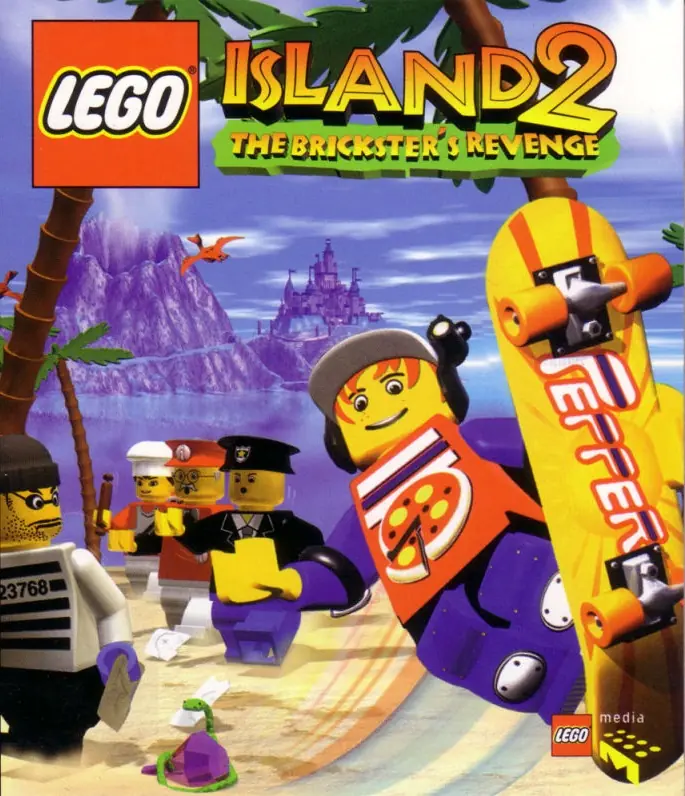
LEGO Island 2: The Brickster's Revenge Game Cover
4.7/5 - 89 votes

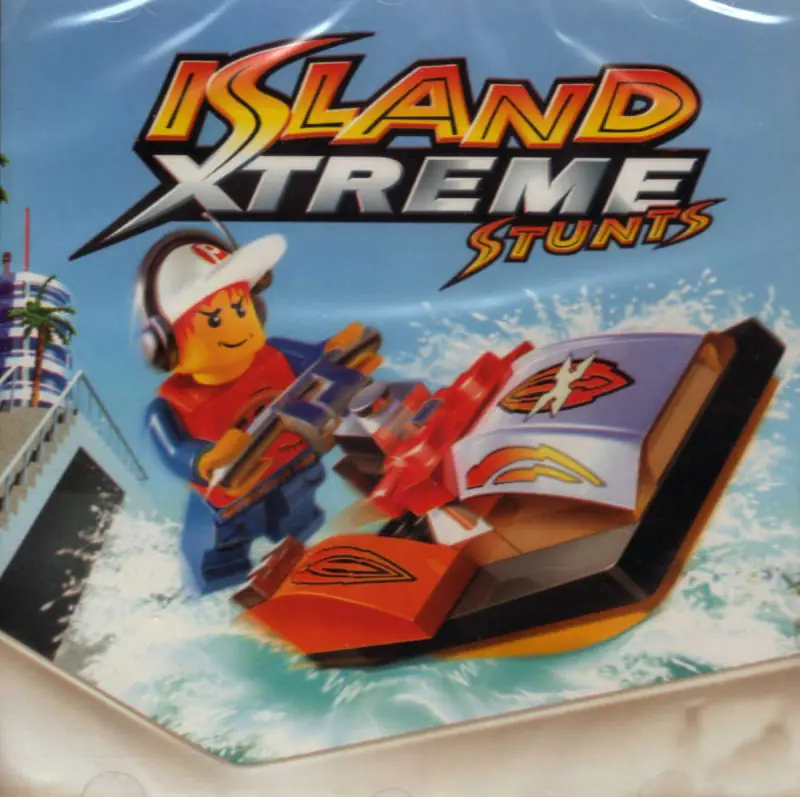
Lego Island 2: The Brickster's Revenge is an action-adventure video game developed by Silicon Dreams Studio and published by Lego Software. It is the sequel to Lego Island and was followed by Island Xtreme Stunts.

Other Titles

LEGO Isola 2: La Rivincita del BricconeL'Île LEGO 2: La Revanche de CasbricLEGO Eiland 2: De wraak van DondersteenLEGO Insel 2: Der Steinbrecher kehrt zurückLego Øen 2: Kim Cool's HævnLEGO Insel 2 - Der Steinbrecher kehrt zurueckIsola LEGO 2: La rivincita del BricconeL'Île Lego 2 : La Revanche de Casbrick

Genres
,
Publishers
Released
Platforms
Download

About LEGO Island 2: The Brickster’s Revenge

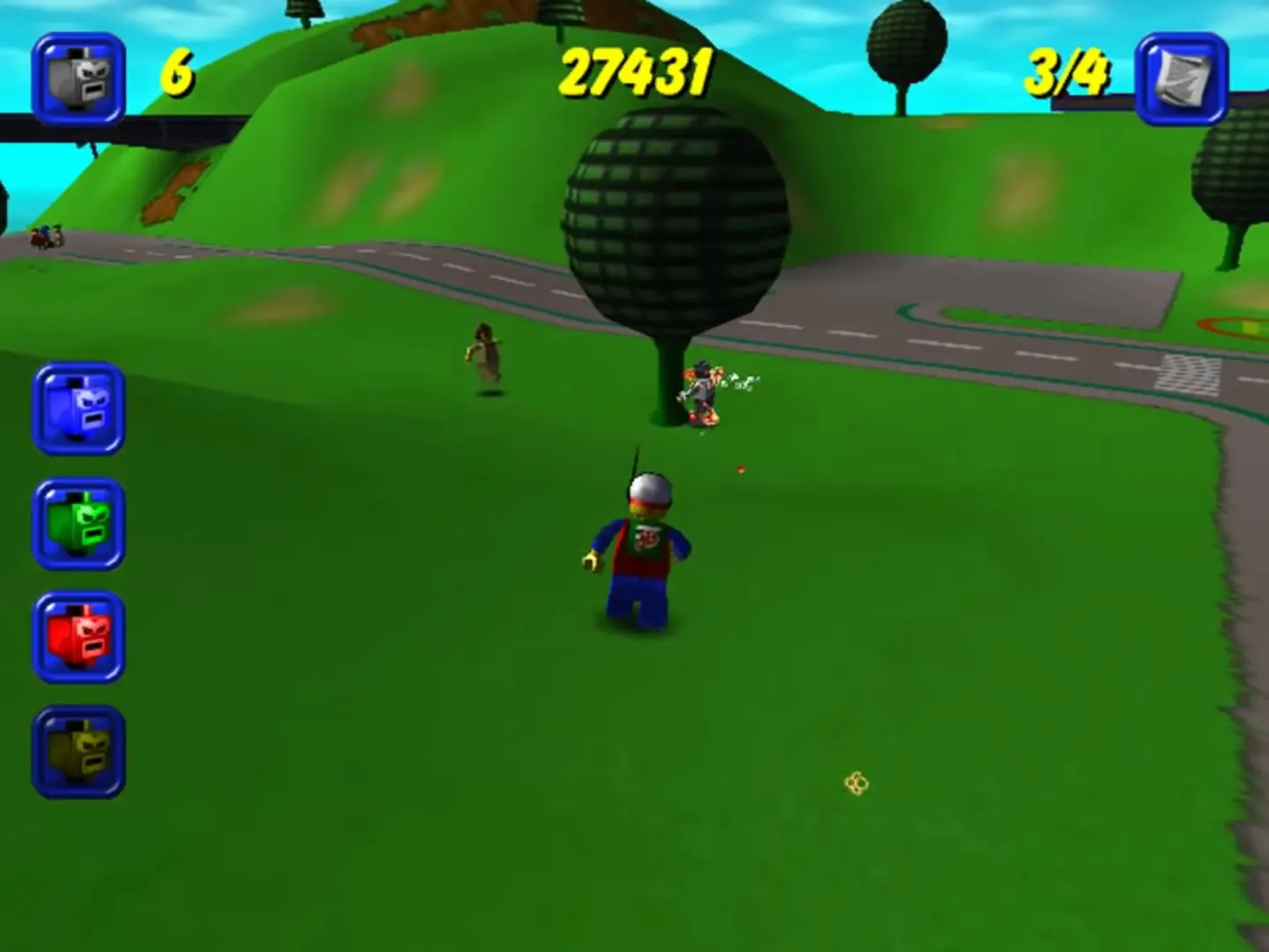
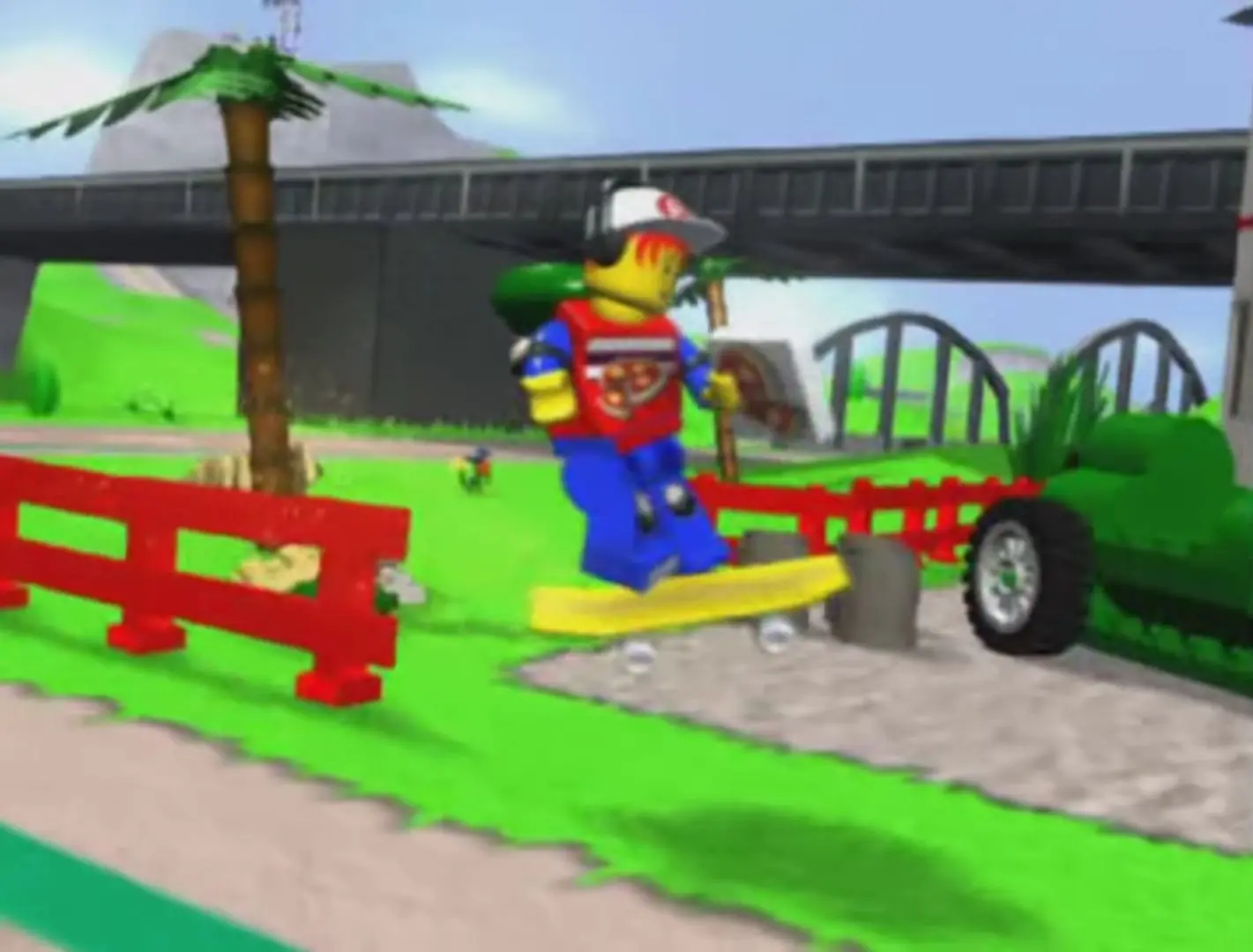
The game starts similarly to the original Lego Island with Pepper once again being sent to deliver a pizza to the Brickster at the jail. Upon heading to the jail however, Pepper watches the Brickster take peppers from previous pizzas, so he can eat them all at once and melt the jail bars with his fiery breath.

The Brickster escapes, and steals the police helicopter, along with the Constructopedia, the book with all instructions to the buildings on LEGO Island. With each page he tears from the book, a building becomes deconstructed. Pepper must travel three different worlds to collect all the pages and rebuild Lego Island. The Brickster releases "Brickster Bots," which Pepper uses pizzas to destroy. After finding four pages on the Island, Pepper must defeat some Brickster Bots in the Information Center and then travel to Castle Island by boat.

On Castle Island, Pepper must rebuild the bridge between the Lions and the Bulls. So, Pepper dives down the river and avoids obstacles such as sharks, firing cannons, and skeleton pirates. He rebuilds the bridges and collects a Constructopedia page. After that, Pepper must joust the Dark Knight in order to get the Bulls' flag from the Lions. Next, the stubborn Bull leader, Cedric the Bull, is adamant about not giving Pepper the page. Upon his defeat, Cedric surrenders the page and Pepper goes back to LEGO Island
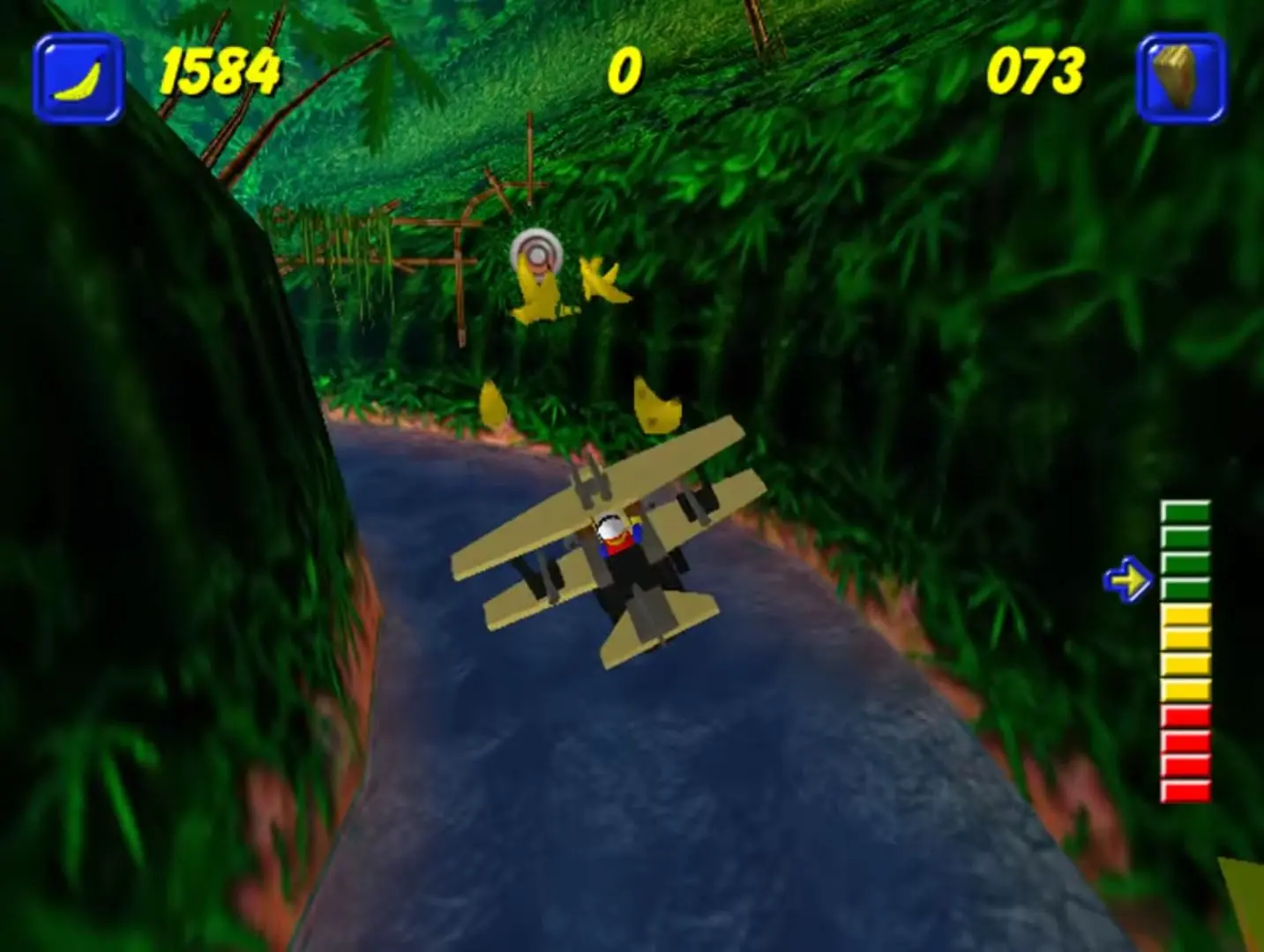
Screenshots

Windows

LEGO Island 2: The Brickster’s Revenge — Windows screenshot 1LEGO Island 2: The Brickster’s Revenge — Windows screenshot 2LEGO Island 2: The Brickster’s Revenge — Windows screenshot 3

Download LEGO Island 2: The Brickster’s Revenge

LEGO Island 2: The Brickster’s Revenge is abandonware and no longer sold or supported by its publishers. Files are archived here for these platforms:

Windows (2001)

  • LEGO_Island_2_The_Bricksters_Revenge_Win_ISO_EN.zipEN416.59 MB
  • Instructions LEGO_Island_2_The_Bricksters_Revenge_Win_ISO_EN.zip

    How to play on Windows 10

    1. Download and Extract LEGO_Island_2_The_Bricksters_Revenge_Win_ISO_EN.zip
    2. Open the "Game Files" folder
    3. Mount "OGD_Lego_Island_2_Win_EN.iso"
    4. Right click "Setup.exe", go to Properties>Compatibility>Make sure you are running the file in compatibility mode for Windows XP (Service Pack 2)
    5. Follow on-screen instructions and finish installing the game
    6. Play the game

Comments

17 thoughts on “LEGO Island 2: The Brickster’s Revenge”

    • 1
      This is an ISO file, which is just a digital version of an optical disk file. It wants to be read a certain way so to use it you need to mount the file to a virtual drive. Basically simulate a disk drive. Windows 11 can do this natively but older systems may need 3rd party software to function. WinCDEmu worked for me and is free.
      Reply