LEGO Racers 2
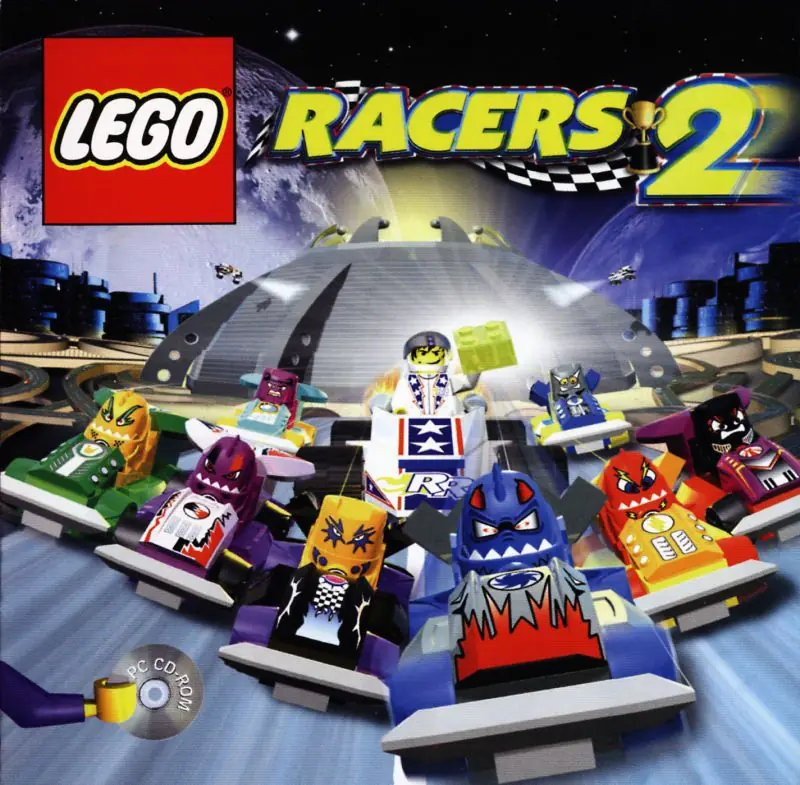
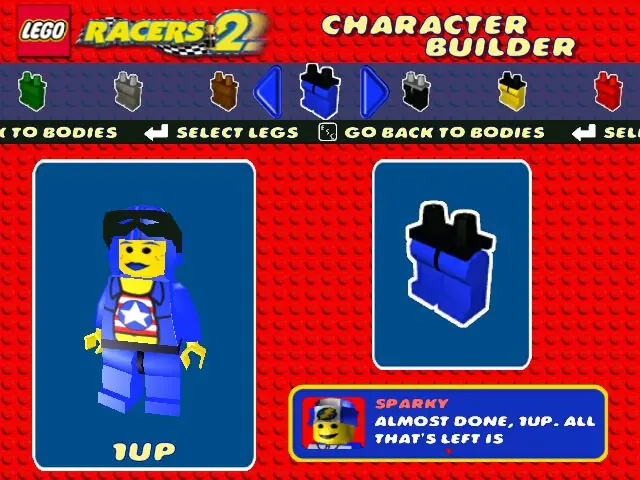
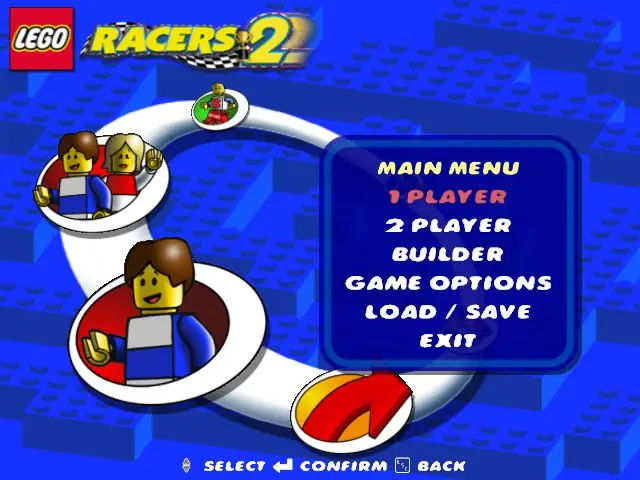
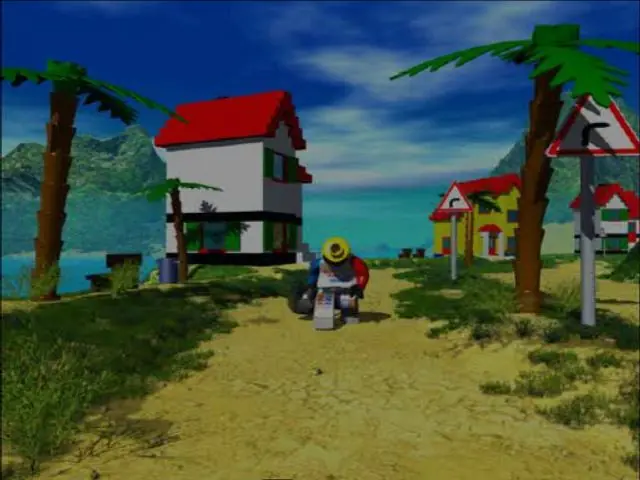
LEGO Racers 2 is a 2001 racing game developed by Attention to Detail and published by Lego Software.
Genres
Publishers
Developers
Released
Platforms
LEGO Racers 2 is a 2001 racing game developed by Attention to Detail and published by Lego Software.
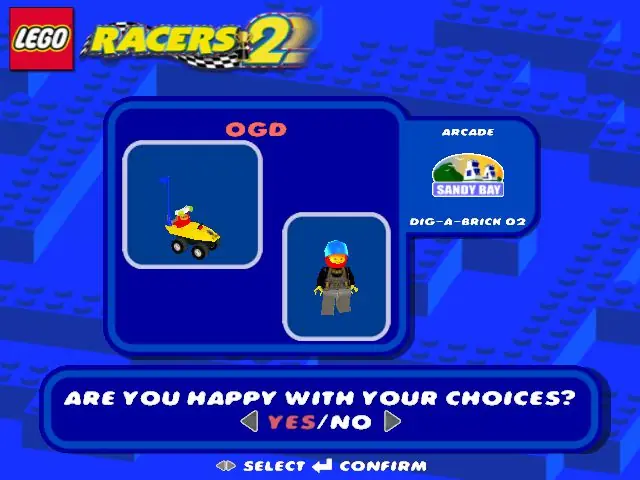
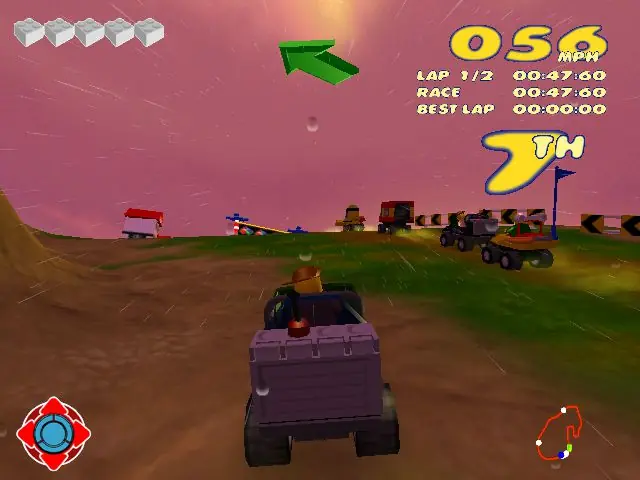
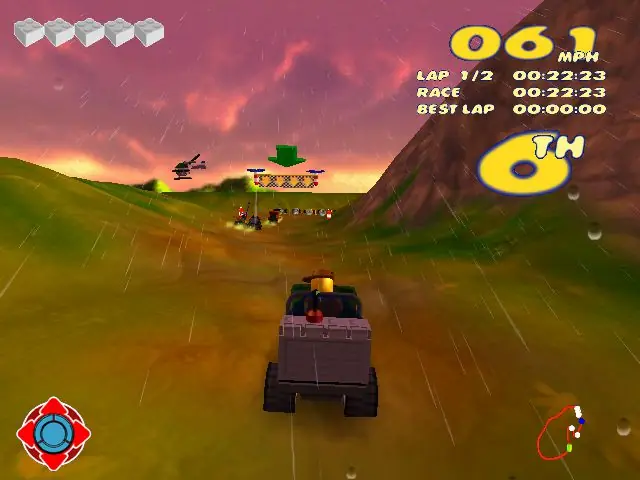
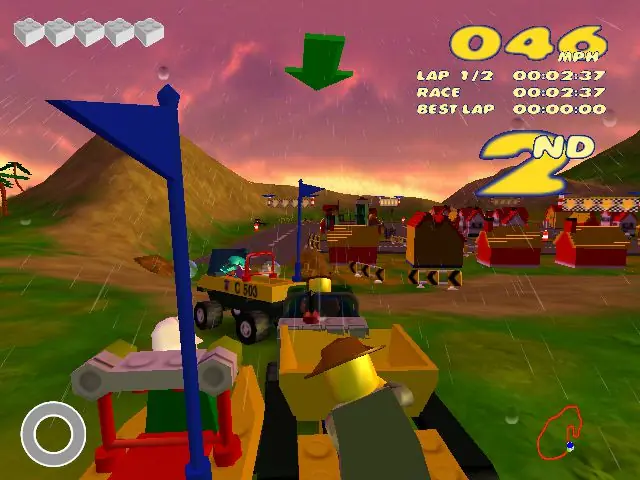
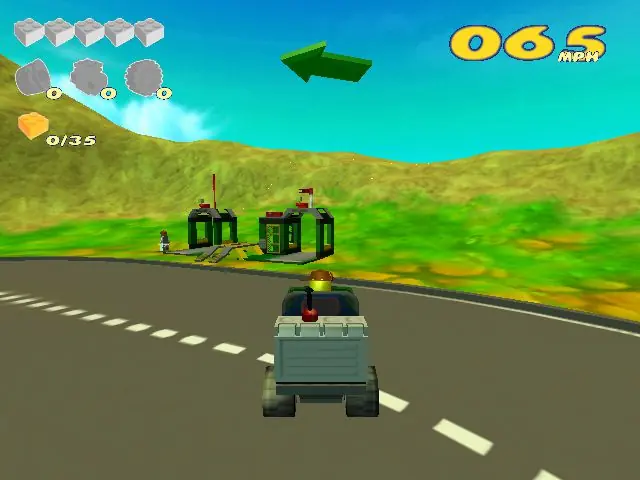
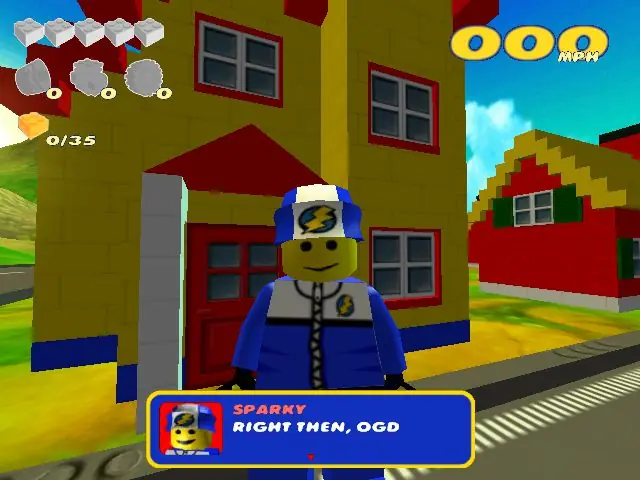
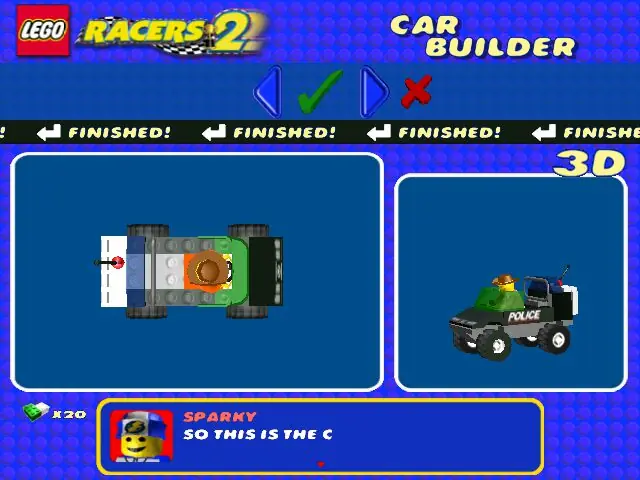
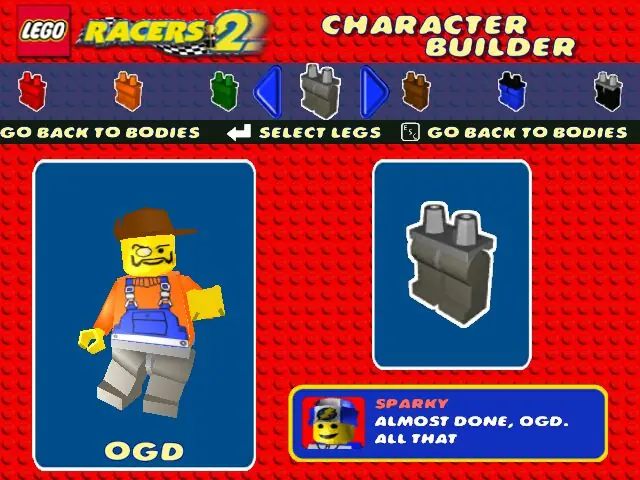
Lego Racers 2 is a Lego-themed racing video game developed by Attention to Detail, published by Lego Software and distributed in North America by Electronic Arts. It was first released in September 2001 for Microsoft Windows, PlayStation 2 and Game Boy Advance. It is the sequel to the 1999 game Lego Racers.
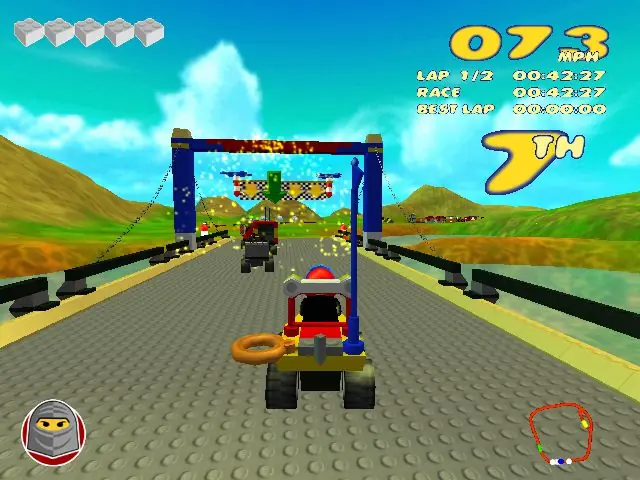
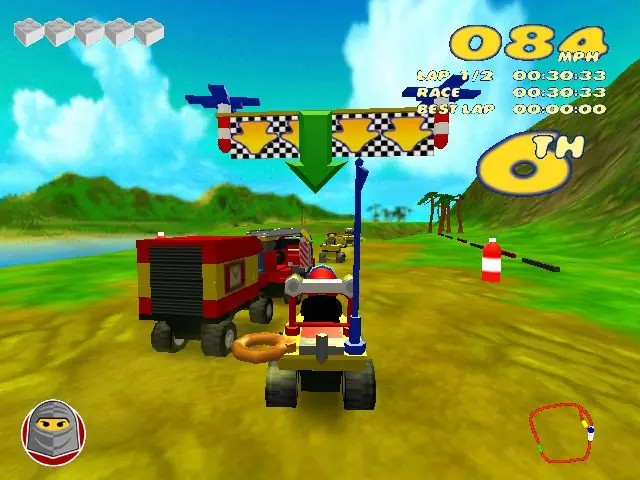
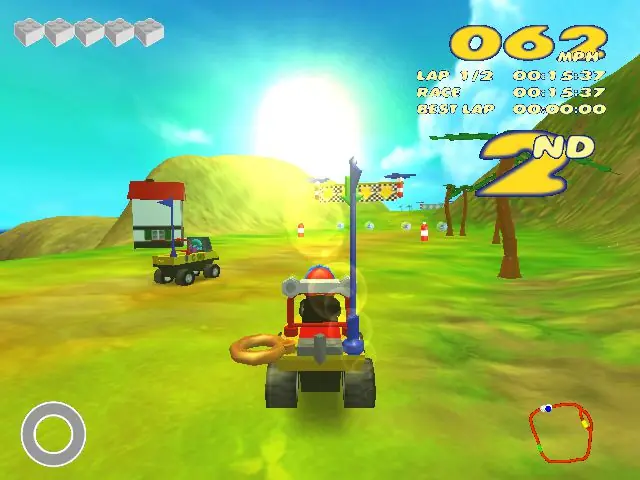
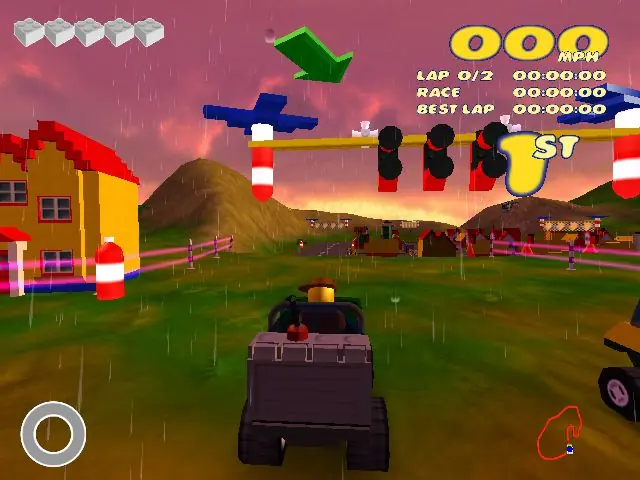
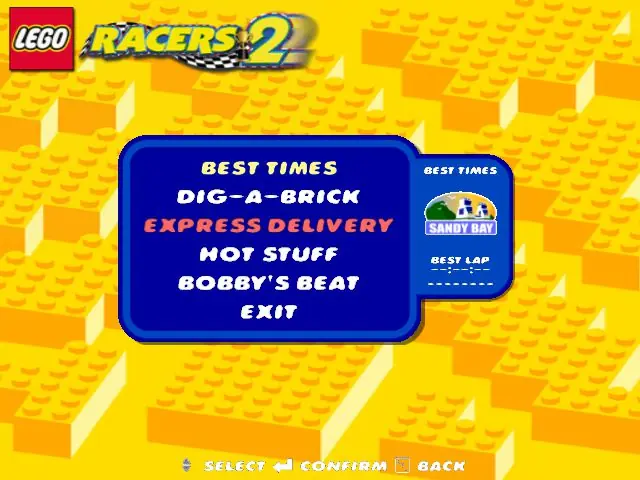
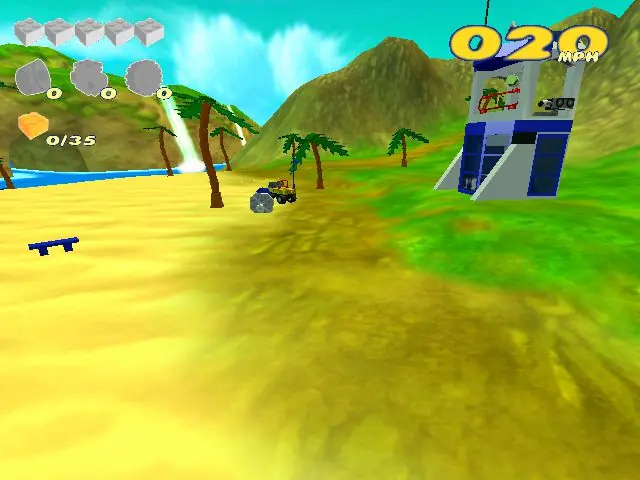
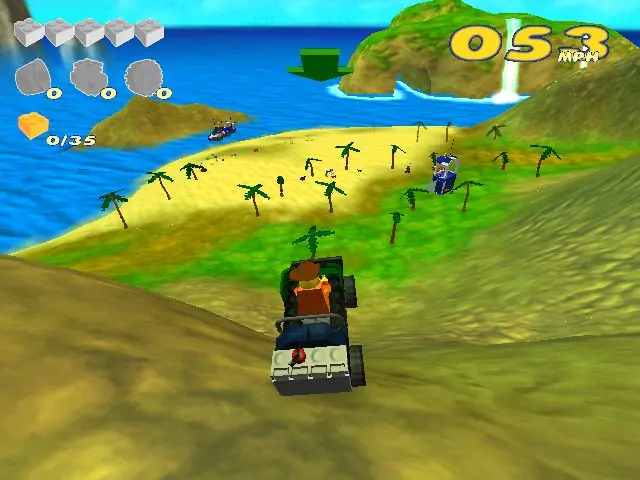
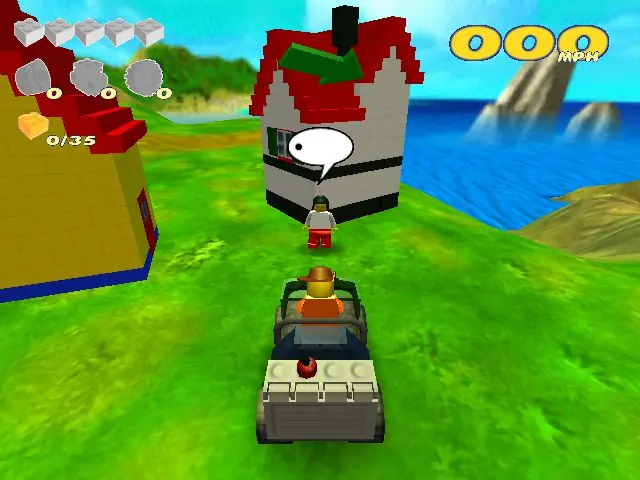
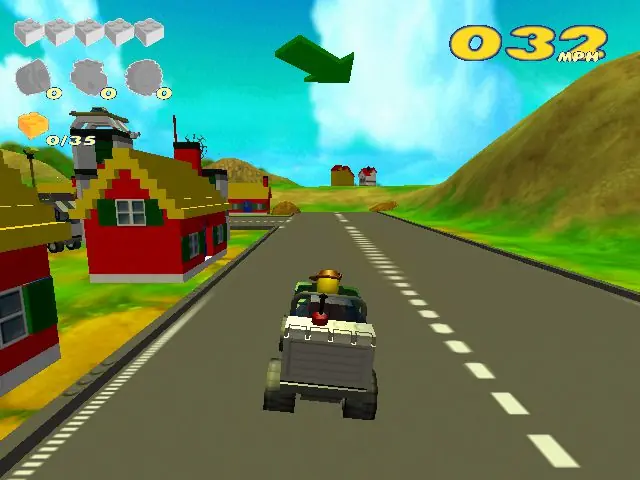
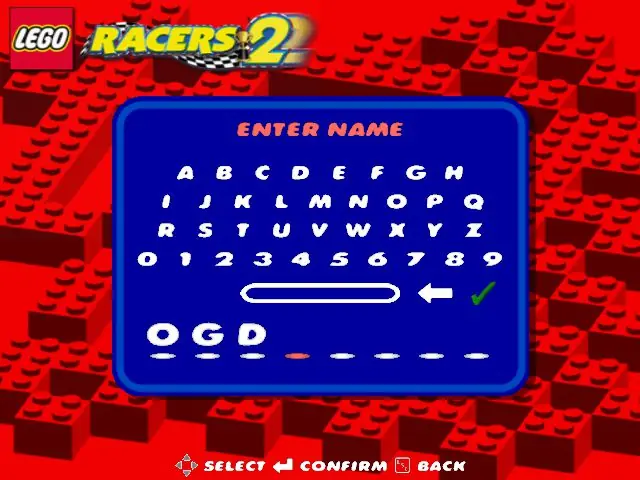
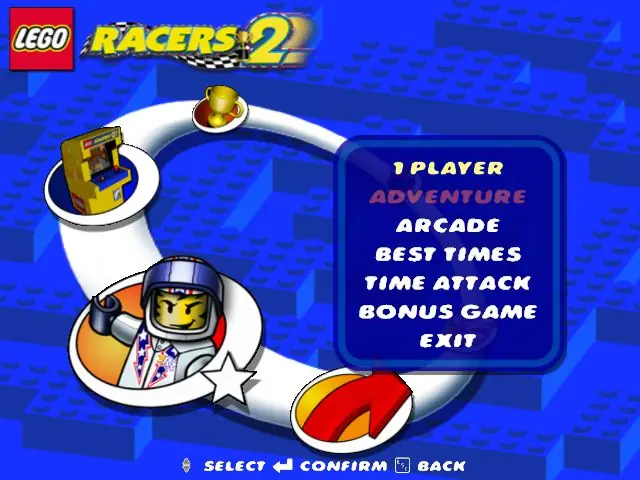
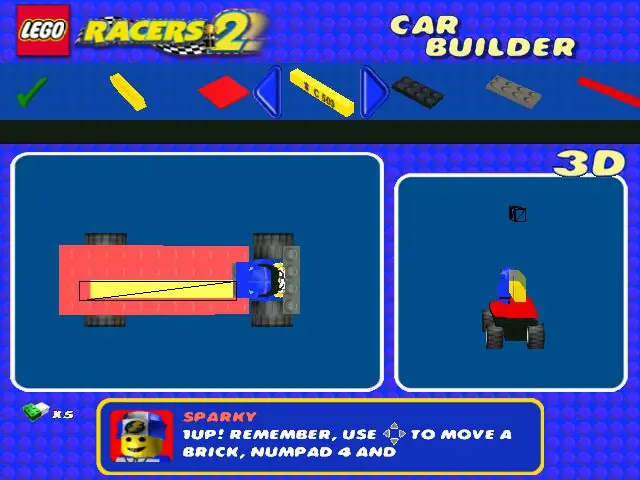
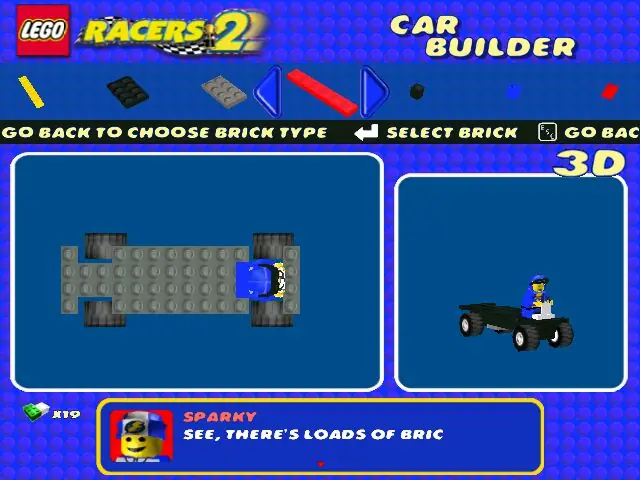
LEGO Racers 2 is abandonware and no longer sold or supported by its publishers. Files are archived here for these platforms:
How to play on Windows
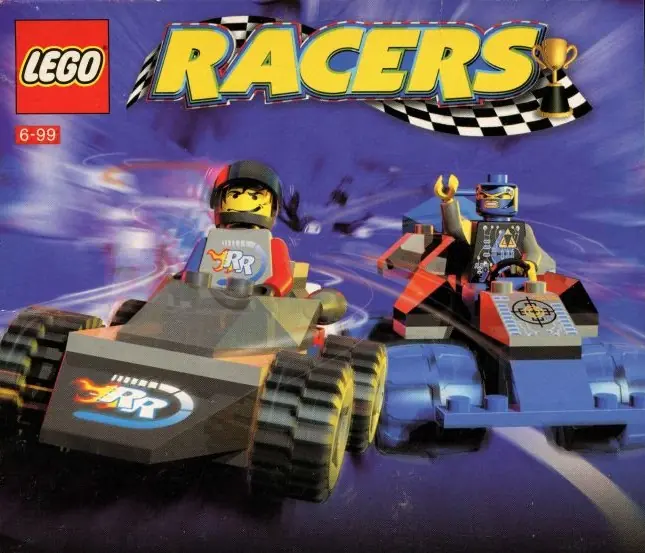






I found a workaround for this that was easier for me. I’m on Windows 11.
1. Download and Unzip
2. Mount the .BIN file. (I use Daemon Tools)
3. Open and View Files
4. Make a new Lego Racers 2 Folder on your desktop.
5. Move EVERYTHING in the opened .bin file to the new folder you just made.
6. Install this > https://www.dll-files.com/eax.dll.html
^THIS IS THE EAX.dll FILE YOU NEED!
7. Move the EAX.dll file into the INSTALL folder. This is where the Lego Racers 2 Application is.
8. Make sure to put the Lego Racers 2 EXE in compatability mode for Windows XP (Service Pack 3)
9. Create a shortcut of the EXE to desktop for ease of access.
10. Run the Lego Racers 2 EXE
Enjoy.
What shall i do?
-NasaGamingTV
https://youtu.be/2weA7N3XFTE
When i installed this and downloaded PowerISO, i can see the Browse.exe file but can’t see the properties option.. Also when i double click to run the game it says “Please insert CD then press Enter.”
Is there anything more you can do to help make this work please?
i did mount the bin file using power iso ( first in google )
and yet i cant find the browse.exe file in the mounted drive
please help 🙁