Home » Games » Littlest Pet Shop

Littlest Pet Shop

Littlest Pet Shop Game Cover
4.6/5 - 308 votes

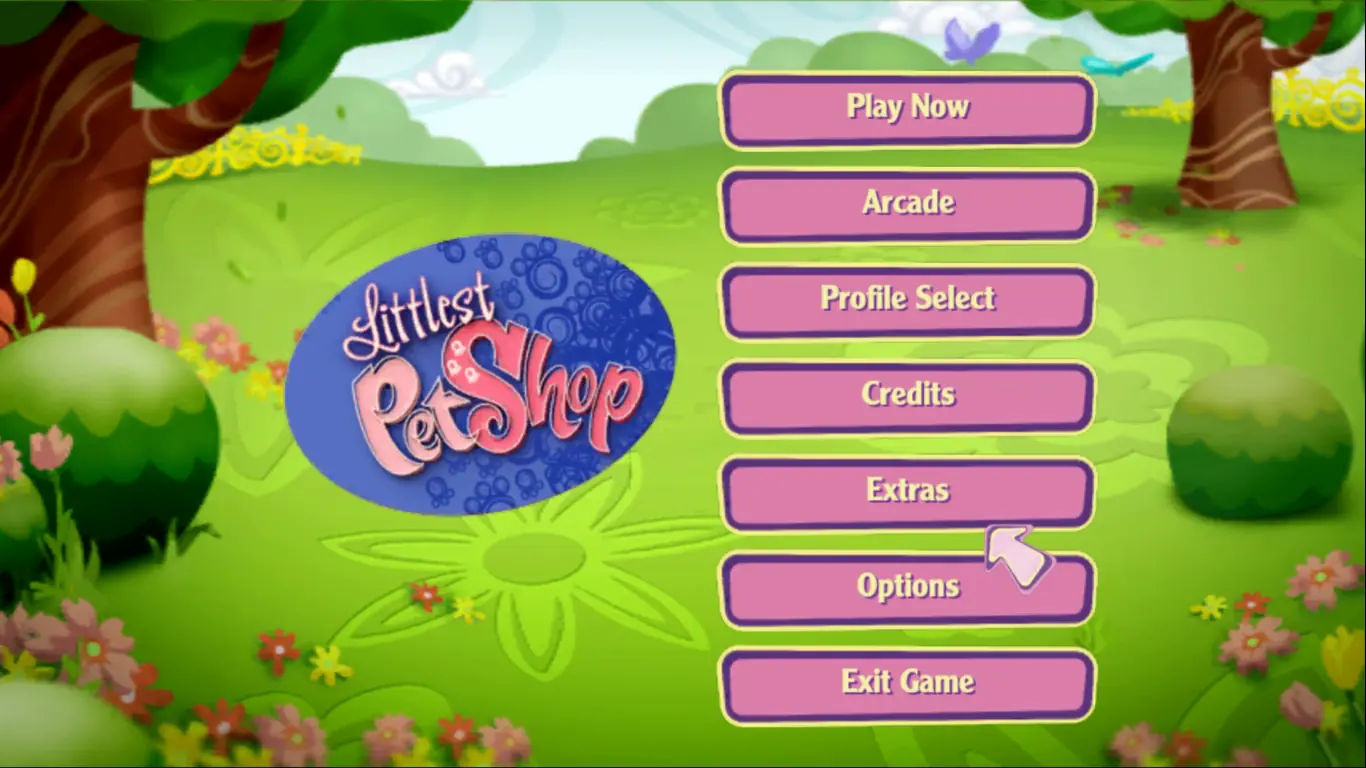
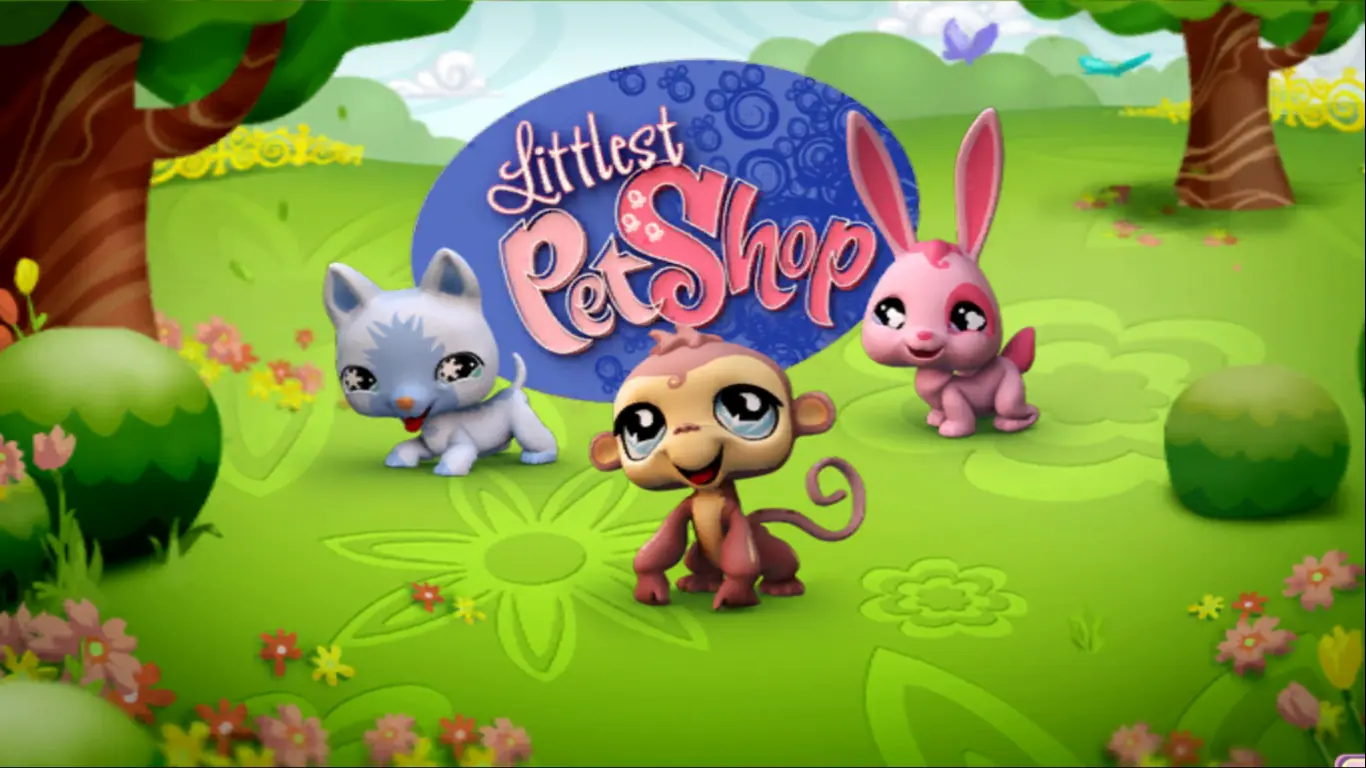
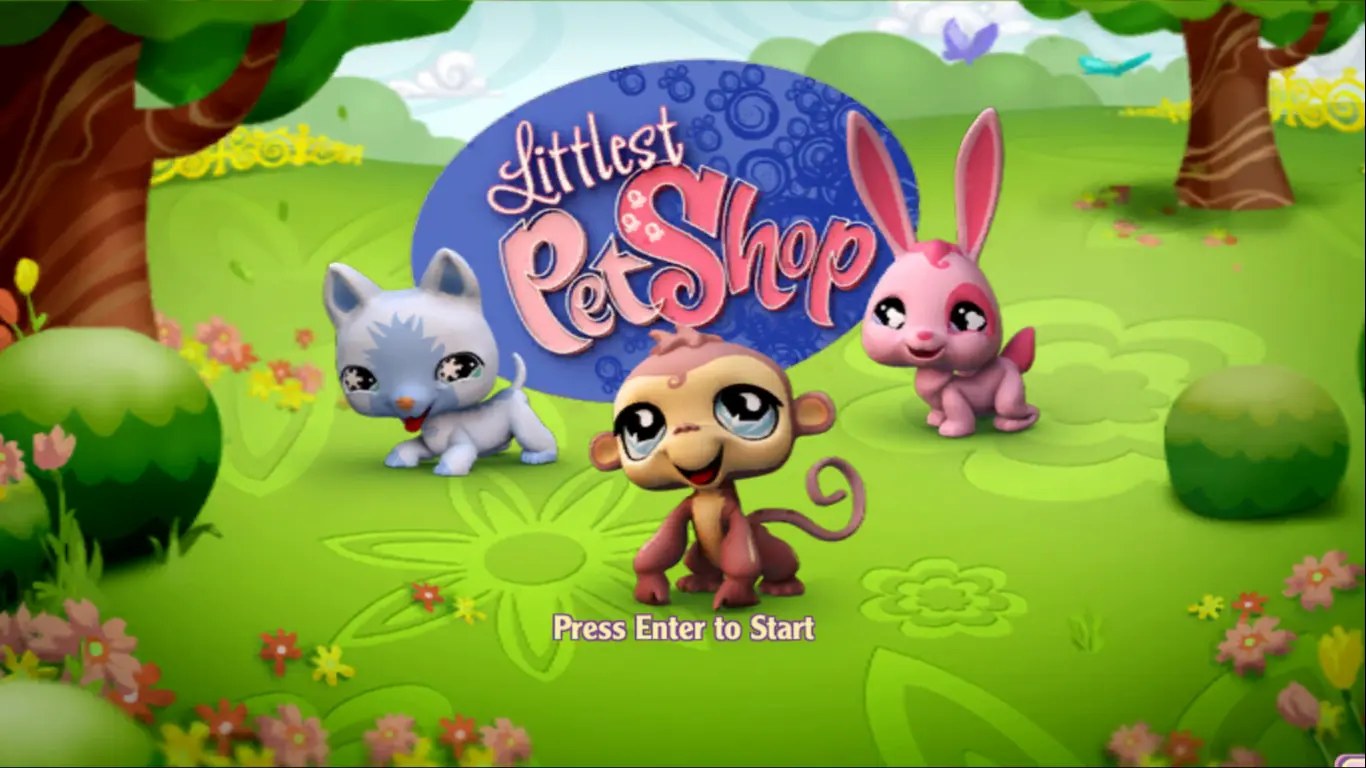
Littlest Pet Shop is a video game of the Littlest Pet Shop franchise for the PC, Wii, and Nintendo DS. The game was released in North America on October 14, 2008. A second version was released on October 20, 2009.

Other Titles

ليتليسانت پيت شوپ

Genres
Publishers
Developers
Released
Platforms
Download

About Littlest Pet Shop

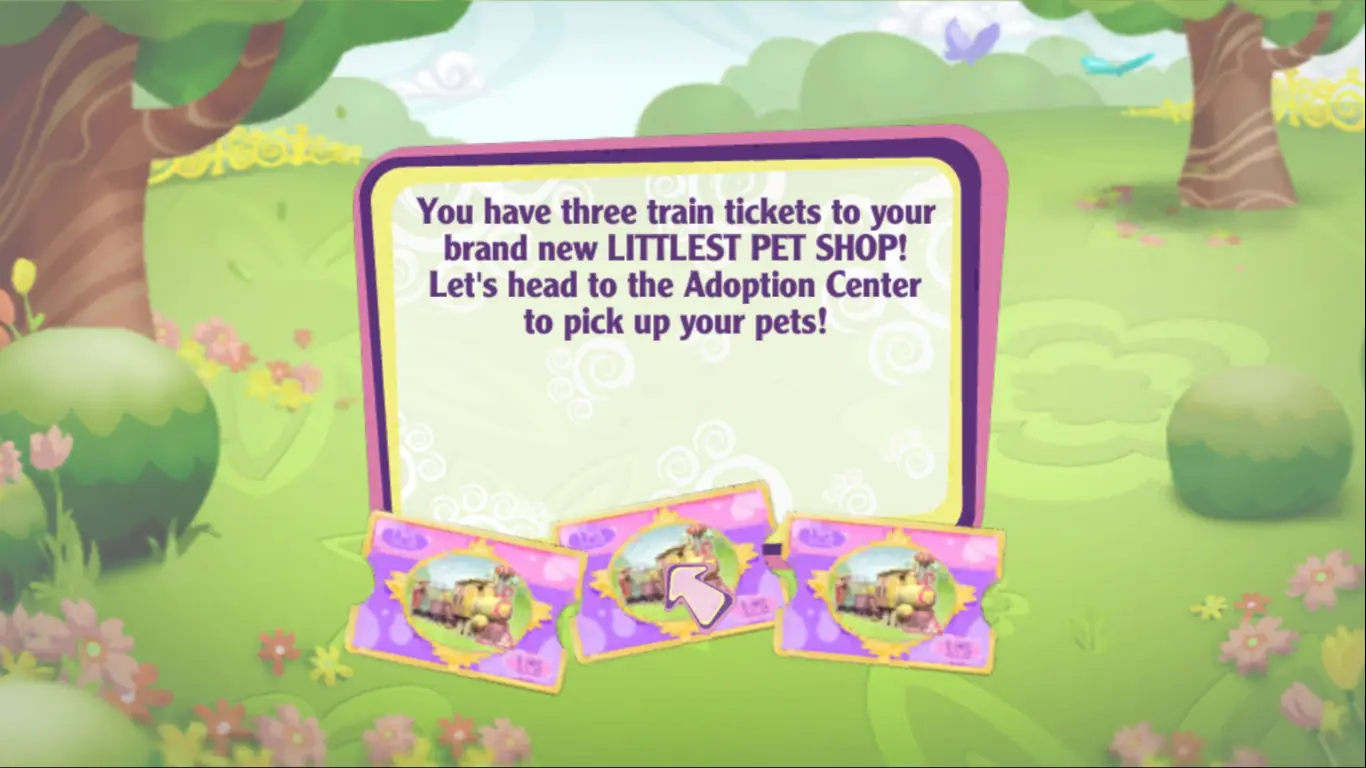
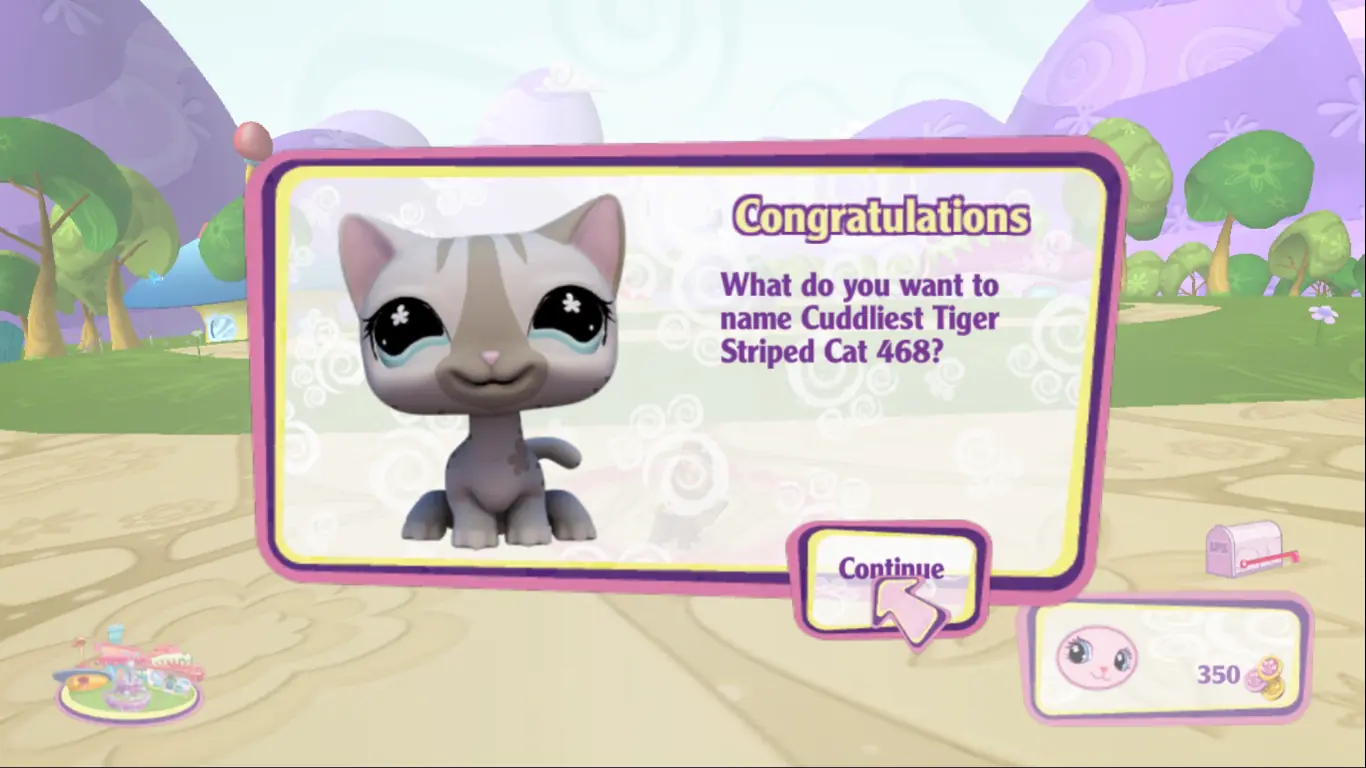
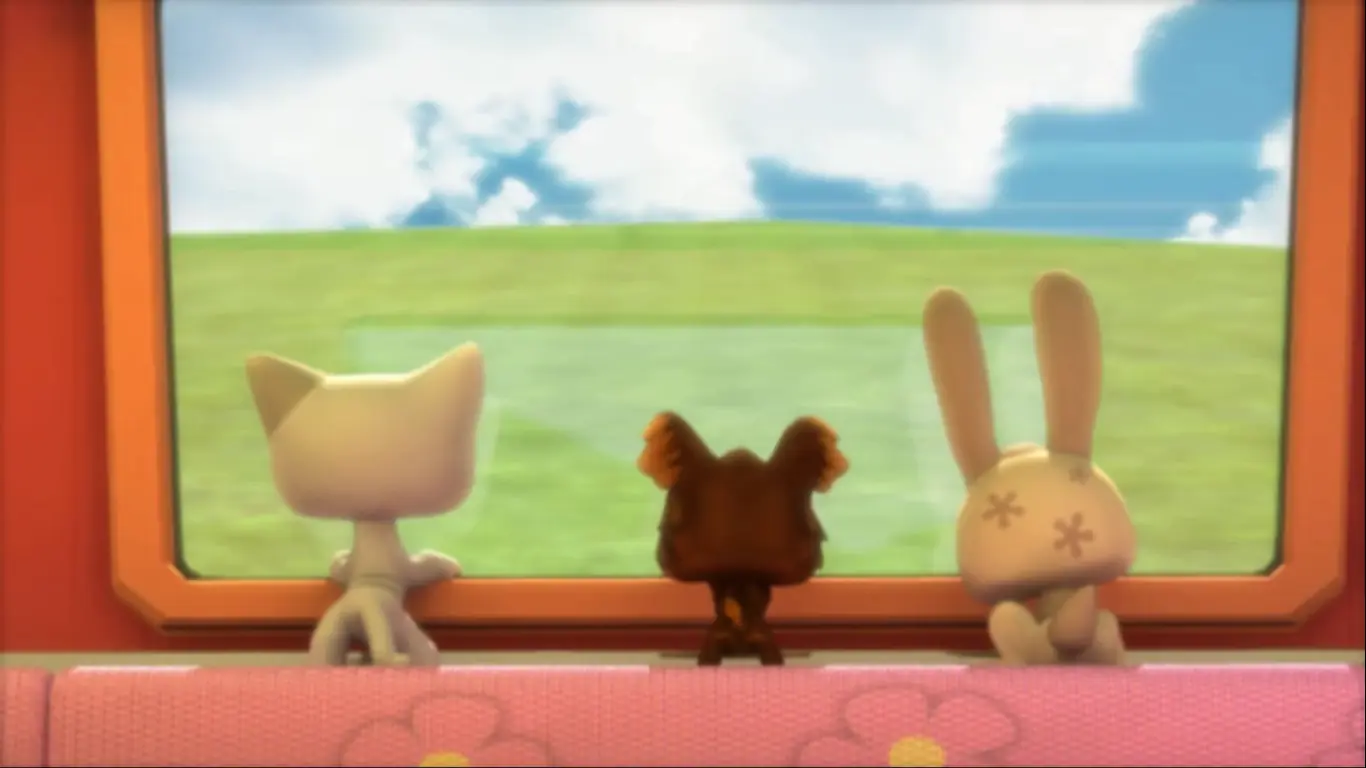
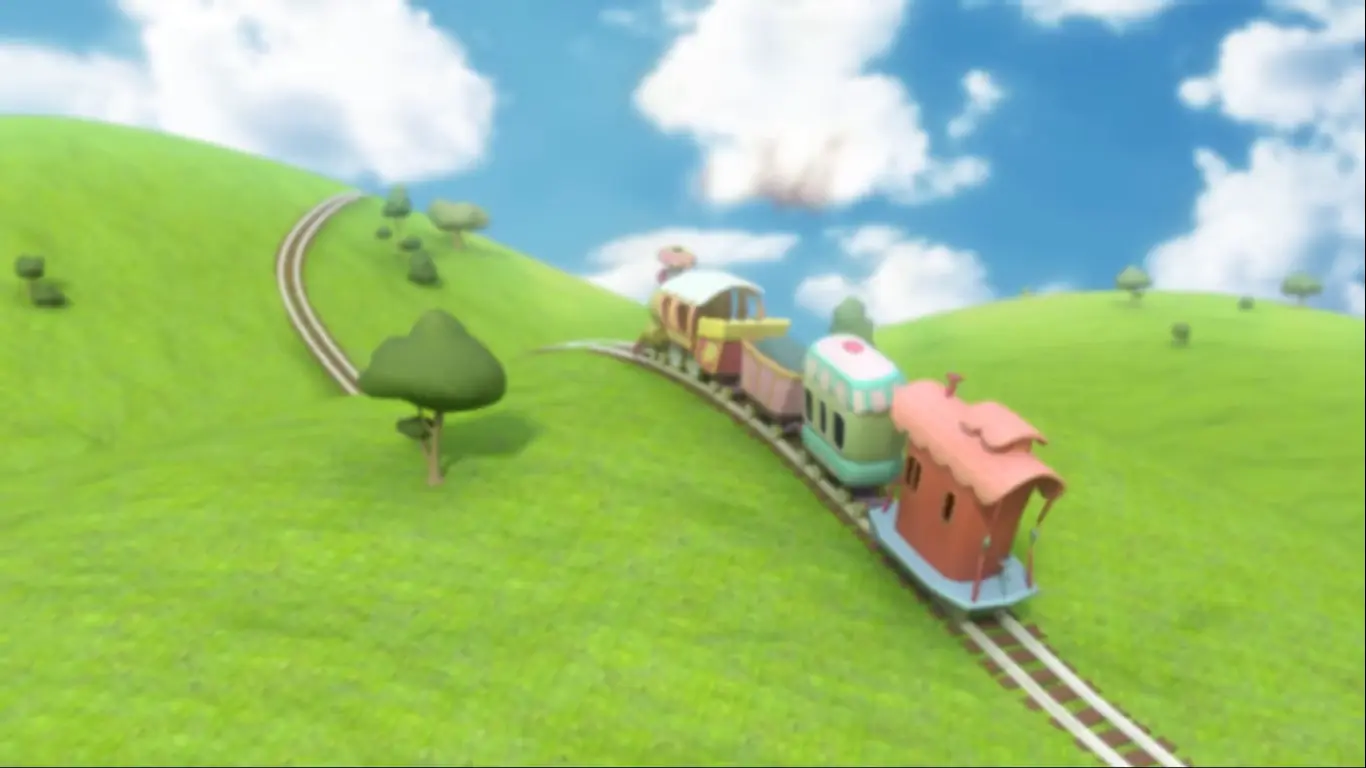
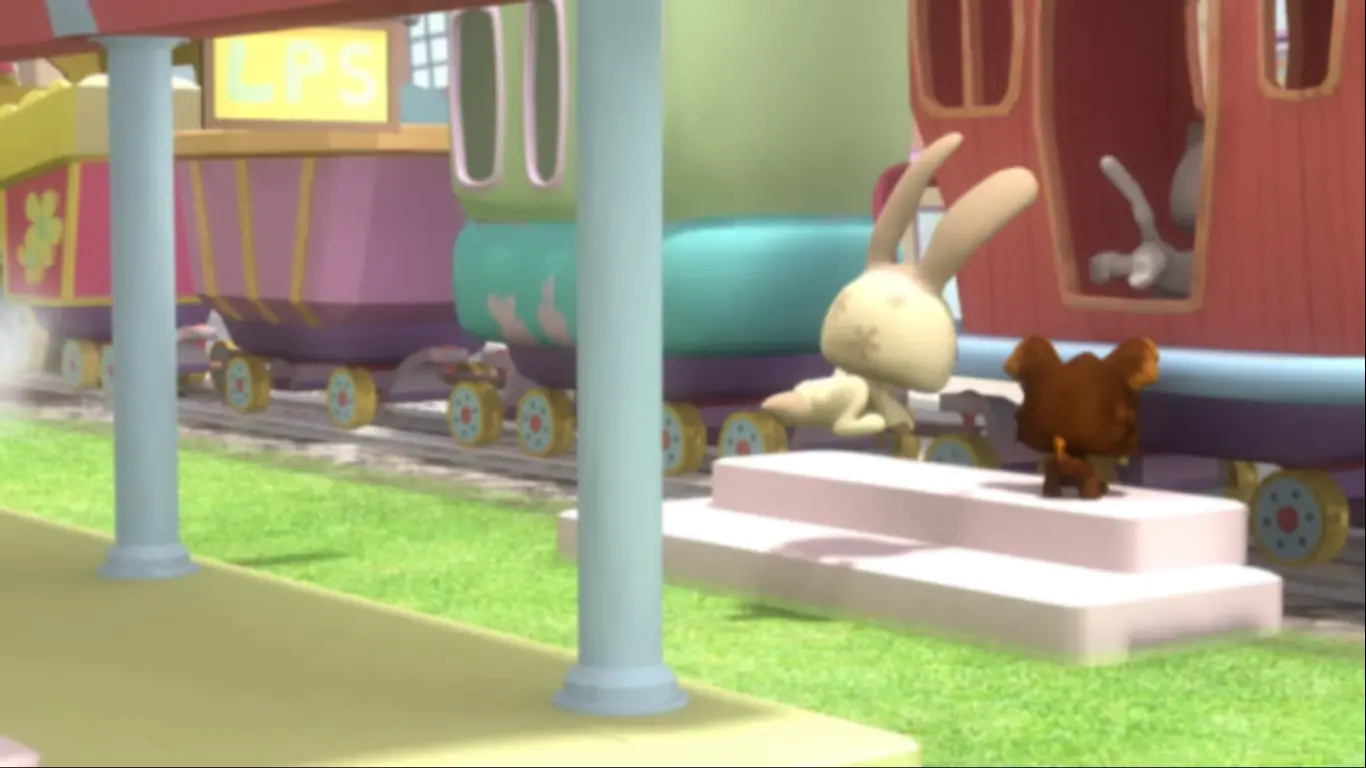
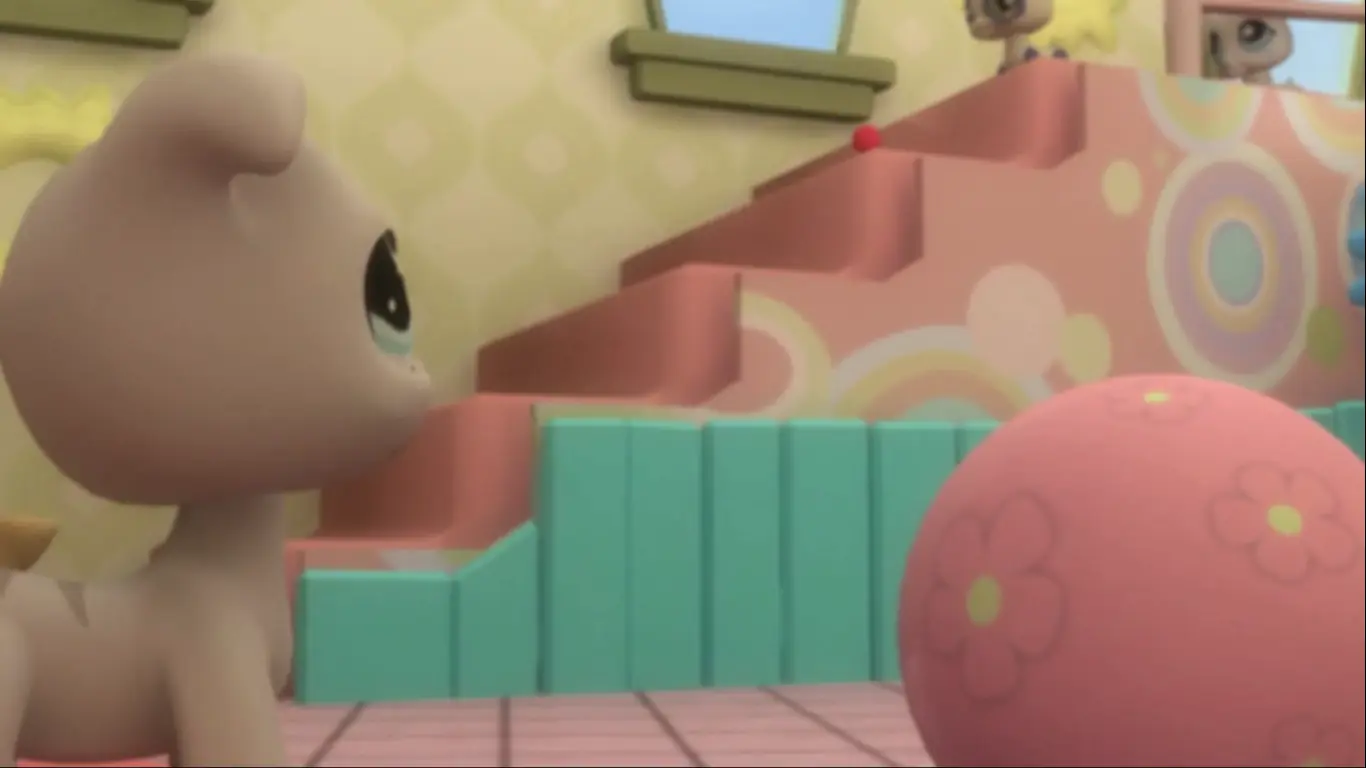
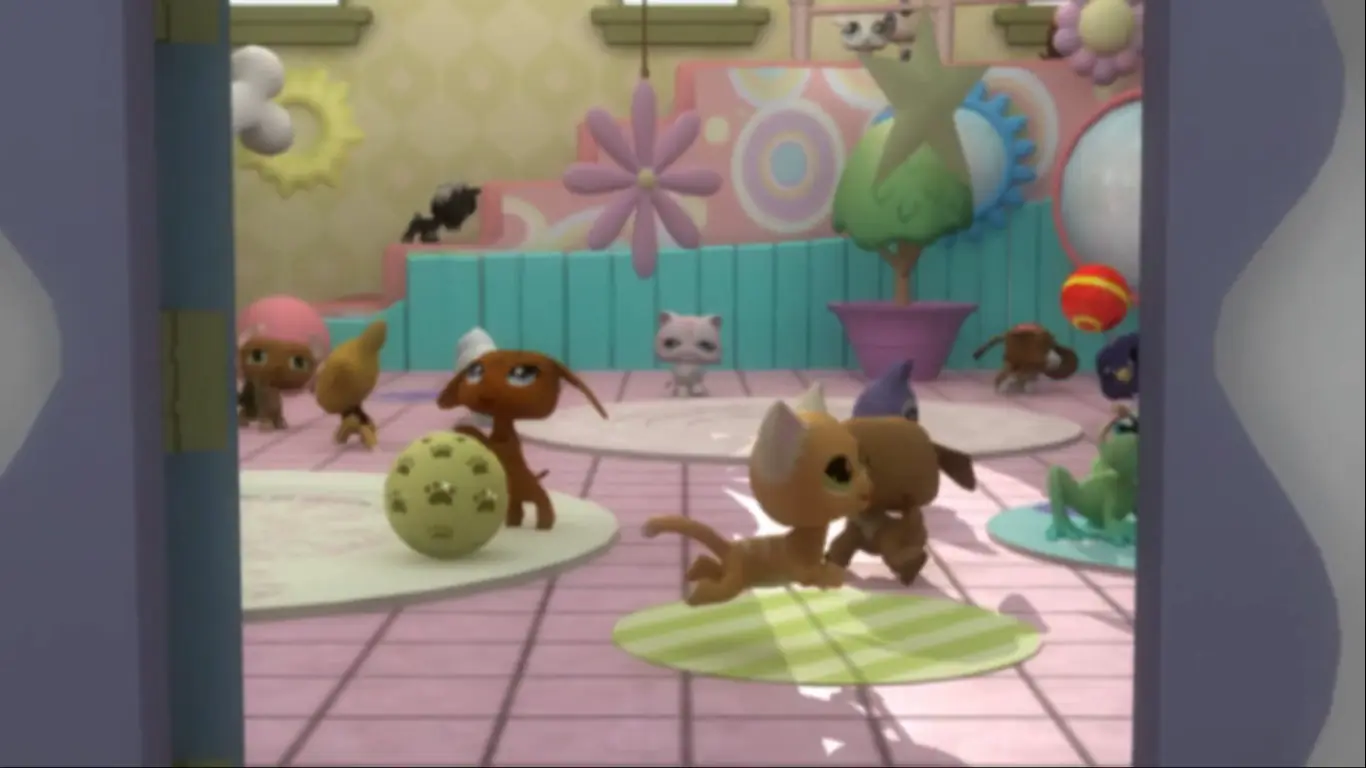
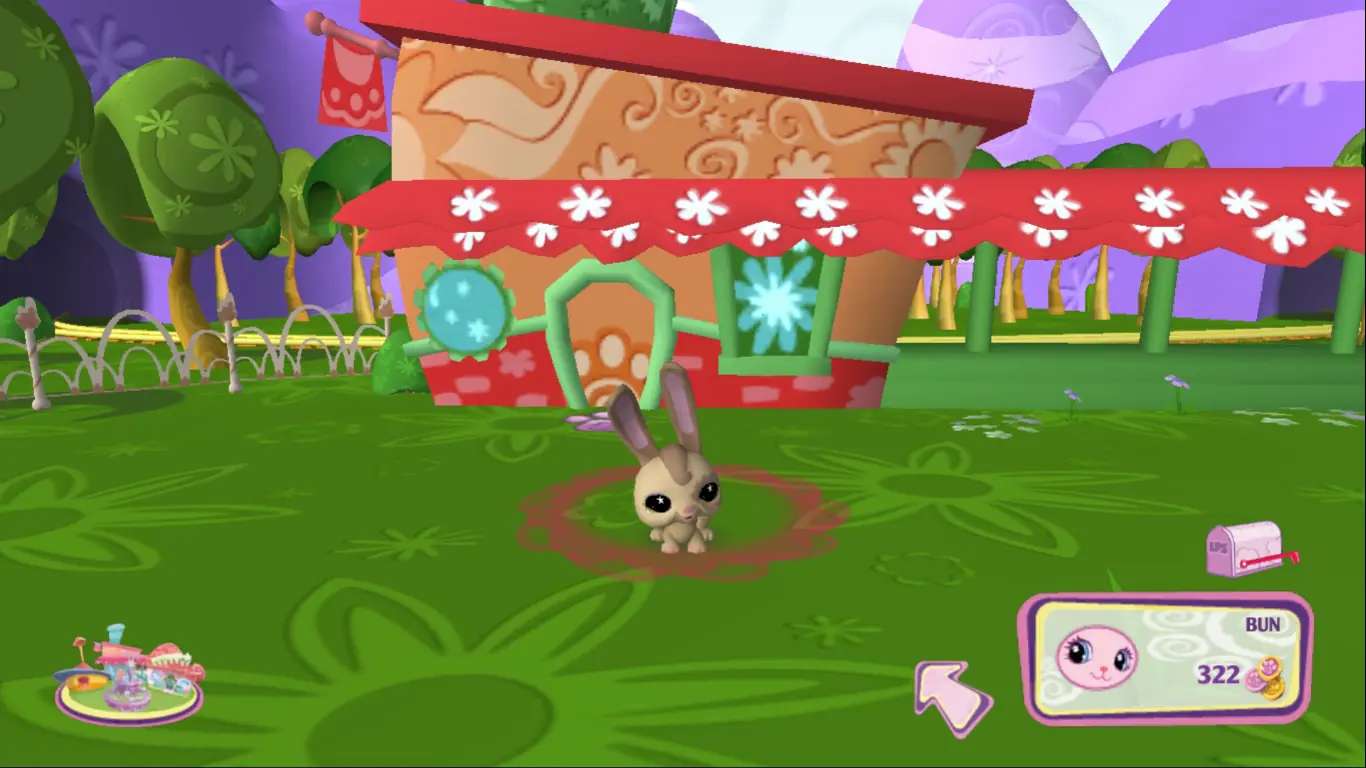
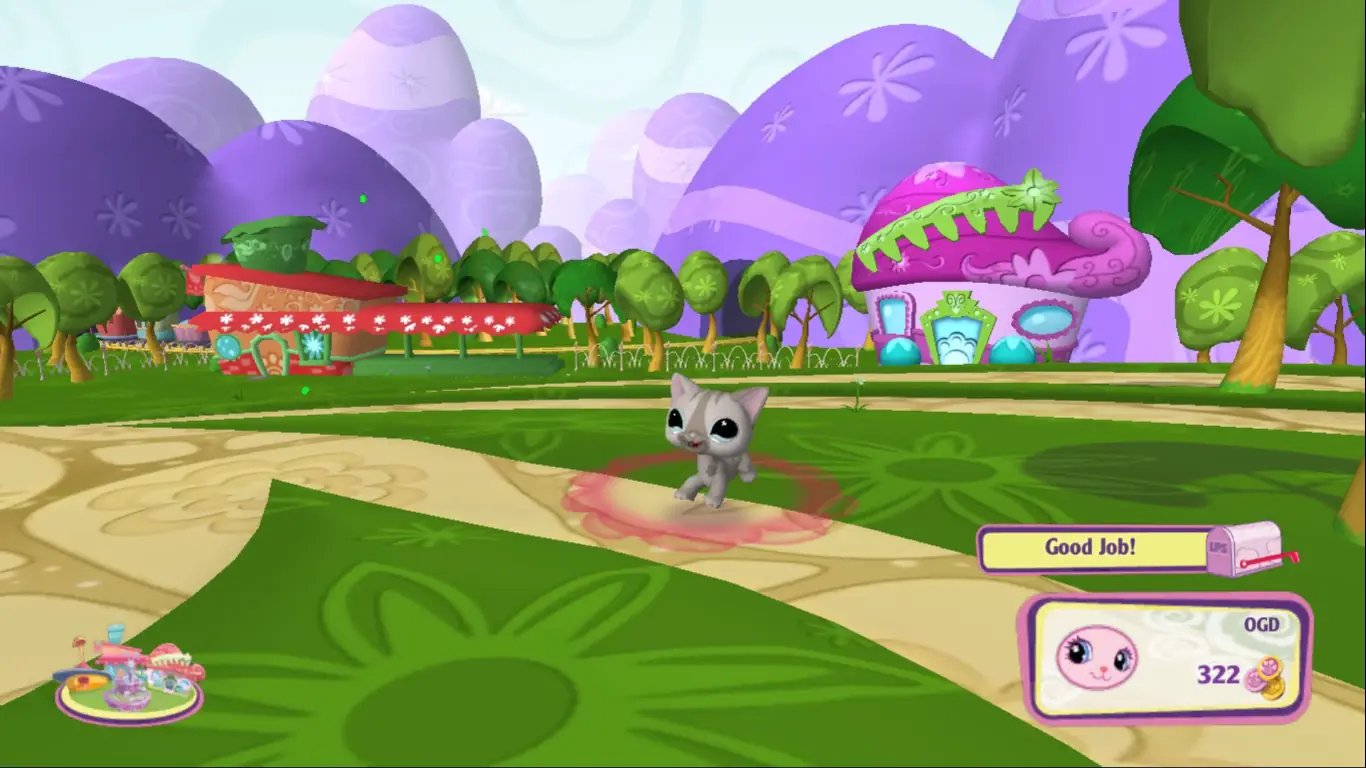
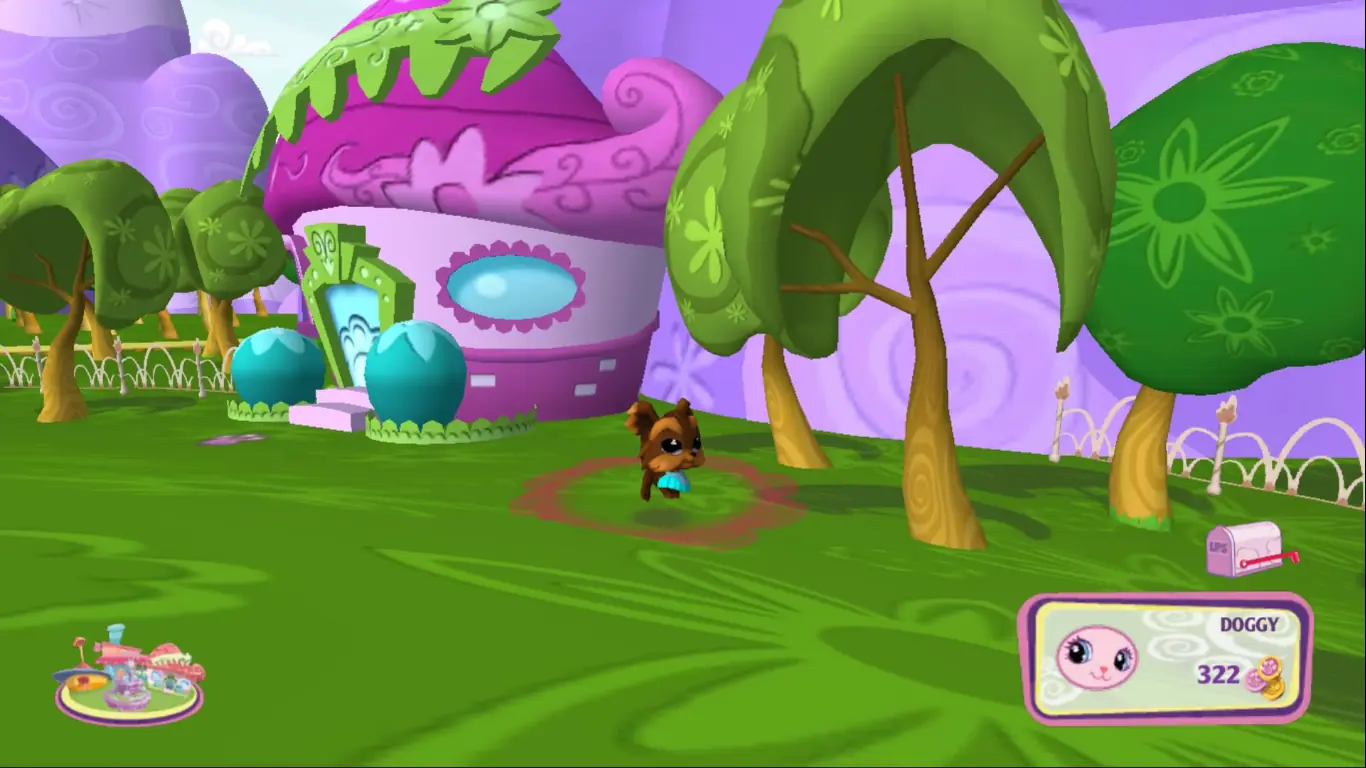
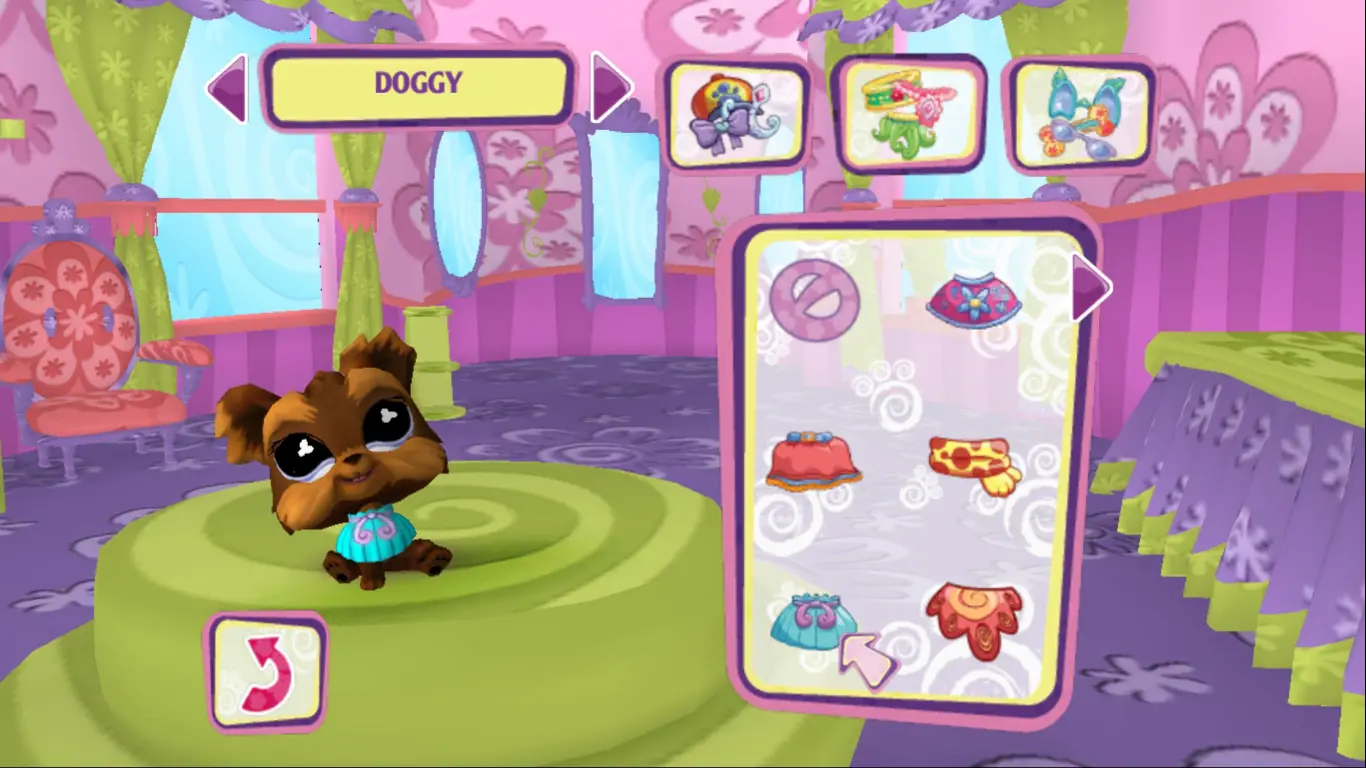
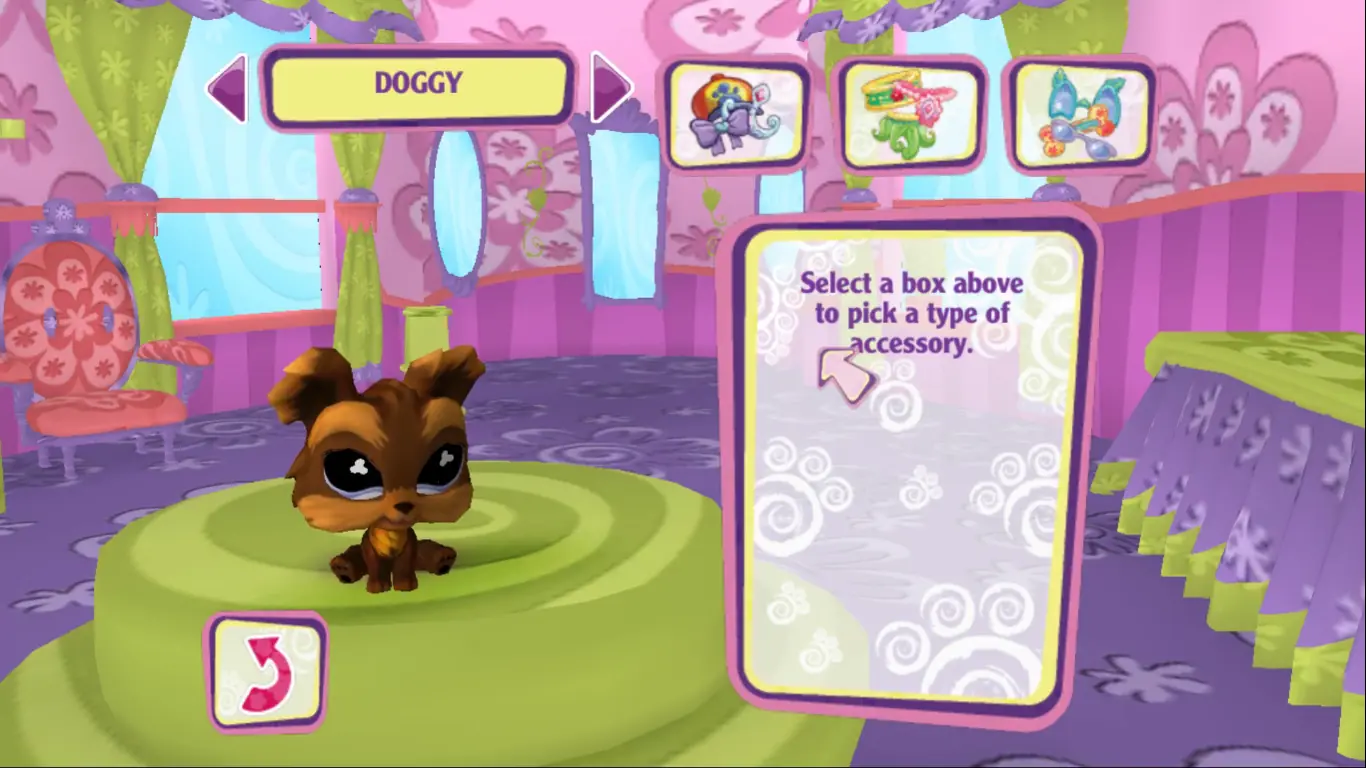
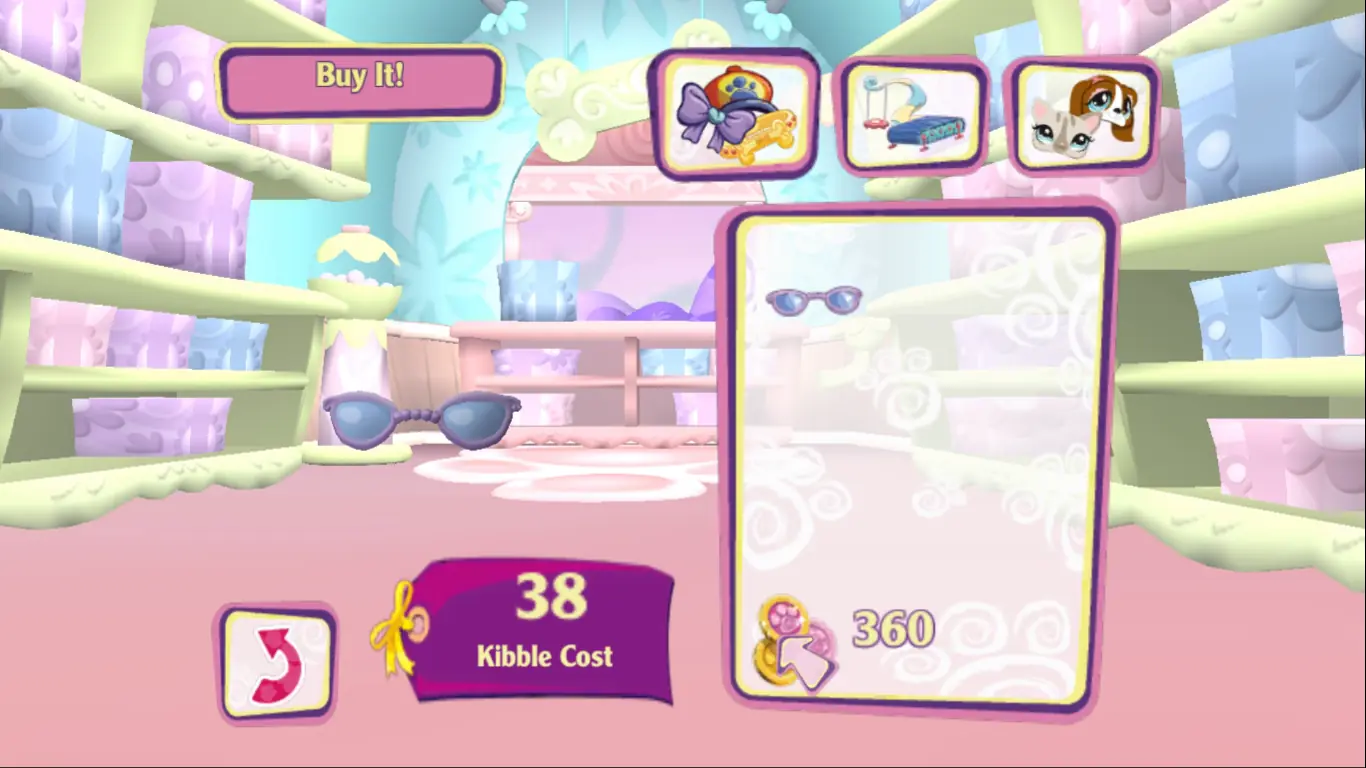
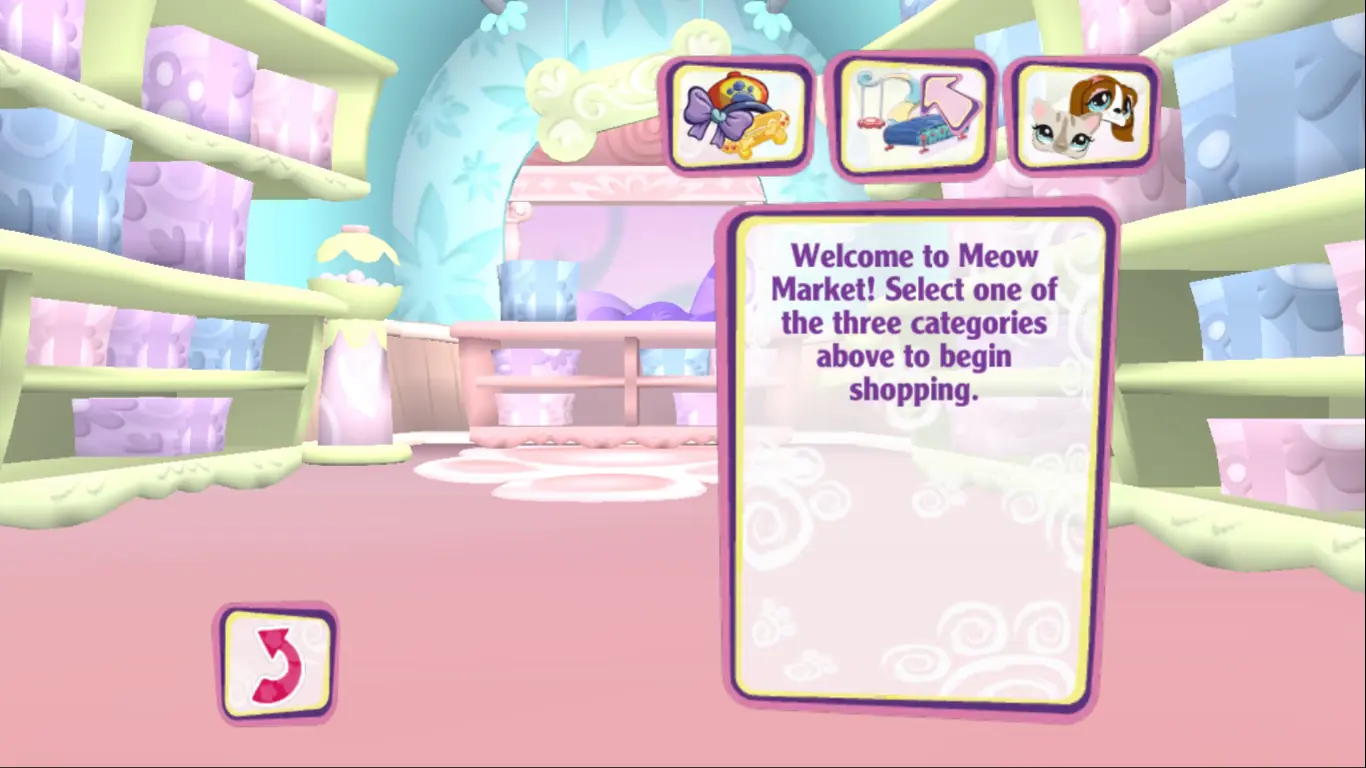
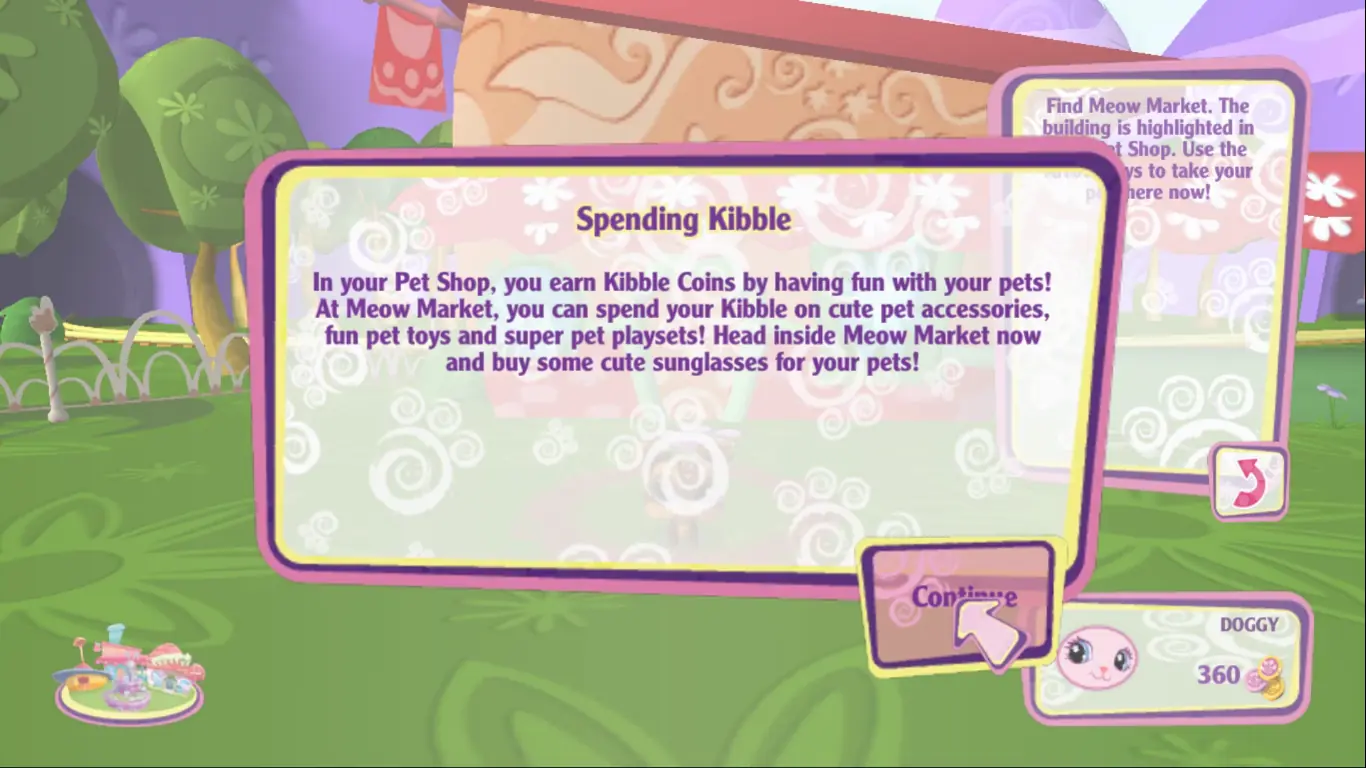
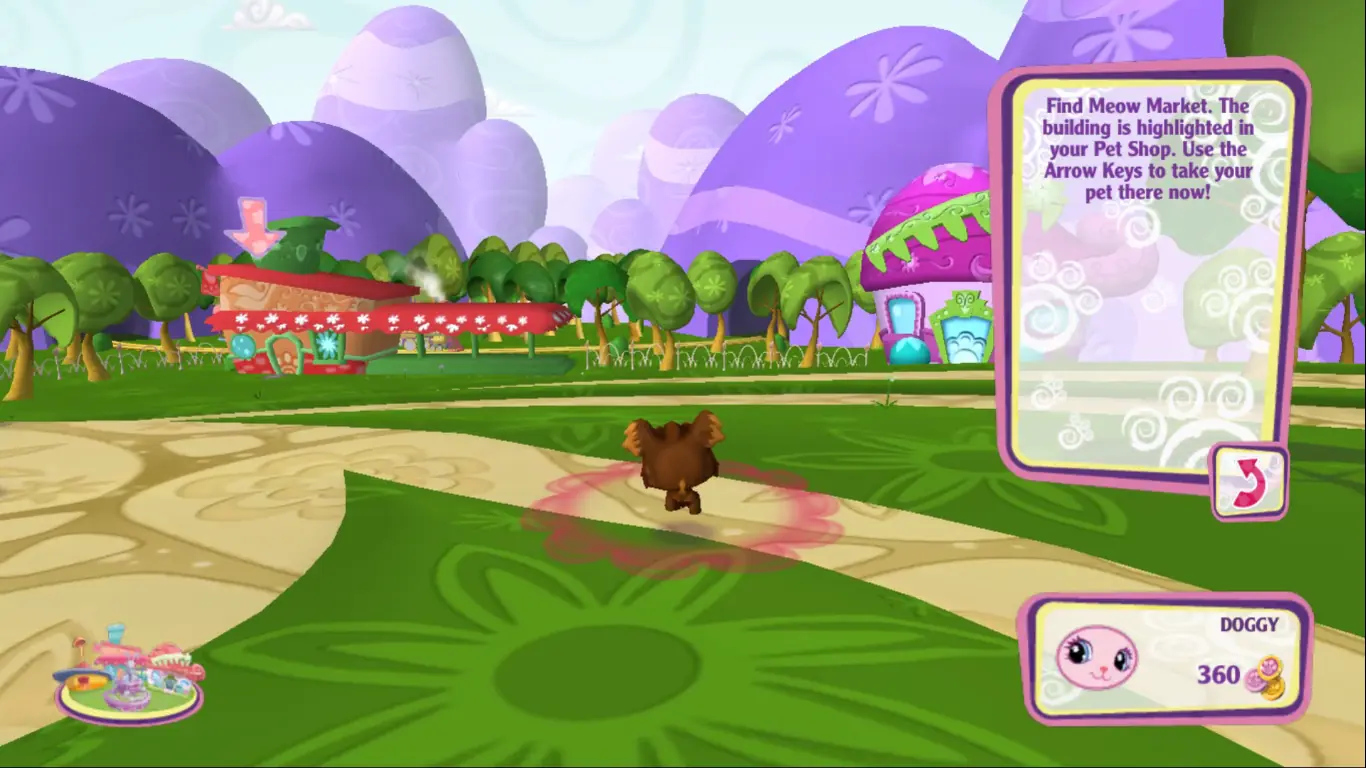
The game revolves around collecting virtual versions of the Littlest Pet Shop figures, expanding your environment as you do so. Players can compete in a variety of minigames to earn the in-game currency, Kibble, which can be used to purchase train tickets to invite new pets, playsets, and accessories to dress up their pets. Players keep their pets happy by traveling to different areas with them, feeding them, and playing with them. The minigames all have a difficulty setting that can be changed, and award the player with ribbons based on how they perform.

In the DS version of the game, the pets can be guided around the map using the stylus. Despite being predominantly singleplayer, they can also be played over a wireless connection, where up to 15 players can show off their pets, play minigames together, and exchange items.
Screenshots

Windows

Littlest Pet Shop — Windows screenshot 1Littlest Pet Shop — Windows screenshot 2Littlest Pet Shop — Windows screenshot 3Littlest Pet Shop — Windows screenshot 4Littlest Pet Shop — Windows screenshot 5Littlest Pet Shop — Windows screenshot 6Littlest Pet Shop — Windows screenshot 7Littlest Pet Shop — Windows screenshot 8Littlest Pet Shop — Windows screenshot 9Littlest Pet Shop — Windows screenshot 10Littlest Pet Shop — Windows screenshot 11Littlest Pet Shop — Windows screenshot 12Littlest Pet Shop — Windows screenshot 13Littlest Pet Shop — Windows screenshot 14Littlest Pet Shop — Windows screenshot 15Littlest Pet Shop — Windows screenshot 16Littlest Pet Shop — Windows screenshot 17Littlest Pet Shop — Windows screenshot 18Littlest Pet Shop — Windows screenshot 19Littlest Pet Shop — Windows screenshot 20Littlest Pet Shop — Windows screenshot 21Littlest Pet Shop — Windows screenshot 22Littlest Pet Shop — Windows screenshot 23Littlest Pet Shop — Windows screenshot 24Littlest Pet Shop — Windows screenshot 25

Download Littlest Pet Shop

Littlest Pet Shop is abandonware and no longer sold or supported by its publishers. Files are archived here for these platforms:

Windows (2008)

  • Littlest_Pet_Shop_Windows.zipEN1.28 GB
  • Instructions Littlest_Pet_Shop_Windows.zip

    Text instructions (how to play on Windows)

    1. The game is already pre-installed so you just have to download it and then you can start playing straight away.
    2. Download the "Littlest_Pet_Shop_Windows.zip" file from the link above. Make sure you download the file properly and that your internet does not disconnect while downloading.
    3. Open the downloaded .zip file and extract the "Littlest_Pet_Shop_Windows" folder to your desktop. You will need to use a software such as WinRAR to do this.
    4. Open the extracted "Littlest_Pet_Shop_Windows" folder and then open the "Game Files" folder.
    5. Double click on the file called "lps.exe" and your game should now launch.
    6. Enjoy the game!

Comments

37 thoughts on “Littlest Pet Shop”

  1. 0
    cant use my arrow keys or wasd in the beats n bops minigame (in other games wasd works fine) & a quest requires to get at least 3000 points there. its not skippable so im stuck after buying the boombox
    Reply
  2. 0
    game successfully ran up until i bought the polar bear, where instead of playing the next cutscene the screen went black and the game froze. unsure if there is any way around this
    Reply
    • 0
      it seems that restarting the game fixes this issue. upon doing so, the polar bear cutscene along with all other pet purchasing cutscenes loaded perfectly. given how old this game is, this isn’t too surprising.
      Reply
  3. 0
    The screen goes black during certain cutscenes and then the game became unresponsive when I got to the adopting the grey dog, please fix
    Reply
  4. 0
    hello! can u please fix this game? 🙂 every time i try to open the game, it says that XINPUT1_3.dll is missing.
    Reply
  5. 0
    when i open the game then i hear sounds and music of this game, but it’s just black screen. How do i fix this??
    Reply
  6. 0
    whenever i try to start the game, a pop up appears saying XINPUT1_3.dll is missing. I installed it a second time, still appears. Is it connected with the need for perfect internet connection?
    Reply