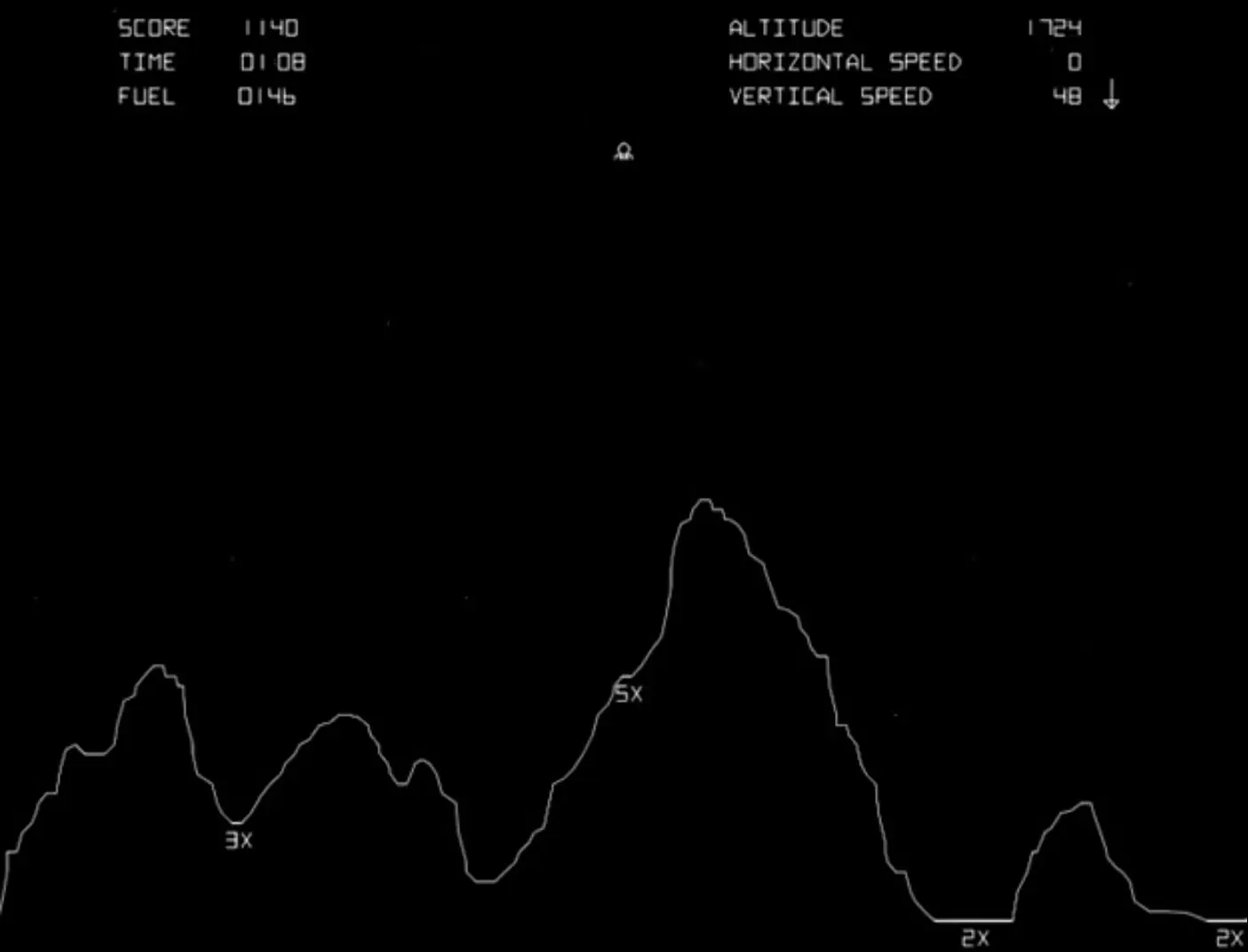
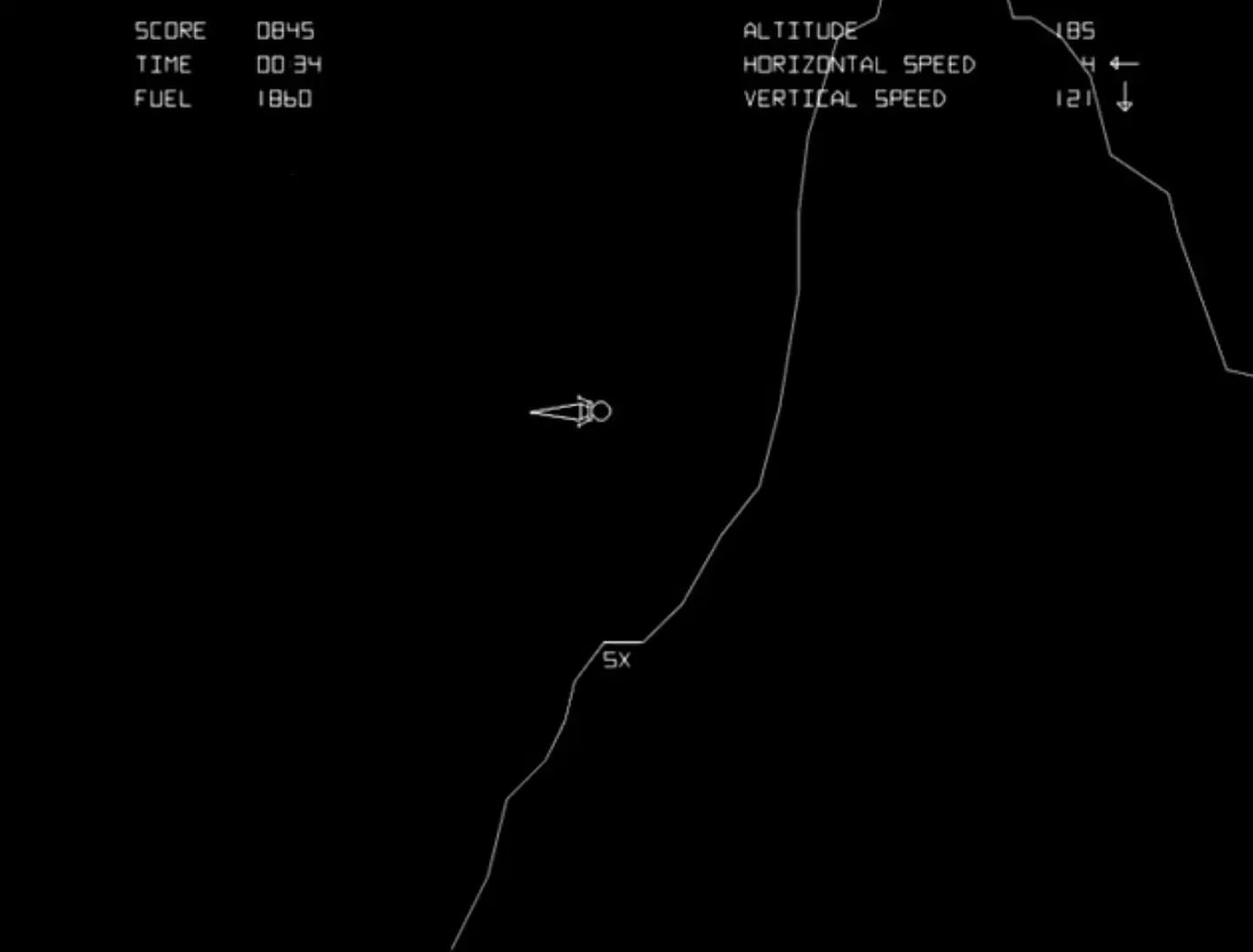
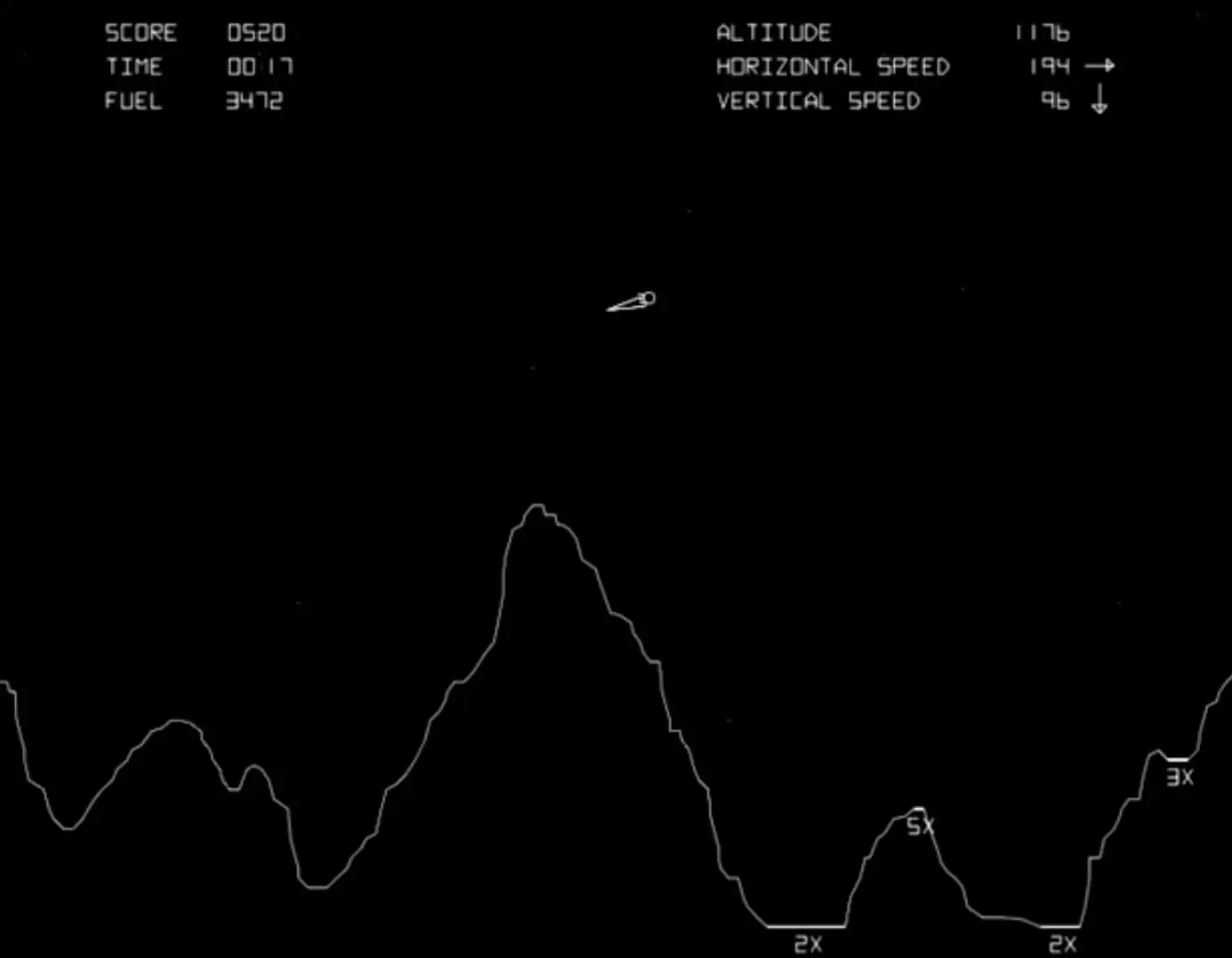
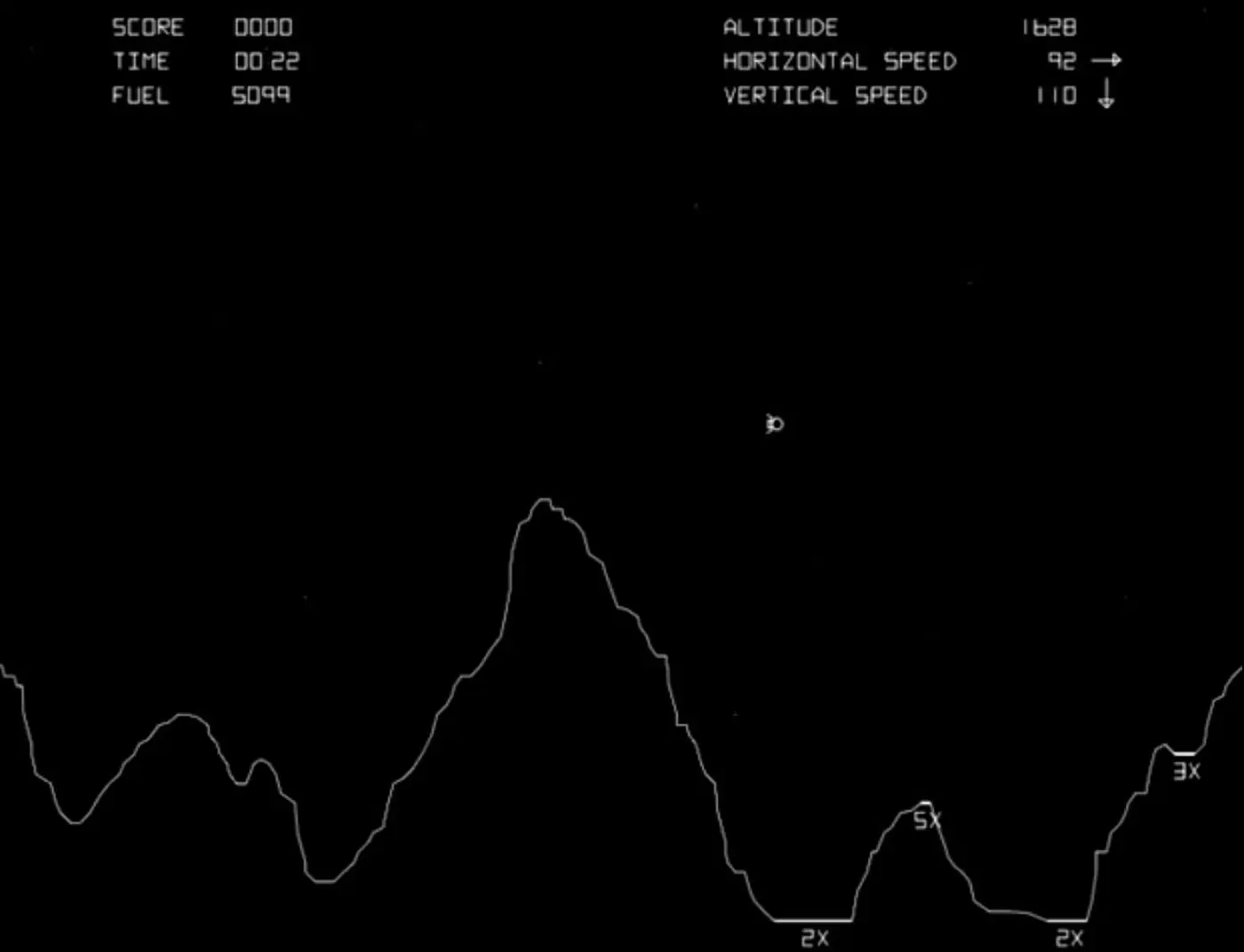
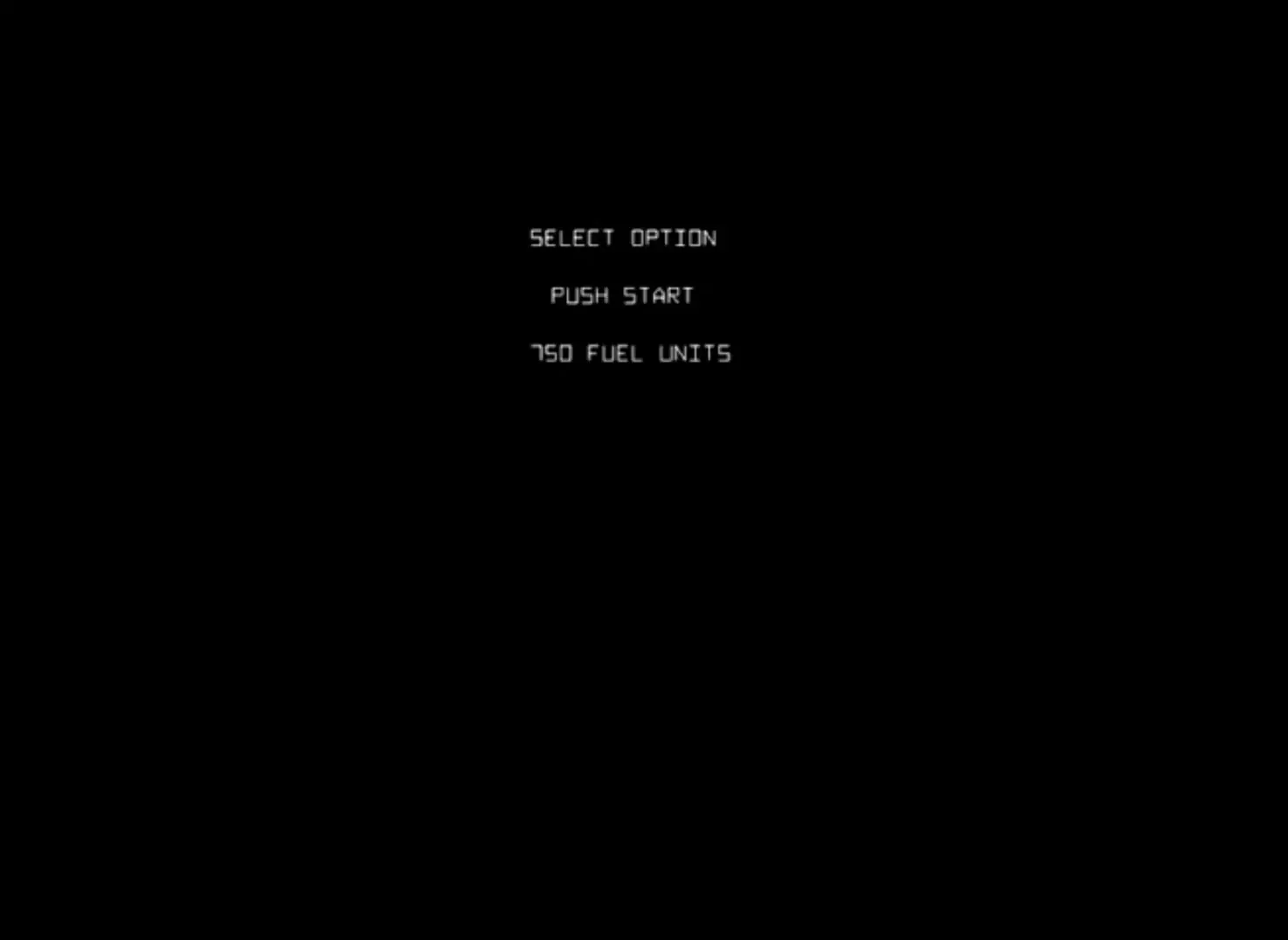
The player controls a lunar landing module, viewed from the side, and attempts to land safely on the Moon. The player can rotate the module and burn fuel to fire a thruster, attempting to gently land on marked areas. The scenario resets after every successful landing or crash, with new terrain, until no fuel remains. Coins can be inserted at any time to buy more fuel.
Lunar Lander is abandonware and no longer sold or supported by its publishers. Files are archived here for these platforms:






Step 2: Use google to search for your chosen version, e.g. 0.78
Step 3: Download the set. WAIT! Before you do this, be aware that unless you have obtained the right to use the rom dumps from the copyright holder, you are technically breaking copyright law.
Now if you have managed to acquire a “reference set” successfully, all you need to do is transfer the set to the arcade rom folder of your retropie setup. This means copy the set from your pc to the raspberry pi location:
/home/pi/RetroPie/roms/arcade
Step 4: Restart Emulationstation and now the games will appear under the Arcade logo.
Step 5: You need to learn about the run command. It allows you to select the emulator that will run a particular rom from your Arcade folder. The emulator that you select in here must match the “reference set” that you downloaded according to the information on this page. If not, you will be booted back to the menu after enduring the dreaded black screen. Here is an example:
Let’s say that you managed to download a 0.78 “reference set” and you placed it in the Arcade ROM folder. The default emulator for the Arcade folder is lr-mame2003 so they should launch just fine. However, you might have other reference sets on your pc hard drive such as Advance MAME that work better with vector games. You could put some of these in here too with your 0.78 set but they will not launch unless you select Advance MAME in the run command for those “new” additions to your arcade folder rom collection.
Now you should be enjoying your arcade experience. If not, you have made a mistake with regard to the emulator and it’s required roms – you have a mismatch. You should now consult the wiki for more detail on configuring further if you feel like it and the importance of bios files if you are craving more detail – these should be in your “reference set” already so no need to worry about them right now. Games will launch.
Step 6: Some early games require samples to be present for sound effects, these need to be acquired and placed in the correct place. They also need to be samples that are the correct version, e.g. for 0.78. A quick Google again will suffice on where to place them and where to find them.
One final note. There appears to be an abundance of 3rd party images floating around that are pre-configured with full romsets. If you get one and can’t work it, no good posting on here as nobody will know anything about it and it’s illegal. You should consult your supplier for ongoing support but you will probably be disappointed as they have stolen your cash since retropie is free.
11