Home » Games » Madagascar

Madagascar

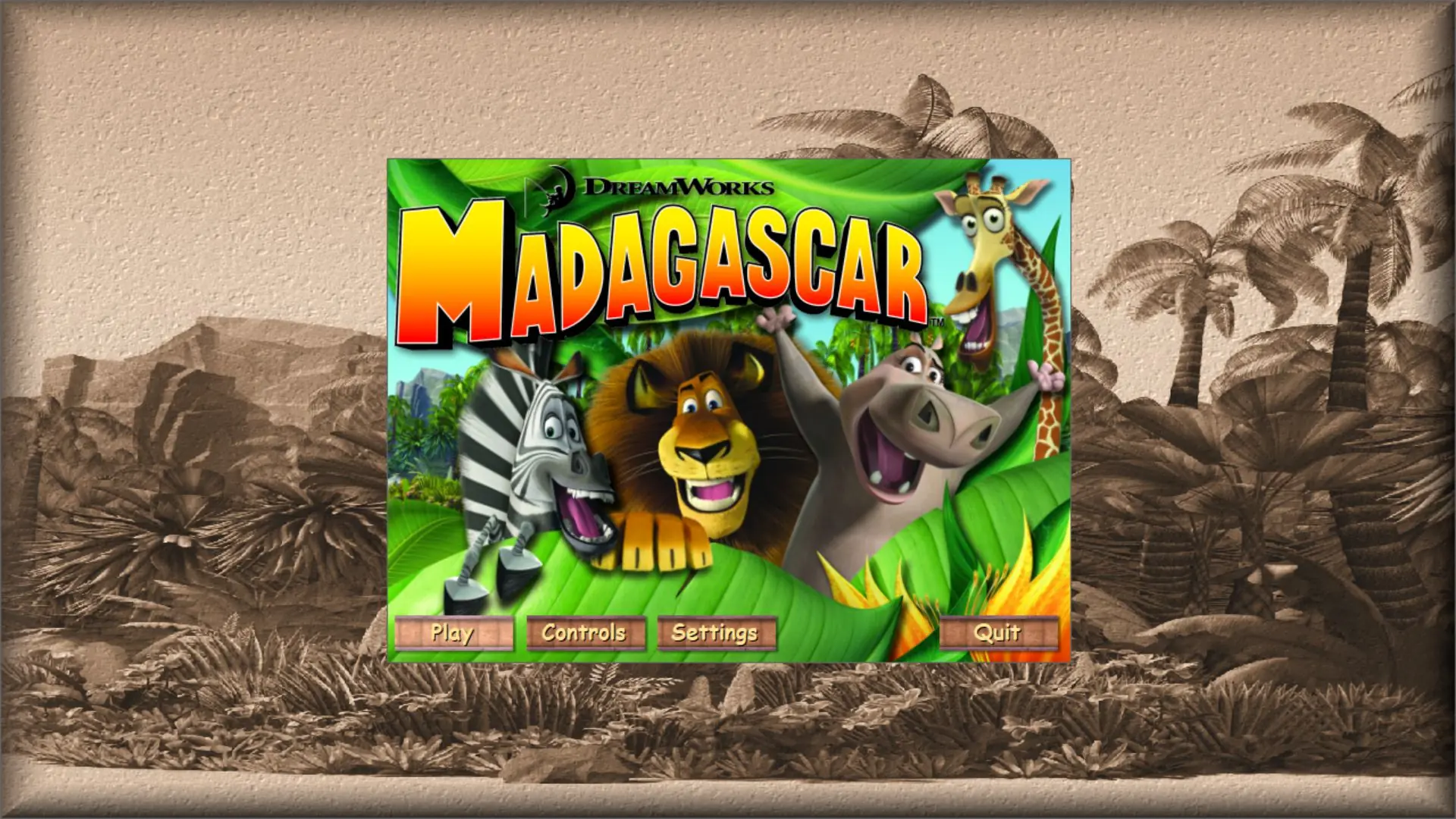
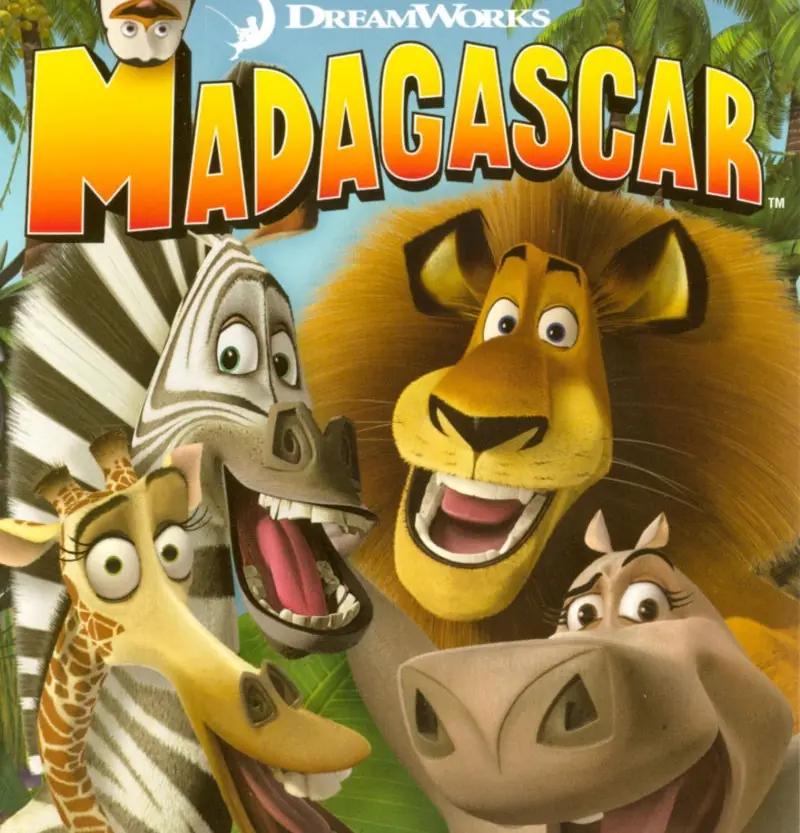
Madagascar Game Cover
4.7/5 - 358 votes

Madagascar is an action-adventure based on the animated film. It was released in North America in May 2005 and Europe in June 2005.

Other Titles

DreamWorks マダガスカルMadagaskarМадагаскарماداگاسکارມາດາກັສກາ马达加斯加

Genres
,
Publishers
Released
Download

About Madagascar

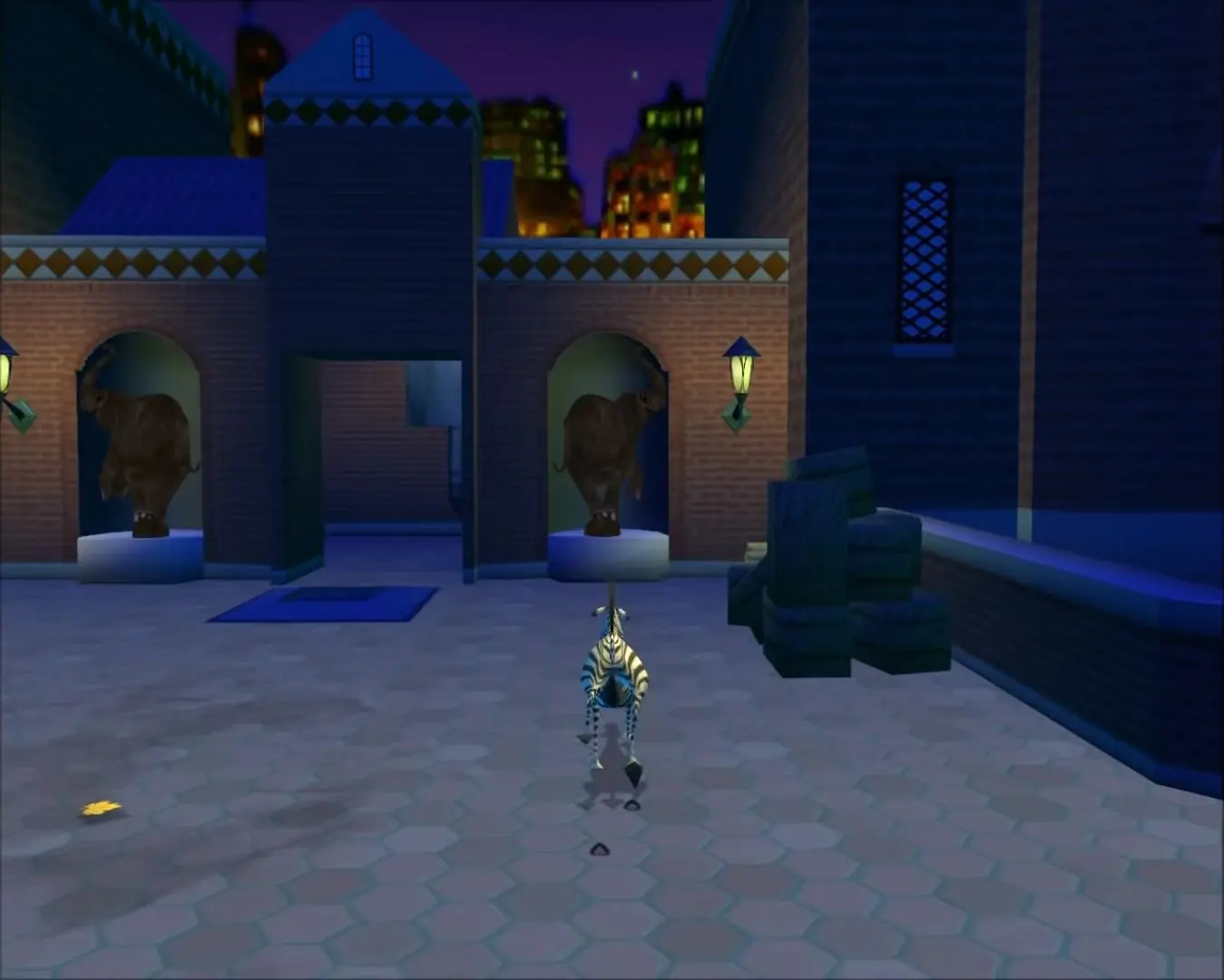
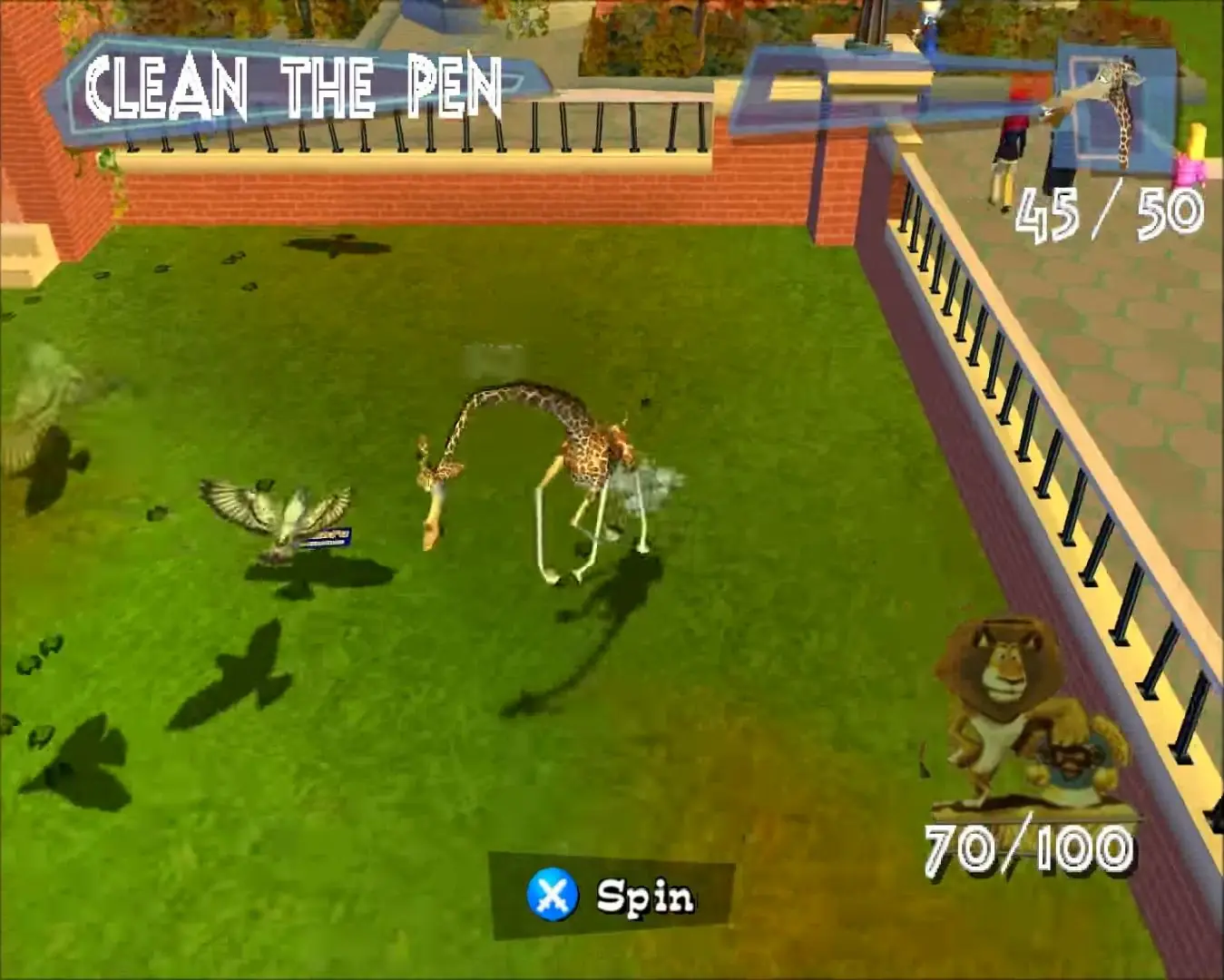
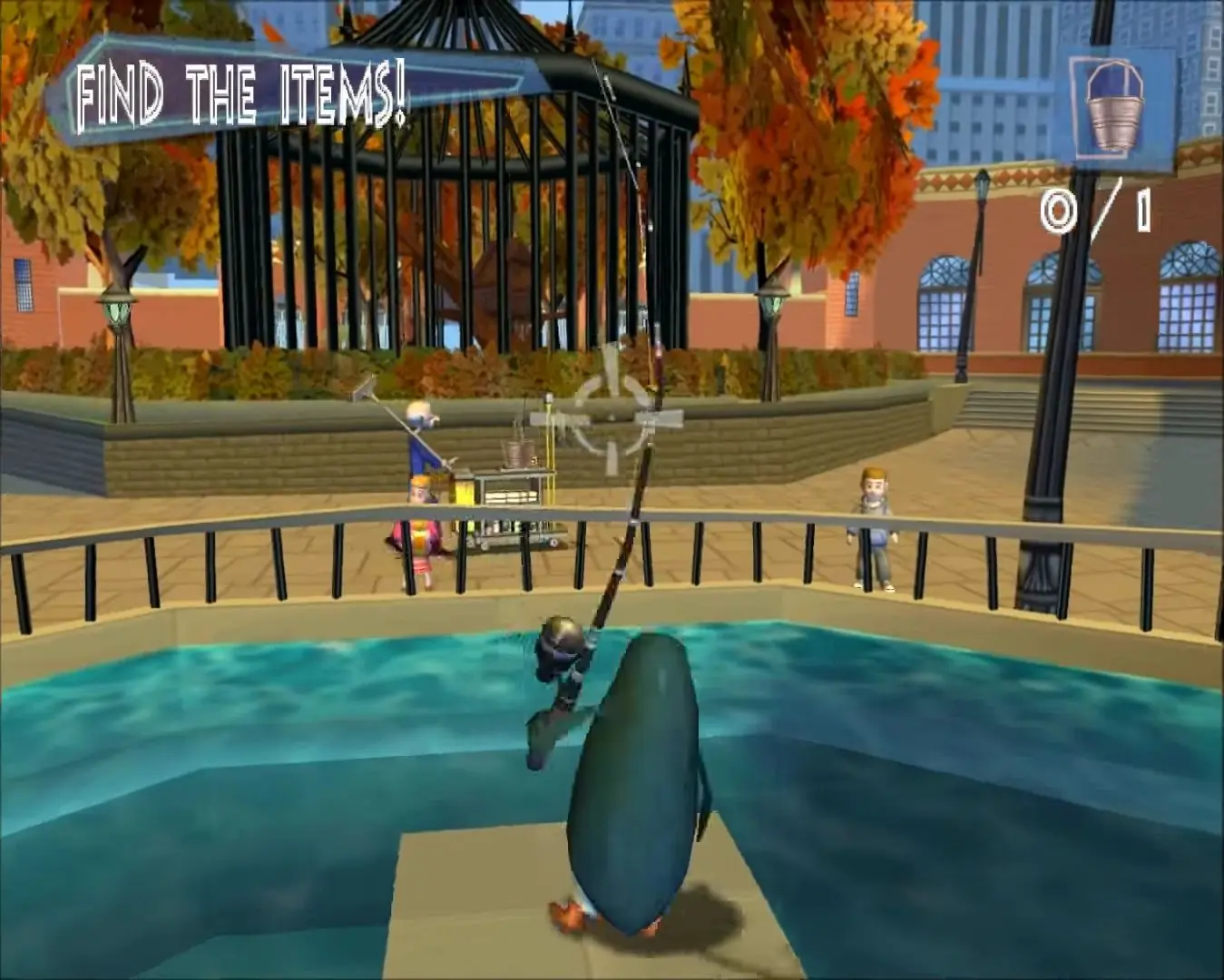
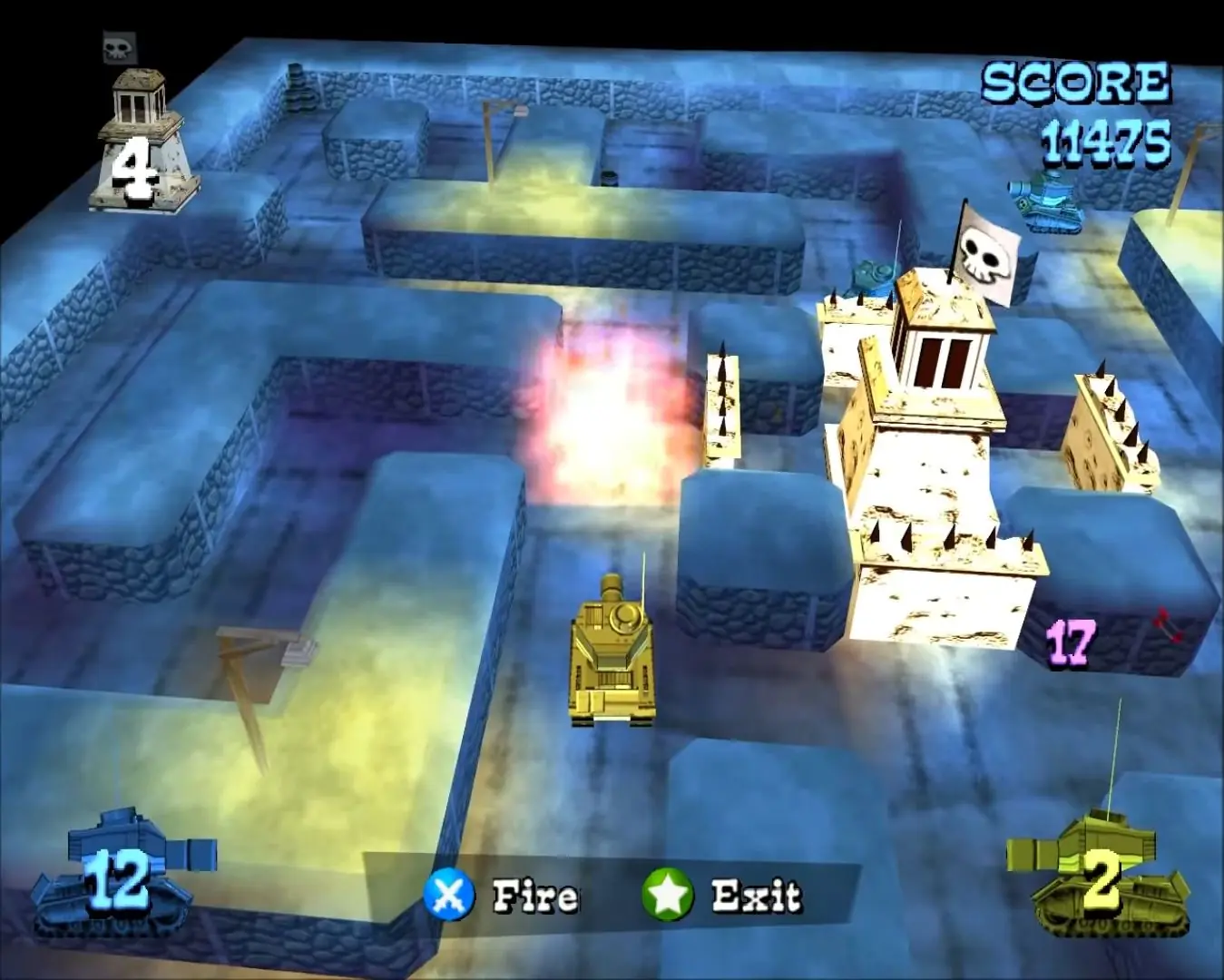
Madagascar lets you enter the world of 4 hilarious Central Park Zoo animals; A goofy lion, a dreamer zebra, a hip hippo and a hypochondriac giraffe. When these funky friends decide to trade their caged lives for the wild, the fun begins with a daring escape -- and you'll have to lead them home!
Screenshots

Windows

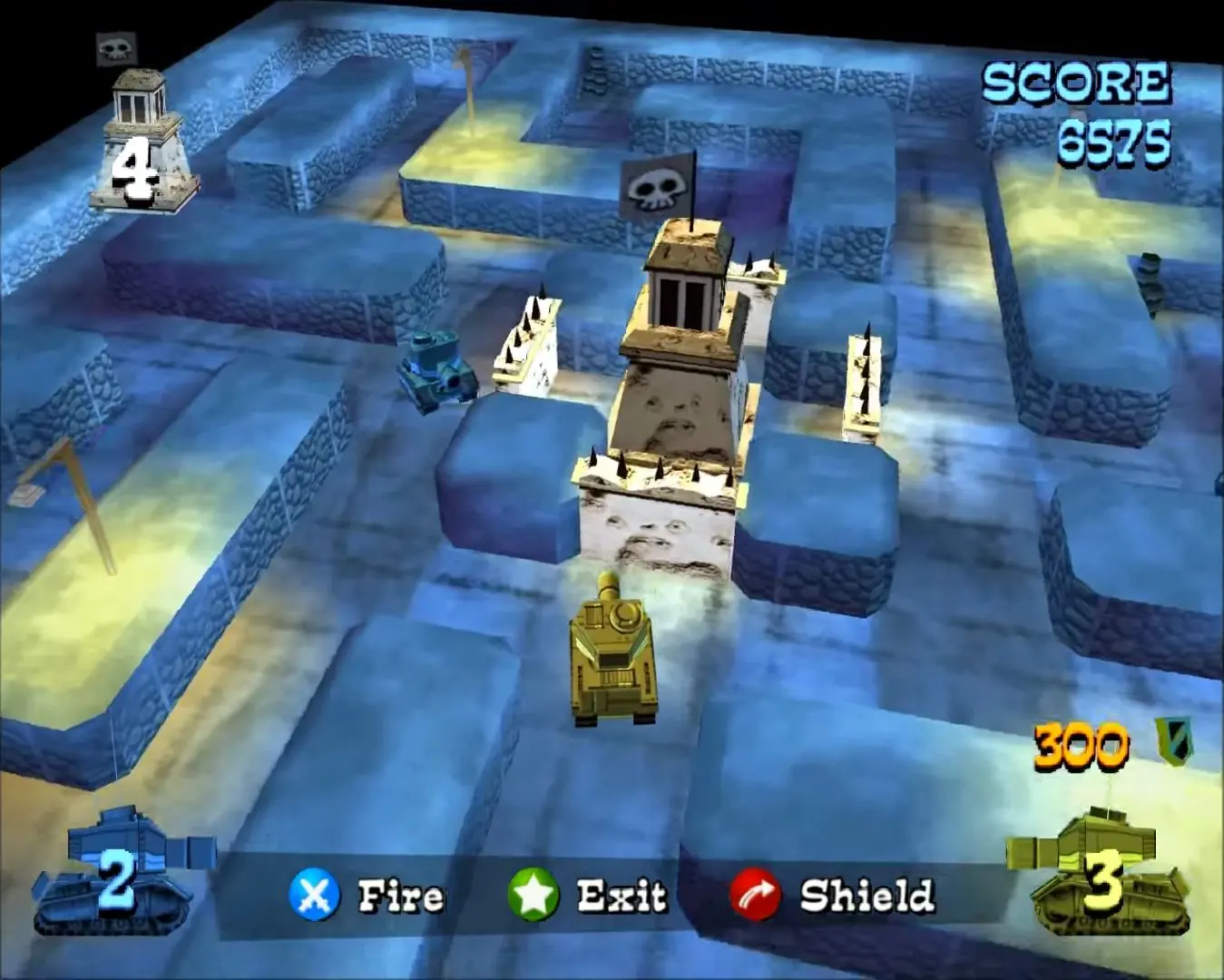
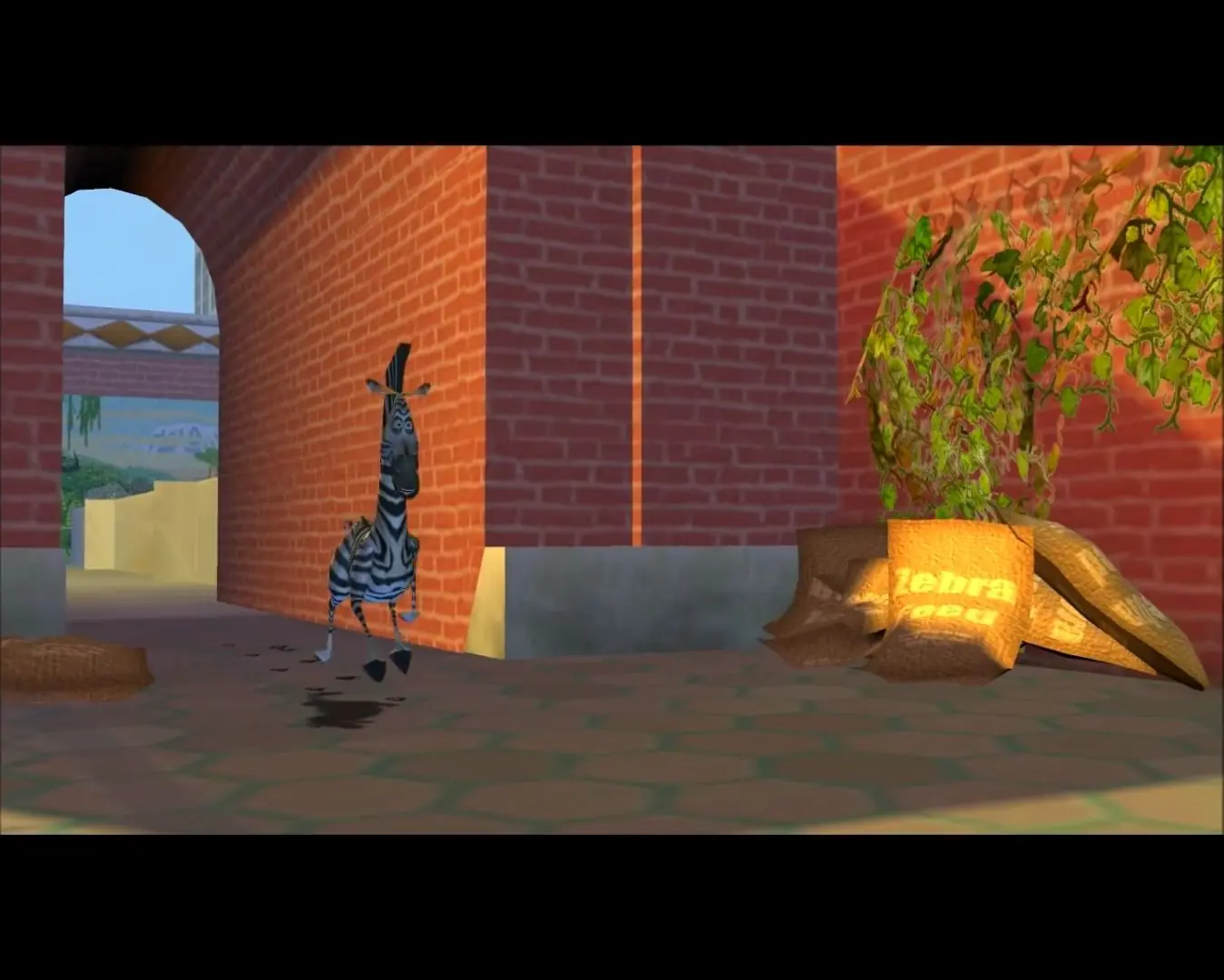
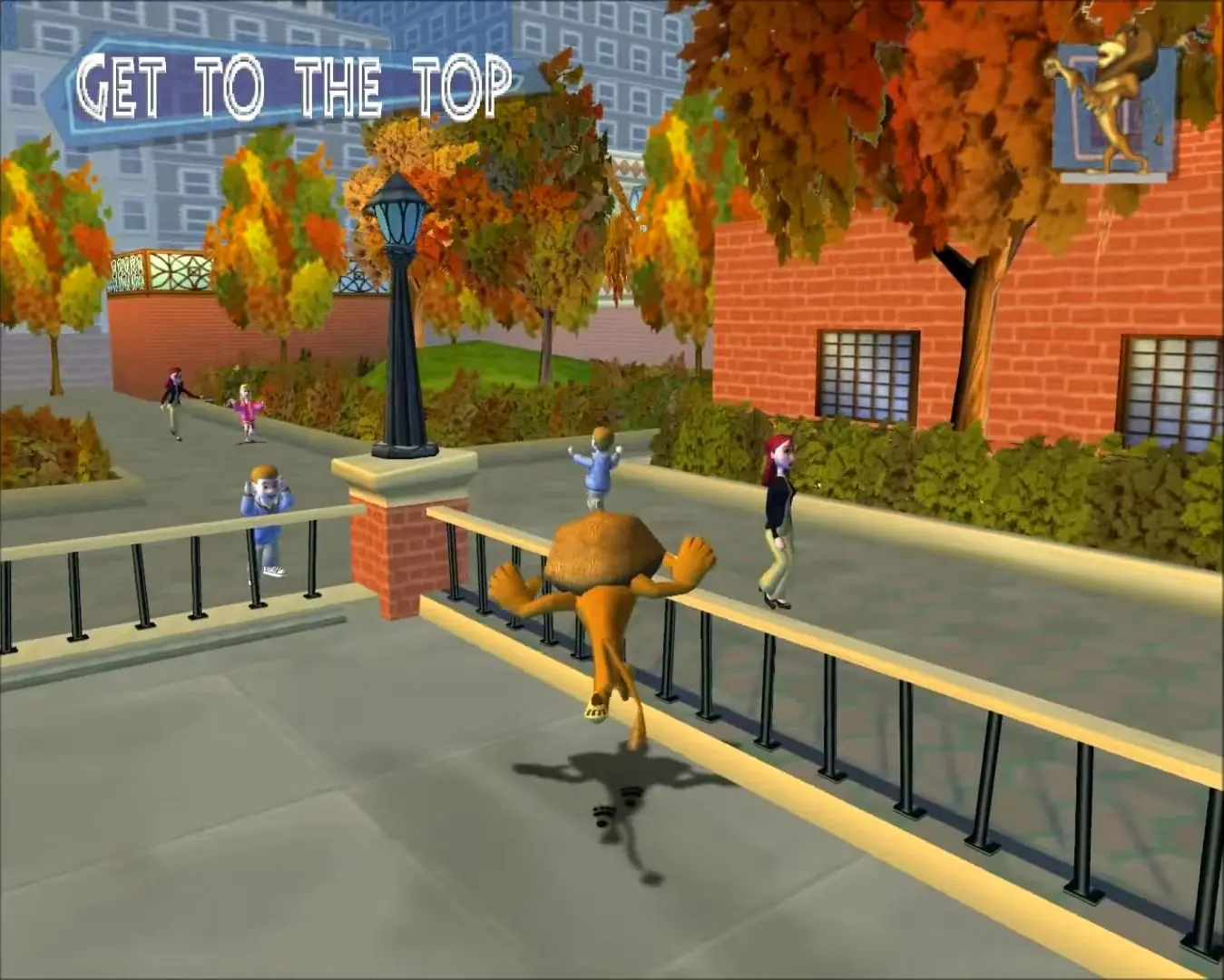
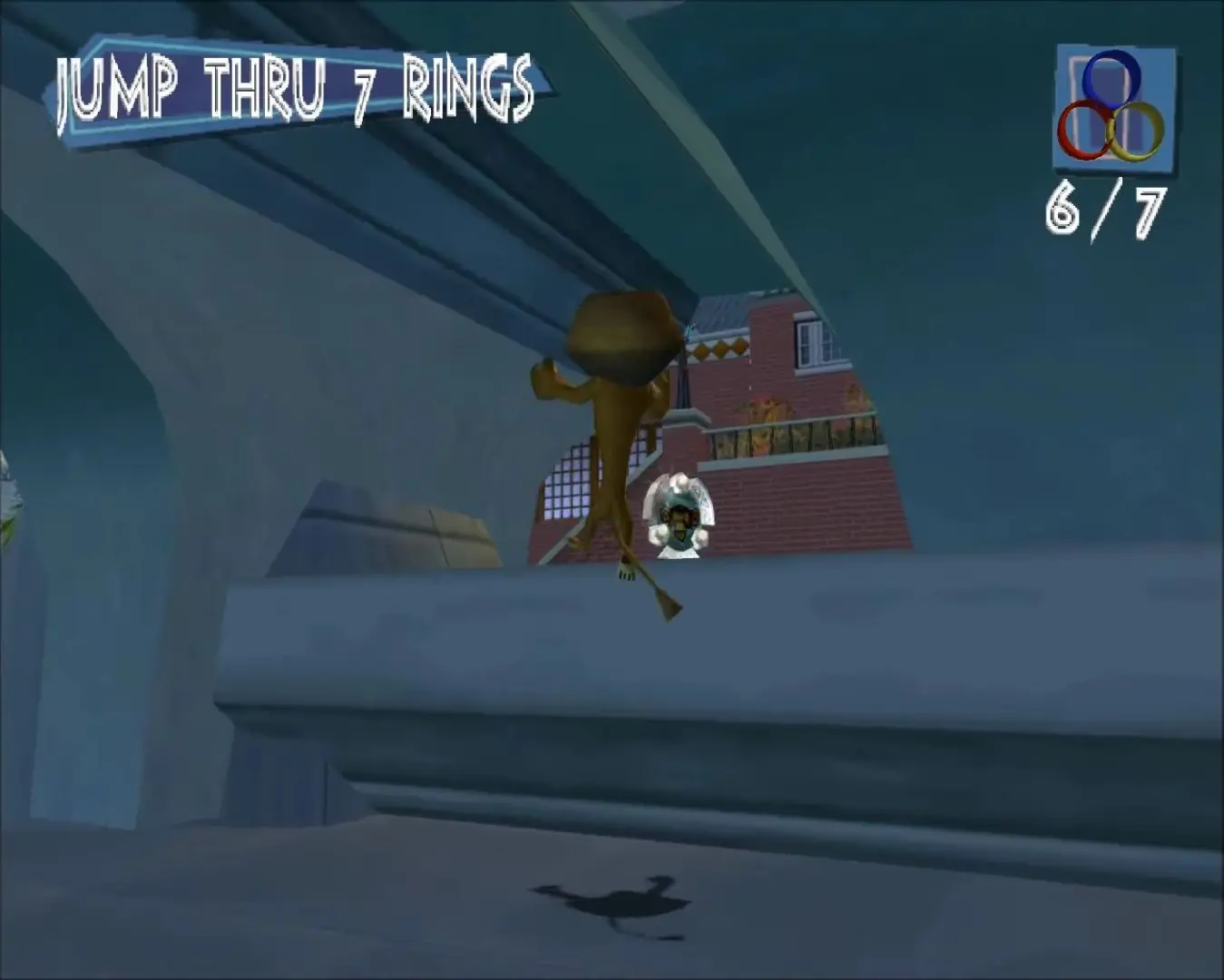
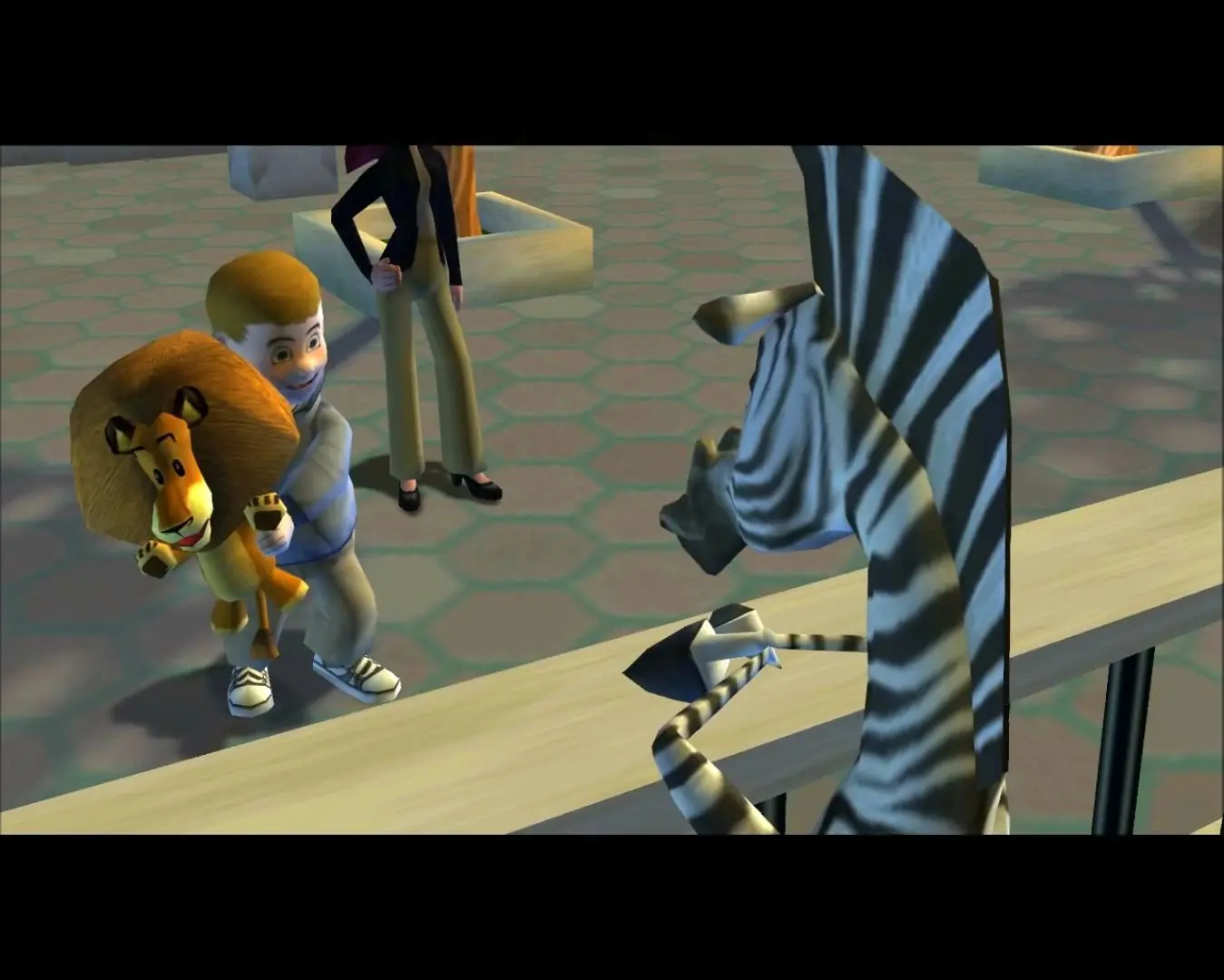
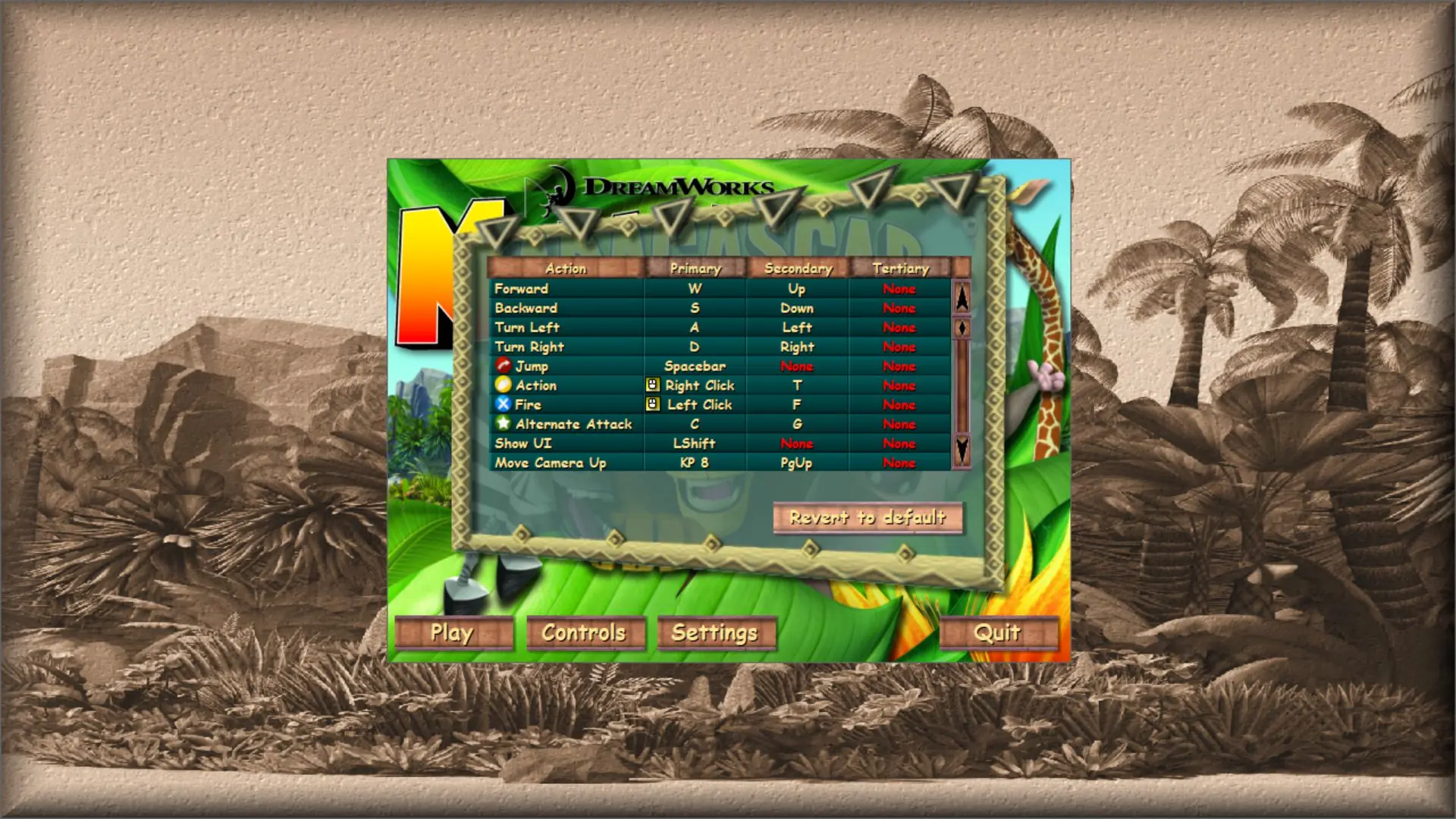
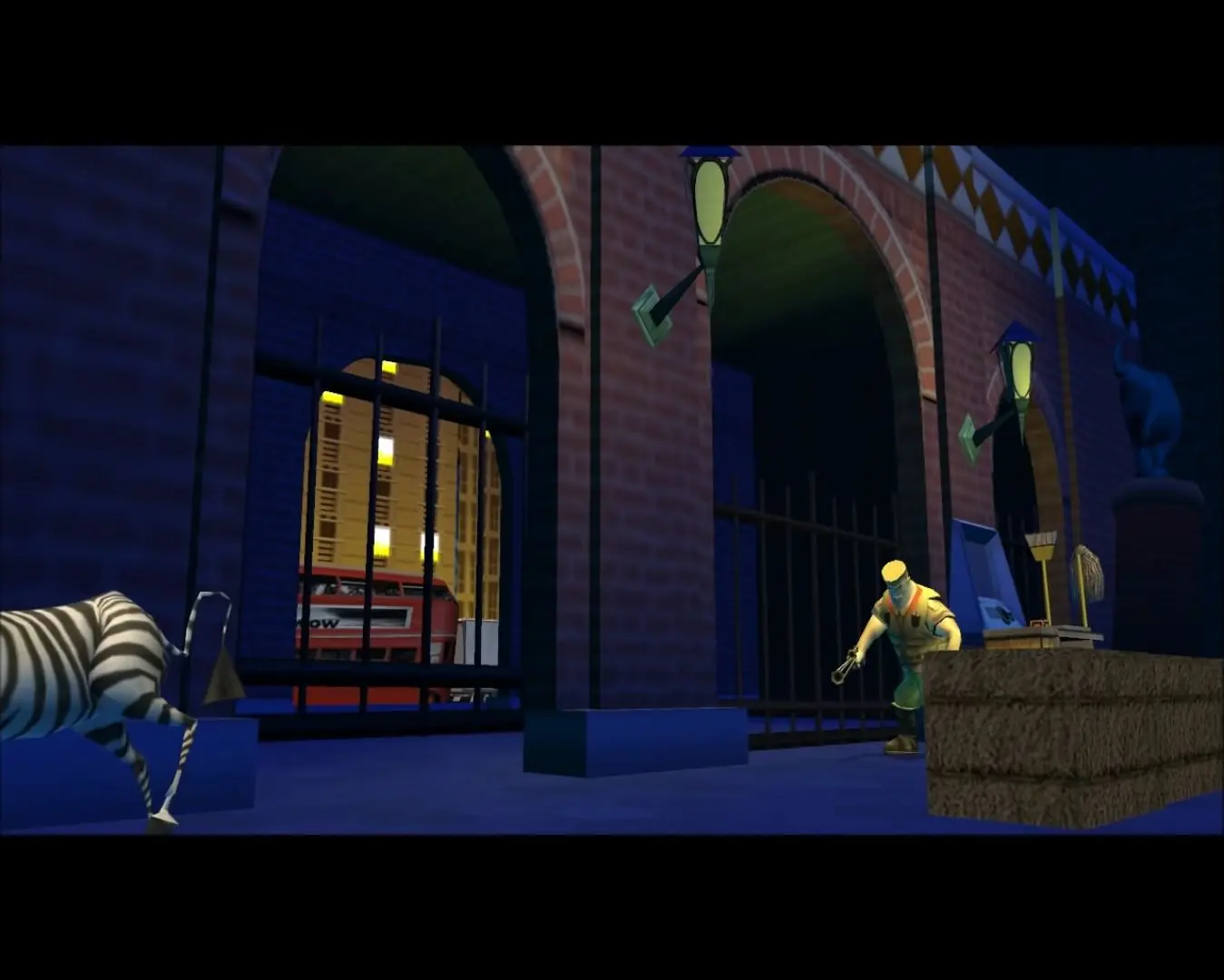
Madagascar — Windows screenshot 1Madagascar — Windows screenshot 2Madagascar — Windows screenshot 3Madagascar — Windows screenshot 4Madagascar — Windows screenshot 5Madagascar — Windows screenshot 6Madagascar — Windows screenshot 7Madagascar — Windows screenshot 8Madagascar — Windows screenshot 9Madagascar — Windows screenshot 10Madagascar — Windows screenshot 11Madagascar — Windows screenshot 12Madagascar — Windows screenshot 13

Download Madagascar

Madagascar is abandonware and no longer sold or supported by its publishers. Files are archived here for these platforms:

PlayStation 2 (2005)

Tutorial: How to play PlayStation 2 games on Windows

Windows (2005)

  • Madagascar_Win_Files_EN.7zEN229.48 MB
  • Instructions Madagascar_Win_Files_EN.7z

    How to play on Windows

    1. Download and Extract Madagascar_Win_Files_EN.7z
    2. Open the "Game Files" folder and double click on "launcher.exe"
    3. Enjoy!
    4. Note: There is a black screen issue with some computers when launching the game. If you get it then play the game on PS2 using an emulator or try playing it on a different computer.

Manuals and readmes

Other resources

Comments

18 thoughts on “Madagascar”

  1. 0
    Hi, I’ve got an issue that i downloaded files, i opened, i started the launch.exe, the game opened and I can play. Everything cool by then but the game doesn’t save progress, it shows me an error that say progress couldnt save or something like that.
    Reply
  2. 0
    PC Version is awesome!, it runs so smooth!. At first i had a tricky problem when trying to control the game until i adjusted the controls. Minus, the keyboard does get warm but not excessively hot, no need to worry about the computer getting hot. But overall it’s very good!, no lag, no glitches, everything is perfect! Thanks so much for this!
    Reply
  3. 0
    I remember this game being super trendy when i was in elementary school. Everyone would talk about how they could not pass “the giraffe” cleaning quest. and i infact did not as well. lol
    Reply
    • 0
      You can look on the microsoft store and download something Unzip, it’s similar to WinRAR, it unzips rar, 7z and more.
      Reply
  4. 0
    Just discovered this site, tried downloading an old favorite. Error upon startup no matter what I do. happens for lots of downloads on here?
    Reply
    • 0
      Try changing compatibility (try from Windows 98 or up until you get the right one) settings, enabling reduced color and smaller resolution and run it as adiministrator.

      If you don’t know where the compatibility settings are, right click on the setup (or the .exe file of the game if you got past setup) and go to the compatibility tab and you’ll find all the settings to check and change that I’ve listed above.

      If nothing works, try installing the game in Virtual Box, Windows XP.

      Reply
  5. 0
    Every time a press play it just says error. I’ve tried running the 7z.manager as admin, downloading DirectX9. What am I doing wrong? help
    Reply
    • 0
      Try changing compatibility (try from Windows 98 or up until you get the right one) settings, enabling reduced color and smaller resolution and run it as adiministrator.

      If you don’t know where the compatibility settings are, right click on the setup (or the .exe file of the game if you got past setup) and go to the compatibility tab and you’ll find all the settings to check and change that I’ve listed above.

      If nothing works, try installing the game in Virtual Box, Windows XP

      Reply
      • 0
        Wtf does that mean? I didn’t have a compatibilty option but I had properties and I couldn’t get past that.
        Reply