Home » Games » Madden NFL 08

Madden NFL 08

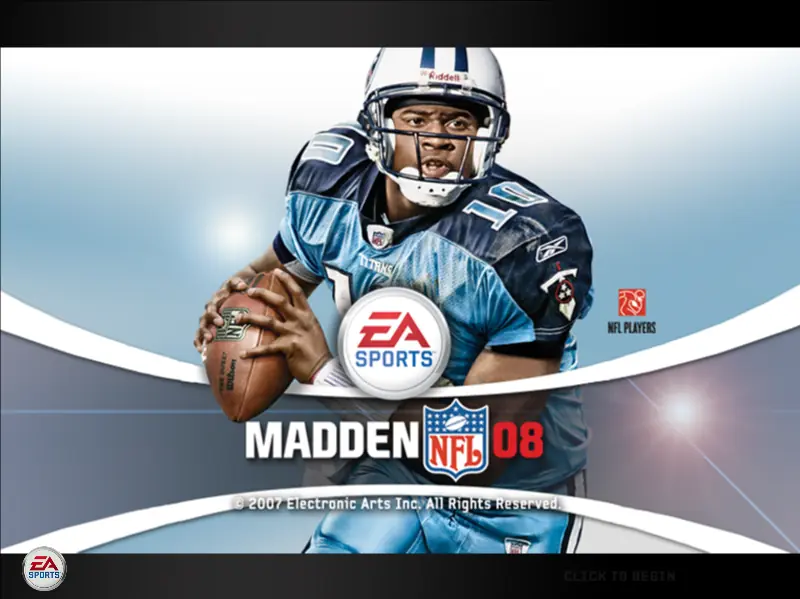
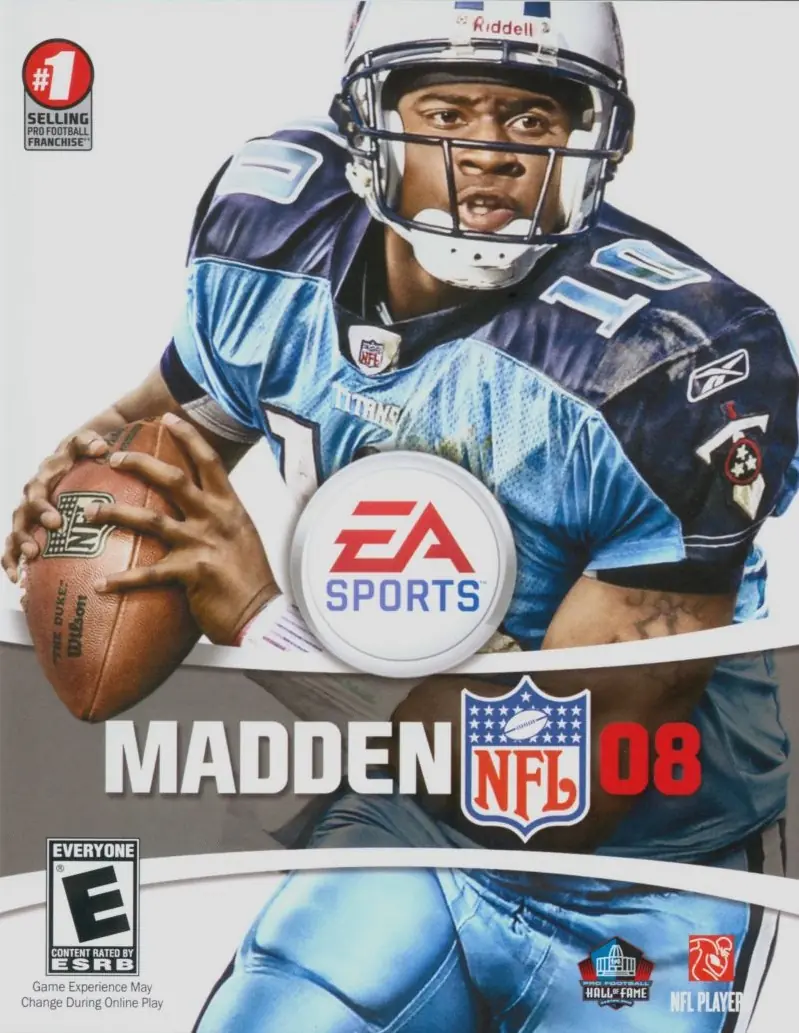
Madden NFL 08 Game Cover
4.6/5 - 21 votes

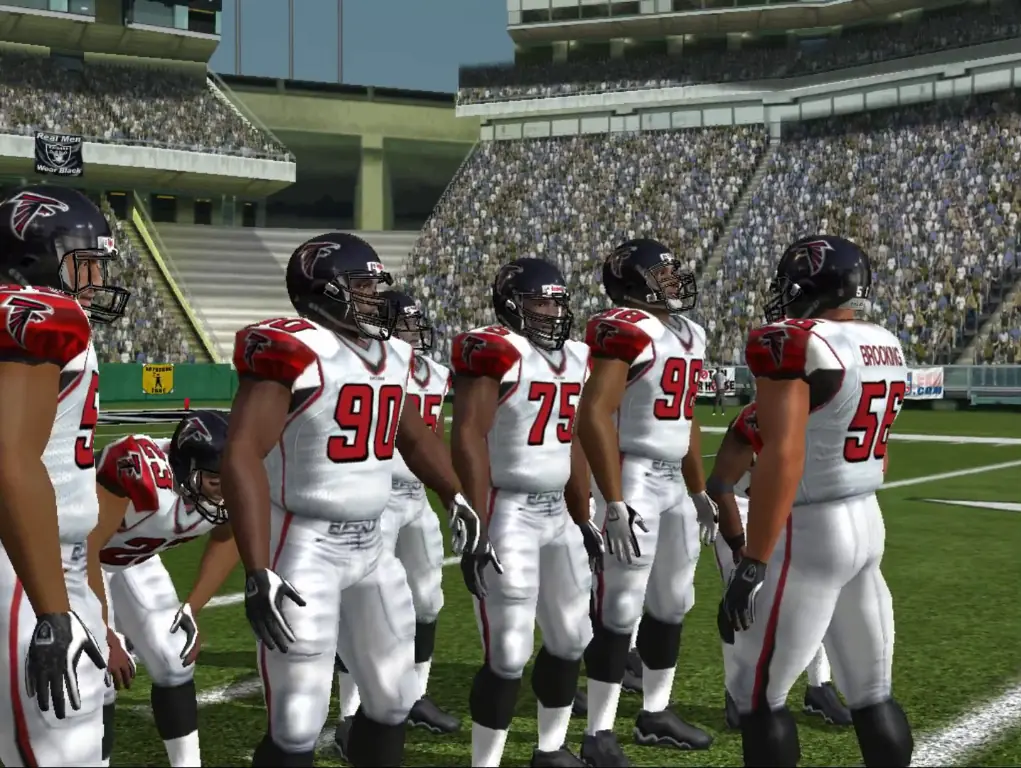
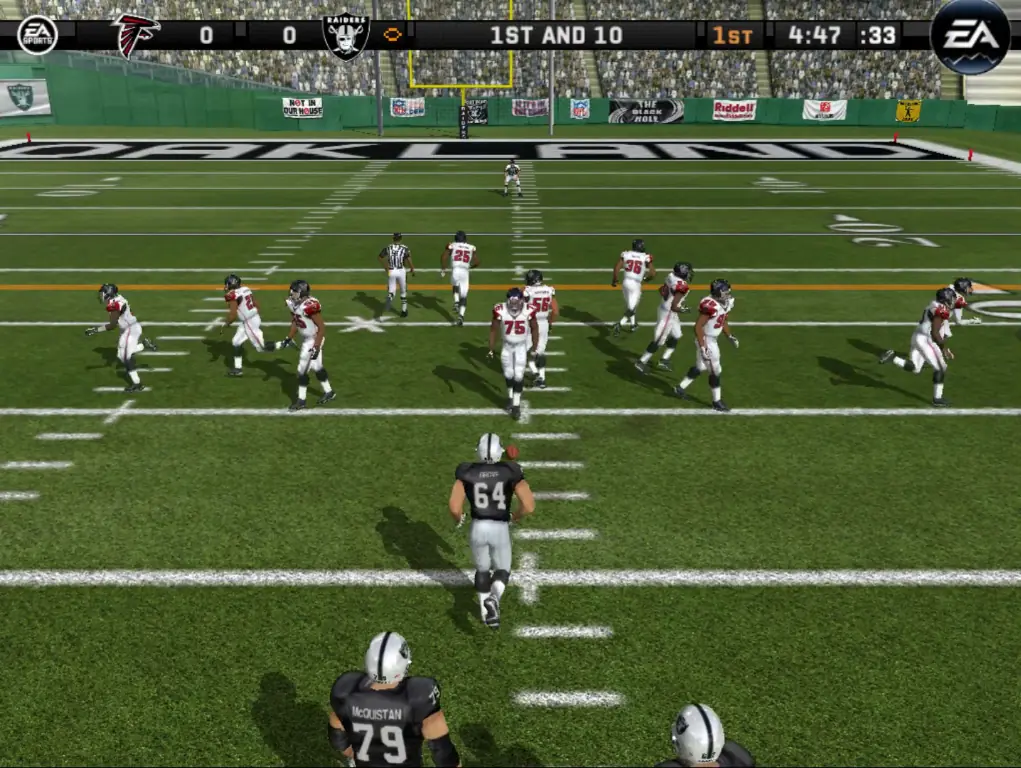
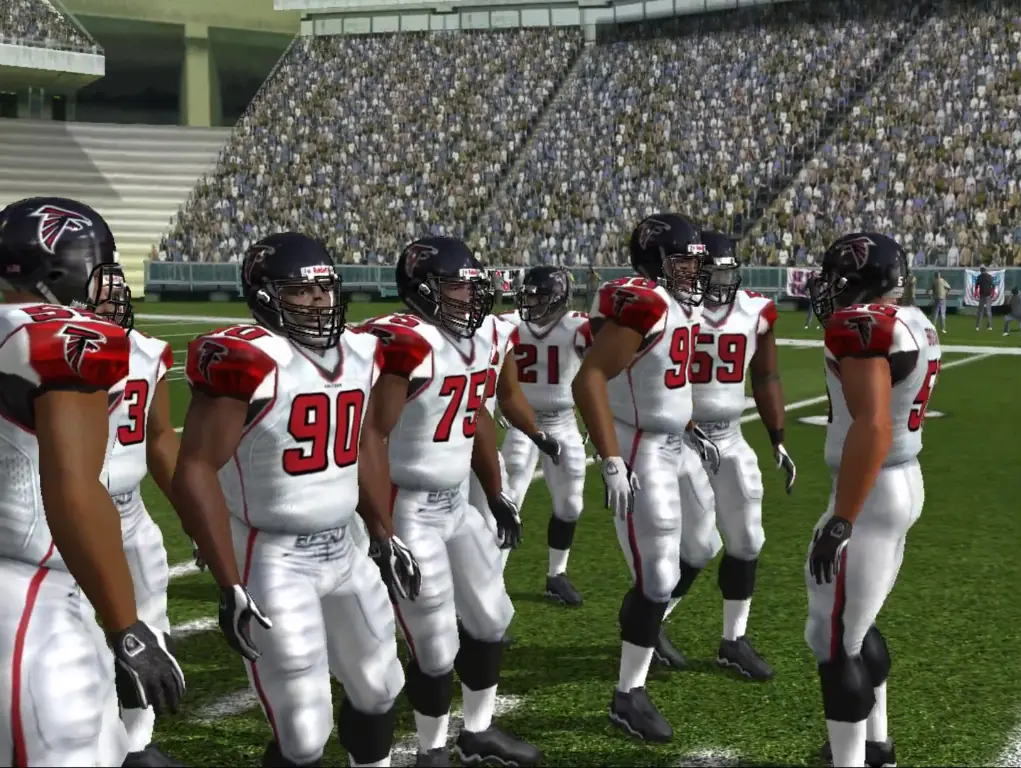
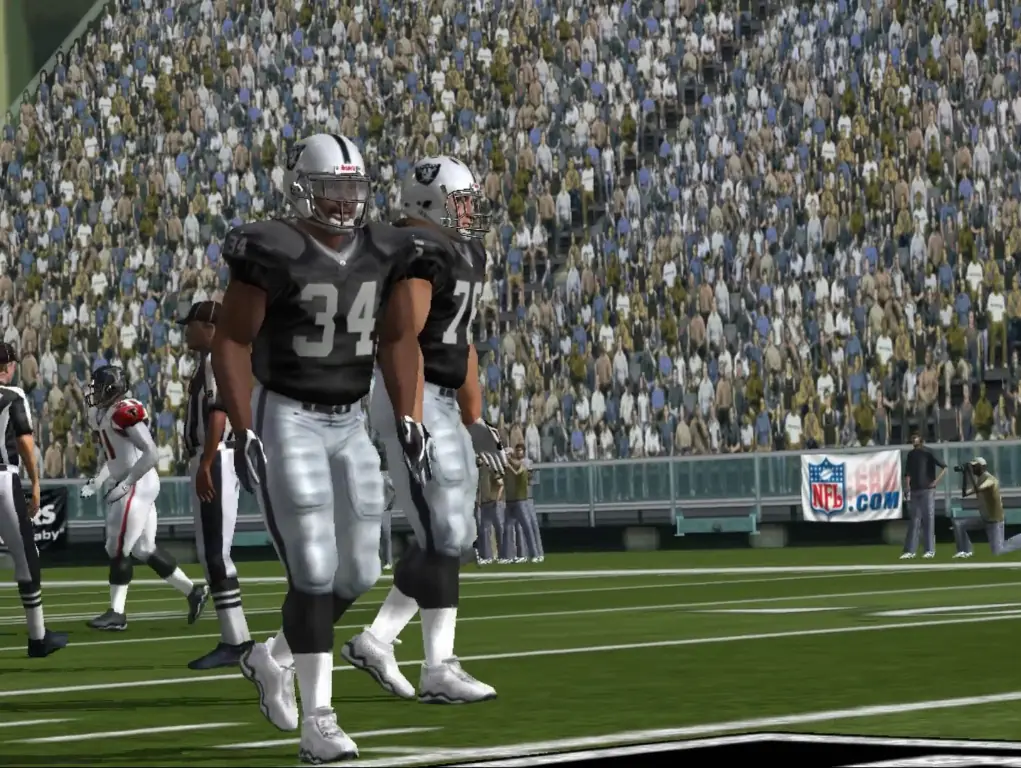
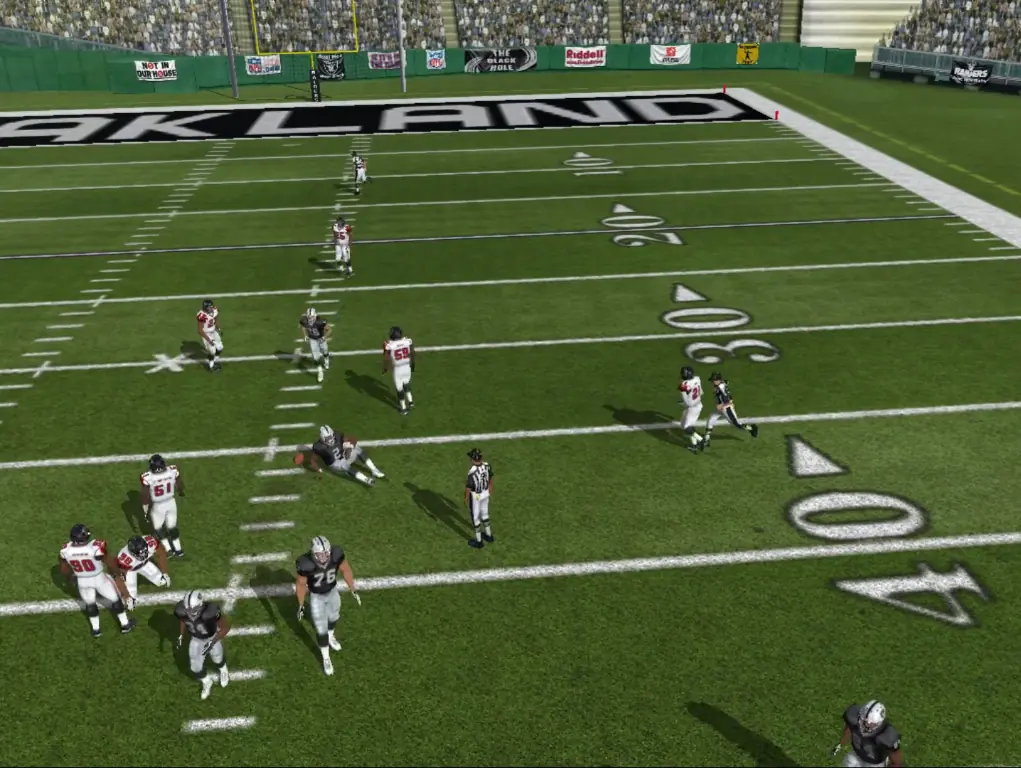
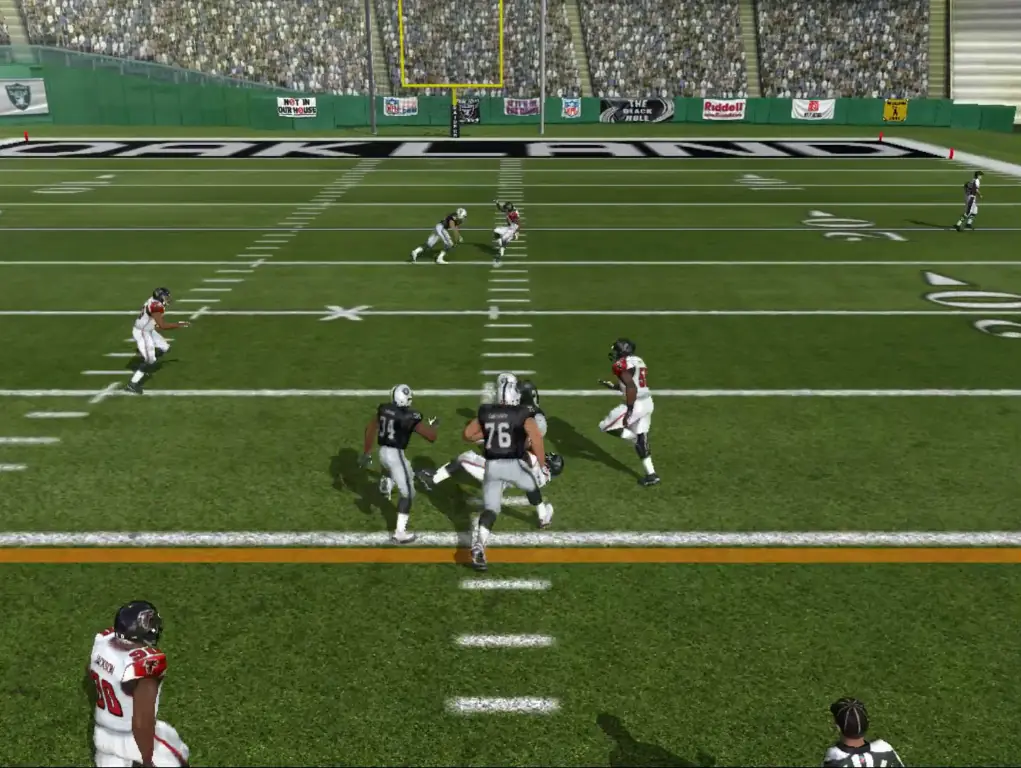
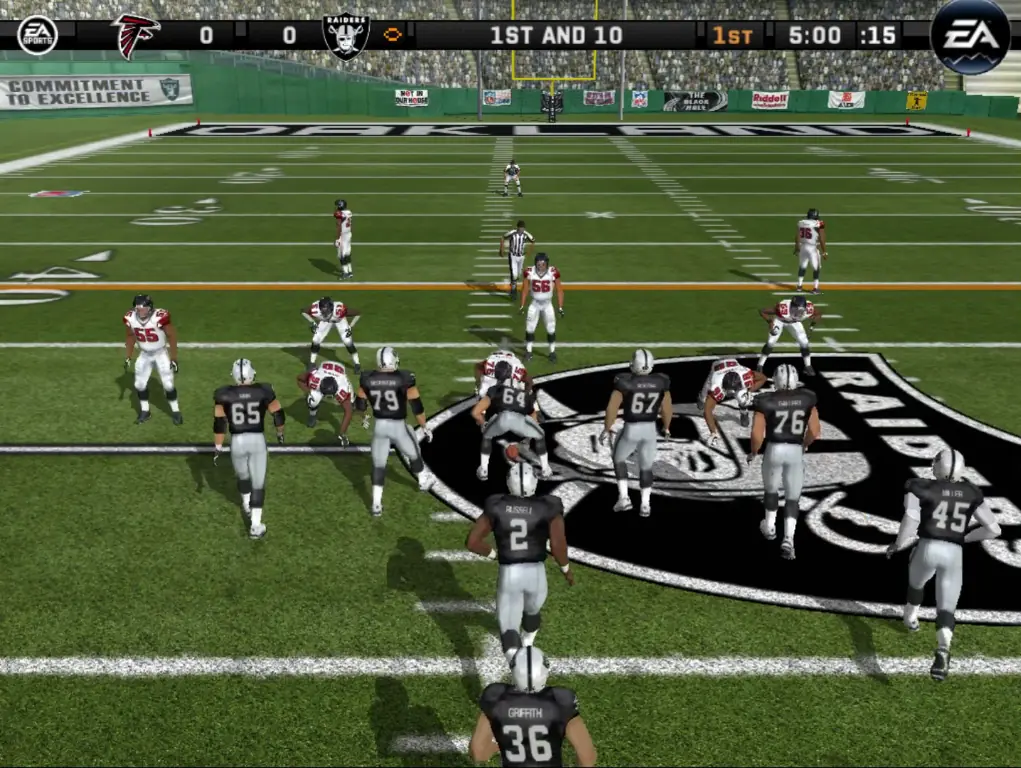
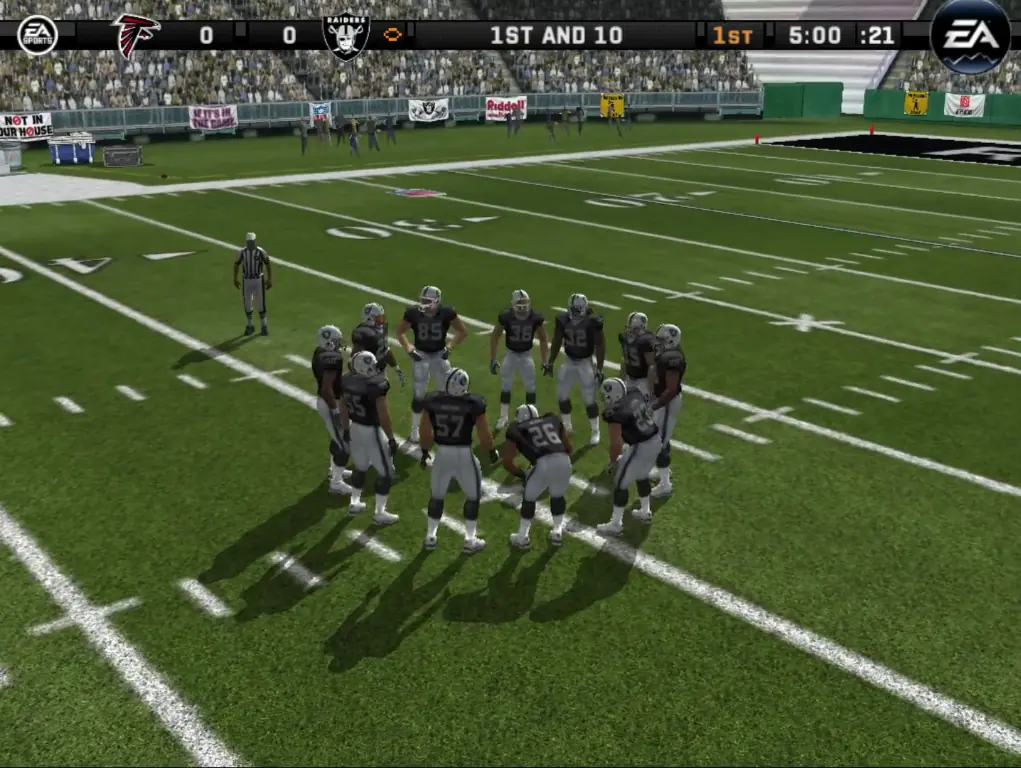
Madden NFL 08 is an American football video game based on the NFL that was published by EA Sports and developed by EA Tiburon. It is the 19th installment in the Madden NFL video game franchise.

Other Titles

EA Sports Madden NFL 08Madden NFL 2008Madden 2008مادين نفل 08

Genres
Publishers
Released
Platforms
Download

Screenshots

Windows

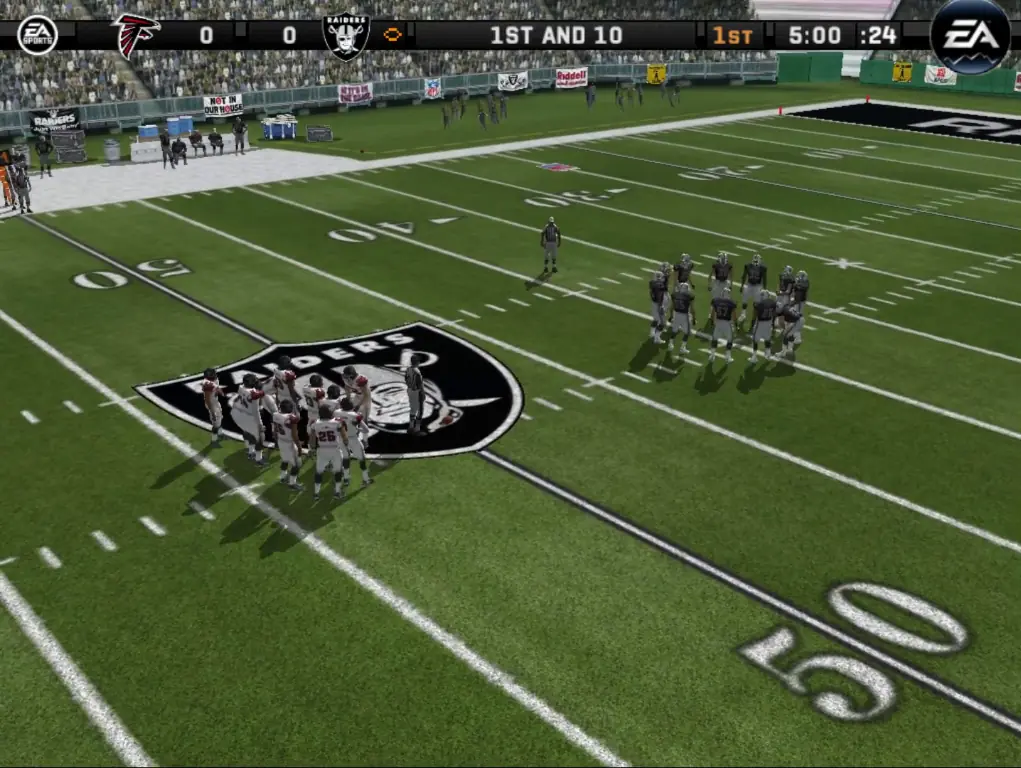
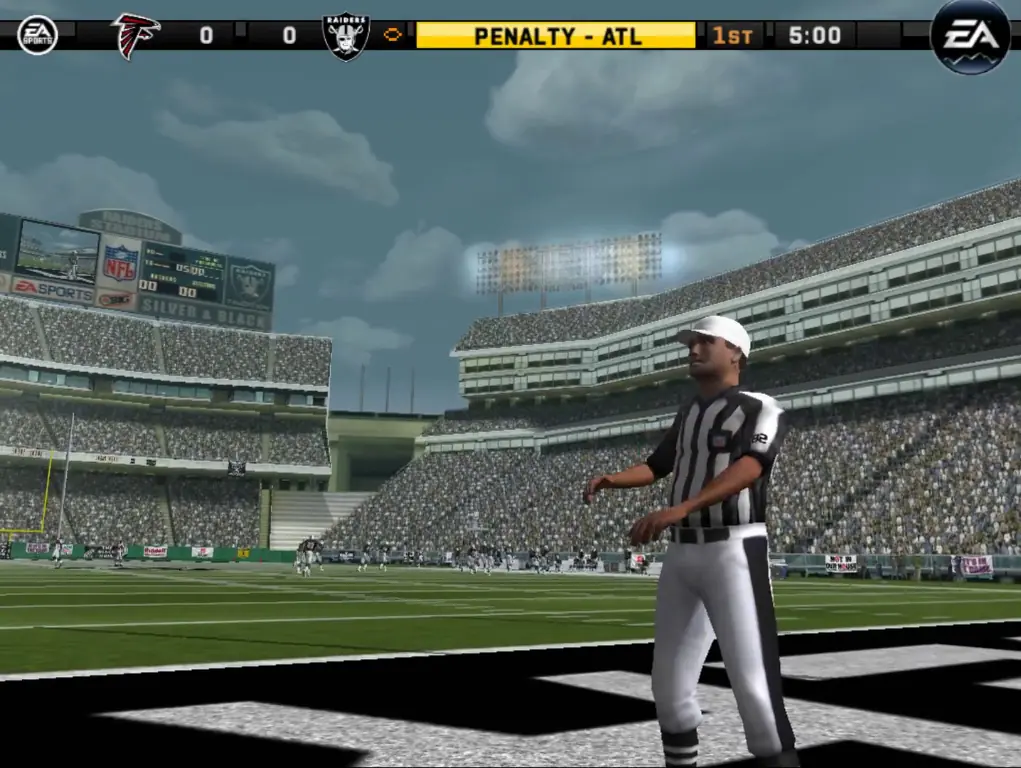
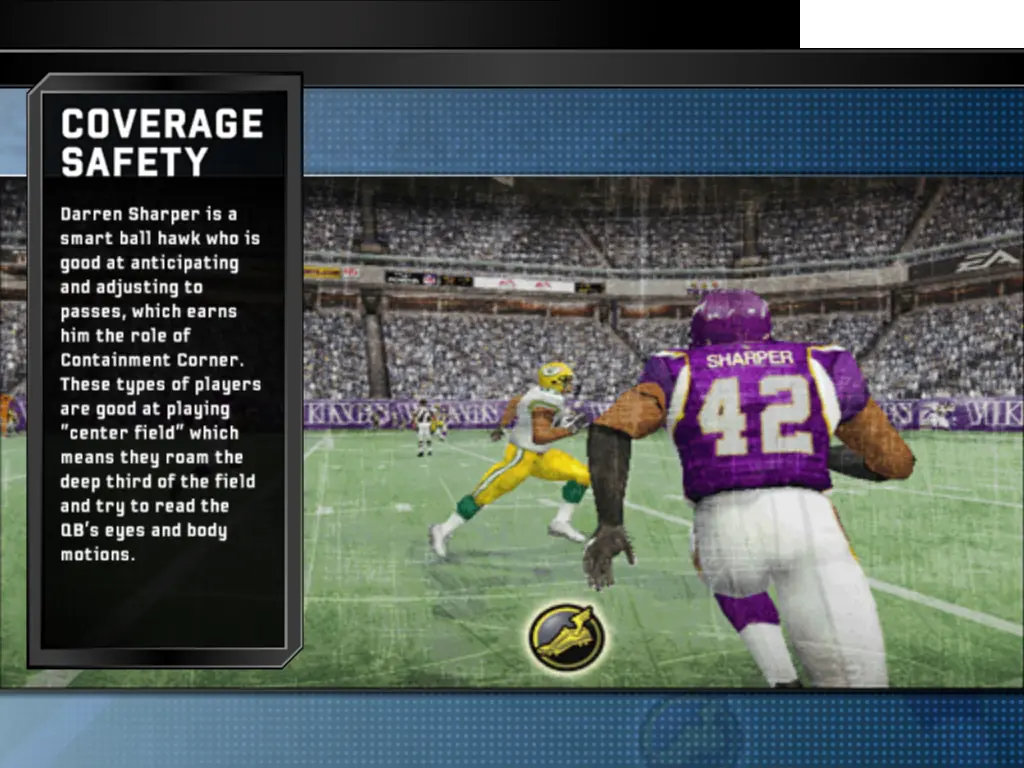
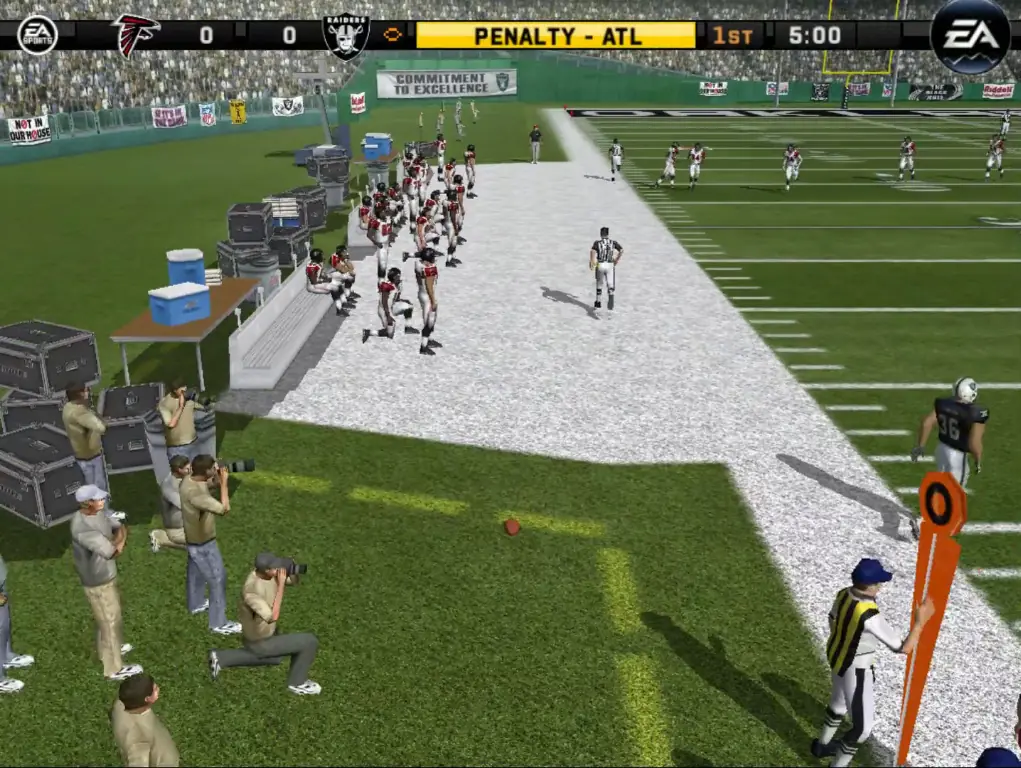
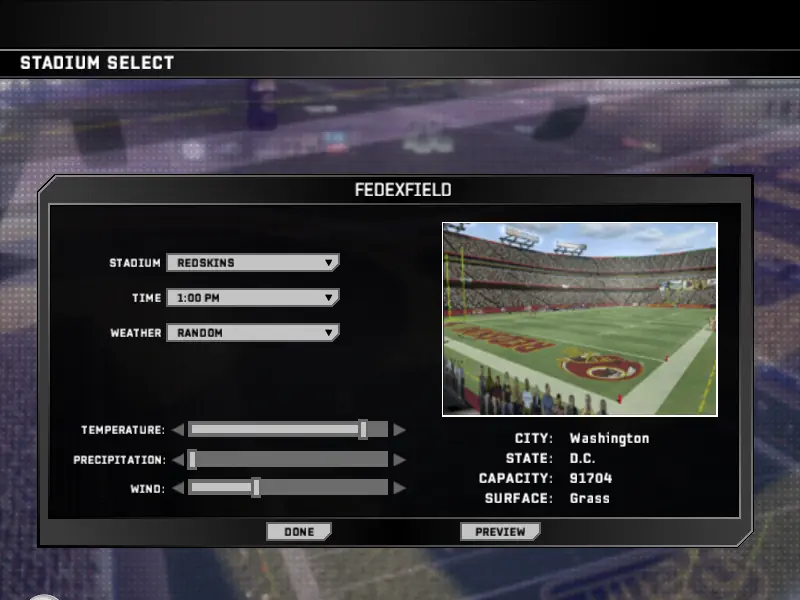
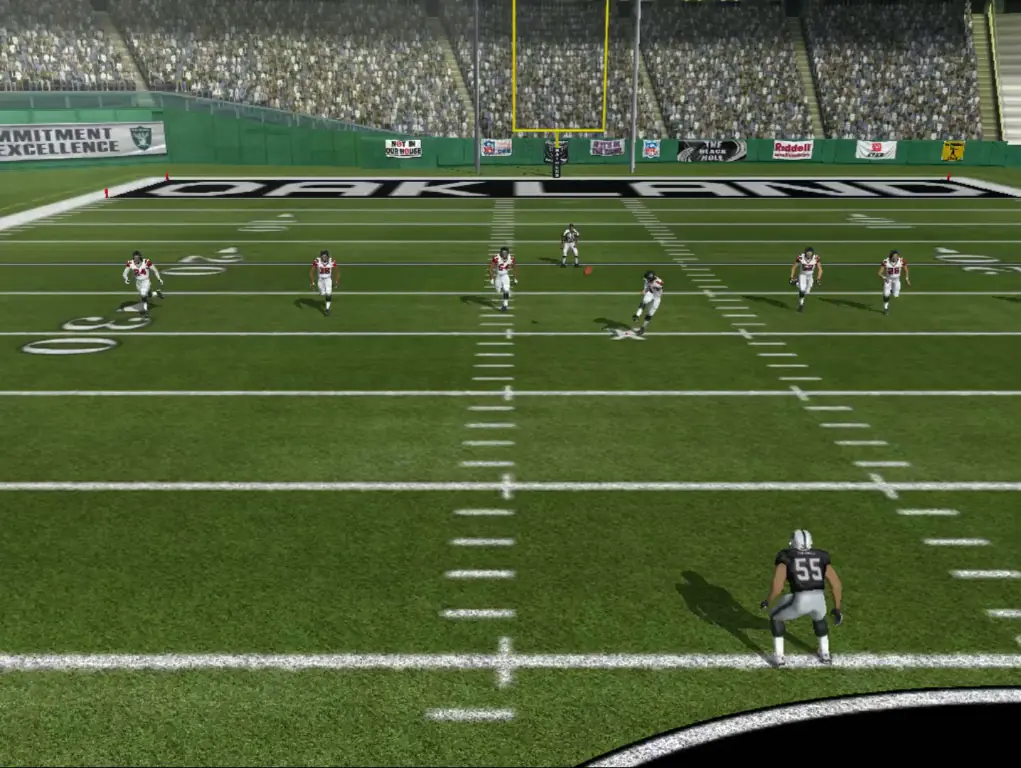
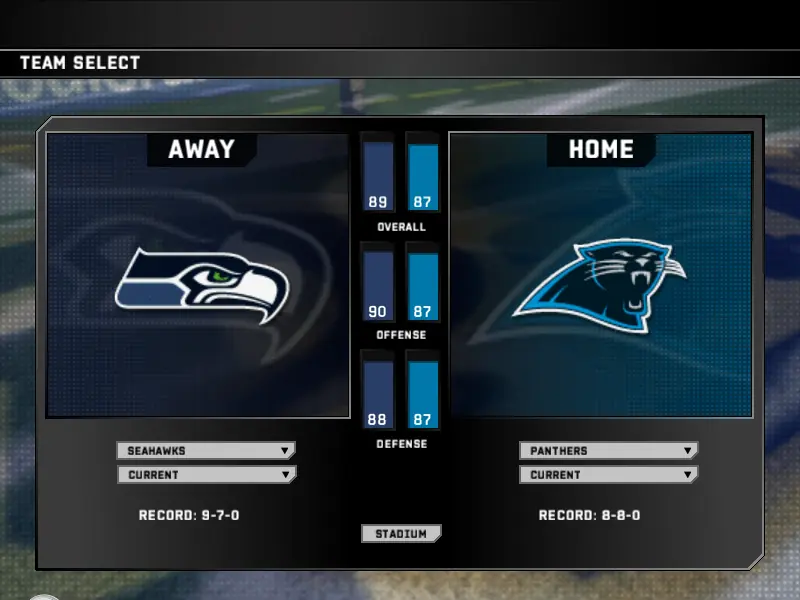
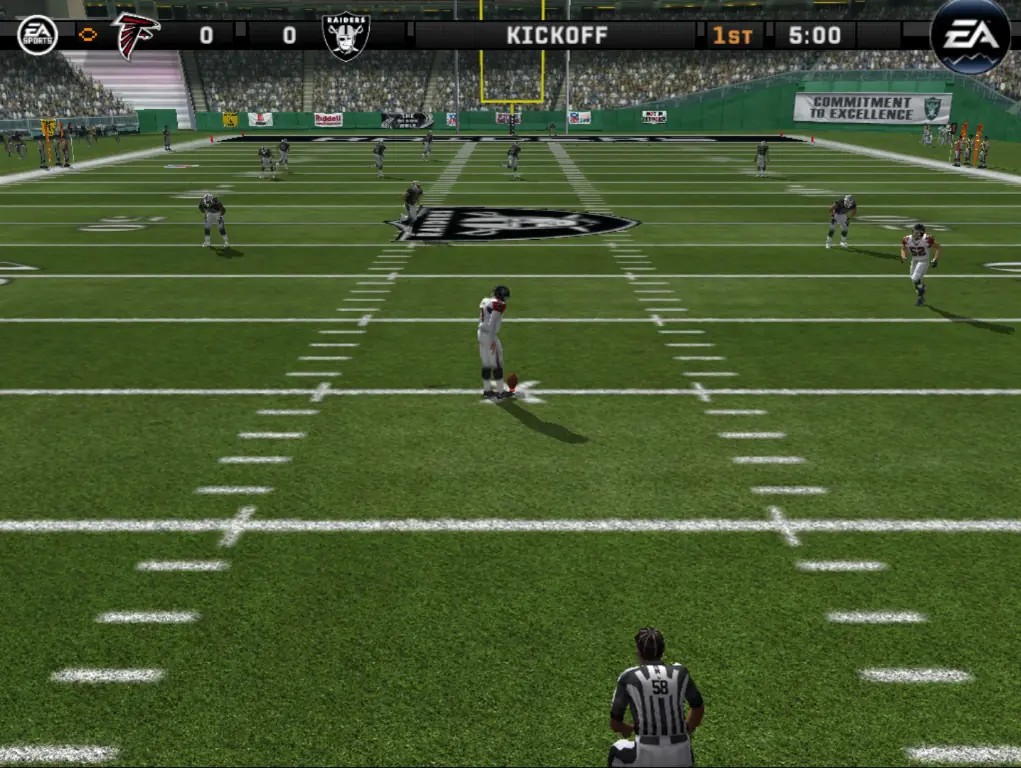
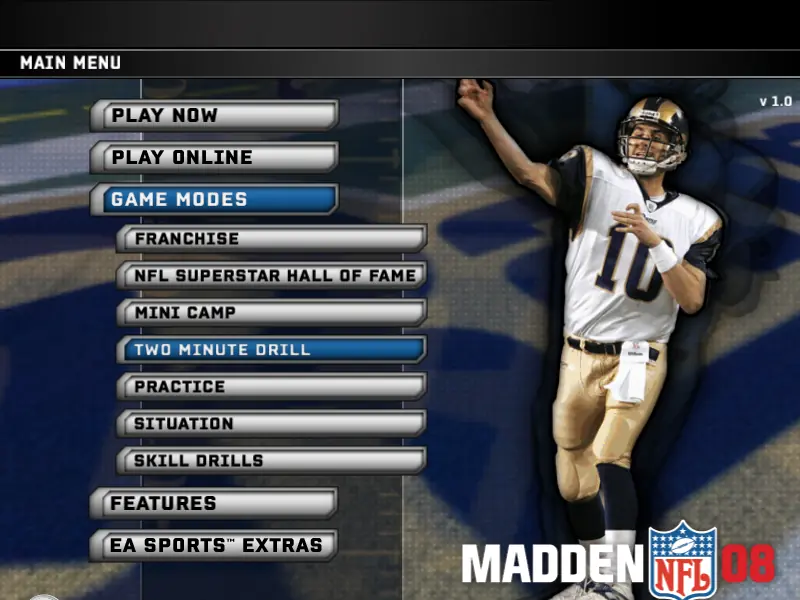
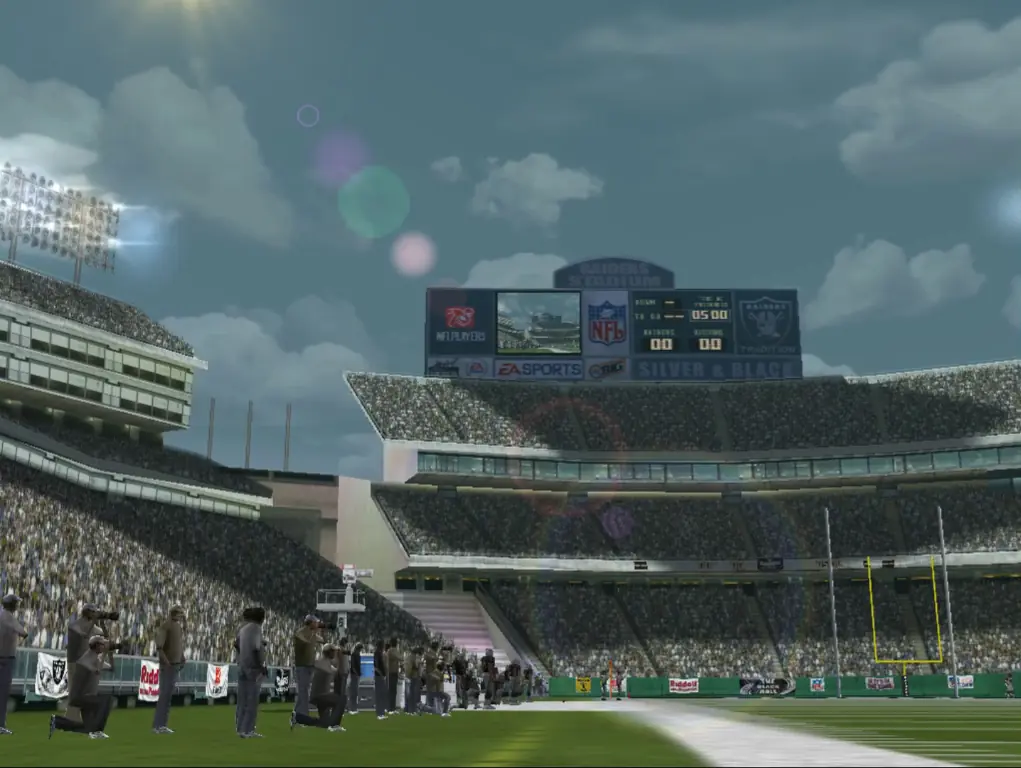
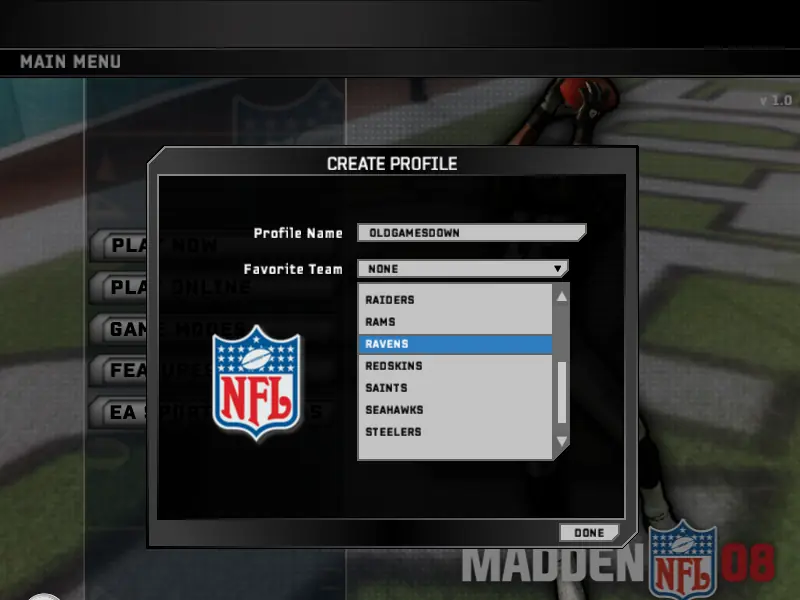
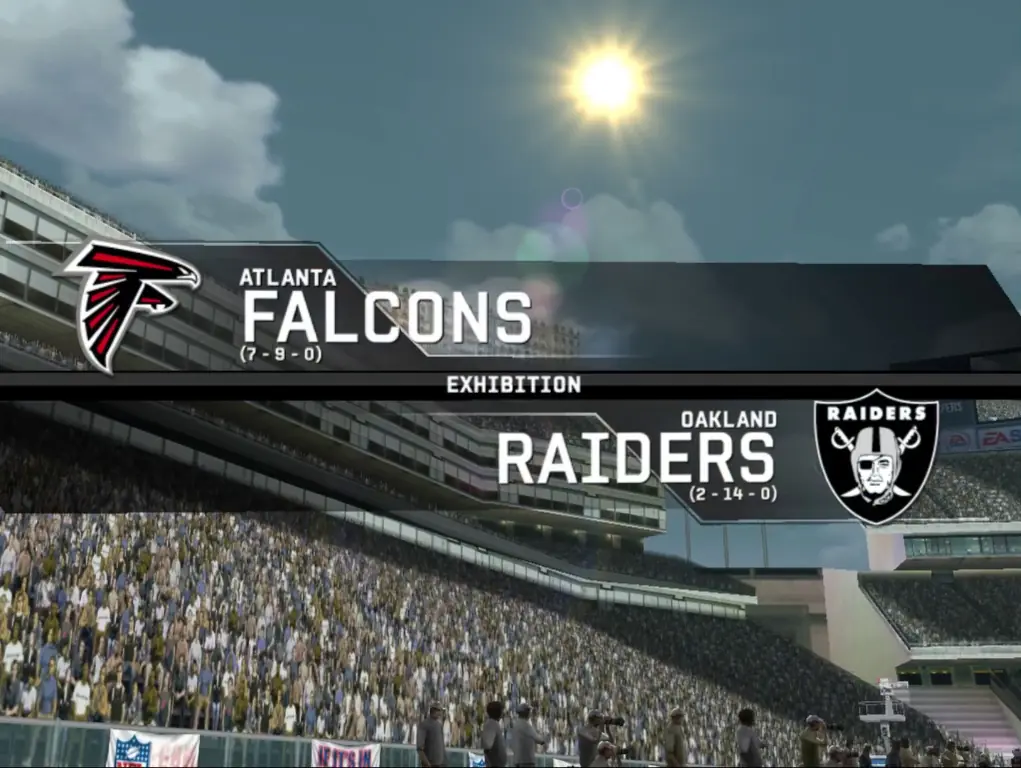
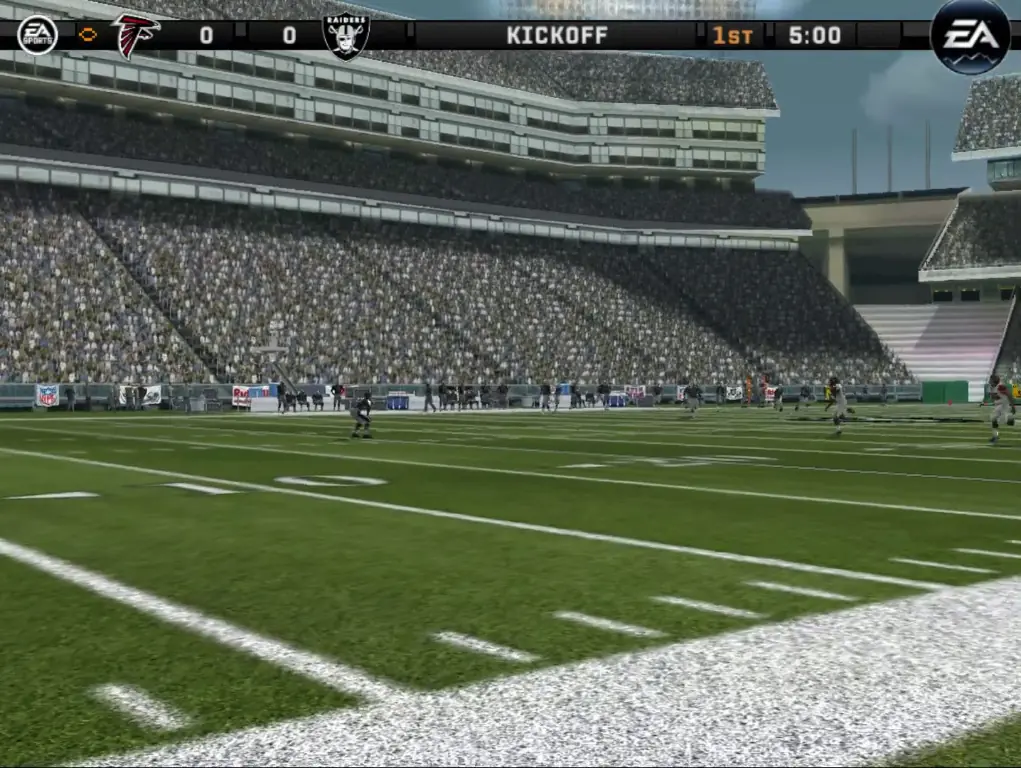
Madden NFL 08 — Windows screenshot 1Madden NFL 08 — Windows screenshot 2Madden NFL 08 — Windows screenshot 3Madden NFL 08 — Windows screenshot 4Madden NFL 08 — Windows screenshot 5Madden NFL 08 — Windows screenshot 6Madden NFL 08 — Windows screenshot 7Madden NFL 08 — Windows screenshot 8Madden NFL 08 — Windows screenshot 9Madden NFL 08 — Windows screenshot 10Madden NFL 08 — Windows screenshot 11Madden NFL 08 — Windows screenshot 12Madden NFL 08 — Windows screenshot 13Madden NFL 08 — Windows screenshot 14Madden NFL 08 — Windows screenshot 15Madden NFL 08 — Windows screenshot 16Madden NFL 08 — Windows screenshot 17Madden NFL 08 — Windows screenshot 18Madden NFL 08 — Windows screenshot 19Madden NFL 08 — Windows screenshot 20Madden NFL 08 — Windows screenshot 21Madden NFL 08 — Windows screenshot 22Madden NFL 08 — Windows screenshot 23Madden NFL 08 — Windows screenshot 24

Download Madden NFL 08

Madden NFL 08 is abandonware and no longer sold or supported by its publishers. Files are archived here for these platforms:

Windows (2007)

  • Madden_NFL_08_Win_ISO_EN.7zEN1.53 GB
  • Instructions Madden_NFL_08_Win_ISO_EN.7z

    How to play on Windows:

    1. Download "Madden_NFL_08_Win_ISO_EN.7z" from the link above.
    2. Open the downloaded .zip file and extract the "Madden_NFL_08_Win_ISO_EN" folder to your desktop. You will need to use a software such as WinRAR to do this.
    3. Open the extracted "Madden_NFL_08_Win_ISO_EN" folder and then open the "Game Files" folder.
    4. Mount the "Madden.NFL.08.iso" file to an empty disc drive. To do this, you will need to download a software such as PowerISO or Daemon Tools (right click on the file and there you should see your options to mount the file). Open the mounted drive.
    5. Right click on "Madden08.exe" and select "Run as administrator"
    6. Enter one of the following keys:
      CRXP-BRGH-4IB0-J318-6VTY
      9F66-9U1U-NM5K-RI3G-FVTY
      AG6E-2LH3-3ML9-8186-AVTY
      OR use "KeyGen" from the "Keygen" folder to generate your own key
    7. Follow the on-screen instructions and complete the setup.
    8. Once the installation is completed, copy the contents of the "Crack" folder and paste them into your games directory. Note: you should pause your antivirus when doing this to prevent any of the crack files getting deleted.
    9. Unmount the Madden.NFL.08.iso image file. You can now launch the game by launching "mainapp.exe".
    10. Enjoy! Special thanks to user "Zan José" for donating the ISO file for this download, as well as providing these instructions.

Manuals and readmes

Comments

14 thoughts on “Madden NFL 08”

  1. 0
    For those struggling to find where to copy and paste the crack files, navigate to; C/ProgramFilesx86/EA Sports/MaddenNFL08.

    Drag or copy and paste the cracked files into this folder.

    Reply
  2. 0
    I am stuck on step 8. I cannot paste the Crack folder into the game. Everytime I try it says that the folder is full. How can I go about getting this to work?
    Reply