Home » Games » MechWarrior 2: Ghost Bear’s Legacy
MechWarrior 2: Ghost Bear’s Legacy

MechWarrior 2: Ghost Bear's Legacy Game Cover
4/5 - 4 votes

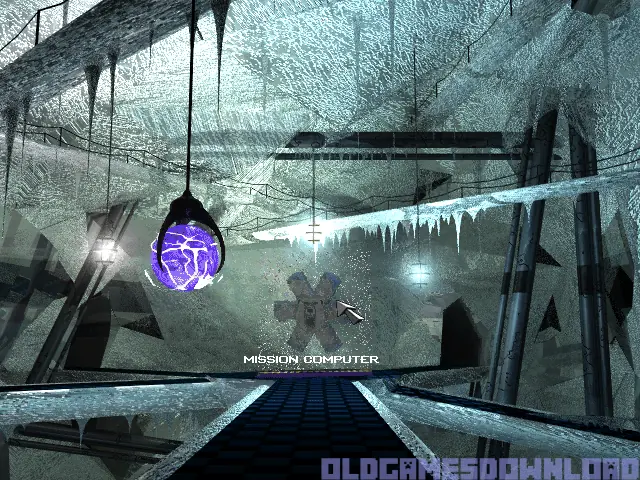
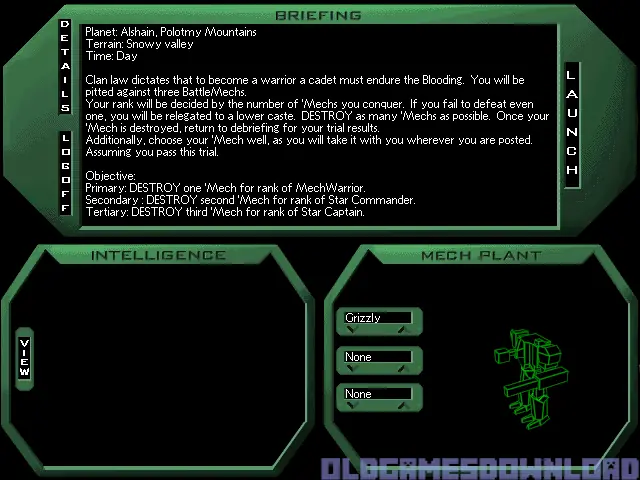
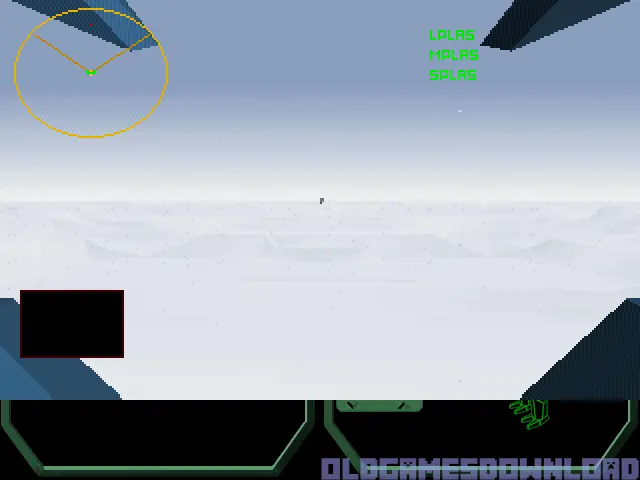
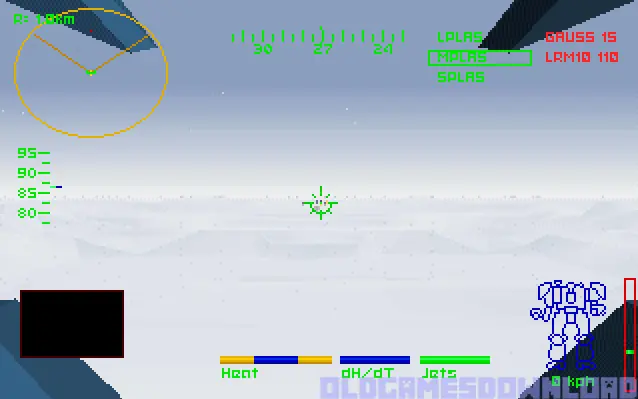
MechWarrior 2: Ghost Bear’s Legacy is a 1995 simulation game developed and published by Activision.
Genres
Publishers
Developers
Released
Platforms
Download

Screenshots

DOS

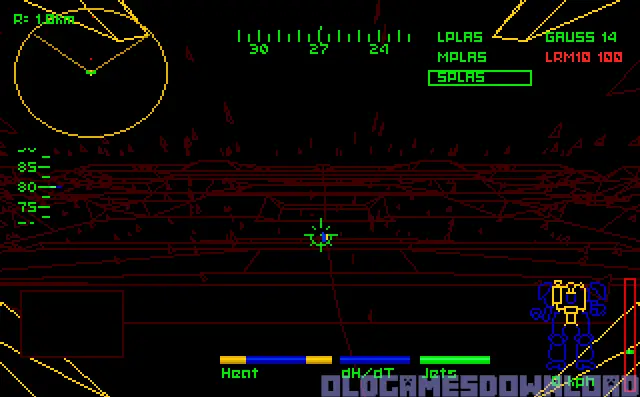
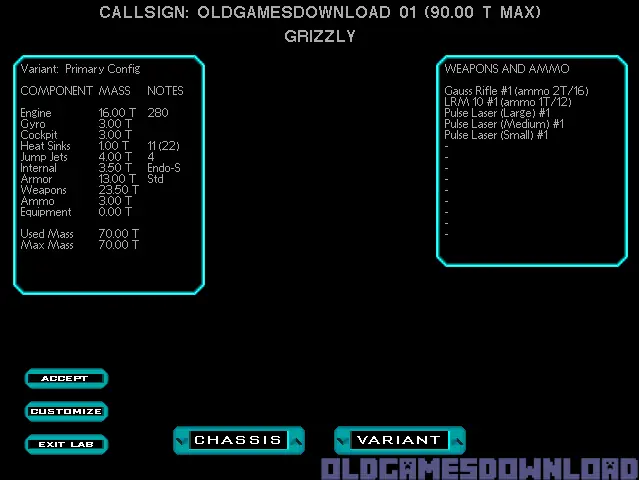
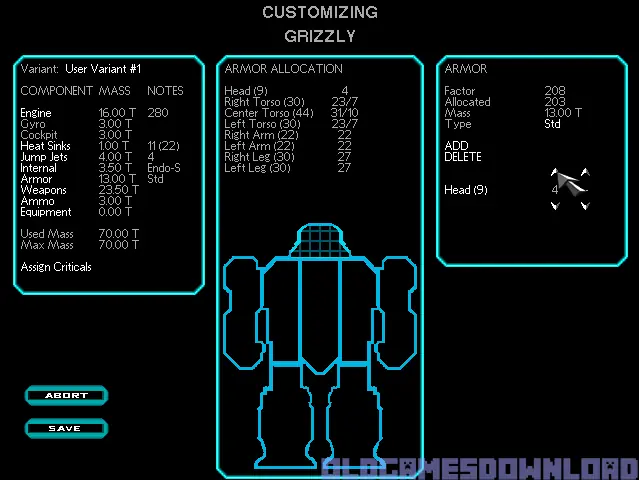
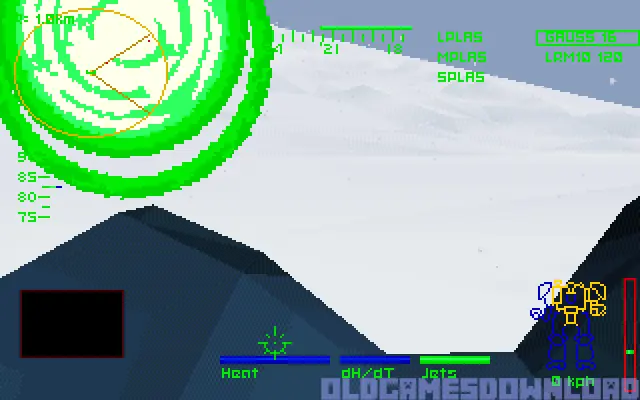
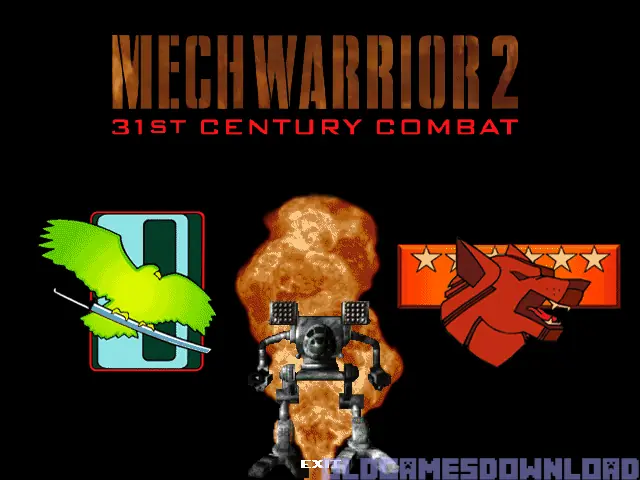
MechWarrior 2: Ghost Bear’s Legacy — DOS screenshot 1MechWarrior 2: Ghost Bear’s Legacy — DOS screenshot 2MechWarrior 2: Ghost Bear’s Legacy — DOS screenshot 3MechWarrior 2: Ghost Bear’s Legacy — DOS screenshot 4MechWarrior 2: Ghost Bear’s Legacy — DOS screenshot 5MechWarrior 2: Ghost Bear’s Legacy — DOS screenshot 6MechWarrior 2: Ghost Bear’s Legacy — DOS screenshot 7MechWarrior 2: Ghost Bear’s Legacy — DOS screenshot 8MechWarrior 2: Ghost Bear’s Legacy — DOS screenshot 9MechWarrior 2: Ghost Bear’s Legacy — DOS screenshot 10MechWarrior 2: Ghost Bear’s Legacy — DOS screenshot 11MechWarrior 2: Ghost Bear’s Legacy — DOS screenshot 12

Download MechWarrior 2: Ghost Bear’s Legacy

MechWarrior 2: Ghost Bear’s Legacy is abandonware and no longer sold or supported by its publishers. Files are archived here for these platforms:

DOS (1995)

  • MechWarrior_2_Ghost_Bear's_Legacy.rarEN27.9 MB
  • Instructions MechWarrior_2_Ghost_Bear's_Legacy.rar

    How to play on Windows

    1. Click on the download button. It should redirect you to your download. Make sure you download the file properly and that your internet does not disconnect while downloading.
    2. Extract the “MechWarrior 2 Ghost Bear’s Legacy” folder to your desktop.
    3. Download the software called DOSBox and put a shortcut for DOSBox onto your desktop.
    4. Open the “MechWarrior 2 Ghost Bear’s Legacy” folder and then open the “Game Files” folder.
    5. Drag the file called “GBL” on top of the DOSBox icon. The game should now launch in DOSBox.
    6. Enjoy the game!
Tutorial: How to play DOS games on Windows

Comments