Home » Games » Meet the Robinsons

Meet the Robinsons

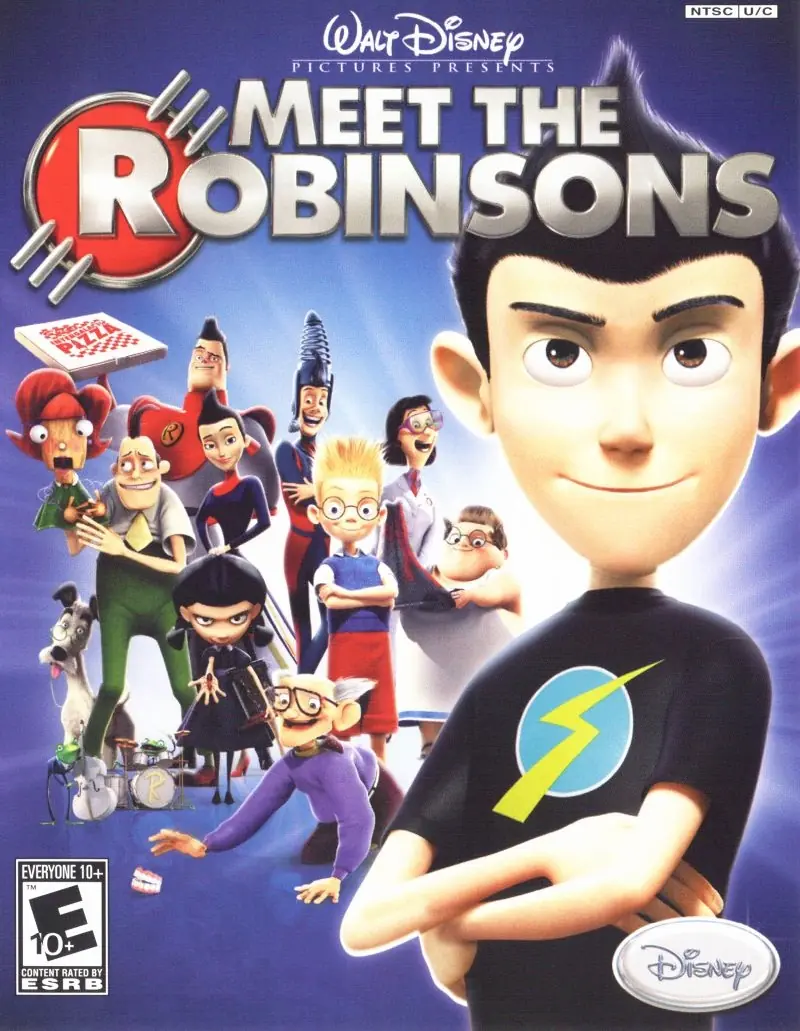
Meet the Robinsons Game Cover
4.6/5 - 62 votes

After Lewis returns to the past and prepares for his new life, Wilbur arrives back home only to find that his house has been invaded by several hundred Mini-Doris hats. He learns that Mini-Doris, which Frannie's Frogs originally captured, has made its way to Robinson Industries to begin cloning herself. Wilbur travels back into the past in the hopes that Lewis will be able to help him again, an offer which Lewis is at first reluctant to take.

Other Titles

Descubriendo a los RobinsonsI Robinson: Una Famiglia SpazialeRobinsonoviBienvenue chez les RobinsonRodzinka RobinsonówTriff die RobinsonsВ гости к РобинсонамI Robinson - Una famiglia spaziale

Genres
,
Publishers
Developers
Released
Platforms
Download

About Meet the Robinsons

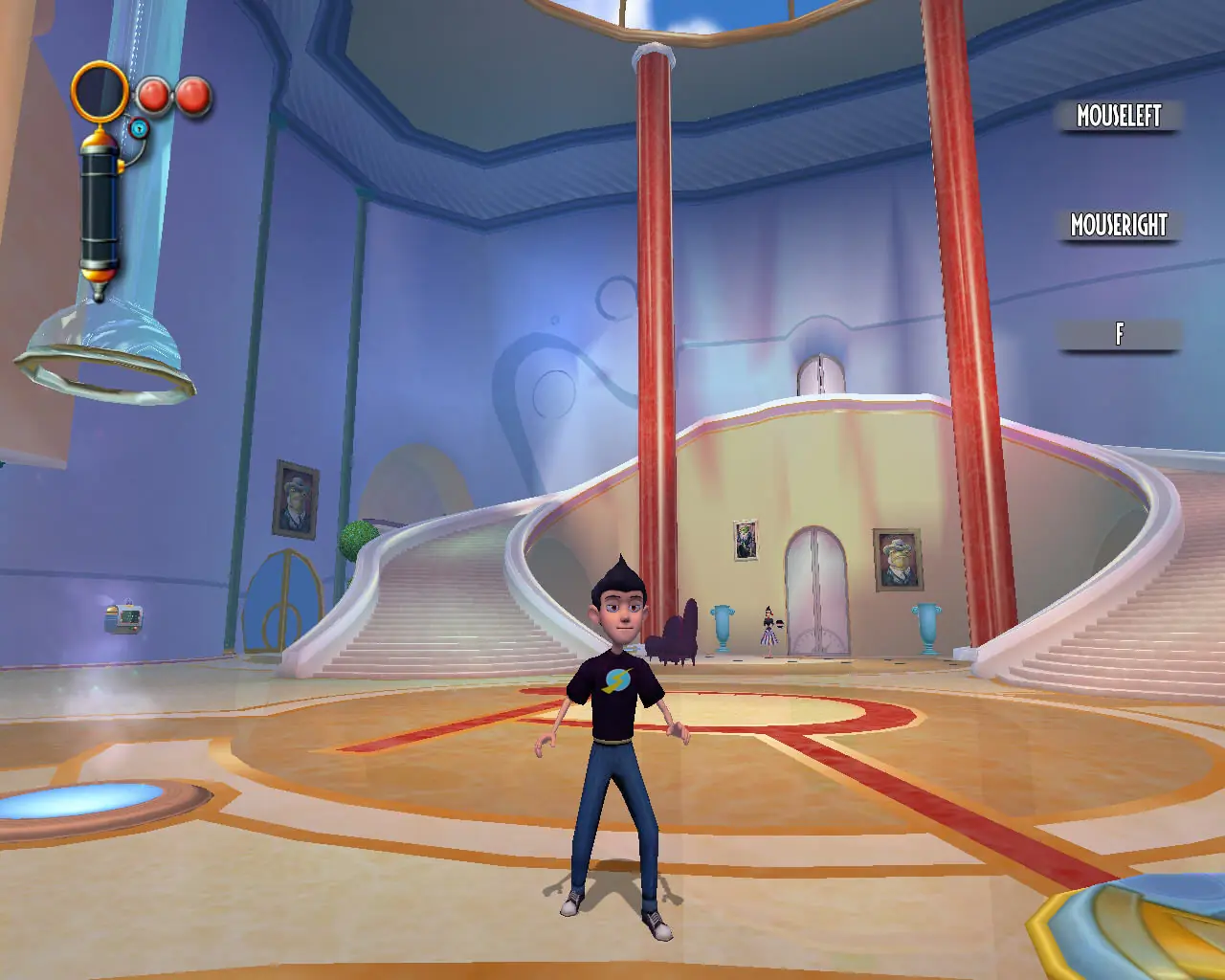
The game follows Wilbur through 40 missions and 6 different locales, a few of which are revisited in the movie. Secret Blueprints allow the player to "build" different Cheats and Extras, using Cornelius Robinson's Transmogrifier. This machine creates items using Base Components which Wilbur collects during his adventure. A Breakout like game called Chargeball is both featured in the game itself and as an extra gameplay option. Different Chargeball "maps" can be found throughout game and it is up to Wilbur to become the Chargeball champion.

Original actors such as Wesley Singerman, Harland Williams, Adam West, Nicole Sullivan, and Stephen Anderson reprise their roles for the Robinson family, while Daniel Hansen (Lewis) does not appear in the game at all.

The locations in this game include: ancient Egypt, the Robinsons' house, the Robinsons' basement, Joyce Williams Elementary School, the alternate future, Magma Industries, and Old Town.

Screenshots

Windows

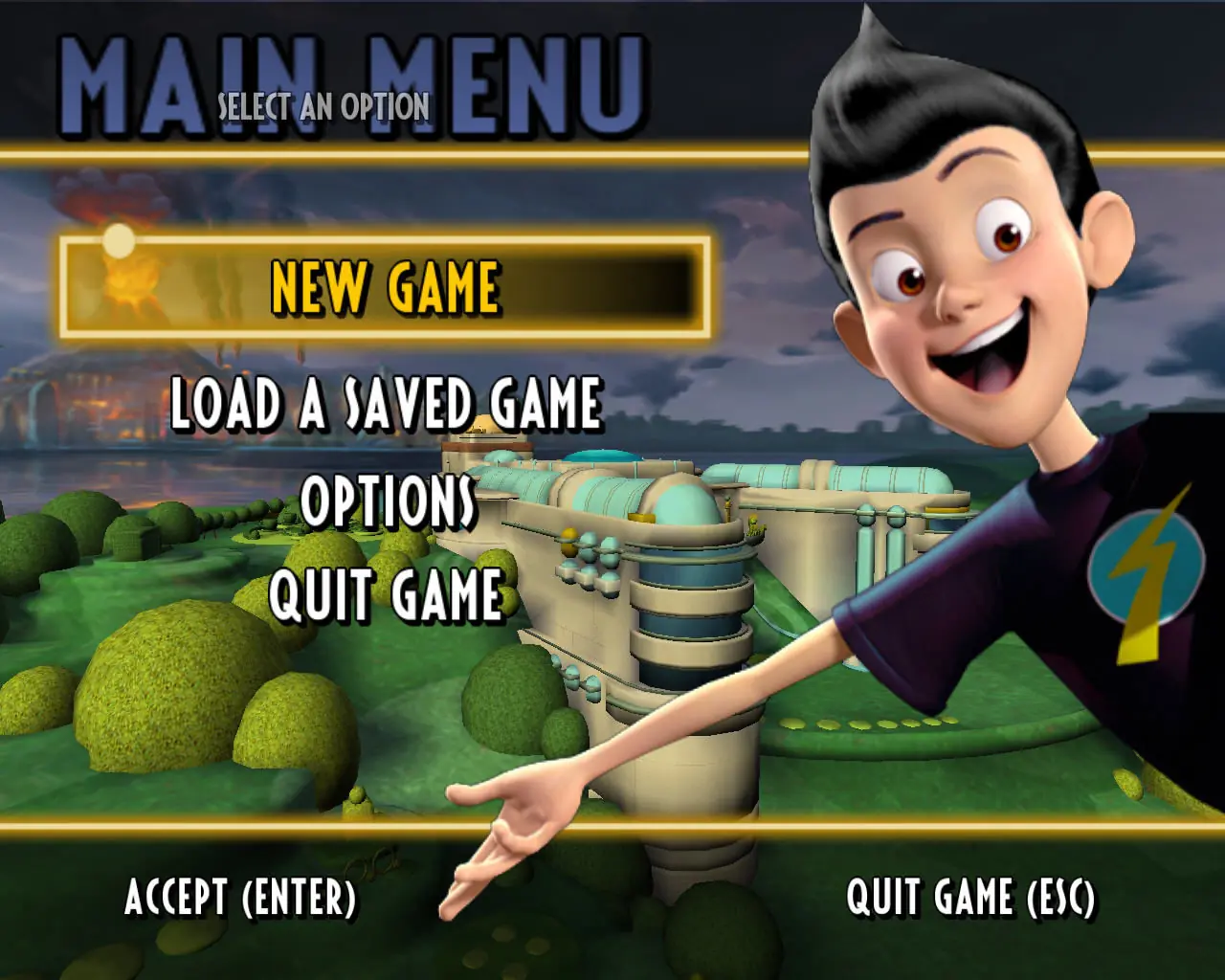
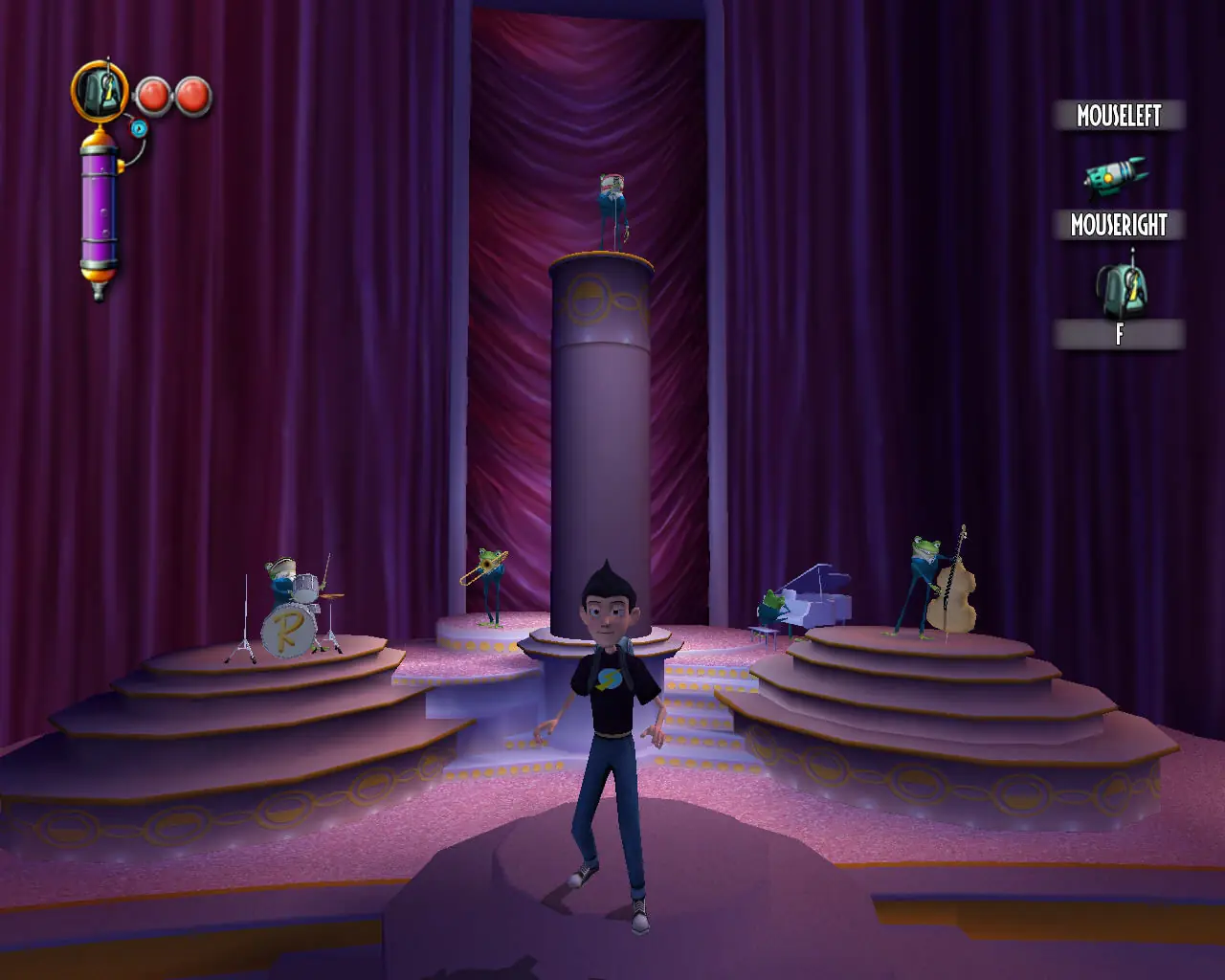
Meet the Robinsons — Windows screenshot 1Meet the Robinsons — Windows screenshot 2Meet the Robinsons — Windows screenshot 3

Download Meet the Robinsons

Meet the Robinsons is abandonware and no longer sold or supported by its publishers. Files are archived here for these platforms:

Windows (2007)

  • Meet_the_Robinsons_Win_Setup_EN.zipEN398.06 MB
  • Instructions Meet_the_Robinsons_Win_Setup_EN.zip

    How to play on Windows

    1. Extract Meet_the_Robinsons_Win_Setup_EN
    2. Run Setup.bat
    3. Play the game

Comments

14 thoughts on “Meet the Robinsons”

  1. 0
    Working great, doesn’t contain cut scenes. Small tip from me: If you have .iso file from the original DVD (you own the DVD, but your main computer doesn’t have DVD mechanics). Install game from .iso (.iso from DVD), and then replace Wilbur.exe from this website and your game files will also work with cut scenes and language from the DVD. Probably also replace Launcher.exe or use the command line to run the game without Launcher and with your custom screen resolution .\Wilbur.exe -dxfullscreen -dxadapter=0 -dxresolution=1920×1080 -dxdiskdriveletter=f -launchit
    Reply
  2. 0
    doesnt work when im trying to play, the setup creates a shortcut for game on my pulpit but it says they dont have the launcher.exe
    Reply
  3. 0
    I got the game working all perfectly fine and it’s amazing great game and all but no cut scenes appear when I
    actually play. How do I get the cut scenes to work?
    Reply
    • 0
      the real full game has 1.4gb so i assume that this copy here is a rip version which means cutscenes might be cut out from the file for lower iso file.
      Reply
  4. 0
    I got the game working all perfectly fine but no cutscenes appear when I actually play. How do I get the cutscenes to work? at the moment its jumping from one level to the other without a cutscene break
    Reply
  5. 0
    does it only work on the 2007 version or can I run it on later versions as well? Bc when I want to start the game it says the “launcher cannot be found”. What do I do to fix this?
    Reply