Home » Games » Midnight Club II

Midnight Club II

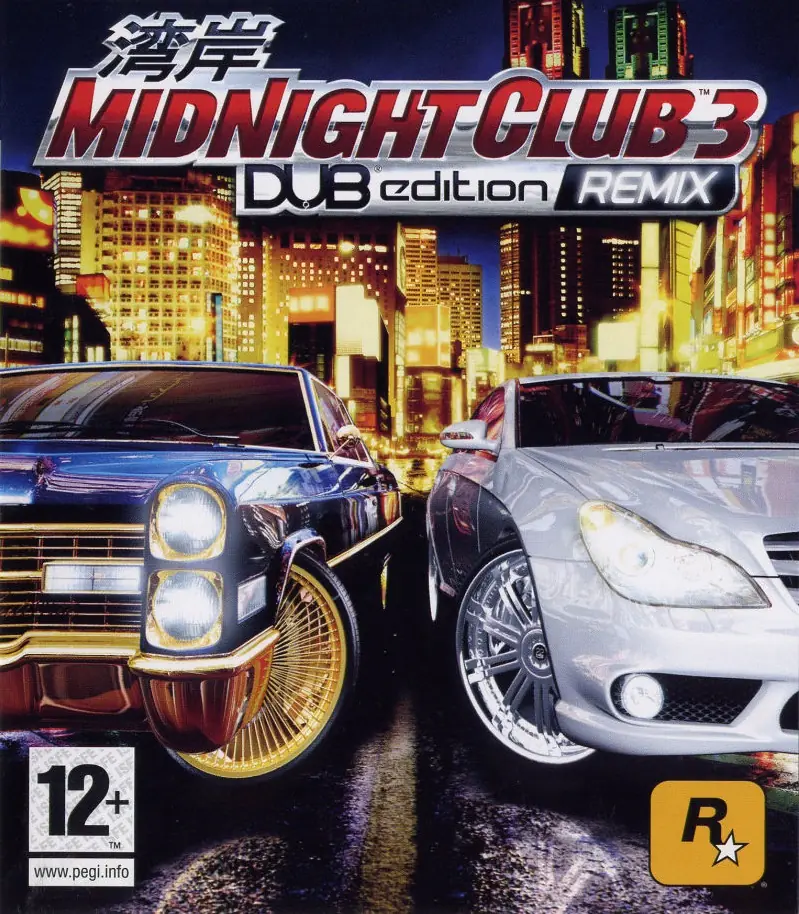
Midnight Club II Game Cover
4.7/5 - 192 votes

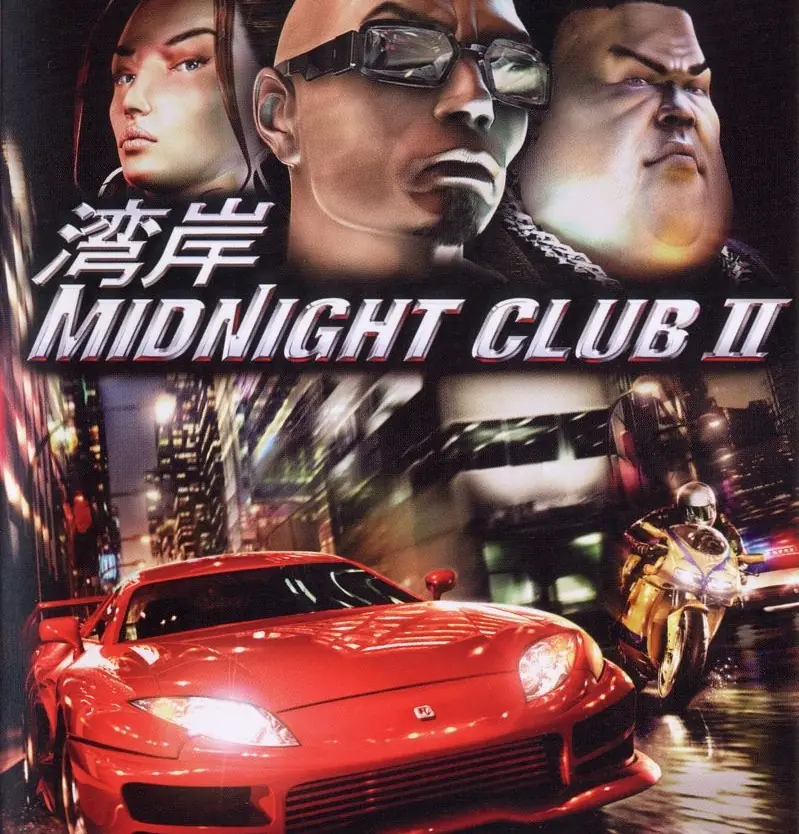
Midnight Club II is a racing video game developed by Rockstar San Diego and published by Rockstar Games. It is the sequel to Midnight Club: Street Racing, published for the PlayStation 2, Xbox and Microsoft Windows and first in series to feature motorcycles.

Other Titles

午夜俱乐部2Midnight Club 2MC2MCIIباشگاه نیمه‌شب ۲ميدنايت كلوب 2ميدنيجت كلوب اى

Genres
Publishers
Developers
Released
Platforms
Download

About Midnight Club II

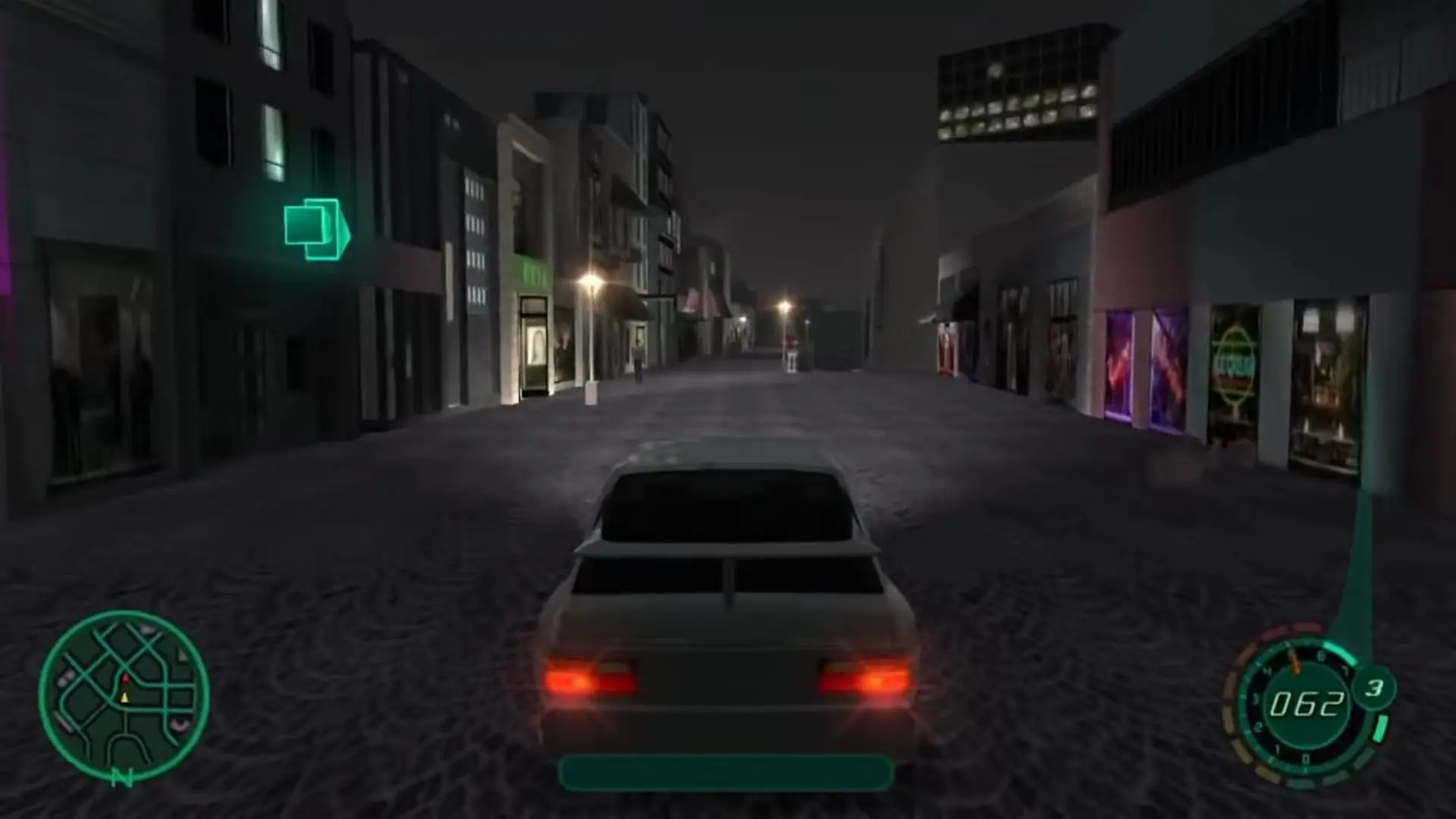
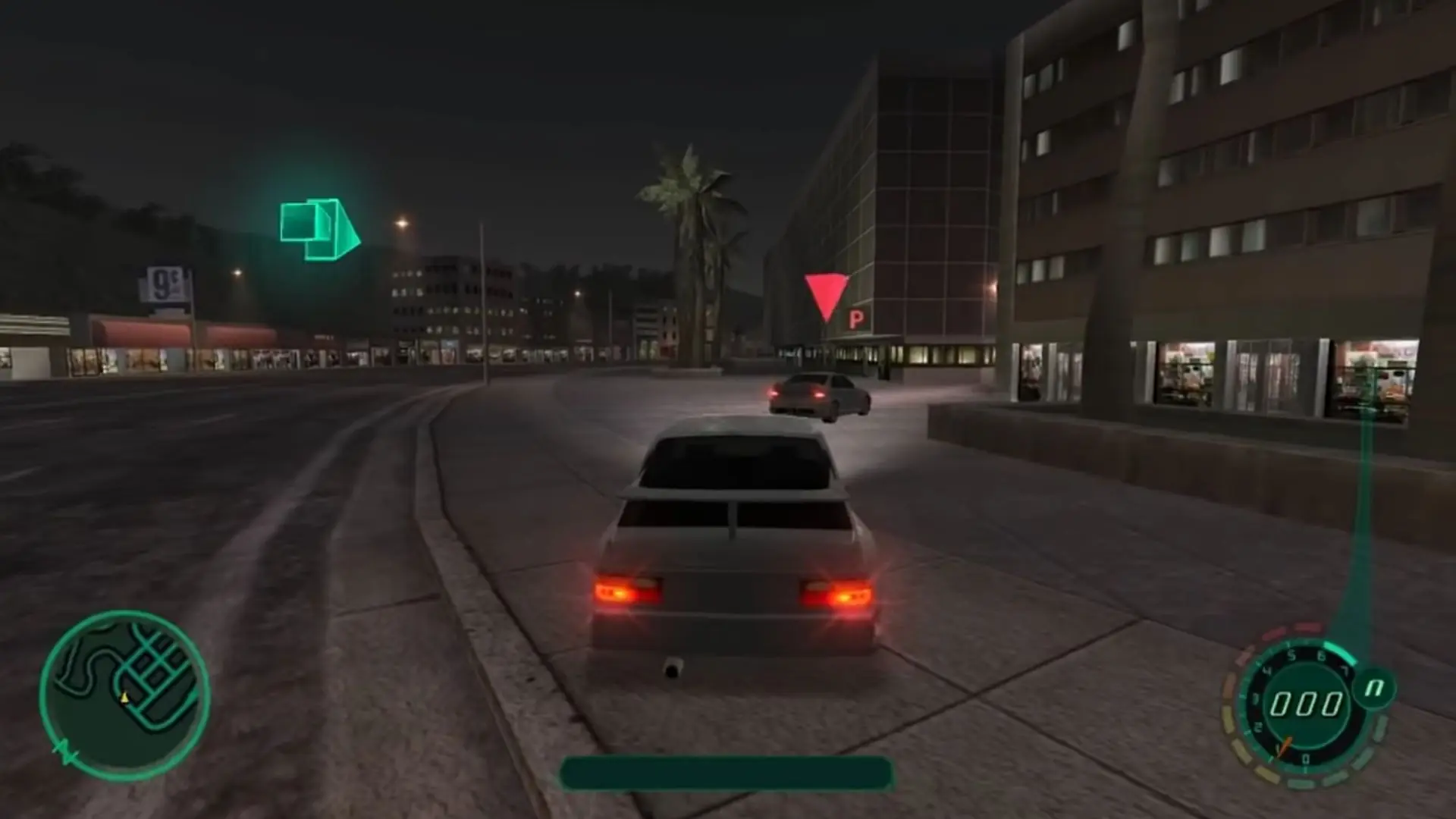
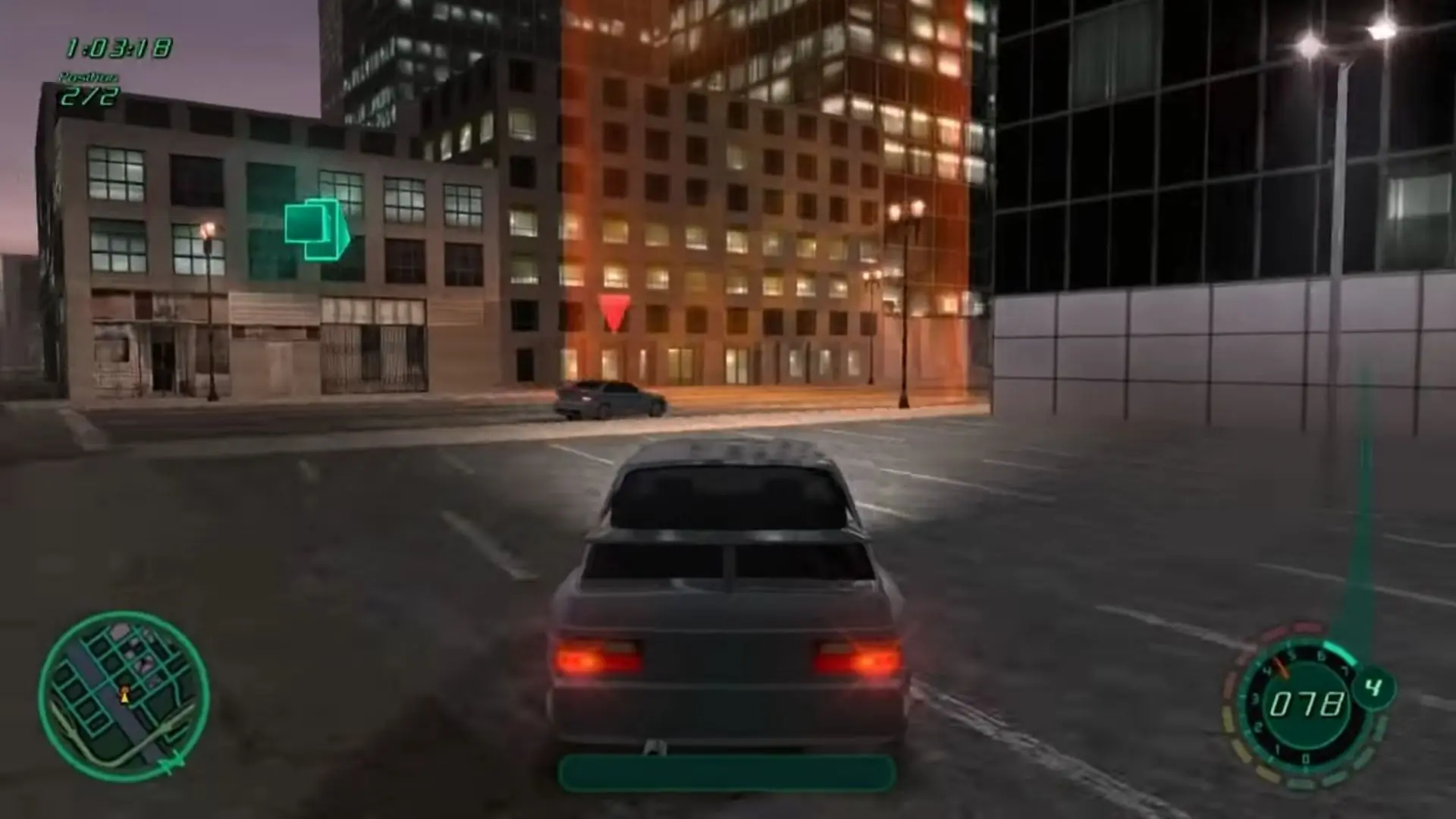
Races (Career and Arcade) consist of a series of checkpoints, represented by columns of light. In most races, the order in which the checkpoints must be cleared is prescribed. In this case, a transparent, glowing arrow points to the next checkpoint. In a few other races, the checkpoints may be cleared in any order. In that case, the arrow spins randomly without pointing in any particular direction. It is up to the player which route to take from one checkpoint to the next. There are no artificial barriers in the game's open world environment that force the player to stay on a specific course. Any area that is drivable or jumpable in the free-roaming cruise mode between races may be used to get to the next checkpoint.

Some areas can be driven upon that are not intended for such use outside of a computer game. Examples are escalators, roofs, railways and riverbeds and many ramps. However, many areas that would be drivable in reality, for example entrances and some stairs, are fenced off with invisible barriers. In some areas, the player can jump or drop down. Using this to the player's advantage can be necessary in order to win a race. If the car falls into deep water, the damage meter goes to its maximum stage and the car is instantly totaled, the race being immediately lost.

Various details have been improved compared to its predecessor Midnight Club: Street Racing. Vehicles and cities have been developed from scratch, but many new features were added as well. 2-Wheel drive, Burnout, Weight Balance (for motorbikes) were all unique to the game. The game also features damage models. The amount of damage inflicted upon a car is indicated by both an HUD indicator and visual damage to the car. The performance of a car does not degrade with damage like some other racing games. When the damage limit of a car is exceeded, the car explodes or stalls. After a delay of a few seconds, the player can continue with an undamaged version of the same car.
Screenshots

Windows

Midnight Club II — Windows screenshot 1Midnight Club II — Windows screenshot 2Midnight Club II — Windows screenshot 3Midnight Club II — Windows screenshot 4

Download Midnight Club II

Midnight Club II is abandonware and no longer sold or supported by its publishers. Files are archived here for these platforms:

Windows (2003)

  • Midnight_Club_II_Win_ISO_EN.7zEN1.53 GB
  • Instructions Midnight_Club_II_Win_ISO_EN.7z

    How to play on Windows

    1. Download and Extract Midnight_Club_II_Win_ISO_EN
    2. Open the "Game Files" folder and mount the .iso file. Run the game setup (autorun.exe) and select install.
    3. When your game has installed launch the game
    4. Enjoy!
    5. Note: if you're using Windows 10, you might need to download the Midnight Club II Vista patch below. Once it's downloaded, run MC2_Vista_Patch.exe

Additional files, patches and fixes

Other resources

Comments

37 thoughts on “Midnight Club II”

  1. 0
    Already nostalgic just hearing the music in the loading screen. This is fantastic, thanks for sharing! Followed the instructions and got the game to run.
    Reply
  2. 0
    I have installed the game, followed every step I could, installed everything, and it still does not launch the game. The intro video works, but then it immediately leads me back into the “install” screen. My main question is with mounting the .iso file. The only file I can mount is “Midnight Club 2” and that is a Disc Image File. However, when I open it, it leads me to the folder with the “Autoplay” folder, “autorun.exe,” “autorun” setup info, and the “Midnight Club 2” icon. I have also downloaded and used the vista patch, but every time i do use the vista patch, it tells me “Could not stat mc2.exe.
    Failed to apply patch to mc2.exe.” I have no idea if I am doing the right thing, but going through the instructions, it seems like I am missing one key feature.

    useful? info:
    – Windows 10
    – Nvidia GTX 1050ti
    – Winzip for zip file extractions

    Reply
  3. 0
    Can Conform that the game is working
    at 1st, the closes after the 1st cutscene. so i download vista patch and made the compatibility as windows xp (Sp3) and its working
    56% of the missions are cleared and i’am playing on paris map
    Reply
  4. 0
    On Windows 10, If the game crashes on the cutscene for the first race you probably need to install and run the vista patch. This patch assumes that you are using steam so you need to place the game files in the correct folder so the patch can find your game files. You shouldn’t actually need steam installed to do this. In the file explorer go to the C: drive then “Program Files (x86)” then if you have Steam installed you can open the folder or if not create a folder and name it “Steam”. Then inside the Steam folder make a new folder called “steamapps” or open it if you already have it. Inside steamapps create a new folder and name it “common”. Then finally inside the folder common, create a new folder called “midnight club 2” and place mc2.exe and your other game files in the folder. Now run MC2_Vista_Patch.exe (this file can be located anywhere). Command Prompt should appear with the word Success. If not double check the root C: Program Files (x86) / Steam / steamapps / common / midnight club 2 / mc2.exe (note this is case sensitive). Once the patch has been sucessfully installed you can move the files back to your desktop or whatever location you store your games and you can run the game normally outside of steam.
    Reply

Similar games