Monster Truck Rumble
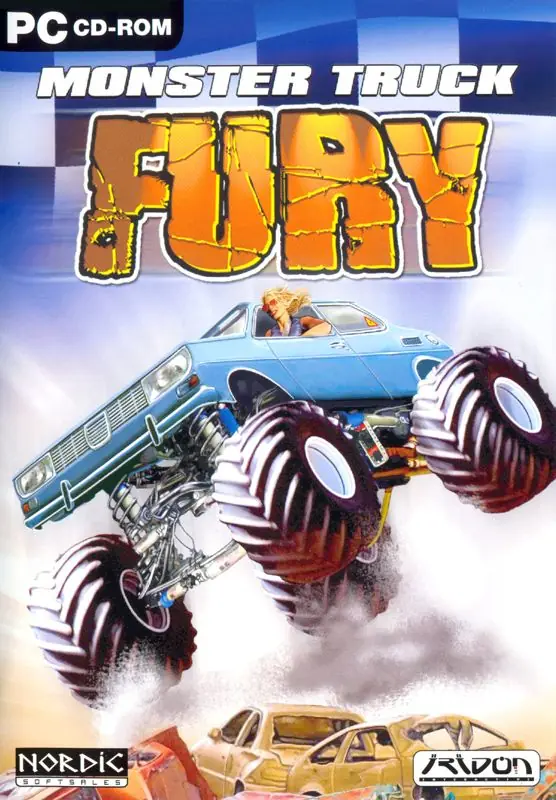
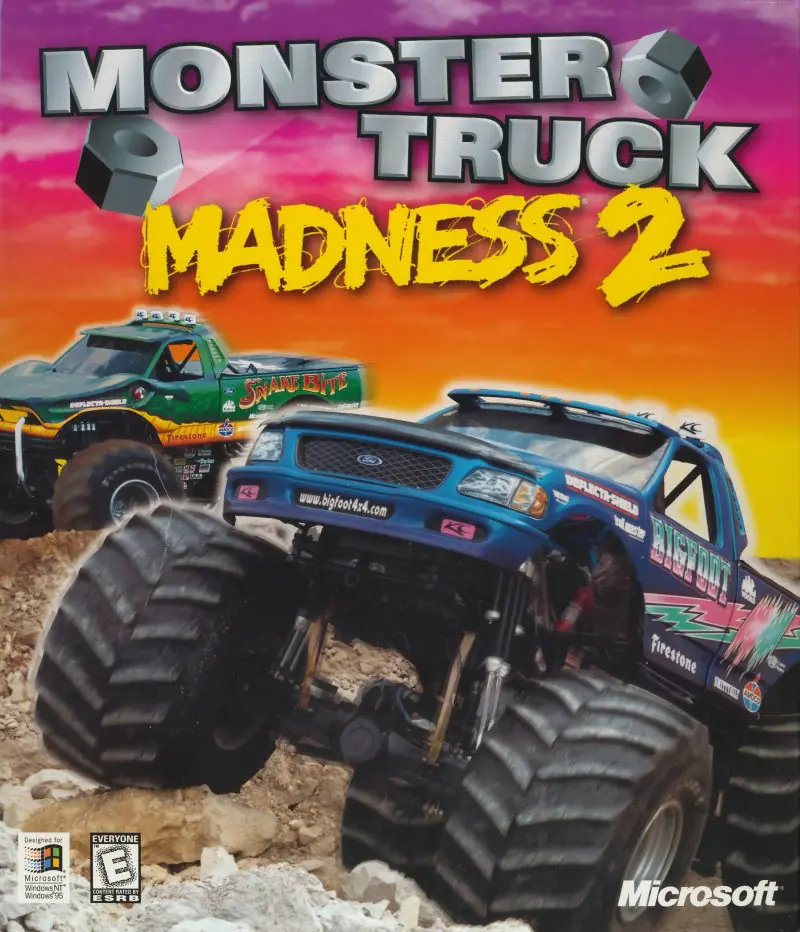
Monster Truck Rumble is a monster truck game featuring four different play modes.
Publishers
Developers
Released
Platforms
Monster Truck Rumble is a monster truck game featuring four different play modes.
Climb behind the wheel of these off-road titans and take them up, over, or through whatever gets in your path! Four gnarly off-road courses beg for your fat-tired best. Sometimes the shortest distance between two points means a bunch of stuff gets crushed on the way! Take your mammoth to the track and race your buddies in a no-holds-barred, knock-down, drag-out sprint to the finish.
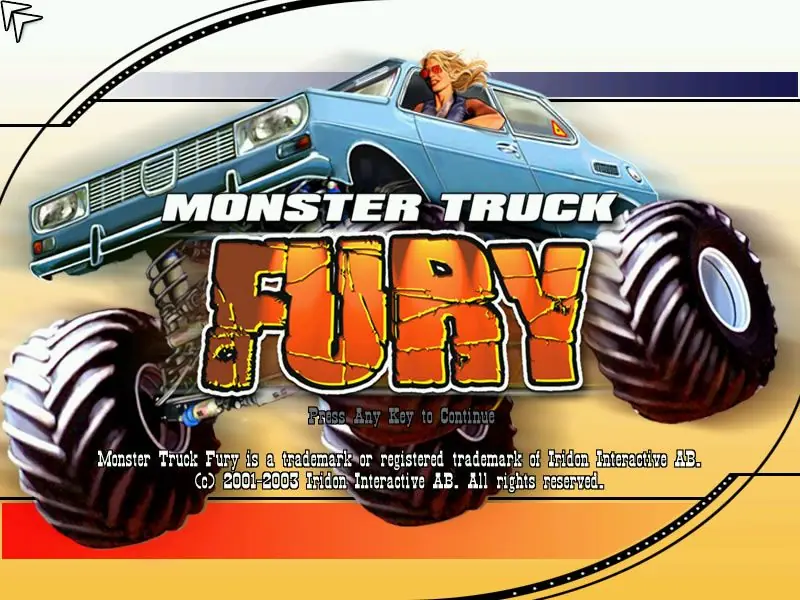
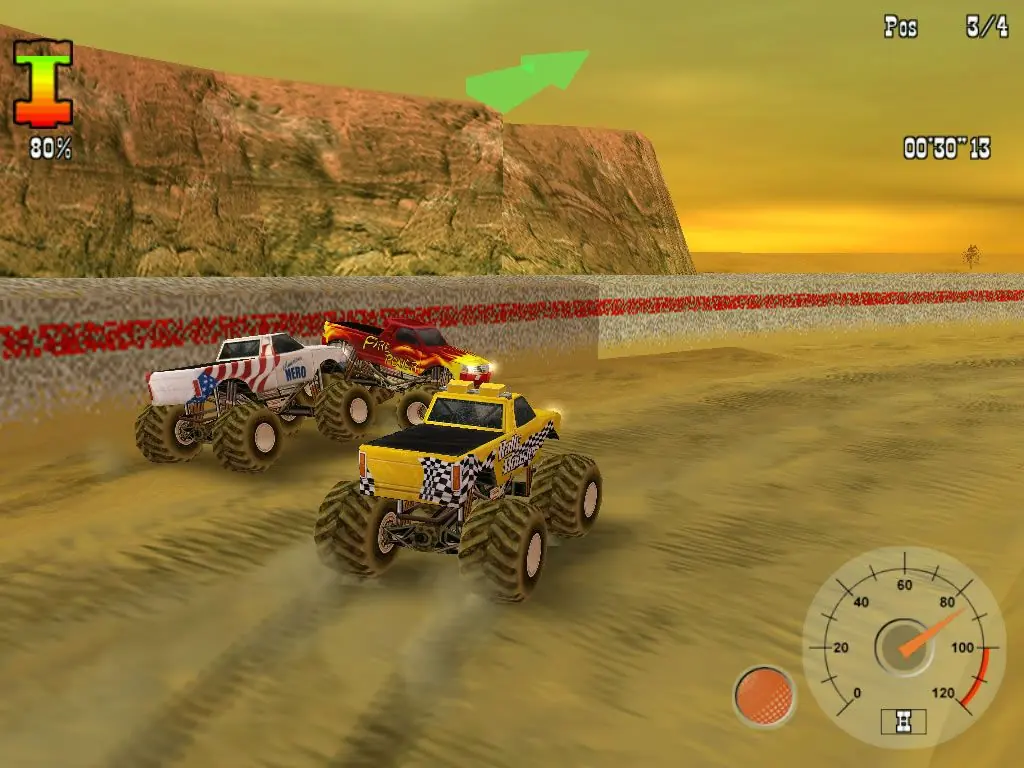
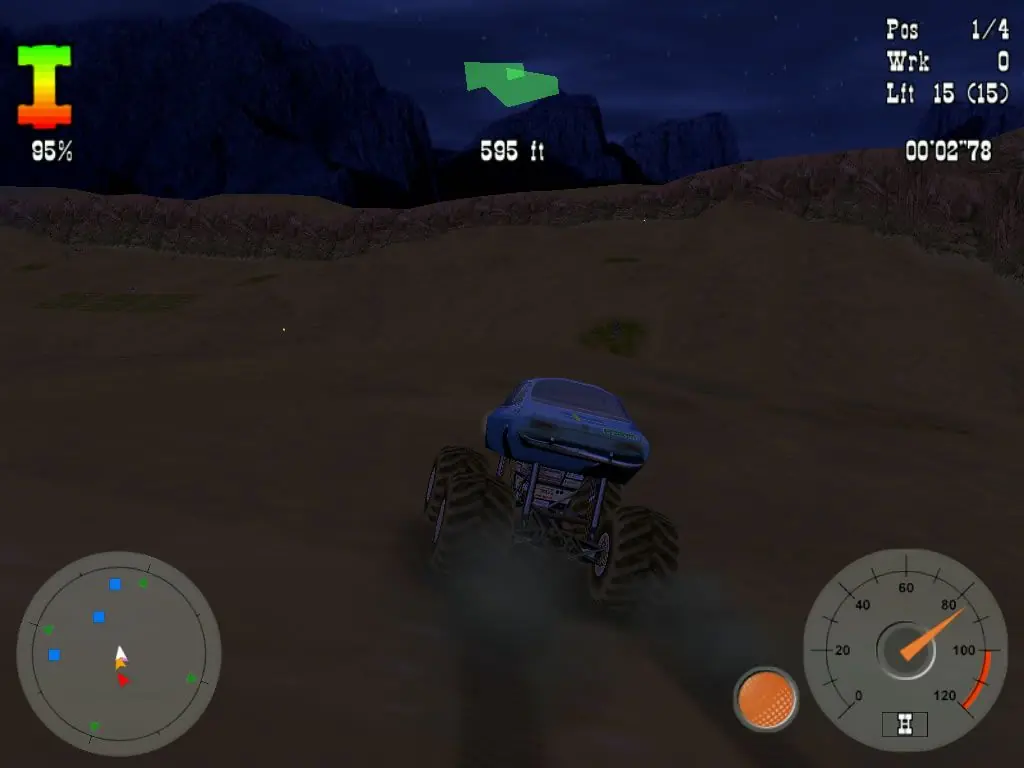
Monster Truck Rumble is abandonware and no longer sold or supported by its publishers. Files are archived here for these platforms:







If your truck takes instant phantom damage as soon as the race starts, limiting the FPS or changing CPU affinity won’t fix it. The game engine has collision and geometry calculation bugs on modern DirectX versions.
1. Which version to download:
Download the Monster_Truck_Rumble_Win_ISO_EN.zip version.
Choose the MediaFire download mirror (the MEGA link is dead / deleted by author).
Note: Avoid the Preinstalled version; while the fix works on it too, it runs with noticeable stutter/lag. The ISO version runs completely smooth.
2. The Fix (d3d8to9 wrapper):
Download the d3d8.dll file from GitHub:
[https://github.com/crosire/d3d8to9/releases](https://github.com/crosire/d3d8to9/releases) (found under the Assets dropdown of the latest release).
3. Where to place the file (Important!):
The installer creates shortcuts on your Desktop and in Start Menu\Programs, which only contain launcher/uninstall shortcuts. Do not put the file there.
Paste the downloaded d3d8.dll directly into the actual installation directory:
C:\Program Files (x86)\Monster Truck Rumble
(This is the main folder where all the game files, config files, and the main executable are located).
4. Launch the game:
Start the game normally. The wrapper converts the old DirectX 8 calls to DirectX 9, permanently fixing the ground collision physics and phantom damage!