My Horse Farm: Welcome to Trotterville
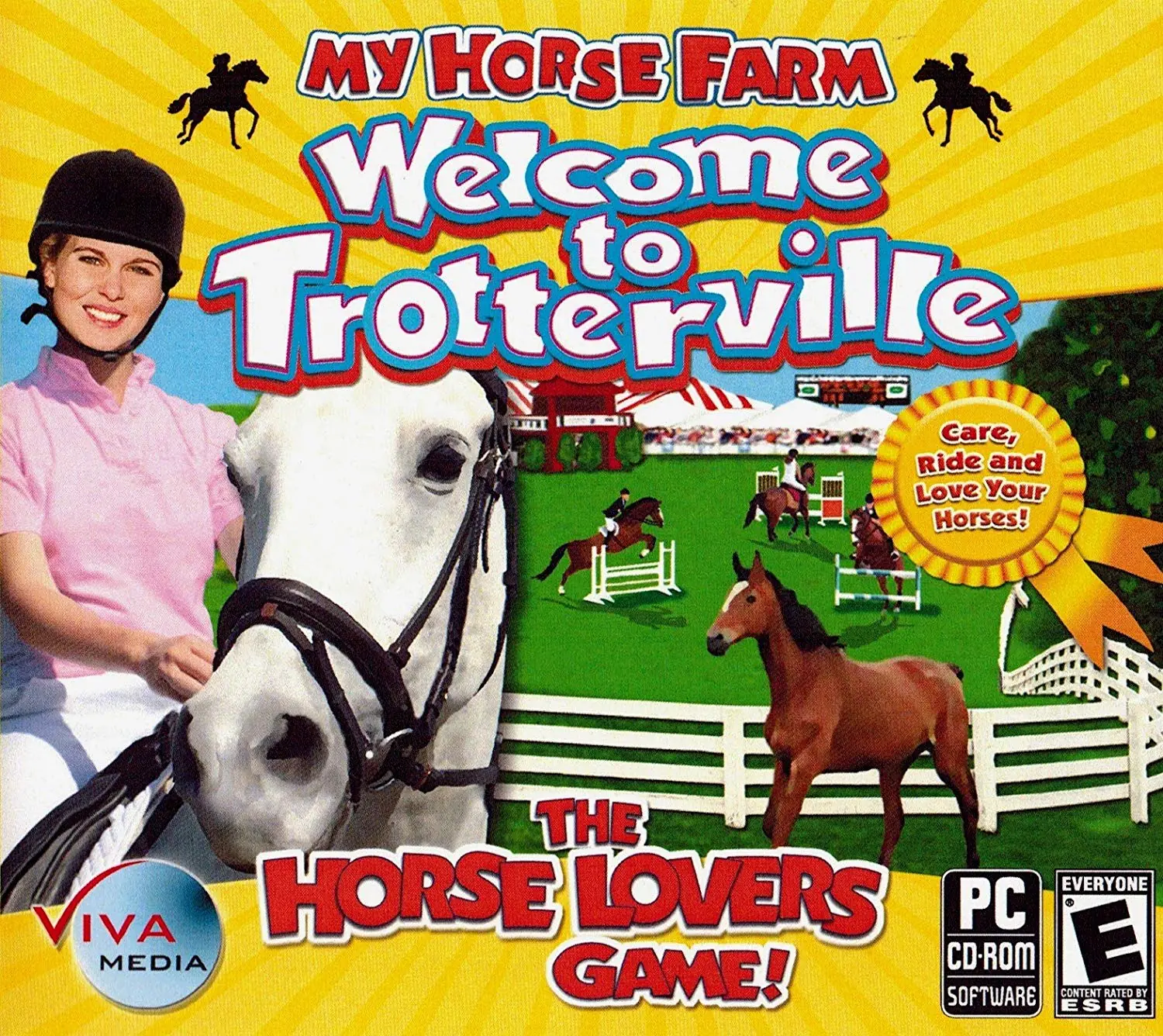
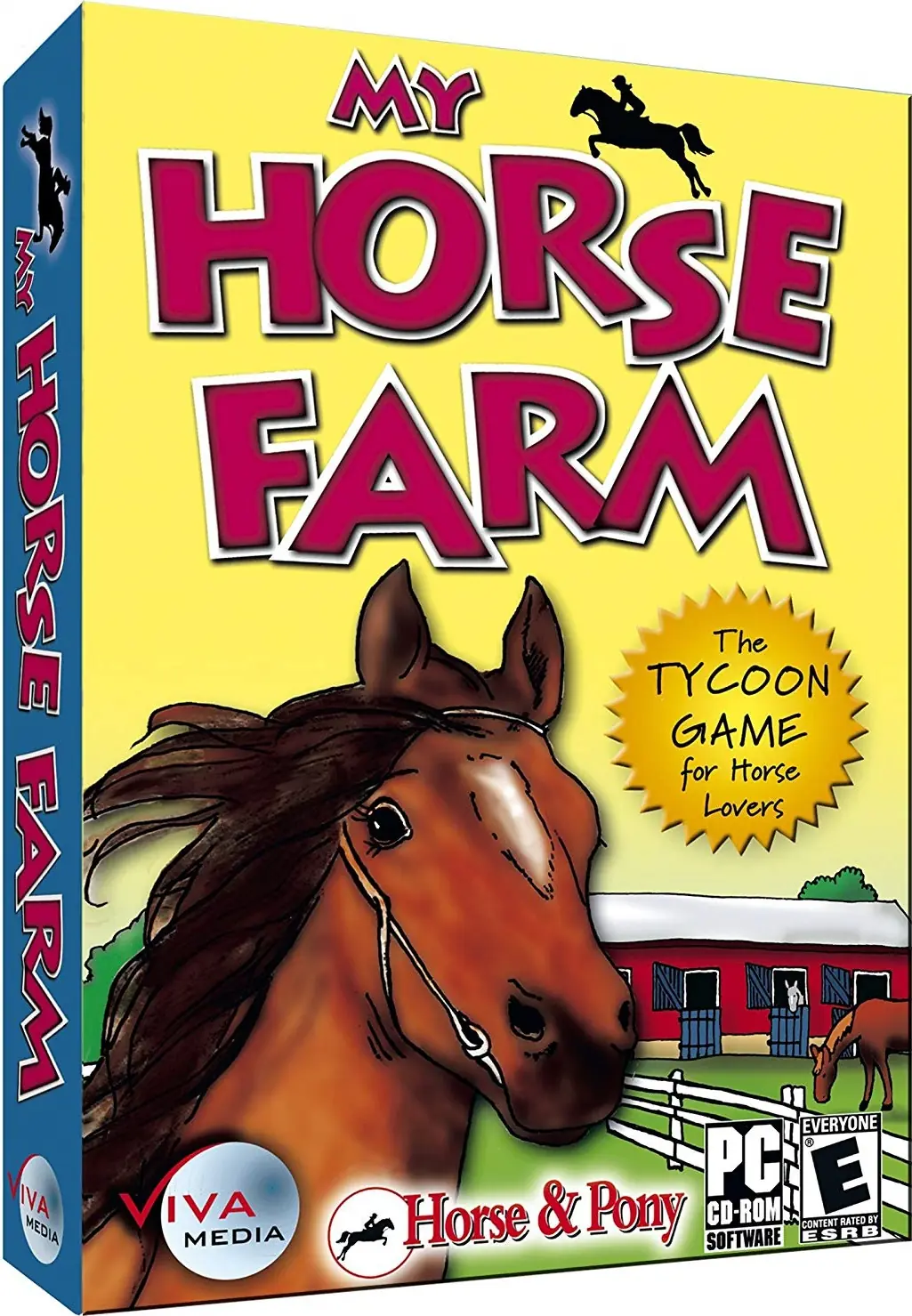
My Horse Farm: Welcome to Trotterville is a 2007 simulation game developed and published by Viva Media.
My Horse Farm: Welcome to Trotterville is a 2007 simulation game developed and published by Viva Media.
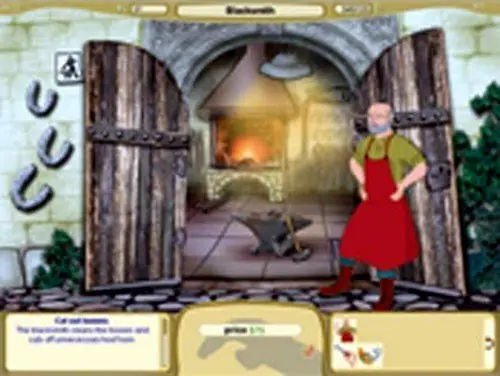
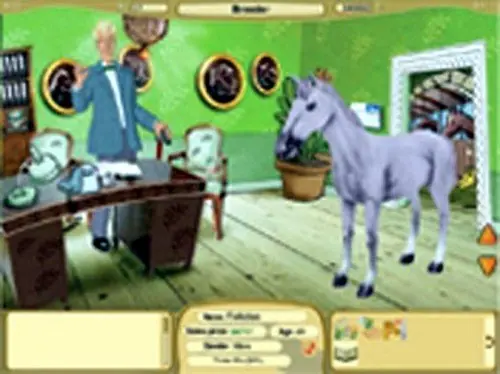
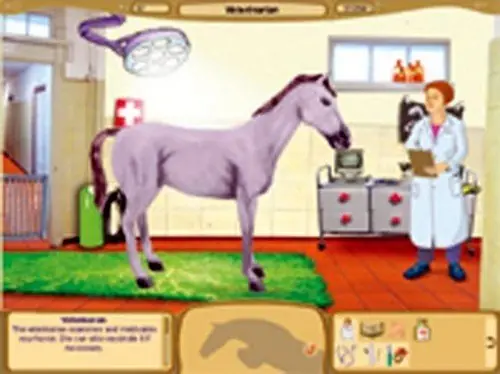
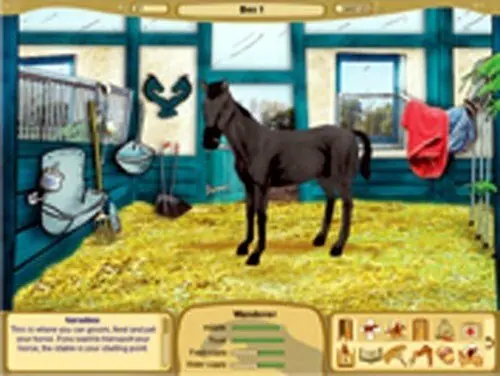
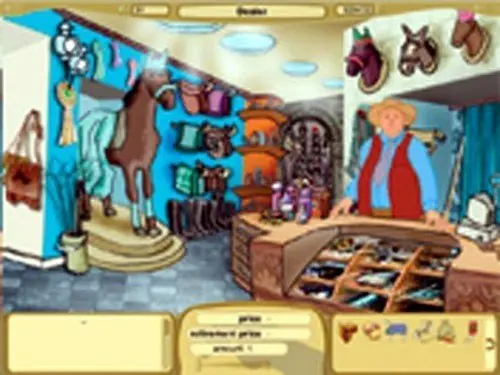
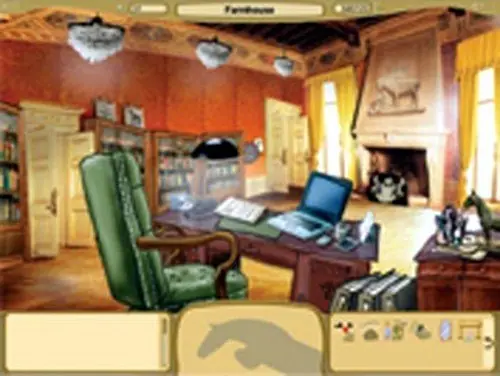
My Horse Farm: Welcome to Trotterville is abandonware and no longer sold or supported by its publishers. This game was preserved thanks to a community donation - see our missing games page for credits and titles we're still looking for.








– Right click on the My Pony Stables 2 application file
. Select properties
– Select compability
. Run in compability mode for Windows XP Service pack 2
– Reduced colour mode: 16-bit
. Check run in 640×480, disable full screen optimisations, run as administrator and use legacy display ICC colour management
The game not only doesn’t crash, but riding is rarely laggy as well. I hope this helps!
I ran into some troubles, but here’s how I dealt with them:
– Compability mode for Windows 98/ME instead of XP. Game hasn’t shut down a single time since.
– Sometimes when attempting to load in for a ride, it skips right through the ride and straight to results (without actually doing any riding). I bypassed this by, when the screen resolution does a “jump”, by clicking once/twice/thrice on the game. Sometimes it takes a few attempts, but eventually you get there ^^
I followed your steps and the game does not crash anymore but the audio disappears. The audio works fine with every other compatability mode except for Windows 98/ ME but then the game crashes instead.
Do you know of any way to choose different settings for audio and video?
I have used both wine and brew, no luck
– Right click on the My Pony Stables 2 application file
. Select properties
– Select compability
. Run in compability mode for Windows XP Service pack 2
– Reduced colour mode: 16-bit
. Check run in 640×480, disable full screen optimisations, run as administrator and use legacy display ICC colour management
The game not only doesn’t crash, but riding is rarely laggy as well. I hope this helps!
– Right click on the My Pony Stables 2 application file
. Select properties
– Select compability
. Run in compability mode for Windows XP Service pack 2
– Reduced colour mode: 16-bit
. Check run in 640×480, disable full screen optimisations, run as administrator and use legacy display ICC colour management
The game not only doesn’t crash, but riding is rarely laggy as well. I hope this helps!