Home » Games » Need for Speed: Hot Pursuit 2

Need for Speed: Hot Pursuit 2

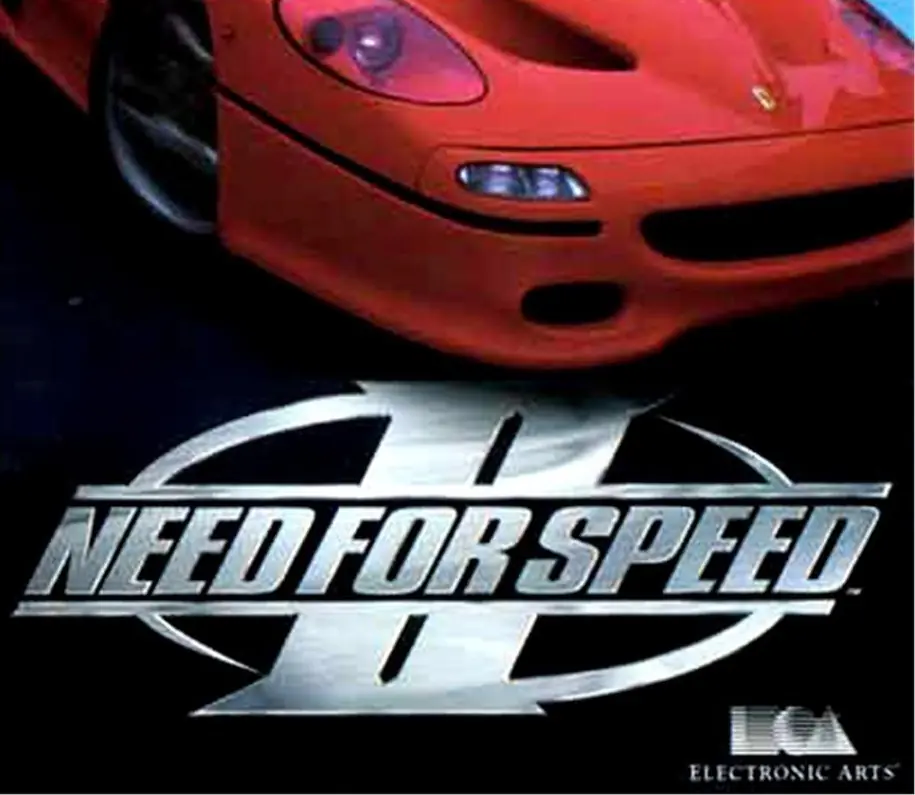
Need for Speed: Hot Pursuit 2 Game Cover
4.7/5 - 236 votes

You've got a garage full of the world's fastest cars, to conquer the wildest racing events -- the ones you don't see on TV!

Other Titles

极品飞车:闪电追踪2Need for Speed: מרדף לוהט 2Need for Speed: Poursuite Infernale 2Need For Speed : Poursuite Infernale 2

Genres
Publishers
Released
Platforms
Download

About Need for Speed: Hot Pursuit 2

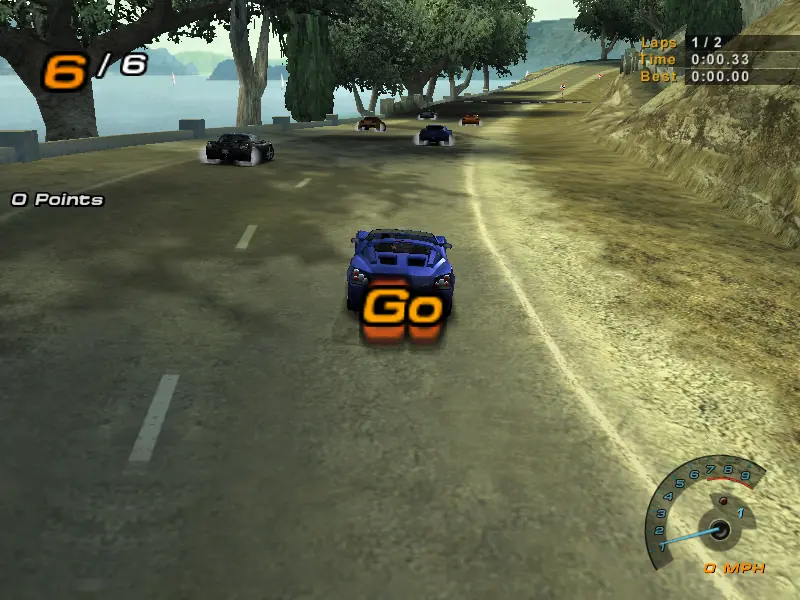
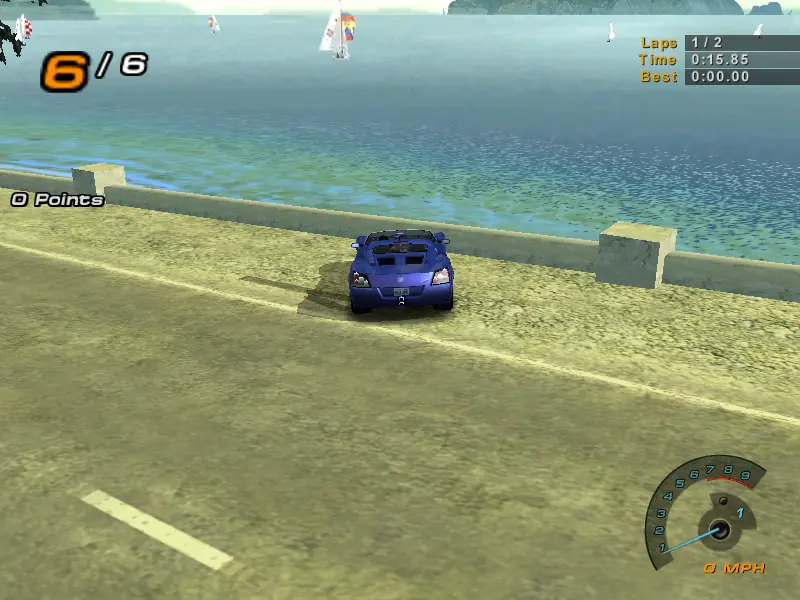
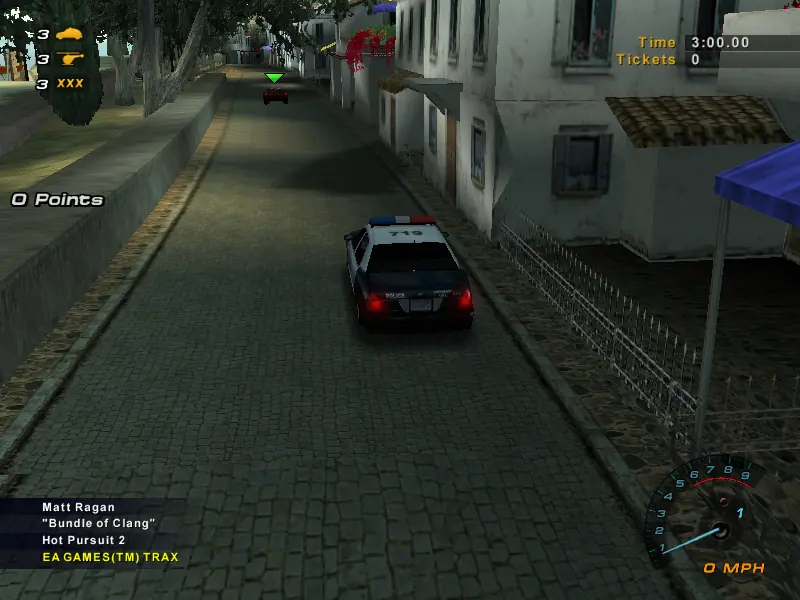
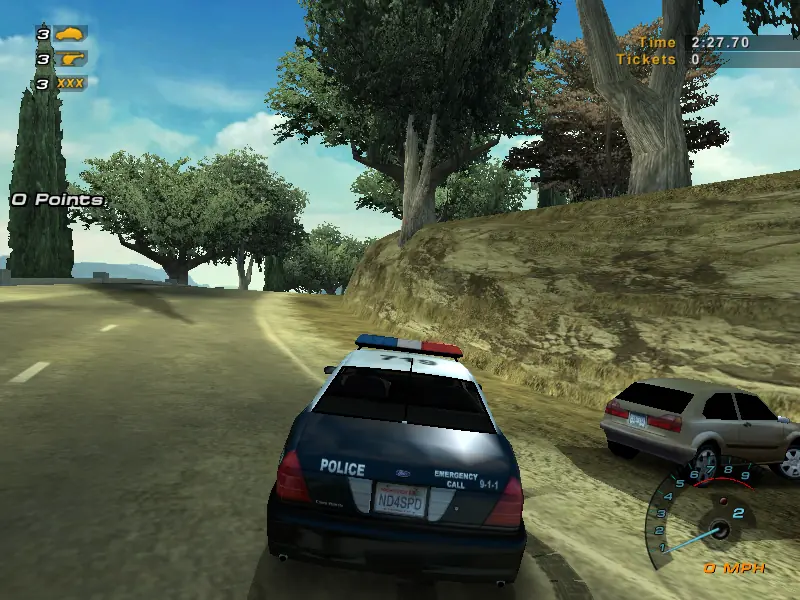
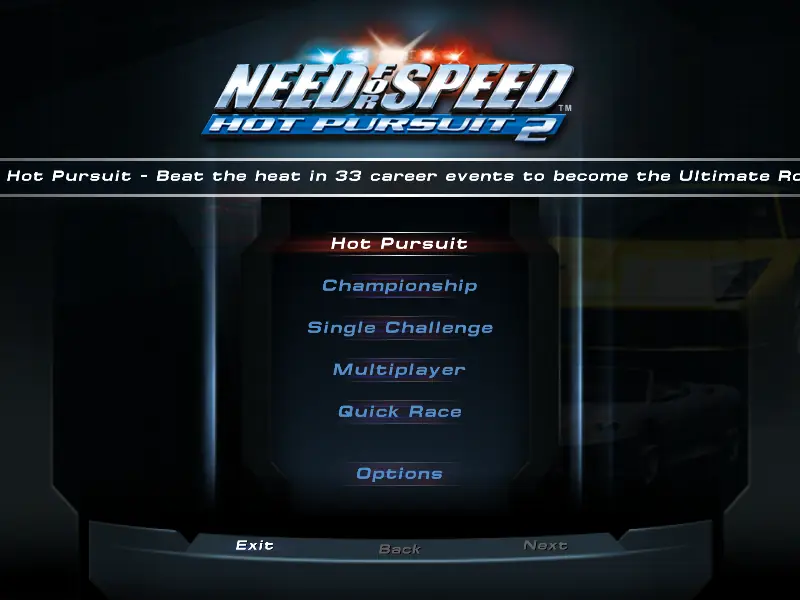
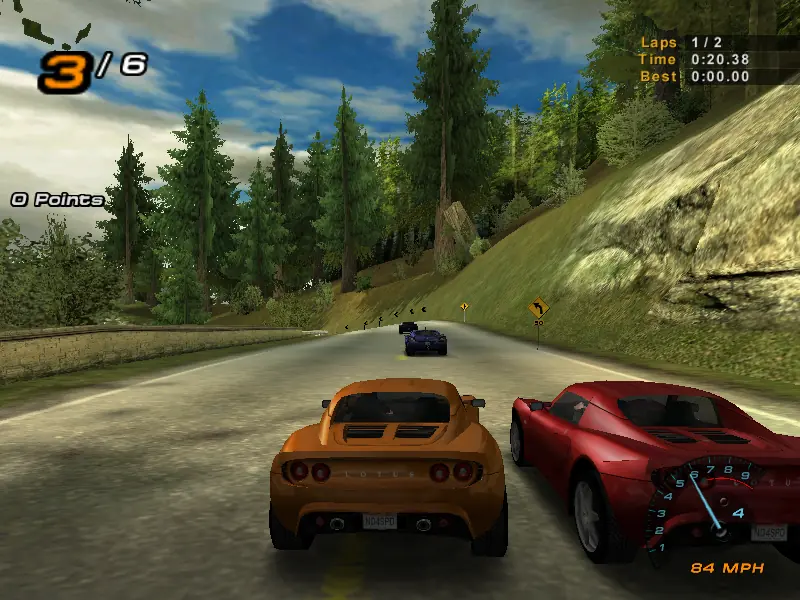
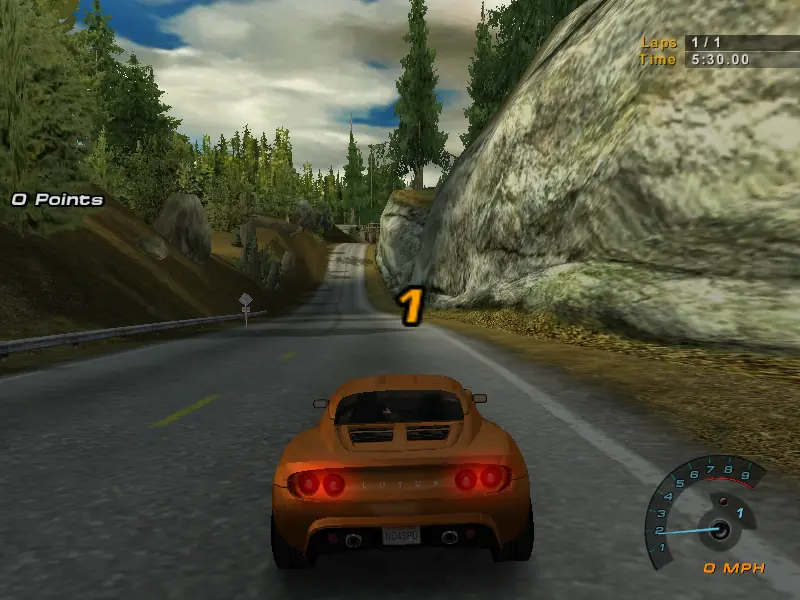
Need for Speed: Hot Pursuit 2 redefines the series for the PC with four play modes, five types of races, and online multiplayer action. In Single Challenge, players earn points based on performance to unlock new cars and tracks, while Hot Pursuit and Championship modes offer a series of races leading to "Ultimate Road Racer" and "World Champion" titles respectively. Hot Pursuit mode gives players 33 high-speed challenges ranging from fast getaways to chasing down speeders as a cop, while Championship mode consists of 33 events focusing more on skill than police evasion. Quick Race mode offers randomly generated single-player races with unlocked cars on available tracks.

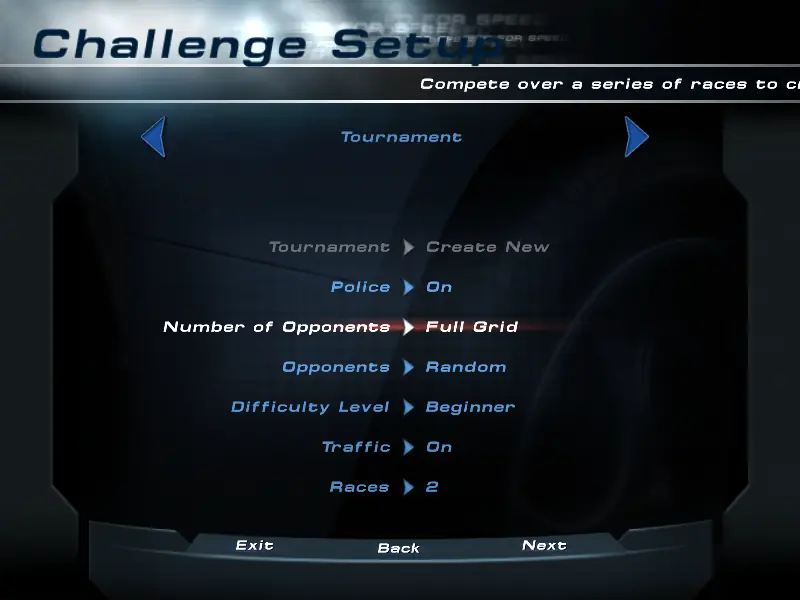
Race types available in Single Challenge, Hot Pursuit and Championship modes include standard race-to-the-finish-line events, "Be the Cop" races (chase down and run into targeted speeders), Lap Knockout (elimination racing against up to seven computer-controlled drivers), Tournament (design your own multi-race event), and Free Run (no time limits or opponents). In Single Challenge races, options include a choice of police presence or not, number of opponents, type of opponent vehicles, three difficulty settings, traffic, time limits (three, five, or seven minutes), and the number of races in a tournament (two to eight).

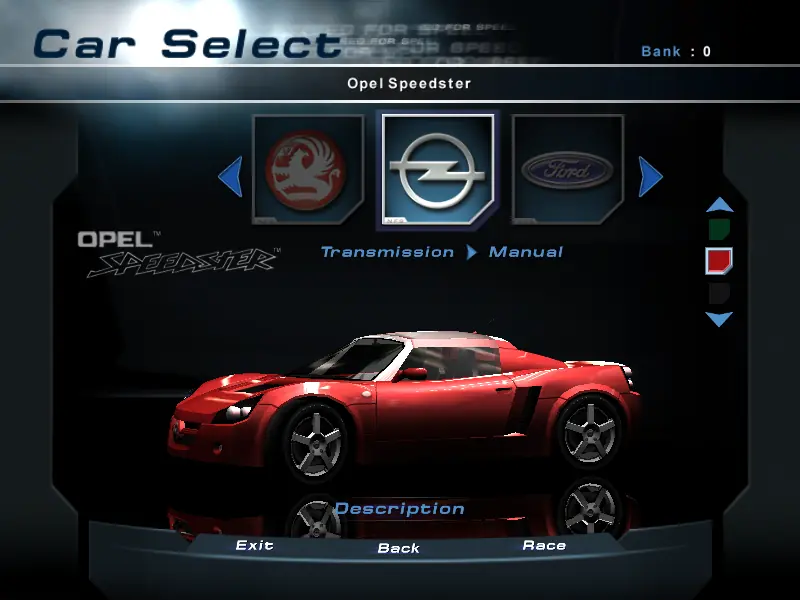
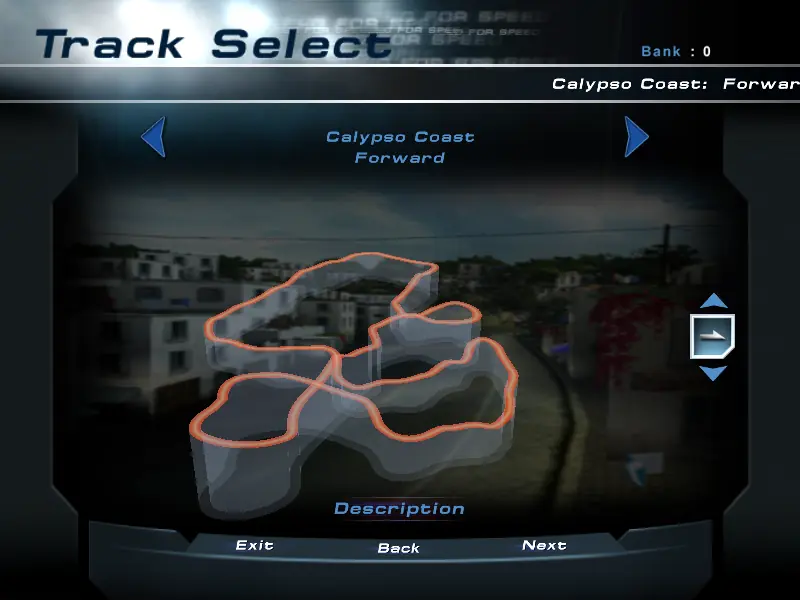
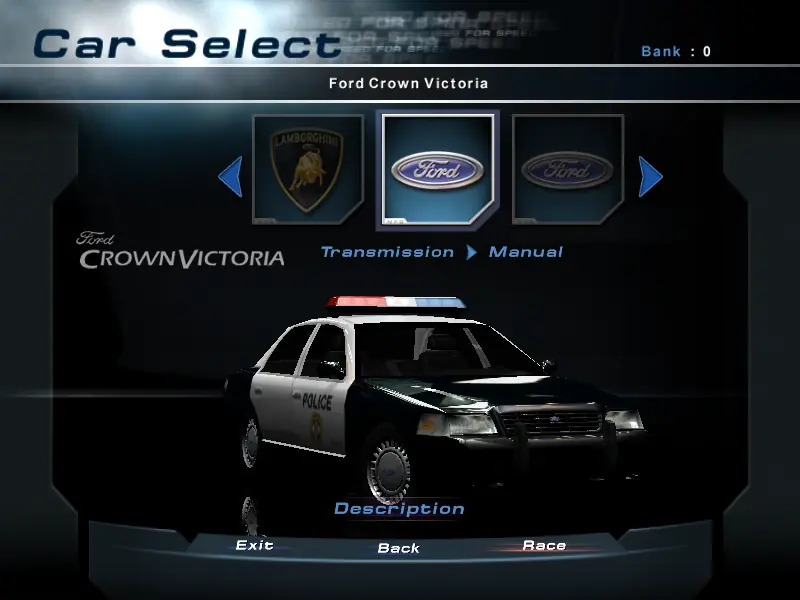
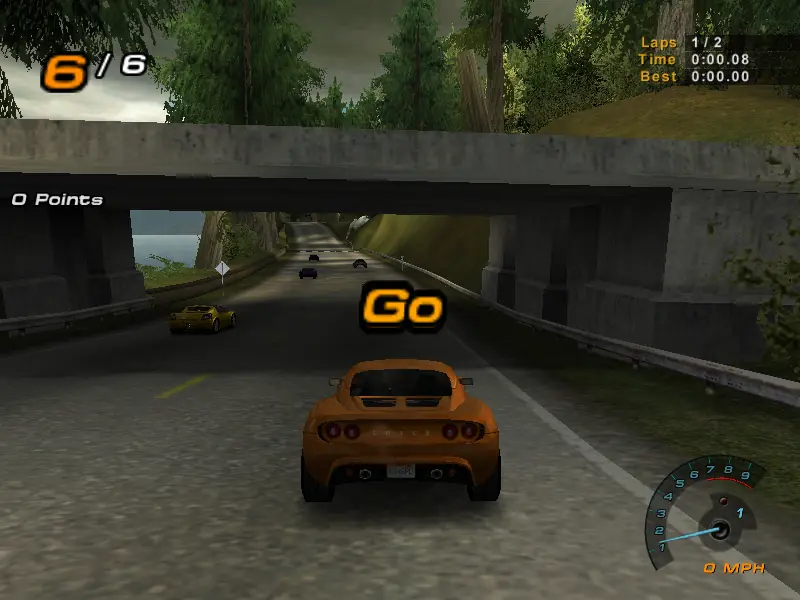
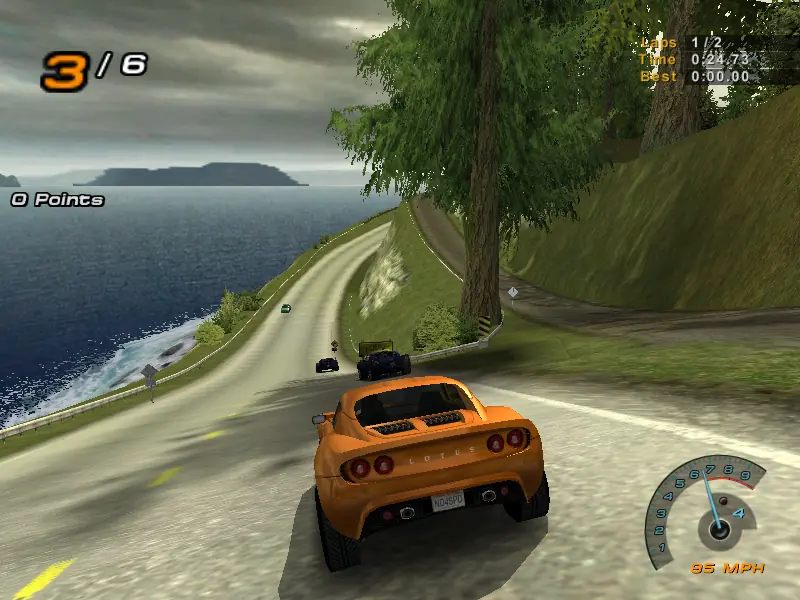
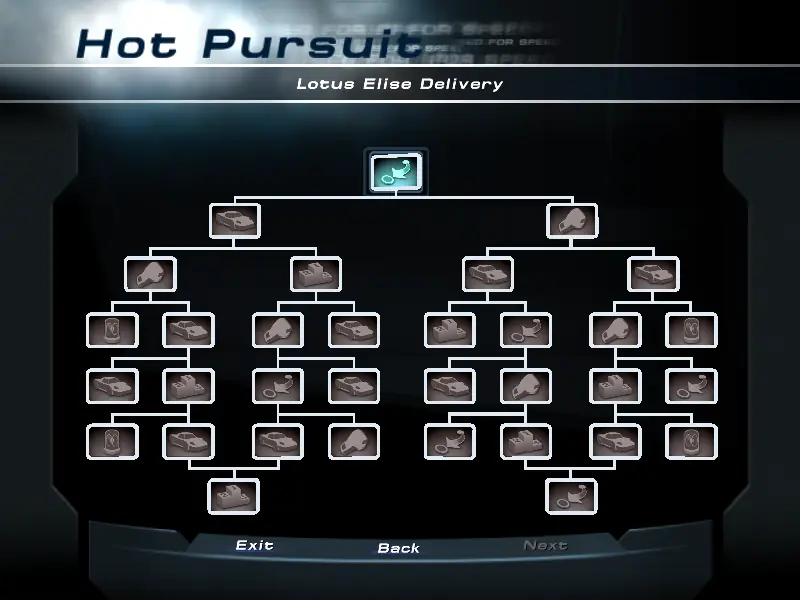
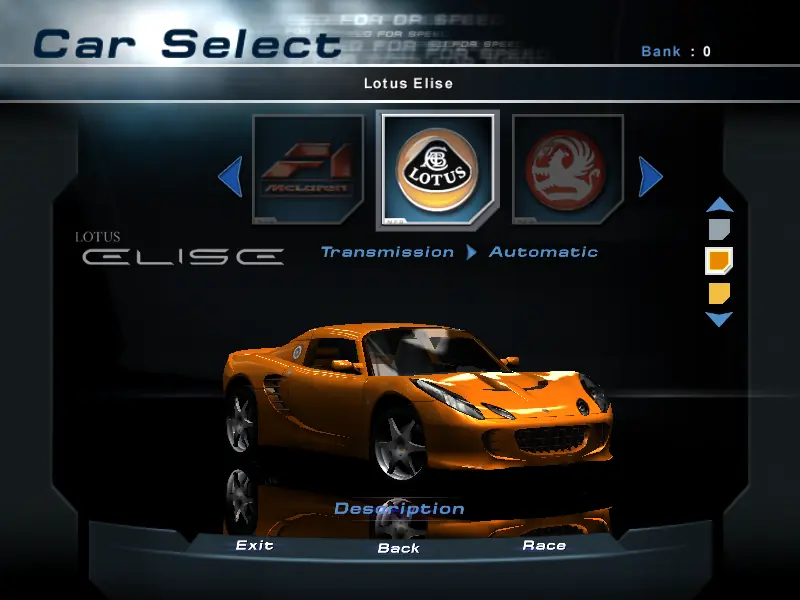
Tracks in Need for Speed: Hot Pursuit 2 feature shortcuts, escape routes, tunnels, reversible directions, mirror images, and much more, while Hot Pursuit and Championship modes include "trees" that allow gamers to select a specific path through an interconnected series of challenges and rewards. Players can choose from and unlock more than 20 world-class licensed cars from manufacturers including Ferrari, Lamborghini, Porsche, Jaguar, Mercedes, BMW, Viper, Corvettes, Mustang Cobras, Lotus, Vauxhall, and many more.

Automatic or manual shifting, slow-motion replays and other camera tricks, vehicle color selections, selectable HUD features, and customized audio with more than a dozen tracks from EA Games (including songs by Uncle Kracker and Rush), are but some of the options included. Need for Speed: Hot Pursuit 2 supports up to eight players via the Internet or a LAN.
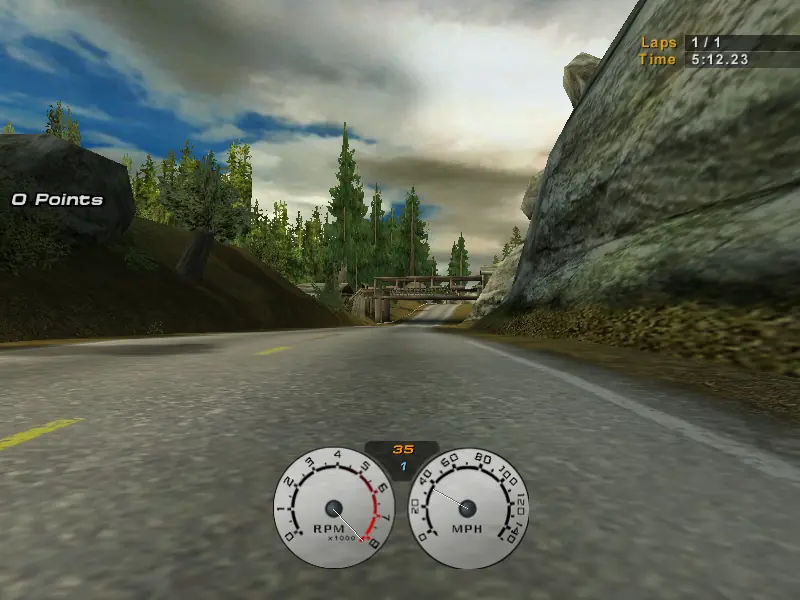
Screenshots

Windows

Need for Speed: Hot Pursuit 2 — Windows screenshot 1Need for Speed: Hot Pursuit 2 — Windows screenshot 2Need for Speed: Hot Pursuit 2 — Windows screenshot 3Need for Speed: Hot Pursuit 2 — Windows screenshot 4Need for Speed: Hot Pursuit 2 — Windows screenshot 5Need for Speed: Hot Pursuit 2 — Windows screenshot 6Need for Speed: Hot Pursuit 2 — Windows screenshot 7Need for Speed: Hot Pursuit 2 — Windows screenshot 8Need for Speed: Hot Pursuit 2 — Windows screenshot 9Need for Speed: Hot Pursuit 2 — Windows screenshot 10Need for Speed: Hot Pursuit 2 — Windows screenshot 11Need for Speed: Hot Pursuit 2 — Windows screenshot 12Need for Speed: Hot Pursuit 2 — Windows screenshot 13Need for Speed: Hot Pursuit 2 — Windows screenshot 14Need for Speed: Hot Pursuit 2 — Windows screenshot 15Need for Speed: Hot Pursuit 2 — Windows screenshot 16Need for Speed: Hot Pursuit 2 — Windows screenshot 17

Download Need for Speed: Hot Pursuit 2

Need for Speed: Hot Pursuit 2 is abandonware and no longer sold or supported by its publishers. Files are archived here for these platforms:

Windows (2002)

  • Need_for_Speed_Hot_Pursuit_2_Win_Preinstalled_EN.zipEN350.21 MB
  • Instructions Need_for_Speed_Hot_Pursuit_2_Win_Preinstalled_EN.zip

    How to play on Windows

    1. Click on the download button. It should redirect you to your download. Make sure you download the file properly and that your internet does not disconnect while downloading.
    2. Extract the “Need for Speed Hot Pursuit 2” folder to your desktop.
    3. Open the “Need for Speed Hot Pursuit 2” folder and then open the “Game Files” folder.
    4. Double click on the file called “NFSHP2.exe” to launch the game.
    5. Enjoy the game!

    Alternative instructions:

    1. Open the folder called “installation files” and then double click on the file called “setup.exe” (or the file called “AutoRun.exe” if that doesn’t work) to launch the game’s setup.
    2. Select “Install” and they will ask you to put in a CD-key. The key you can use is “8249-7ee3-84ew-txgt”.
    3. Click “Ok” and complete the game setup. If they ask you to insert CD-ROM at the end of the setup, just click on “Ok”, there’s still a few more steps that you need to do.
    4. In the game files folder, find the folder called “Patch” and double click the file in there called “NFSHP2_Setup_242.exe” to apply the game patch.
    5. Next, go back into the “Game Files” folder, and then open the folder called “crack”. In there, you will see a file called “nfshp2.exe”. You want to right click on that file and select “Copy”.
    6. Go into the installation directory where you installed the game – by default, this will be “C:// – Program Files (x86) – EA Games – Need for Speed Hot Pursuit 2” and paste the file. When prompted, choose “Replace the file in the destination”.
    7. Go back into the “installation files” folder, and then select the following folders: “Actors, AI, Audio, Cars, Movies, Particle, Tracks”, right click on them and then select “Copy”.
    8. Go back into the installation directory of the game and paste these folders.
    9. You can now launch the game from the desktop shortcut – run the game in as an administrator or in compatibility mode for Windows 7 if you get any errors.
    10. Enjoy the game!

Other resources

Comments

59 thoughts on “Need for Speed: Hot Pursuit 2”

  1. -6
    “Need for Speed Hot Pursuit 2 is unable to continue because My Documents is full or mapped to a read-onw path. This situation prevents save files from being created.”
    Reply
  2. 0
    The game runs very smoothly, but unfortunately I can’t set the resolution to 1920×1020. Can anyone give me instructions on how to do this?
    Reply
  3. 0
    hey, ive got a windows 11 and ive done all the steps right for windows and everytime i launch it it starts the screen goes black then it just exits out nothing happens. plz help
    Reply
  4. 0
    When we play it in the multiplayer mode with 2 PCs. it shows key authorization failure or multiple use conflict. any ideas. Thanks
    Reply