Home » Games » Need for Speed II: Special Edition
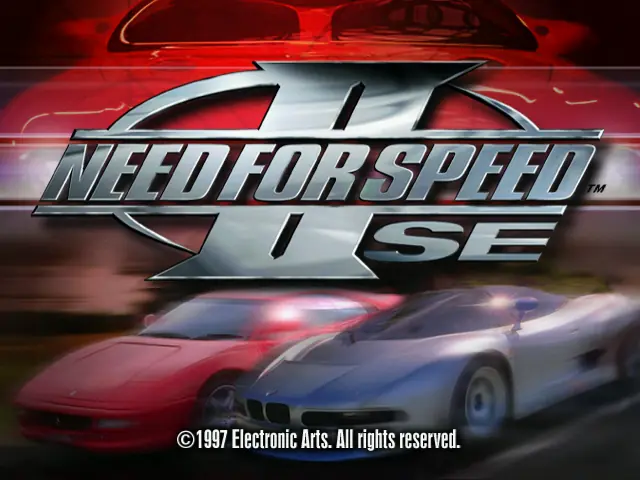
Need for Speed II: Special Edition

Need for Speed II: Special Edition Game Cover
4.7/5 - 155 votes

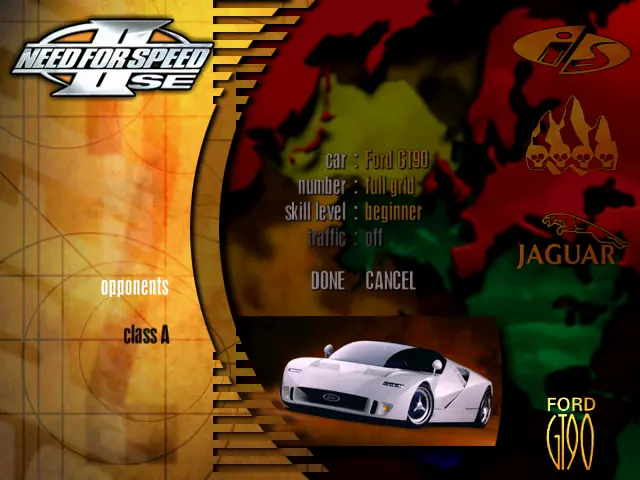
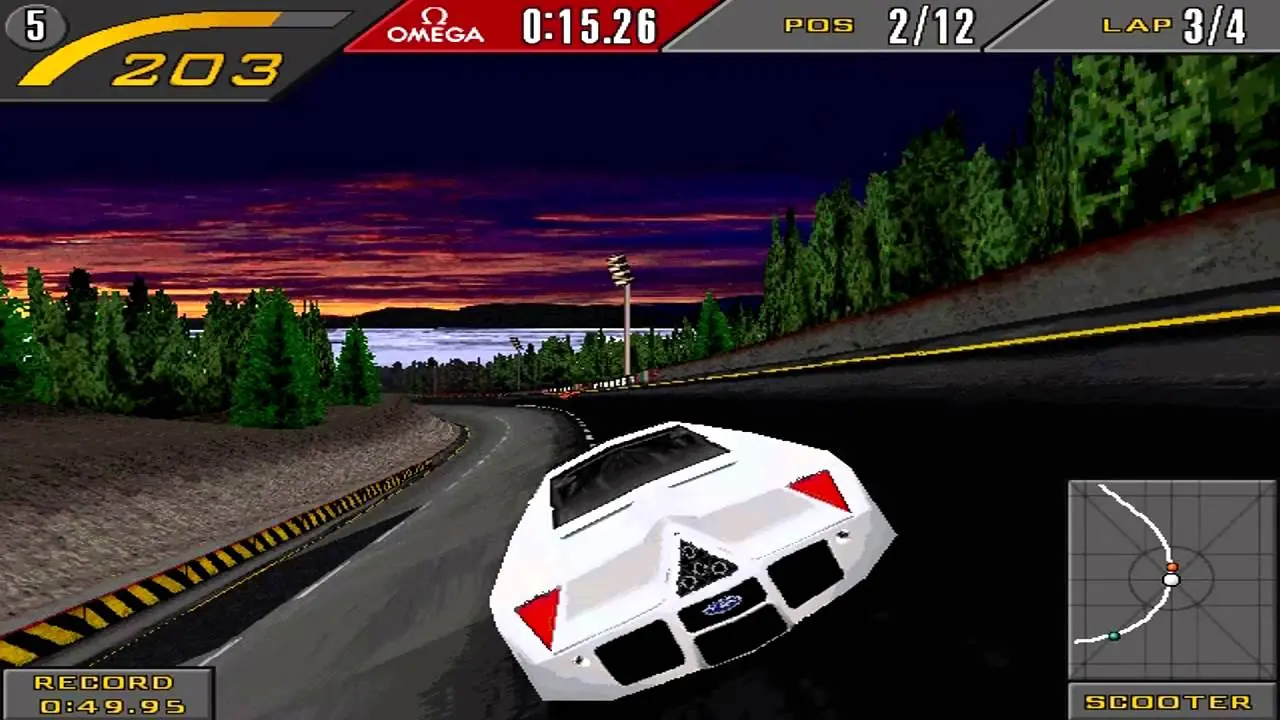
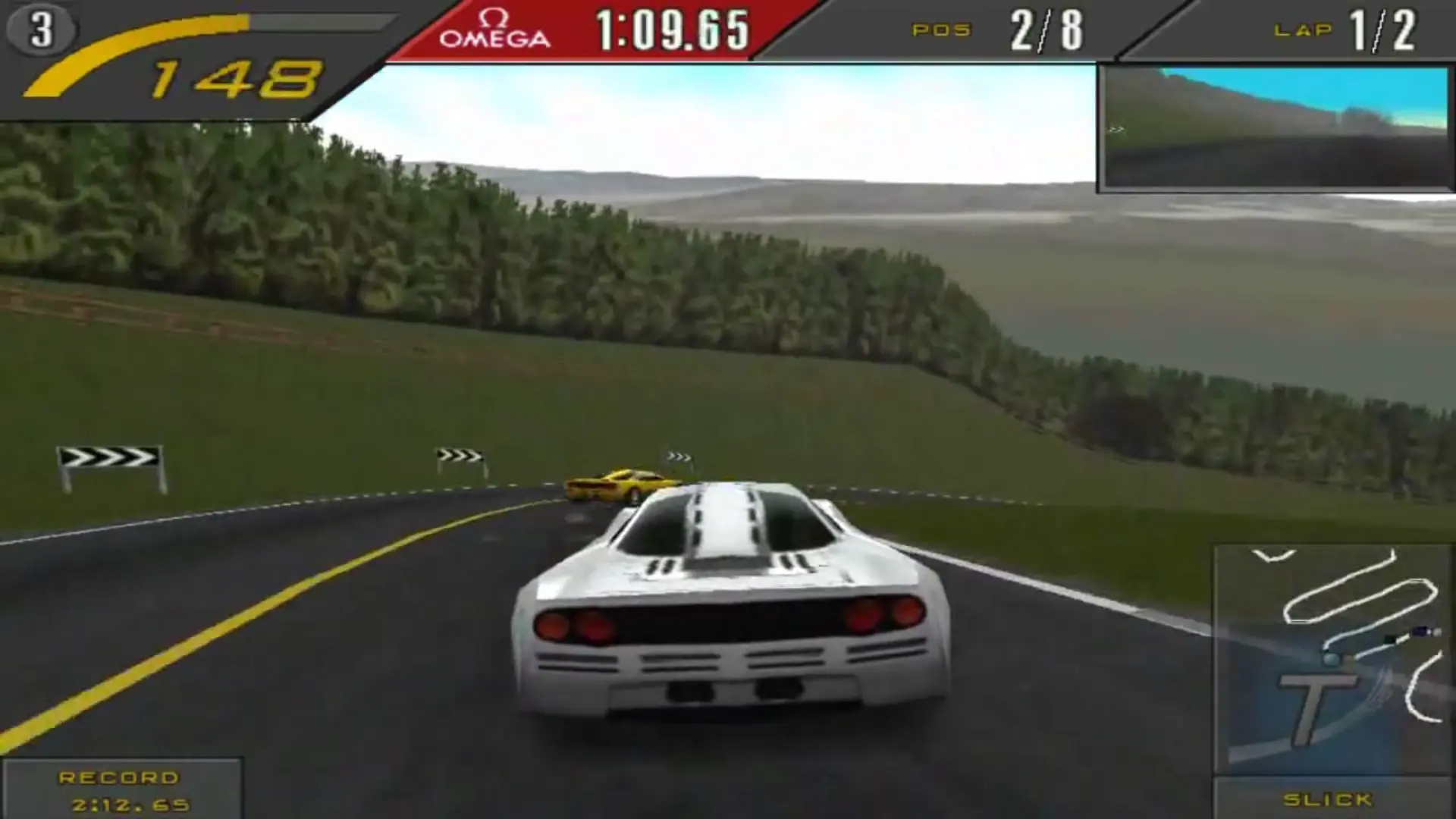
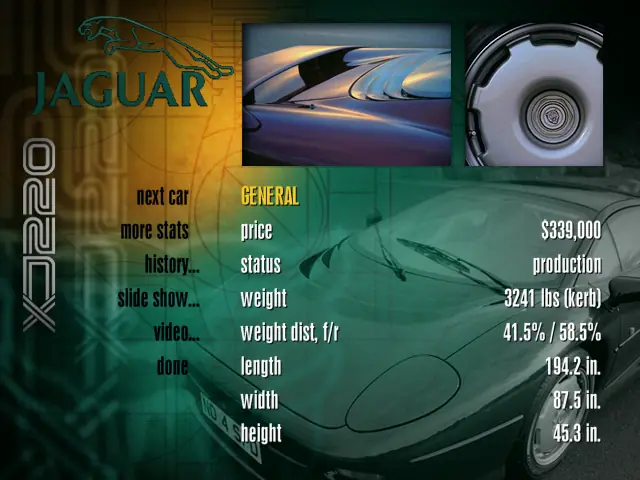
Need for Speed II: Special Edition adds a track, six cars, a Wild driving mode, and 3dfx Glide hardware acceleration to Need for Speed II.
Other Titles

Need for Speed II: SE极品飞车II: 特别版NFS2:SE

Genres
Publishers
Developers
,
Released
Platforms
Download

Screenshots

Windows

Need for Speed II: Special Edition — Windows screenshot 1Need for Speed II: Special Edition — Windows screenshot 2Need for Speed II: Special Edition — Windows screenshot 3Need for Speed II: Special Edition — Windows screenshot 4Need for Speed II: Special Edition — Windows screenshot 5Need for Speed II: Special Edition — Windows screenshot 6

Download Need for Speed II: Special Edition

Need for Speed II: Special Edition is abandonware and no longer sold or supported by its publishers. Files are archived here for these platforms:

Windows (1997)

  • Need_for_Speed_II_Special_Edition_Win_Preinstalled_EN.zipEN108.74 MB
  • Instructions Need_for_Speed_II_Special_Edition_Win_Preinstalled_EN.zip

    How to play on Windows

    1. Download and then install the file called nGlide from here.
    2. Download and extract Need_for_Speed_II_Special_Edition_Win_Preinstalled_EN.zip
    3. Open the “Game Files” folder.
    4. Right click on the file called “PatchInstall.bat” and then select “Run as administrator.”
    5. Right click on the file called “nfs2sea”, go to “Properties” and then “Compatibility” and select Windows 7. Also check the box which says “Run as an administrator”.
    6. Launch the game by double clicking on “nfs2sea.exe”
    7. Enjoy the game!

Comments

37 thoughts on “Need for Speed II: Special Edition”

  1. 0
    UPDATE: I copied the music and movie files from the CD to make them play. Music plays properly along with almost all videos. ALMOST, because 1 video doesn’t play: the intro. Everything else works fine. As earlier, I applied all 4 *.sdb patches in the folder. But remember to use the later dgvoodoo, not the one included in the preinstalled version available here. I tested the accelerated version and it works as it should, but the image quality is poor. Is it because I screwed something up? Now I’m asking you how to enable the intro video. Maybe you have an idea how to force this ONLY video to play?
    Reply
  2. 0
    Guys u need the disc image file of the with this file to run it. Download the disc image separately from somewhere else. A disc image contains file from the game’s cd
    Reply
  3. 0
    UPDATE: I copied the music and movie files from the CD to make them play. Music plays properly along with almost all videos. ALMOST, because 1 video doesn’t play: the intro. Everything else works fine. As earlier, I applied all 4 *.sdb patches in the folder. But remember to use the later dgvoodoo, not the one included in the preinstalled version available here. I tested the accelerated version and it works as it should, but the image quality is poor. Is it because I screwed something up? Now I’m asking you how to enable the intro video. Maybe you have an idea how to force this ONLY video to play?
    Reply
  4. -1
    NFS II Se doesn’t work properly. I downloaded the preinstalled version from HERE and I’ll tell you this: the game got stuck when I tried to play a showcase video even after I applied the *.sdb patches (all 4) in the folder! I used later version of dgvoodoo, so I could run the game. I found 2 dsound files and copied them to the game directory, so the sound isn’t distorted. It’s delayed by… half a second or so. I can’t recommend the preinstalled version available here. But why isn’t its incompleteness stated here? I mean: the game has no music or videos. Oh well, I ran the nfs2sen.exe file, so I couldn’t test the accelerated game (nfs2sea.exe you recommend running). At least I could save a lap record and settings…
    Reply
  5. 0
    I downloaded it and followed the steps and it worked, the game started, although there was not the menu game, but when I clicked to start the race it would not load, and I had to force shutdown because I couldn’t even open Task manager by ctrl alt del. Sad. For a moment I thought it would work
    Reply
  6. 0
    Hey,

    Firstly Thank you for wonderful website

    I have installed the need for speed SE but it runs perfectly but as I click on start the race loading screen does’t proceed to next screen

    Reply