Home » Games » NHL 2004

NHL 2004

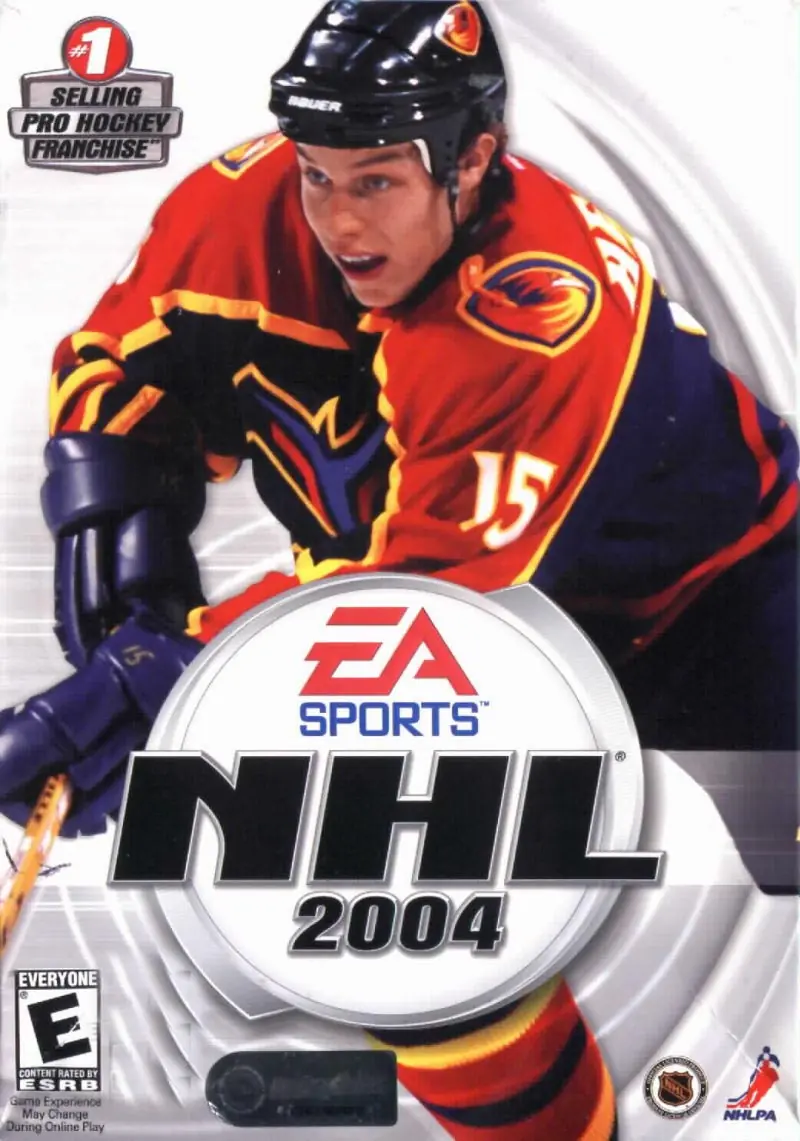
NHL 2004 Game Cover
4.6/5 - 13 votes

Updated rosters, enhanced play modes, beefed-up character animation and great pro commentary give this game the edge on the ice.

Genres
Publishers
Developers
Released
Platforms
Download

About NHL 2004

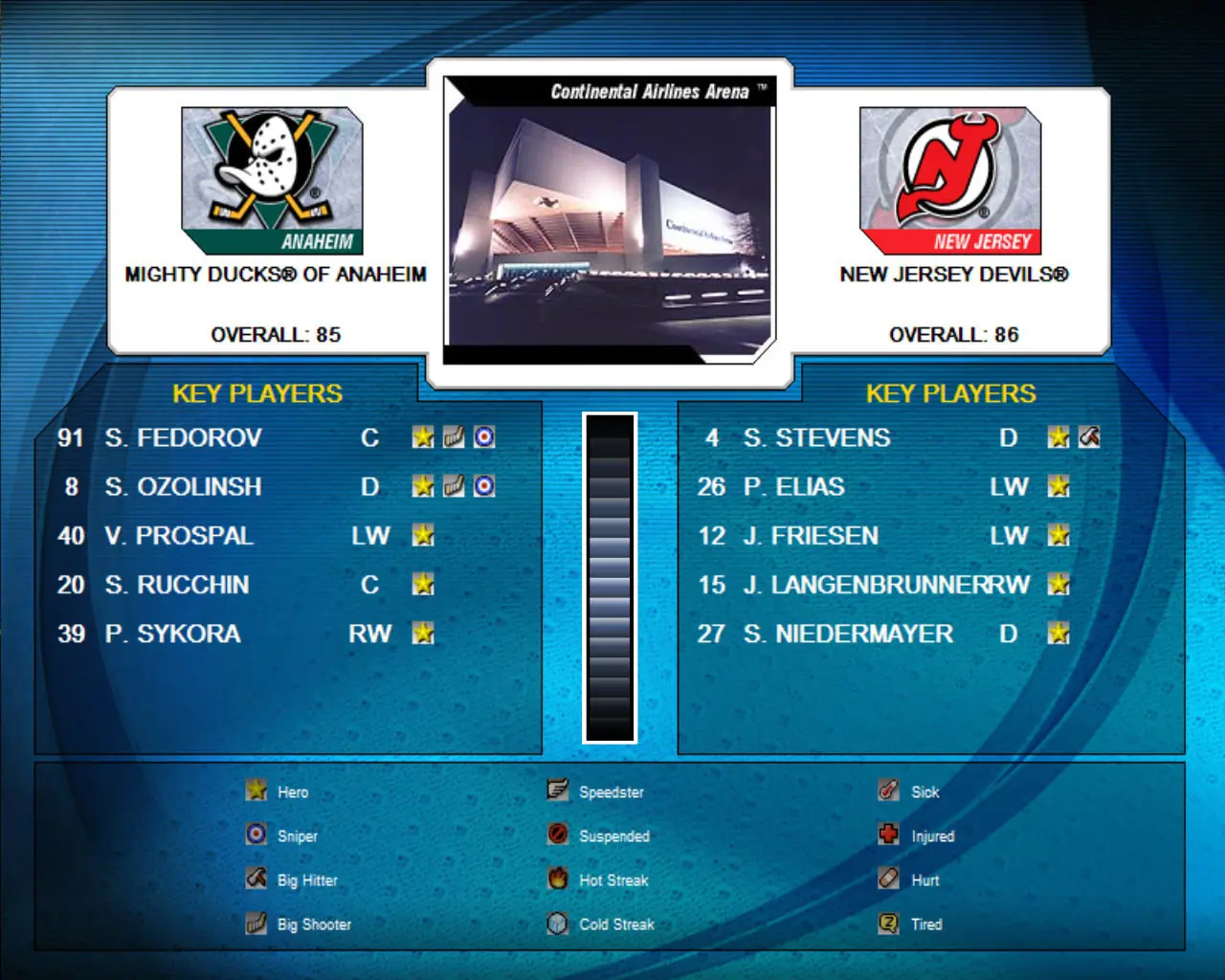
The game included many improvements to its gameplay (more realistic puck and rebound control and better checking) and game modes (a completely reworked franchise mode renamed "Dynasty"). In addition to the gameplay improvements, one particular non-gameplay improvement was added. When a team wins the Stanley Cup Final, a large-scale celebration ensues. It included players skating around the ice holding the Cup over their heads. This then led to the common snapshot of the team and the coaches that holds true in the NHL. A "secret" song ("Shatterday" by Vendetta Red) plays while the animation shows the stats of the players in the picture, ending with the captain. Because of these additions, it was praised as one of the best games in the series to date.
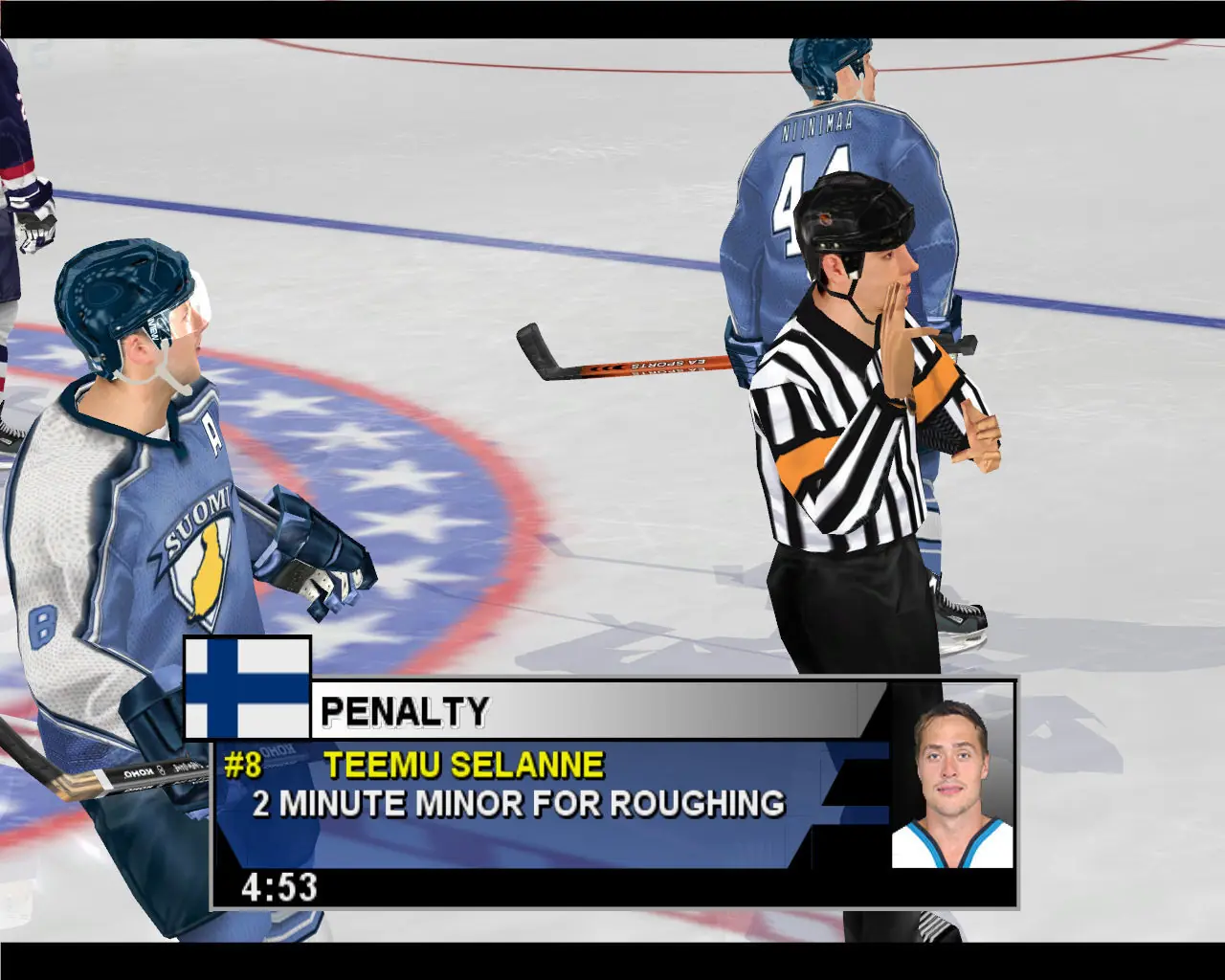
Screenshots

Windows

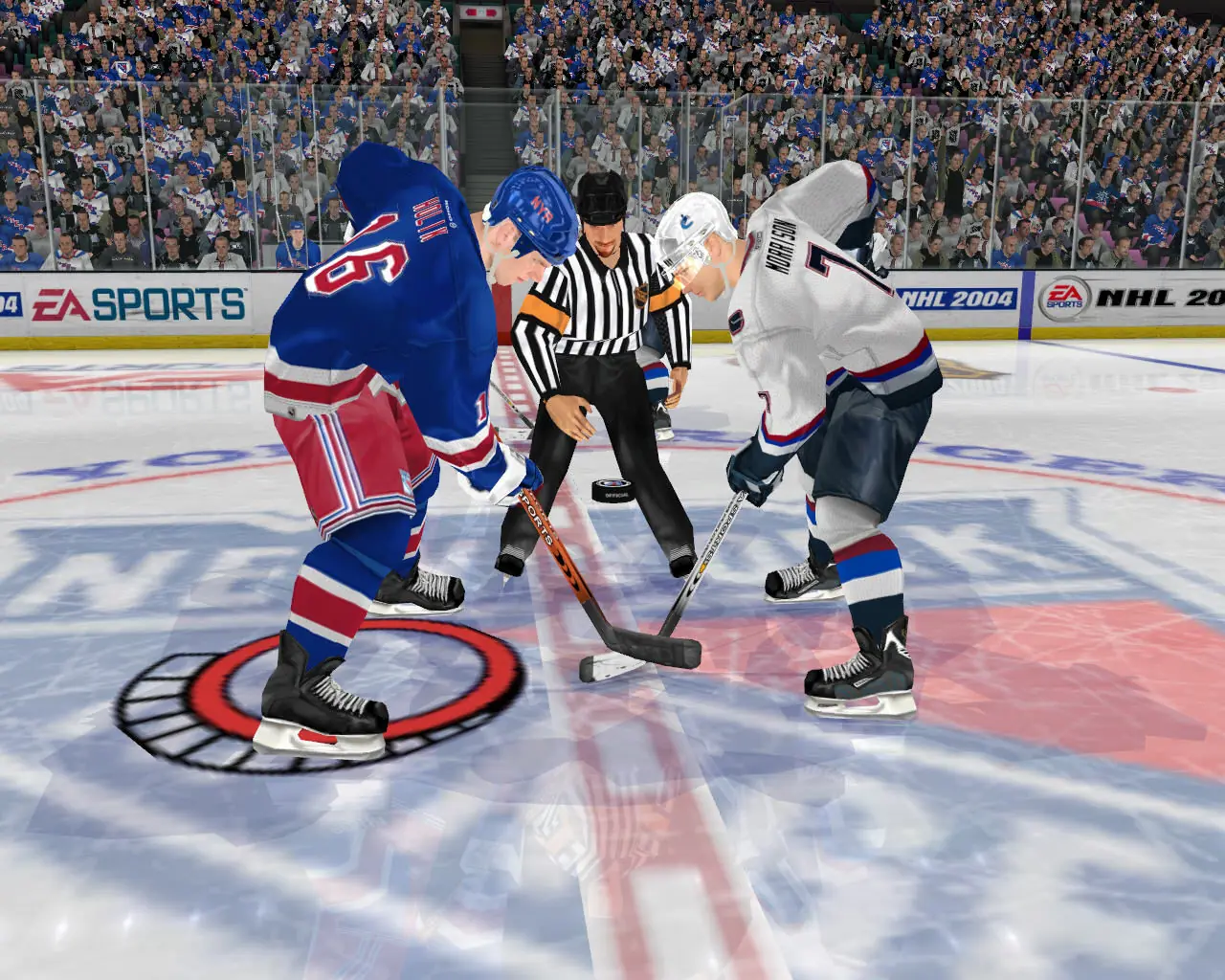
NHL 2004 — Windows screenshot 1NHL 2004 — Windows screenshot 2NHL 2004 — Windows screenshot 3

Download NHL 2004

NHL 2004 is abandonware and no longer sold or supported by its publishers. Files are archived here for these platforms:

Windows (2003)

  • NHL_2004_Win_ISO_EN.zipEN1.01 GB
  • Instructions NHL_2004_Win_ISO_EN.zip

    How to play on Windows

    1. Mount disc 1 and disc 2
    2. Run setup and install game - when asked for serial key, used the one provided in the .txt file
    3. Run patch v1.04
    4. Copy-paste nhl2004.exe from the "NoCD" folder to the game installation directory
    5. Enjoy!

Comments

11 thoughts on “NHL 2004”

  1. 0
    Tried to install the game multiple times. Did everything correctly(The No CD Crack, V 1.04 Patch, installations into a newly created folder, etc.) Got the blank screen error. Just to find out that the MEGA download didn’t have a [movie] file folder that subsequently froze the game upon loading. Basically the MEGA download for some reason doesn’t have the files for the loading screen to get into the menus. Be wary of this. And Devs, if this has been solved, let me know. Other download got taken down because of DCMA copyright issues.
    Reply
  2. 0
    I got the game to work on windows 10, can create a Dynasty mode, but once you try to load it the game crashes. Play Now works fine. Thanks for bringing back some good memories 🙂
    Reply
  3. 0
    when i run the application it gives a bunch of errors in the script and then goes to a white screen, i did not know what moving the exe to the installation directory meant so that could be it but I’m really lost
    Reply
  4. 0
    I’ve installed it, but it apparently it has problems initializing my 3d accelerator card and/or video. Not sure how my video card could have trouble running a 20 year old game?
    Reply
    • 0
      Same thing happened to me, it was installed in the wrong directory. I installed it in C:\Program Files (x86)\EA Sports, everything ran fine but the menu didn’t work. Uninstalled, installed in a folder I created named C:\Games, worked like a charm.
      Reply
  5. 0
    hey there, two questions:
    1. How do you mount?
    2. Where is the setup? Thanks very much 🙂
    Reply