Pop Life
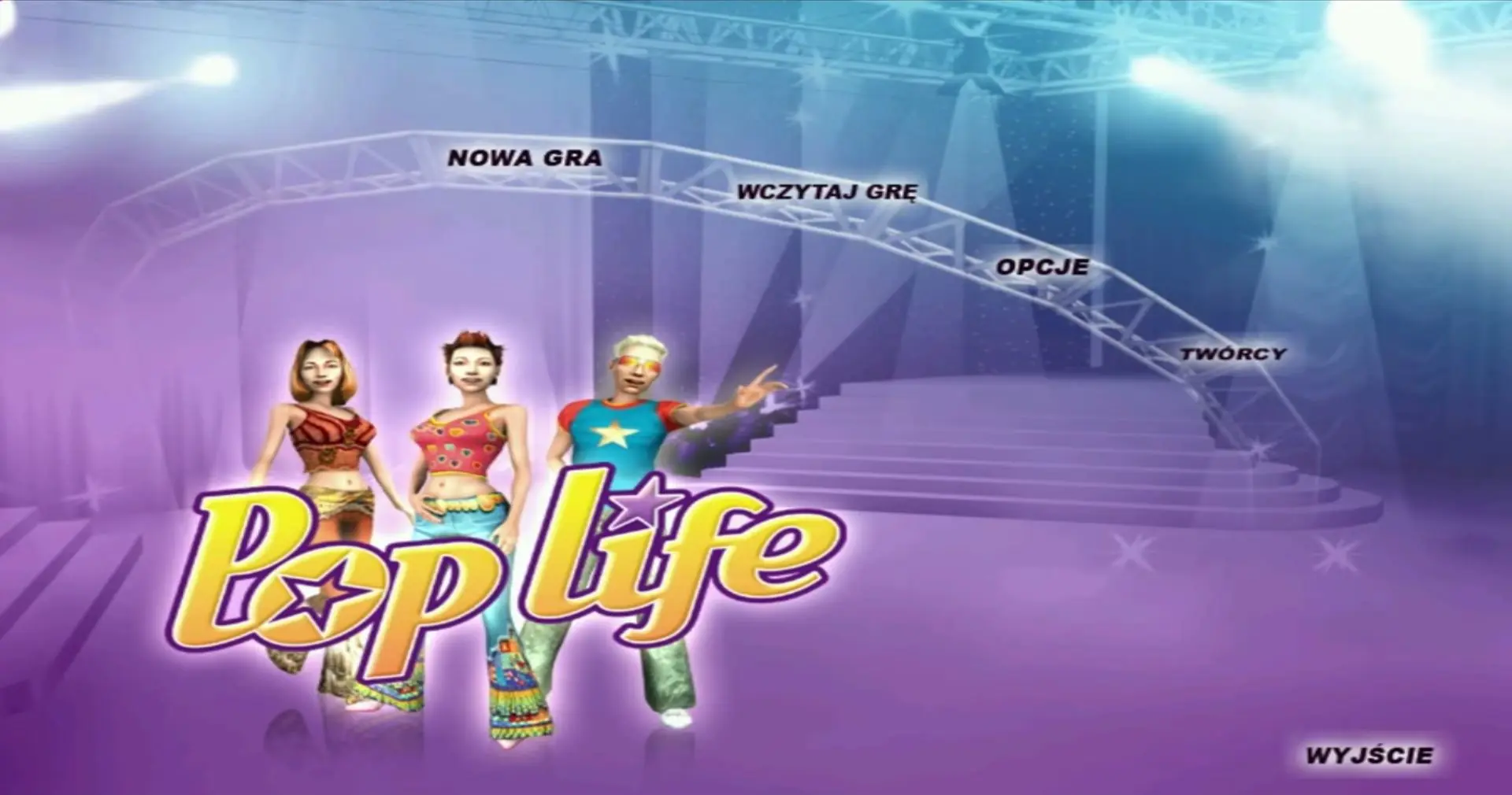
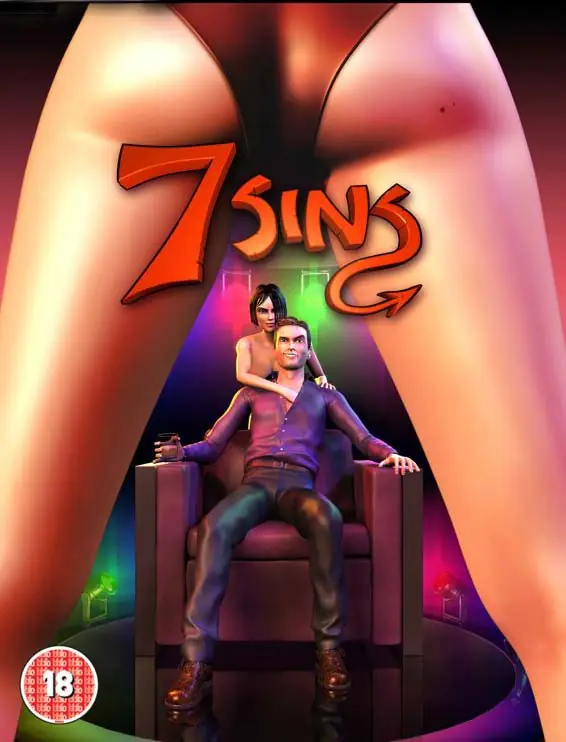
Pop Life is a 2005 simulation game developed and published by Monte Cristo Multimedia.
Genres
Publishers
Developers
Released
Platforms
Pop Life is a 2005 simulation game developed and published by Monte Cristo Multimedia.
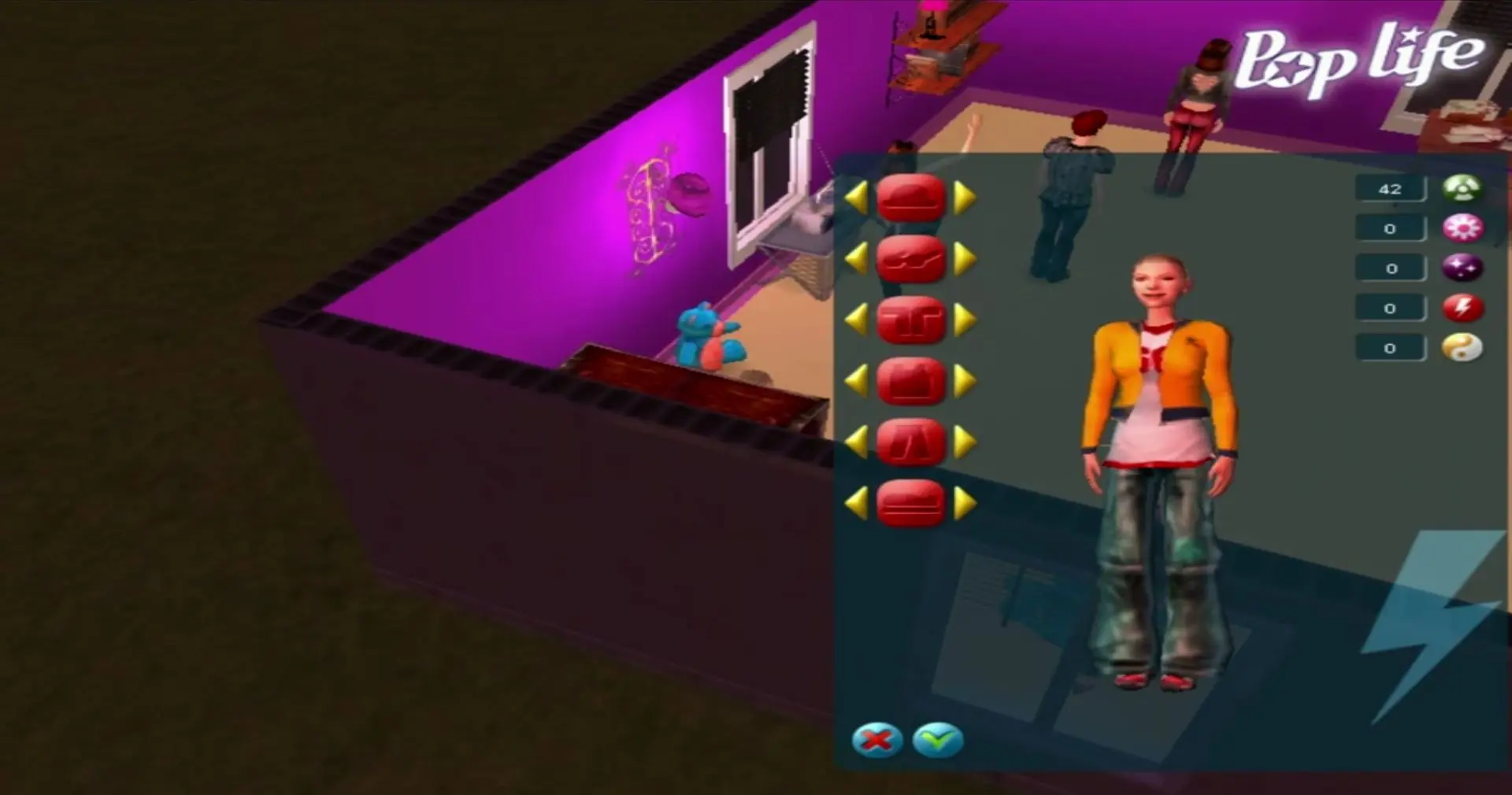
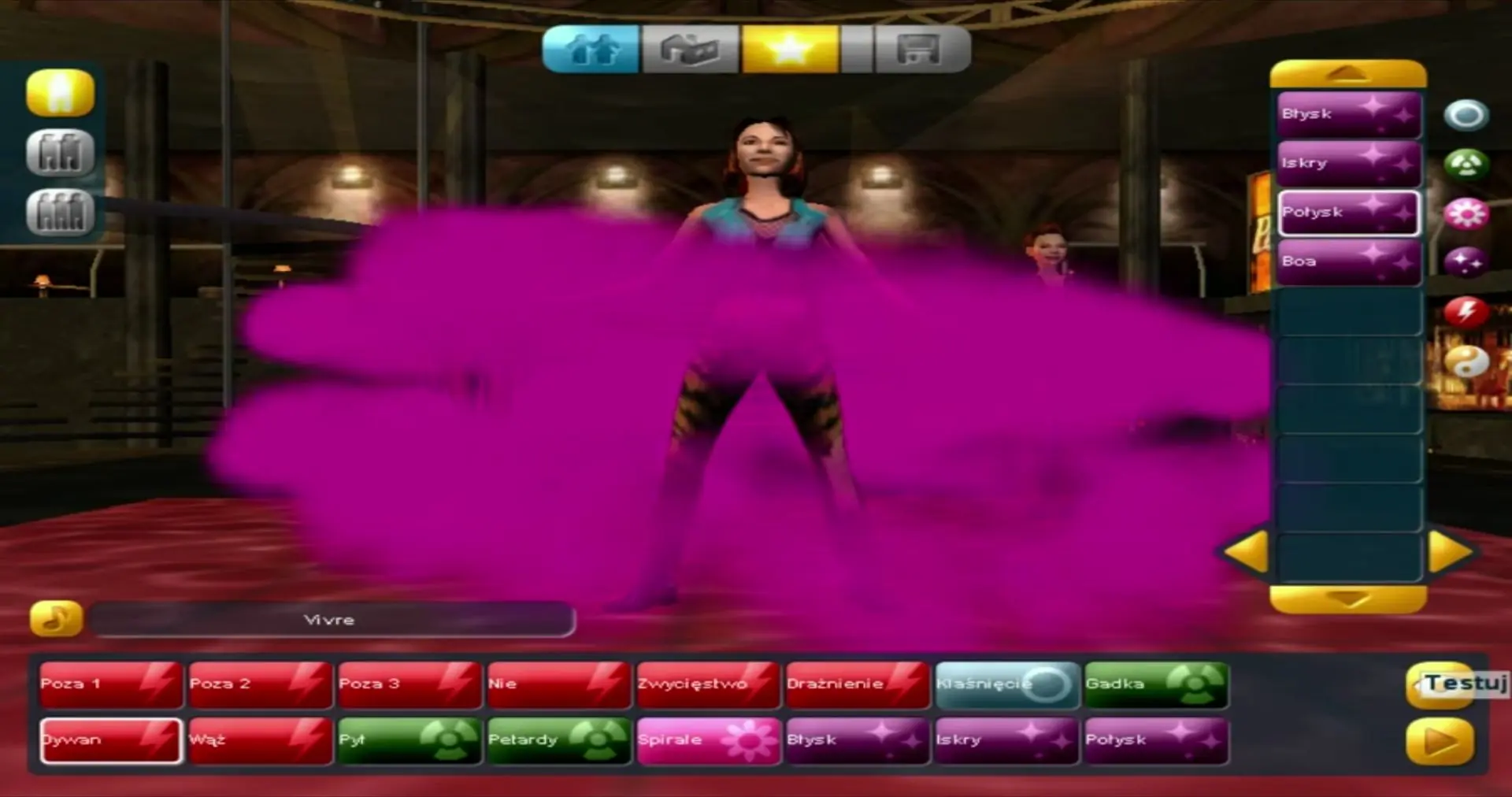
Pop Life is abandonware and no longer sold or supported by its publishers. This game was preserved thanks to a community donation - see our missing games page for credits and titles we're still looking for.









The item is not available due to issues with the item’s content.
• Right click on the game icon and click on properties. Go to the “Compatibility” tab and then:
• Check the box next to “Run this program in compatibility mode for” and then select “Windows XP (Service Pack 2)” in the drop down menu.
• Check the “Run as an administrator”
• And then click on “Apply” and then click on “Okay”. Now, launch the game by double clicking on the game icon.
If you are having lag problems with this game I recommend you doing the following steps: https://www.youtube.com/watch?v=fZDHgmK5VmE&ab_channel=Dingi
This helped me solve every single issue I had with the game. Also this works for other older games too.
Have fun!
Check out my comment at the top!
• Right click on the game icon and click on properties. Go to the “Compatibility” tab and then:
• Check the box next to “Run this program in compatibility mode for” and then select “Windows XP (Service Pack 2)” in the drop down menu.
• Check the “Run as an administrator”
• And then click on “Apply” and then click on “Okay”. Now, launch the game by double clicking on the game icon.
I’d like to ask you if someone could just tell me how can I even play the game on Windows 10? Is that even possible? Thanks a lot for any help.
https://taigame.org/game/fame-academy
I tested it on and it works fine