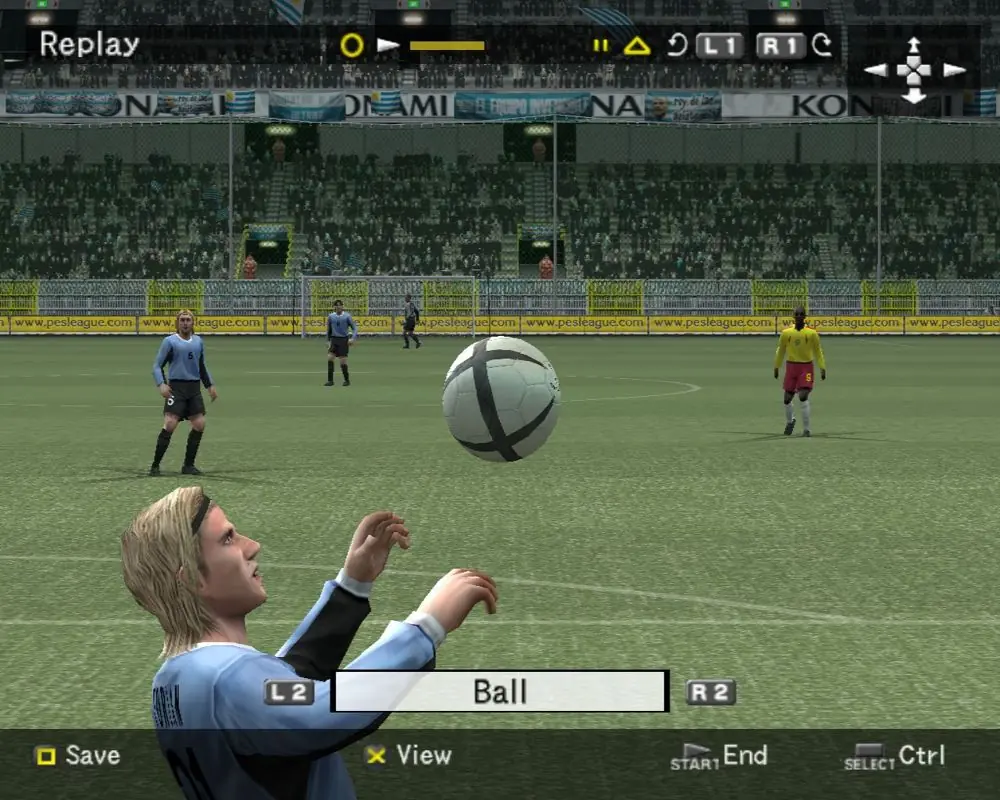
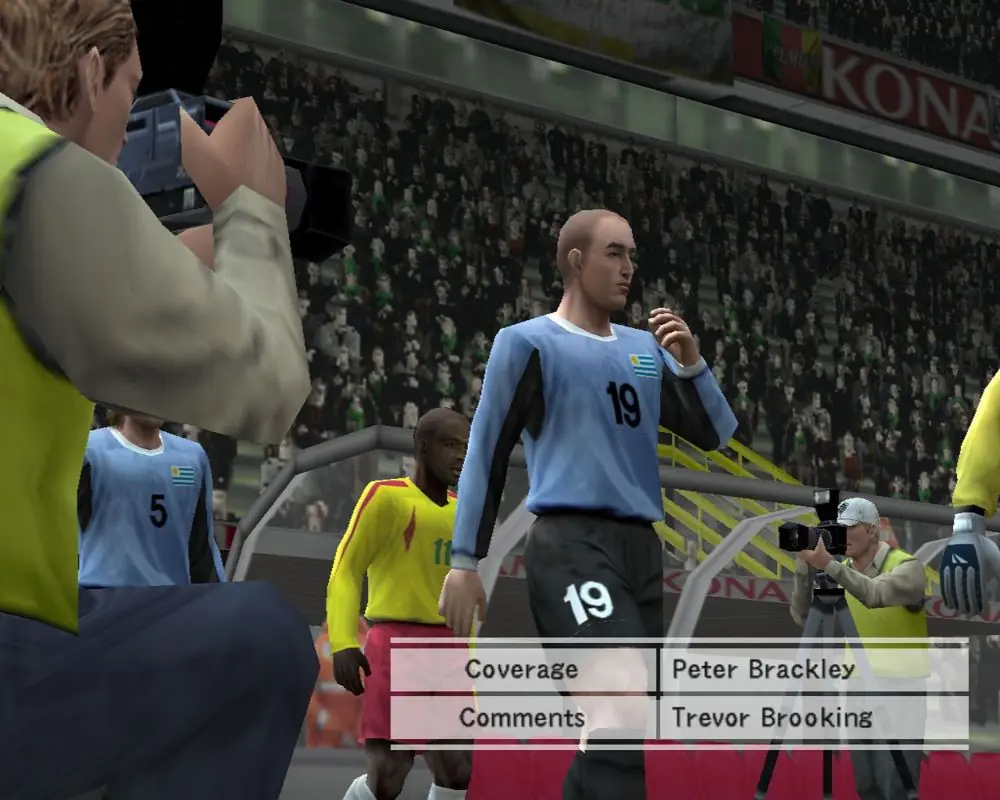
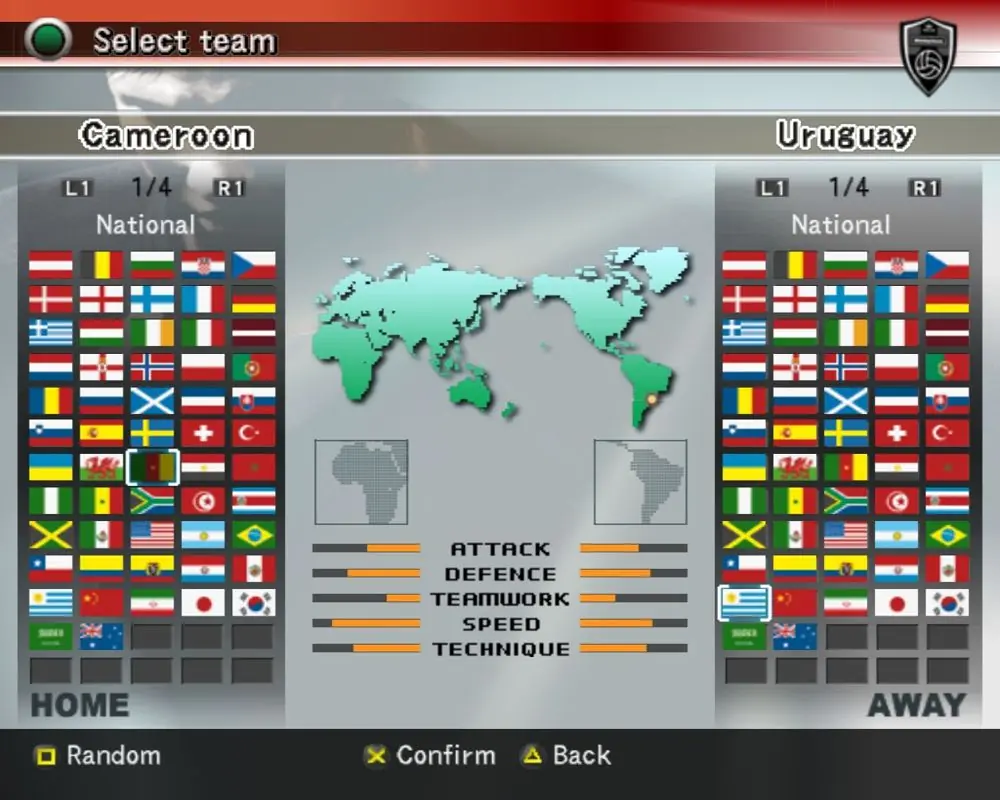
Pro Evolution Soccer 4 (known as World Soccer: Winning Eleven 8 in Japan and World Soccer: Winning Eleven 8 International in North America) is the fourth installment of Konami's Pro Evolution Soccer football simulation video game series. It's the first game of the series to appear on the original Xbox, with online gameplay.
The Japanese version cover features Zico for the second time in a row.
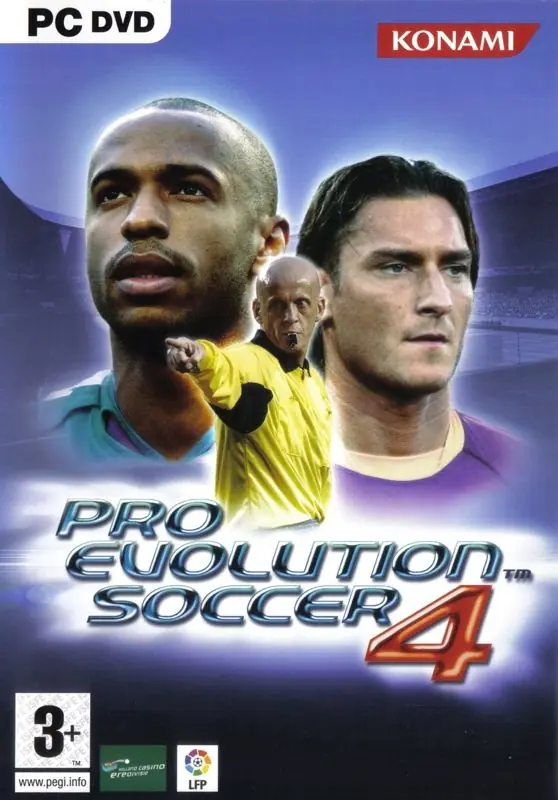
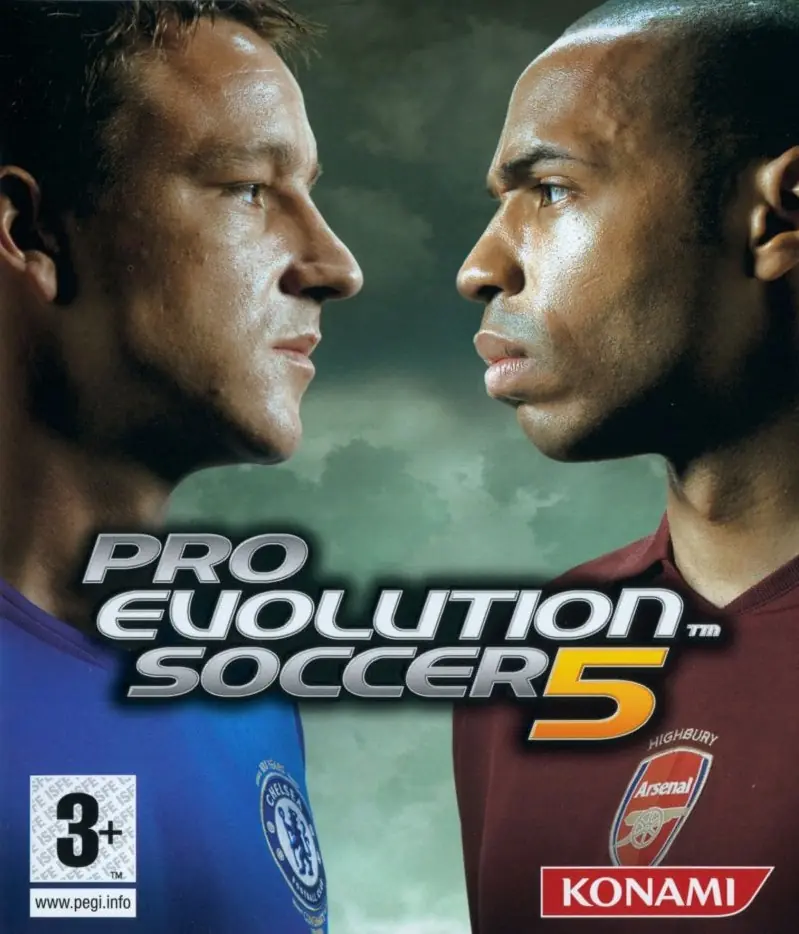
The European version cover features Arsenal striker Thierry Henry, AS Roma forward Francesco Totti, and world-renowned Italian referee Pierluigi Collina. It was the first game in the series to feature licensed leagues.
Pro Evolution Soccer 4 is abandonware and no longer sold or supported by its publishers. Files are archived here for these platforms:
How to play on Windows (Preinstalled / Russian)









Windows Registry Editor Version 5.00
; Pro Evolution Soccer 4 registry
; Generated by RegFiles.net
; https://www.regfiles.net/registry/pro-evolution-soccer-4-registry
[HKEY_LOCAL_MACHINE\SOFTWARE\Wow6432Node\KONAMI\PES4]
“installdir”=”Path”
“lang_e”=dword:00000001
“lang_f”=dword:00000000
“lang_g”=dword:00000000
“lang_i”=dword:00000000
“lang_s”=dword:00000000
“installfrom”=”D:”
Pls fix this
aparece o erro: “the game is not properly installed”
tentei criar uma pasta da KONAMI no disco C:, distribui os arquivos, ainda assim diz que não está instalado.
https://media4.giphy.com/media/d7rvF20PqNuGKSQGhf/giphy.gif