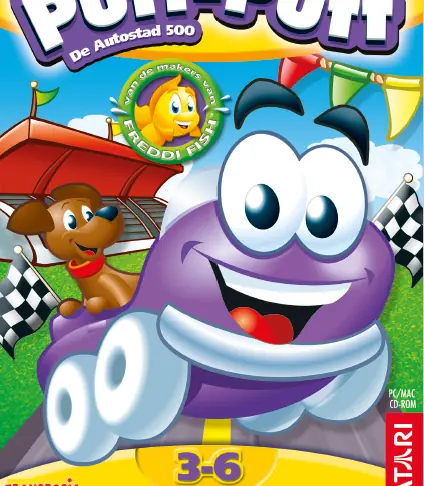
Putt Putt 2 – De Reis Door De Tijd
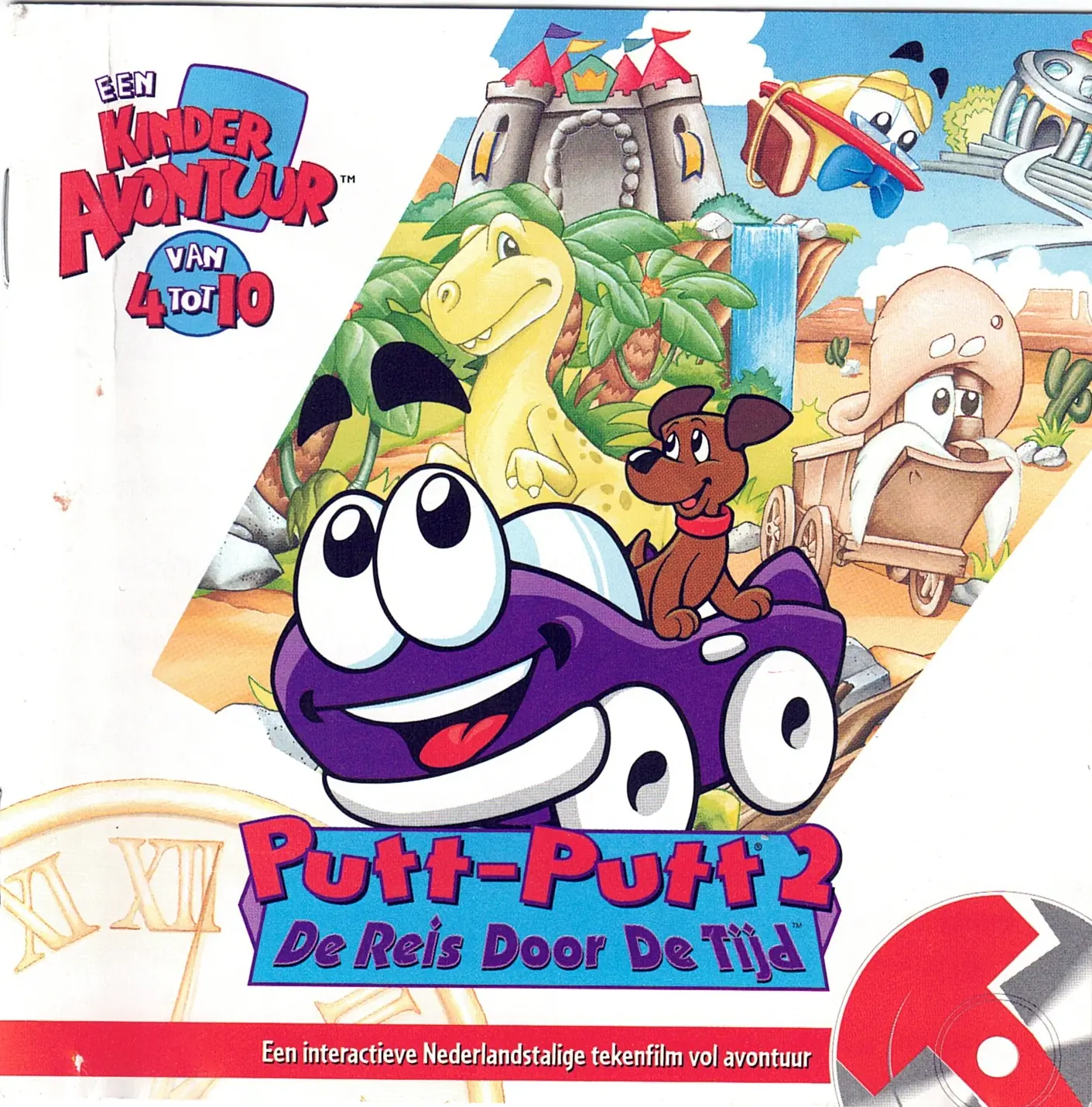
Mr. Firebird's time machine has gone haywire and Putt-Putt's® best pal Pep, is lost somewhere in time.
Genres
Publishers
Developers
Released
Platforms
Mr. Firebird's time machine has gone haywire and Putt-Putt's® best pal Pep, is lost somewhere in time.
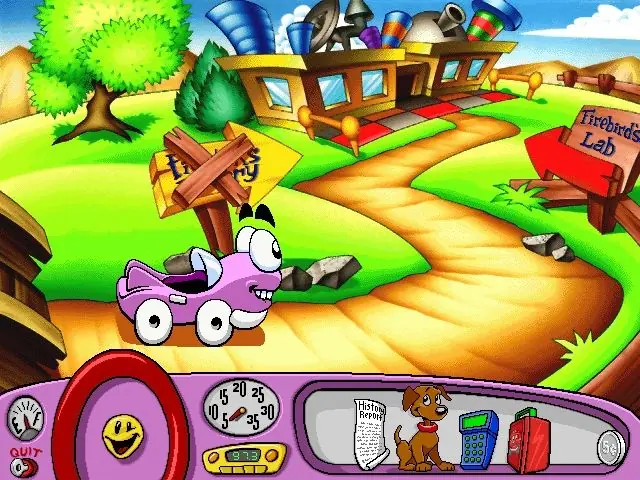
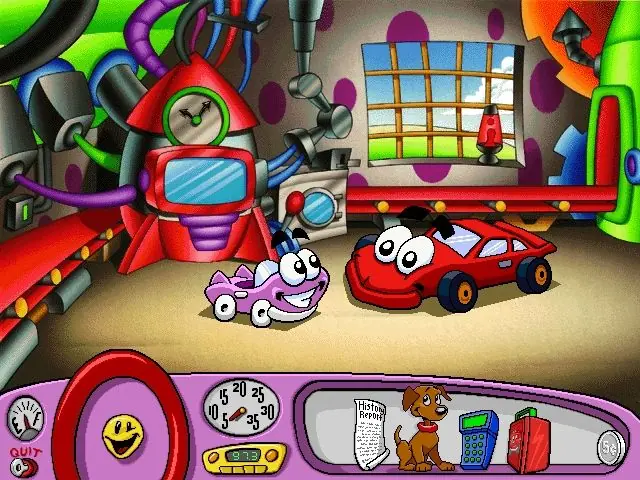
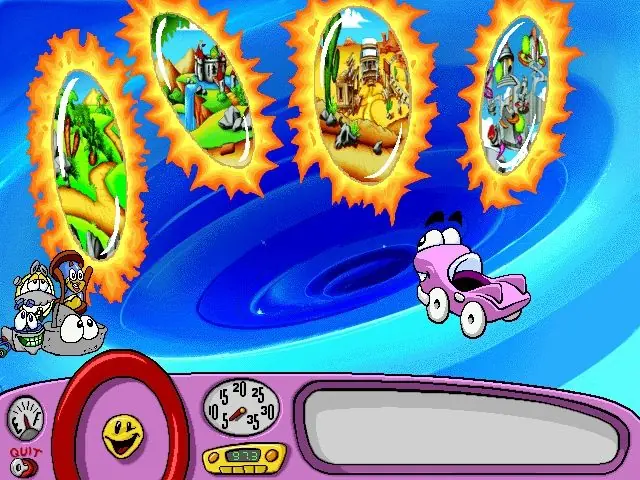
Putt-Putt visits Mr. Firebird's laboratory with the intention of showing him his new school supplies: a lunchbox, a calculator, and a history report. At the lab, Mr. Firebird demonstrates a machine made to view different time periods like a television. The demonstration turns chaotic, however, when the machine opens a portal that sucks Putt-Putt's items, as well as his dog Pep, into four different time periods: the Stone Age, the medieval period, the Old West, and the distant future. Mr. Firebird can't shut down the portal until everything is brought back to the present time, so Putt-Putt enters the portal to search for the missing items.
The locations where the items are placed vary between playthroughs, but some story actions are required in all playthroughs to unlock certain areas. In the Stone Age, Putt-Putt meets the cars' primitive ancestor, Wheel, and must help him build a bridge over a tar pit. In the medieval period, Putt-Putt helps Princess Chassis, a carriage, repair her friend Woodward and de-rust the castle gates. In the Old West, Putt-Putt is hired as a conductor and fixes Tobias "Toby" T. Train. Additionally, if any item other than Pep is placed in the future, it will be located in a museum, requiring Putt-Putt to exchange it with another artifact of similar purpose (e.g., trading an abacus for his calculator).
After finding every item, Putt-Putt returns to the laboratory and Mr. Firebird locks up the portal to prevent any more chaos. Putt-Putt leaves for school, promising to show his school supplies to Mr. Firebird later. At his classroom, Putt-Putt turns in his report and tells everyone what he learned while time travelling as the credits roll.
Like previous Putt-Putt games, the game features a head-up display styled after Putt-Putt's dashboard, featuring a steering wheel, horn, radio, speedometer, and fuel gauge, as well as a glove box holding Putt-Putt's inventory and a key fob used to quit the game. Most of these features are not used in gameplay, though they are interactive: for example, the radio will tune to a station matching the current time period if selected.
Completing the game requires finding four items: a calculator, a lunchbox, a history report, and Putt-Putt's dog Pep. One item is placed in each time period, but the time period corresponding to each item is selected randomly in each playthrough. Additionally, some puzzles have randomized elements; for example, the rock needed to finish a bridge in the Stone Age can be one of four shapes, each found in different locations.
The game contains several minigames spread throughout the different eras, such as a volcano-themed "Simon Says" game in the Stone Age and a 3-D paddle ball game in the future. Depending on the playthrough, completing a minigame may be required to find the missing items.
Putt Putt 2 – De Reis Door De Tijd is abandonware and no longer sold or supported by its publishers. Files are archived here for these platforms:
Note from uploader (JoMa2001):
This is the Dutch version of Putt Putt Travels Through Time for PC.
If you want to play this on a modern PC, there is a few ways:
-Use the ScummVM emulator
-Delete the .EXE file and rename the .W32 file to .EXE
-Use a Virtual Machine with a 32-bit version of windows






Comments